


Shear Madness Mod (1.16.5, 1.12.2) – 걸어 다니는 도구 상자가 된 양떼
 438
438
 0
0

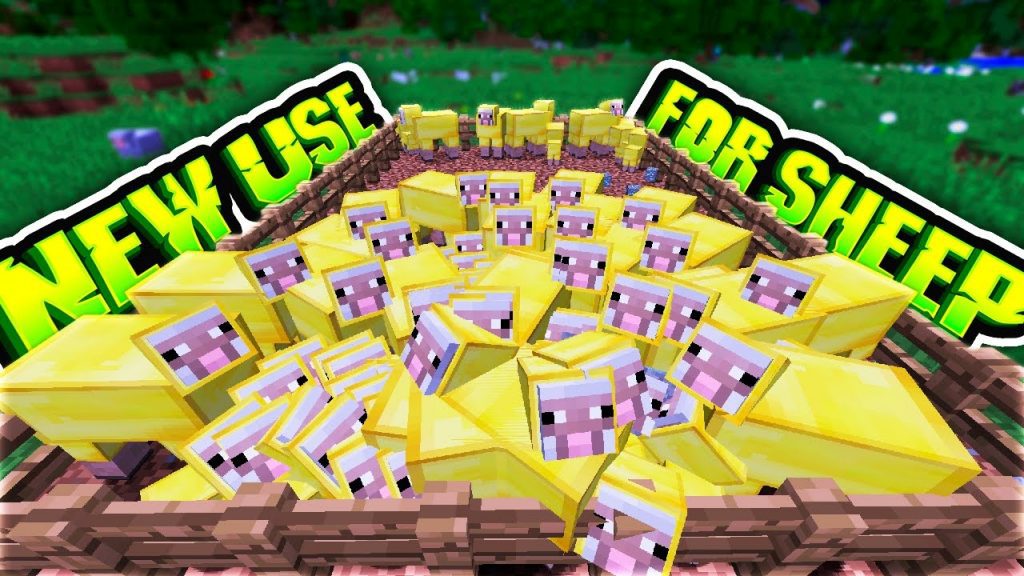
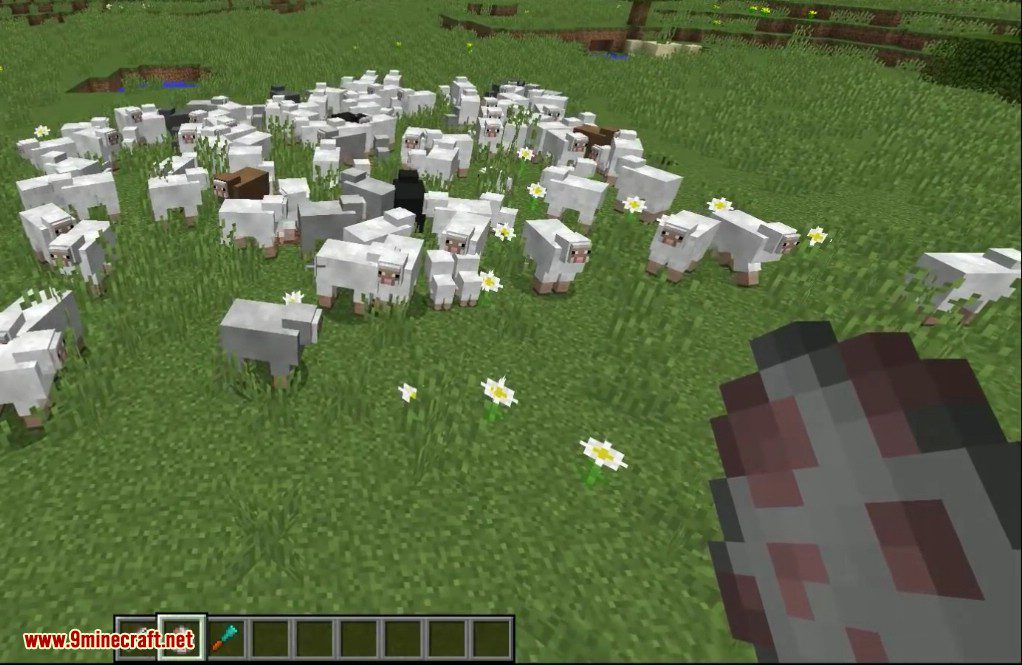
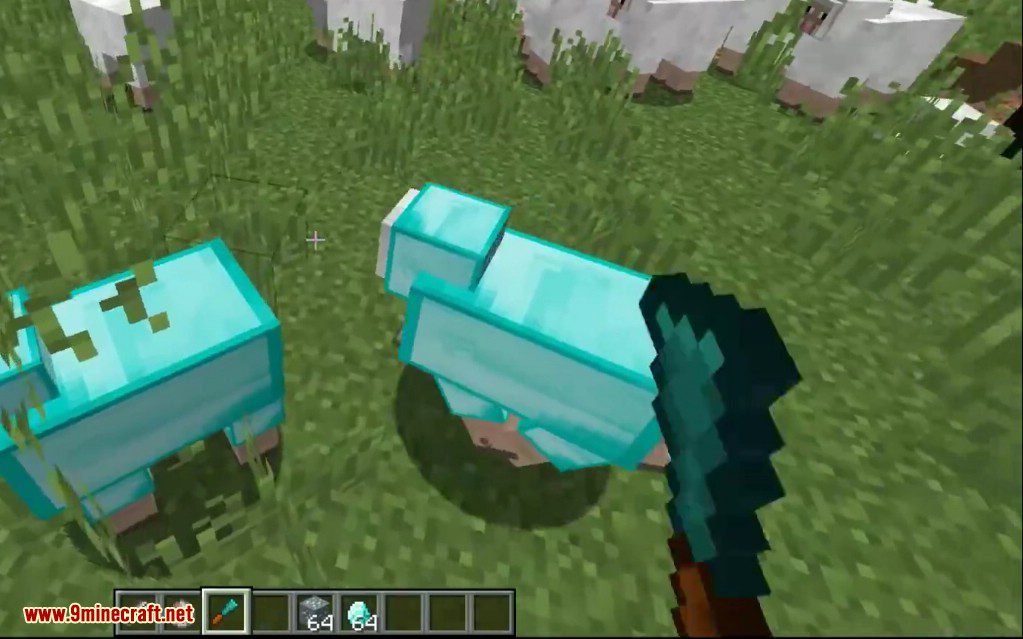
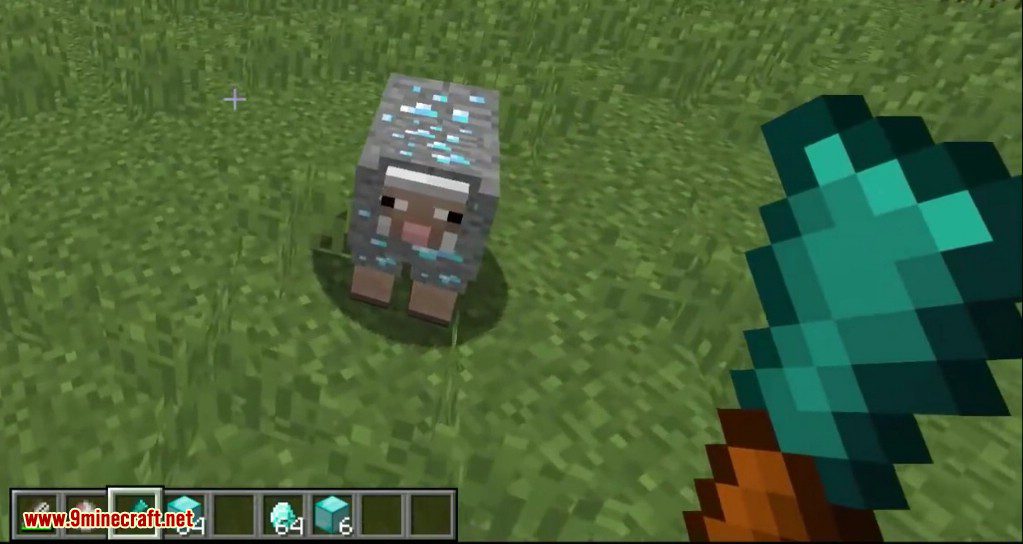
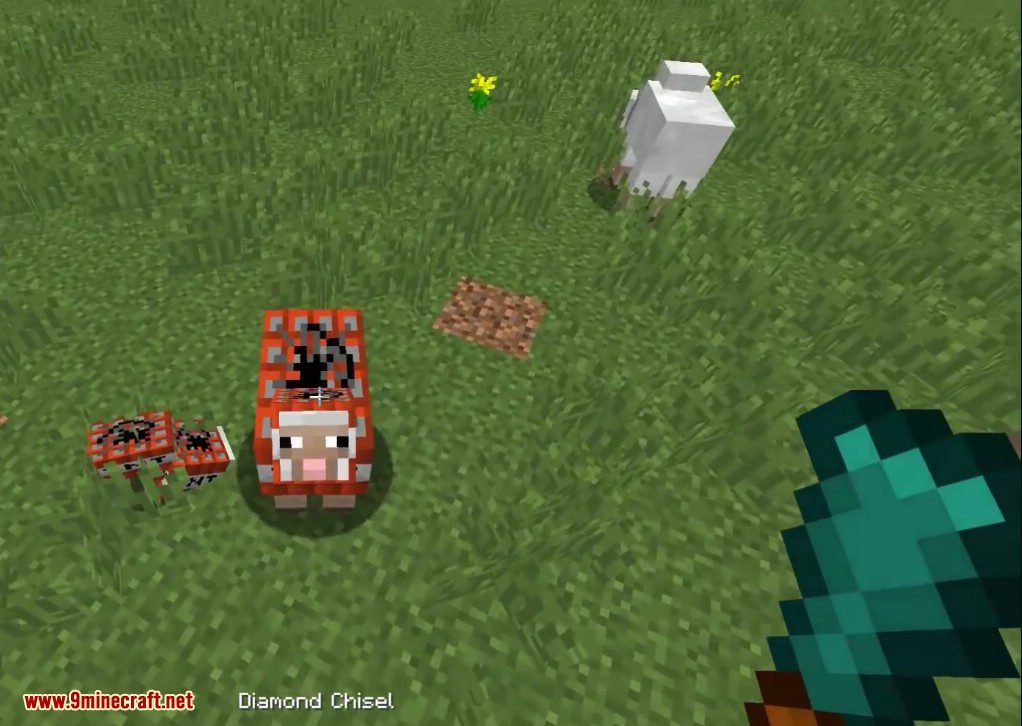
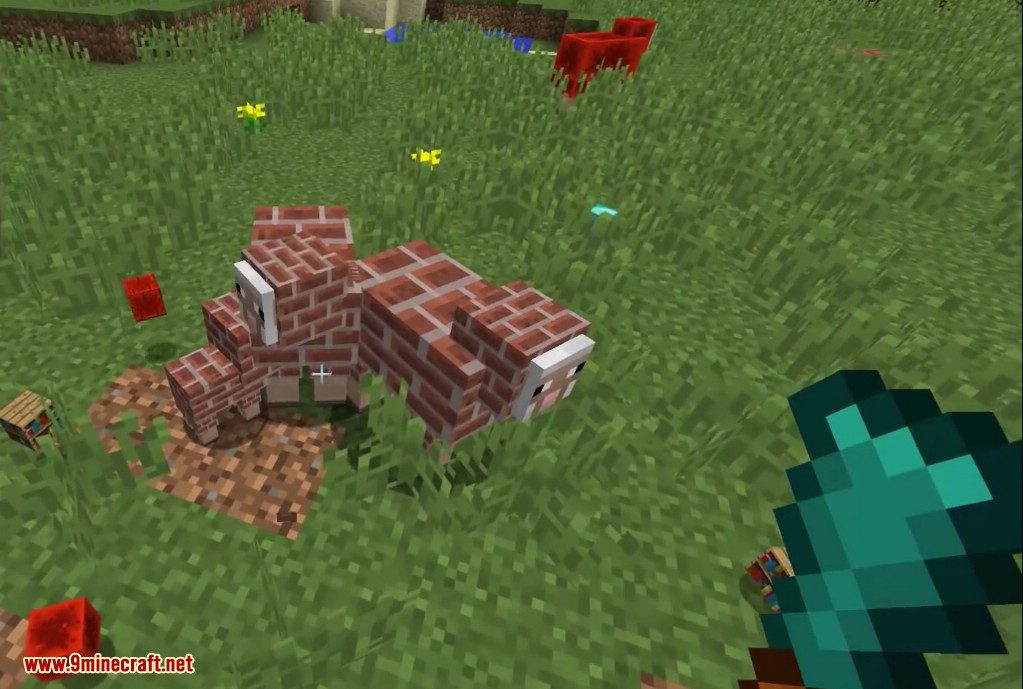
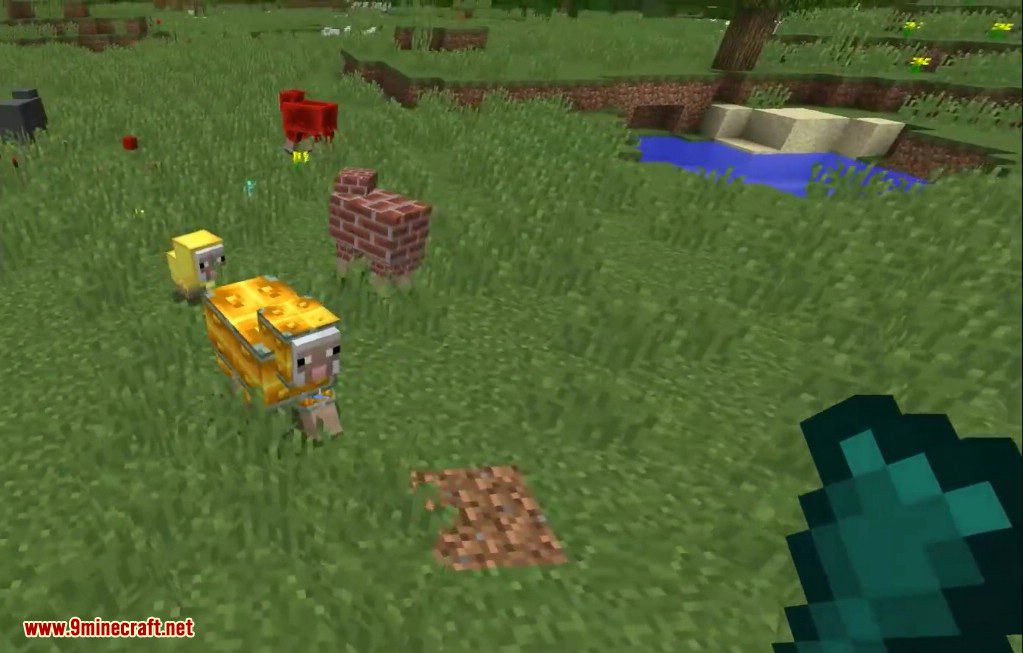
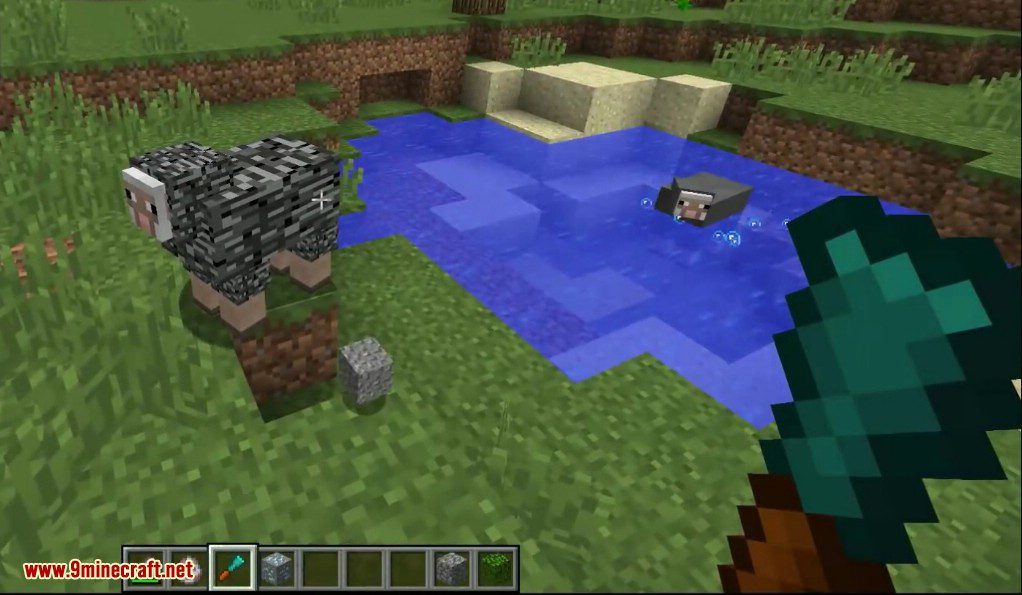
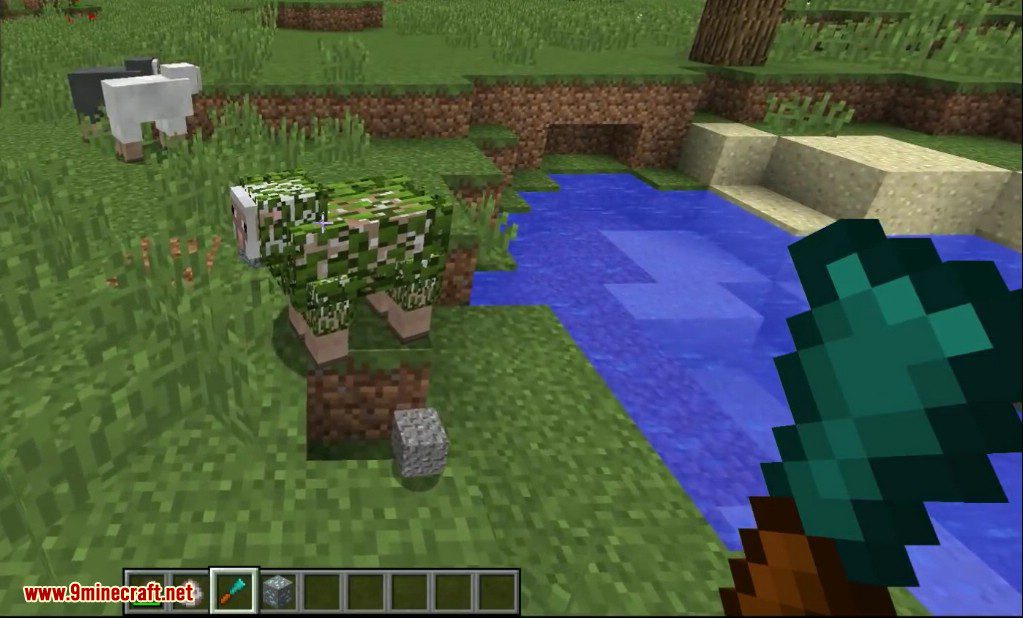
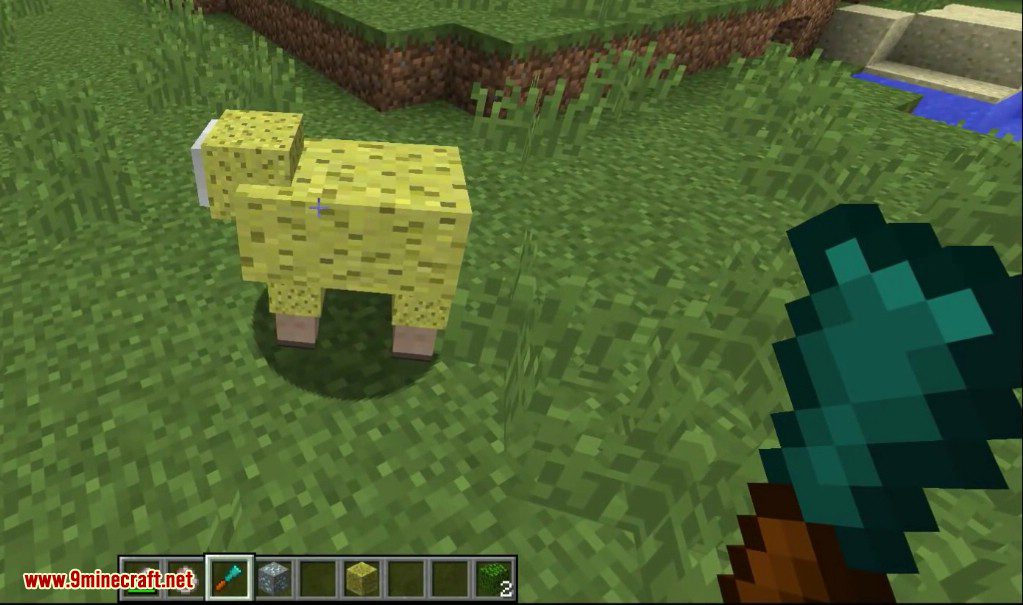
Shear Madness Mod는 양에게 다양한 블록의 텍스처를 입혀 외형을 바꿀 수 있게 해줍니다. 특수 제작된 치즐(Chisel)을 사용하면 TNT부터 발광석, 심지어 다이아몬드 블록까지 어떤 블록으로든 양의 모습을 바꿀 수 있습니다. 이렇게 변한 양들 중 일부는 겉모습뿐만 아니라 해당 블록의 특성에 따른 특별한 능력까지 얻게 됩니다.
주요 기능:
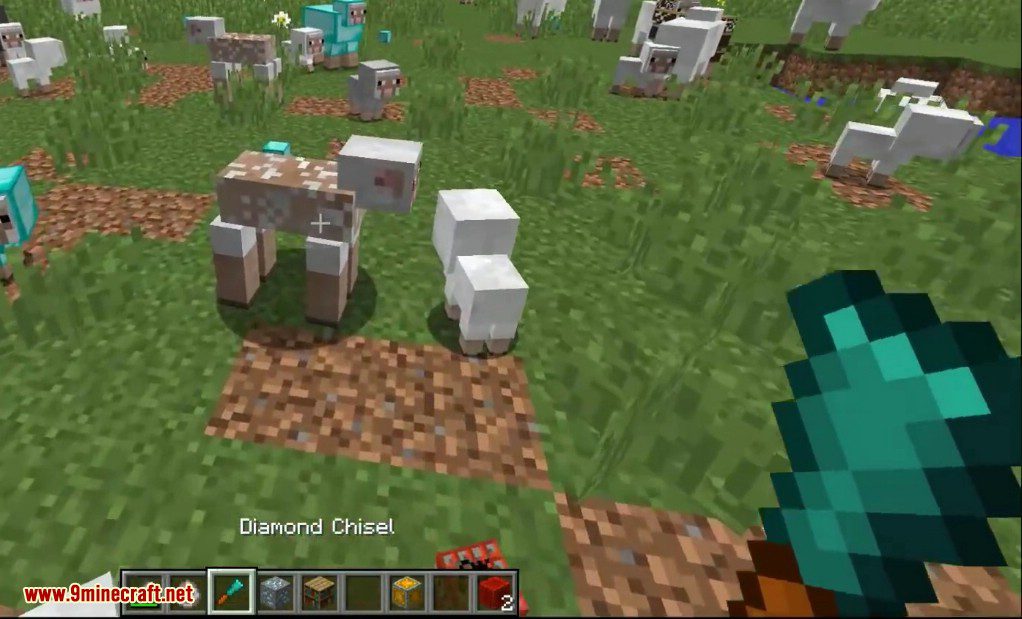
- 철 또는 다이아몬드 치즐을 사용하여 양에게 블록 텍스처를 적용합니다.
- 새로운 블록 텍스처에 따라 양에게 특수 능력을 부여합니다.
- 빈 치즐을 사용하여 양을 원래 상태로 되돌릴 수 있습니다.
- 양털 깎기 및 번식 동작에 대한 모드 설정을 구성할 수 있습니다.
기능성 양 종류:
- 레드스톤 양: 레드스톤 신호를 발생시킵니다.
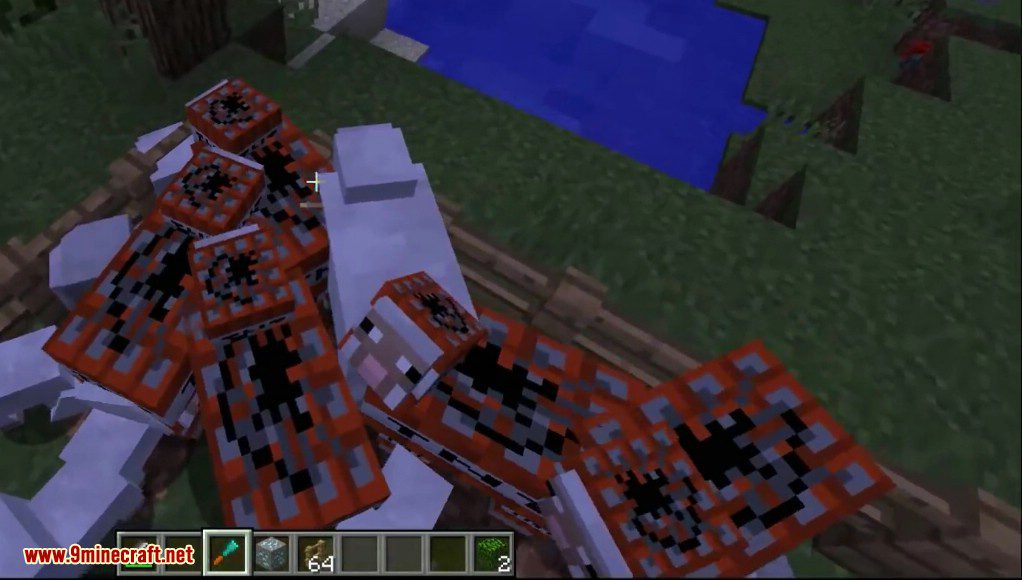
- TNT 양: 레드스톤 신호를 받으면 폭발합니다.
- 발광석 양: 주변 지역을 밝게 비춥니다.
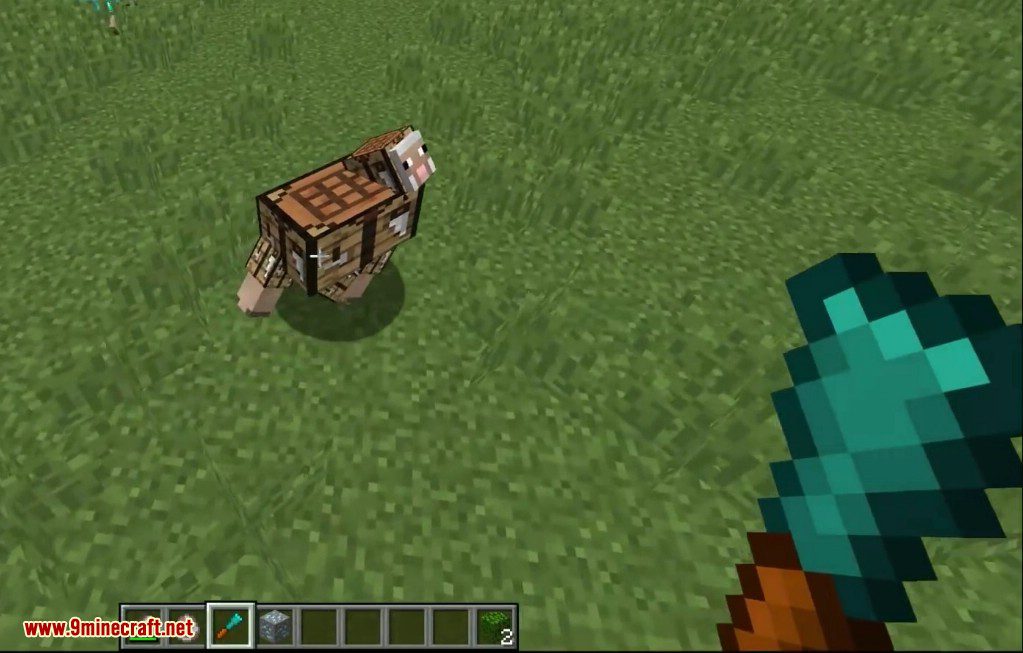
- 제작대 양: 휴대용 제작대 역할을 합니다.
- 모루 양: 일반 모루와 동일한 기능을 수행합니다.
- 선인장 양: 접촉하는 몹에게 피해를 입히고 아이템을 파괴합니다.
- 마그마 양: 위에 올라탄 몹에게 불에 타는 듯한 피해를 줍니다.
스크린샷:
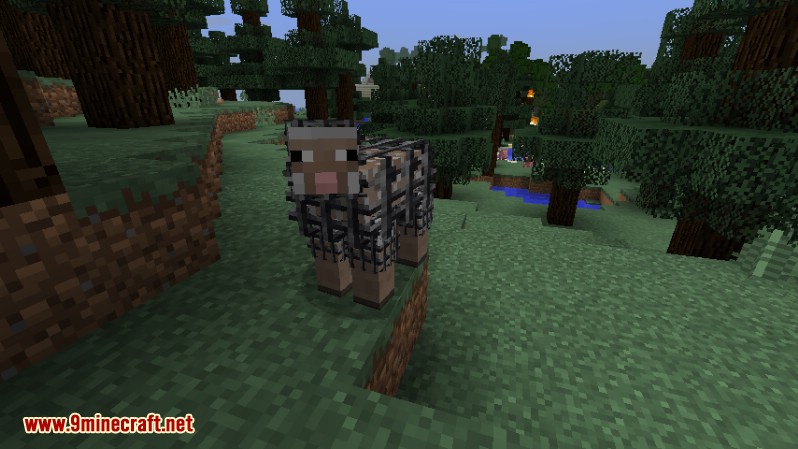
창살 뒤의 양
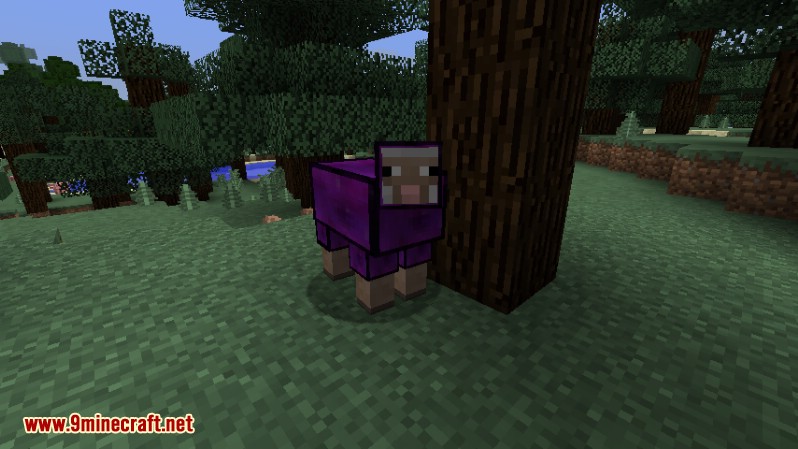
보이드 양
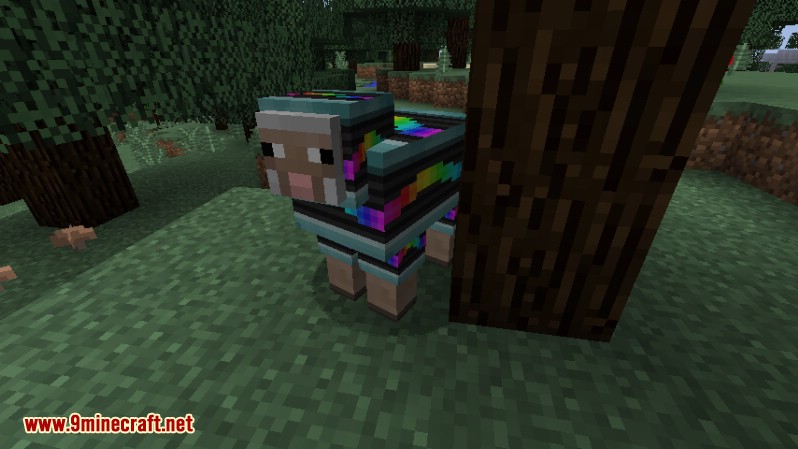
냥캣 양
명령어 및 설정:
이 모드는 shearmadness.cfg 파일에서 변경할 수 있는 여러 옵션을 제공합니다.
양털 깎기 설정:
- RevertSheep: 기본 설정입니다. 치즐이 적용된 양의 털을 깎으면 일반 양으로 돌아갑니다.
- ChiselFarm: 양이 블록 양털을 다시 자라게 하여, 양으로부터 블록을 파밍할 수 있게 합니다.
- CannotShear: 치즐이 적용된 양의 털 깎기를 완전히 비활성화합니다.
번식 설정:
- Unchiseled: 기본 설정입니다. 새끼 양은 일반 양으로 태어납니다.
- SimpleBreeding: 새끼 양이 부모 중 한 쪽의 블록 텍스처를 물려받습니다.
또한 명령어를 사용하여 Chance Cube 양의 출현 여부를 설정할 수 있습니다.
/shearmadness chancecubes
사용 방법:
- 철 또는 다이아몬드 치즐을 제작합니다.
- 치즐을 든 상태에서 우클릭하여 미리보기 메뉴를 엽니다.
- 왼쪽 상단 슬롯에 사용하고 싶은 블록을 넣습니다.
- 메뉴를 닫습니다.
- 양을 좌클릭하여 해당 블록의 텍스처를 양털에 적용합니다.
- 양을 원래대로 되돌리려면 빈 치즐로 양을 좌클릭하세요. 사용했던 블록은 인벤토리로 돌아옵니다.


Shear Madness Mod 다운로드 링크
마인크래프트 1.10.2용
마인크래프트 1.11.2용
마인크래프트 1.12.2, 1.12.1용
마인크래프트 1.16.5용
이 글을 평가하려면 클릭하세요!
[Total: 0 Average: 0]
이런 것도 좋아할 거예요






이 글에는 아직 댓글이 없습니다. 첫 번째로 남겨보세요 — 댓글이 여기에 표시됩니다.