
KTRC Generic Stock Model – Adds Custom MTR Rolling Stock Trains

 0


KTRC Generic Stock Model adds a series of generic trains for Minecraft Transit Railway (MTR). This model pack brings new rolling stock options for players building custom railway networks in their worlds. It ships with 7 Blockbench source models and 9 texture files. You can load these trains directly into your MTR setup or open the included source files in Blockbench to edit the designs.

Features:
- Generic Train Series: Adds a set of generic rolling stock trains made for the Minecraft Transit Railway (MTR) mod.
- Editable Source Models: Includes 7 Blockbench source model files that you can open and customize.
- Provides 9 custom texture files that apply exteriors and details to the train models.
- Expands your train selection for custom subway, metro, and railway lines in MTR.
How to Use:
- Place the downloaded pack file into your Minecraft
resourcepacksfolder. - Open the Resource Packs menu in-game and move the KTRC Generic Stock pack to the active side.
- Enter a world with the Minecraft Transit Railway (MTR) mod installed and place down a Train Siding track.
- Open the Train Siding menu and select the KTRC Generic Stock trains from the vehicle list to assign them to your route.
- Watch the custom generic trains spawn on the siding and run along your scheduled railway lines.
- Open any of the 7 included source files in Blockbench if you want to inspect or edit the train models and their 9 textures outside the game.
Requirements:
- Blockbench, only if you want to edit the included source models
Screenshots:


KTRC Generic Stock Model Download Links
Click to rate this post!
[Total: 0 Average: 0]
You May Also Like
Picked for this page
 Sydney Metro & Sydney Trains Model – Brings Australian Rail Transit to MTR4
 Seoul Metro Woojin Trains Model – Brings Modern Korean Subway Cars
 New South Wales EMU Trains Model – Adds Australian Electric Trains to MTR4
 VDL Citea LLE-120 Model – Brings Custom Transit Buses to MTR Roads
 KTX-1 Model – Brings Custom Passenger Trains to Your MTR4 Railway Network
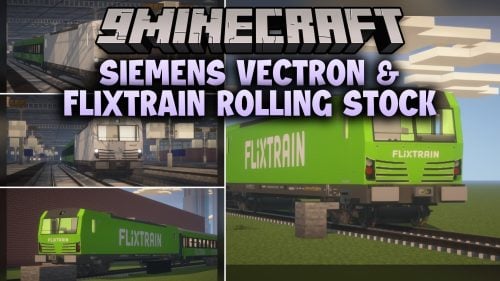 Siemens Vectron & FlixTrain Rolling Stock Model – Adds Modern European Trains
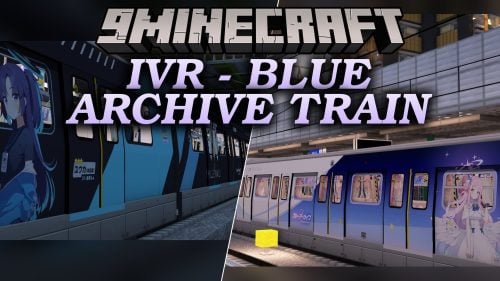 IVR – Brings Anime-Themed KCRC and MTRC Trains to Your Transit Railway
 ShiNeaL’s Simplacity Model – Transforms Blocks Into Clean 3D Plastic Art
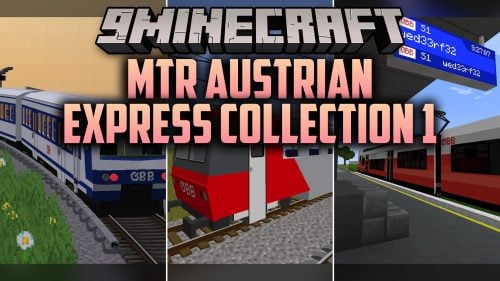 MTR Austrian Express Collection 1 Model – Brings Detailed Austrian Trains
 CP 3400 Series Model – Brings Porto Commuter Trains to Your Transit Lines
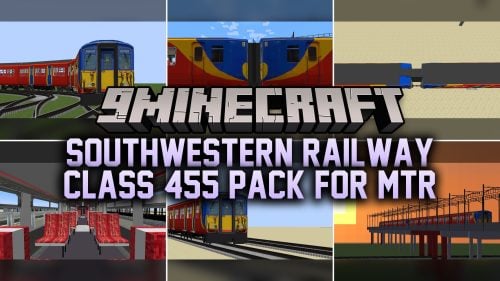 Southwestern Railway Class 455 Pack For MTR Model – Adds Custom Passenger Trains
 Amsterdam Metro Model – Adds the M7 Transit Train to MTR4 Railway Lines
Most viewed in Models over the last 7 days
 Jenny Mod Skin Pack Mega Collection – 310+ Characters
 The Most Complete Collection of Jenny Mod Resources – Models, Animations, Structures,…
 Albedo Rework Jenny Mod Model
 750 Models Addon for Yes Steve Model Mod
 Galath Rework Model – Custom Girl for PleasureCraft Mod
 Power Model – Custom Girl for PleasureCraft Mod
 Pomni Jenny Mod Model
 Ram Model – Custom Girl for PleasureCraft Mod
 Femboy Ellie Rework Jenny Mod Model
 100+ Custom Animations For Jenny Mod
 Ellie Rework Jenny Mod Model
 Steve (Jenny & Zoey) Pack Jenny Mod Model
More from Models
 Framed Glass Panes Model – Adds Rustic Medieval Frames to Windows
 Tooniverse Texture Pack 256x Model – Adds Animated Comic Book Visuals
 Improved Fences Model – Transforms Enclosures and Pathways with 3D Shapes
 Simple Create Radios Model – Brings Mechanical Radios to Create Builds
 KSEPSP Model – Adds Team Sentries, Teleporters, and Custom Decor Props
 Glowing Trim Shield Model – Unlocks 18 Glowing Trim Styles Via Anvil Renaming
 Shield Corrections Model – Brings Lowered 3D Shields and Fixed Banner Patterns
 CStrifiky Model – Transforms Vanilla Swords and Bows Into CS:GO PvP Weapons
 AutumnPack Model – Adds Cozy Autumn Foliage and Detailed Leaf Litter
 XK Highlight Block Model – Adds Glowing Outlines to Hidden Blocks
 Vanilla Mashup Model – Brings Detailed 3D Shapes to Classic Blocks
 Just 3D Potions Model – Transforms Flat Brews Into Animated Drinking Bottles

This post has no comments yet. Be the first — your comment will appear here.