
Lightspeed Mod (1.19.2, 1.18.2) – Boot Massive Modpacks in Record Time

 0


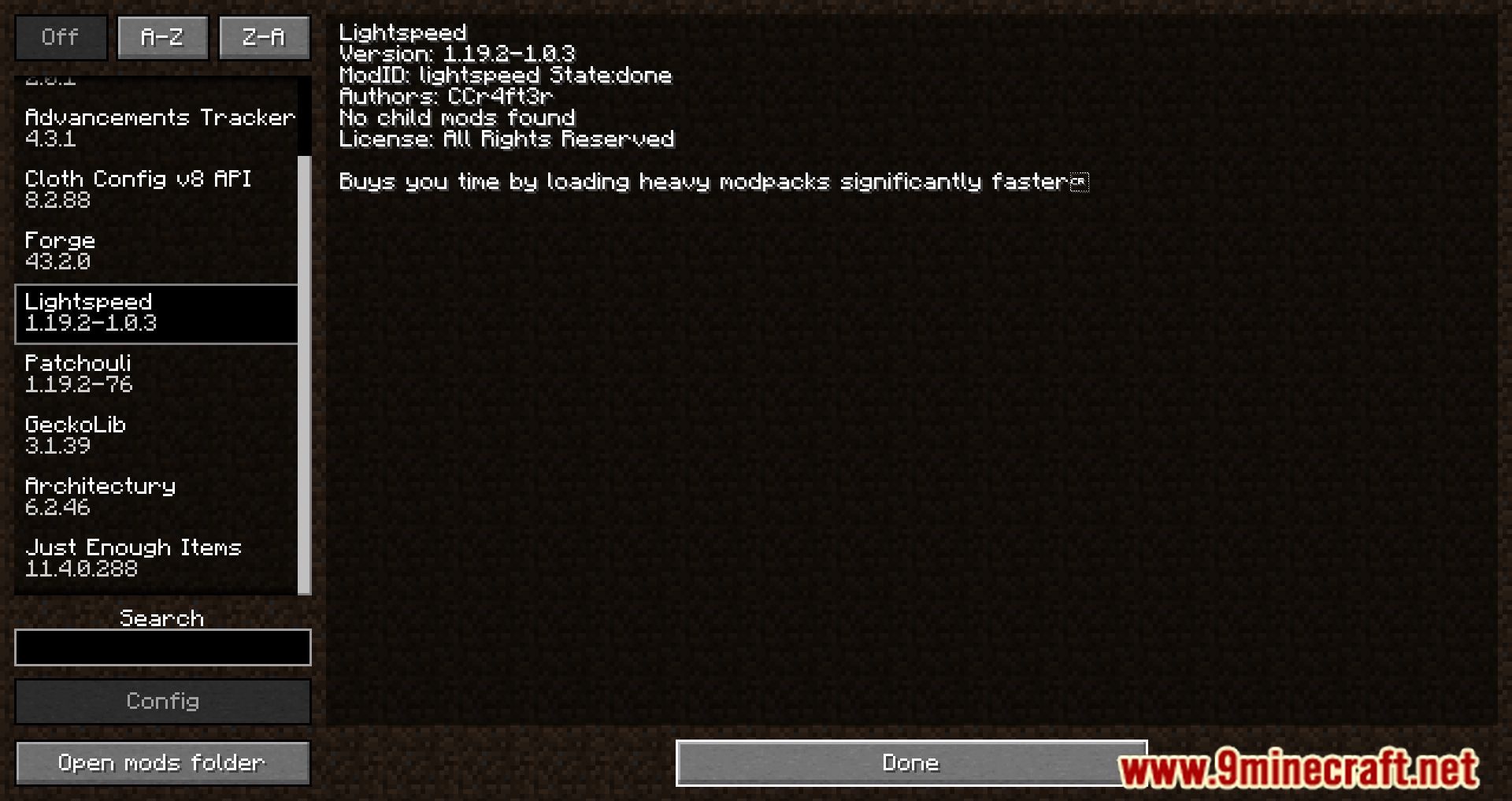
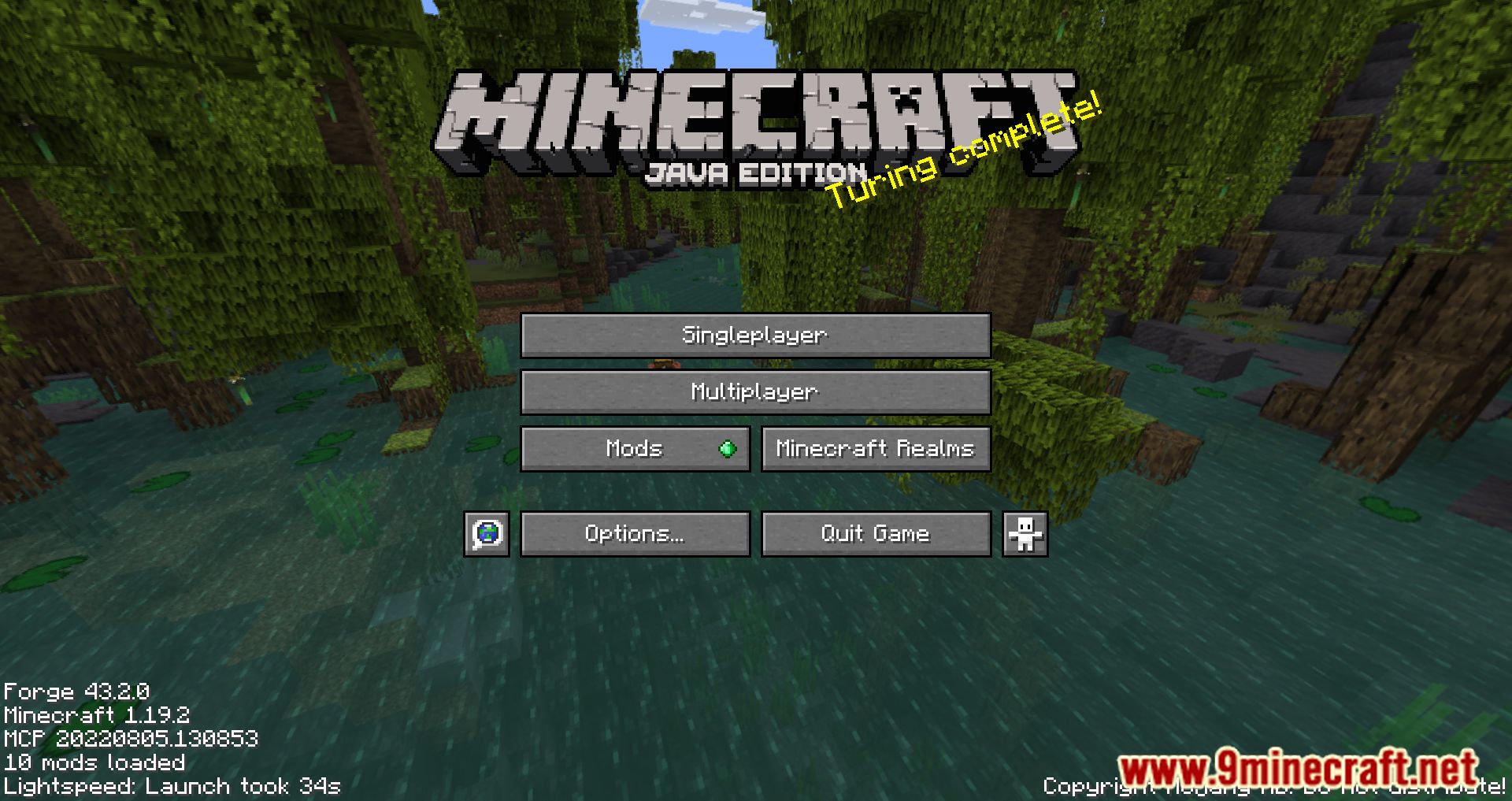
Lightspeed Mod speeds up Minecraft startup so you spend less time waiting on loading screens. It cuts launch time by about 48% to 71% when you play heavy modpacks with lots of mods. This mod fixes slow loading steps in Minecraft and Forge by cutting extra file reads, caching data, and running tasks smarter. It also shows your launch time on the title screen so you can check how fast the game starts. The mod runs on Forge for both clients and servers, with the biggest speed boost on the client side.

Features:
- Faster Startup Time: Cuts Minecraft launch time by about 48% to 71% for large modpacks.
- Fewer File Operations: Reduces extra file system work, especially file reading, so the game loads data faster.
- Smart Data Caching: Stores calculated results and data so the game does not repeat the same work during startup.
- Parallel Task Loading: Runs suitable loading tasks at the same time to shorten waiting periods.
- Improved Data Handling: Replaces slow Minecraft and Forge startup routines with cleaner data structures and faster loading steps.
- Helps players on regular or older computers by focusing on cutting extra work instead of relying on CPUs with 12, 16, or 20 cores.
- Shows your measured launch time right on the Minecraft title screen so you can track startup speed easily.
- Makes small, careful changes only to Minecraft code instead of editing other mods directly, keeping high compatibility across big modpacks.
- Works on both the client and the server, though the biggest speed boost happens on the client side.
- Gives the clearest speed boost when running several or hundreds of mods, while still taking longer than a plain vanilla launch (about 40 seconds) because mods add extra loading work.
Screenshots:

How to Install:
New to Minecraft? Follow our step-by-step guide to install Mods on your PC.View Guide
Lightspeed Mod Download Links
For Minecraft 1.19.2
Forge Version: Download from Server 1 – Download from Server 2
For Minecraft 1.18.2
Forge Version: Download from Server 1 – Download from Server 2
For Minecraft 1.16.5
Forge Version: Download from Server 1 – Download from Server 2
If you rent a paid server to play modded Minecraft with friends, how do you usually set it up?
24 responses · See the full results →
You May Also Like
Picked for this page
 TierTagger Mod (26.3, 1.20.1) – View Other Tiers
 PaperDoll Mod (26.3, 1.20.1) – Doll in the Corner
 Tax Free Levels Mod (26.3, 1.20.1) – Make Enchanting & Repairing Gear
 MCreator Link Mod (26.2, 1.20.1) – Connect Minecraft With the Real World
 Unlock All Recipes Mod (26.3, 1.21.1) – Automatically Grants You Every Recipe
 Motion Capture Mod (26.2, 1.20.1) – Recording Player Movements
 Fire Client Mod (1.21.11) – Share Your Favorite Gear Kits with Friends
 Wool Buttons Mod (26.3, 1.20.1) – Colorful Buttons From Wool
 ArchaicFix Mod (1.7.10) – Backport of Phosphor Mod for Old Version
 Orbital Strike Cannon Mod (26.3, 1.20.1) – Directional Orbital Strikes
 Kaleidoscope Tavern Mod (1.21.1, 1.20.1) – Drinks, Bar Blocks And Writable Boards
 Fragmentum Mod (26.1.2, 1.20.1) – Base Module For Obscuria Mods
Most viewed in Mods over the last 7 days
 Ala Industrial Mod (26.3) – Run Electric Power Grids and Automated Factories
 PleasureCraft Mod (26.3, 1.21.1) – Jenny Mod Remake for Fabric
 Jennycraft Mod (26.3, 1.20.1) – Virtual Girlfriend in Minecraft
 Fapcraft Mod (26.3, 1.12.2) – Comprehensive and Detailed Content
 Jenny Mod (Fapcraft) Official Complete Guide – How to use, Tutorial
 BangCraft Mod (1.20.1) – Jenny, Ellie and Elliot
 Fabric Loader (26.3, 1.20.1) – Fabric Installer for All Minecraft Versions
 The Shooting Star Demo Mod (26.3, 1.20.1) – Vaporize Terrain From Orbit
 Meteor Client Mod (26.3, 1.20.1) – Xray, HUD, Fly
 OptiFine HD (26.3, 1.20.1) – Run Faster, FPS Boost, Shaders Support
 Aristois Client Mod (1.21.4, 1.20.1) – World Class Minecraft Utility
 Prestige Client Mod (1.21.11, 1.21.4) – Powerful Ghost Features for Crystal & Sword PvP
More from Mods
 BCLib 9minecraft Mod (26.3, 26.2) – Power Custom Nether and End Overhauls
 ForgedLoaderAPI Mod (1.19.2, 1.18.2) – Bring Ported Fabric Creations
 Shield System Mod (1.21.1) – Tank Heavy Monster Hits Without Losing Hearts
 Shin’s Tensura Race Models Mod (1.19.2) – Play As Unique 3D Anime Race
 Offgrid Mod (26.3, 1.20.1) – Furnish Compact Interiors Without Strict Grid
 Tempest Almanac Iron’s Spells ‘n Spellbooks Mod (1.21.1, 1.20.1)
 Chat Guides Mod (26.3, 1.21.11) – Never Memorize Complex Server Commands Again
 TRMT Reimagined the Roads More Travelled Mod (26.3, 1.20.1)
 Morrowless Mod (1.21.1) – Defend Your Shelter From Nightmare Creatures
 THE SLOPSTROSITY Mod (1.21.1) – Battle a Ridiculous Slime Boss
 Decoween Mod (1.21.1, 1.20.1) – Transform Ordinary Survival Bases
 Simply Light 9minecraft Mod (26.3) – Decorate Builds Without Torches

This post has no comments yet. Be the first — your comment will appear here.