
Magic Cave Schematic (1.21.x) – Massive Moss Block Vanilla Dungeon Cavern
 0
 0


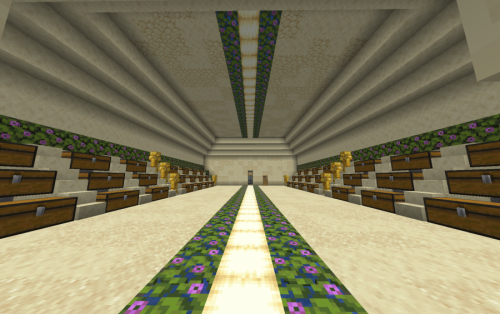
Magic Cave Schematic brings a huge moss-block dungeon cavern build to your world. It spans 164 by 63 by 167 blocks and uses 1,432,172 vanilla blocks, so the build needs no extra gameplay mods. This large structure belongs to the Dungeons category and ships as a LITEMATIC file.

3D Preview & Editor:
How to place this schematic
.litematic This is a Litematica schematic. You place it with the Litematica mod, which shows the build as a ghost overlay you fill in.
| 1 | Install Litematica (plus MaLiLib) for your Minecraft version. |
| 2 | Put the .litematic file in .minecraft/schematics. |
| 3 | In game press M → Load Schematics, pick the file, then Load. |
| 4 | Position the ghost preview, then build it by hand — or turn on Easy Place to place blocks straight from your hotbar. |
Features:
- Moss Block Cavern Layout: Features a large dungeon cavern build styled with moss blocks.
- Massive Vanilla Scale: Uses 1,432,172 vanilla blocks in total and requires no custom mod blocks.
- Measures 164x63x167 blocks (X x Y x Z) as a large schematic build.
- Falls under the Dungeons build category.
- Ships as a LITEMATIC schematic file.
Schematic Specs:
 Minecraft1.21.x
 Dimensions164×63×167
 Total Blocks1,432,172
 Top Blocks Used
Stone 93,334Clay 63,165Mossy Cobblestone 61,653Obsidian 61,566Deepslate Coal Ore 60,934
Screenshots:


Magic Cave Schematic Download Links
For Minecraft 1.21.x
Click to rate this post!
[Total: 0 Average: 0]
QUICK MINECRAFT SURVEY · ONE TAP
Build Tools & Schematics
Have you ever copied a build from a public multiplayer server by saving the chunks or taking a schematic of it?
0 responses · See the full results →
You May Also Like
Picked for this page
 Bamboss V2 800k Bamboo per Hour Schematic (1.21.x) – High Speed Automated Bamboo Farm Schematic
 Desert Stash Schematic (1.21.x) – Medium Desert Base With Auto Regear Station
 Twenture Emerald Spawner Farm Schematic (1.21.x) – Double Vindicator Spawner Emerald Farm Layout
 PvPSpawn Schematic (1.20.x) – Ready Made Arena For Servers
 Chicken Statue Schematic (1.20.x) – Giant Vanilla Chicken Statue Build
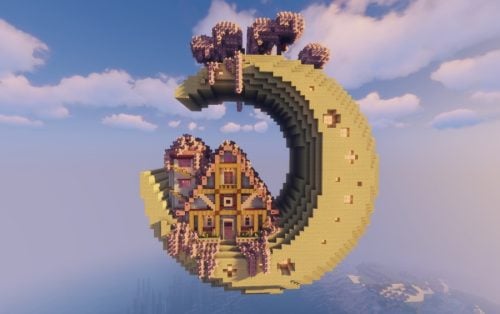 Moon Themed Fantasy House Interior by US Schematic (1.21.x) – Cozy Moon-Shaped Fantasy House with Fu
 Fenrys Pixel Art Schematic (1.21.x) – Anime Character Pixel Art Build
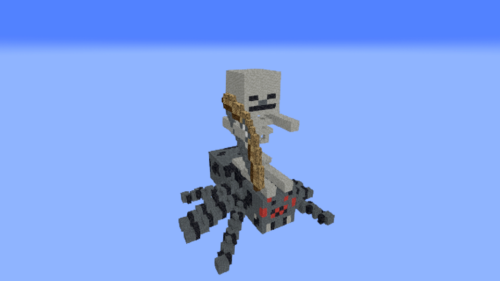 Spider Jockey Schematic (1.20.x) – Giant Spider Jockey Statue For Your World
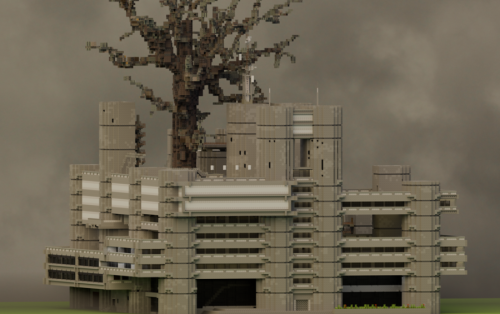 Kizumonogatari Eikou Cram School Schematic (1.21.x) – Modern Anime Cram School Building For Minecraf
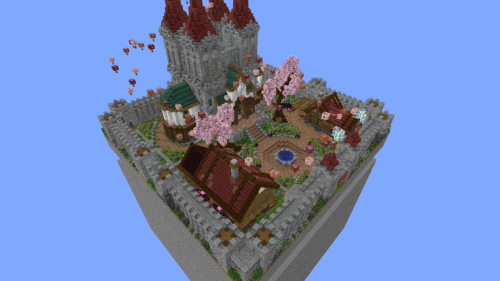 TagMap3 Schematic (1.20.x) – A Large Vanilla Build For Your World
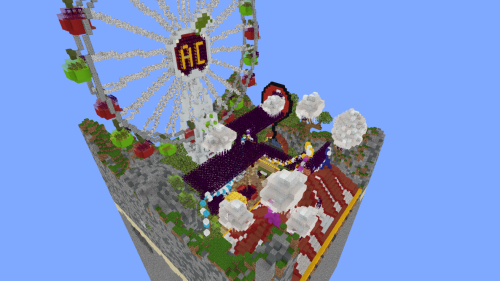 TagMap2 Schematic (1.20.x) – Massive Vanilla Minecraft Building Schematic
 Mountain Schematic (1.21.x) – Large Classic Vanilla Peak Ready To Paste
Most viewed in Schematics over the last 7 days
 64 Module Cobblestone Farm Schematic (1.21.x) – Massive Automated Stone Gathering Build
 Gold Farm Schematic (1.21.x) – Automatic Nether Roof Gold Farm
 Fastest Bonemeal Farm Donut Smp Schematic (1.21.x) – Fast Redstone Bonemeal Farm Build
 Kelp Farm 2.0 Schematic (1.21.x) – Efficient Automatic Kelp Farming System For Survival
 Bamboo Farm Schematic (1.21.x) – Small Automated Redstone Bamboo Farm
 Villager Trading Hall Schematic (1.21.x) – Modern Shop Build For 48 Villagers
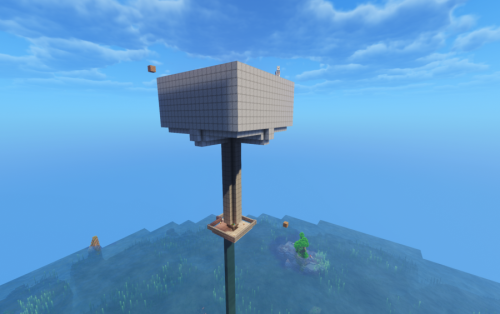 Easy Creeper Farm Schematic (1.21.x) – Simple Survival Gunpowder Farm Build For Minecraft
 Minutes End Base Before Spoke Null End Video Schematic (1.21.x) – Giant Unstable SMP End Base Schema
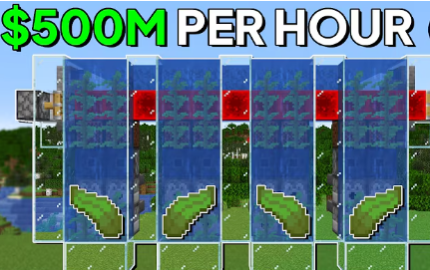 The Fastest Kelp Farm 500m per Hour Schematic (1.21.x) – Fast 4-Tick Vanilla Redstone Kelp Farm
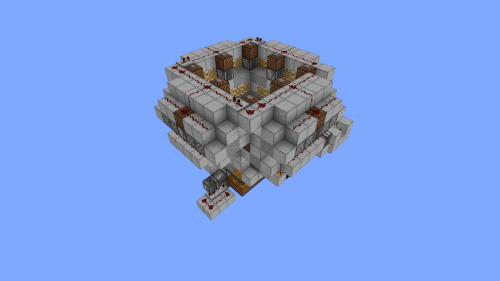 4k Bonemeal Farm Made by Basicredstone Schematic (1.21.x) – Compact Redstone Bonemeal Farm Build
 Unstable SMP S Bomer Schematic (1.21.x) – Large Bomber Machine Build For Worlds
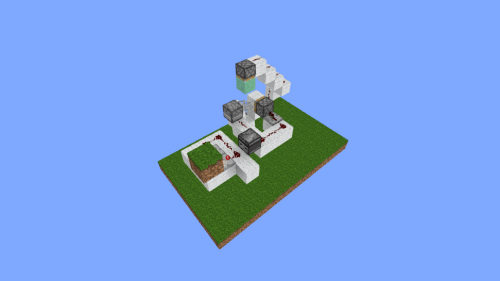 Rail Gun Wind Chagre Schematic (1.21.x) – Compact Rail Gun Wind Charge Build
More from Schematics
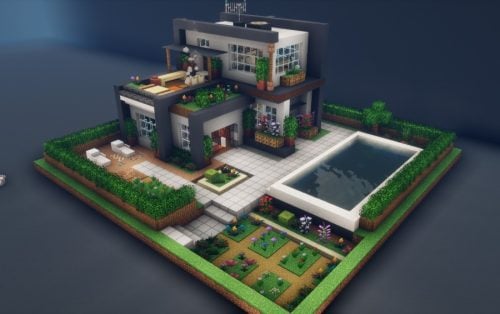 Modern House Schematic File Schematic (1.21.x) – Clean Modern Home With Full Interior And Pool
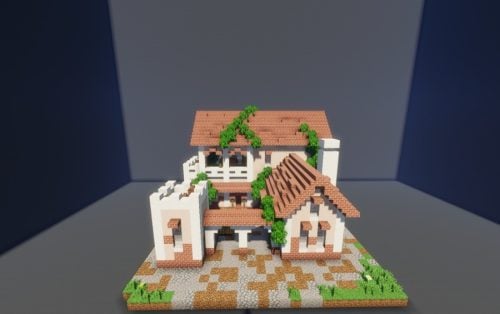 Ancient Greek House Full Interior Schematic File Schematic (1.21.x) – Warm Mediterranean Home With C
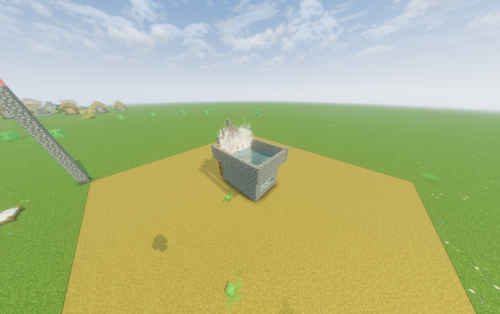 The Best and Easiest Iron Farm to Start with Schematic (1.21.x) – Simple Vanilla Starter Iron Farm B
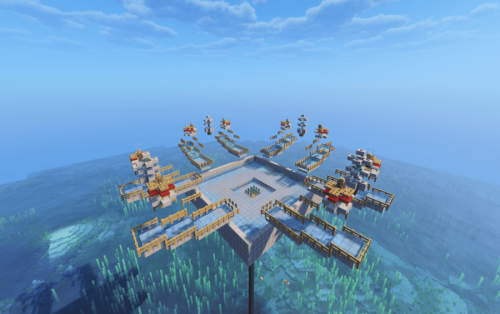 Easy Iron Farm Survival Schematic (1.21.x) – Simple Automatic Iron Farm For Survival Worlds
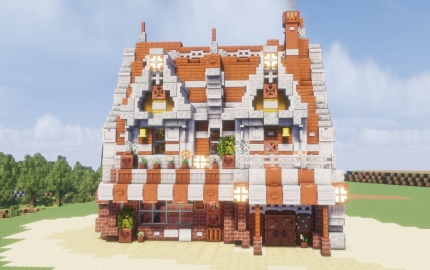 Fantasy Bakery Cottage Schematic (1.21.x) – Small Medieval Bakery Cottage Build for Your World
 FC Barcelona Schematic (1.21.x) – Flat Football Club Pixel Art Build
 Hoglin Farm Schematic (1.21.x) – Compact Vanilla Build For Meat And Leather
 Gold Pigman Farm Schematic (1.21.x) – Medium Vanilla Build for Gold Nuggets and Flesh
 End Earth Village Schematic (1.21.x) – Huge Medieval Settlement For All Villager Jobs
 Kfd V3.3 Kelp Farm Compact Schematic (1.21.x) – Compact Low-Cost Redstone Kelp Farm Build
 Stone Bridge V1 Schematic (1.21.x) – Medium Medieval Stone Bridge for Castles and Bases
 Tower on a Hill Schematic (1.21.x) – Medieval Castle Tower Built on a Small Hill

This post has no comments yet. Be the first — your comment will appear here.