


Measurements Mod (26.2, 1.20.1) – Measuring The Dimensions of Blocks


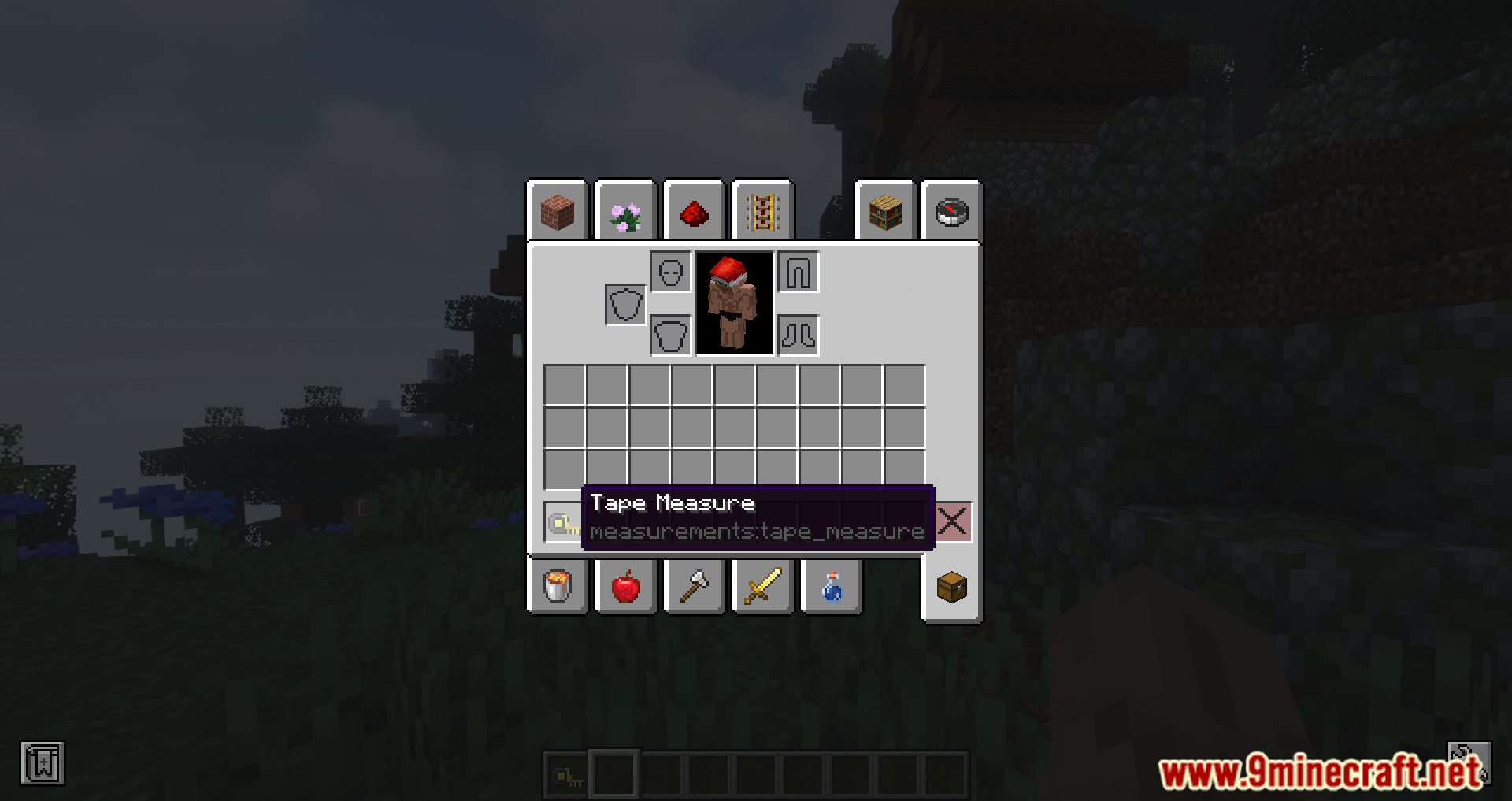
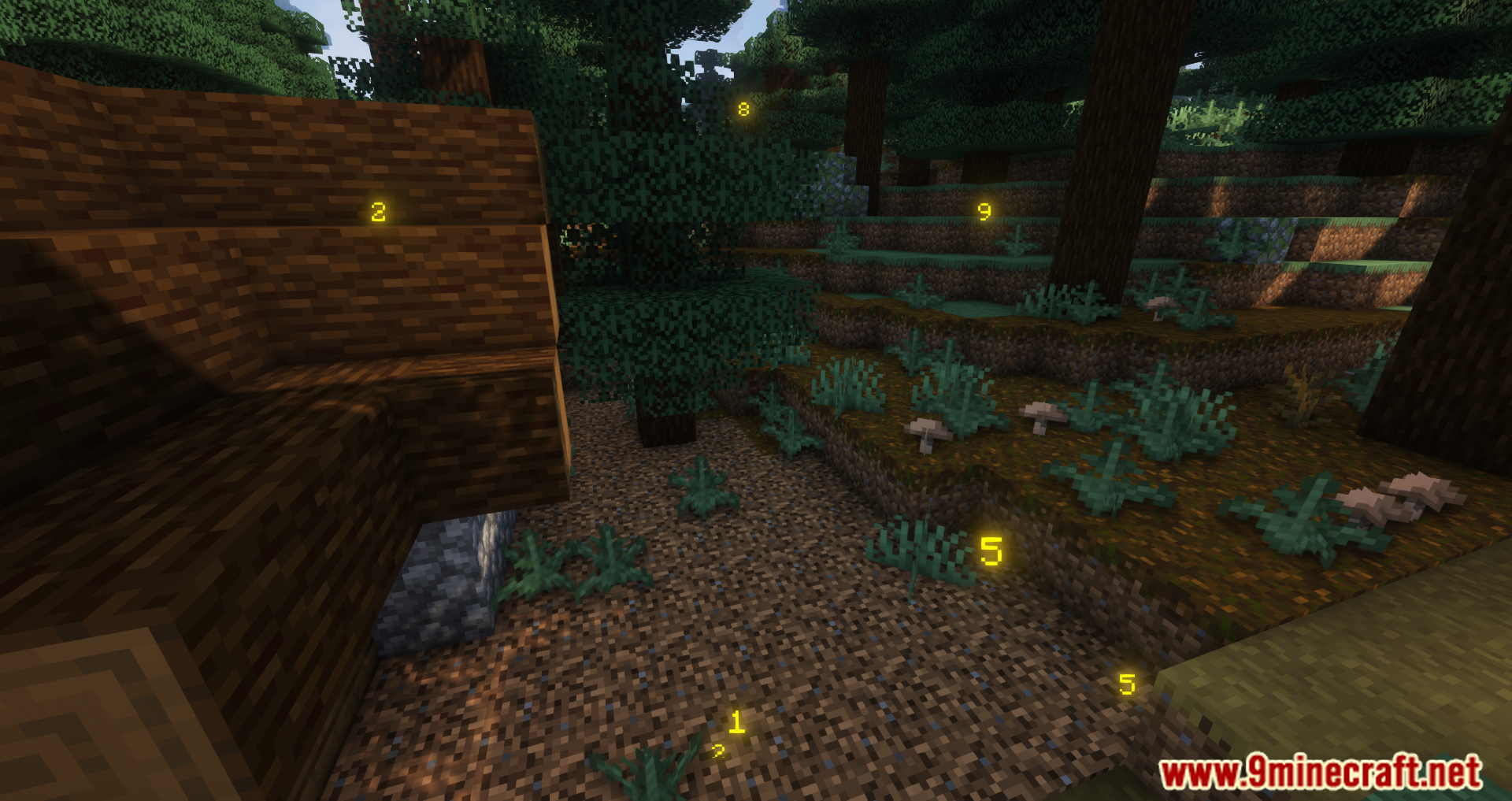
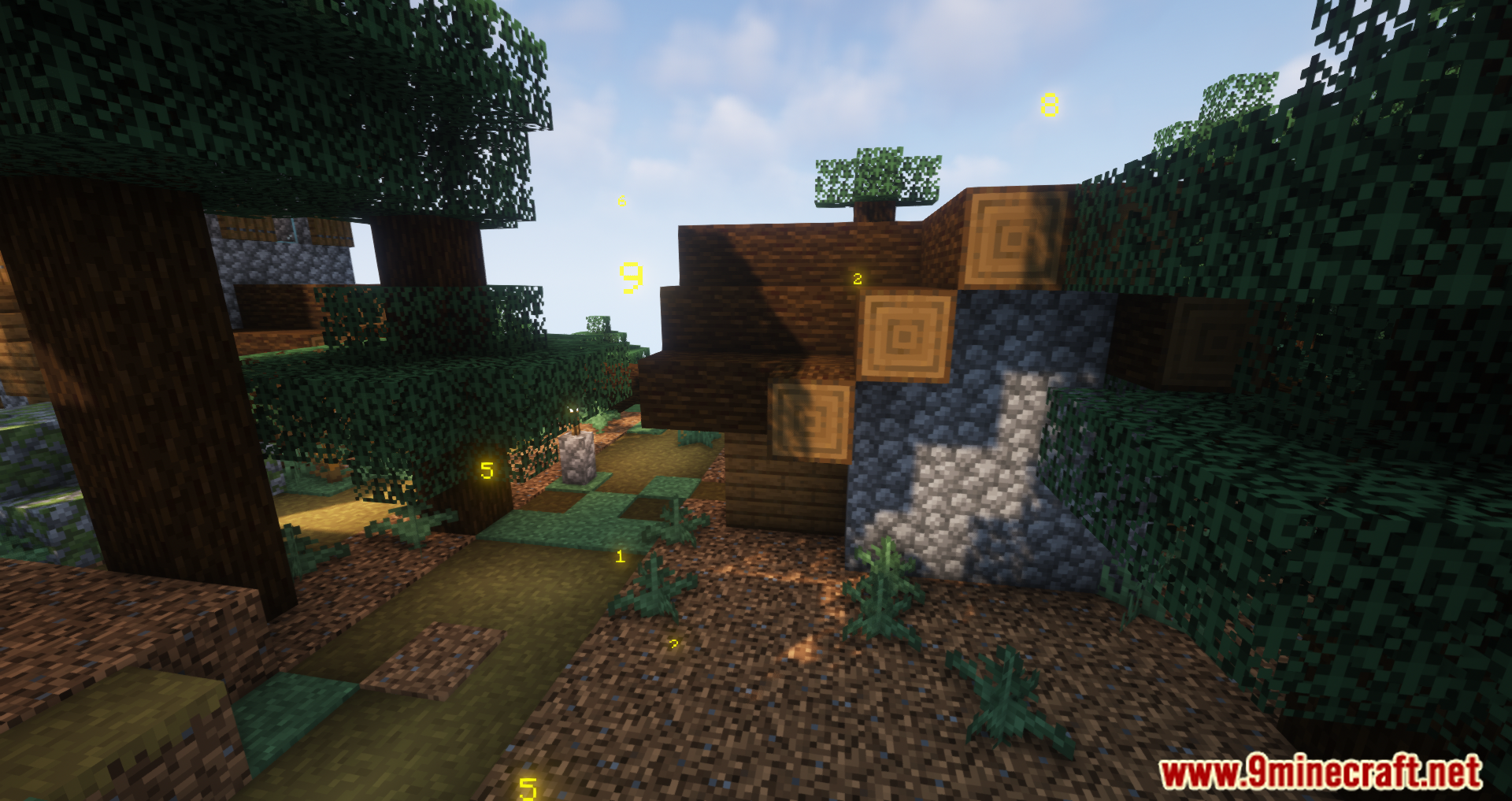
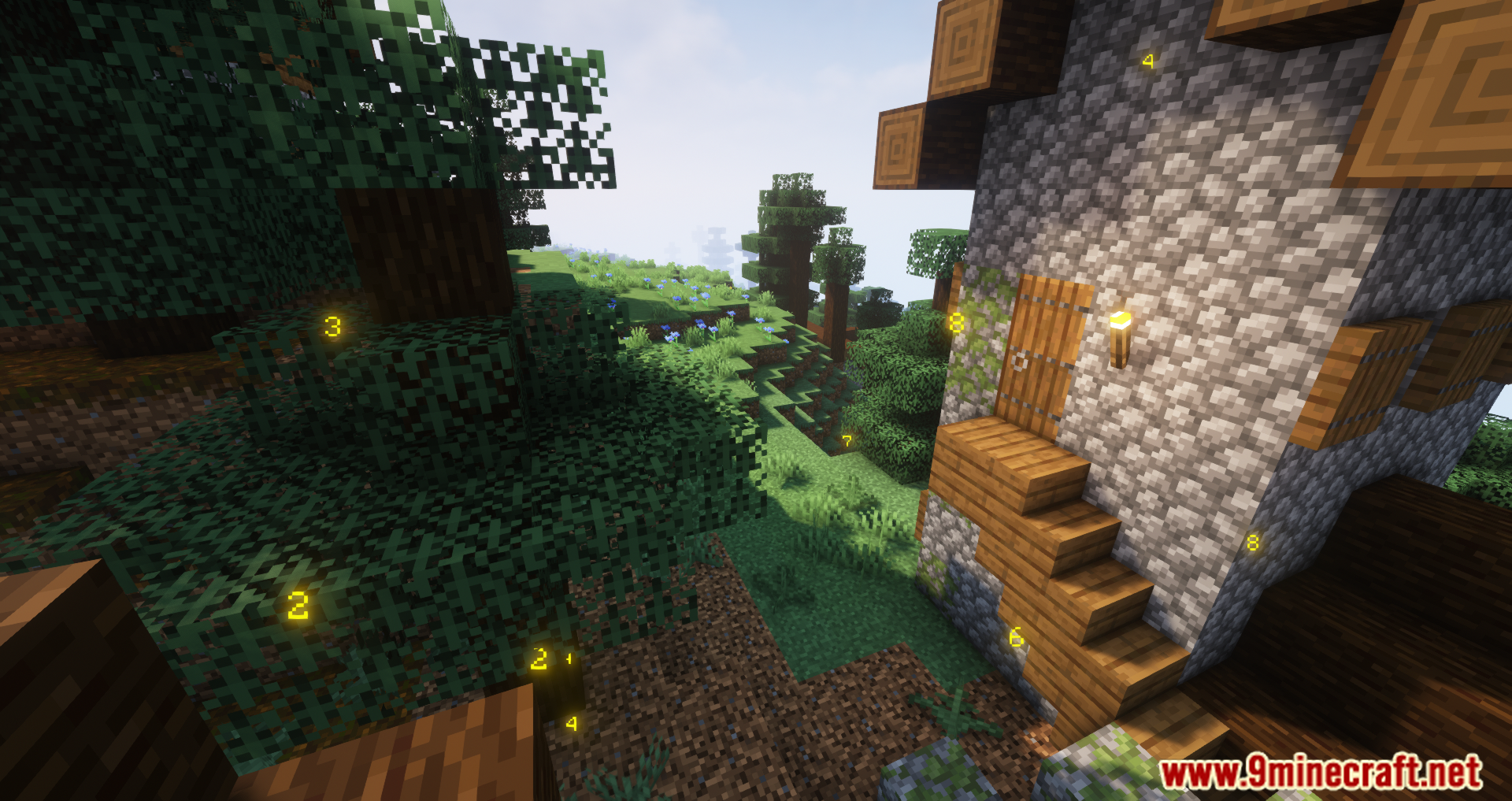
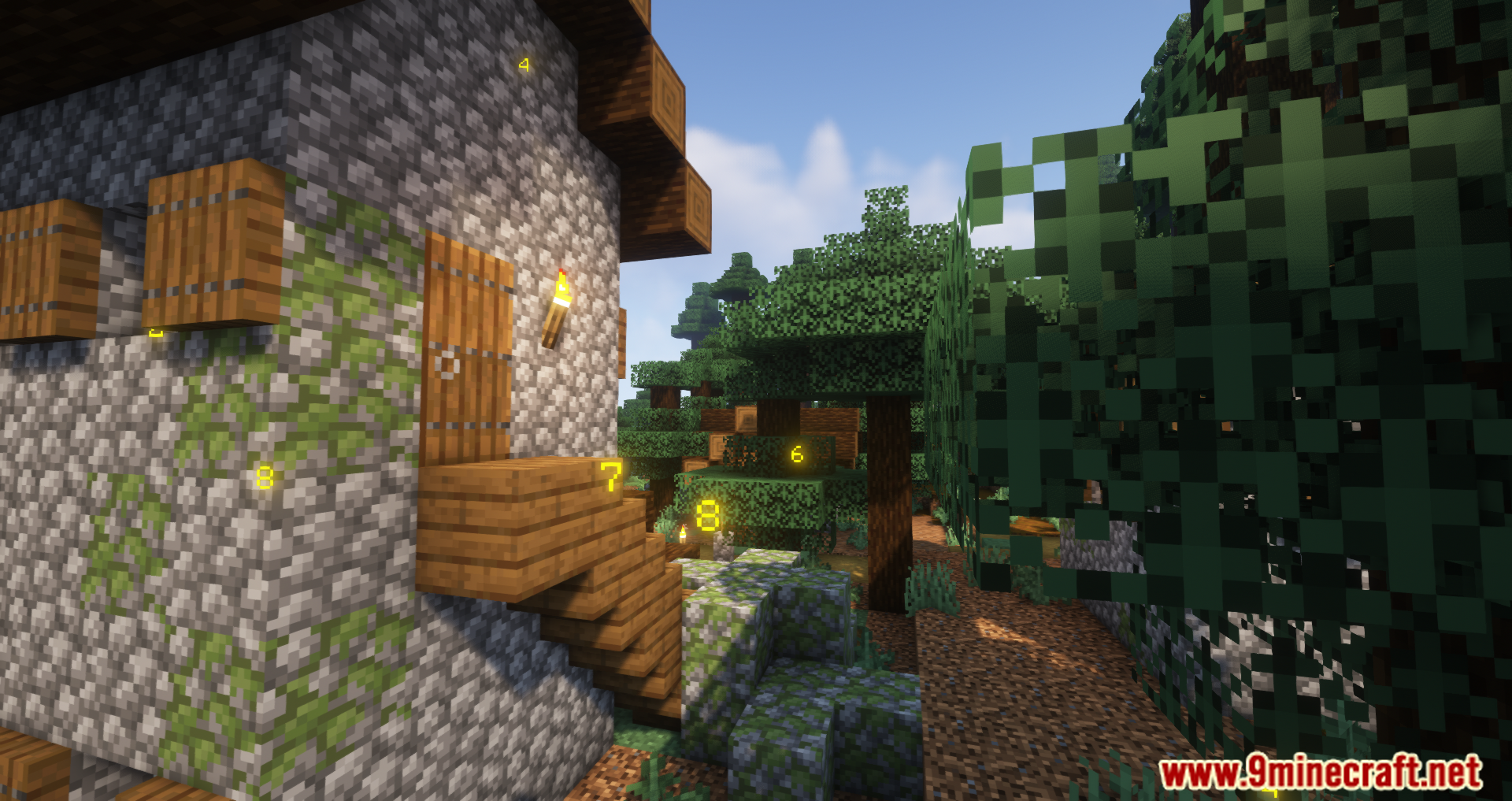
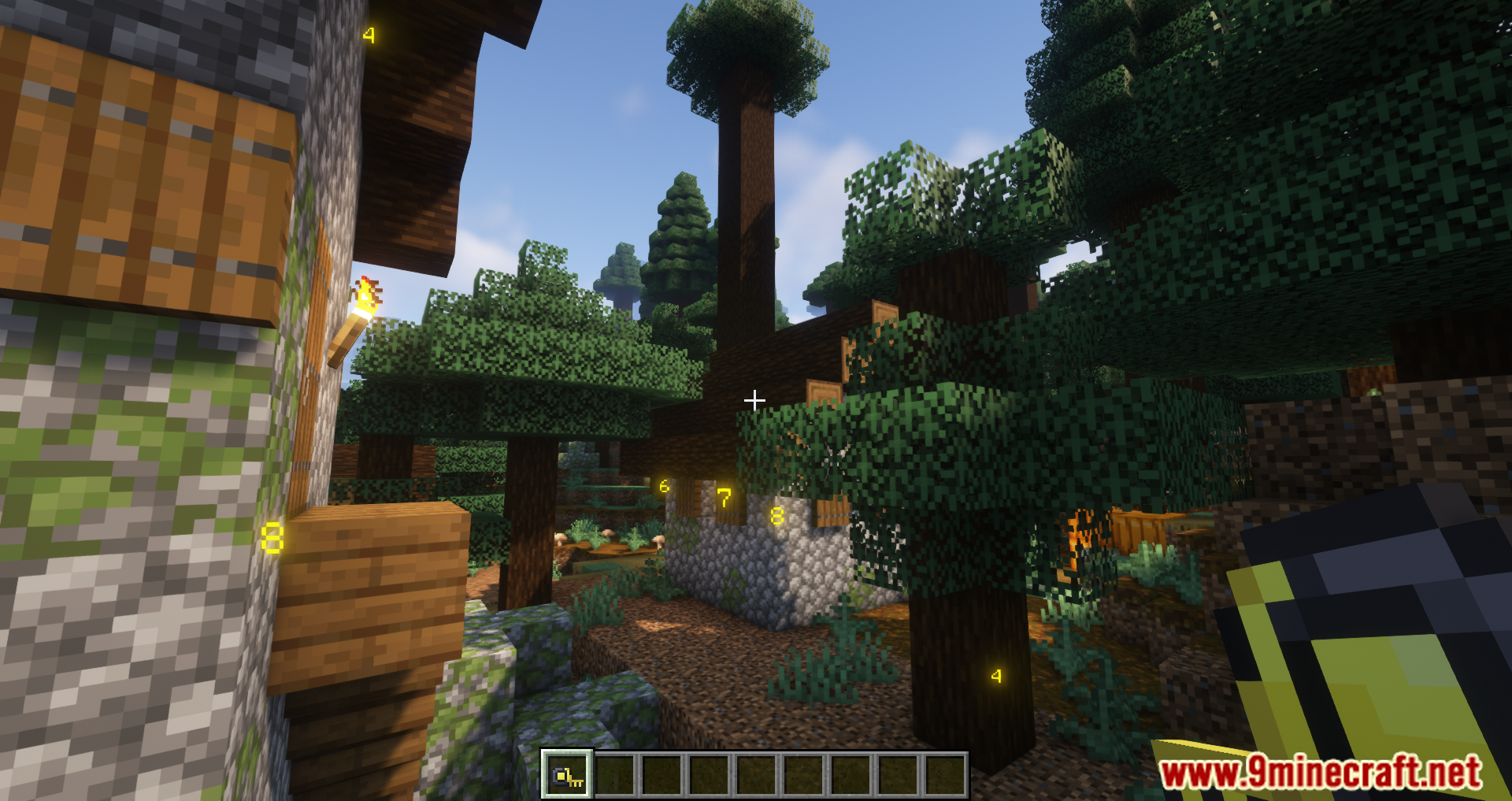
Measurements Mod adds a tape measure to Minecraft. It allows players to measure the dimensions of blocks (length, width, and height). During the measurement, a special menu appears displaying the dimensions-it will remain visible unless removed. You can make multiple measurements, and they will be displayed until the player clears them. It’s easy to start measuring-just right-click and select two blocks, after which their dimensions will appear. To remove the measurements, press Shift + right-click. Simple and straightforward, but most importantly, it’s useful!
Features:
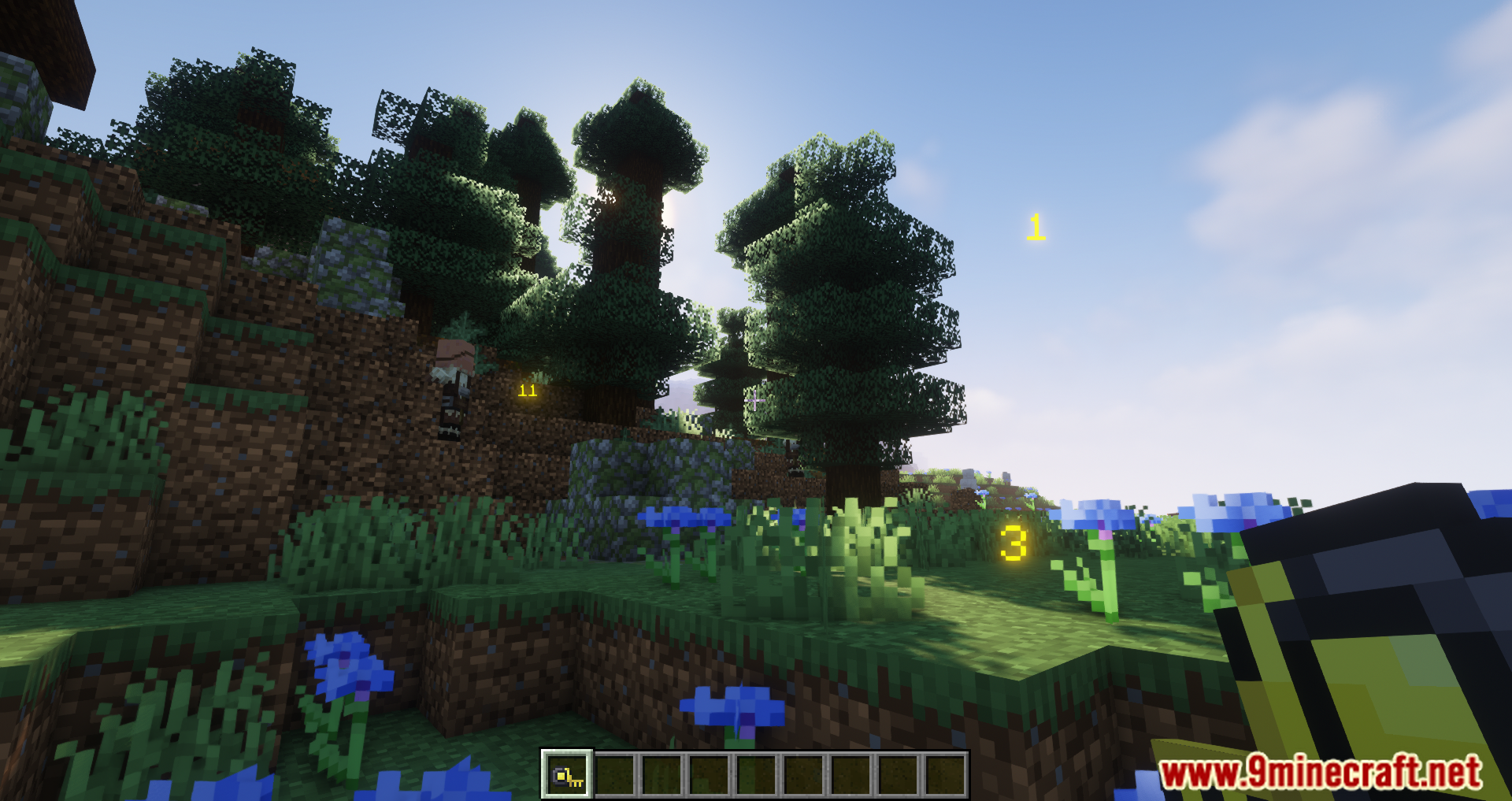
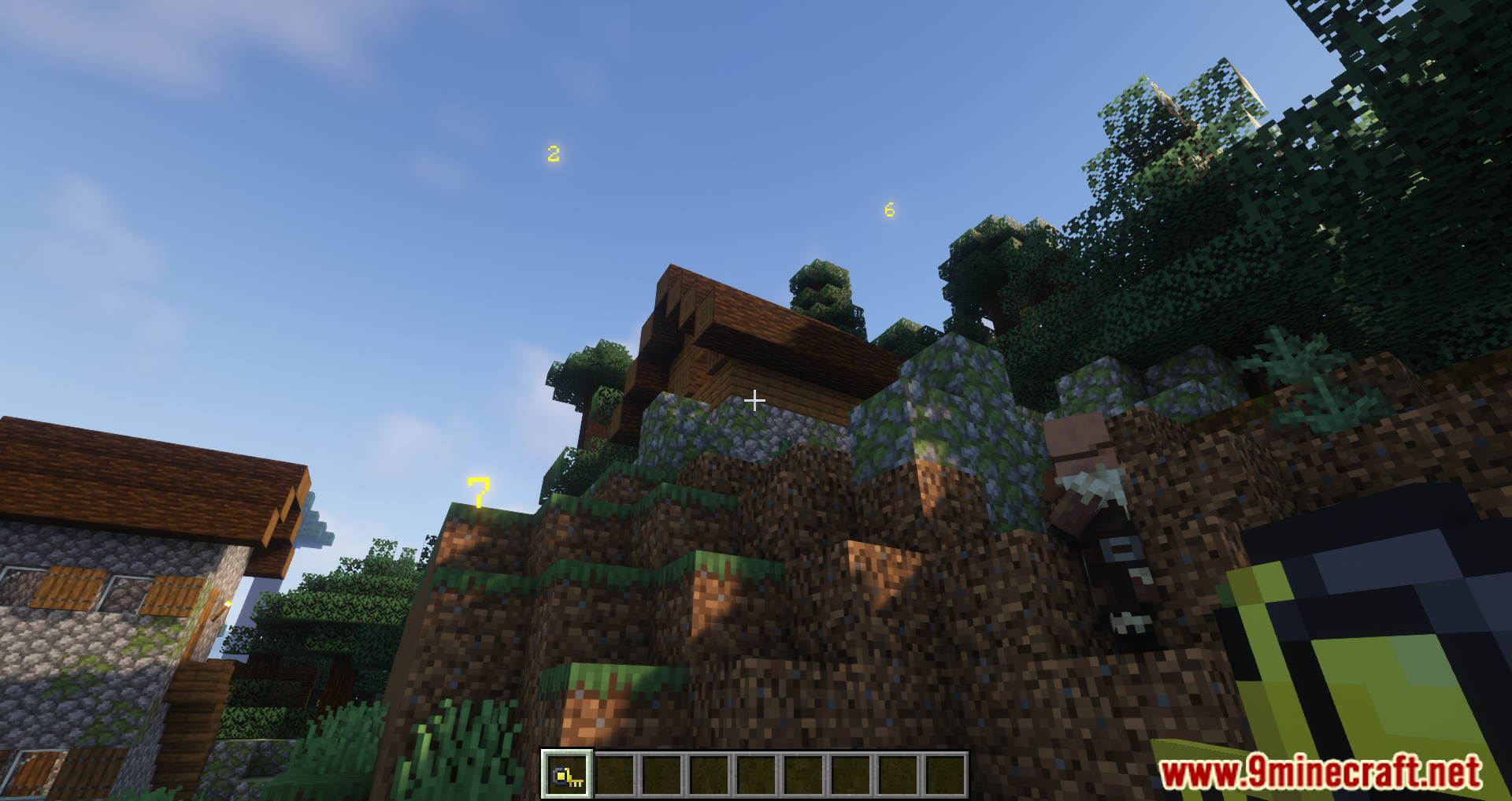
- You can measure the distance between two positions by right-clicking on the first block and then the second block.
- The measured distances are displayed on the screen for easy reference.
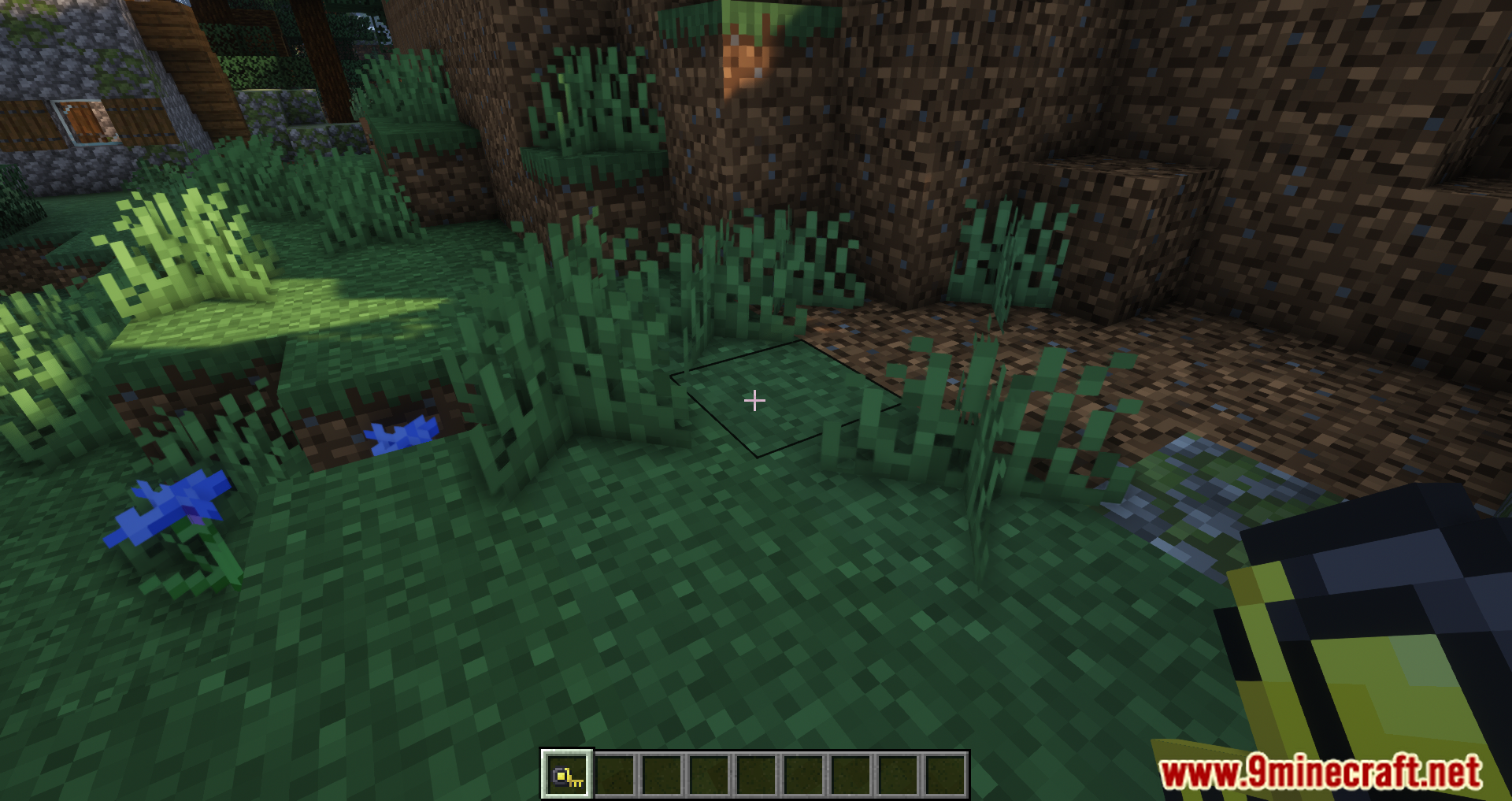
- To remove the displayed measurements, simply press Shift + right-click on the ground.
Screenshots:
Crafting Recipes:
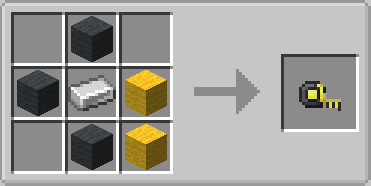
How to Install:
New to Minecraft? Follow our step-by-step guide to install Mods on your PC.View Guide




Measurements Mod Download Links
For Minecraft 26.2
For Minecraft 26.1.2, 26.1.1, 26.1
For Minecraft 1.21.11
For Minecraft
1.21.10,
1.21.9,
1.21.8
All Versions Covered
1.21.10
1.21.9
1.21.8
1.21.7
1.21.6
All Versions Covered
1.21.10
1.21.9
1.21.8
1.21.7
1.21.6
For Minecraft 1.21.8, 1.21.7, 1.21.6
For Minecraft 1.21.5
For Minecraft 1.21.4
For Minecraft 1.21.1, 1.21
For Minecraft 1.20.6
For Minecraft 1.20.4
For Minecraft 1.20.2
For Minecraft 1.20.1, 1.20
For Minecraft 1.19.4
For Minecraft 1.19.3
For Minecraft 1.19.2
For Minecraft 1.19.1
For Minecraft 1.19
For Minecraft 1.18.2, 1.18.1
For Minecraft 1.17.1
For Minecraft 1.16.5
Click to rate this post!
[Total: 2 Average: 5]

1 Comment
 What do you think?
Your opinion means a lot - we'd love to hear from you.
What do you think?
Your opinion means a lot - we'd love to hear from you.
You May Also Like



2578