


Nether Portal Spread Mod (26.2, 1.20.1) – Nether Portals in the Overworld


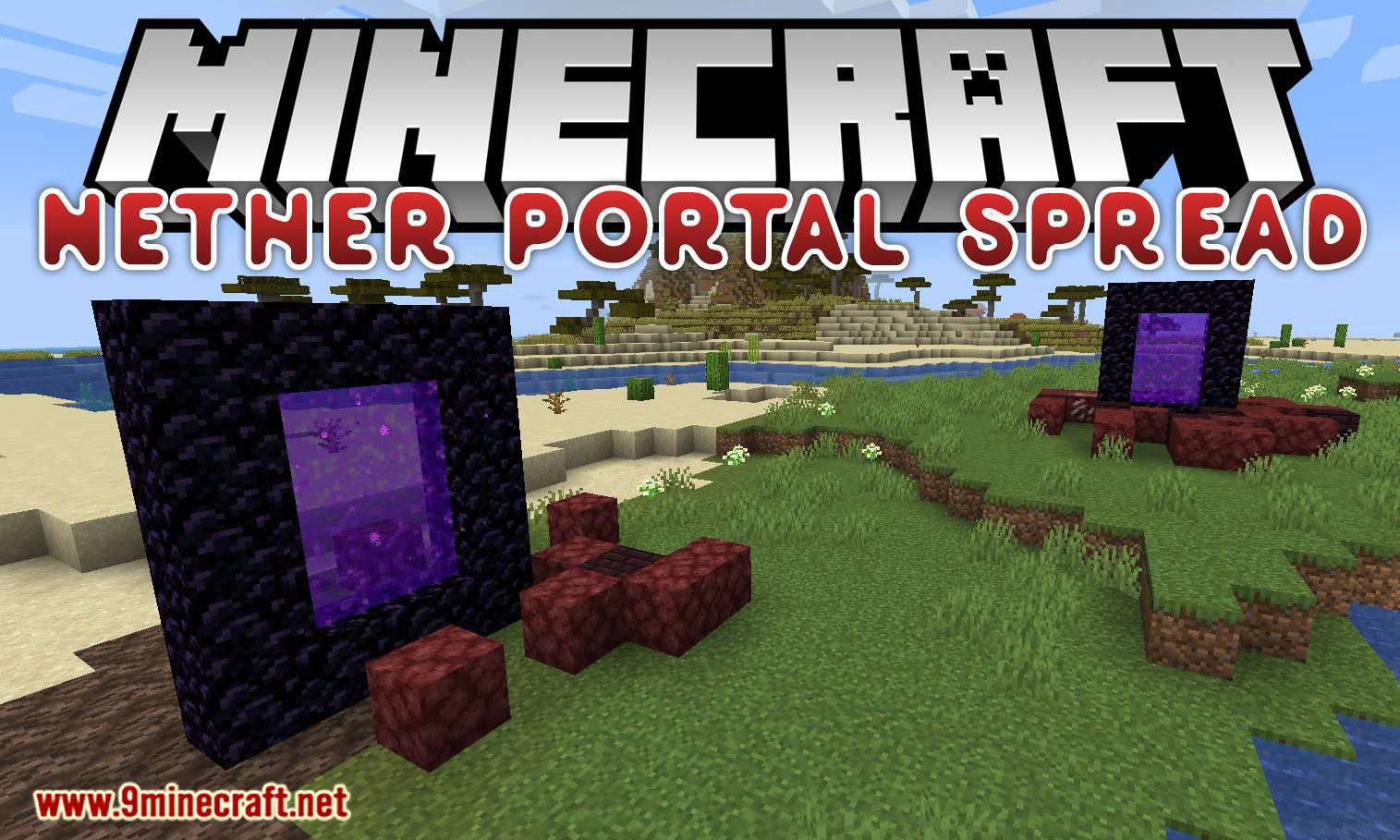
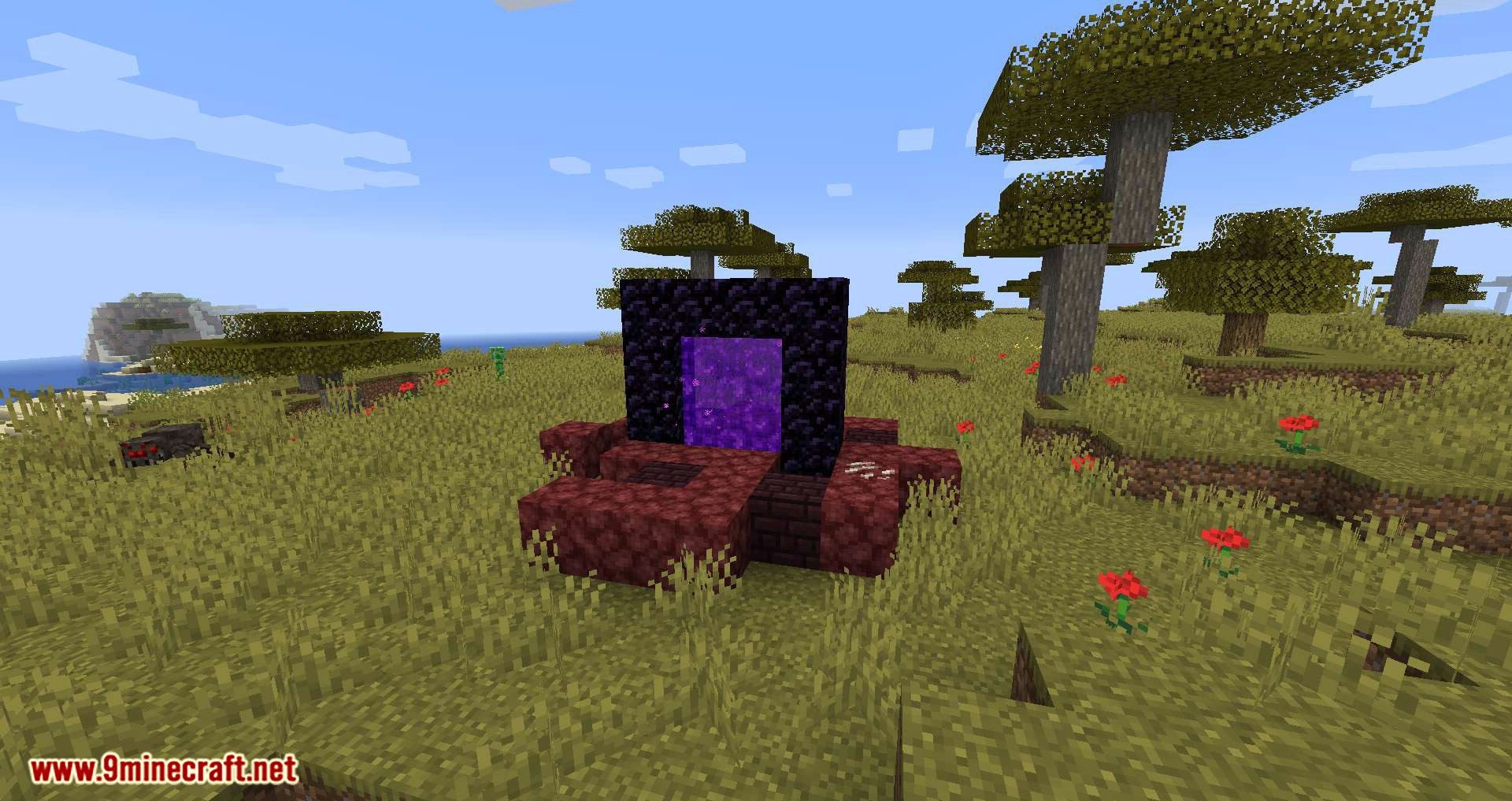
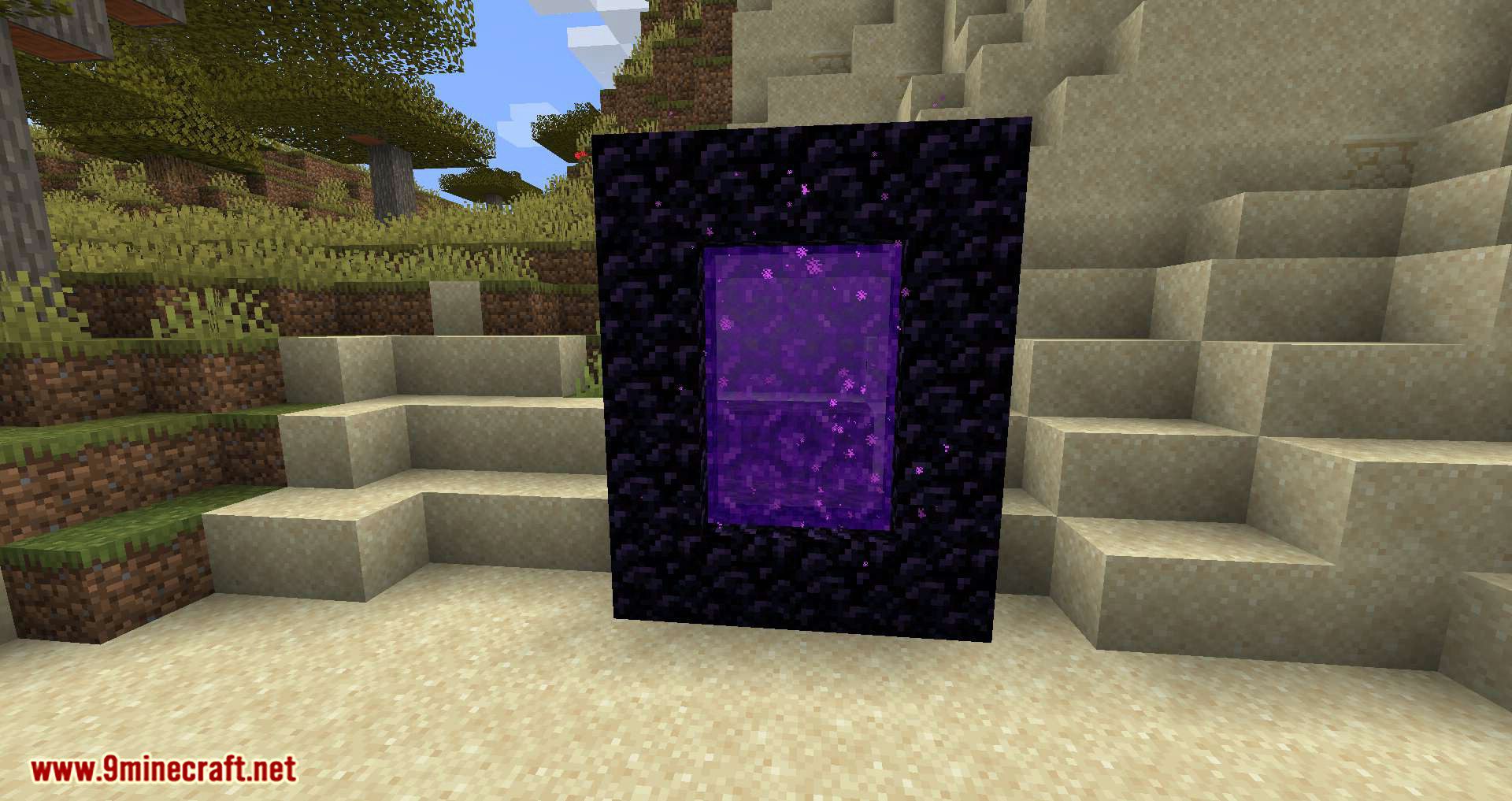
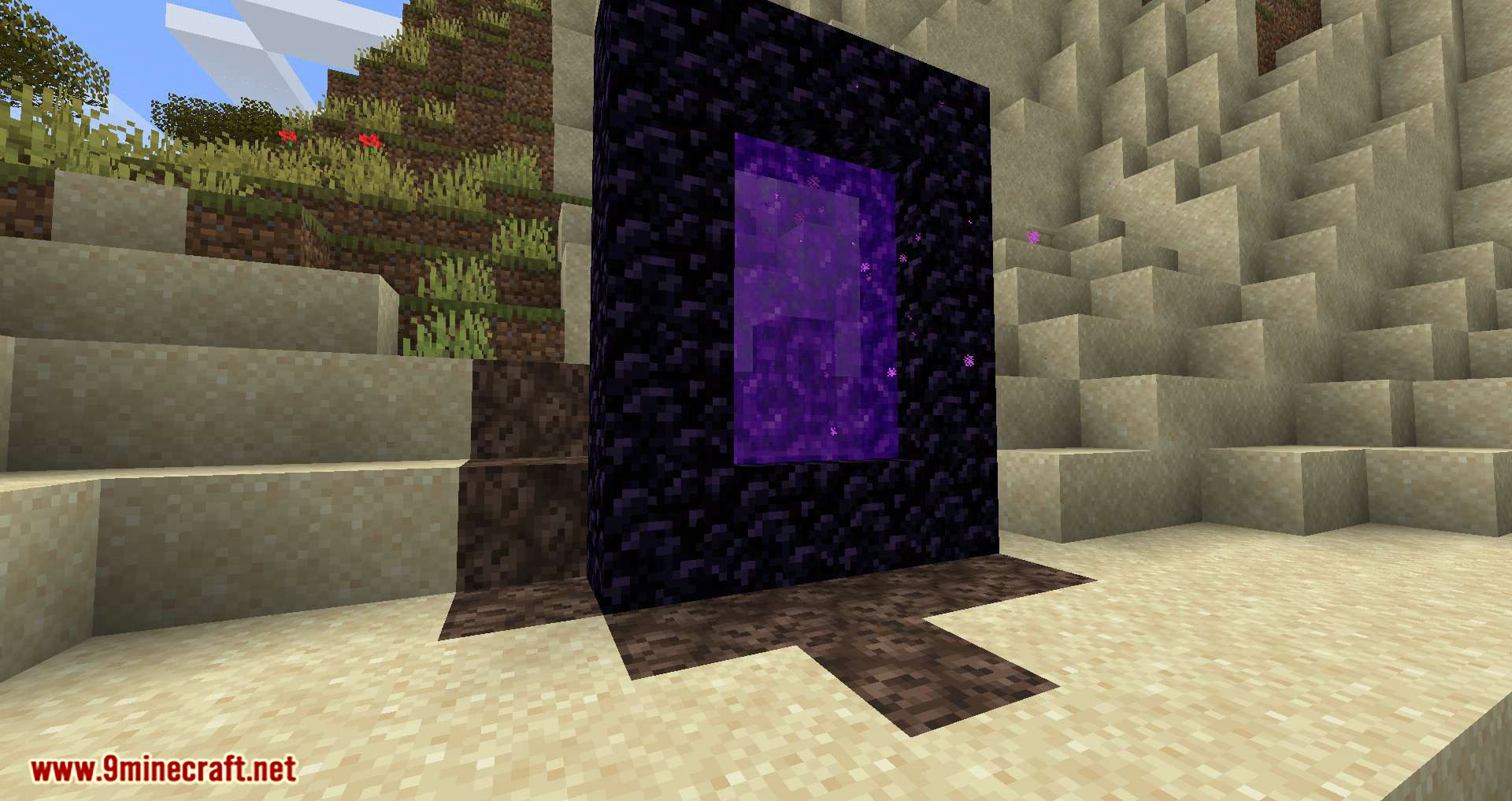
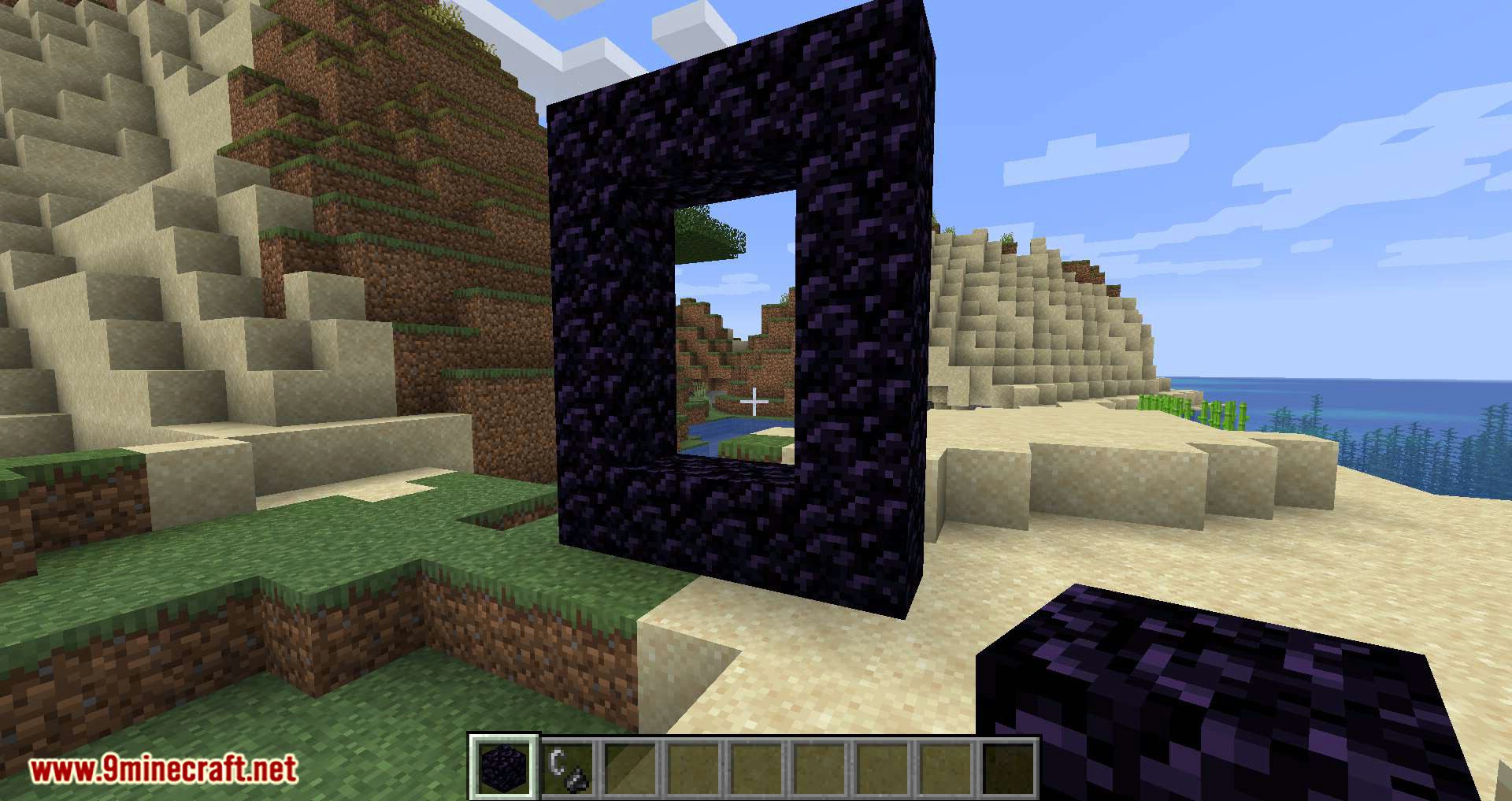
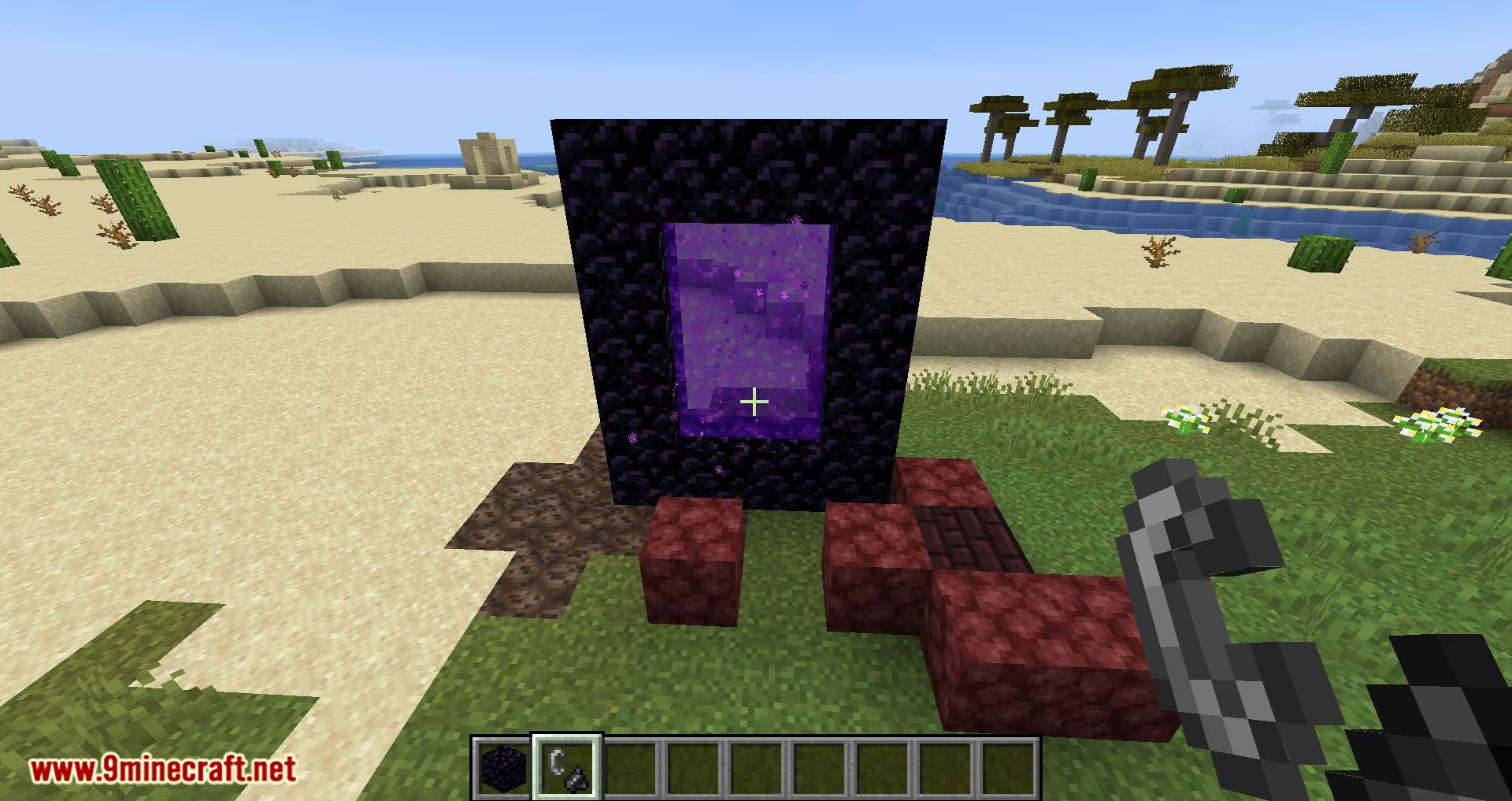
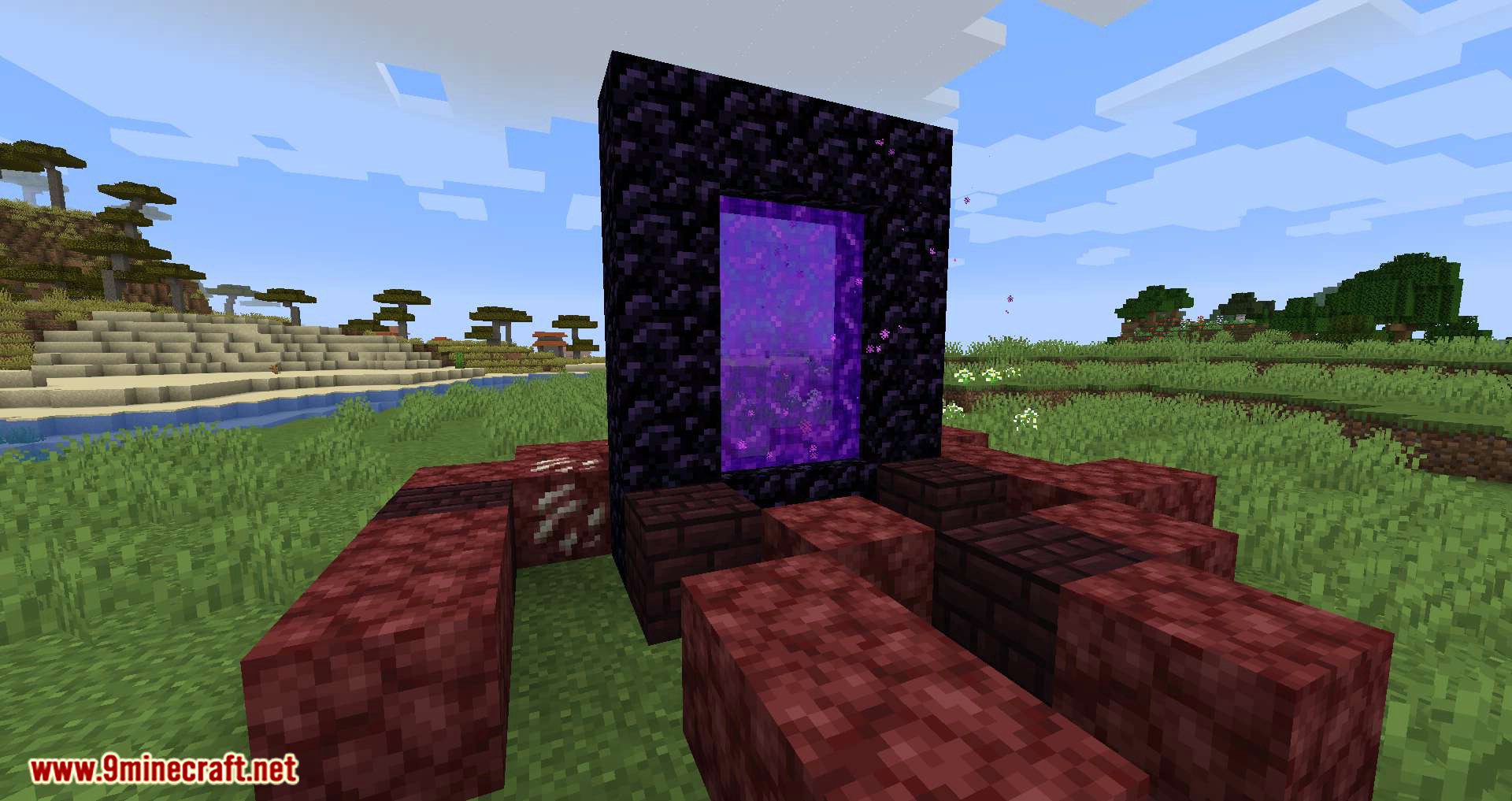
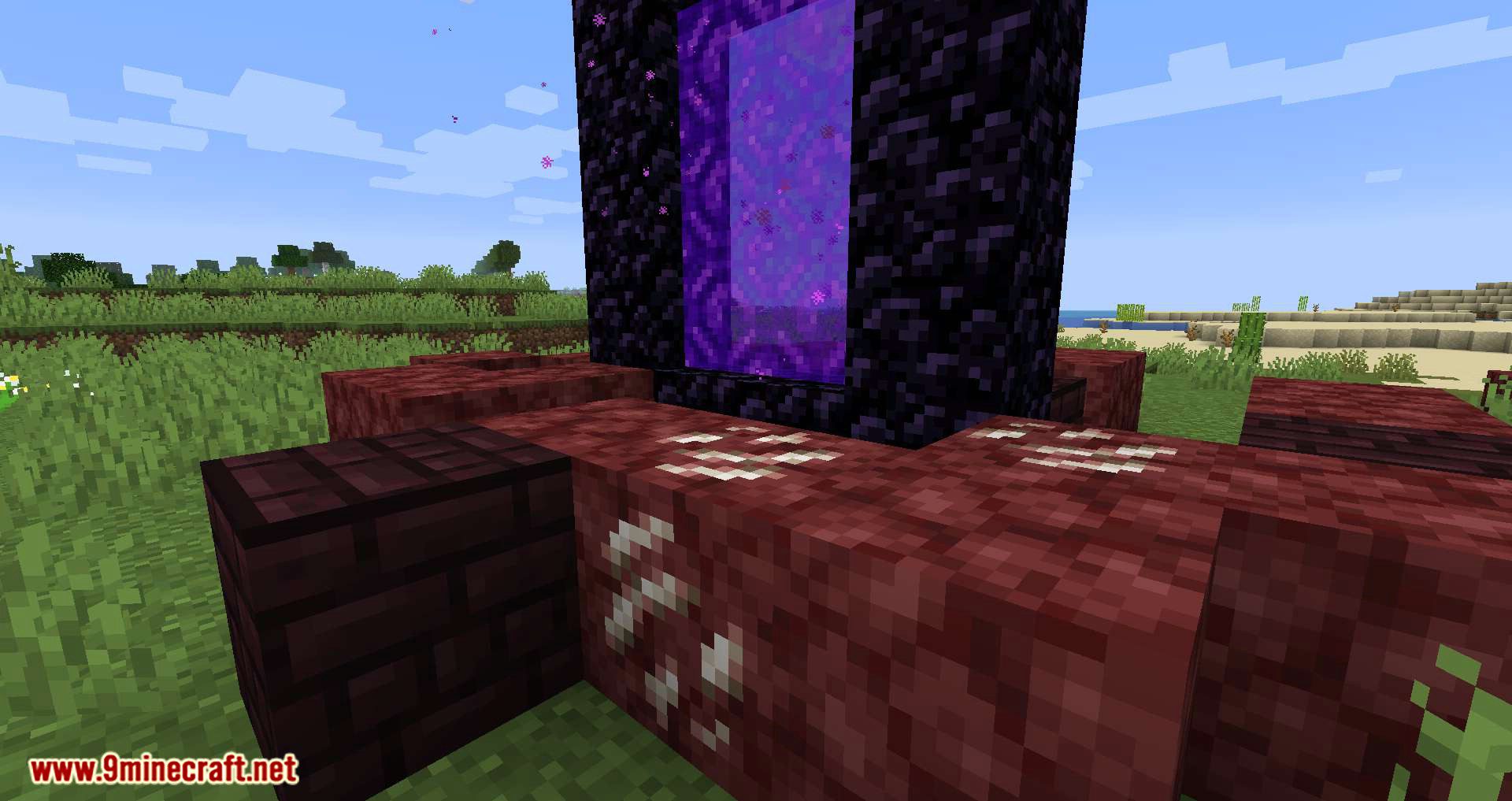
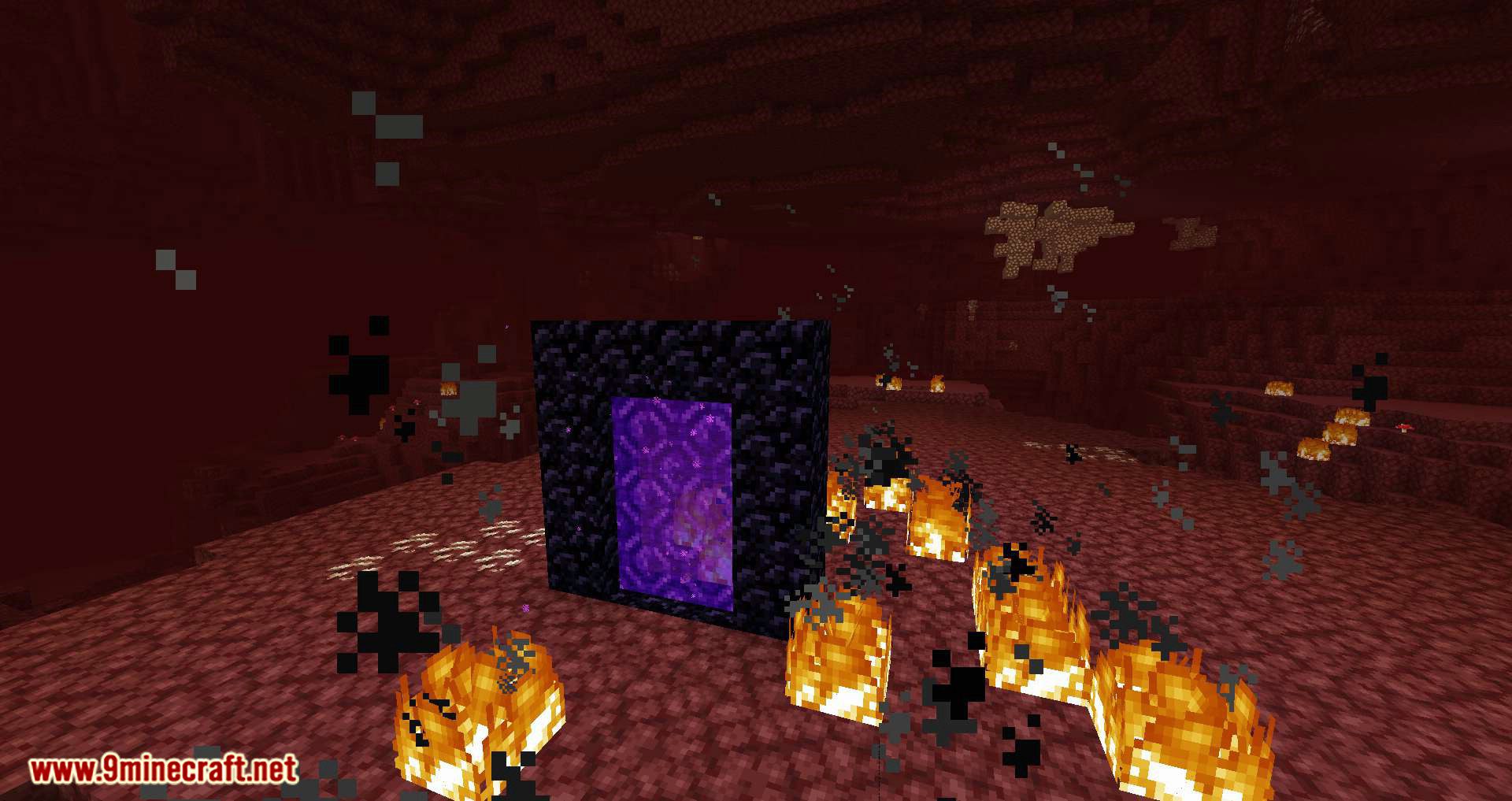
Nether Portal Spread Mod adds random Nether portal generation to the Overworld in Minecraft. Portals will spawn across all biomes, and in addition to the portal itself, the surrounding blocks will transform-grass, dirt, and trees will be replaced with Nether blocks within a small radius. All settings can be adjusted in the config file, allowing players to customize the radius of Nether block transformation around portals, tweak the spawn frequency, and adjust a few other parameters.
Features:
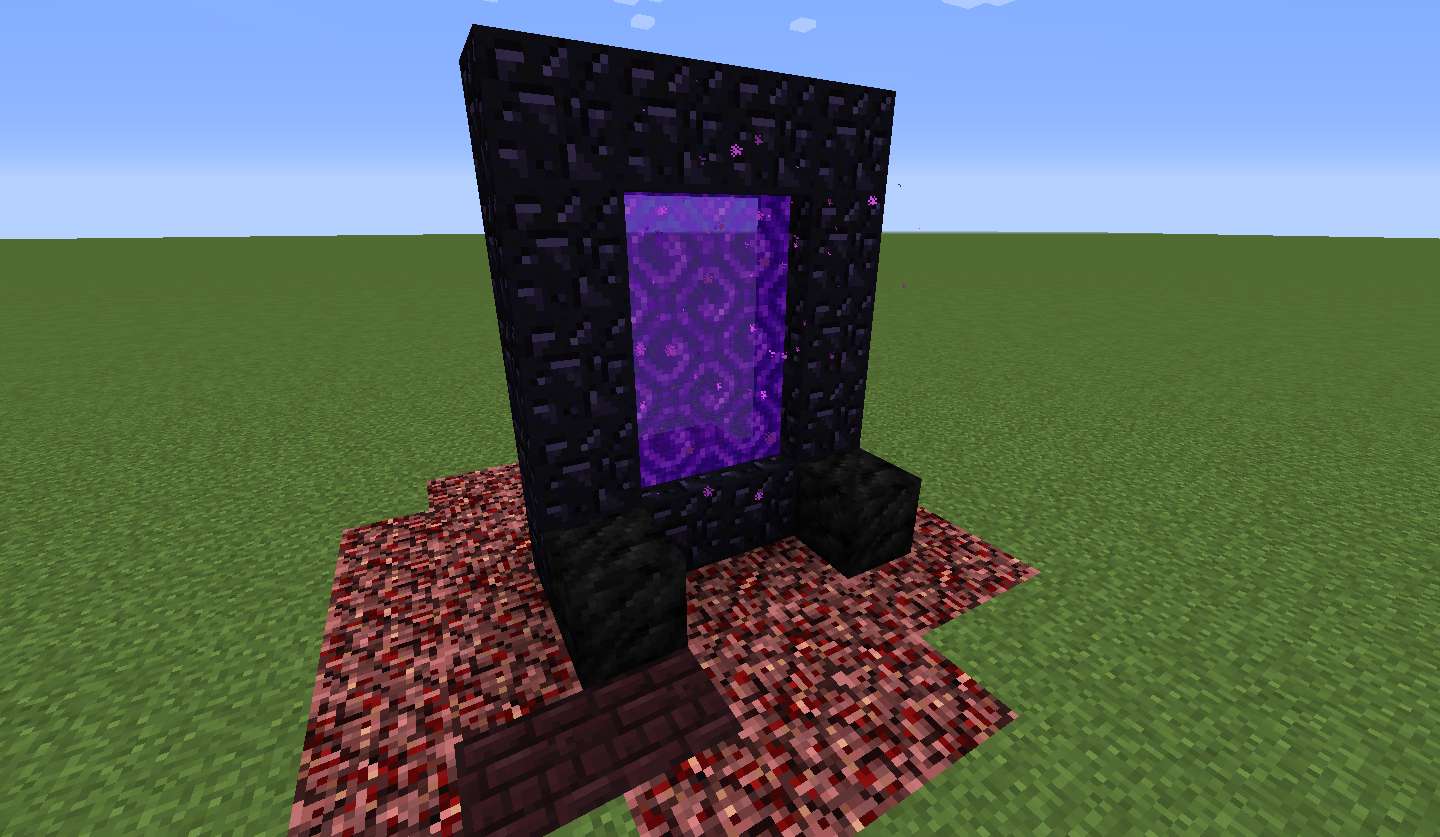
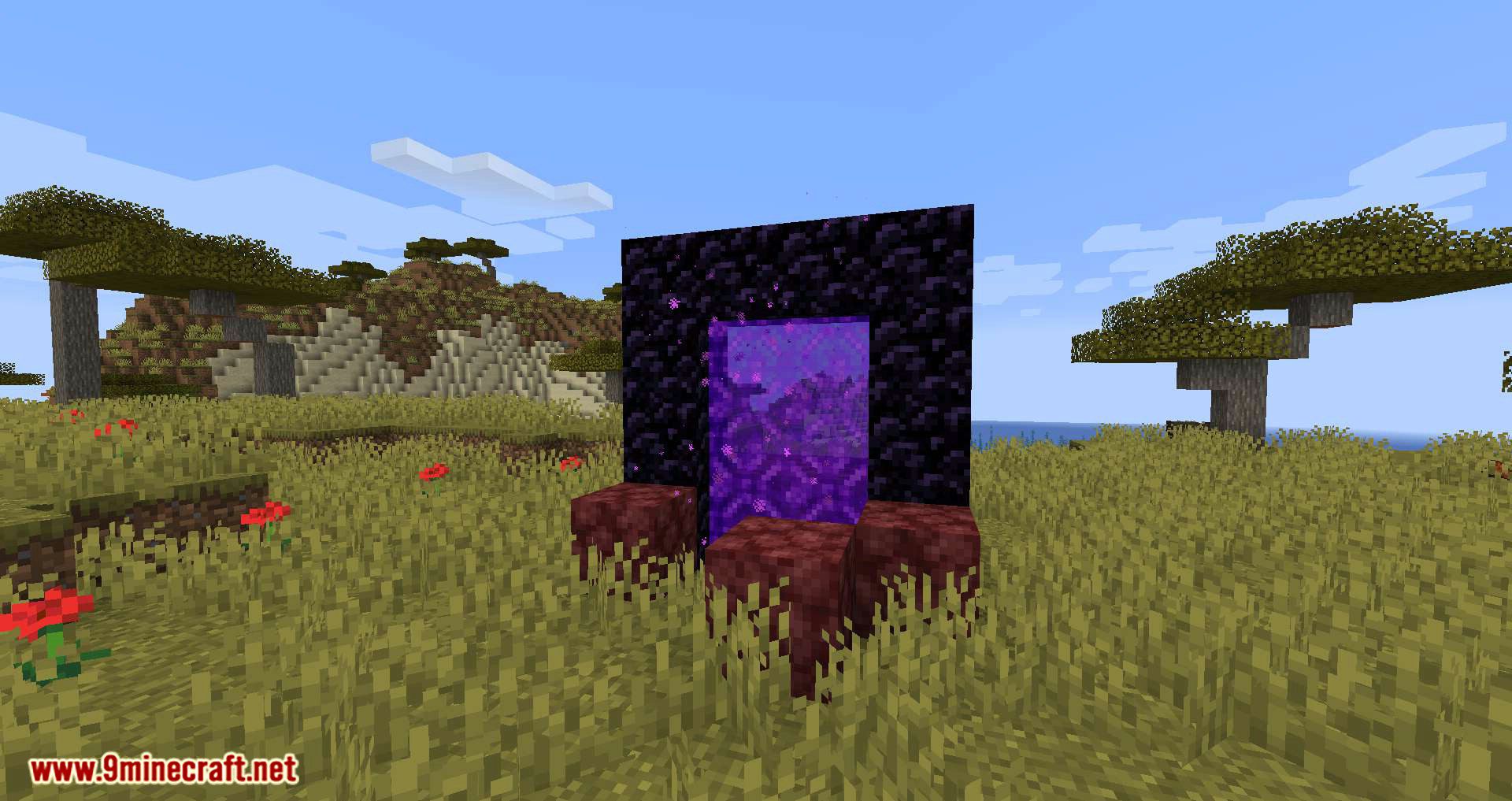
- When a portal is created, blocks like Netherrack, Soul Sand, and Nether Wart may replace Overworld terrain nearby.
- Players can adjust the spread radius, with a default of 15 blocks.
- Placing four coal blocks within the portal’s radius stops the Nether transformation.
- The mod detects new portals when created or when a player travels from the Nether to the Overworld.
- Players receive notifications when the Nether spread begins, stops, or when a portal is broken.
Configs:
- portalSpreadRadius (default = 15, min 1, max 100): The radius around the portal to which the nether blocks can spread.
- spreadDelay (default = 2500, min 20, max 360000): The delay in ms in between the spread around the nether portal.
- instantConvertAmount (default = 50, min 0, max 1000): The amount of blocks that are instantly converted to a nether block around a portal when it is detected. If there are existing nether blocks within the radius, their count is substracted from this number.
- coalPreventsSpread (default = true): When enabled, blocks the spread effect when there are two coal blocks within the radius.
- isQuartzChance (default = 0.05, min 0, max 1.0): The chance the next spreaded block is quartz ore.
- isNetherBrickChance (default = 0.2, min 0, max 1.0): The chance after the quartz roll that the next spreaded block is netherbrick.
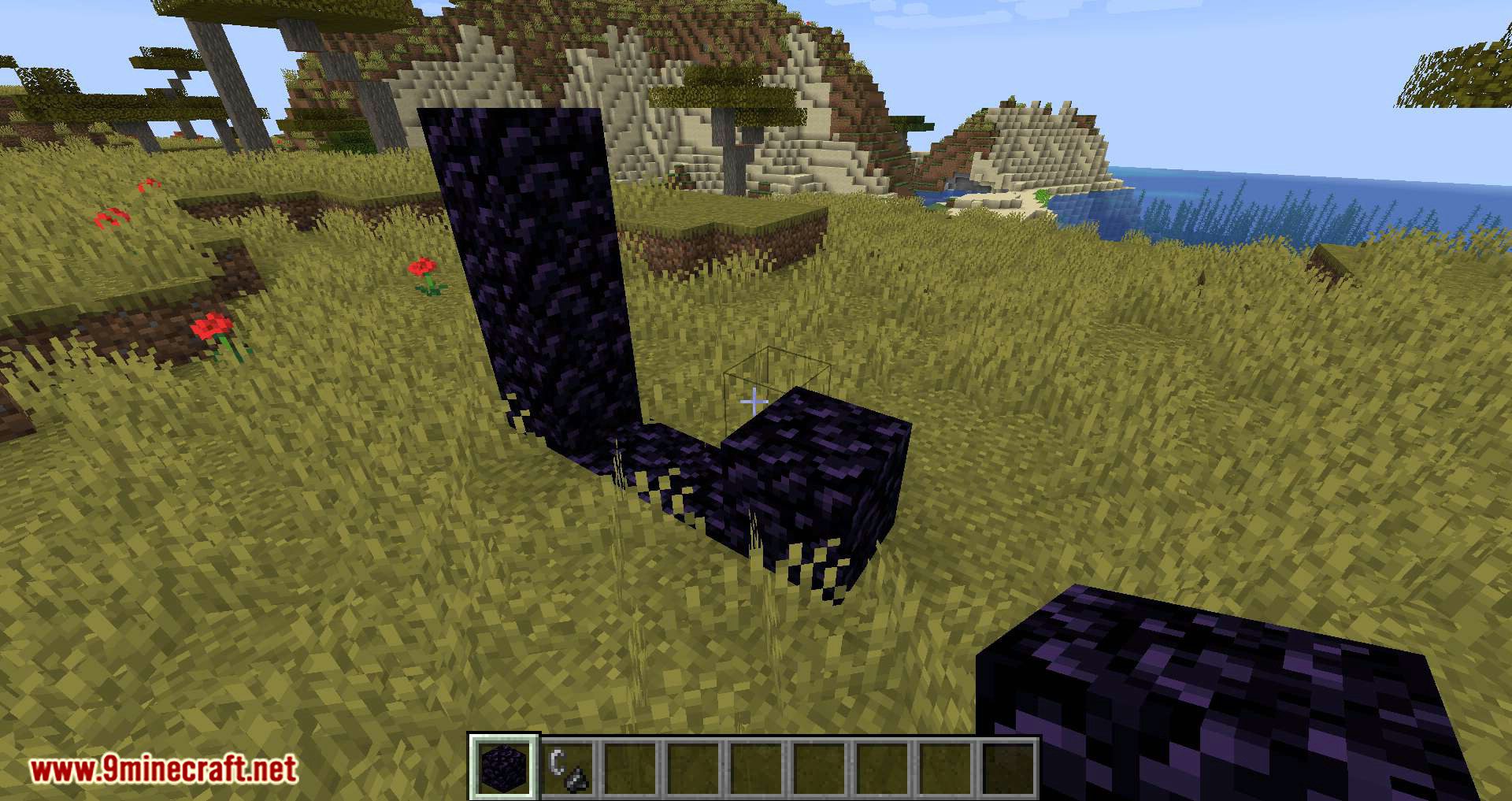
You can stop the spread effect by placing two coal blocks within the radius of the nether portal:
In this case, they are placed in front of the portal, but they can be placed anywhere as long as it’s within the radius:
Screenshots:
How to Install:
New to Minecraft? Follow our step-by-step guide to install Mods on your PC.View Guide
Requirements:




Nether Portal Spread Mod Download Links
For Minecraft 26.2
For Minecraft 26.1.2, 26.1.1, 26.1
For Minecraft 1.21.11, 1.21.5, 1.21.4
For Minecraft 1.21.10, 1.21.9
For Minecraft 1.21.8, 1.21.7, 1.21.6
For Minecraft 1.21.5
For Minecraft 1.21.4
For Minecraft 1.21.3, 1.21.2
For Minecraft 1.21.1, 1.21
For Minecraft 1.20.6
For Minecraft 1.20.4
For Minecraft 1.20.2
For Minecraft 1.20.1, 1.20
For Minecraft 1.19.4
For Minecraft 1.19.3
For Minecraft 1.19.2, 1.19.1, 1.19
For Minecraft 1.18.2
For Minecraft 1.18.1
For Minecraft 1.17.1
For Minecraft 1.16.5
For Minecraft 1.15.2
For Minecraft 1.14.4
For Minecraft 1.12.2

1 Comment
 What do you think?
Your opinion means a lot - we'd love to hear from you.
What do you think?
Your opinion means a lot - we'd love to hear from you.
You May Also Like




The 1.21.10 mod crashes out saying it’s actually the 1.21.9 mod.