


Minecraft Ganzebo Schematic (1.21.x) – Magical Garden Pavilion Made Of Stone And Azalea

 0
0 

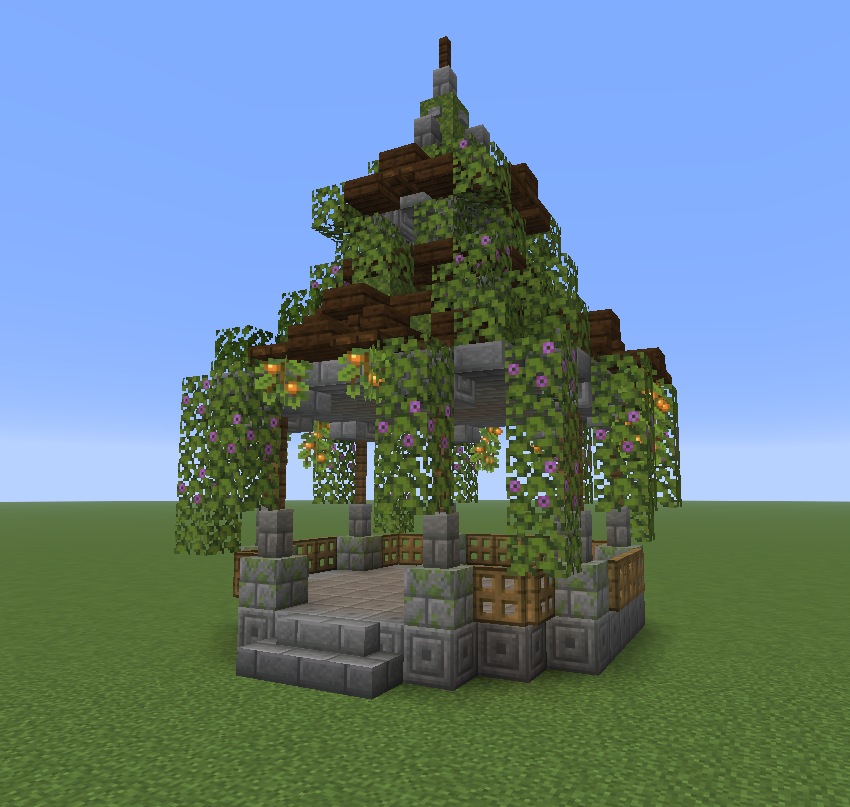
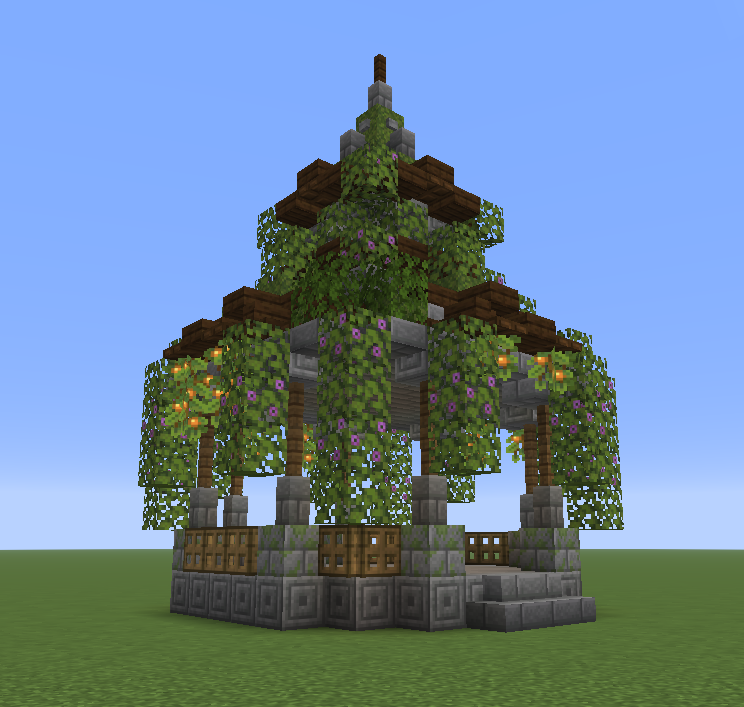
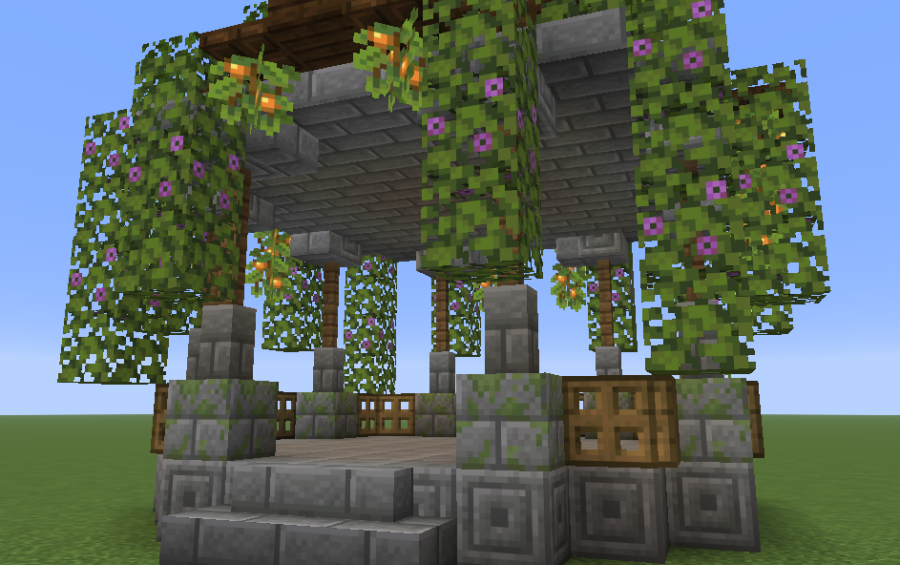
Minecraft Ganzebo Schematic adds a cozy pavilion to your magical garden. This build uses a mix of stone bricks and green azalea leaves to look like nature is taking it back. It fits nicely in any forest or flower-filled world. You can use this small structure as a place to relax or hide from the sun. The design feels special for players who love building pretty things.
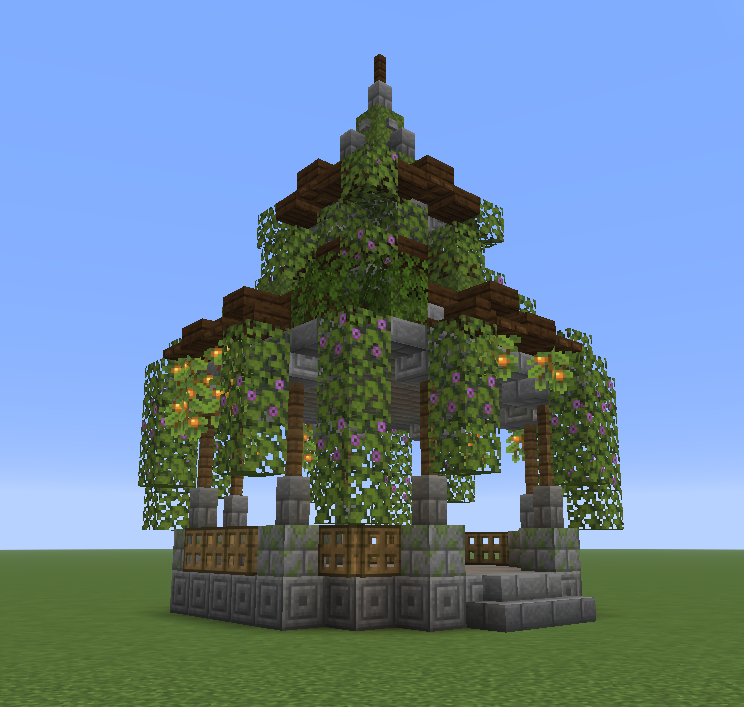
3D Preview:
Features:
- Natural Look: This build uses blooming azalea leaves to make the gazebo look like it belongs in the woods.
- Stone Brick Base: The strong stone structure ensures the pavilion looks solid and well-made.
- Fits into a small 13x17x13 area so you can place it almost anywhere without clearing much land.
- Uses only 482 blocks, making it quick to build even in survival mode.
- Works as a perfect centerpiece for a flower garden or a magical forest path.
- Includes enough space inside for players to sit and enjoy the view.
Schematic Specs:
 Minecraft1.21.x
 Dimensions13×17×13
 Total Blocks482
 Top Blocks Used
Chiseled Stone Bricks 81Stone Brick Slab 65Azalea Leaves 52Moss Block 52Dark Oak Slab 40
How to Use:
- Get the Litematic file for the build.
- Load the schematic using a tool that can read .litematic files.
- Pick a spot in your garden that is at least 13 blocks wide and 17 blocks long.
- Follow the block layout to finish your new garden structure.
Screenshots:
Minecraft Ganzebo Schematic Download Links
For Minecraft 1.21.x
Click to rate this post!
[Total: 0 Average: 0]
You May Also Like












This post has no comments yet. Be the first — your comment will appear here.