
Small Tree Schematic (1.21.x) – Clean and Detailed Mini Tree Build

 0


Small Tree Schematic provides a detailed and clean tree design for your Minecraft world. It works well for adventure maps, roleplay servers, or as a simple decoration for your garden. This build uses vanilla blocks and fits into small spaces easily. You can use it as a base for your own forest projects or to fill empty spots in a medieval town.
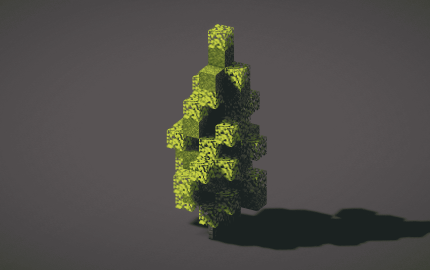
3D Preview & Editor:
How to place this schematic
.schem This is a WorldEdit schematic. It pastes instantly on a server or single-player world that has WorldEdit (or FastAsyncWorldEdit).
| 1 | Install WorldEdit — as a plugin on the server, or as a mod for single player. |
| 2 | Drop the .schem file into plugins/WorldEdit/schematics (server) or config/worldedit/schematics (client). |
| 3 | Run //schem load <file name>. |
| 4 | Stand where you want it and run //paste. Add -a to skip air blocks. |
About this build
| 1 | Download the .schematic file to your computer. |
| 2 | Use a tool like WorldEdit or Litematica to load the file into your Minecraft game. |
| 3 | Select the location where you want the tree to appear. |
| 4 | Paste the build into your world to instantly decorate your surroundings. |
Features:
- Features a compact 5x12x5 block design that fits into tight spaces.
- Uses only 65 blocks, which keeps the building process simple and fast.
- Small Tree Schematic works perfectly for medieval-themed builds and garden decorations.
- Provides a clean look that blends into vanilla Minecraft landscapes.
- Functions as a inspiration for players looking to improve their custom tree builds.
Schematic Specs:
 Minecraft1.21.x
 Dimensions5×12×5
 Total Blocks65
 Top Blocks Used
Azalea Leaves 27Moss Block 21Spruce Fence 8Oak Log 6Spruce Fence Gate 2
Small Tree Schematic Download Links
For Minecraft 1.21.x
Click to rate this post!
[Total: 0 Average: 0]
You May Also Like
Picked for this page
 Pokémon Temple Arena Japanese Litematica Schematic (1.21.x) – Large Asian Fortress With Fighting Rin
 Blackstone Stash Schematic (1.21.x) – Rich End Game Blackstone Storage Room
 Melon Farm Mega Without Dispenser Schematic (1.21.x) – Large Automated Melon Farm For Survival
 Twenture Emerald Spawner Farm Schematic (1.21.x) – Double Vindicator Spawner Emerald Farm Layout
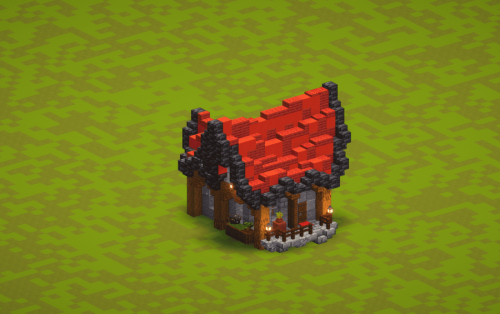 Small Red Cottage Schematic (1.21.x) – Compact Medieval House With Crimson Roof
 9×9 Elevator Schematic (1.21.x) – Fully Working Vanilla Flying Machine
 3x Multiplier Slot Minecraft Redstone Casino Machine Schematic (1.21.x) – Functional Redstone Casino
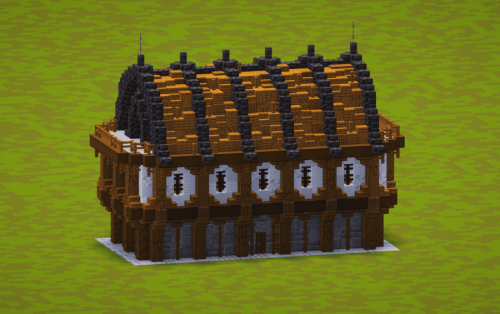 Medieval Workshop Schematic (1.21.x) – Detailed Medieval Building with Curved Roof
 Carpet Dupper Schematic (1.21.x) – Automated Vanilla Carpet Duplicator Build
 Rocket Buggy Schematic (1.20.x) – Compact Rocket Buggy Build For Your World
 Vw Passat Variant R Line Schematic (1.21.x) – Build A Modern Car In Your World
 Birch Tree Farm Schematic (1.20.x) – Simple Manual Birch Wood Farm Build
Most viewed in Schematics over the last 7 days
 Fastest Bonemeal Farm Donut Smp Schematic (1.21.x) – Fast Redstone Bonemeal Farm Build
 KelpFarmV9.9 Schematic (1.21.x) – Compact And Simple Seaweed Farm Build
 64 Module Cobblestone Farm Schematic (1.21.x) – Massive Automated Stone Gathering Build
 Gold Farm Schematic (1.21.x) – Automatic Nether Roof Gold Farm
 Villager Trading Hall Schematic (1.21.x) – Modern Shop Build For 48 Villagers
 Minutes End Base Before Spoke Null End Video Schematic (1.21.x) – Giant Unstable SMP End Base Schema
 Bamboo Farm Schematic (1.21.x) – Small Automated Redstone Bamboo Farm
 36 Module Cobble Farm 18m per Hour Donut SMP Schematic (1.21.x) – Massive Automated Stone Generator
 Best Railgun Tp Trap on Donutsmp Schematic (1.21.x) – Unescapable Multiplayer Redstone Trap Build
 Bamboss V2 800k Bamboo per Hour Schematic (1.21.x) – High Speed Automated Bamboo Farm Schematic
 Donut Smp Stash and Regear Schematic (1.21.x) – Large Storage And Regear Room Build
 Cobble Farm 50m per Hour Donut SMP Schematic – High Yield Cobblestone Generator Build
More from Schematics
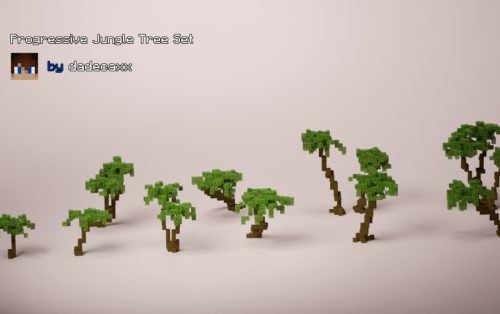 Progressive Jungle Tree Set Schematic (1.21.x) – Custom Tropical Tree Designs for Your World
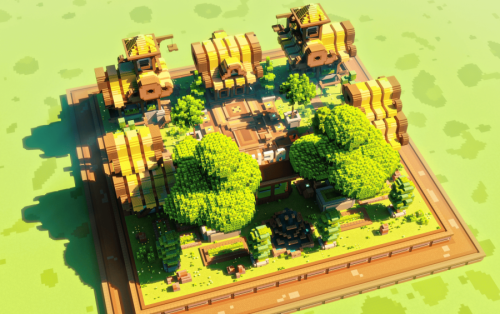 Medieval Economy Spawn Schematic (1.21.x) – A Complete Medieval Hub for Server Spawns
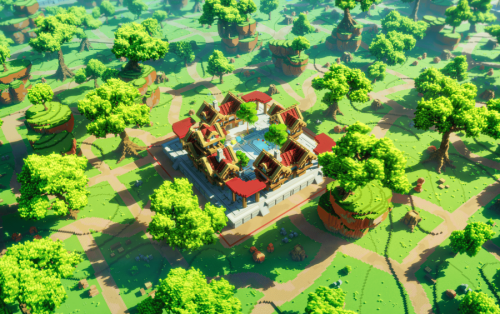 Medieval Spawn with Warzone Schematic (1.21.x) – Massive Medieval Lobby With PvP Warzone
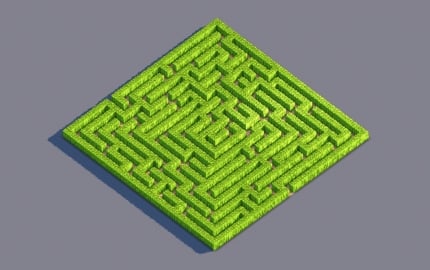 Hedge Maze Garden Decoration Schematic (1.21.x) – Classic Hedge Maze for Castle Gardens
 Mapart Sad Minion Schematic (1.21.x) – Build A Detailed Map Art Minion
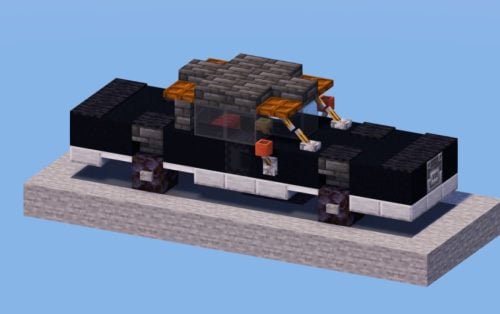 Black Car Schematic (1.21.x) – Sleek Modern Vehicle for City Streets
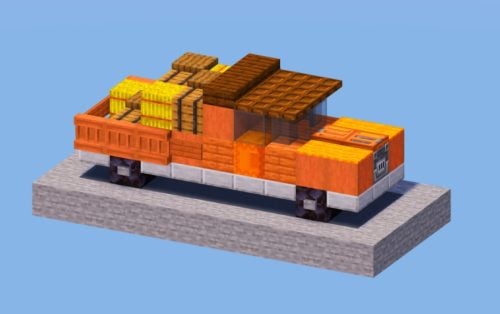 Orange Pick up Schematic (1.21.x) – Build a Stylish Modern Orange Truck
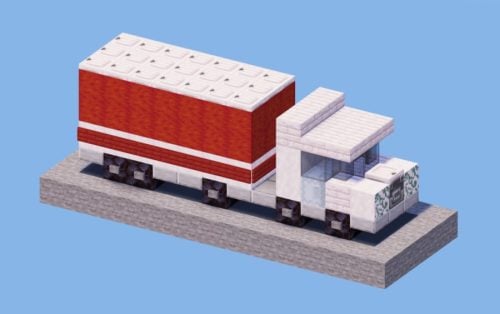 White and Red Truck Schematic (1.21.x) – Compact Modern Semi Truck Build
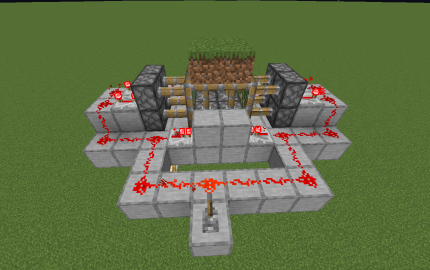 2×2 Ground Door Schematic (1.21.x) – Simple Hidden Floor Entrance for Minecraft
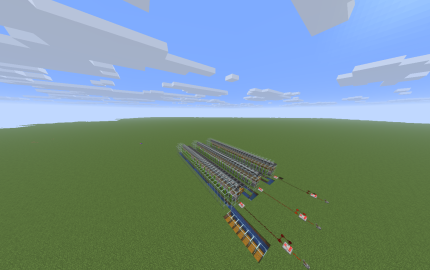 Bamboo Farm 2.0 Donut SMP Schematic (1.21.x) – Automatic High Yield Bamboo Farming System
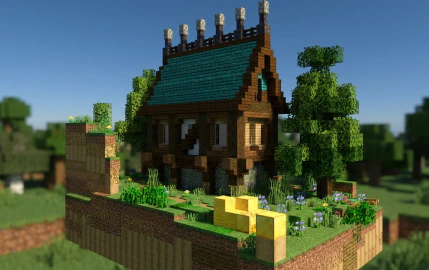 Medieval Village House Schematic (1.21.x) – A Cozy Medieval Home With Prismarine Roof
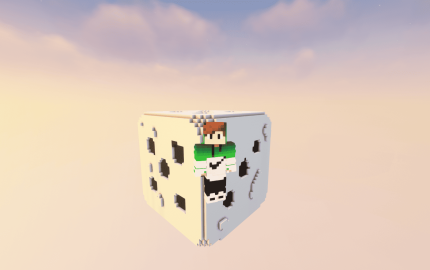 Given 3d Download Schematic (1.19.x) – Detailed 3D Fantasy Statue Schematic for Minecraft

This post has no comments yet. Be the first — your comment will appear here.