


Mods Optimizer Mod (1.21.11, 1.20.1) – Automatic Mod Folder Cleaner and Classifier

 0
0 

Mods Optimizer Mod is a Minecraft utility mod that automatically cleans and organizes your mods folder.
Features:
- Removing duplicate mod versions
- Renaming or moving incompatible client-only mods from the server
- Classifying mods into client-side, server-side, or both
How It Works
- Scans all .jar files inside the mods folder
- Reads metadata from:
- mods.toml
- fabric.mod.json
- quilt.mod.json
- META-INF/MANIFEST.MF
- Classifies each mod as:
- Client-only
- Server-only
- Both (default)
- If metadata is missing, uses an internal list of known mods to decide the classification
- On servers, client-only mods are renamed to: ???.client
- Detects and removes older versions of mods based on version numbers and patterns
Why This Mod Is Useful
- Many mods do not clearly state if they are client-side or server-side
- Some mods do not follow proper versioning
- Multiple versions in one folder can cause conflicts and crashes
- Mods Optimizer automates cleanup and classification, saving time for modpack creators and server owners
Custom Mod Classification
- You can override or extend classifications in:
- config/mods_optimizer/mods.toml
- Example:
[Mods]
ding = "client"
physicsmod = "client"
mousetweaks = "client"
client_side_mod_id = "client"
rubidium = "client"
server_side_mod_id = "server"
eatinganimation = "client"
- Available values:
- “client” → Loaded only on the client
- “server” → Loaded only on the server
- “default” → Loaded on both sides
Refreshing the Internal Mod List
- Delete:
- config/mods_optimizer/mods.toml
- Restart the game or server
- Mods Optimizer will re-scan all mods and generate a new configuration file
Difference From Adaptive Performance Tweaks (APT)
- APT mainly uses file name patterns to classify mods
- This can:
- Misclassify mods with irregular names
- Fail on non-standard version formats
- Ignore mod metadata
- Mods Optimizer instead:
- Reads real metadata from mods.toml, fabric.mod.json, quilt.mod.json, and MANIFEST.MF
- Works regardless of file naming convention
- Provides a more reliable and future-proof classification
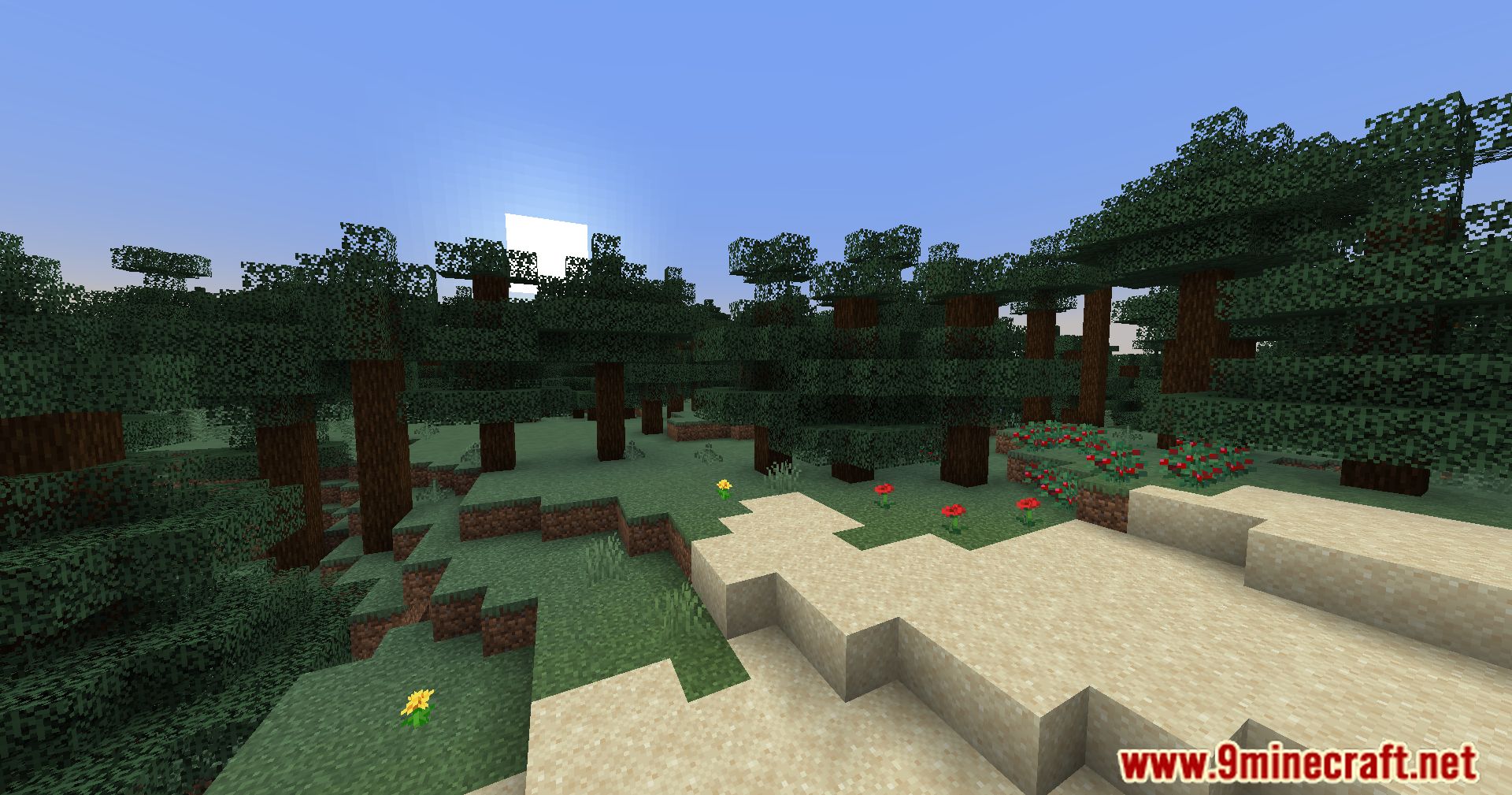
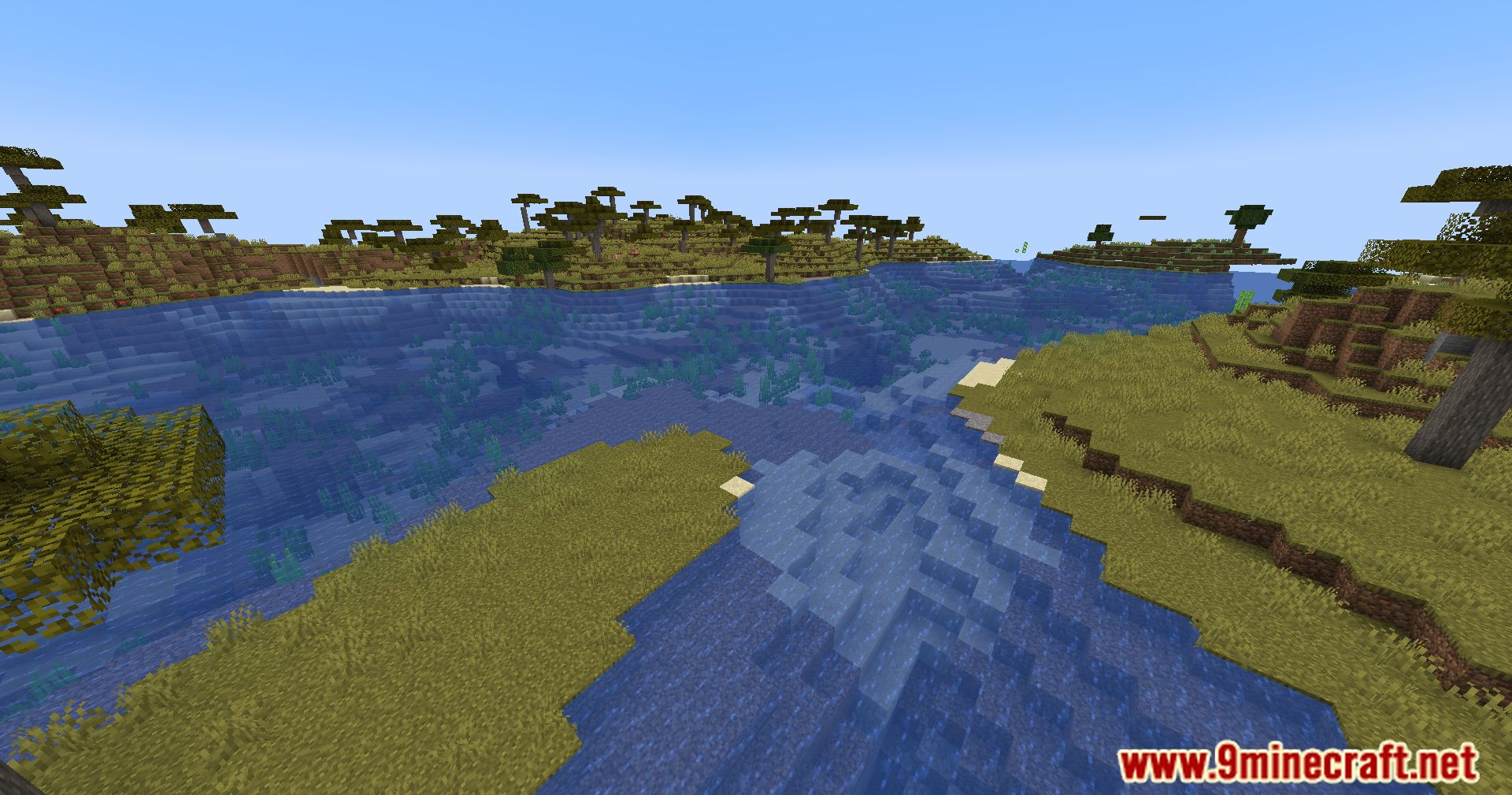
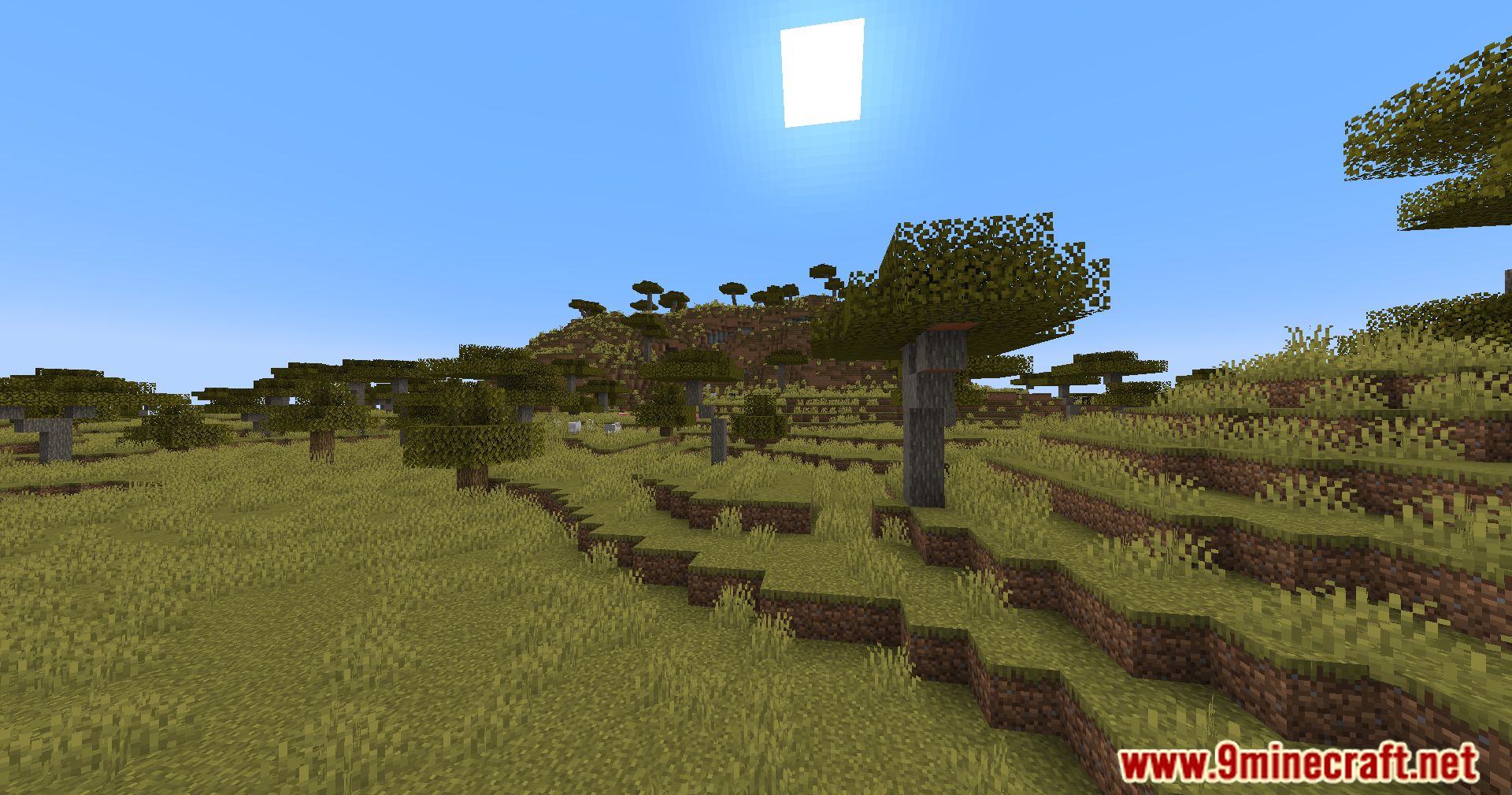
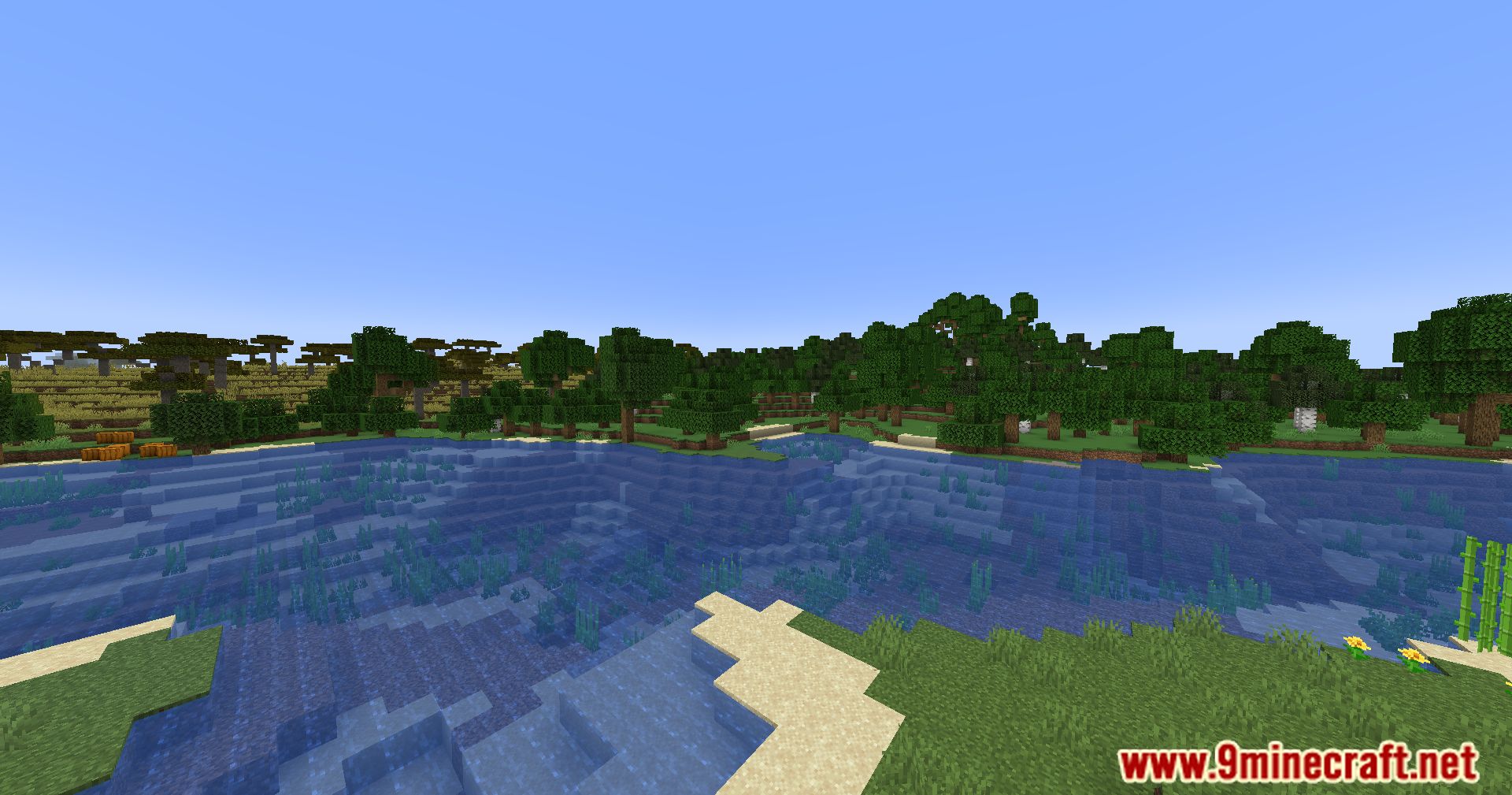
Screenshots:




How to Install:
New to Minecraft? Follow our step-by-step guide to install Mods on your PC.View Guide
Requirements:


Mods Optimizer Mod Download Links
For Minecraft 1.21.11
For Minecraft 1.21.10, 1.21.9
For Minecraft 1.21.8, 1.21.7, 1.21.6
For Minecraft 1.21.5
For Minecraft 1.21.4
For Minecraft 1.21.3, 1.21.2
For Minecraft 1.21.1, 1.21
For Minecraft 1.20.6
For Minecraft 1.20.4
For Minecraft 1.20.3
For Minecraft 1.20.2
For Minecraft 1.20.1, 1.20
For Minecraft 1.20
For Minecraft 1.19.4
For Minecraft 1.19.3
For Minecraft 1.19.2
For Minecraft 1.19.1
For Minecraft 1.19
For Minecraft 1.18.2
Click to rate this post!
[Total: 0 Average: 0]
You May Also Like









This post has no comments yet. Be the first — your comment will appear here.