
Newb Cubexa Shader (26.x, 1.21) – Custom Space Skyboxes and End Cubemaps
 144
 0

Newb Cubexa Shader transforms the atmosphere of your world by adding custom skyboxes and outer space environments to Minecraft Bedrock. It brings realistic clouds, colorful sunsets, and glowing starry nights to your sky. When paired with Newb Shader, it lets you explore cinematic visuals with unique celestial bodies and a custom End dimension.

Features:
- Adds customizable skyboxes and cubemaps to your world.
- Brings detailed starry skies and glowing celestial bodies.
- Features a unique black hole sky in The End dimension.
- Provides realistic clouds and vibrant sunsets.
- Offers a cinematic, space-themed visual style.
Screenshots:


How to Install:
New to Minecraft PE? Follow our step-by-step guide to install Shaders on your Mobile.View Guide
Requirements:
Newb Shader Required
Newb Cubexa Shader Download Links
For MCPE/Bedrock 26.x, 1.21.x
Click to rate this post!
[Total: 0 Average: 0]
You May Also Like
Picked for this page
 Newb X RTX Shader (1.26+) – Support RenderDragon
 Newb X Stars Shader (1.26+) – New Shader for v26+
 Lunac Shader (1.26+) – MCPE/Bedrock
 Newb X Sapphire Shader (1.21.20+) – MCPE/Bedrock
 Newb Nostalgia Edition Shader (1.21.20+) – MCPE/Bedrock
 Newb X Daylight Shader (1.26+) – MCPE/Bedrock
 Newb X Flamingo Shader (1.26+) – Low-Resource Devices
 Newb X Stellar Vision Shader (1.21.20+) – For Low-End Phones
 Newb X Supervanilla (1.21) – MCPE/Bedrock
 Newb X Twilight Shader (1.21.20+) – MCPE/Bedrock
 Newb Reforged Shader (1.21.20+) – MCPE/Bedrock
 Newb X Cubic Reality Shader (1.21.20+) – For Low-End Devices
Most viewed in Shaders over the last 7 days
 Mirai Shader (1.26+) – Sharp Water Reflections and Volumetric Clouds
 Best Minecraft PE Shader for 1.26+ – Realistic and Lightweight For Low-End Devices
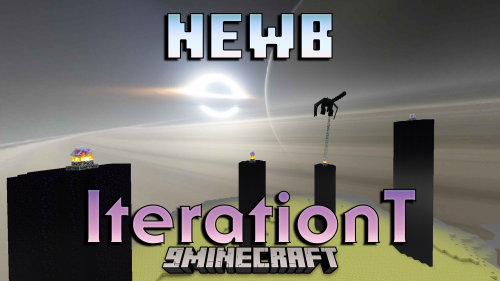 Newb X Iterationt Shader (1.26+) – Black Hole Skybox And Stylized Clouds
 Better Render Dragon (1.26+) – Add Shaders Back To Minecraft
- Newb X RTX Shader (1.26+) – Support RenderDragon
 MLYX Shader (1.21.50+) – MCPE/Bedrock
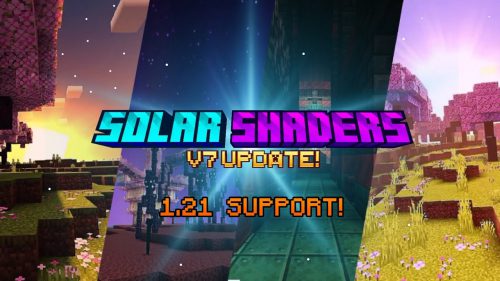 Solar Shader (1.26+) – Support BetterRenderDragon
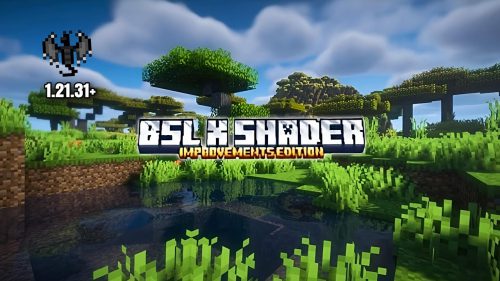 BSL X Improvement Shader (1.21.31+) – MCPE/Bedrock
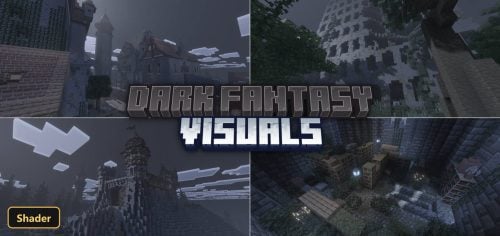 Dark Fantasy Visuals (26+, 1.21) – MCPE/Bedrock Shader
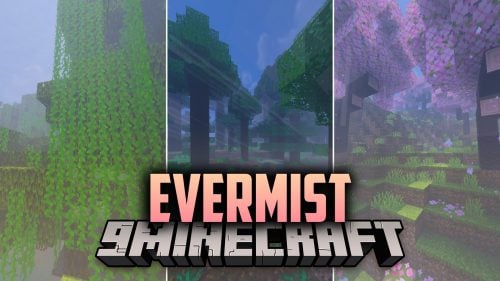 Evermist Shader (26.x, 1.21) – Realistic Clouds and Crystal Clear Water
 Auren Visuals Shader (26.x) – Warm PBR Lighting and Reflective Water
 Newb X Dawn Shader (1.26+) – RenderDragon, All Devices
More from Shaders
 Atmospheric Fog+ Shader (26.x) – Custom Biome Mist Tints on Any Mobile
 Baku X RTX Shader (26.x, 1.21) – Cinematic Sunlight and Soft Water Caustics
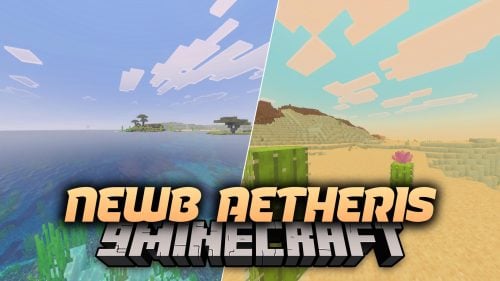 Newb Aetheris Shader (26.x) – Vibrant Lighting and Smooth Water for Bedrock
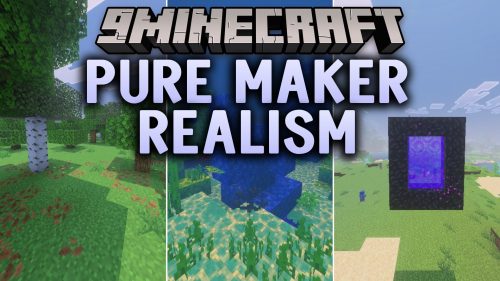 PURE MAKER REALISM Shader (26.x) – Realistic Rain and Cosmic Night Sky on Mobile
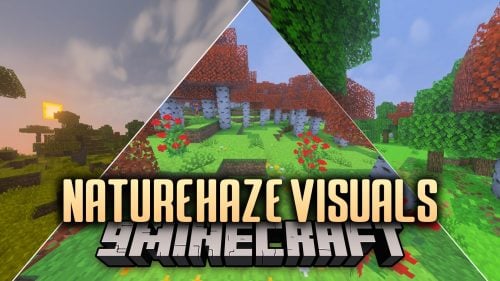 NatureHaze Visuals Shader (26.x, 1.21) – Volumetric God Rays and Shadow-Synced
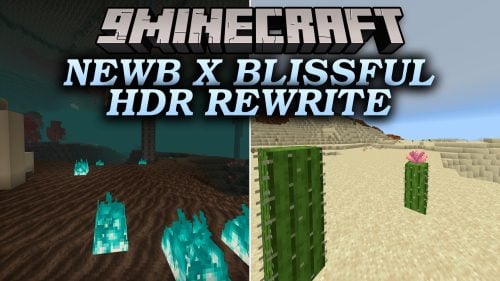 Newb X Blissful HDR Rewrite Shader (26.x) – Rich HDR Tonemapping and Soft
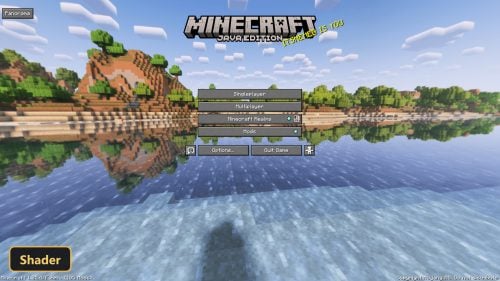 pack.png Panorama with (26+, 1.21) – MCPE/Bedrock Shader
 Solstice Visual (26+, 1.21) – MCPE/Bedrock Shader
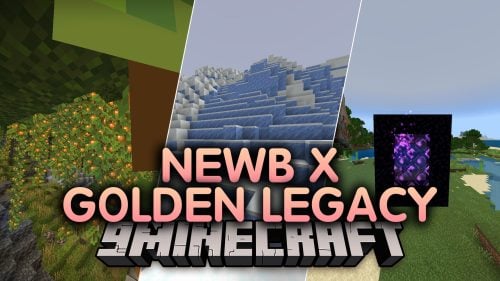 Newb X Golden Legacy Shader (26.x) – Emissive Ores and Warm Sunlight on Bedrock
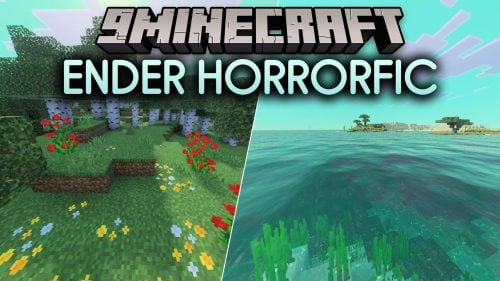 Ender Horrorfic Shader (26.x, 1.21) – Dense End Fog and Dark Lighting on Bedrock
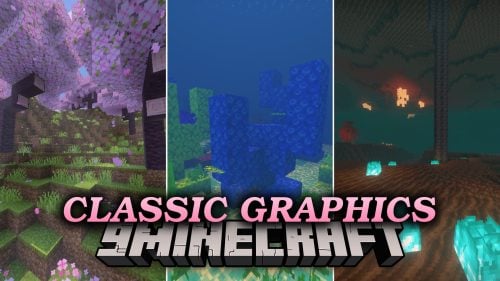 Classic Graphics Shader (26.x) – Beta Lighting and Emissive Textures on Bedrock
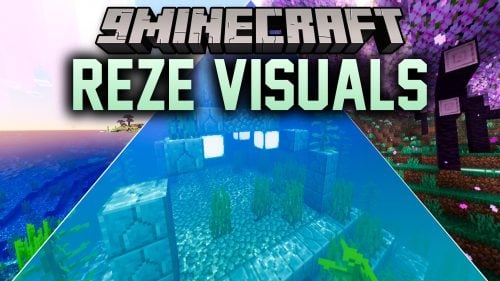 Reze Visuals Shader (26.x, 1.21) – PBR Materials and Realistic Water Reflections

This post has no comments yet. Be the first — your comment will appear here.