


Obelisk Frontline Visuals – IGS Resource Pack (1.20.1)

 0
0 

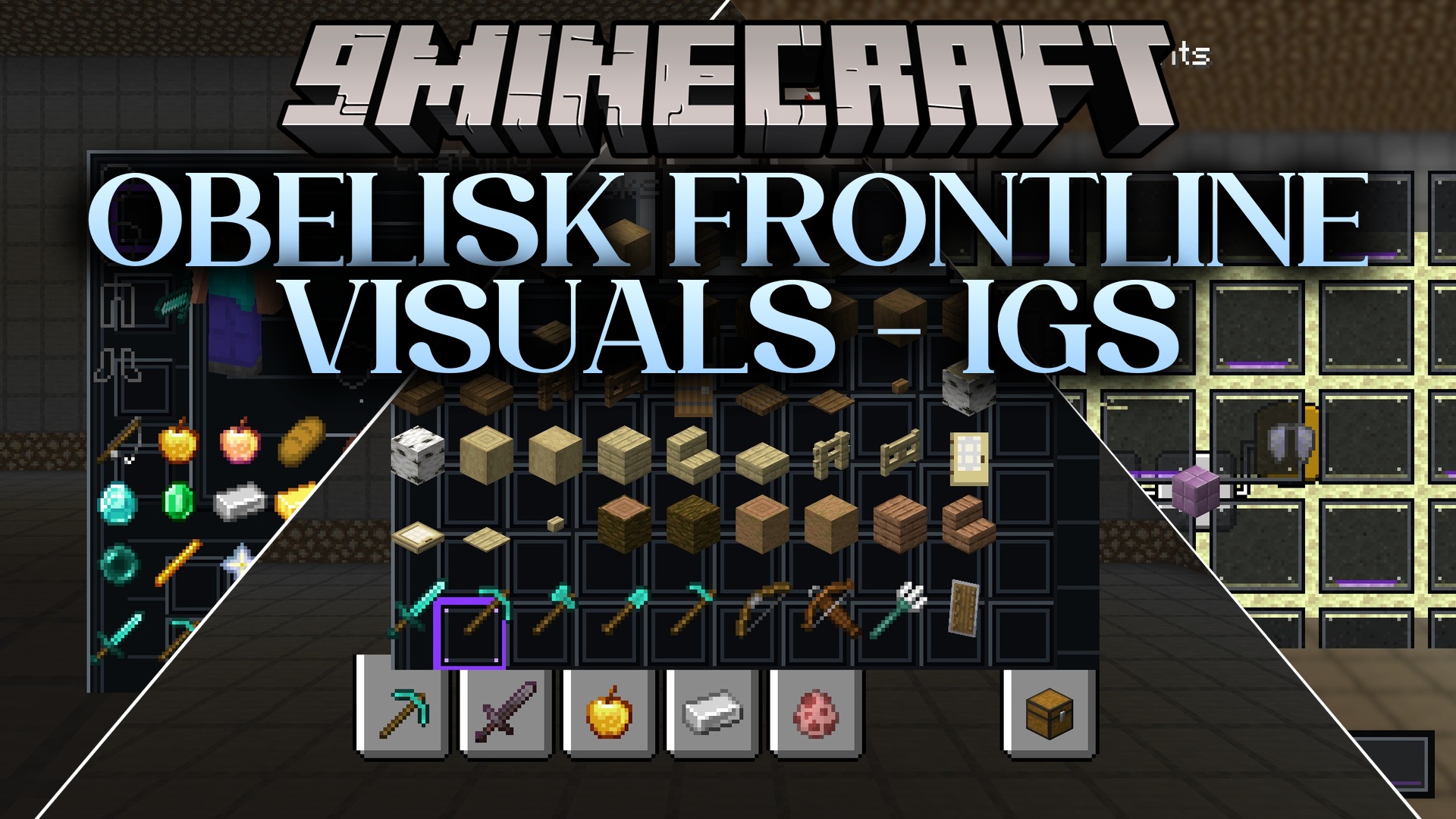
Obelisk Frontline Visuals – IGS Resource Pack transforms the look of your menus into a dark, tactical survival interface. This pack replaces the bright vanilla screens with worn industrial materials and muted metal tones. It brings a post-apocalyptic science-fiction style to your game while keeping all buttons and text easy to read. You can use it as a standalone visual upgrade or pair it with military survival setups.
Features:
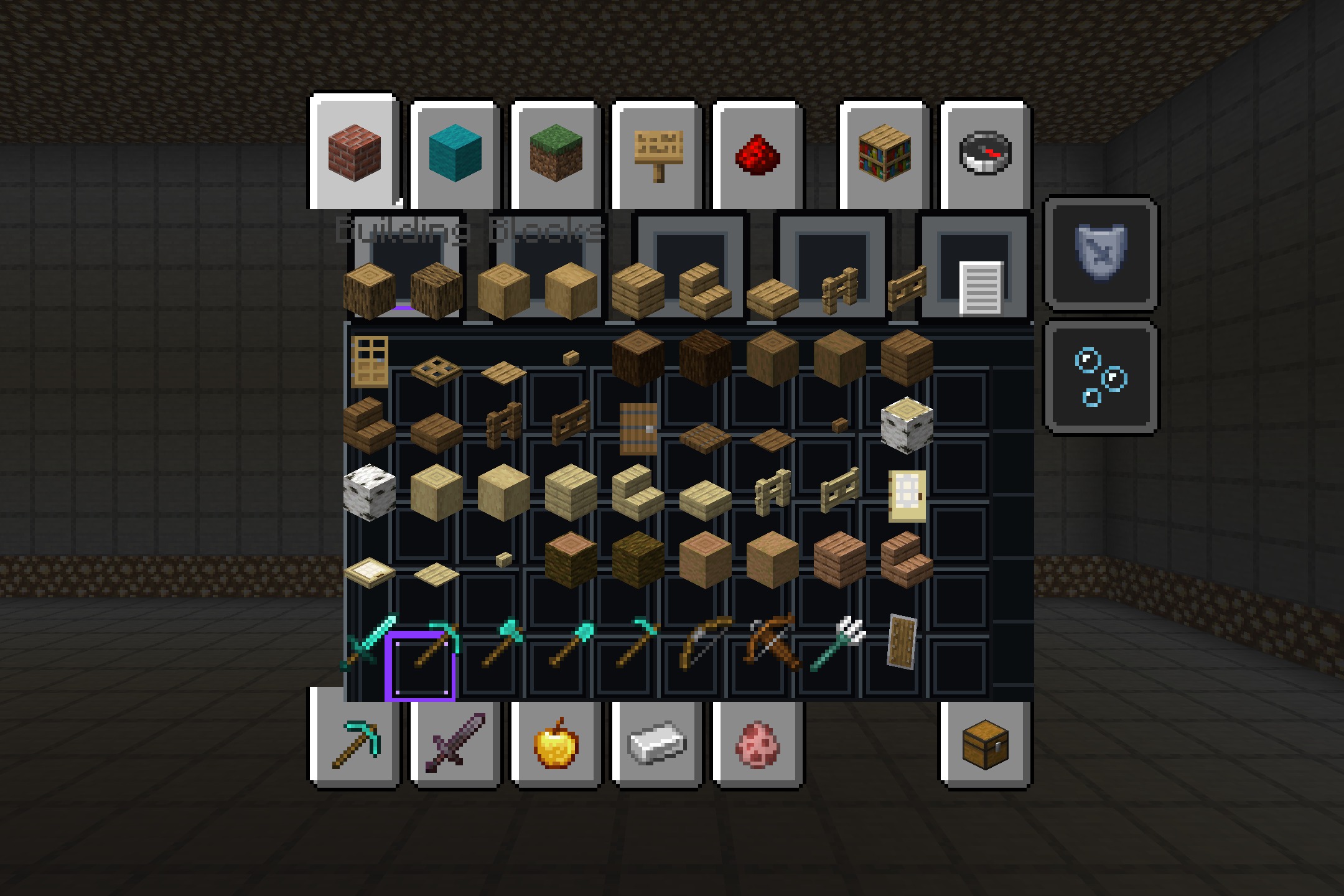
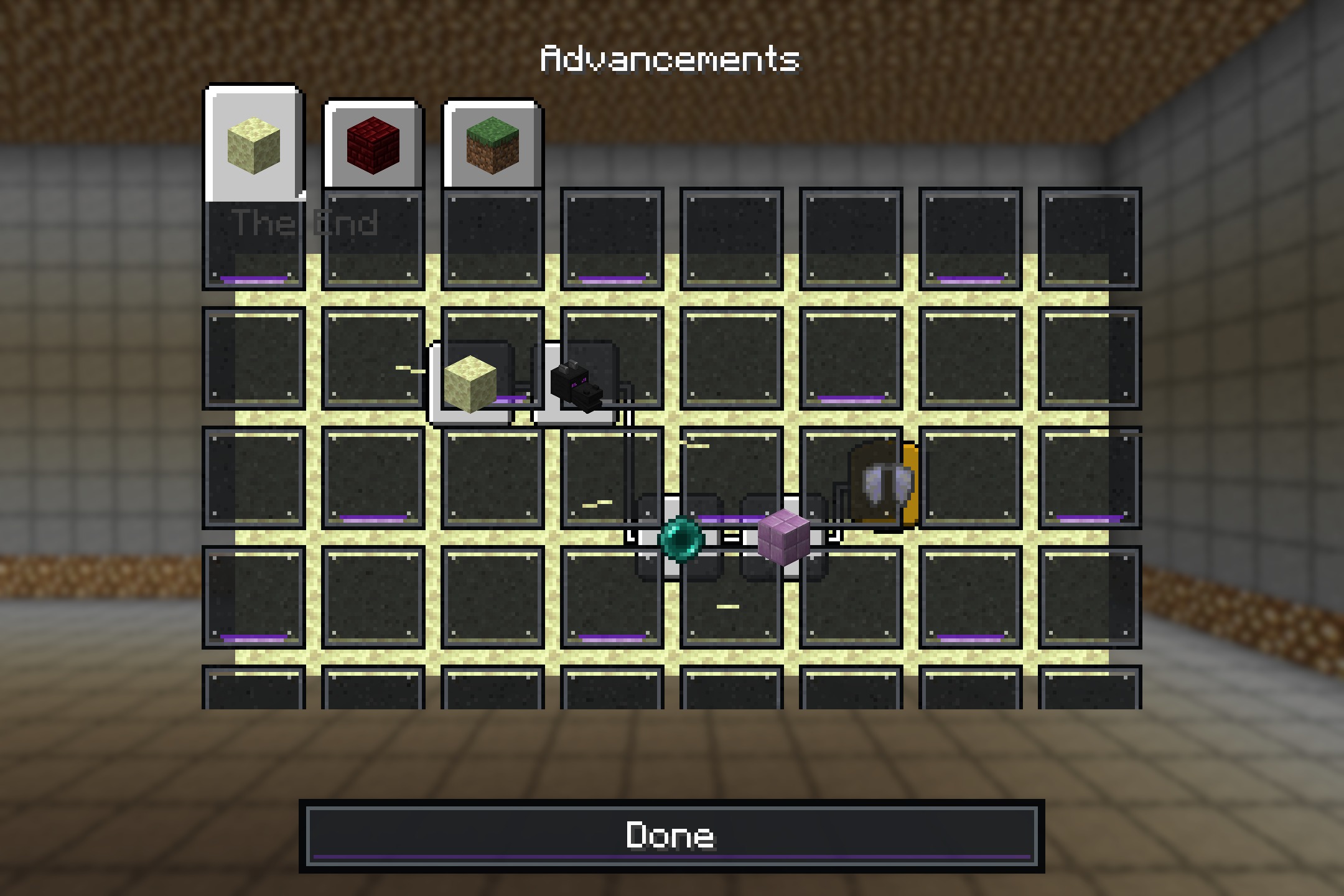
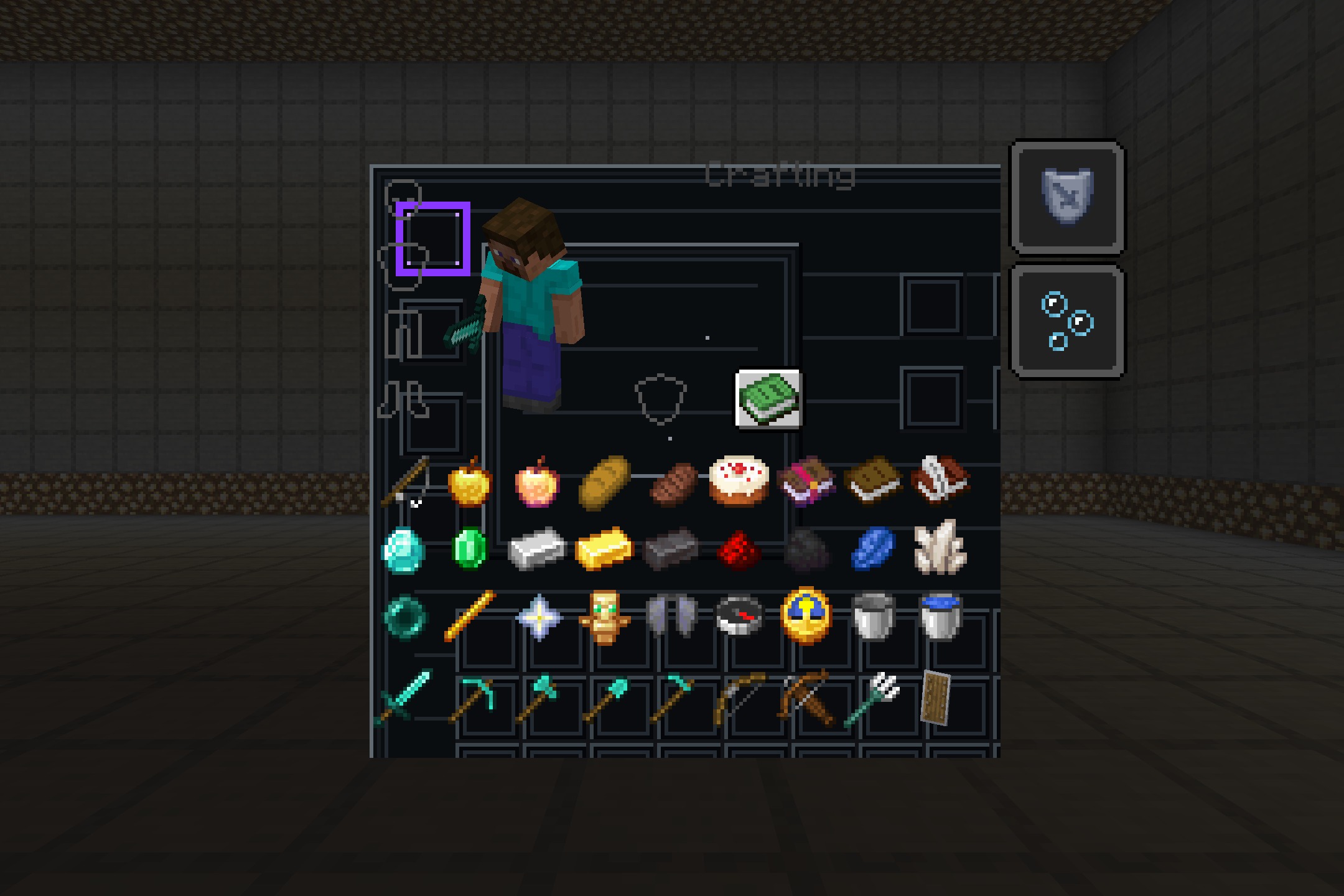
- Transforms your inventory screens into a dark tactical design.
- Adds worn metal textures and scratched surfaces to all menu panels.
- Highlights active slots and buttons with a subtle purple glow.
- Updates the hotbar visuals to look like abandoned military equipment and industrial machinery.
- Cleans up tooltip presentation so item descriptions stay easy to read against the dark background.
- Replaces vanilla buttons with tactical versions that show clear hover effects.
- Keeps all slot boundaries visible so you can sort items in the dark.
Visual Themes:
- Brings the look of damaged control systems and emergency interfaces to your screen.
- Uses muted metal tones and dark panels with worn edges.
Best Used With:
- Post-apocalyptic and military survival worlds.
- Dark science-fiction and horror experiences.
- Players who prefer a darker UI over the bright default screens.
Screenshots:
How to Install:
New to Minecraft? Follow our step-by-step guide to install Resource Packs on your PC.View Guide
Obelisk Frontline Visuals Download Links
For Minecraft
1.20.x
All Versions Covered
1.20.1
1.20
All Versions Covered
1.20.1
1.20
Click to rate this post!
[Total: 0 Average: 0]
You May Also Like



This post has no comments yet. Be the first — your comment will appear here.