


Obsidian Network Interface Resource Pack (1.21.1) – Sleek Dark Aesthetic
 0
0
 0
0

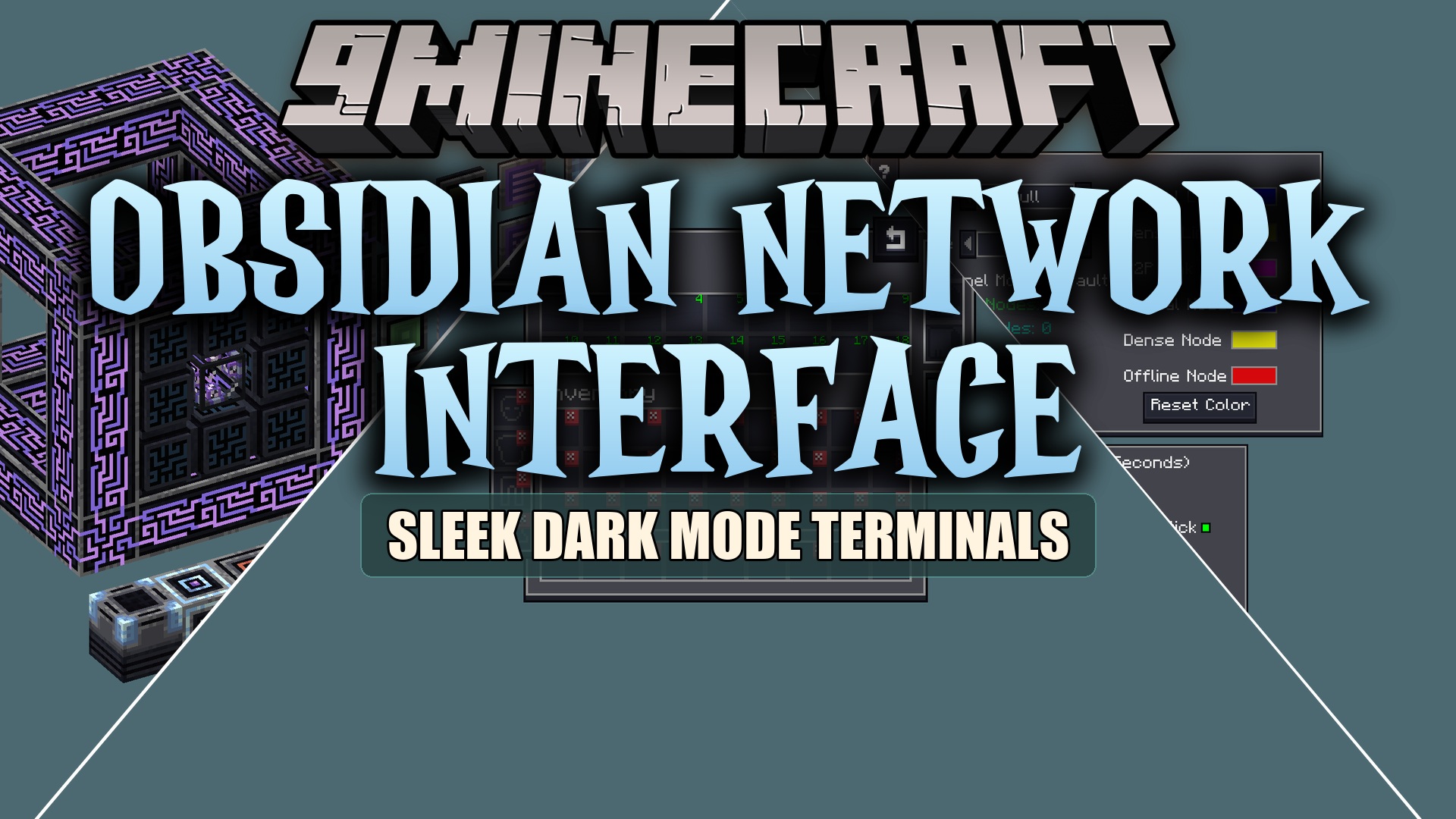
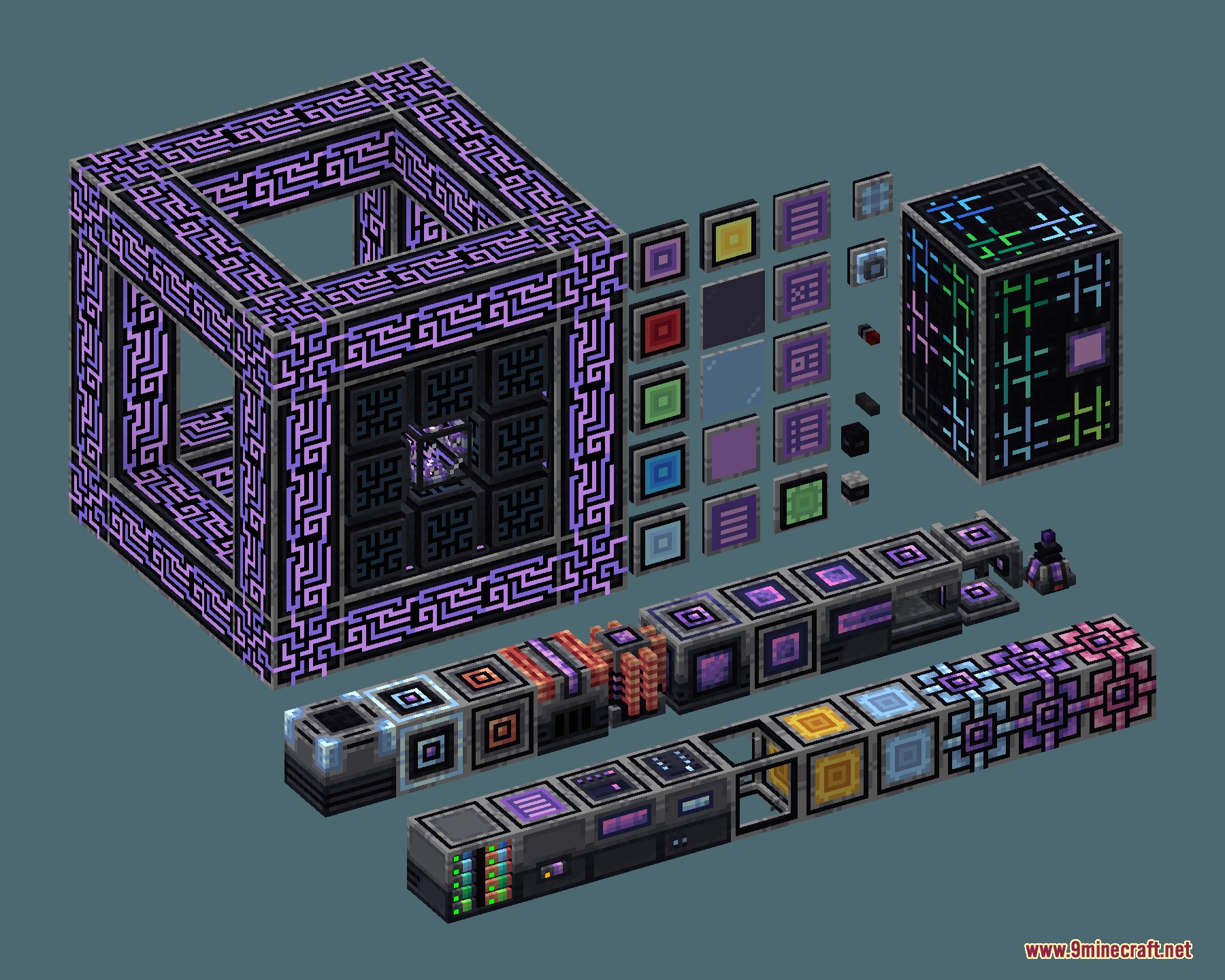
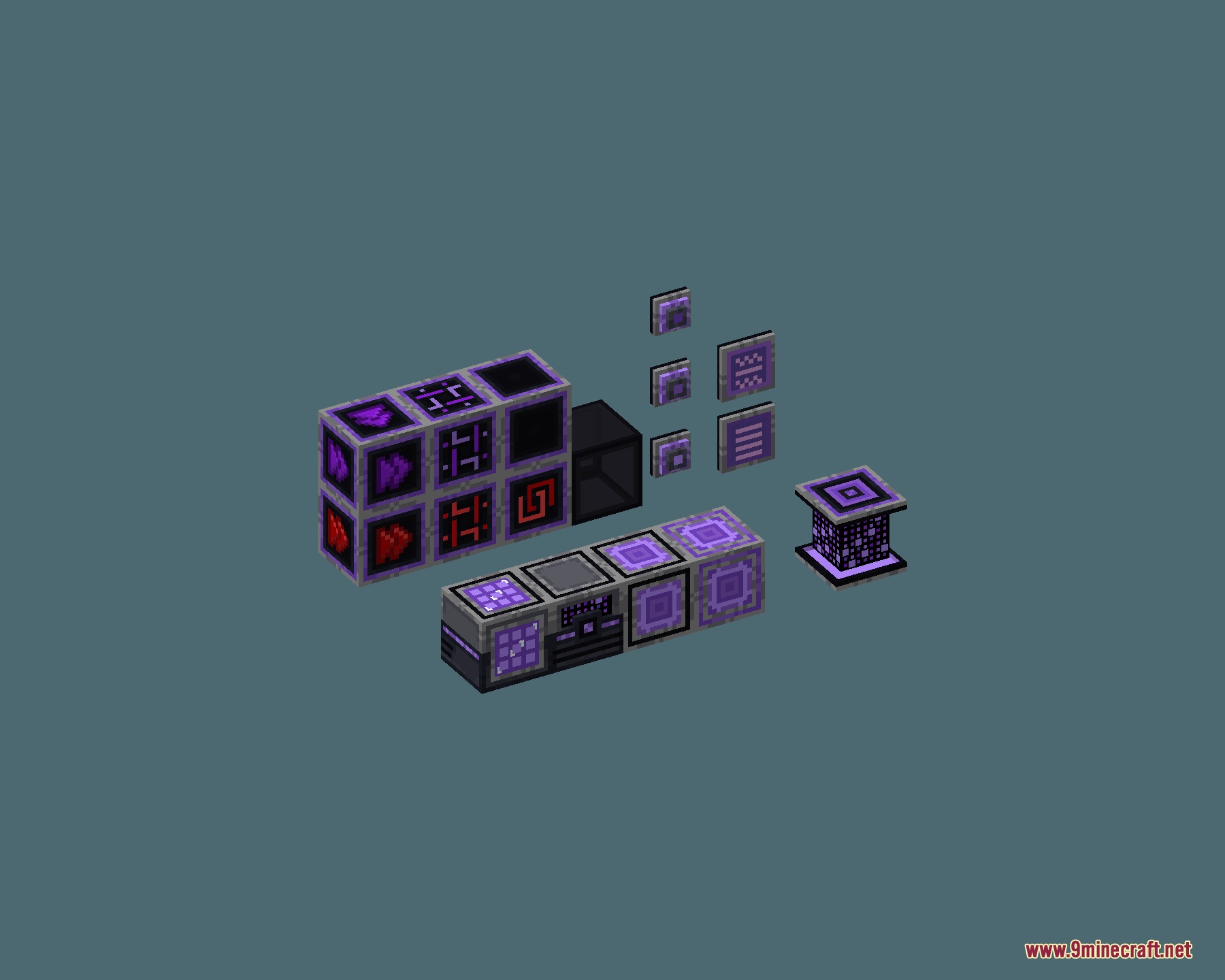
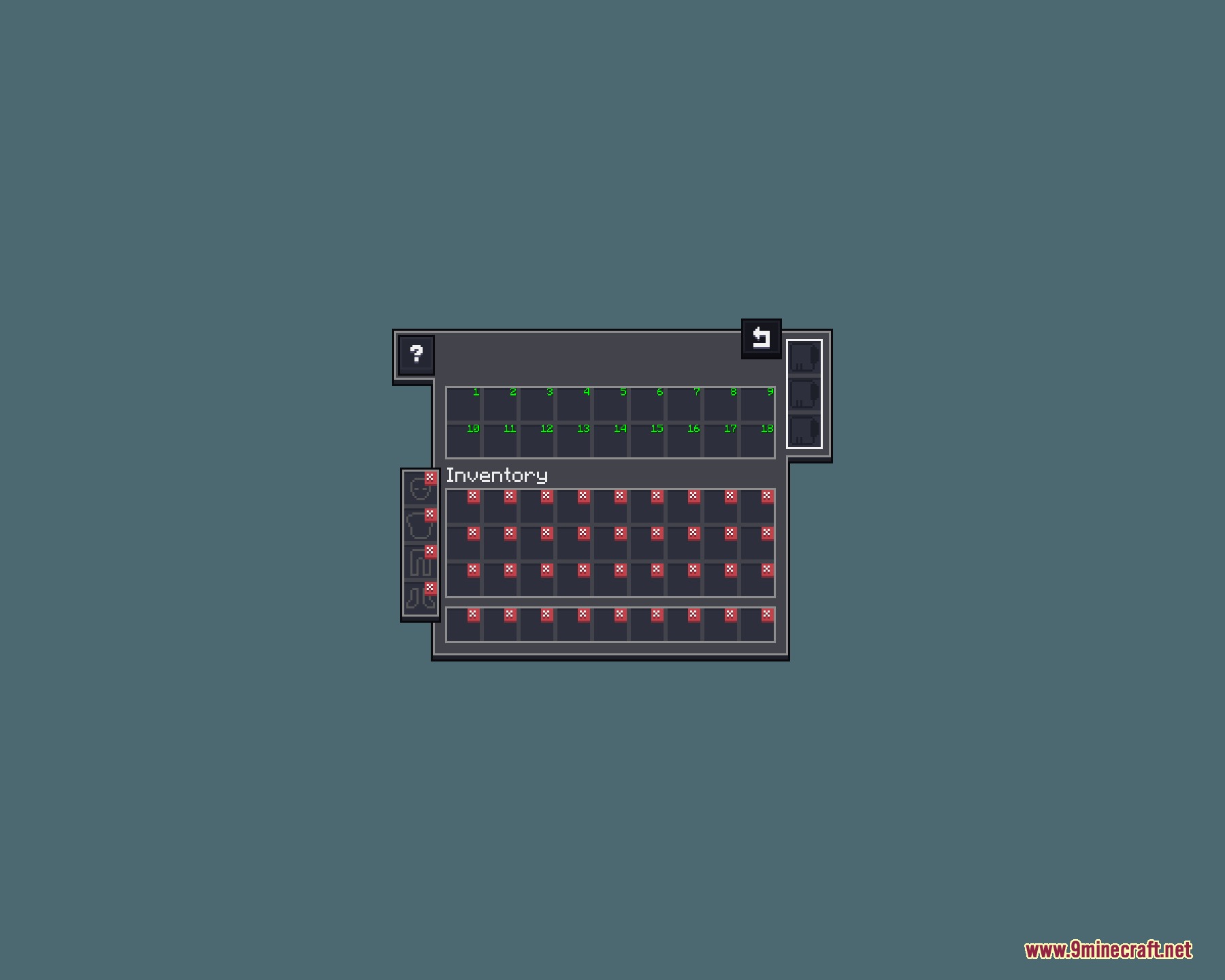
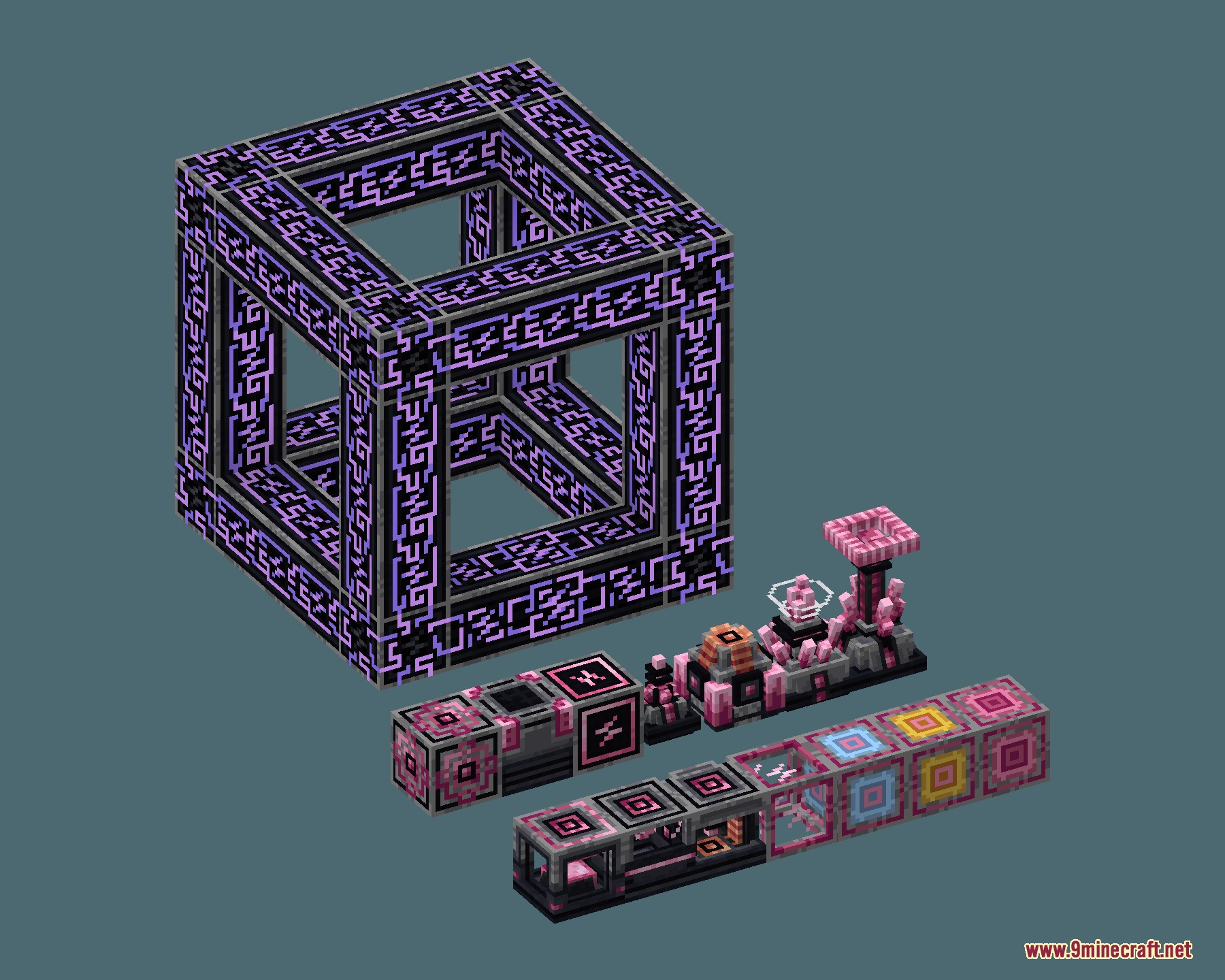
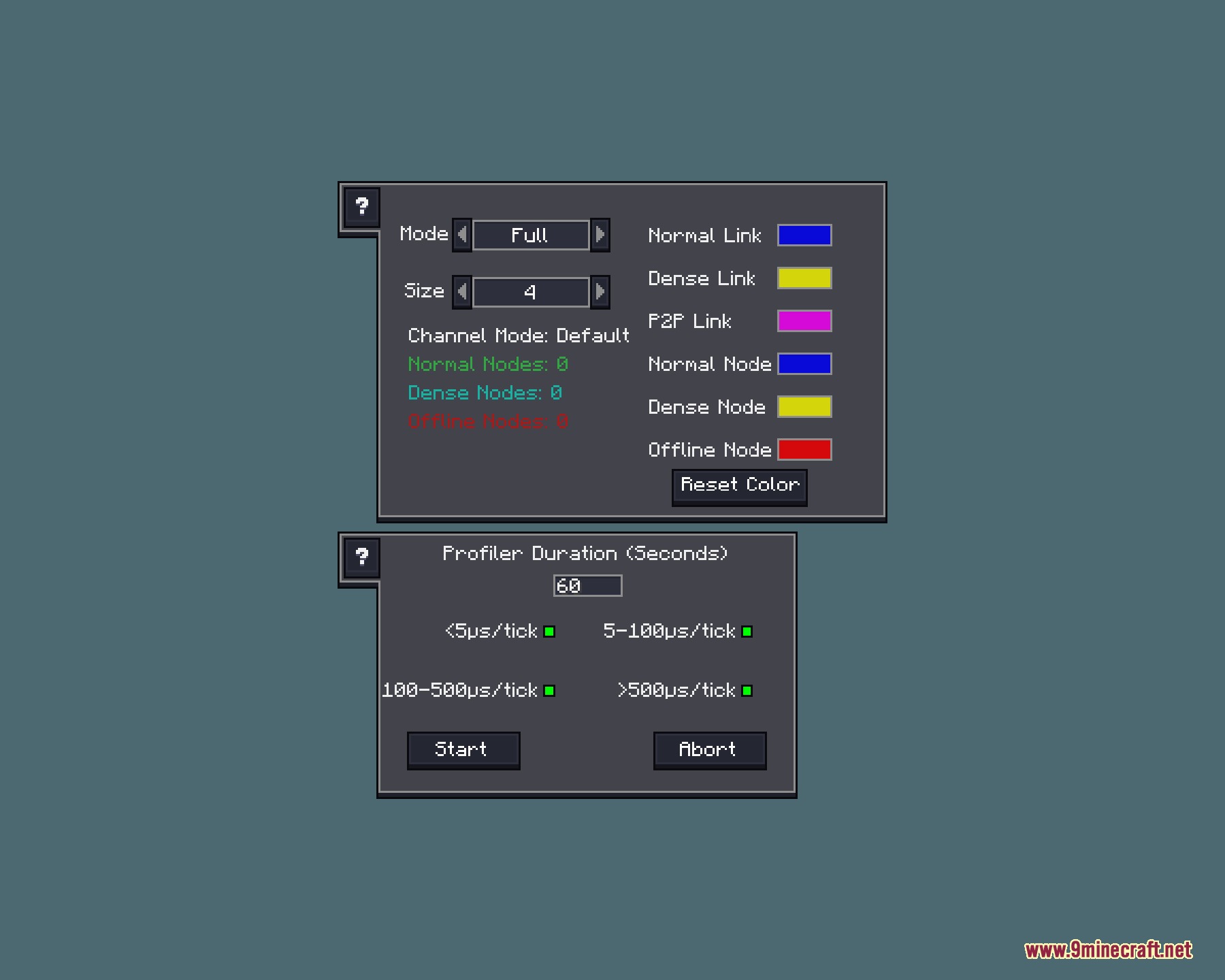
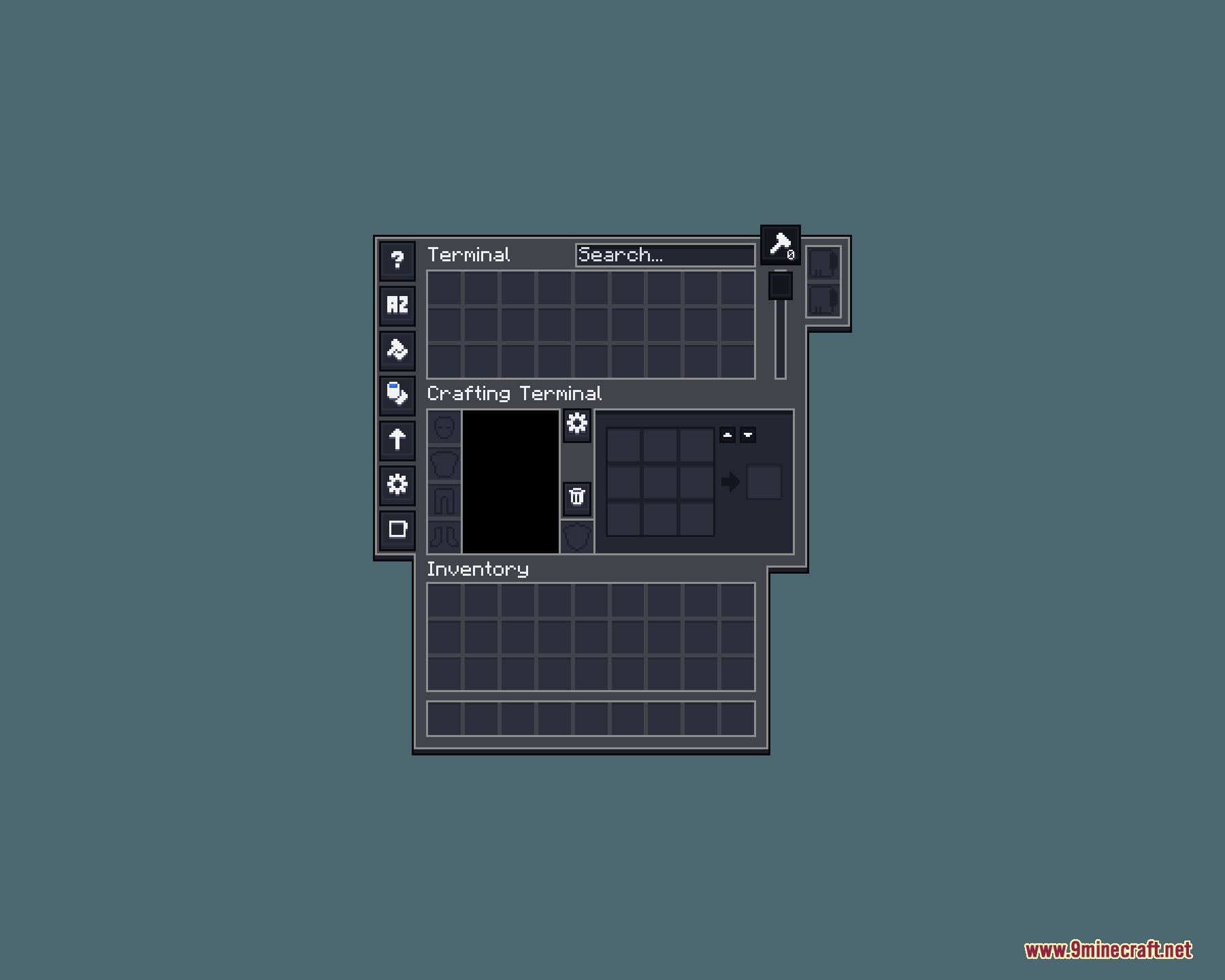
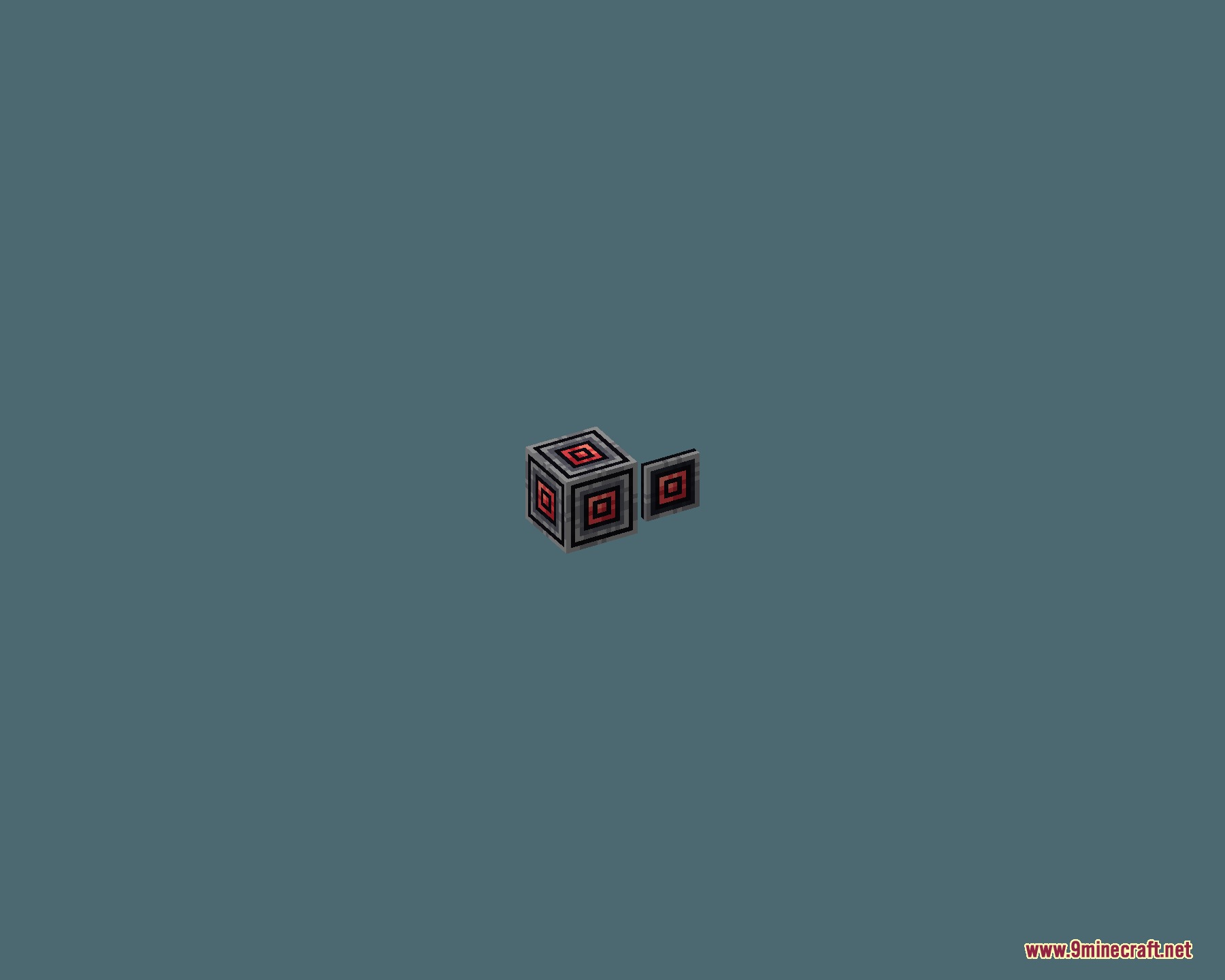
Obsidian Network Interface Resource Pack reskins the bright menus of Applied Energistics 2 into a clean dark mode theme. This pack replaces standard gray and white interfaces with deep, darker panels that are easy on your eyes. It covers main storage terminals, crafting screens, and network monitors across your tech setups. The pack also styles menus from dozens of popular AE2 addon mods to keep everything looking unified.
Features:
- Changes bright vanilla-style AE2 interfaces into sleek dark panels.
- Reduces eye strain when managing complex storage grids and crafting setups.
- Maintains clear item icons and readable text against darker background slots.
- Styles wireless terminals and handheld tools with matching dark visuals.
- Supports a large collection of popular community addon mods.
Supported Addons:
- Advanced AE and Extended AE
- AE2 Import Export Card, AE2 Lightning Tech, and AE2 Network Analyser
- AE2 Wireless Terminals, Applied Experienced, Applied Flux, and Applied Generators
- Applied History, Applied Pneumatics, Applied Soul, and AppliedE
- Ars Énergistique, Bigger AE2, and Expanded AE
- Fullblock Energistics and Growth Accelerator Tiers
- ME Beam Former, ME Requester, MEGA Cells, and OMNI Cells
- Replication AE2 Bridge
Screenshots:
How to Install:
New to Minecraft? Follow our step-by-step guide to install Resource Packs on your PC.View Guide
Obsidian Network Interface Resource Pack Download Links
For Minecraft
1.21.x
All Versions Covered
1.21.1
1.21
All Versions Covered
1.21.1
1.21
Click to rate this post!
[Total: 0 Average: 0]
You May Also Like






This post has no comments yet. Be the first — your comment will appear here.