
Off Hand Combat Mod (1.20.4, 1.20.1) – Fight Mobs with Balanced Dual Wielding
 12,063
 0

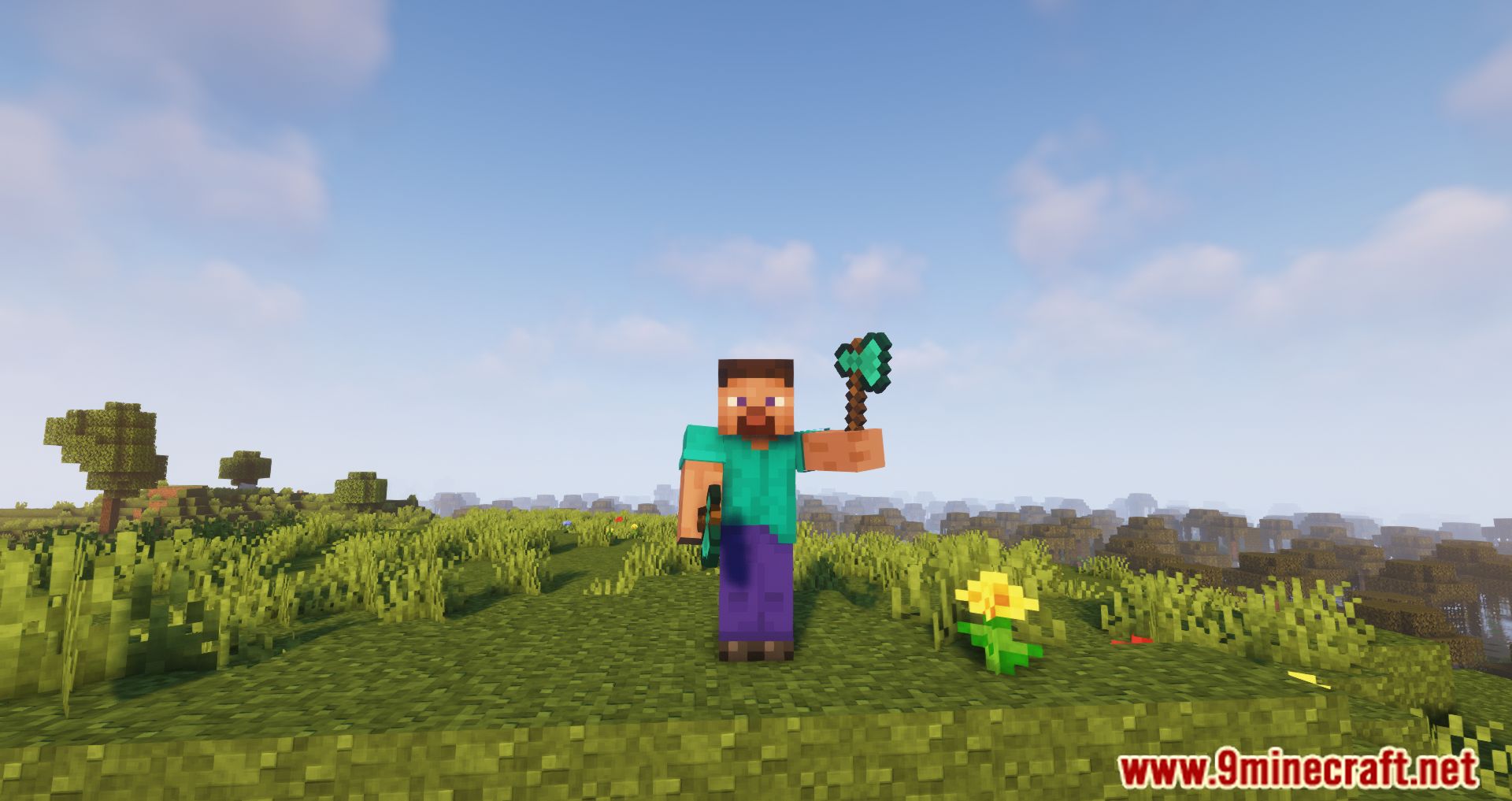
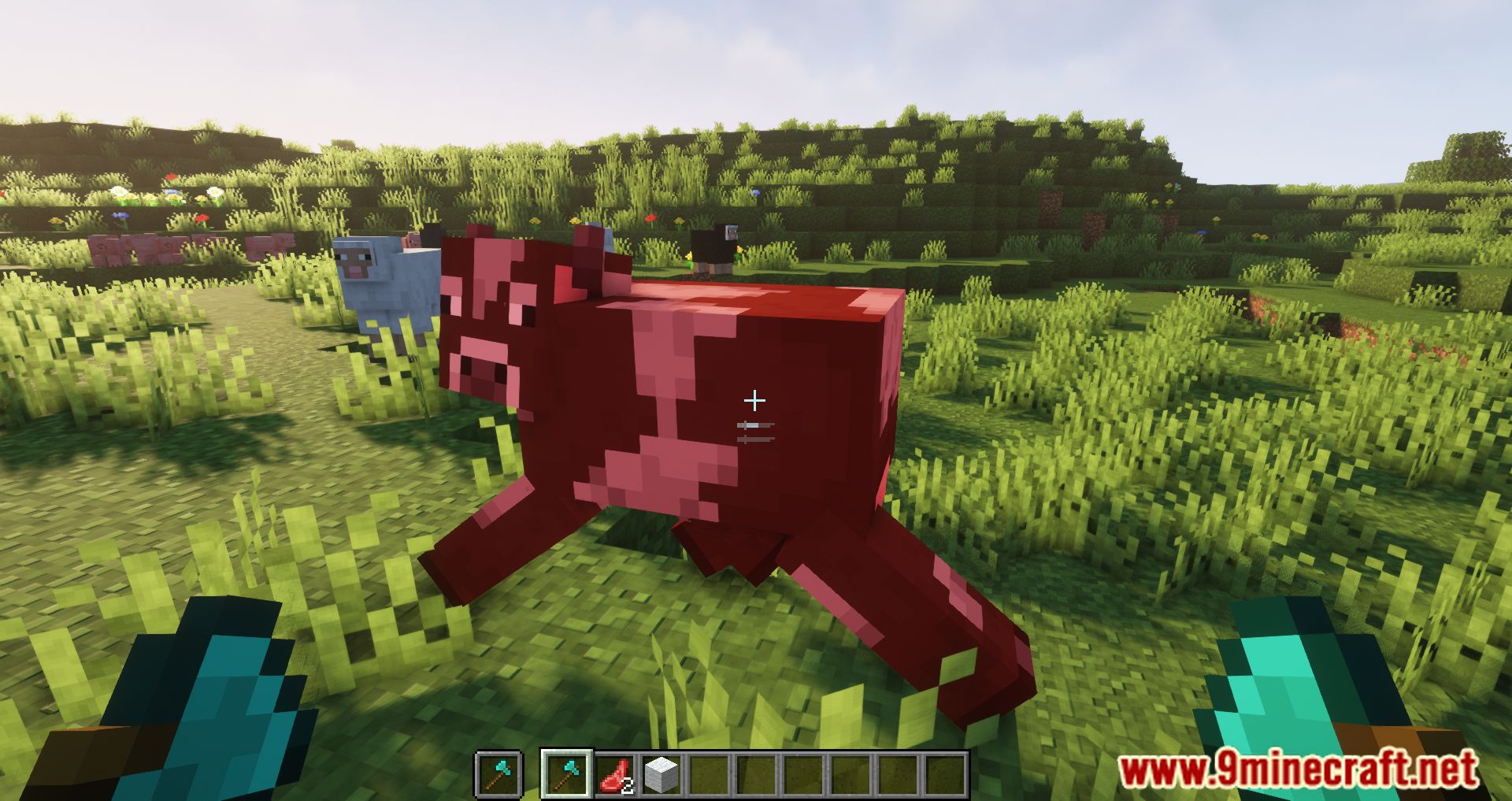
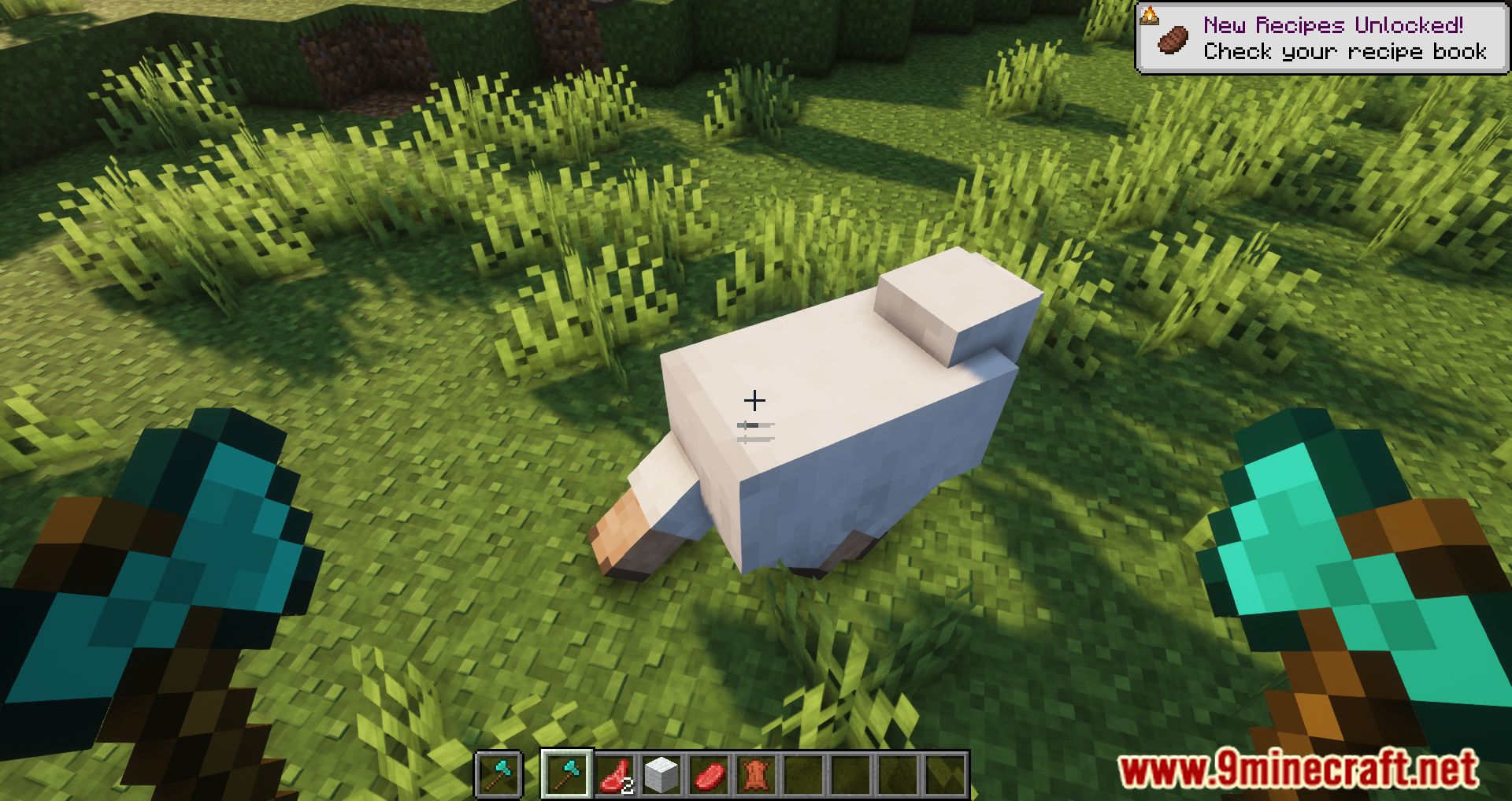
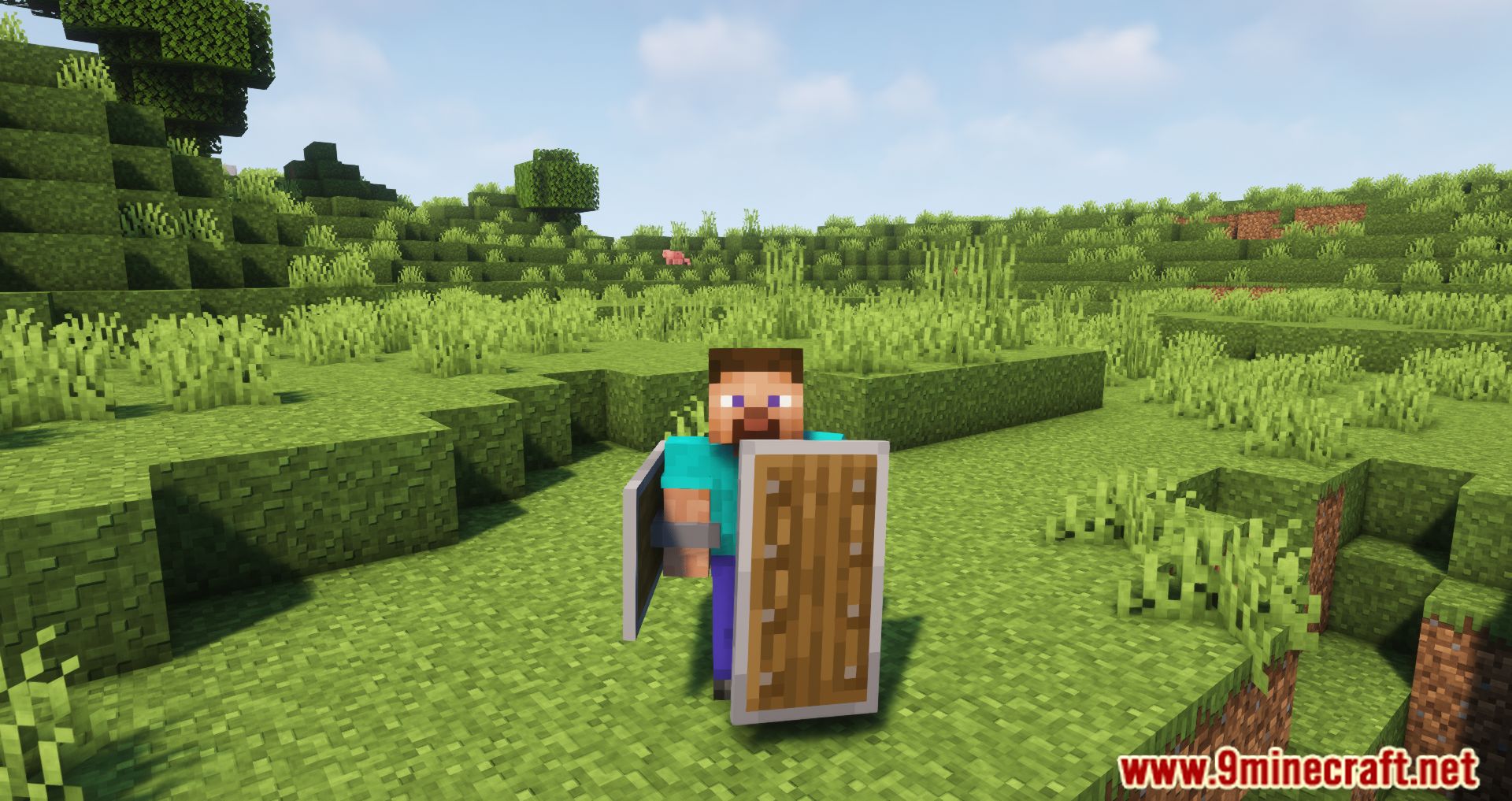
Off Hand Combat Mod lets you use swords, tools, bows, crossbows, tridents, and shields in your off-hand to improve PvP and PvE combat. It adds cool-down indicators and swing animations for both arms so dual-wielding feels natural. This mod swaps your off-hand weapon to your main-hand during an attack, which helps it work smoothly with most other mods. It tracks a separate cool-down timer for each hand based on your attack speed and keeps fights fair by placing a half cool-down on the opposite hand after each swing. Only players can use this feature, not other mobs.

Features:
- Lets you fight with swords and tools in your off-hand for both PvP and PvE combat.
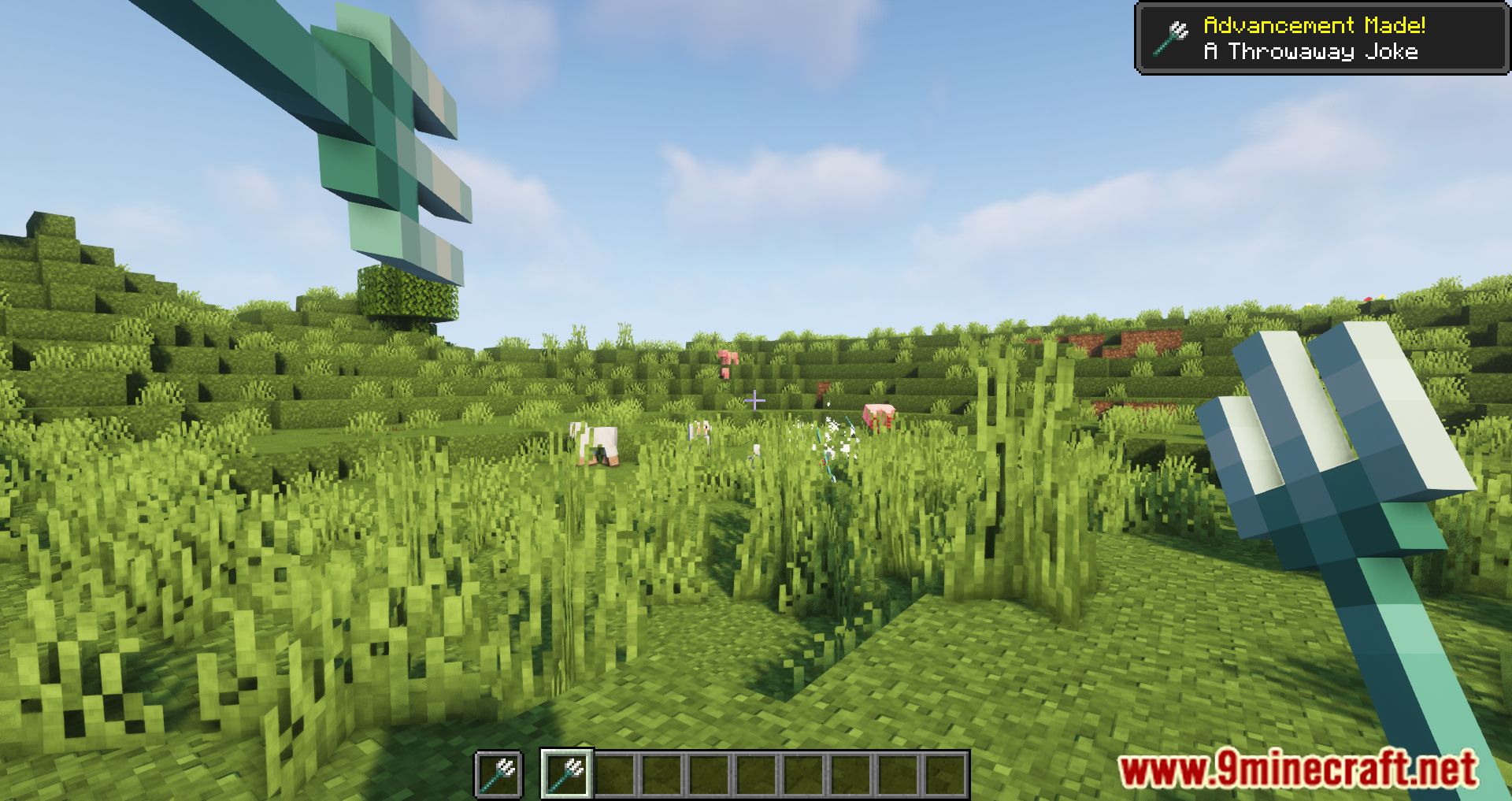
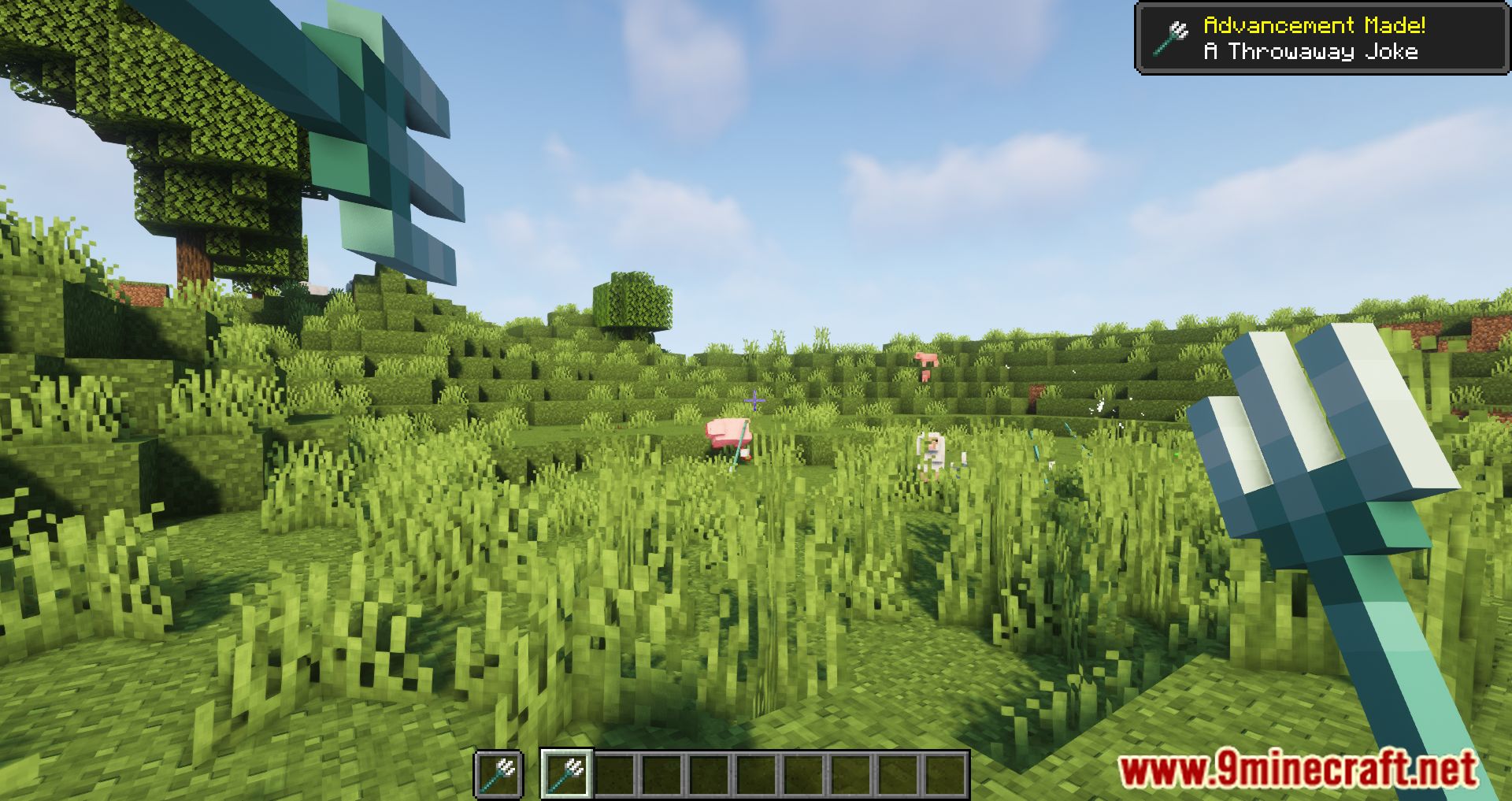
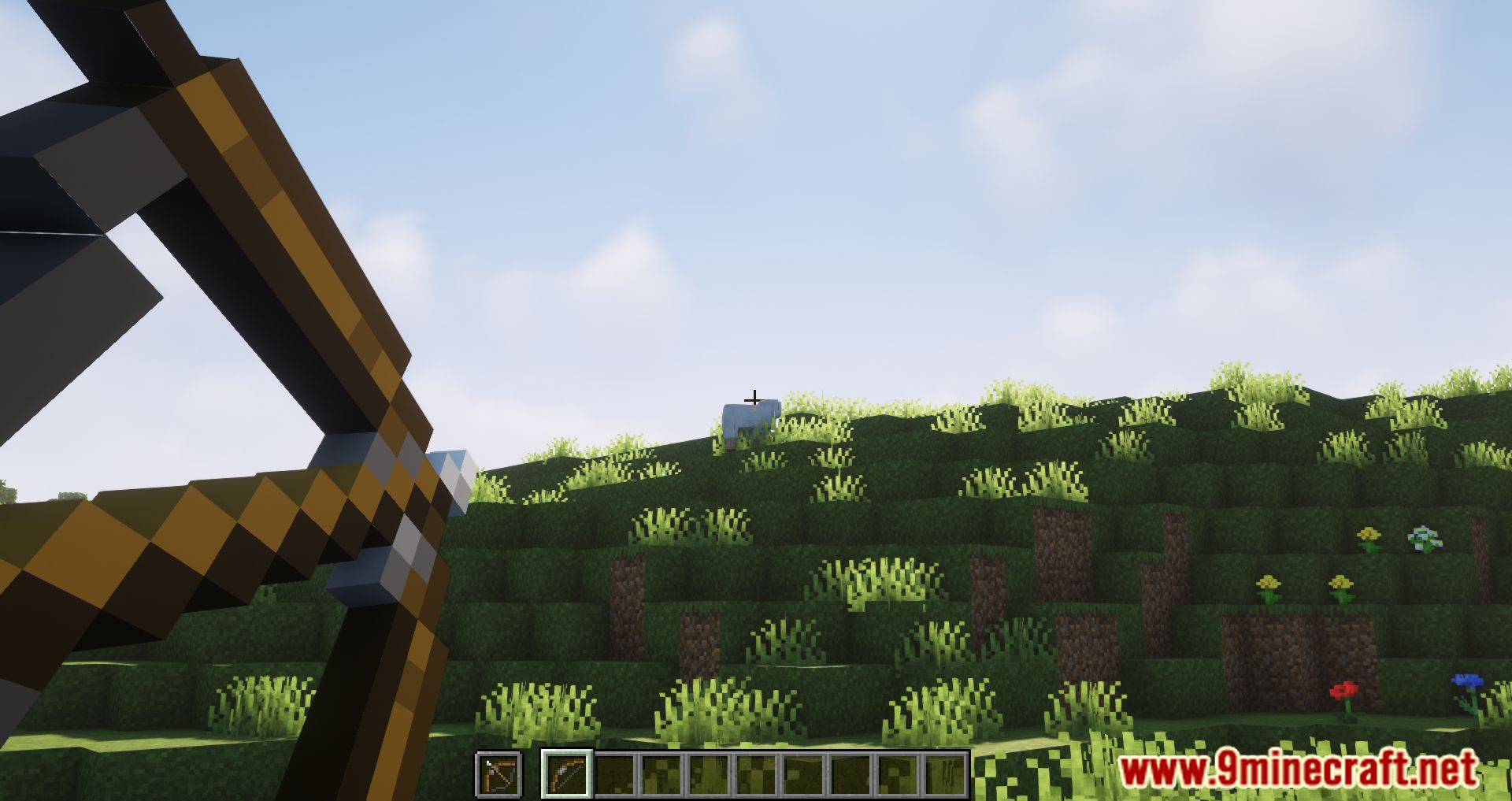
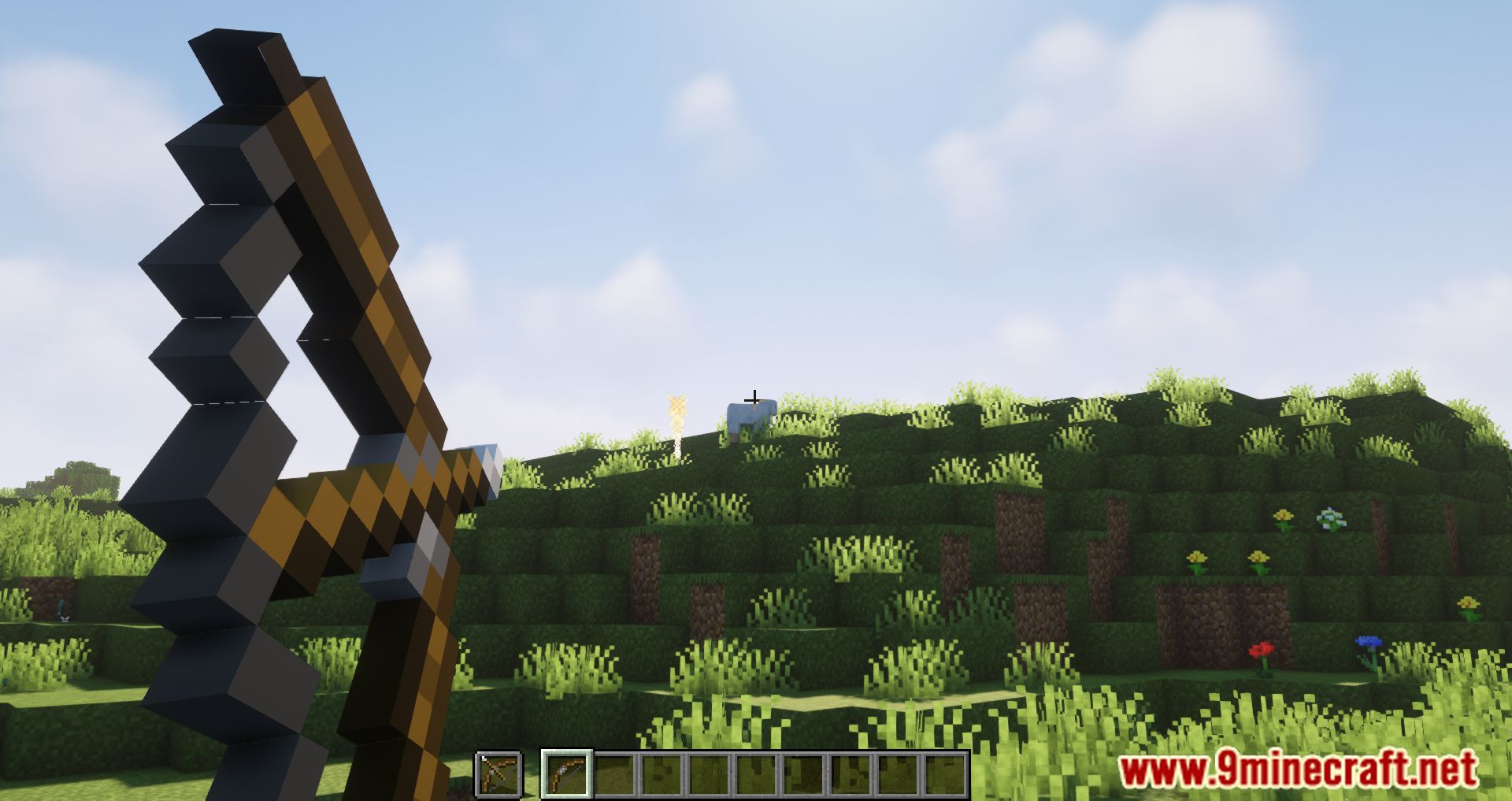
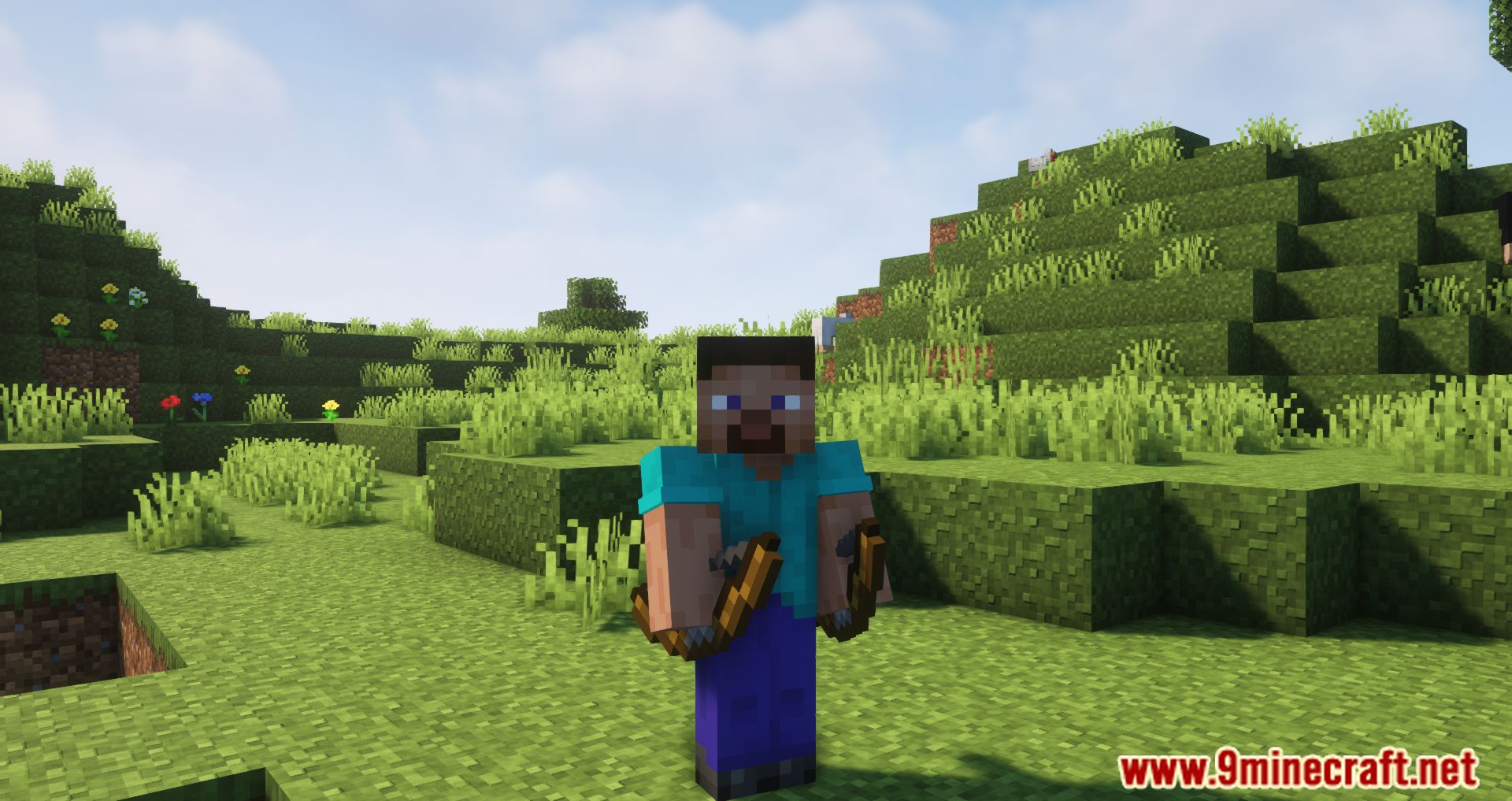
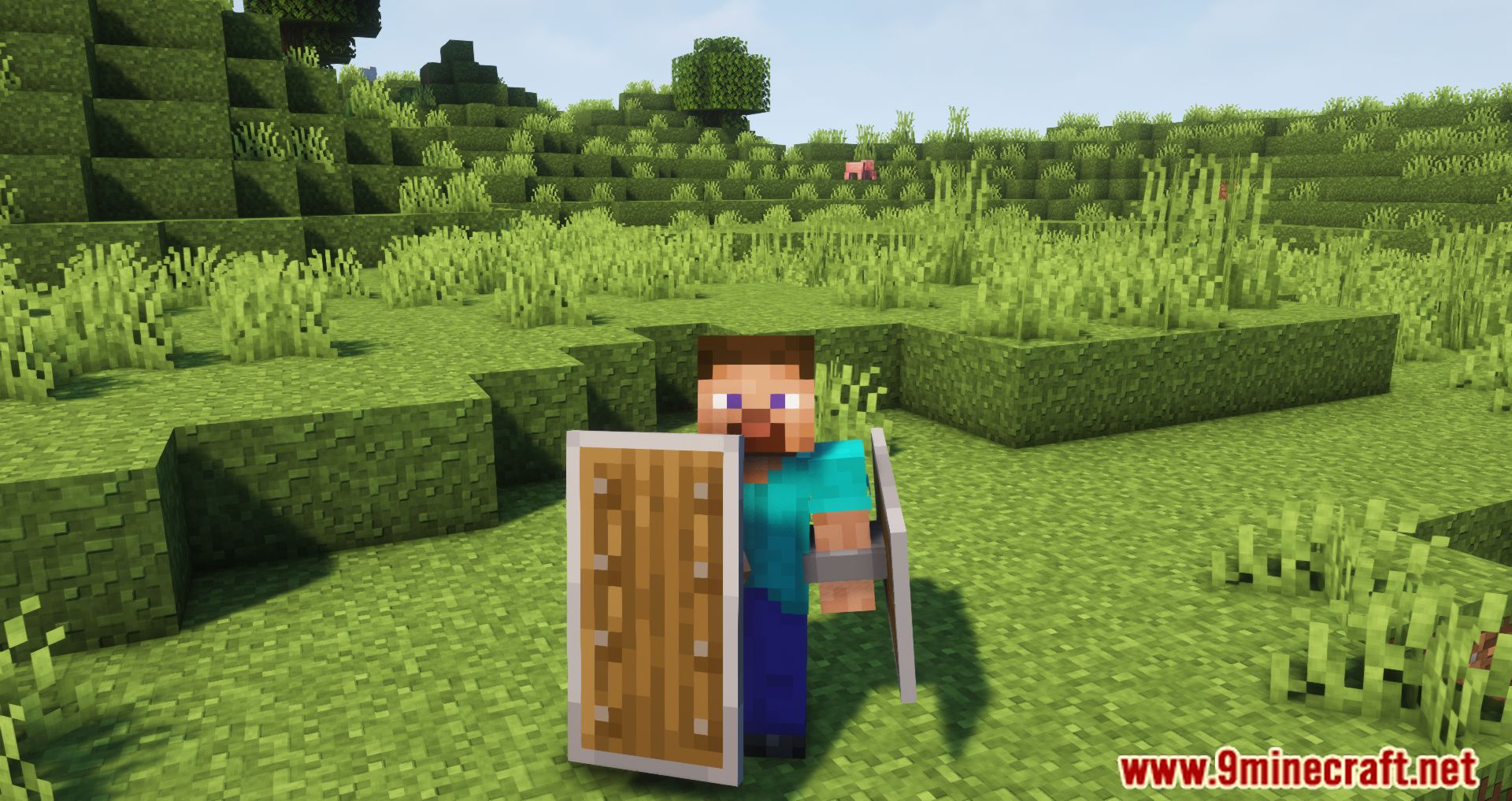
- Supports double bows, crossbows, tridents, and shields by alternating between your two hands in battle.
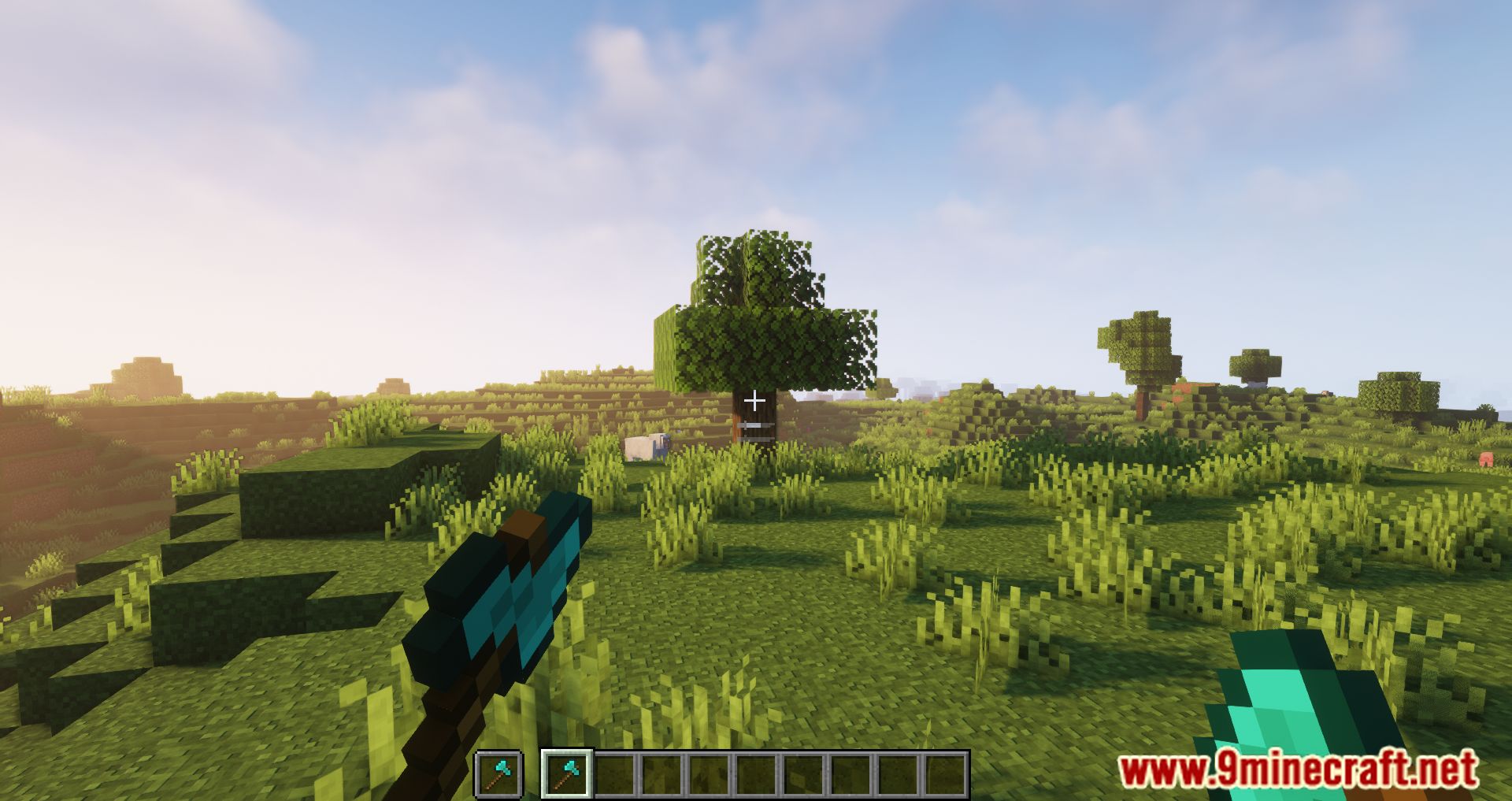
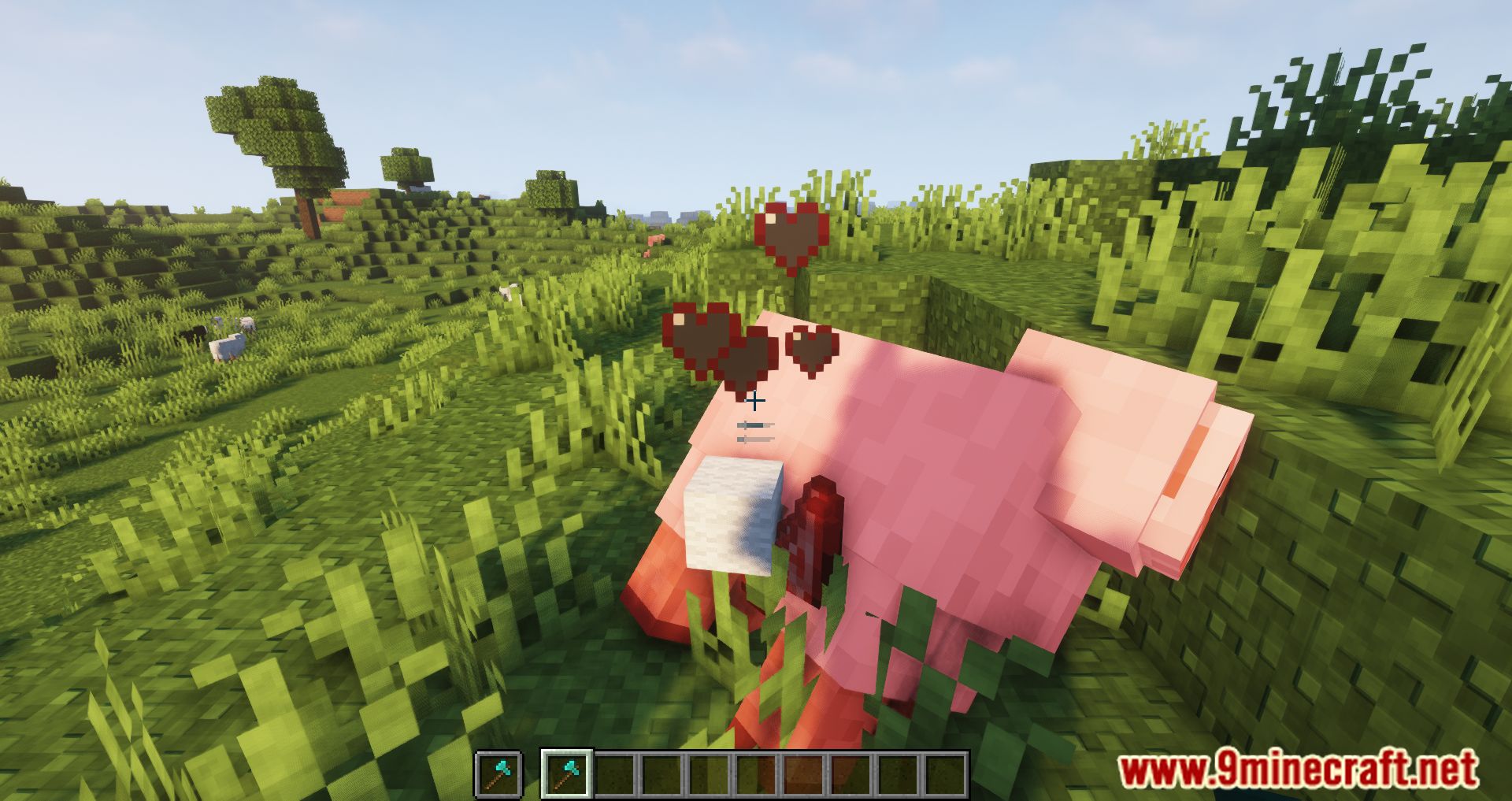
- Shows cool-down indicators and proper swing animations for both arms when you fight.
- Swaps your off-hand weapon to your main-hand when you attack so it works smoothly with most other mods.
- Tracks a separate cool-down timer for your off-hand based on your attack speed.
- Remembers your last active hand and triggers your off-hand item when you hold right-click after using your main-hand.
- Puts the opposite hand on half of its normal cool-down after each swing so using two axes or weapons does not double your damage output.
- Stops dual-shield invulnerability because you cannot use two active items at the same time and can only switch between them.
- Keeps vanilla hit timers intact, so hitting mobs faster than normal still requires a separate mod such as Better Hurt Timer or NoDamI (No Damage Immunity).
- Includes a config option to remove the cool-down reduction if you want no penalty between swings.
- Applies only to players and does not work on any other mobs.
Screenshots:
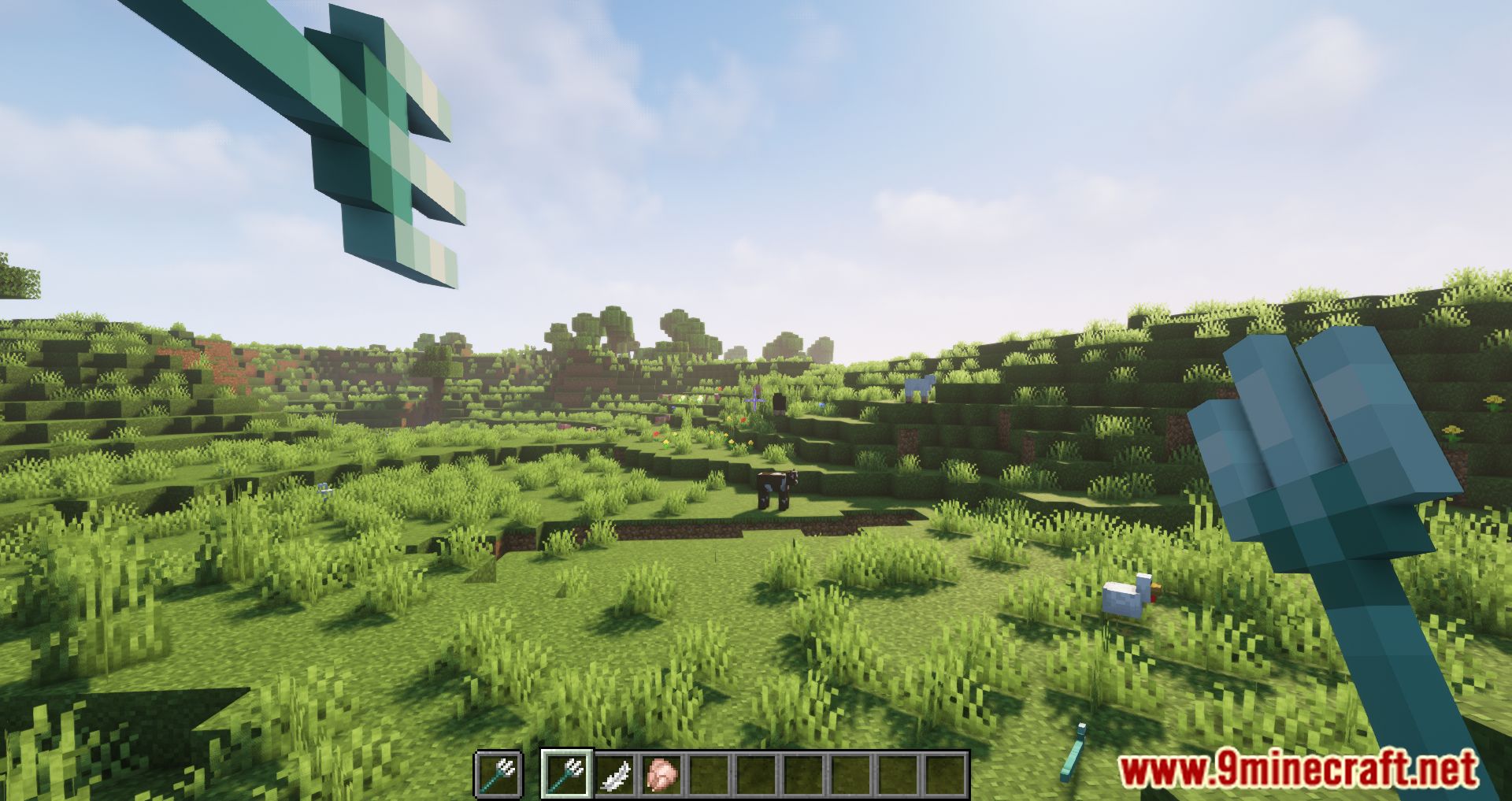
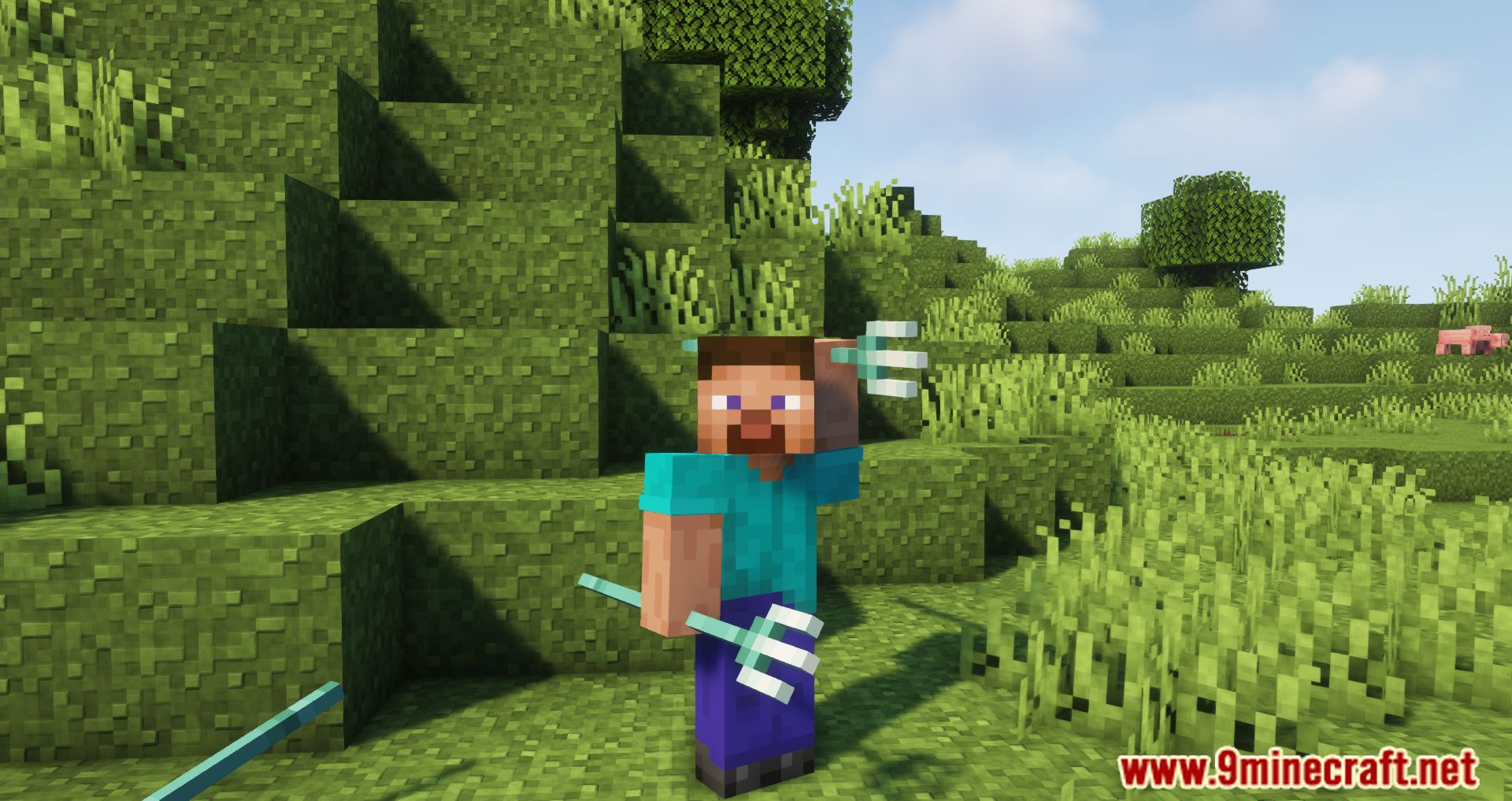
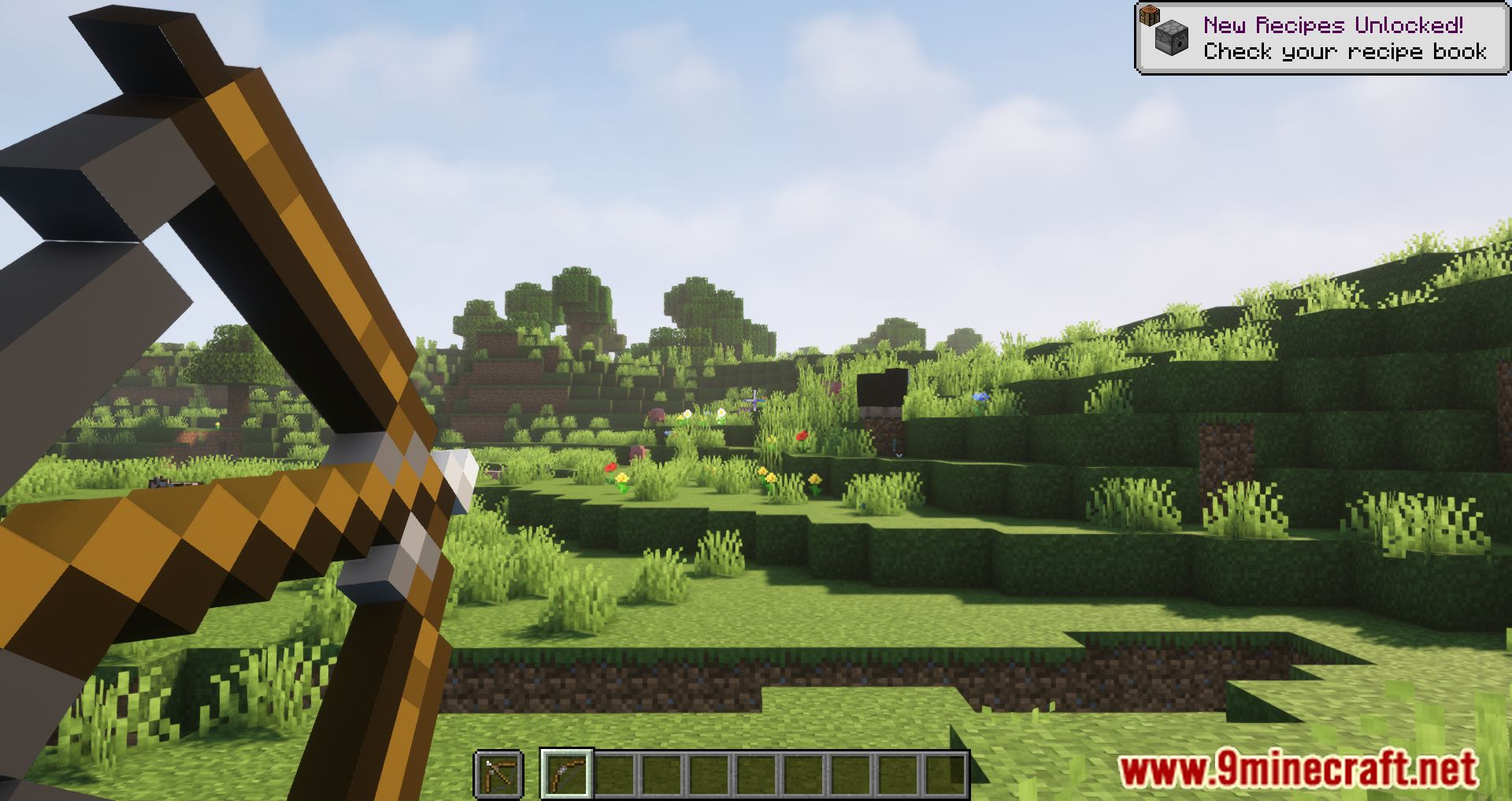
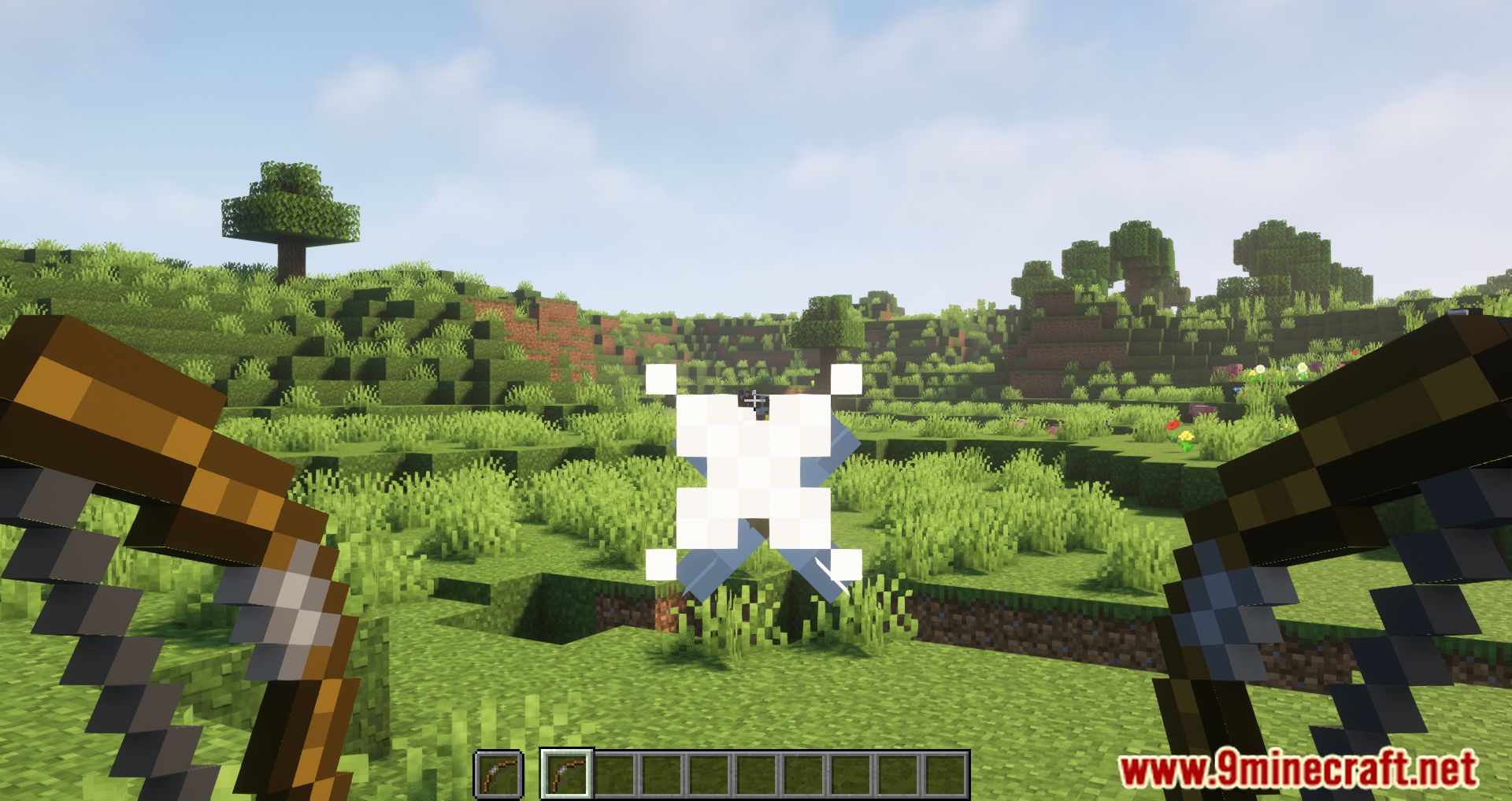
How to Install:
New to Minecraft? Follow our step-by-step guide to install Mods on your PC.View Guide
Requirements:

Off Hand Combat Mod Download Links
For Minecraft 1.20.4, 1.20.2, 1.20.1, 1.20
Forge Version: Download from Server 1 – Download from Server 2
Fabric Version: Download from Server 1 – Download from Server 2
For Minecraft 1.19.3, 1.19.2, 1.19.1, 1.19
Forge Version: – Download from Server 2
Fabric Version: – Download from Server 2
For Minecraft 1.18.2, 1.18.1
Forge Version: Download from Server 1
Fabric Version: Download from Server 1
For Minecraft 1.16.5
Forge Version: Download from Server 1
For Minecraft 1.15.2
Forge Version: Download from Server 1
How do you handle updating your mods when a new Minecraft version drops?
33 responses · See the full results →
You May Also Like
Picked for this page
 Multi Mine Mod (26.3, 1.20.1) – Save Block Breaking Progress
 Mob Battle Mod (26.3, 1.20.1) – Create Easy Mob Fights
 Enchant with Mobs Mod (26.3, 1.20.1) – Minecraft Dungeons’ Contents
 Trade Cycling Mod (26.3, 1.20.1) – Refresh Villager Trades
 Stone Chest Mod (26.2, 1.20.1) – Stone Variations Vanilla Chests
 GamemodeOverhaul Mod (26.1.2, 1.20.1) – Bring Back Many Old Commands
 Coins JE Mod (26.3, 1.20.1) – New Exchange Currency System
 MixinTrace Mod (26.2, 1.20.1) – Utilities For Crash Reports
 Just A Raft Mod (26.1.2, 1.20.1) – Surviving on a Raft with Friends
 Comics Bubbles Chat Mod (26.2, 1.20.1) – Communicate in A More Attractive Way
 CraftGR Mod (26.3, 1.20.1) – Bringing Gensokyo Radio To Minecraft
 Consulars’ Origins Mod (1.20.1, 1.19.2) – Fantasy And Creature-Based Origins
Most viewed in Mods over the last 7 days
 Ala Industrial Mod (26.3) – Run Electric Power Grids and Automated Factories
 PleasureCraft Mod (26.3, 1.21.1) – Jenny Mod Remake for Fabric
 Jennycraft Mod (26.3, 1.20.1) – Virtual Girlfriend in Minecraft
 Fapcraft Mod (26.3, 1.12.2) – Comprehensive and Detailed Content
 Jenny Mod (Fapcraft) Official Complete Guide – How to use, Tutorial
 BangCraft Mod (1.20.1) – Jenny, Ellie and Elliot
 Fabric Loader (26.3, 1.20.1) – Fabric Installer for All Minecraft Versions
 The Shooting Star Demo Mod (26.3, 1.20.1) – Vaporize Terrain From Orbit
 Meteor Client Mod (26.3, 1.20.1) – Xray, HUD, Fly
 OptiFine HD (26.3, 1.20.1) – Run Faster, FPS Boost, Shaders Support
 Aristois Client Mod (1.21.4, 1.20.1) – World Class Minecraft Utility
 Prestige Client Mod (1.21.11, 1.21.4) – Powerful Ghost Features for Crystal & Sword PvP
More from Mods
 Archangel Client Mod (1.21.11) – Master Every PvP Duel with Clean Screen Stats
 Block Front Survival Patch Mod (1.21.1) – Wage Tactical Warfare in Survival
 Better Enchantment Bookshelf Placement Mod (26.2, 1.20.1)
 SimpleRPGCore Mod (1.21.4, 1.21.1) – Fight with Classic RPG Stats
 Bard RPG Series Plus by Fichte Mod (1.21.1, 1.20.1) – Buff Allies in Combat
 Fabric Gui ImGui Mod (26.3, 1.21.11) – Clean Custom Menus and In-Game Control
 Multi Item Lib Mod (1.20.1) – Wield Custom Gear with Flawless Hand Animations
 Universe3090 Mod (1.20.1) – Survive Corrupted Dimensions Filled
 Wireless Automate Mod (1.21.1) – Automate Base Logistics Without Messy Pipes
 Vaskars Opus Faction War Quests & Bosses Mod (1.21.11, 1.20.1)
 Multitools and More Mod (26.3, 1.20.1) – Clear Your Hotbar and Travel
 Luxium Let There Be Light Mod (1.20.1) – Stunning Lighting on Low-End Computers

This post has no comments yet. Be the first — your comment will appear here.