


Ore Processor Vanilla Create Schematic (1.21.x) – Automated Ore Processing Setup for Create

 0
0 

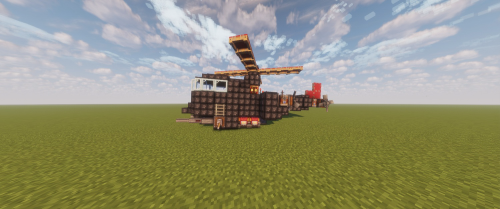
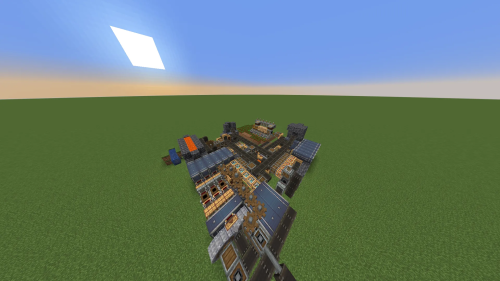
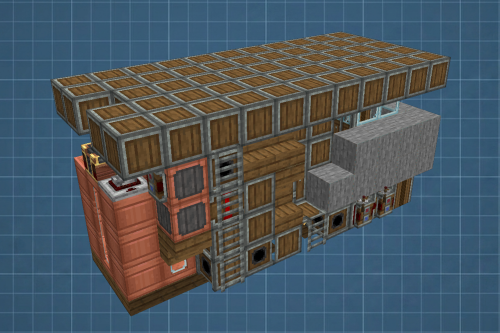
Ore Processor Vanilla Create Schematic automates the task of turning raw ores into usable metal ingots. This setup works with raw iron, gold, copper, and zinc. It helps you process materials while you are away from your keyboard or busy working on other projects. The build sorts your items into clear storage spots, separating finished ingots, extra nuggets, and leftover byproducts.
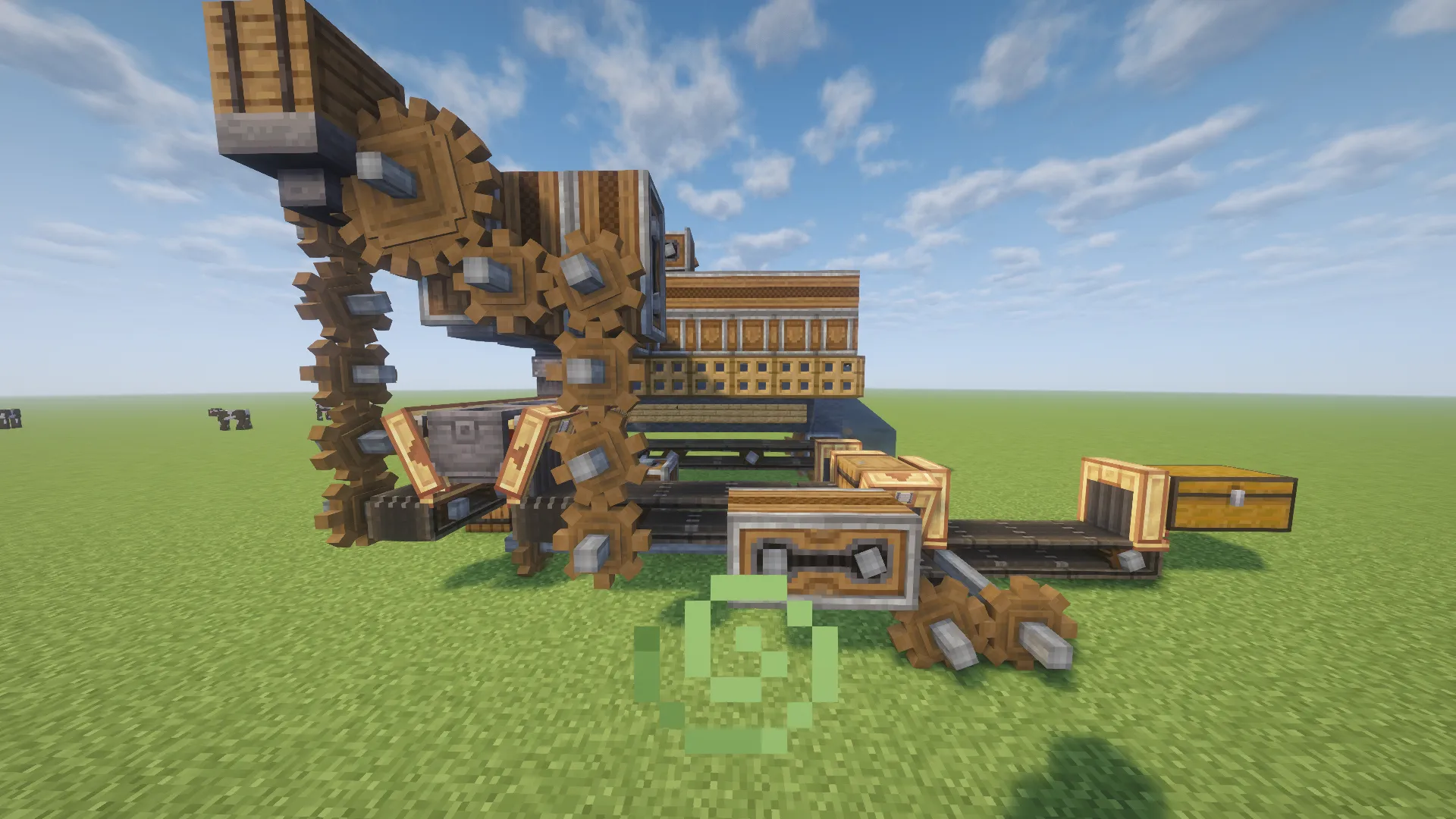
Features:
- Processes raw iron, gold, copper, and zinc into ingots.
- Separates finished ingots, experience nuggets, and byproduct drops into dedicated storage containers.
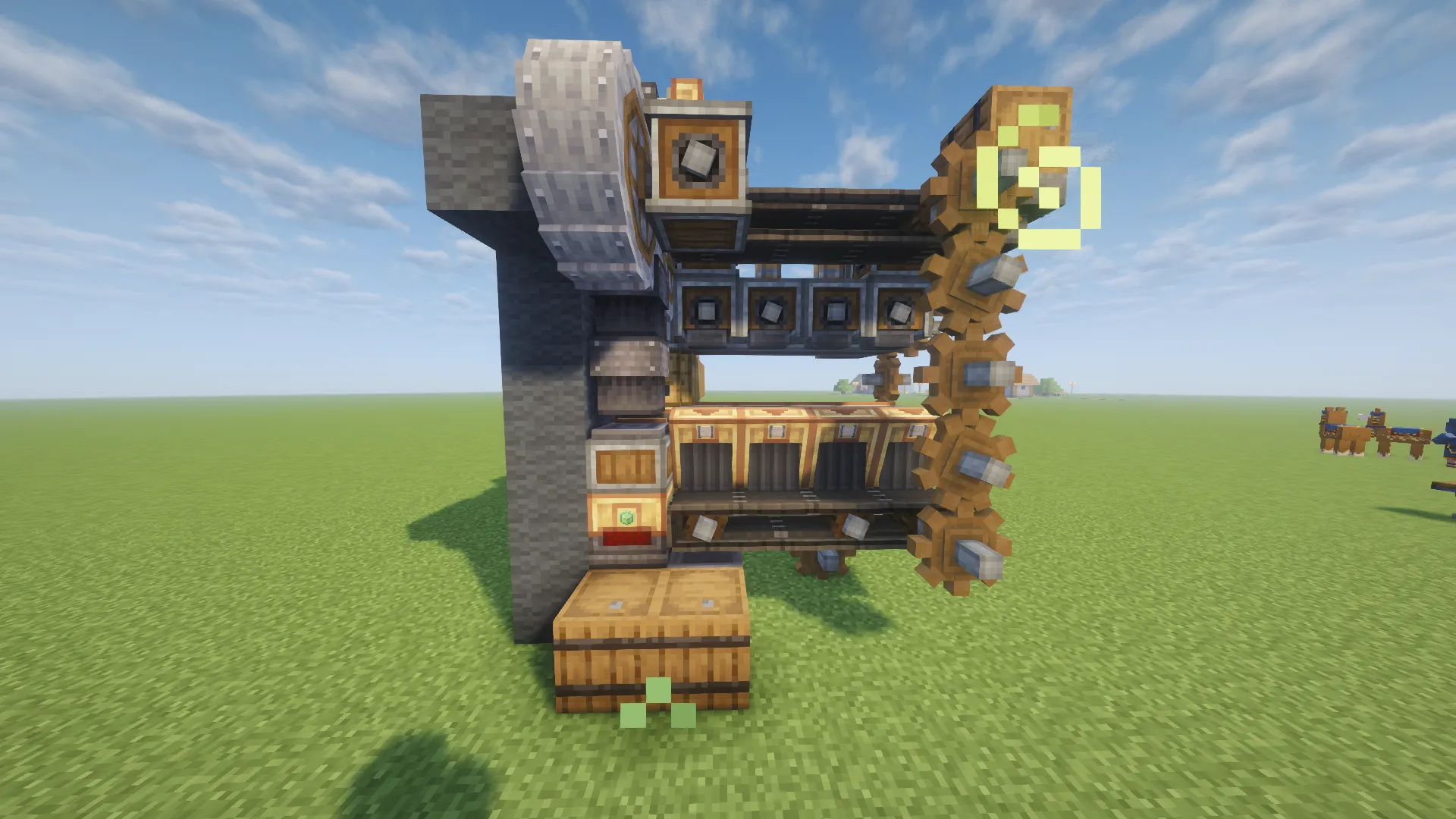
- Accepts raw items through a single wooden barrel located on the top.
- Outputs experience nuggets into a wooden barrel on the left side.
- Sends finished ingots straight into a wooden barrel on the right side.
- Stores all extra byproduct items inside a double chest at the back.
- Measures 15 blocks long, 7 blocks tall, and 7 blocks wide for easy placement.
Schematic Specs:


 Top Blocks Used
Belt 31Gray Wool 19Cogwheel 16Brass Belt Funnel 15Encased Chain Drive 15
How to Use:
- Place the schematic in your world using a Schematicannon or build it by hand.
- Connect rotational power from your kinetic network to the machine gears.
- Put your raw ores into the top wooden barrel.
- Collect processed ingots and experience nuggets from the side barrels.
- Check the back double chest to gather byproduct materials.
Screenshots:
Requirements:

Ore Processor Vanilla Create Schematic Download Links
Click to rate this post!
[Total: 0 Average: 0]
You May Also Like








This post has no comments yet. Be the first — your comment will appear here.