
Panorama Mod (1.21.4, 1.20.1) – Turn Your Worlds Into Custom Main Menus



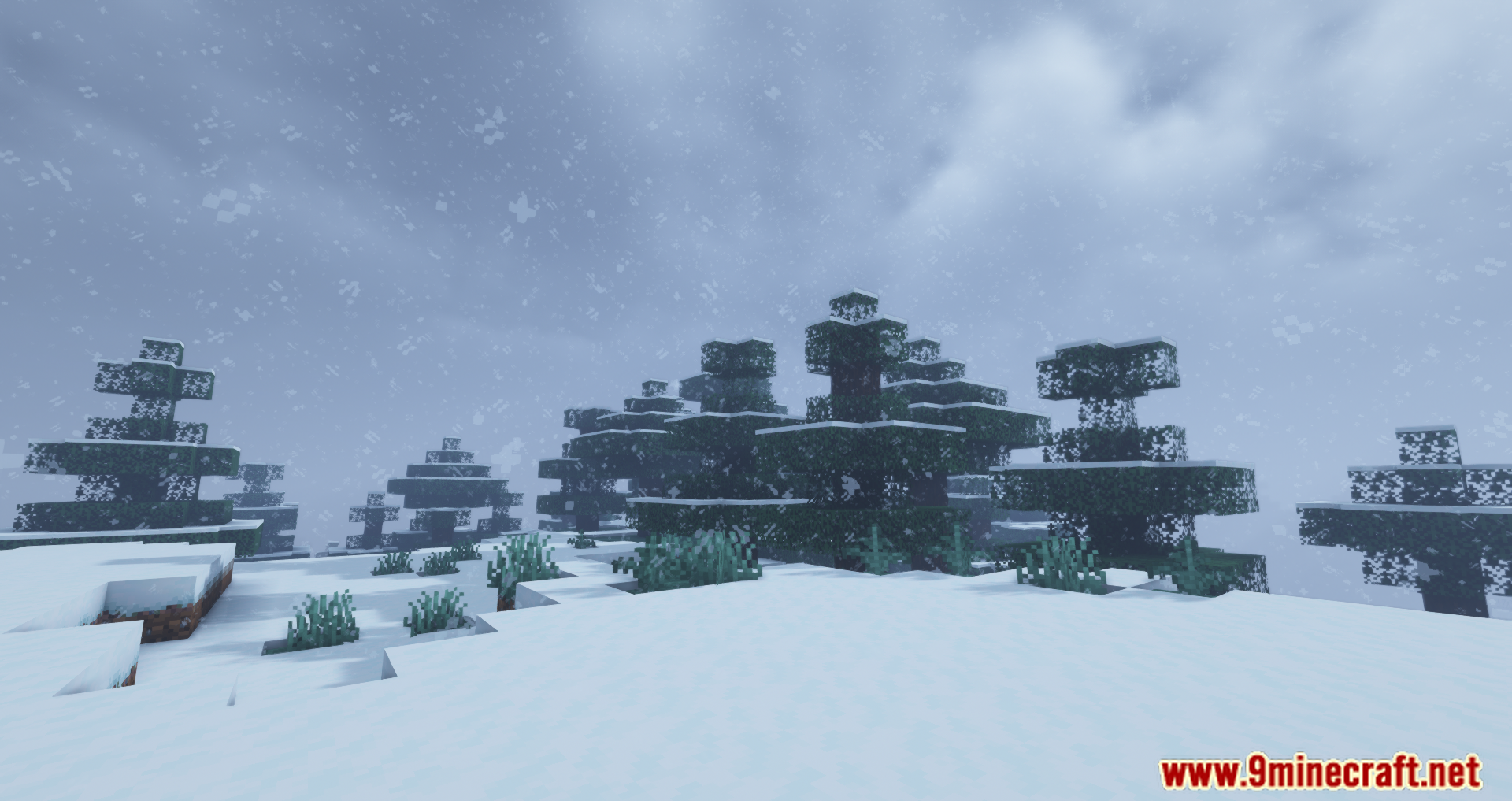
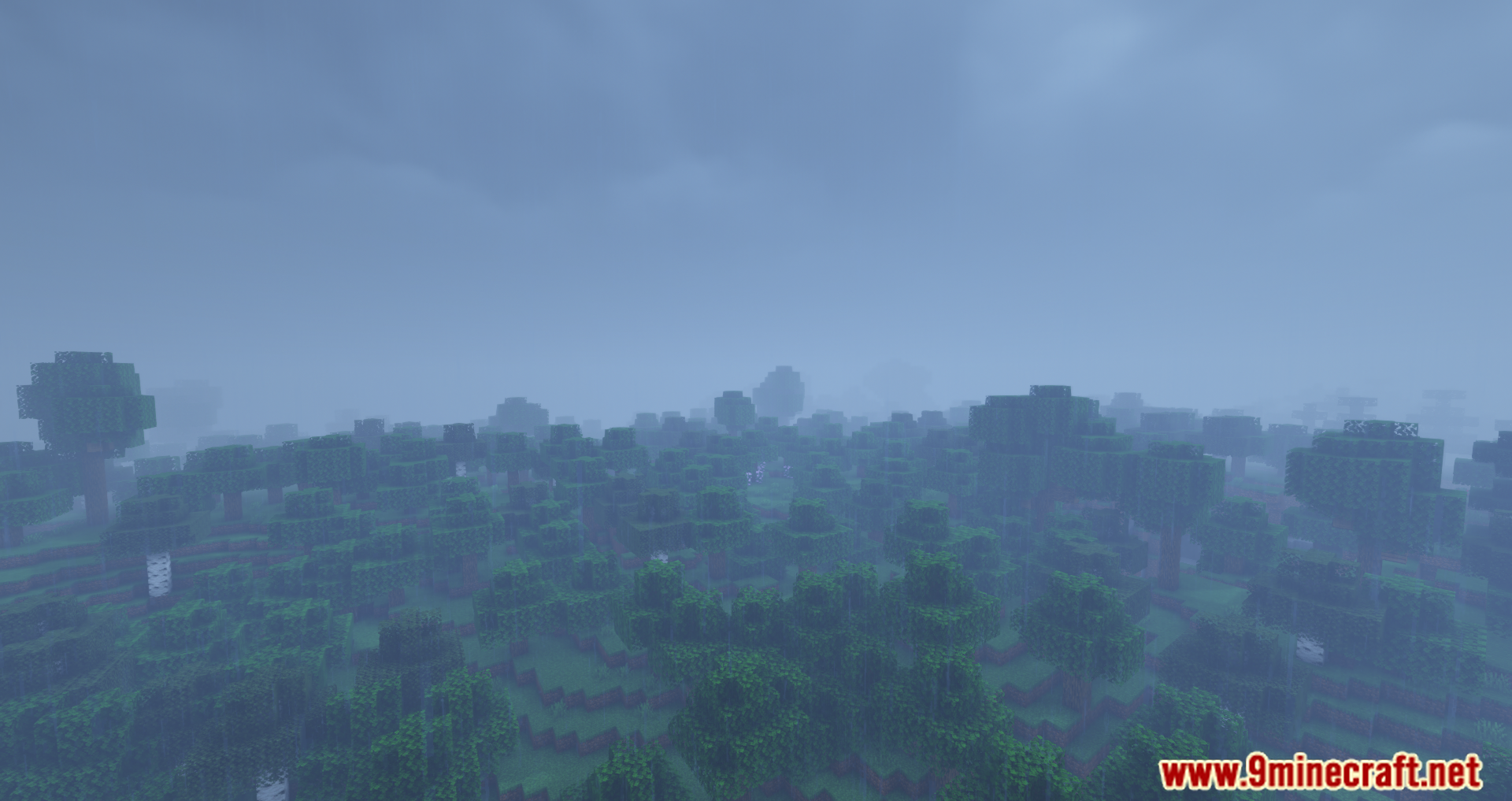
Panorama Mod lets you take panoramic screenshots anywhere in your Minecraft world. You can view and search all your saved pictures right inside the game and pick one to use as your title screen background. This mod also saves every capture as a zip file so you can share it with friends or use the images in resource packs.
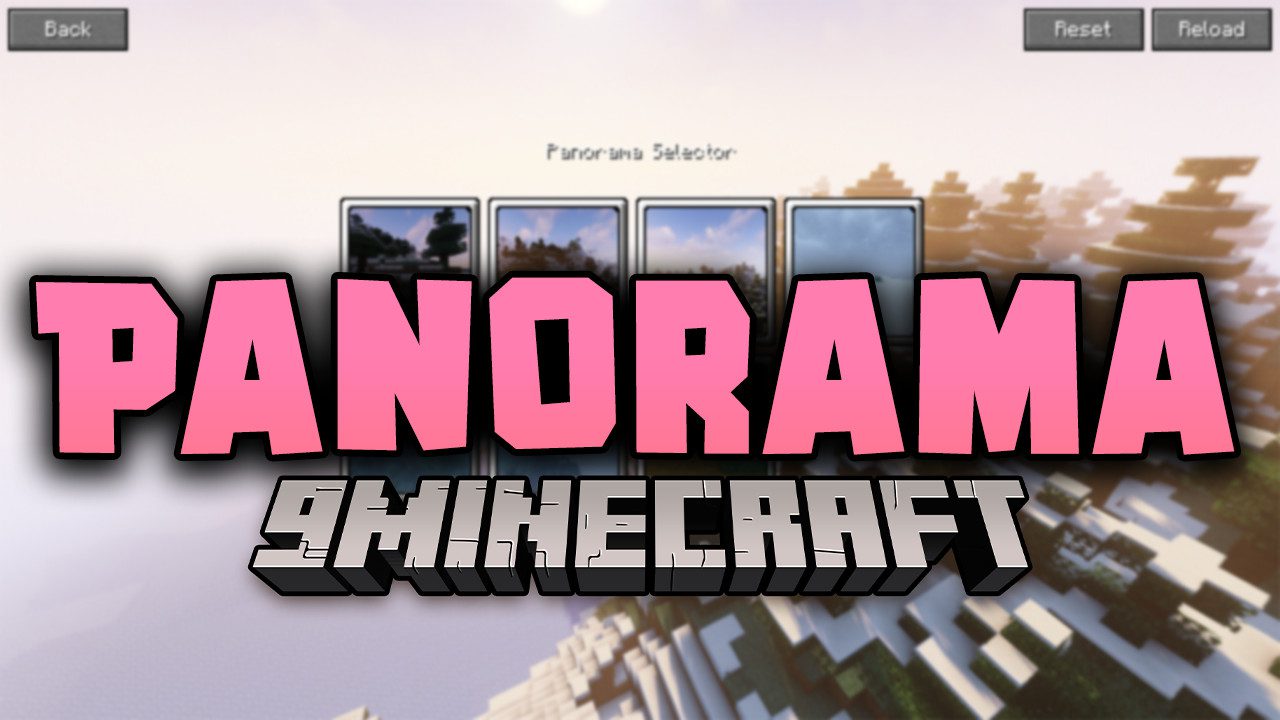
Features:
- Captures panoramic screenshots in your world when you press the F4 key and shows an in-game pop-up message once the image is ready.
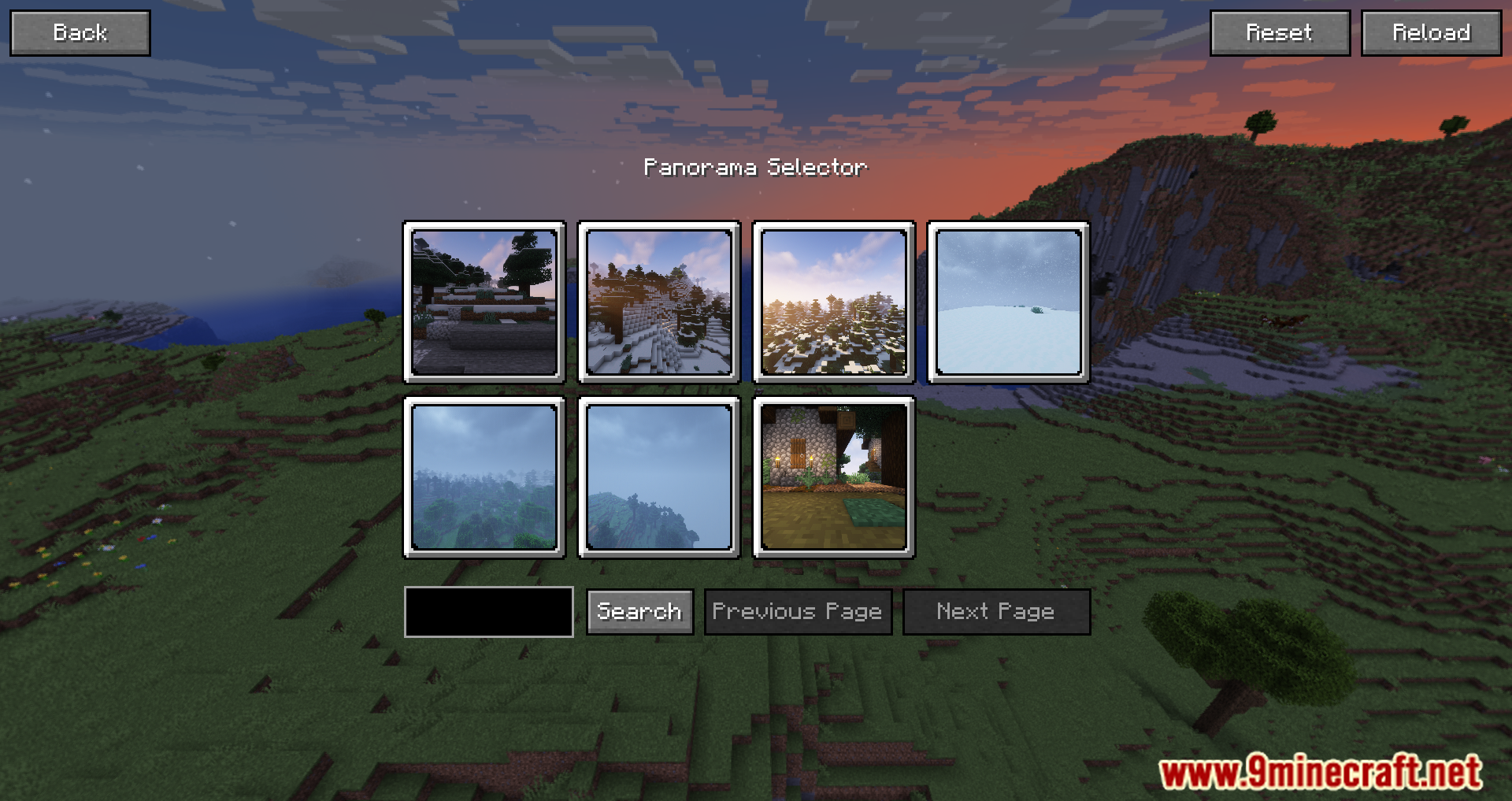
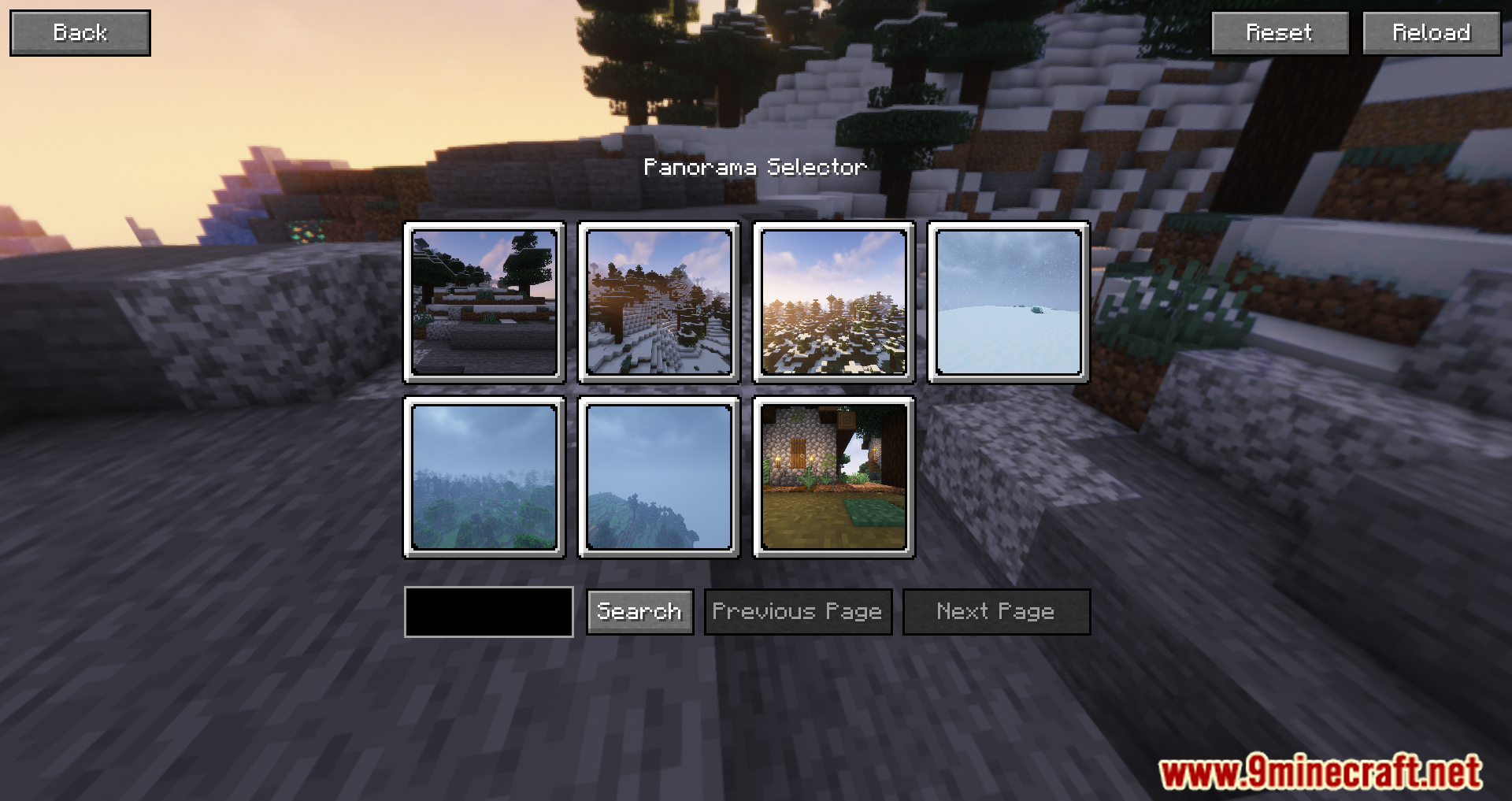
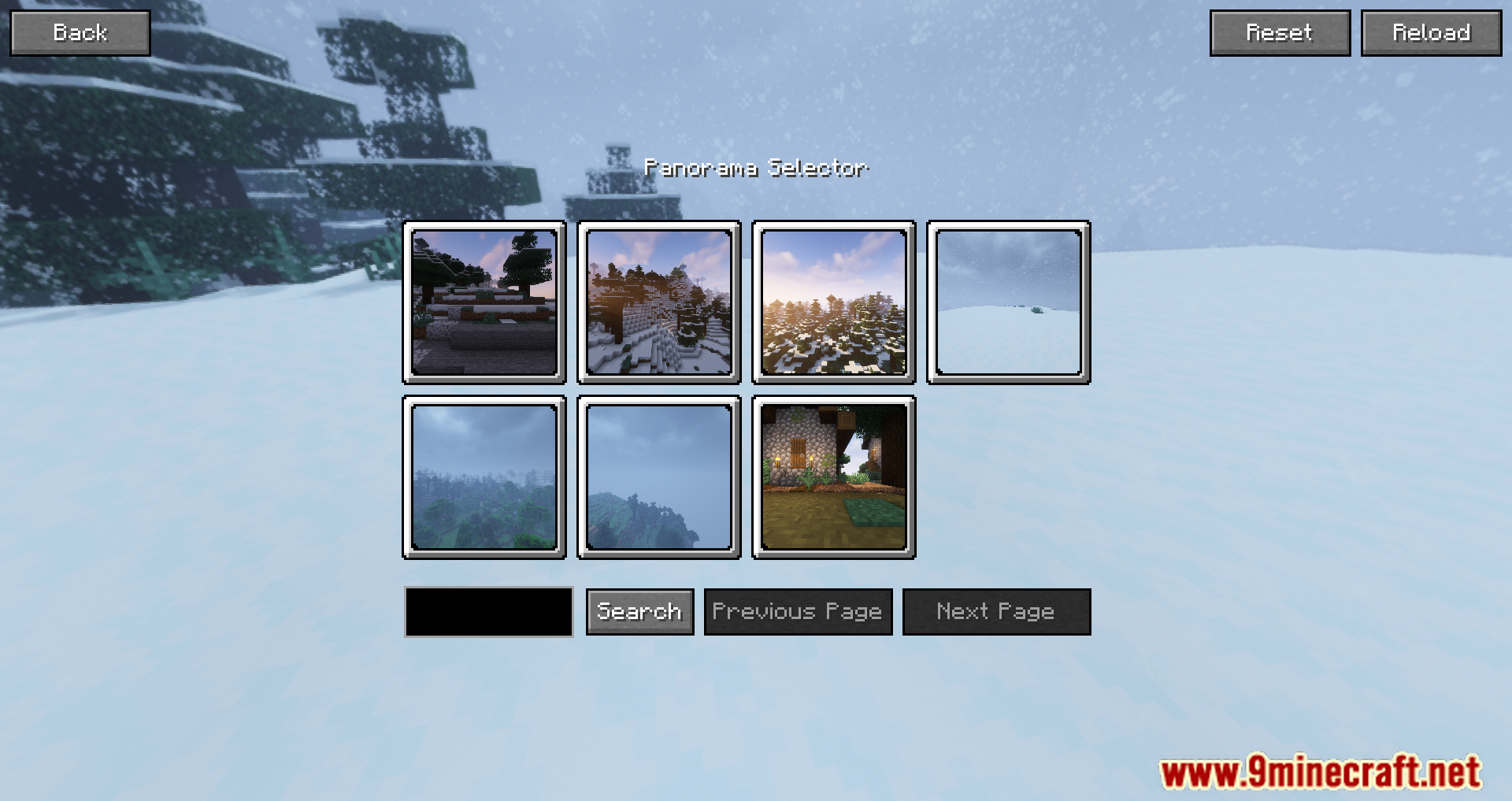
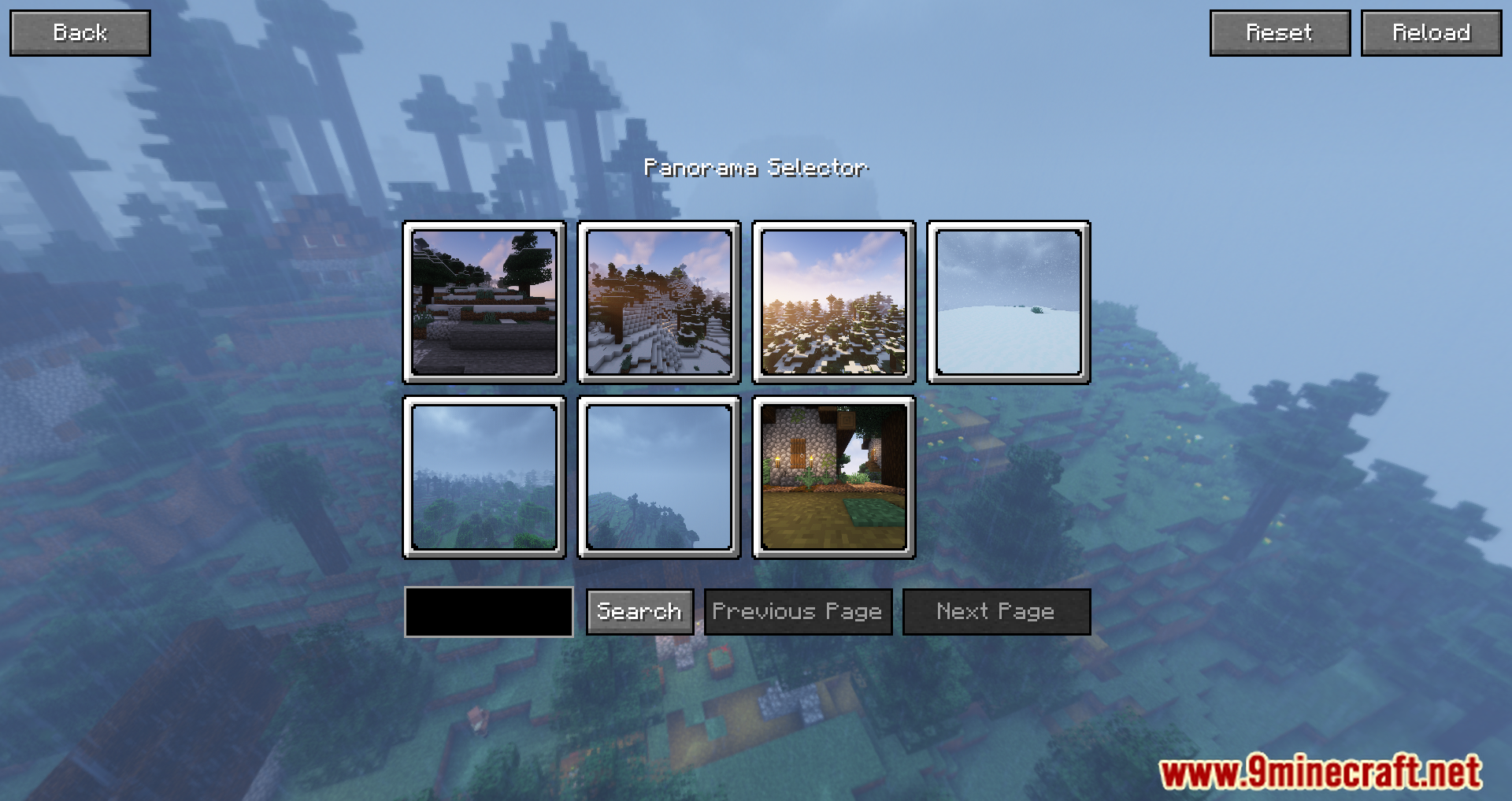
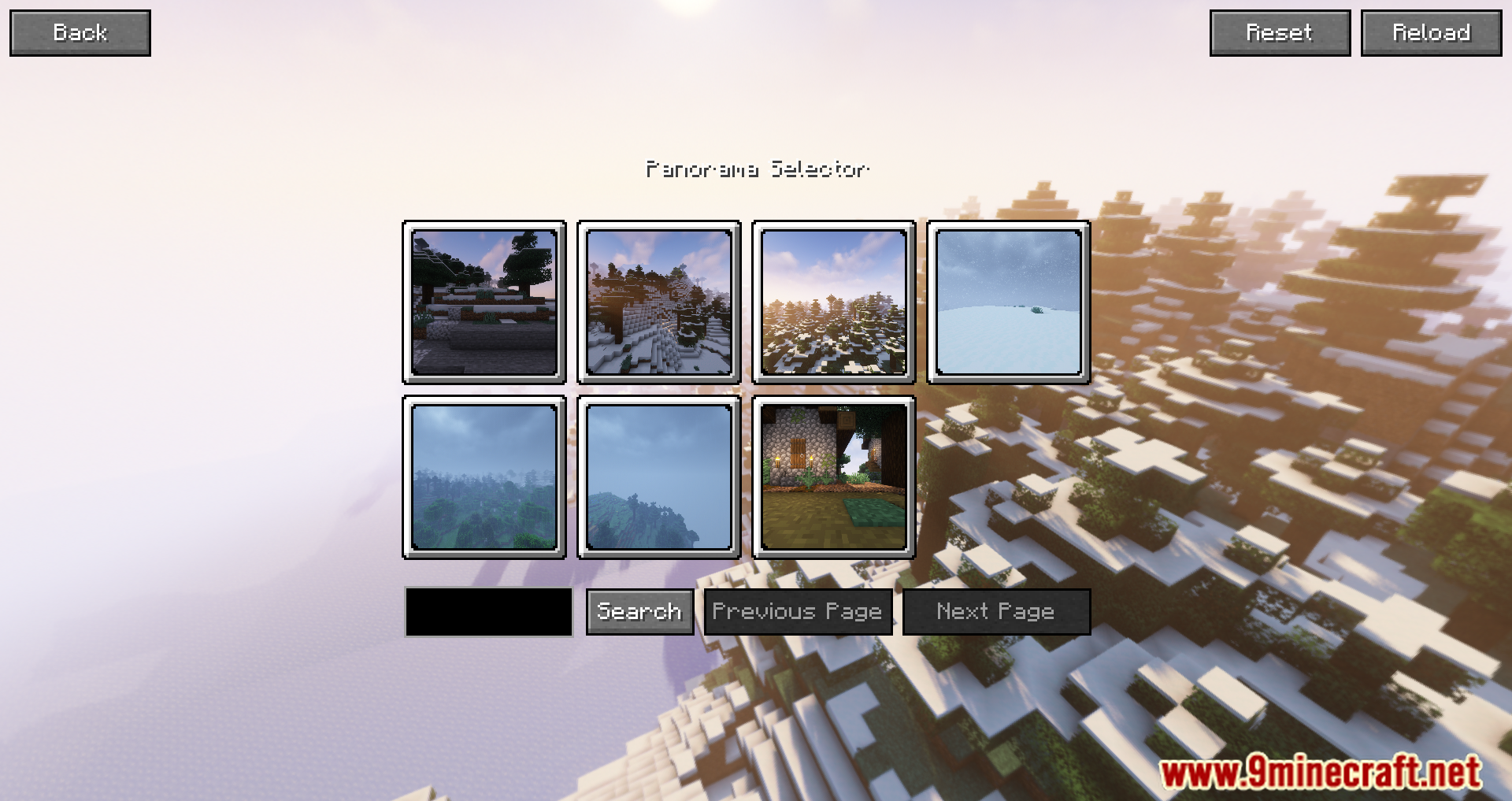
- Adds an in-game selection screen where you can browse and search all of your saved panoramic pictures.
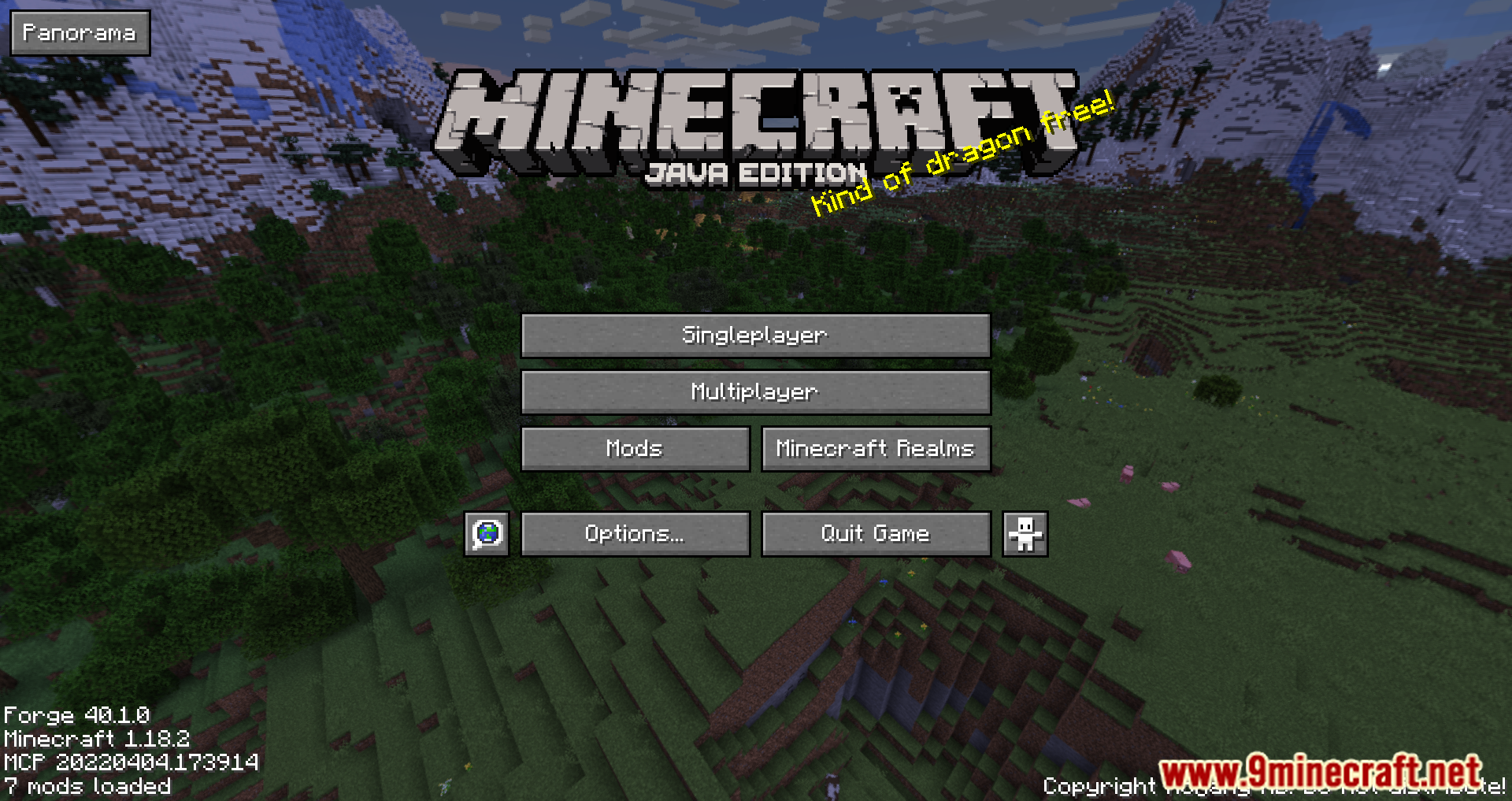
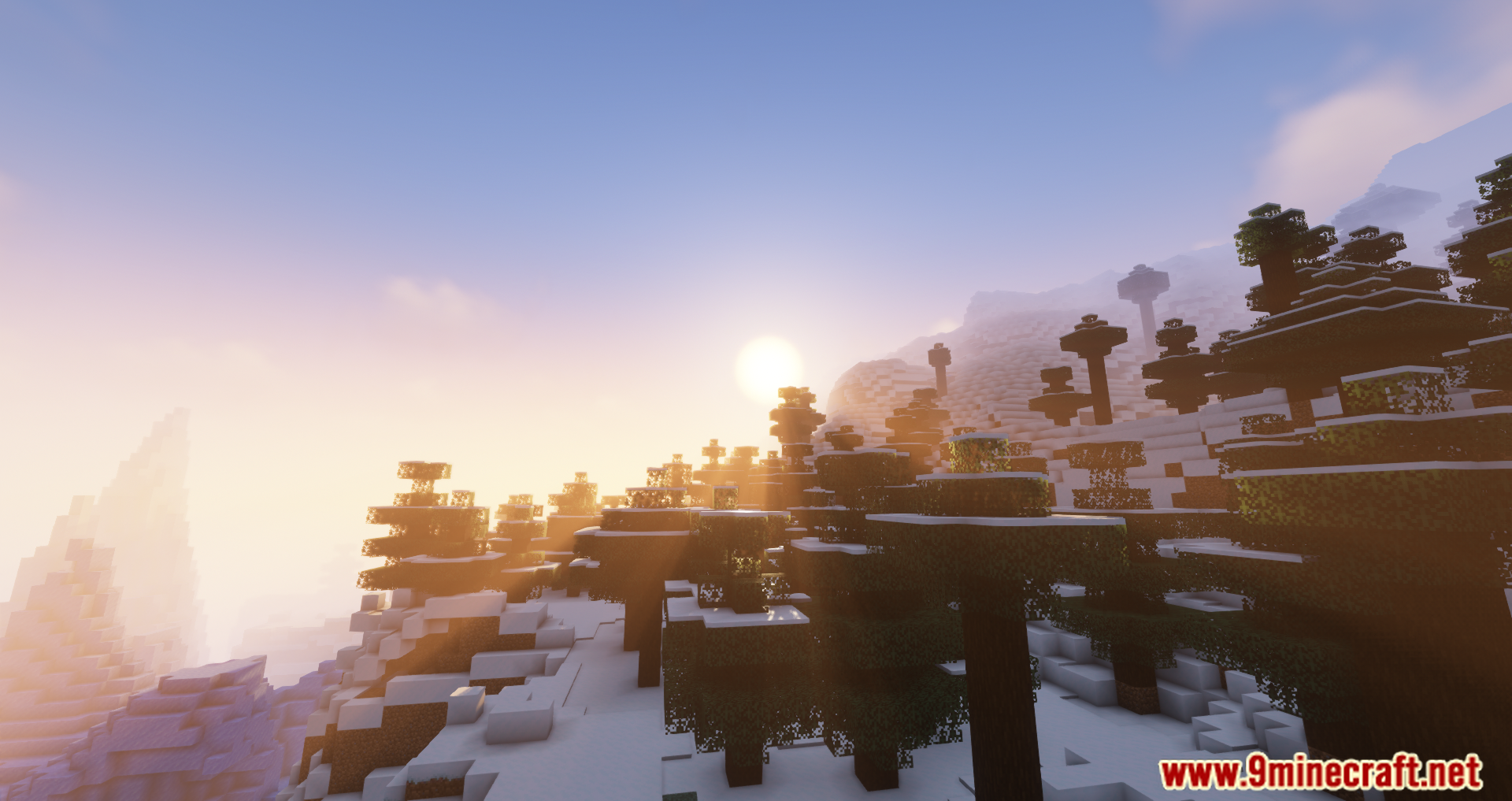
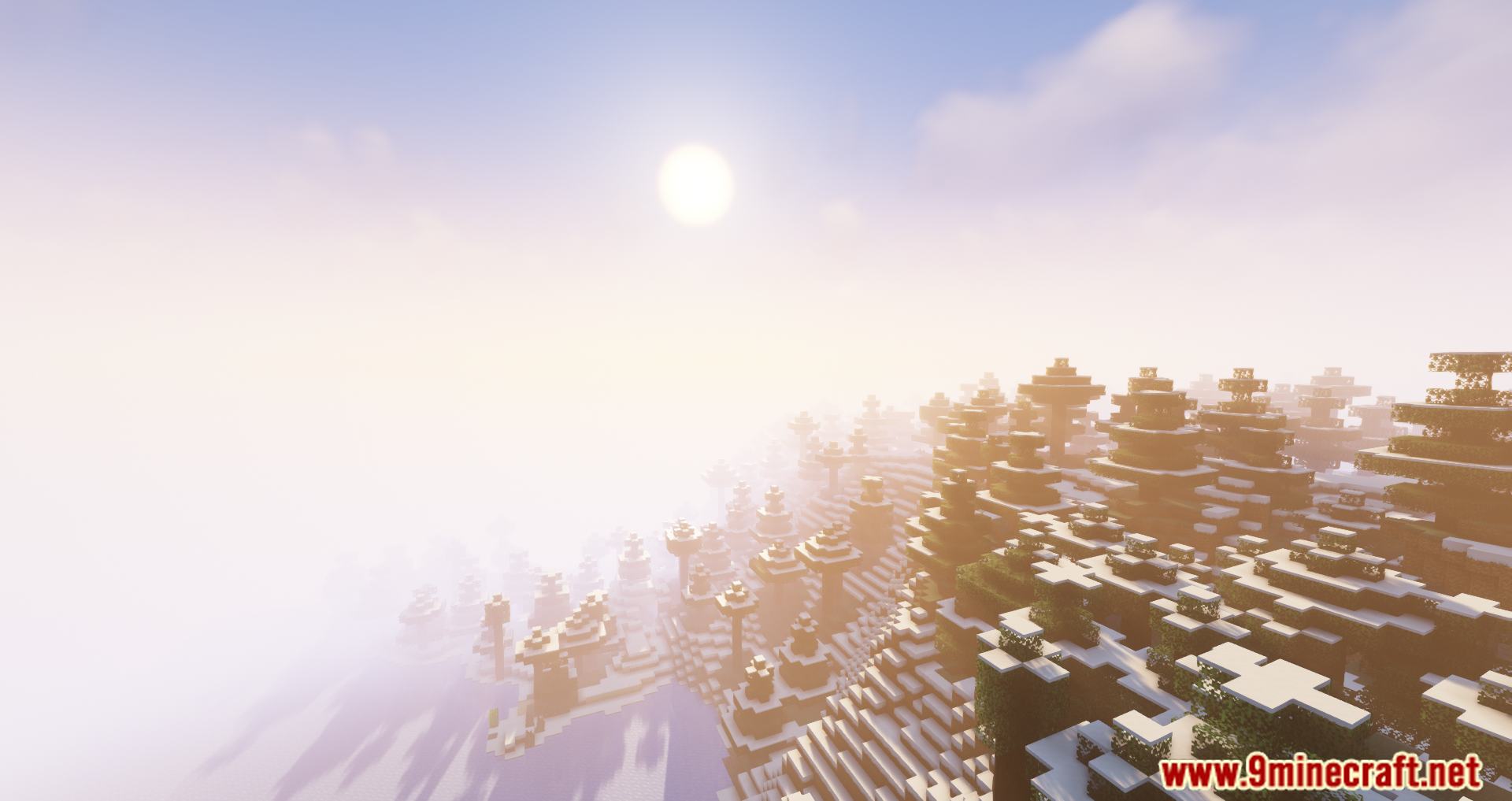
- Lets you set any saved screenshot as your Minecraft title screen background, with a Reset button to switch back to the default background anytime.
- Saves every capture automatically as a .zip file inside the panorama folder within your mods directory.
- Allows you to extract images from the saved .zip files so you can use them in custom resource packs.
- Makes it easy to share your captures with other players by sending them the .zip file.
- Supports custom menu icons by letting you add an icon.png file to replace the default image in the GUI.
How to Use:
- Press the F4 key while playing to take a panoramic screenshot; a pop-up message appears in the game once it finishes generating.
- Go to the Minecraft title screen and click the Panorama button in the top left corner to open the panorama selection screen.
- Search through your saved captures and select the one you want to apply as your title screen background.
- Click the Reset button in the top right corner of the selection screen anytime you want to return to the default Minecraft background.
- Open your mods folder and go into the panorama folder to find all of your saved .zip files.
- Send a .zip file to another player to share your capture, or extract the contents of the .zip file to get images for a resource pack.
- Add a file named icon.png into a panorama .zip file if you want to show a custom icon in the GUI instead of the default image.
Screenshots:
How to Install:
New to Minecraft? Follow our step-by-step guide to install Mods on your PC.View Guide
Panorama Mod Download Links
For Minecraft 1.21.4
Fabric version: Download from Server 1 – Download from Server 2
For Minecraft 1.21.1, 1.21
Fabric version: Download from Server 1 – Download from Server 2
For Minecraft 1.20.1, 1.20
Forge version: Download from Server 1
Fabric version: Download from Server 1
For Minecraft 1.19.4
Forge version: Download from Server 1 – Download from Server 2
Fabric version: Download from Server 1 – Download from Server 2
For Minecraft 1.19.3
Forge version: Download from Server 1 – Download from Server 2
Fabric version: Download from Server 1 – Download from Server 2
For Minecraft 1.19.2
Forge version: Download from Server 1 – Download from Server 2
For Minecraft 1.19.1
Forge version: Download from Server 1
For Minecraft 1.19
Forge version: Download from Server 1
For Minecraft 1.18.2
Forge version: Download from Server 1
For Minecraft 1.17.1
Forge version: Download from Server 1
For Minecraft 1.16.5
Forge version: Download from Server 1
How do you feel about quest books in modpacks?
28 responses · See the full results →

1 Comment
 What do you think?
Your opinion means a lot - we'd love to hear from you.
You May Also Like
Picked for this page
 Litematica Mod (26.3, 1.20.1) – Build From a Holographic Blueprint
 Camera Mod (26.3, 1.20.1) – In-Game Photography
 Falling Leaves Mod (26.3, 1.20.1) – Visually Appealing Addition
 Replay Mod (26.3, 1.20.1) – Record, Relive, Share Your Experience
 CleanView Mod (1.21.11, 1.20.1) – No More Swirlies
 Cycle Paintings Mod (26.3, 1.20.1) – Change Image on Painting without Destroying It
 Extreme Sound Muffler Mod (26.3, 1.20.1) – Sound Control, Sound Testing
 The Corners Mod (1.20.1) – A New Liminal Spaces Mod
 Music Triggers Mod (1.21.1, 1.20.1) – In-Game Music Playback
 Leons Dungeons Paintings Mod (26.1.2, 1.20.1) – New Stunning Paintings
 Useful Mobs Mod (1.21.11, 1.20.1) – Improves Mobs In General
 Iron’s Spellbooks Arcane Essence Block Mod (1.21.4, 1.20.1) – Arcane Resource Management
Most viewed in Mods over the last 7 days
 Ala Industrial Mod (26.3) – Run Electric Power Grids and Automated Factories
 PleasureCraft Mod (26.3, 1.21.1) – Jenny Mod Remake for Fabric
 Jennycraft Mod (26.3, 1.20.1) – Virtual Girlfriend in Minecraft
 Fapcraft Mod (26.3, 1.12.2) – Comprehensive and Detailed Content
 Jenny Mod (Fapcraft) Official Complete Guide – How to use, Tutorial
 BangCraft Mod (1.20.1) – Jenny, Ellie and Elliot
 Fabric Loader (26.3, 1.20.1) – Fabric Installer for All Minecraft Versions
 Meteor Client Mod (26.3, 1.20.1) – Xray, HUD, Fly
 The Shooting Star Demo Mod (26.3, 1.20.1) – Vaporize Terrain From Orbit
 OptiFine HD (26.3, 1.20.1) – Run Faster, FPS Boost, Shaders Support
 Aristois Client Mod (1.21.4, 1.20.1) – World Class Minecraft Utility
 Prestige Client Mod (1.21.11, 1.21.4) – Powerful Ghost Features for Crystal & Sword PvP
More from Mods
 Freelook Perspective Mod (26.3, 1.21.1) – Watch Your Back While Sprinting
 FAUNA Engine Mod (1.21.1, 1.20.1) – Powering Legendary Dragons
 Avali Nexus Mod (26.3) – Settle Frozen Frontiers with High-Tech Bird Tribes
 Orient’s Hotpot Chronicles Mod (1.20.1) – Boil Fresh Hotpot Meals Over Open Flames
 Far Lands Traveler Mod (26.1.2) – Survive the Long Trek to the Edge of the World
 Beli’s SkyLyrics Mod (1.21.11) – Sing Along to Desktop Tracks Projected in the Night Sky
 Explainstone and Songmelyn Mod (1.21.1) – Broadcast Custom Music Across Your Base
 Rockstar Shaders Mod (26.3) – Cast Ray-Traced Light Across Vast Distant Horizons
 ERYDON Mod (1.20.1) – Design Grand Courtyards with Carved Marble Pillars
 Infinity Bound Mod (1.21.1) – Snap Away Enemies with Legendary Superhero Gear
 Legacy Gecko Lib Fabric Mod (1.16.5) – Power Animated Creatures in Modpacks
 The Man from the Shadow Horror Mod (1.20.1) – Fight Hallucinations to Survive

1 STAR, IT KEEPS REDIRECTING ME TO AN AD AND I CANT DOWNLOAD IT