


Trailer Shaders (26.2, 1.20.1) – Wysokie FPS, Bloom i Własne RGB
 811
811
 0
0


🌐 Czytasz ten artykuł w języku Polski. Chcesz zmienić?
📖 Czytaj po angielsku (oryginał)Albo wybierz ten, który lubisz:
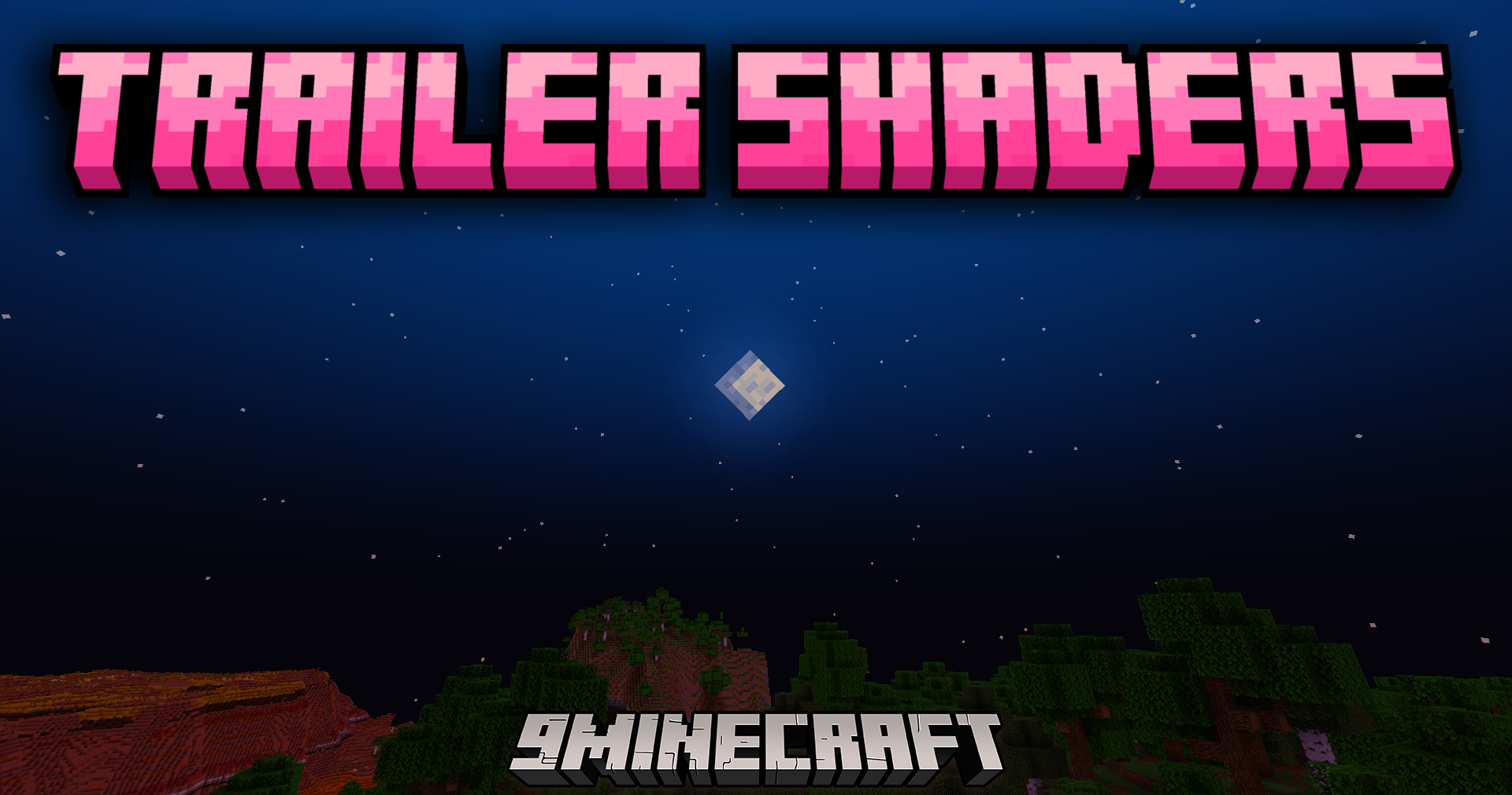
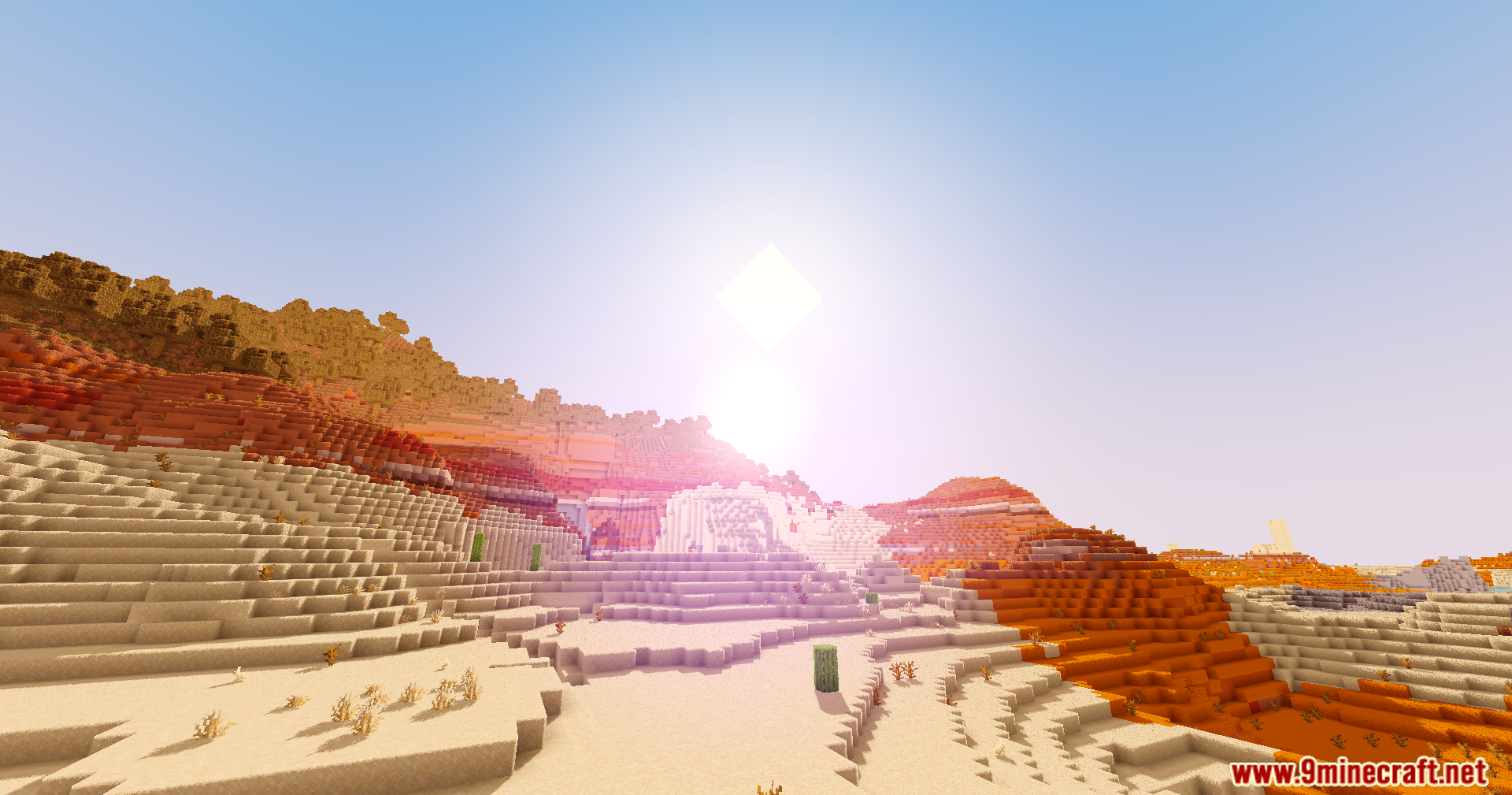
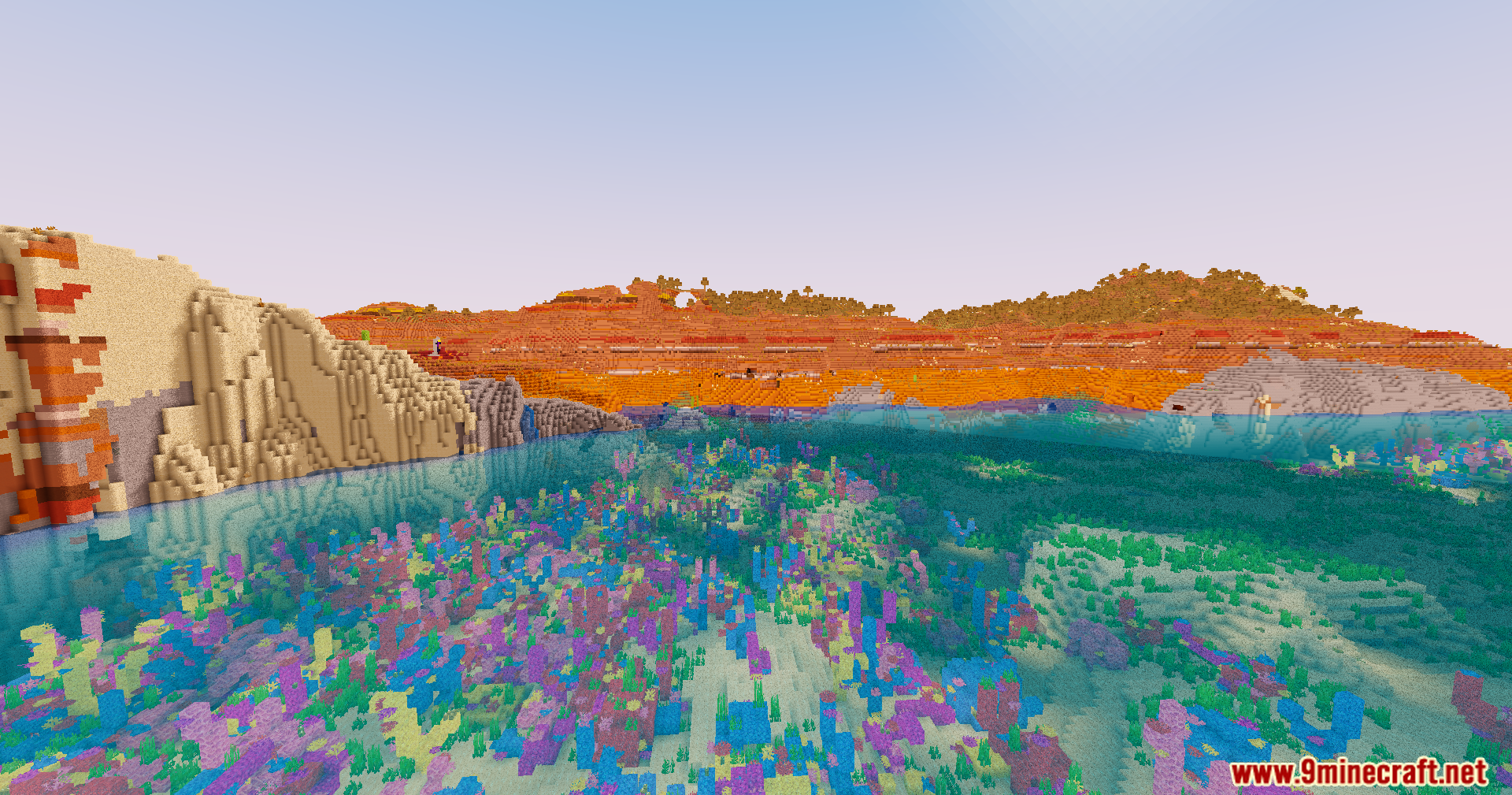
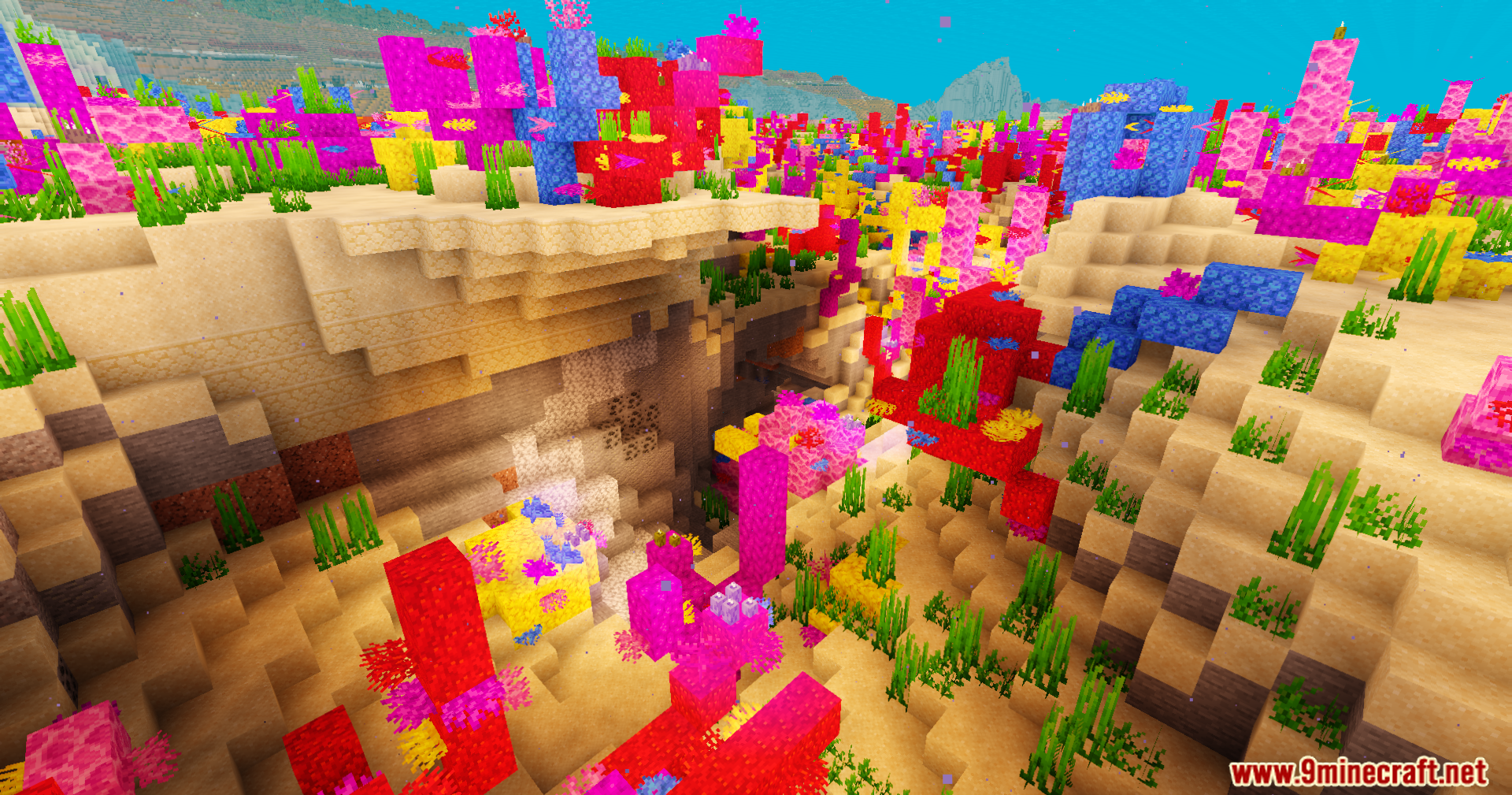
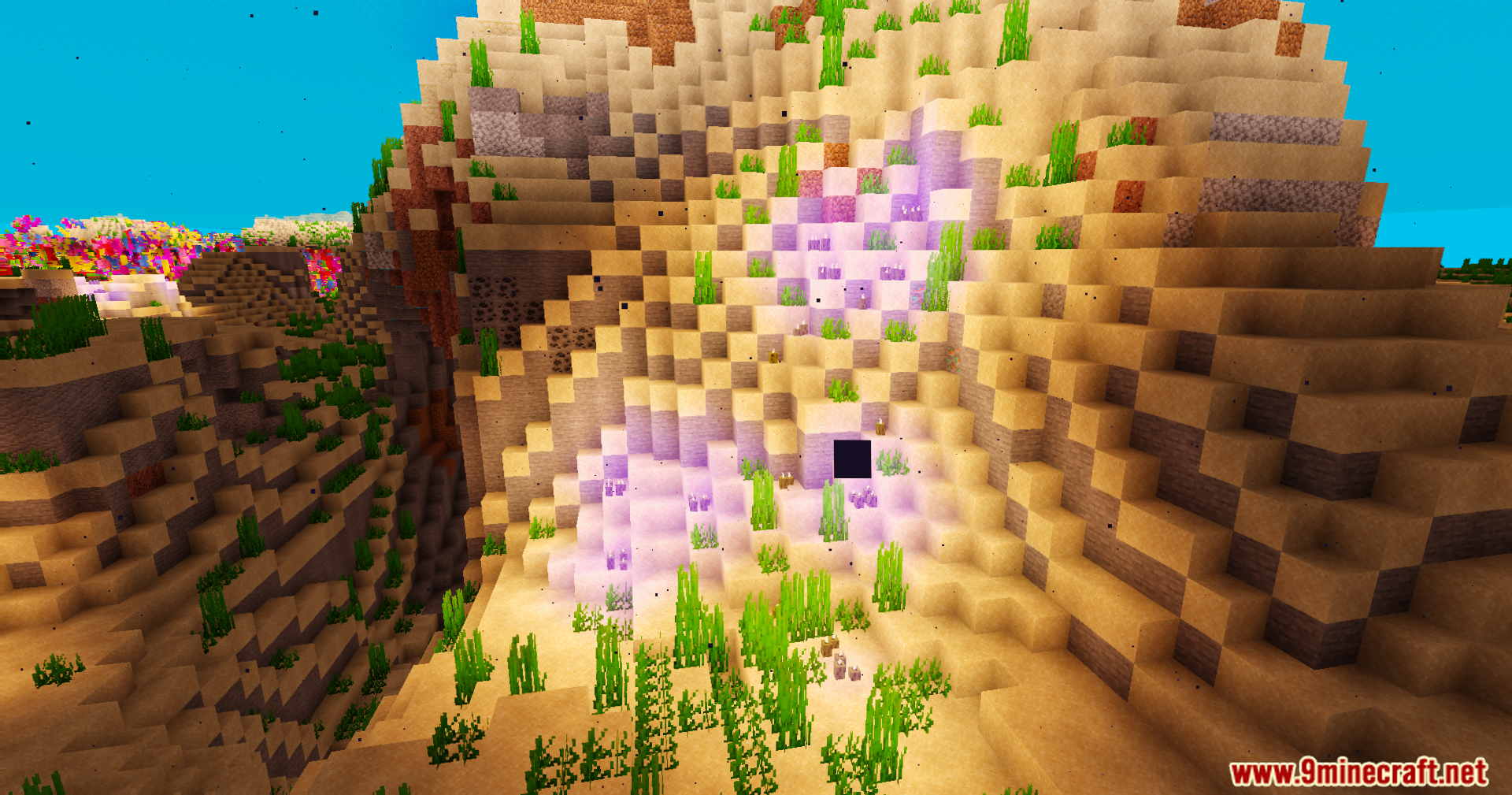
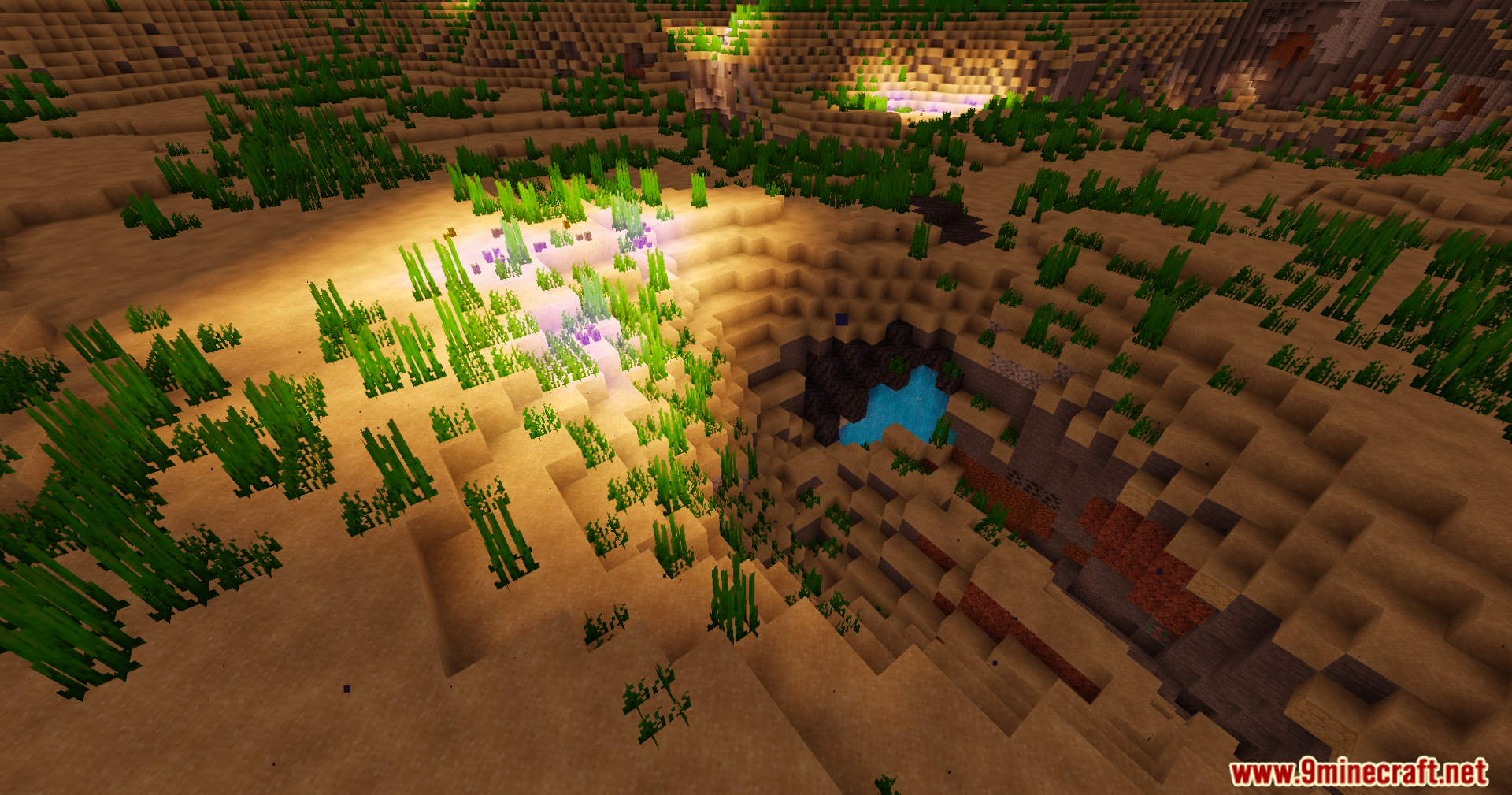
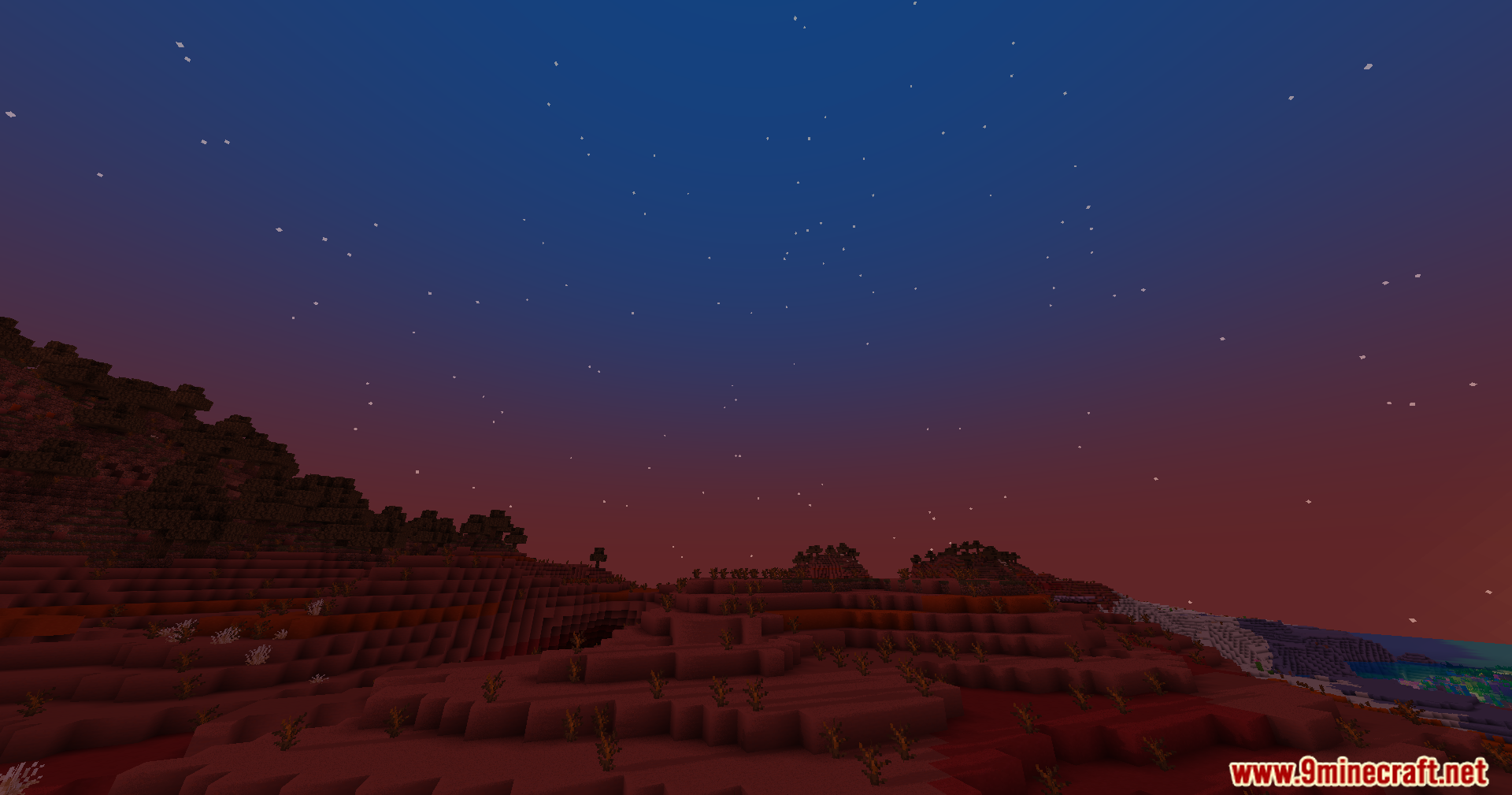
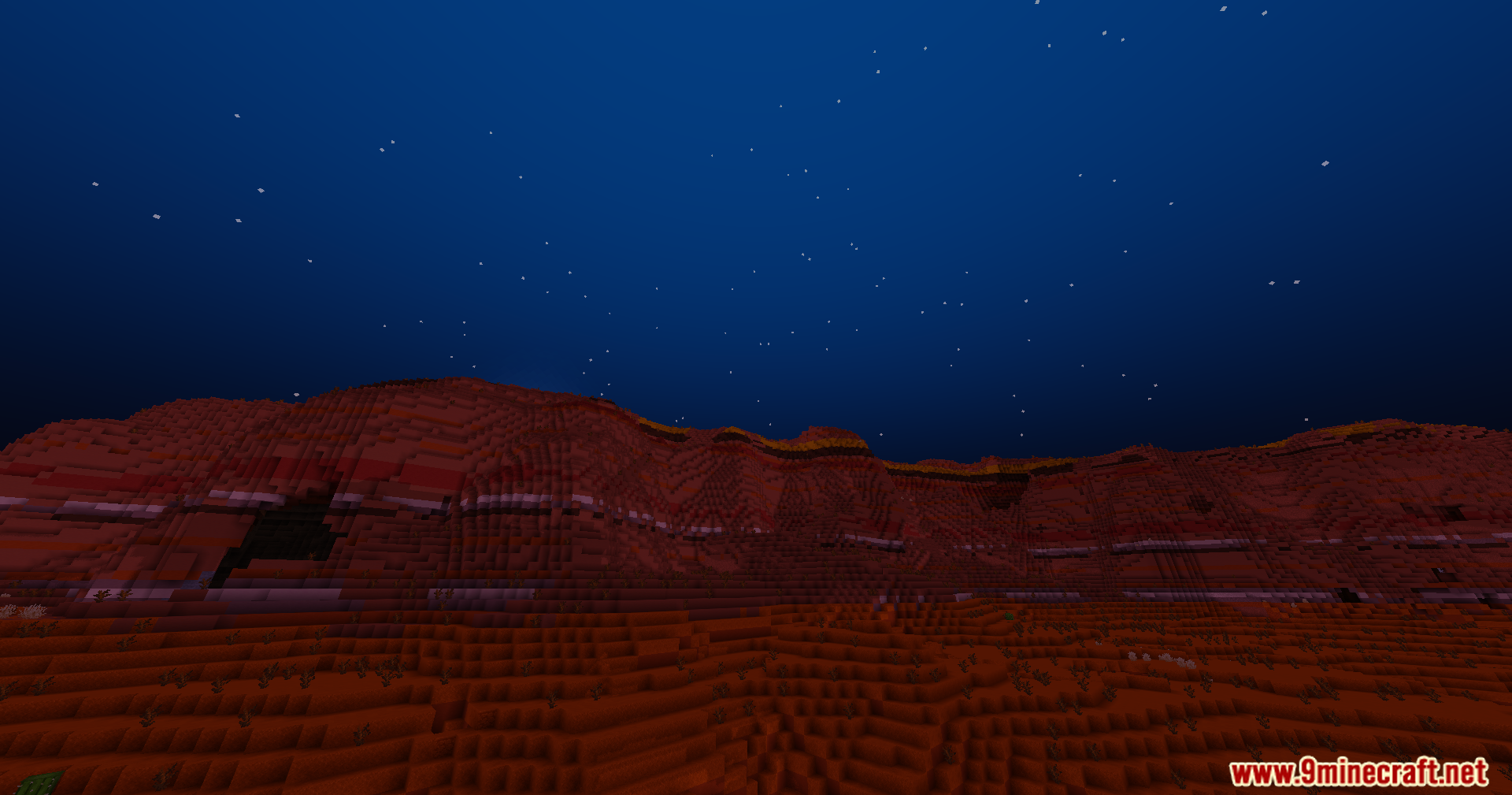
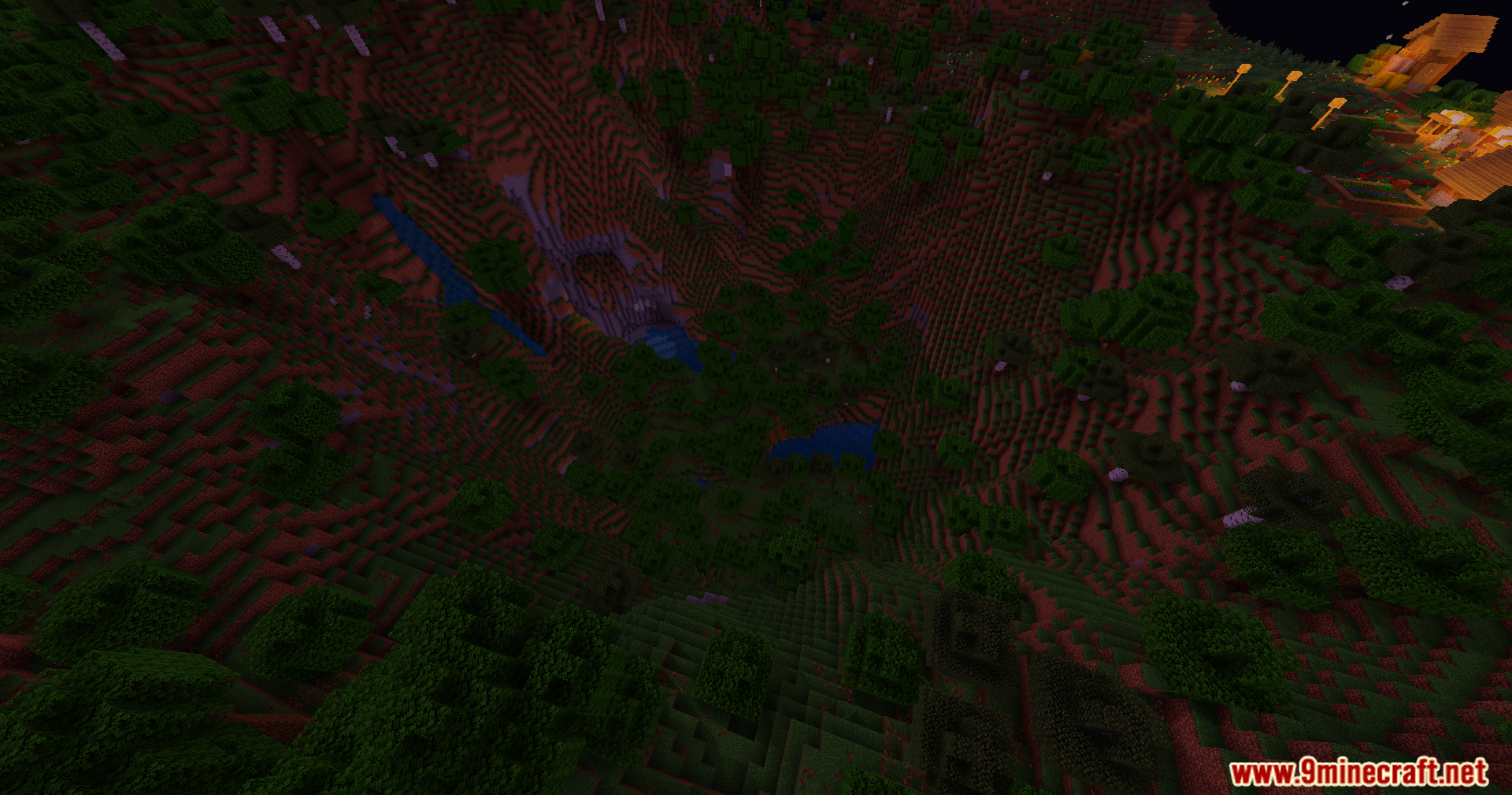
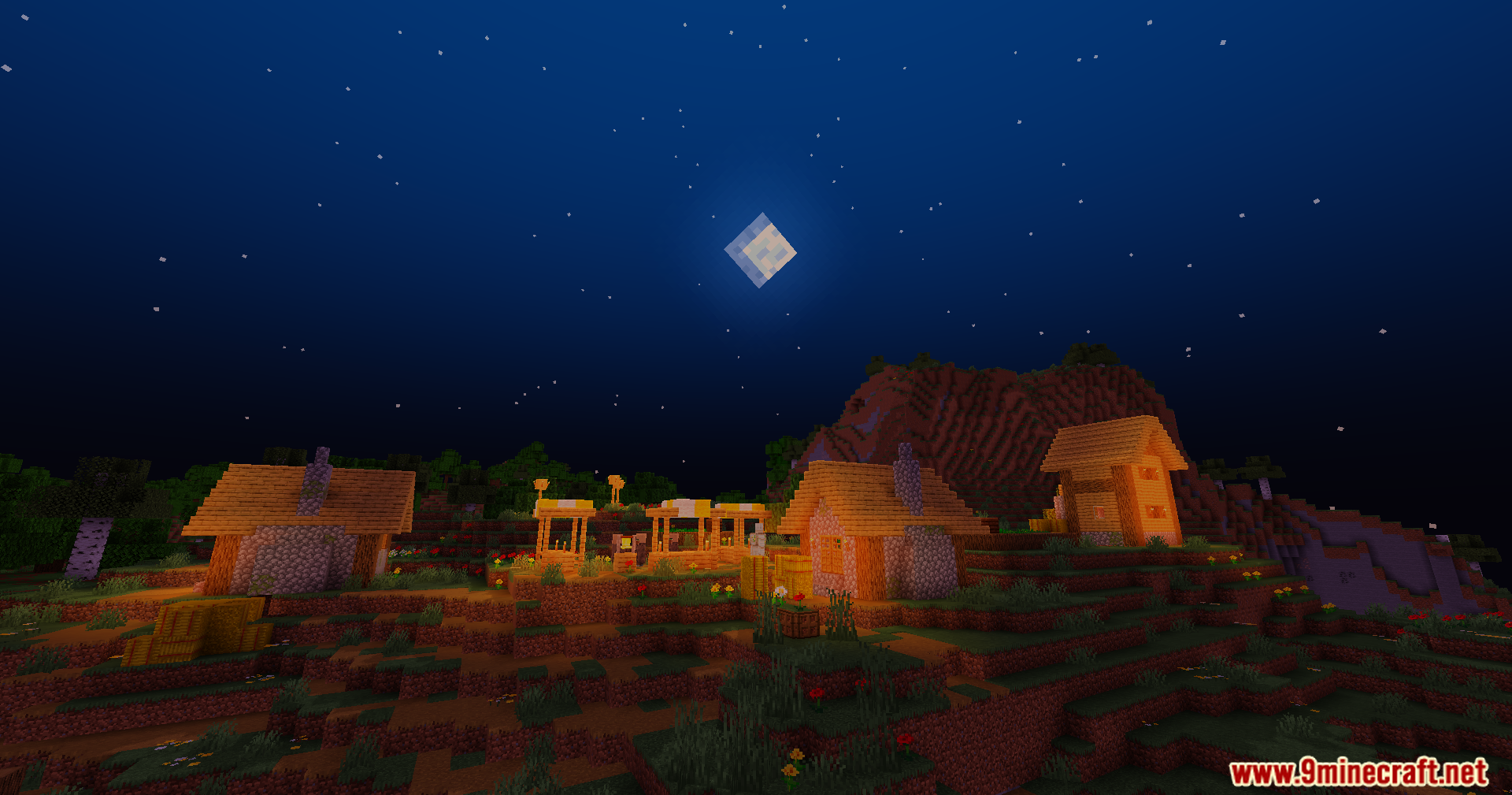
Trailer Shaders zmieniają wygląd Twojej gry, aby pasował do jasnego, czystego stylu oficjalnych filmów Minecraft. Ten shader dodaje miękkie cienie i efekt świecącego bloomu, jednocześnie utrzymując płynność gry na zwykłych komputerach. Zawiera proste sterowanie kolorami, które pozwala zmieniać poziomy światła czerwonego, zielonego i niebieskiego. Możesz użyć tych ustawień, aby stworzyć głębokie błękitne nocne niebo, ciepłe pomarańczowe zachody słońca nad badlandsami lub unikalną fioletową poświatę wewnątrz ciemnych jaskiń. Miękkie oświetlenie sprawia również, że podwodne rafy koralowe wyglądają na jasne i kolorowe.
Funkcje:
- Efekt Bloom: Dodaje miękką, kinową poświatę do źródeł światła. Można go łatwo włączyć lub wyłączyć w ustawieniach shadera.
- Własna kontrola kolorów: Pozwala dostosować poziomy światła czerwonego, zielonego i niebieskiego, aby stworzyć niestandardowy wygląd świata.
- Uzyskaj czysty, żywy styl wizualny znany z oficjalnych trailerów Minecraft.
- Zaprojektowany, aby działać płynnie i utrzymywać wysokie FPS, nawet na słabszych komputerach.
- Sprawia, że podwodne sceny, takie jak rafy koralowe, wydają się bardziej kolorowe i tętniące życiem.
- Twórz unikalne atmosfery, takie jak ciemnoniebieskie nocne niebo, ciepłe zachody słońca, a nawet fioletowe jaskinie.
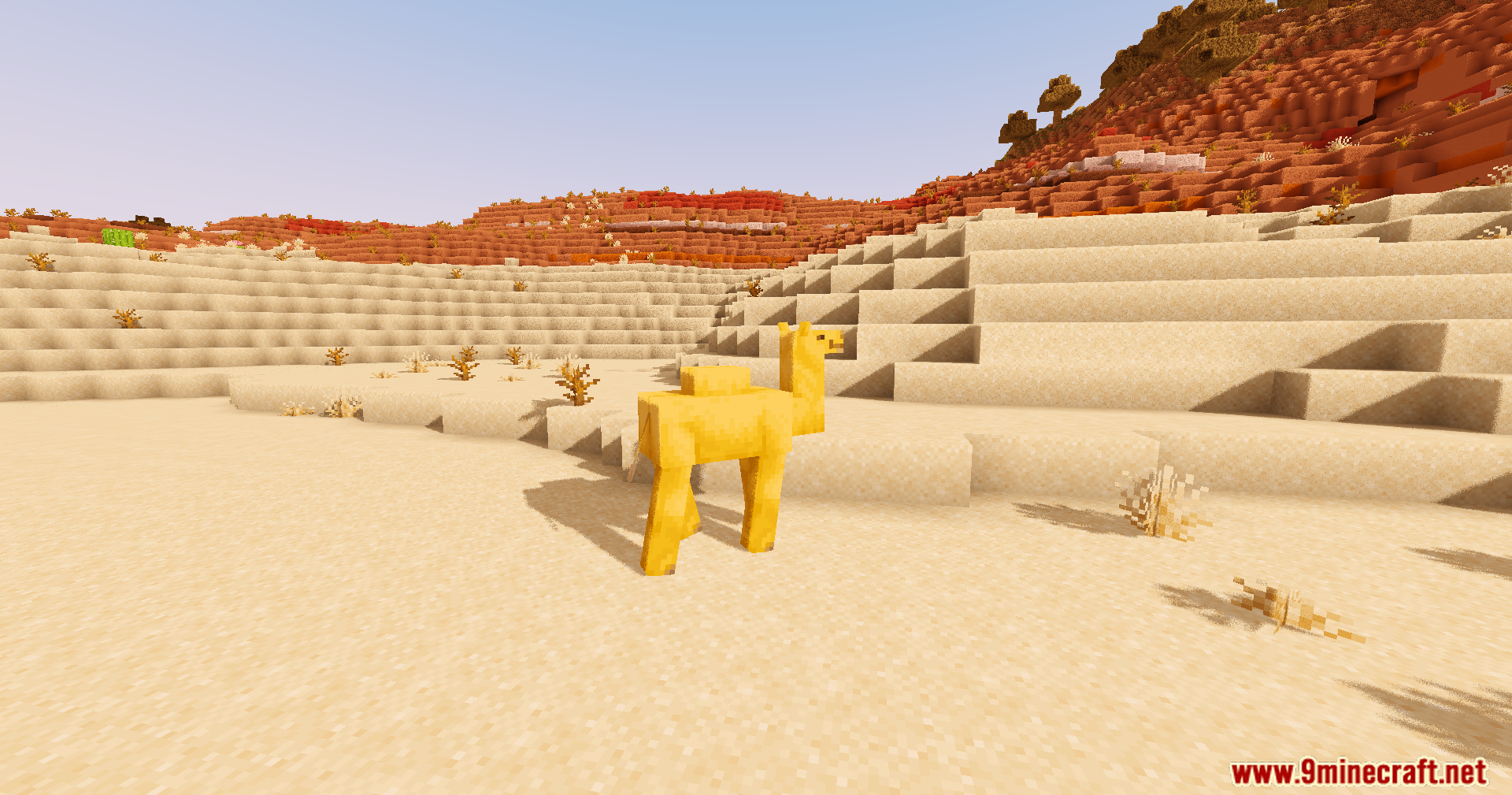
- Zmienia cienie w grze na miękkie i gładkie na całym krajobrazie.
Konfiguracja:
- Efekt Bloom: Możesz włączyć lub wyłączyć miękką poświatę światła w ustawieniach shadera.
- Ustawienia kolorów: Przejdź do ustawień, aby zmienić kolory czerwony, zielony i niebieski. Pozwala to ustawić idealny nastrój dla Twojej gry.
Zrzuty ekranu:
Jak zainstalować:
Trailer Shaders Linki do pobrania
Dla wszystkich wersji Minecraft
Kliknij, aby ocenić ten wpis!
[Total: 6 Average: 3.5]
Może Ci się też spodobać







Ten wpis nie ma jeszcze komentarzy. Bądź pierwszy — Twój komentarz pojawi się tutaj.