


Player Head Drops Plugin (26.2, 1.20.1) – Turn PvP Kills Into Collectible

 0
0 

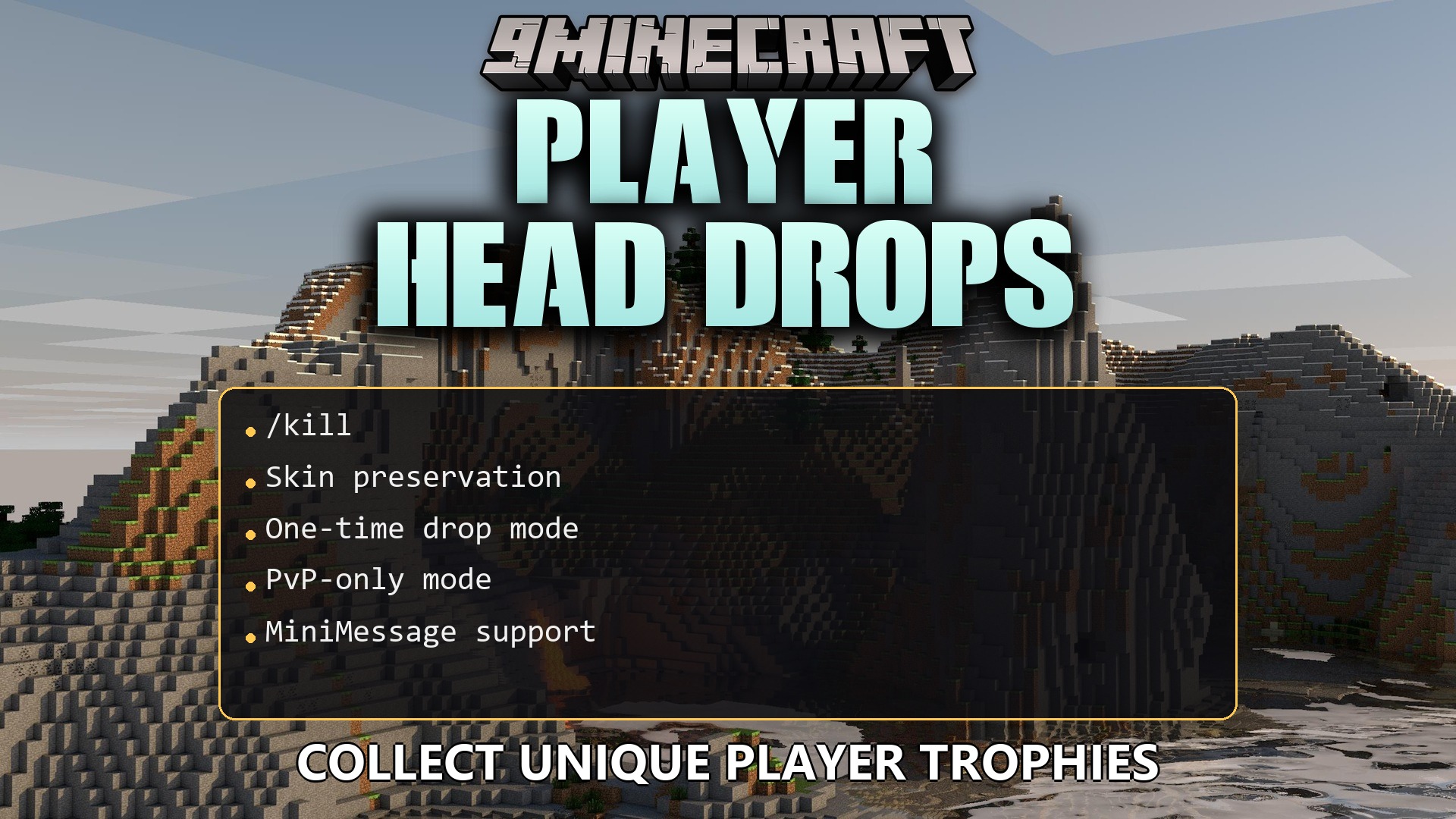
Player Head Drops Plugin adds a fun trophy system to your server fights. It drops a player’s head on the ground when they lose a battle, keeping their exact skin texture. You get a perfect reward to show off your victories to other people. The system includes many options to control how and when these heads appear during combat.
Features:
Drop Rules:
- PvP Only: Makes heads drop only when one player defeats another, ignoring falls or mob attacks.
- Anti-Farm System: Stops players from getting heads through self-harm or falling into the void.
- Sets a custom cooldown timer so you cannot get multiple heads from the same person too quickly.
- Lets you limit drops to one head per person across the entire server history.
- Includes a chance system that you can adjust from zero to a guaranteed drop.
Rewards & Customization:
- Skin Memory: Saves the exact skin texture into the item so it stays correct even after a server restart.
- Sends the head straight into the winner’s inventory instead of dropping it on the floor.
- Applies bonus drop chances if you fight using a weapon with the Looting enchantment.
- Pays out server money to the winner if you connect an economy system.
- Plays custom sound effects and shows particles when a head drops.
- Broadcasts a chat message to everyone or nearby players when someone loses their head.
- Allows you to change the item name and description with custom colors and text.
- Adds drop chances for standard mob heads like zombies, creepers, and the ender dragon.
Configuration:
config.yml: change drop chances, cooldown times, chat messages, and custom text.worlds: build a whitelist or blacklist to control exactly where heads drop.
How to Use:
- Join a server that runs the Player Head Drops Plugin.
- Fight another player in combat.
- Defeat your opponent to trigger the head drop.
- Pick up the head from the ground or find it directly in your inventory.
- Place the head on a block or wear it as a helmet to show off your victory.
How to Install:
New to Minecraft? Follow our step-by-step guide to install Plugins on your PC.View Guide
Player Head Drops Plugin Download Links
For Minecraft 26.2
For Minecraft 26.1.2, 26.1.1, 26.1
For Minecraft
1.21.11,
1.21.10,
1.21.9
All Versions Covered
1.21.11
1.21.10
1.21.9
1.21.8
1.21.7
1.21.6
1.21.5
1.21.4
1.21.3
1.21.2
1.21.1
1.21
1.20.6
1.20.5
1.20.4
1.20.3
1.20.2
1.20.1
1.20
1.19.4
1.19.3
1.19.2
1.19.1
1.19
1.18.2
All Versions Covered
1.21.11
1.21.10
1.21.9
1.21.8
1.21.7
1.21.6
1.21.5
1.21.4
1.21.3
1.21.2
1.21.1
1.21
1.20.6
1.20.5
1.20.4
1.20.3
1.20.2
1.20.1
1.20
1.19.4
1.19.3
1.19.2
1.19.1
1.19
1.18.2
Click to rate this post!
[Total: 0 Average: 0]
You May Also Like






This post has no comments yet. Be the first — your comment will appear here.