


Ax Inventory Restore Plugin (26.2, 1.20.1) – Return Lost Gear and Keep Players

 0
0 

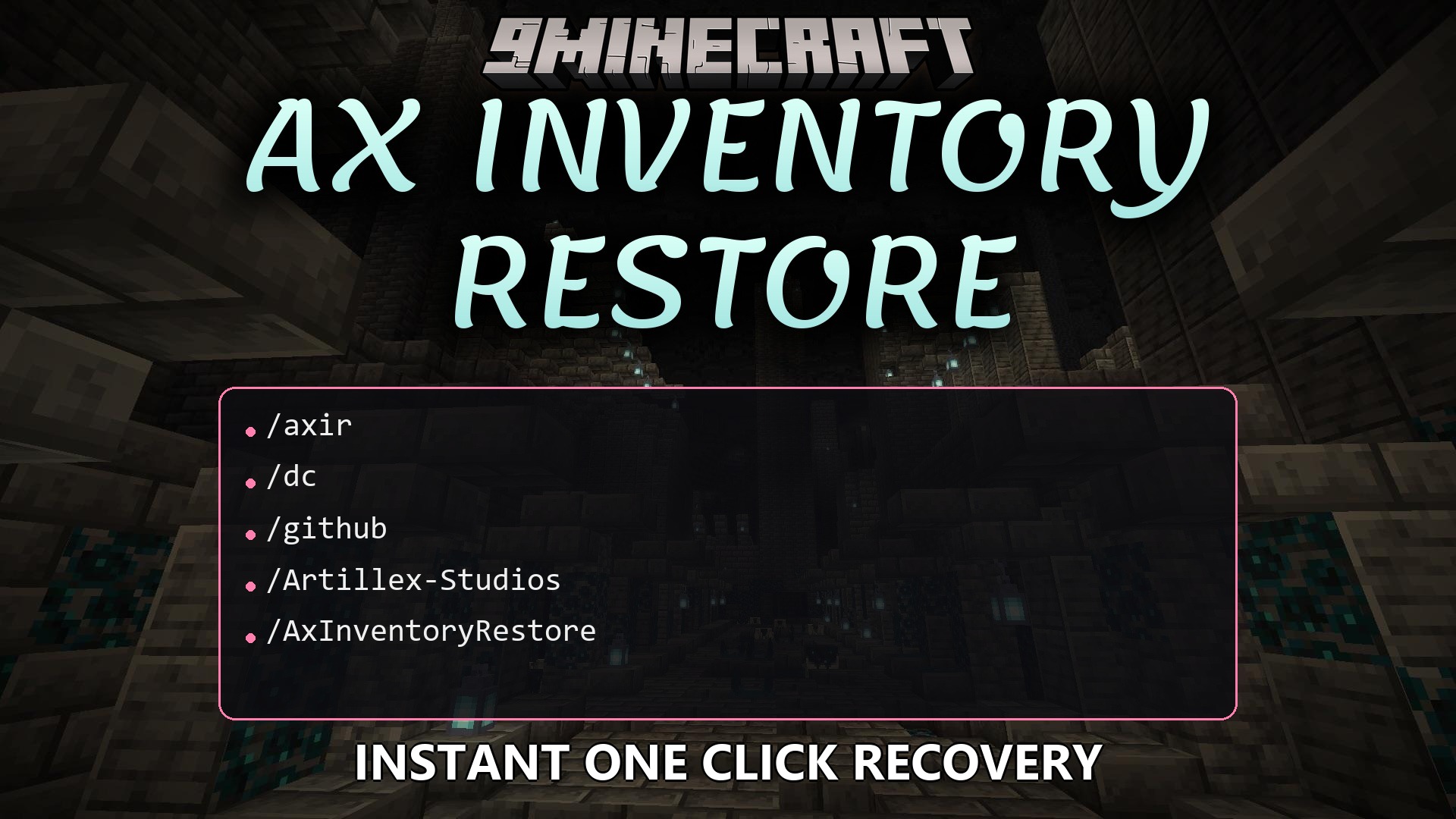
Ax Inventory Restore Plugin saves copies of what players carry in their bags. It tracks items when people join, leave, die, or move to different worlds. You can give lost items back with a single click or put everything inside a shulker box for them. This tool helps you fix mistakes and keeps everyone happy on the server without wasting time.
Features:
- Saves player items automatically on a timer.
- Takes a snapshot of gear when a player dies, joins, quits, or switches worlds.
- Lets you give back a whole setup with just one click.
- Packs restored items into a shulker box so players can grab them easily.
- Cleans up old data on its own after a set number of days.
- Works across multiple servers if you connect it to a shared database.
- Runs quietly in the background without slowing down the game.
- Allows you to change all the chat messages to your own language.
Commands:
/axir: Open the menu to check saved items for a specific person./axir save *: Force the game to save items for everyone online right now./axir save: Force a save for just one person./axir cleanup: Delete old saved data right away./axir reload: Update the plugin after you change settings.
Configuration:
axinventoryrestore.admin: Grants access to use all commands and menus.
How to Use:
- Give yourself the admin permission to open the tool.
- Type the main command followed by a name to open their history menu.
- Click on a saved time to see what they had in their bags.
- Choose to put the items right back into their hands or export them as a shulker box.
How to Install:
New to Minecraft? Follow our step-by-step guide to install Plugins on your PC.View Guide
Ax Inventory Restore Plugin Download Links
For Minecraft
26.2,
26.1.2,
26.1.1
All Versions Covered
26.2
26.1.2
26.1.1
26.1
1.21.11
1.21.10
1.21.9
1.21.8
1.21.7
1.21.6
1.21.5
1.21.4
1.21.3
1.21.2
1.21.1
1.21
1.20.6
1.20.5
1.20.4
1.20.3
1.20.2
All Versions Covered
26.2
26.1.2
26.1.1
26.1
1.21.11
1.21.10
1.21.9
1.21.8
1.21.7
1.21.6
1.21.5
1.21.4
1.21.3
1.21.2
1.21.1
1.21
1.20.6
1.20.5
1.20.4
1.20.3
1.20.2
For Minecraft
1.21.1,
1.21,
1.20.6
All Versions Covered
1.21.1
1.21
1.20.6
1.20.5
1.20.4
1.20.3
1.20.2
1.20.1
1.20
1.19.4
1.19.3
1.19.2
1.19.1
1.19
1.18.2
1.18.1
1.18
All Versions Covered
1.21.1
1.21
1.20.6
1.20.5
1.20.4
1.20.3
1.20.2
1.20.1
1.20
1.19.4
1.19.3
1.19.2
1.19.1
1.19
1.18.2
1.18.1
1.18
Click to rate this post!
[Total: 0 Average: 0]
You May Also Like

















This post has no comments yet. Be the first — your comment will appear here.