


Grief Prevention3 D Plugin (26.2, 1.20.1) – Protect Tall Builds Without Waiting
 15
15
 0
0


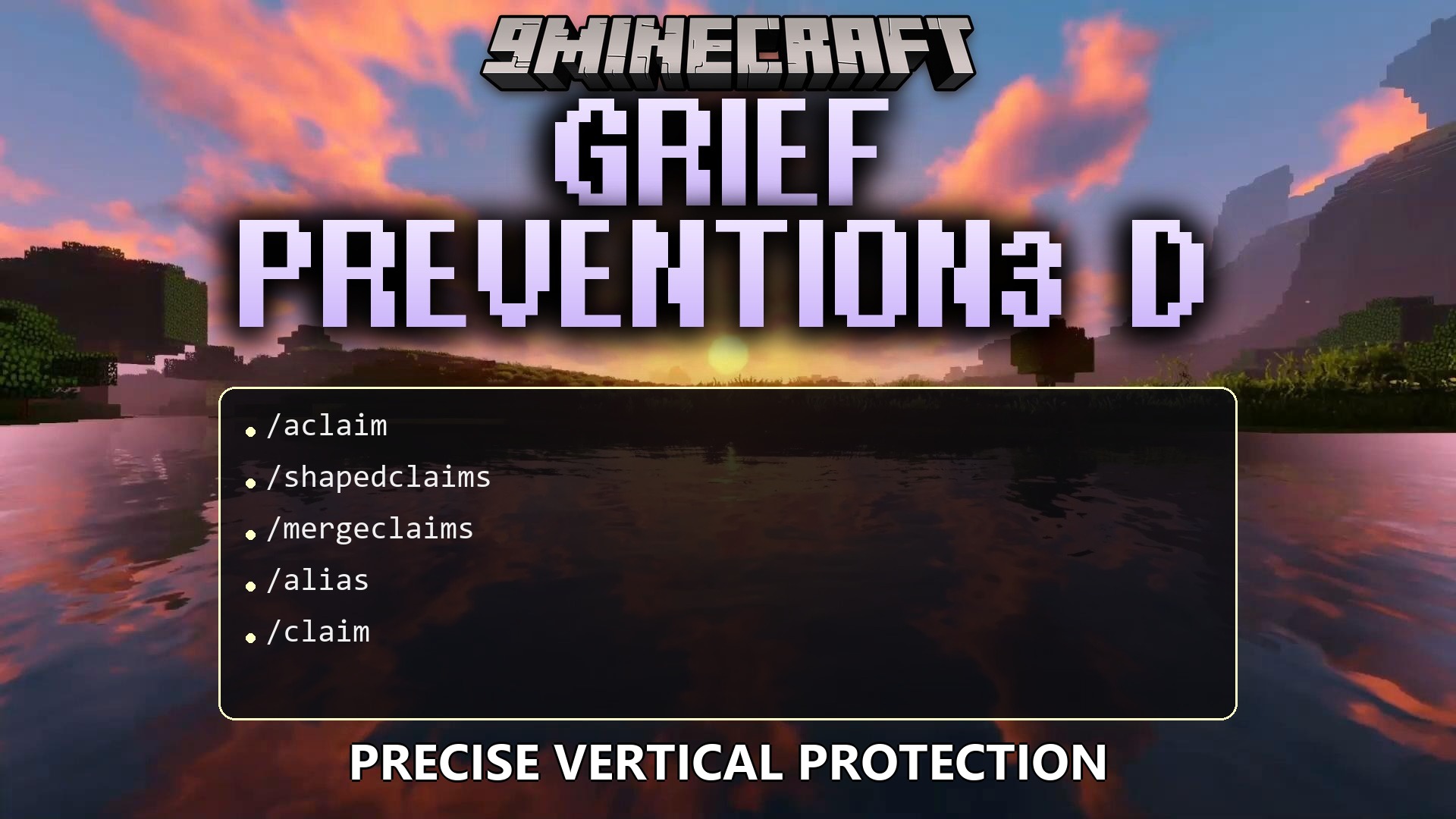
Grief Prevention3 D Plugin extends the popular GriefPrevention plugin with full height support for land claims. It gives you the power to protect complex builds by setting exact top and bottom limits. You can stop trolls from ruining your hard work without waiting for server staff to help. The plugin handles everything automatically so you can focus on building and playing with friends.
Features:
- Players can create custom land claims with exact height limits to protect tall towers or deep underground bases.
- Lets you draw custom shapes for your claims instead of just standard squares or rectangles.
- Combines two separate claims into one large protected area using a simple command or a golden shovel.
- Allows you to place smaller protected zones inside bigger ones for better organization.
- Adds a bright glowing outline around your claim borders so you always know exactly where your land ends.
- Translates chat messages into the player’s own language automatically based on their game settings.
- Moves some chat messages to the action bar above your hotbar to keep your screen clean.
- Blocks players from claiming land too close to your base, keeping your neighborhood quiet and spacious.
- Lets you turn Wither boss block damage on or off inside your own protected area.
Commands:
/3dsubdivideclaims: Switches your tool into 3D subdivision mode to set height limits./3dadminclaims: Creates free server claims with exact height limits./shapedclaims: Turns on the mode to create non-rectangular land claims./mergeclaims: Merges the claim you are standing in with another nearby claim./neighbortrust <player>: Lets a specific friend build close to your borders./claim distance check: Shows how much empty space you need between claims./witherexplosions: Toggles whether Withers can break blocks on your land.
Configuration:
AllowShapedClaims: Set this to true to let players draw custom claim shapes.AllowNestedSubClaims: Set this to true to let players put subdivisions inside subdivisions.VisualizationGlow: Set this to true to turn on the glowing border effect.MinimumDistance: Type a number here to force empty space between player bases.PerPlayerLocale: Set this to false to force all messages to stay in English.
How to Use:
- Hold a golden shovel in your hand to start managing your land.
- Type
/shapedclaimsif you want to draw a custom border around your base. - Right-click the corners of your base with the shovel to create your protective border.
- Type
/3dsubdivideclaimsand right-click to set exact top and bottom limits for specific rooms. - If you build a new base nearby, stand in the old one, type
/mergeclaims, walk to the new one, and type the command again to connect them.
How to Install:
New to Minecraft? Follow our step-by-step guide to install Plugins on your PC.View Guide
Grief Prevention3 D Plugin Download Links
For Minecraft
26.2,
26.1.2,
26.1.1
All Versions Covered
26.2
26.1.2
26.1.1
26.1
1.21.11
1.21.10
1.21.9
1.21.8
1.21.7
1.21.6
1.21.5
1.21.4
1.21.3
1.21.2
1.21.1
1.21
1.20.6
1.20.5
1.20.4
1.20.3
1.20.2
1.20.1
1.20
1.19.4
1.19.3
1.19.2
1.19.1
1.19
1.18.2
1.18.1
1.18
1.17
1.16
1.15
1.14
1.13
1.12
1.11
1.10
1.9
1.8.3
1.8.1
1.8
All Versions Covered
26.2
26.1.2
26.1.1
26.1
1.21.11
1.21.10
1.21.9
1.21.8
1.21.7
1.21.6
1.21.5
1.21.4
1.21.3
1.21.2
1.21.1
1.21
1.20.6
1.20.5
1.20.4
1.20.3
1.20.2
1.20.1
1.20
1.19.4
1.19.3
1.19.2
1.19.1
1.19
1.18.2
1.18.1
1.18
1.17
1.16
1.15
1.14
1.13
1.12
1.11
1.10
1.9
1.8.3
1.8.1
1.8
Click to rate this post!
[Total: 0 Average: 0]
You May Also Like









This post has no comments yet. Be the first — your comment will appear here.