


Advanced Set Spawn Plugin (26.2, 1.20.1) – Welcome New Players to a Safe

 0
0 

Advanced Set Spawn Plugin gives server owners a simple way to move players around the world. It lets you create a main gathering spot where everyone appears when they join or die. You can set up a special starting area just for brand new players to welcome them safely. The plugin also catches players who fall into the void and sends them right back to safety.
Features:
- Smart Void Rescue: Catches players who fall off the map and safely drops them at the spawn point instead of letting them die.
- New Player Welcome: Sends first-time visitors to a completely different location so they can read rules or get starter gear.
- Per-World Spawns: Lets you set up a unique starting point for every single dimension or world on your server.
- Plays a fun sound effect in the game whenever someone travels to the main gathering area.
- Moves every single person online to the main area at the exact same time with just one action.
- Cancels the travel timer if a person walks or moves around before the countdown finishes.
- Connects easily with server networks to send people back to the main lobby.
- Lets you change the color and text of every single chat message, or hide them completely.
Commands:
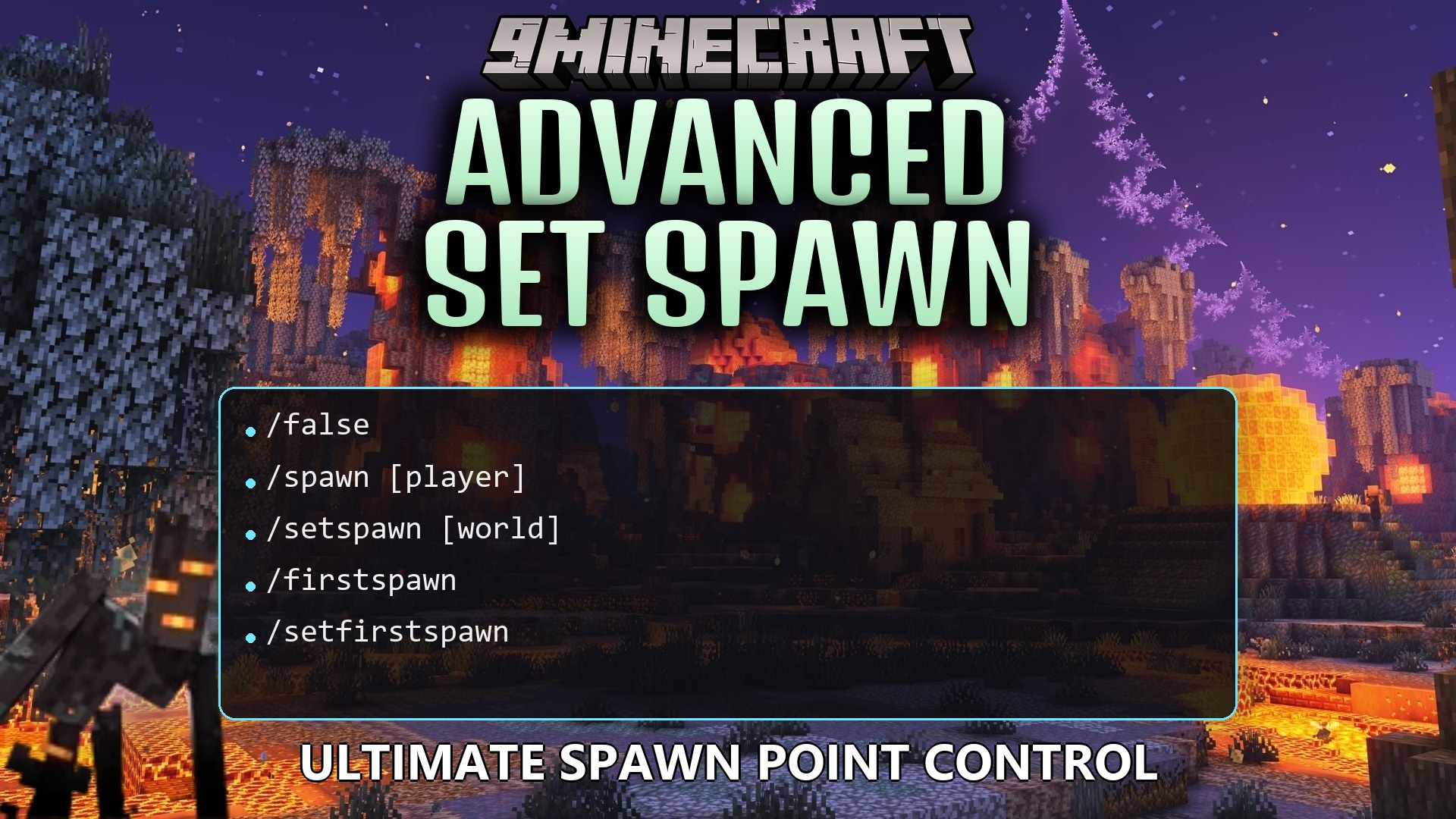
/spawn: Travels to the main server gathering spot./setspawn: Places the main gathering spot right where you are standing./firstspawn: Travels to the spot made just for new people./setfirstspawn: Places the starting spot for brand new visitors at your feet./lobby: Moves you to the main network hub./delspawn: Removes saved locations from the server./aspawn tpall: Forces everyone currently playing to travel to the main area.
Configuration:
prefix: Changes the text that appears before all chat messages.storage: Chooses how the server saves your locations, like using standard files or database systems.
# Prefix of all chat messages
prefix: "&8[&bSpawn&8] &7"

storage:
  type: "YAML"
How to Use:
- Stand in the exact spot and face the direction where you want people to appear.
- Type /setspawn in the chat to save this location for everyone.
- Move to a different area meant for brand new visitors.
- Type /setfirstspawn to make sure new people appear there first.
- Tell your friends to type /spawn whenever they get lost in the wild.
How to Install:
New to Minecraft? Follow our step-by-step guide to install Plugins on your PC.View Guide
Advanced Set Spawn Plugin Download Links
For Minecraft
26.2,
26.1.2,
26.1.1
All Versions Covered
26.2
26.1.2
26.1.1
26.1
1.21.11
1.21.10
1.21.9
1.21.8
1.21.7
1.21.6
1.21.5
1.21.4
1.21.3
1.21.2
1.21.1
1.21
1.20.6
1.20.5
1.20.4
1.20.3
1.20.2
1.20.1
1.20
1.19.4
1.19.3
1.19.2
1.19.1
1.19
1.18.2
1.18.1
1.18
1.17
1.16
1.15
1.14
1.13
1.12
1.11
1.10
1.9
1.8.3
1.8.1
1.8
All Versions Covered
26.2
26.1.2
26.1.1
26.1
1.21.11
1.21.10
1.21.9
1.21.8
1.21.7
1.21.6
1.21.5
1.21.4
1.21.3
1.21.2
1.21.1
1.21
1.20.6
1.20.5
1.20.4
1.20.3
1.20.2
1.20.1
1.20
1.19.4
1.19.3
1.19.2
1.19.1
1.19
1.18.2
1.18.1
1.18
1.17
1.16
1.15
1.14
1.13
1.12
1.11
1.10
1.9
1.8.3
1.8.1
1.8
For Minecraft 1.8.9, 1.8
Click to rate this post!
[Total: 0 Average: 0]
You May Also Like
















This post has no comments yet. Be the first — your comment will appear here.