


PlayerKits 2 Plugin (26.1.2, 1.20.1) – Create Survival Kits And Claim Them On A GUI

 0
0 

PlayerKits 2 Plugin is a highly customizable plugin designed to provide fully configurable kits for Minecraft servers. It supports a wide range of Minecraft versions from 1.8 to 1.21, making it a versatile tool for server administrators who want to offer players predefined sets of items and equipment. PlayerKits 2 is an excellent plugin for Minecraft servers looking to offer players customizable kits. Its extensive feature set, including fully configurable kits, economy integration, and user-friendly GUI, makes it a powerful tool for enhancing player experience. While the initial configuration may take some effort, the benefits of a well-managed kit system far outweigh the setup time. This plugin is highly recommended for servers seeking to provide predefined sets of items and equipment in a flexible and user-friendly manner.
Features:
- Fully Configurable Kits: Allows server administrators to create and configure kits with a wide variety of items, enchantments, and custom names.
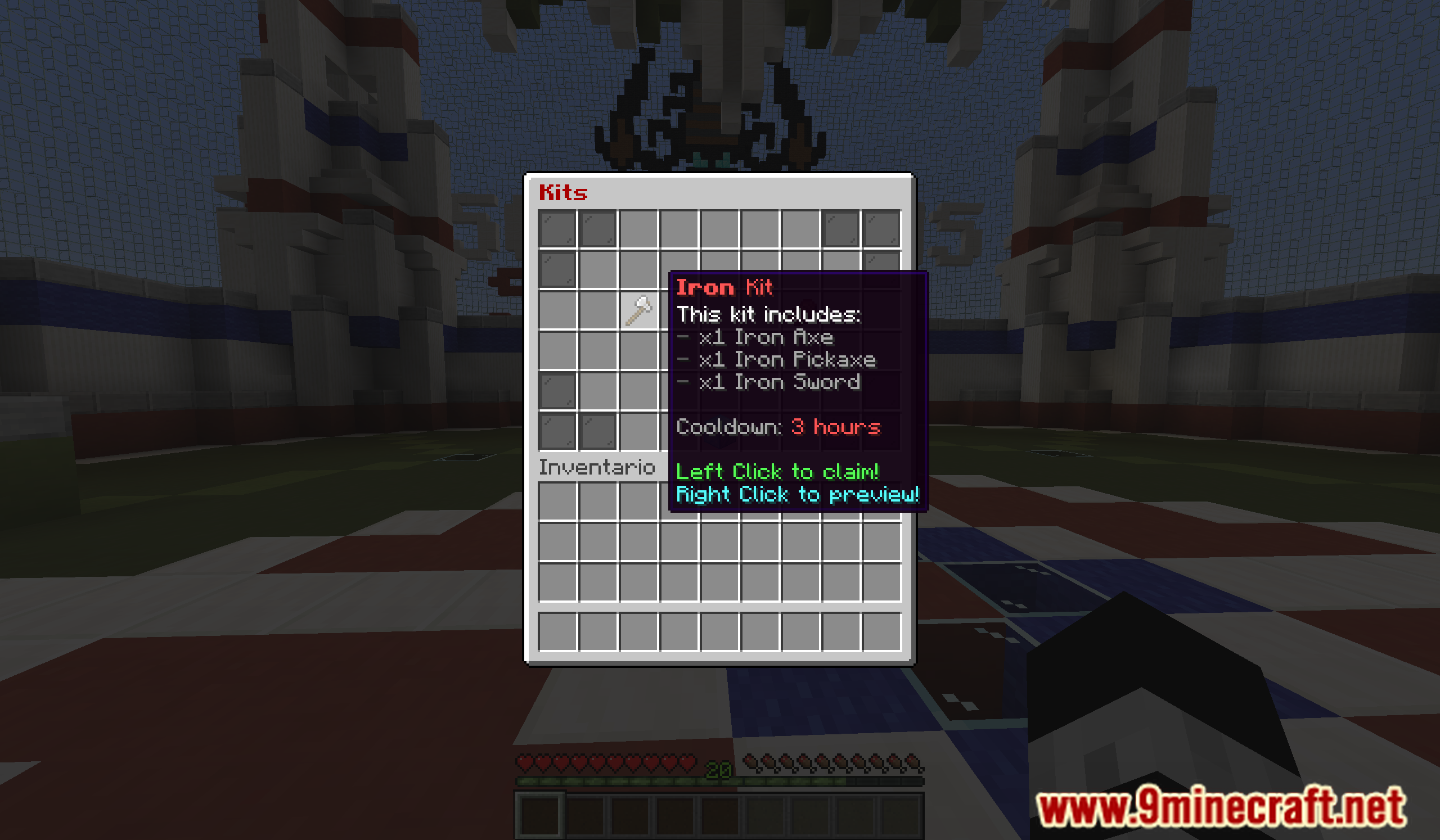
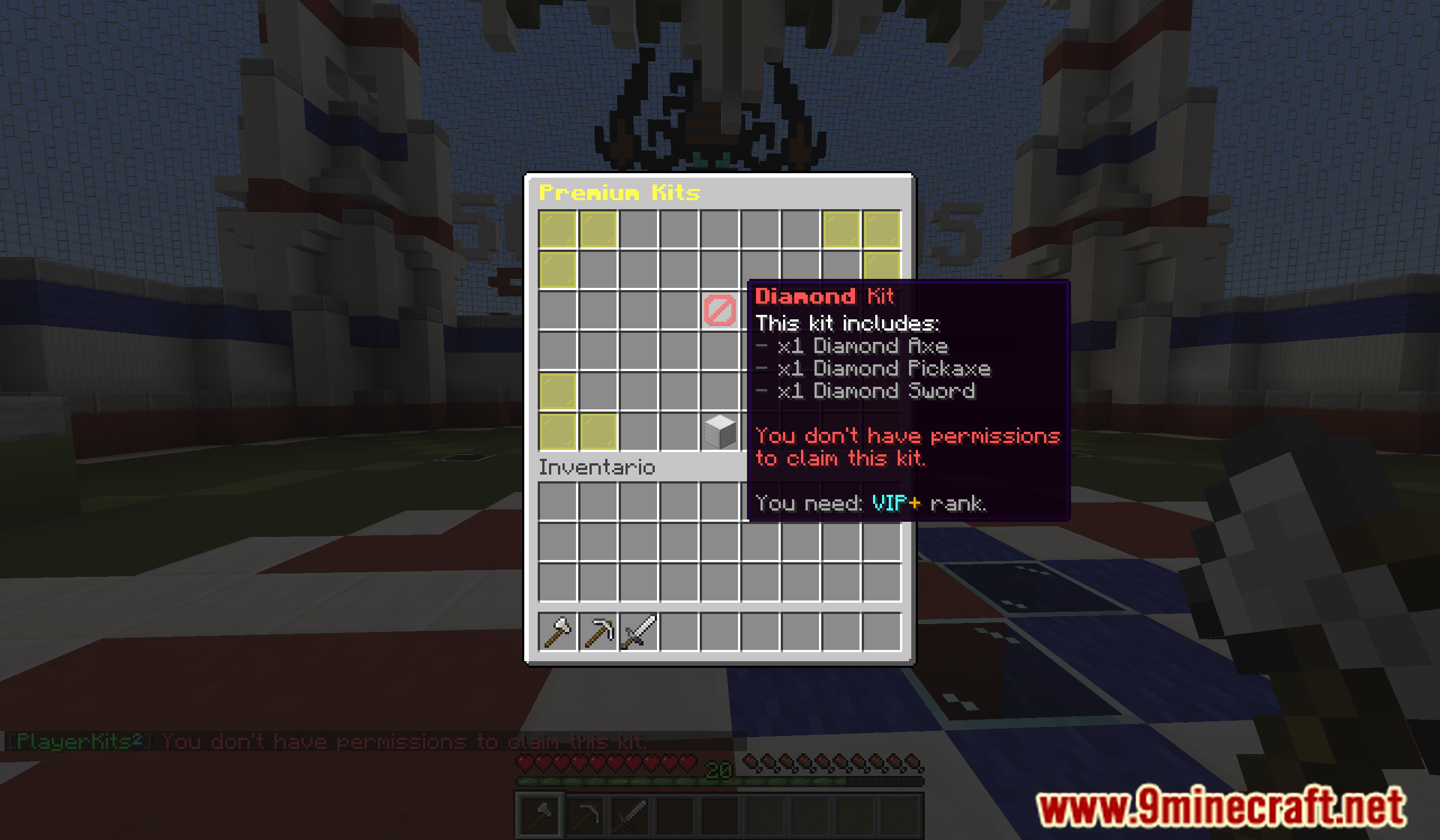
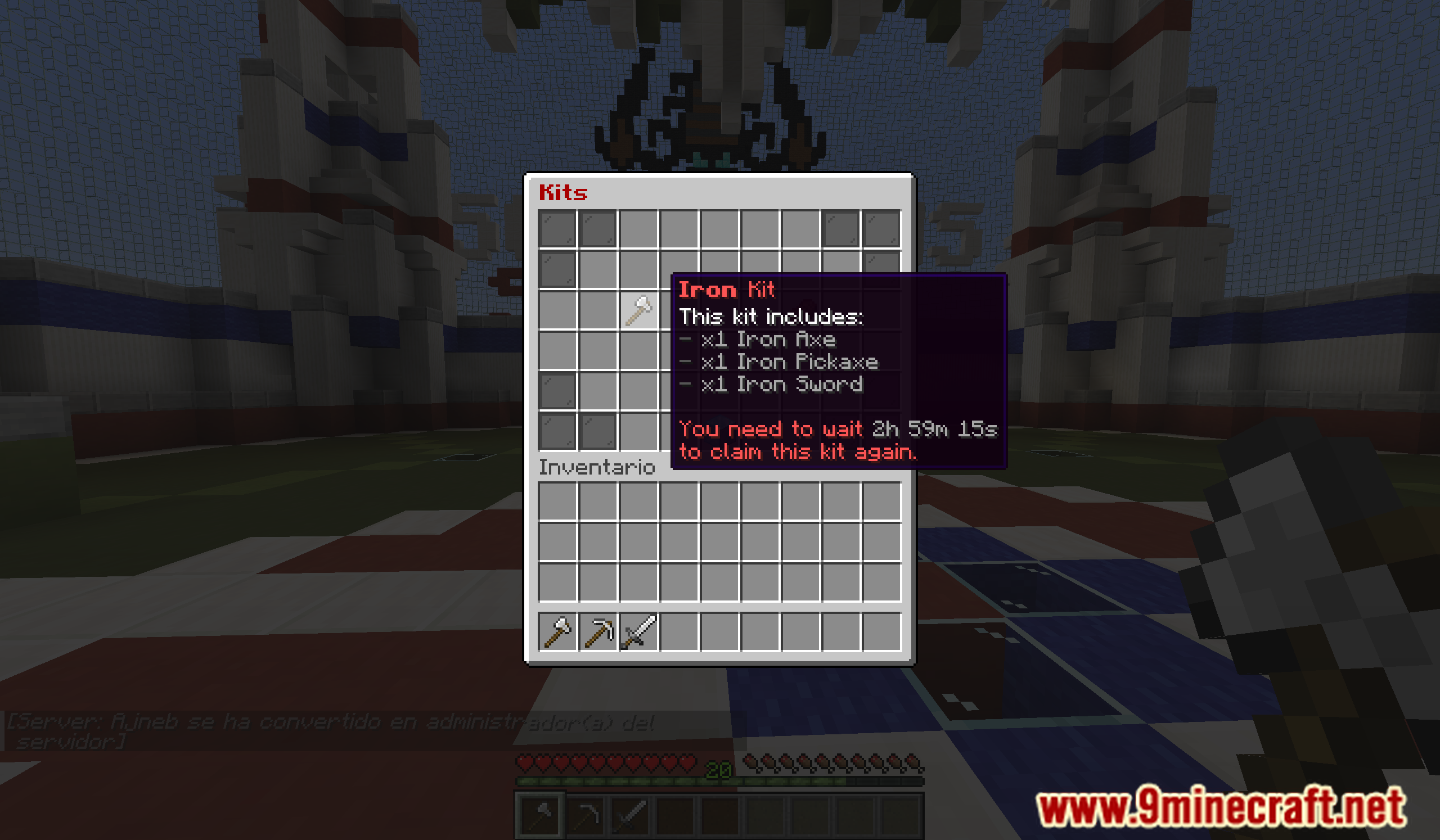
- Cooldowns and Permissions: Supports configurable cooldowns for kit usage and integrates with permission plugins to control access to specific kits.
- Custom Commands: Kits can be configured to execute custom commands when used, providing additional functionality.
- Economy Integration: Integrates with economy plugins, allowing kits to be sold for in-game currency, adding a layer of economy management.
- GUI Interface: Provides an easy-to-use graphical user interface for kit selection, enhancing the user experience for players.
- Kit Preview: Allows players to preview the contents of a kit before redeeming it, ensuring they know what they are getting.
- Compatibility: Supports a wide range of Minecraft versions, ensuring compatibility with various server setups.
Screenshost:
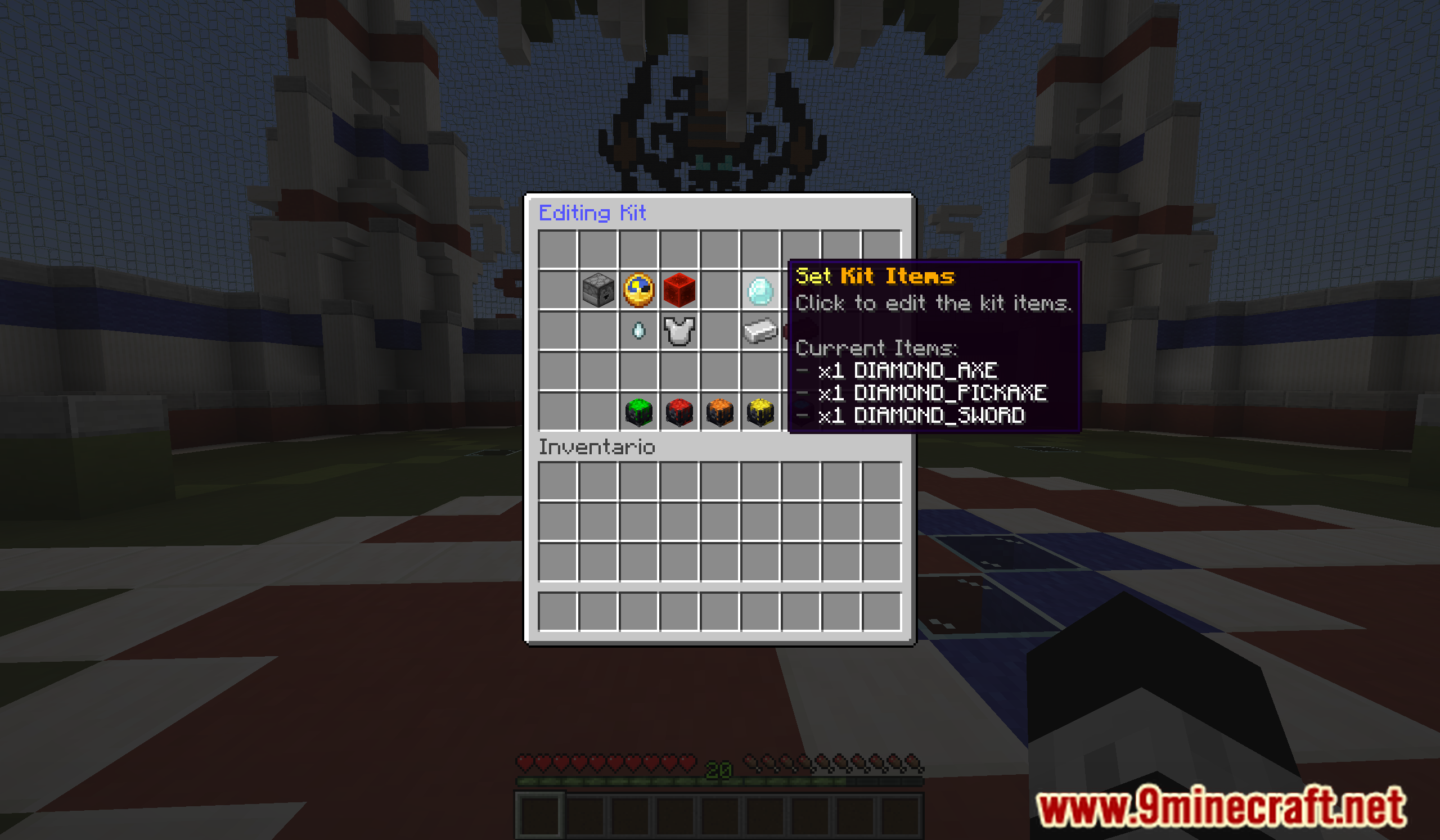
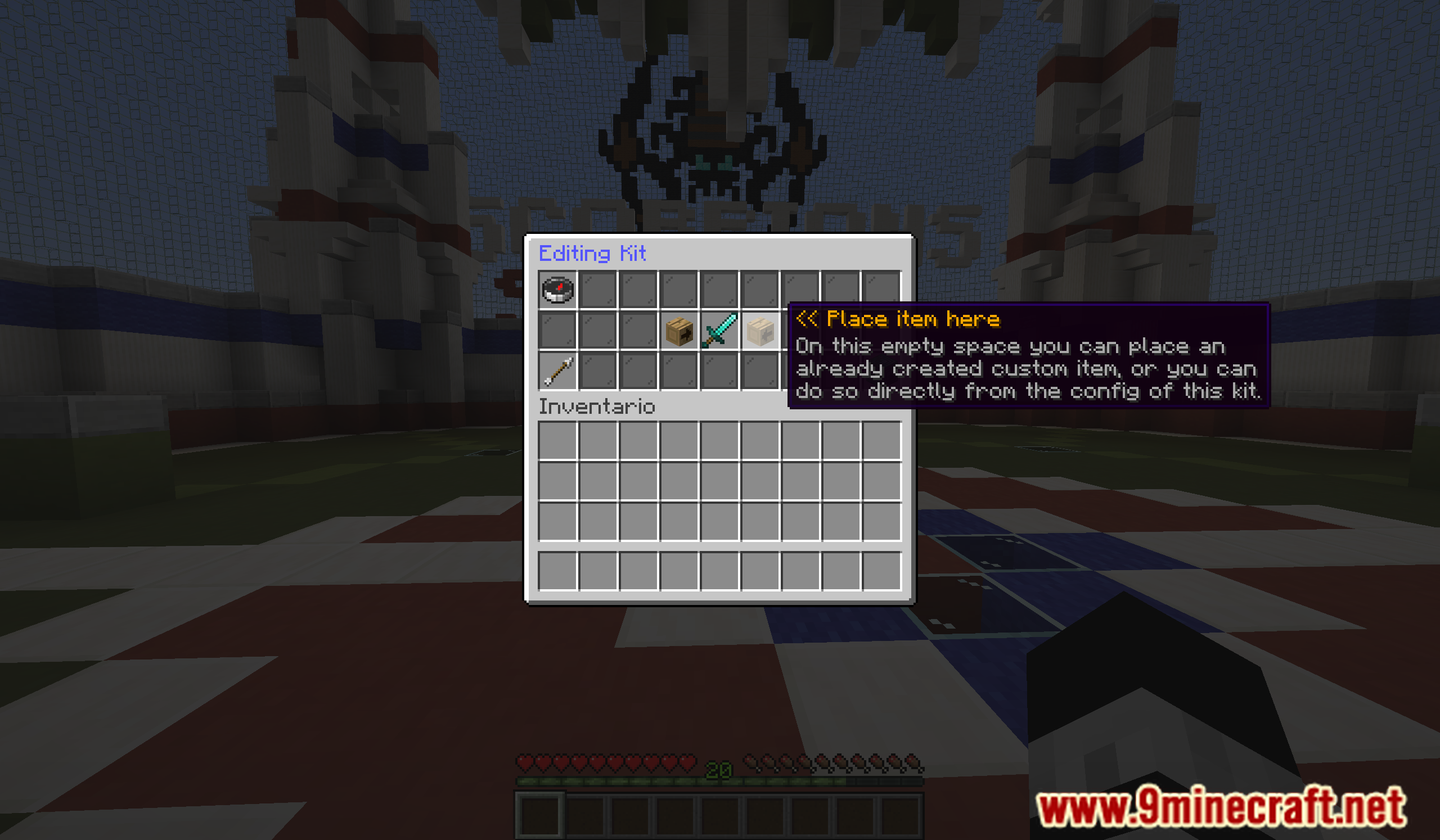
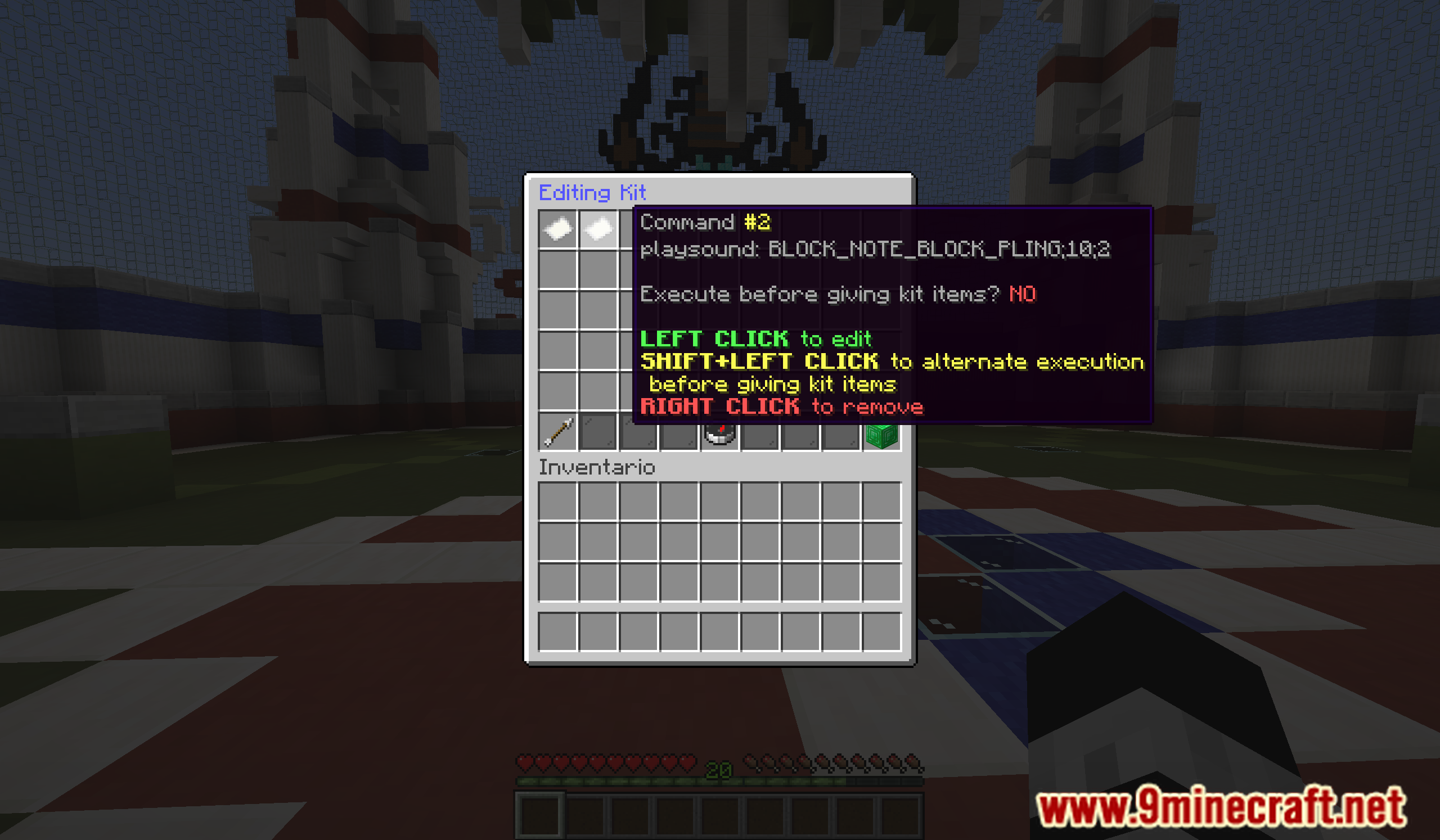
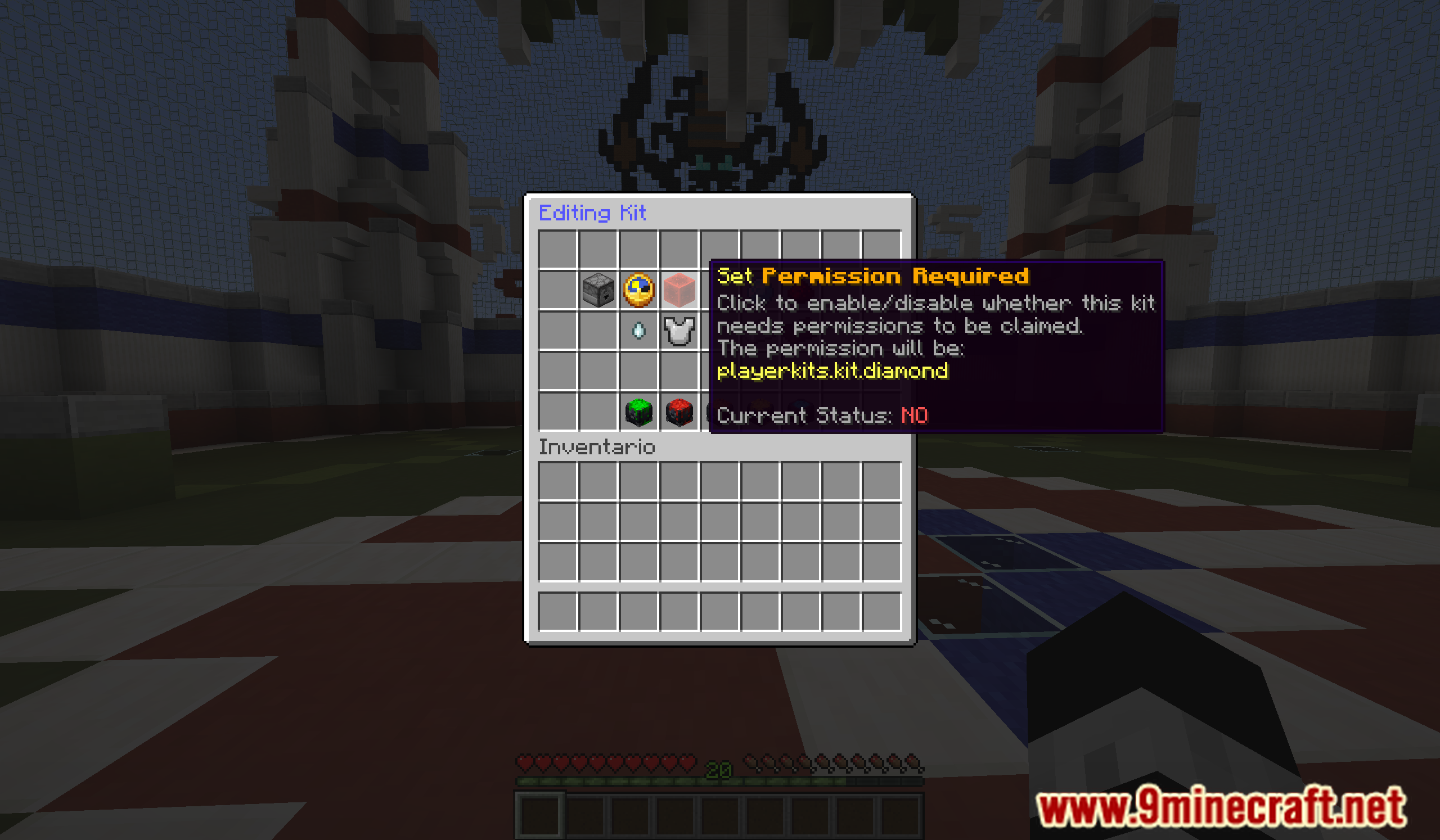
Commands:
- /kit (Opens the GUI)
- /kit claim <kit> (Claims a kit outside the GUI)
- /kit <kit> (Claims a kit outside the GUI only if claim_kit_short_command option is enabled on the config)
- /kit create <kit> (Creates a new kit using the items in your inventory)
- /kit edit <kit> (Edits a kit on a GUI)
- /kit give <kit> <player> (Gives a kit to the player, ignoring cooldown, permission, one time and requirements)
- /kit delete <kit> (Deletes a kit)
- /kit reset <kit> <player> (Resets kit data for a player)
- /kit reload (Reloads the config)
How to Install:
New to Minecraft? Follow our step-by-step guide to install Plugins on your PC.View Guide
PlayerKits 2 Plugin Download Links
For Minecraft
26.1.2,
26.1.1,
26.1
All Versions Covered
26.1.2
26.1.1
26.1
1.21.11
1.21.10
1.21.9
1.21.8
1.21.7
1.21.6
1.21.5
1.21.4
1.21.3
1.21.2
1.21.1
1.21
1.20.6
1.20.5
1.20.4
1.20.3
1.20.2
1.20.1
1.20
1.19.4
1.19.3
1.19.2
1.19.1
1.19
1.18.2
1.18.1
1.18
1.17.1
1.17
1.16.5
1.16
1.15.2
1.15.1
1.15
1.14.4
1.14.3
1.14.2
1.14.1
1.14
1.13.2
1.13.1
1.13
1.12.2
1.12.1
1.12
1.11.2
1.11.1
1.11
1.10.2
1.10.1
1.10
1.9.4
1.9.3
1.9.2
1.9.1
1.9
1.8.9
For Minecraft
1.21.11,
1.21.5,
1.21.4
All Versions Covered
1.21.11
1.21.5
1.21.4
1.20.6
1.20.5
1.20.4
1.20.3
1.20.2
1.20.1
1.20
1.19.4
1.19.3
1.19.2
1.19.1
1.19
1.18.2
1.18.1
1.18
1.17.1
1.17
1.16.5
1.16
1.15.2
1.15.1
1.15
1.14.4
1.14.3
1.14.2
1.14.1
1.14
1.13.2
1.13.1
1.13
1.12.2
1.12.1
1.12
1.11.2
1.11.1
1.11
1.10.2
1.10.1
1.10
1.9.4
1.9.3
1.9.2
1.9.1
1.9
1.8.9
For Minecraft 1.21.8, 1.21.7, 1.21.6
For Minecraft 1.21.4
For Minecraft 1.21.3, 1.21.2
For Minecraft 1.8 –> 1.21.1
You May Also Like














This post has no comments yet. Be the first — your comment will appear here.