
Plethora Peripherals Mod (1.20.1, 1.19.2) – Turn Mobs Into Programmable Cyborgs

 0


Plethora Peripherals Mod extends ComputerCraft and CC:Tweaked by connecting in-game computers to vanilla blocks, items, and mobs. This mod adds a manipulator block and a set of modules, including the introspection module, block scanner, entity sensor, laser beam, and kinetic augment. It also brings a neural interface that attaches to your head or onto animals and monsters so you can run programs directly on them. With these tools, you can scan nearby areas, check inventories, build laser defense setups, and control mobs remotely.
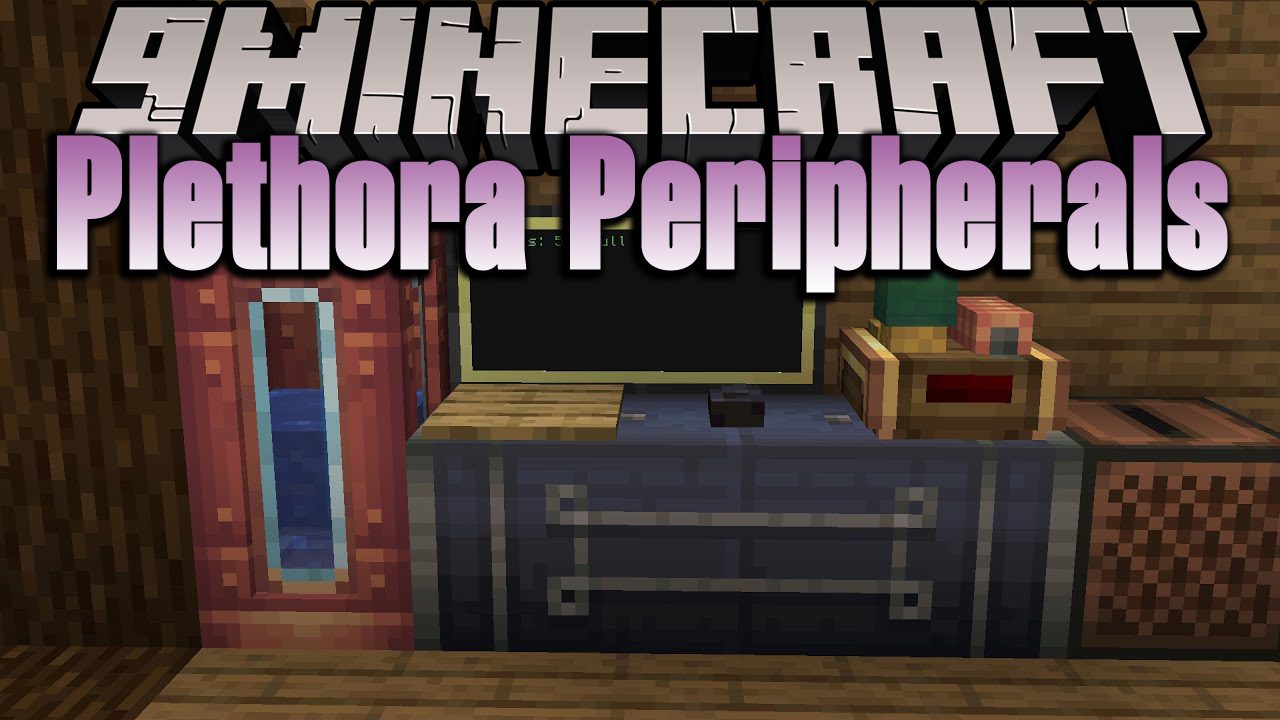
Features:
- World Peripheral Support: Connects ComputerCraft and CC:Tweaked computers to vanilla blocks, items, and mobs so your programs can read metadata and interact with the world.
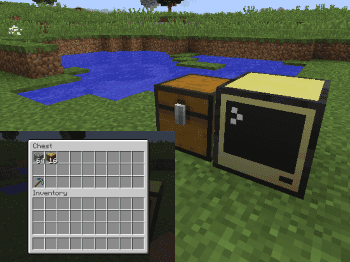
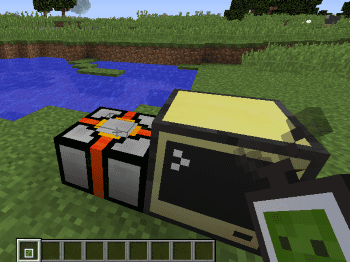
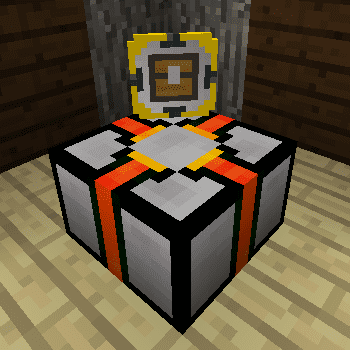
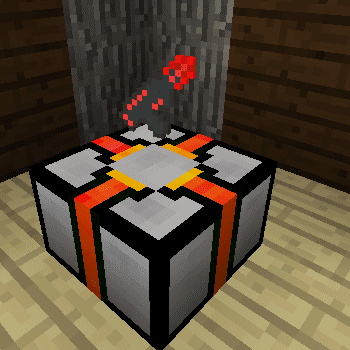
- Manipulator Block: Holds custom modules and vanilla items to give your computers extra methods and commands.
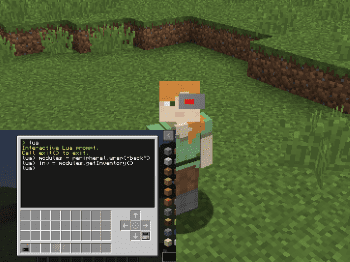
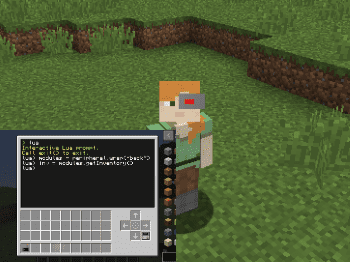
- Neural Interface: Attaches to players, animals, or monsters to combine a portable computer with module slots.
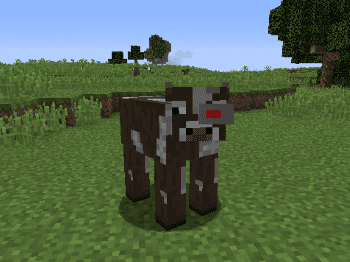
- Lets you right-click a mob with a neural controller to access its built-in computer, insert modules as peripherals, and run programs on it.
- Combines the kinetic augment with the neural interface to remotely control host mobs, such as animals, skeletons, or creepers, and build a cyborg army.
- Pairs the entity sensor with the laser beam module to create an automated mob defense system.
- Allows you to use modules directly by hand with varying results, or place them inside a manipulator for full computer control.
Available Modules:
- Introspection module: Checks the current player’s inventory and ender chest.
- Block scanner: Scans blocks in a nearby area and gathers metadata about them.
- Entity sensor: Tracks nearby mobs in an area and collects metadata about them.
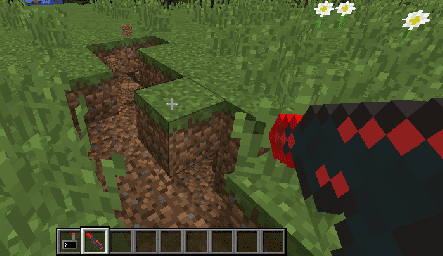
- Laser beam: Fires lasers directly from your computer setup or device.
- Kinetic augment: Connects to muscles to boost strength and allow remote movement control.
Vanilla Items as Modules:
- Clock: Place it in a manipulator to check the current time of day.
- Daylight sensor: Reads the current light level around the manipulator.
- Noteblock: Plays music and notes through your computer program.
How to Use:
Using a Manipulator:
- Place custom modules inside a manipulator to give your computer new methods for scanning blocks, tracking mobs, checking inventories, or firing lasers.
- Put vanilla items like a clock, daylight sensor, or noteblock into a manipulator to check the time of day, read light levels, or play notes.
- Use modules directly in your hand if you want to trigger their basic effects without a manipulator.
Using a Neural Interface:
- Attach a neural interface to your own head, or place it on an animal or monster.
- Right-click the mob while holding a neural controller to interact with its neural interface.
- Insert modules into the neural interface so they connect as peripherals, then run programs on the built-in computer.
- Add a kinetic augment to the neural interface to remotely control the host mob.
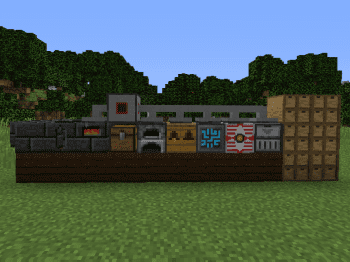
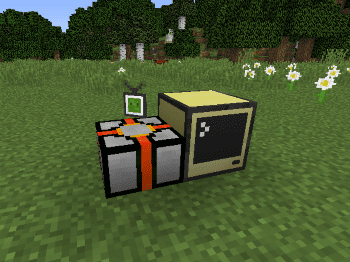
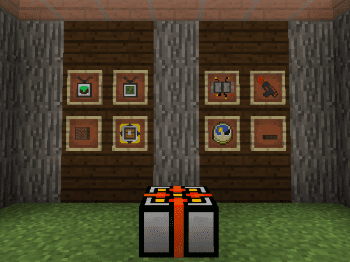
Screenshots:

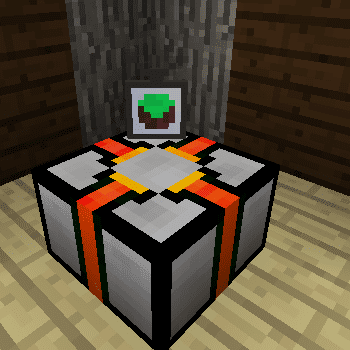
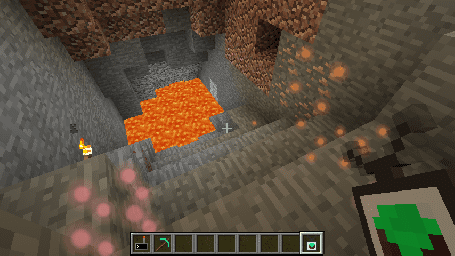
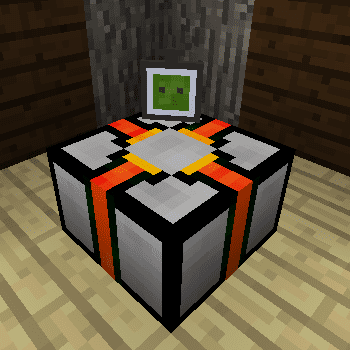
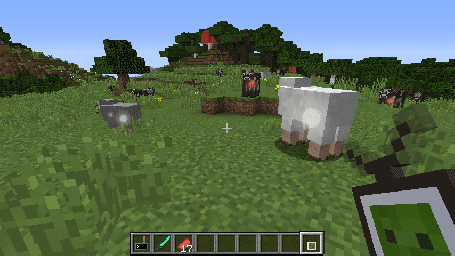
How to Install:
New to Minecraft? Follow our step-by-step guide to install Mods on your PC.View Guide
Requirements:


Plethora Peripherals Mod Download Links
For Minecraft 1.20.1, 1.20
Fabric version: Download from Server 1 – Download from Server 2
For Minecraft 1.19.4
Fabric version: Download from Server 1
For Minecraft 1.19.3
Fabric version: Download from Server 1
For Minecraft 1.12.2
Forge version: Download from Server 1 – Download from Server 2
For Minecraft 1.11.2
Forge version: Download from Server 1
For Minecraft 1.10.2
Forge version: Download from Server 1
For Minecraft 1.8.9
Forge version: Download from Server 1
How often do you actually finish a progression-based modpack (reaching the final quest or endgame item)?
25 responses · See the full results →
You May Also Like
Picked for this page
 FPS Reducer Mod (26.3, 1.20.1) – Reduce Unnecessary GPU and CPU Load
 Dark Utilities Mod (26.3, 1.20.1) – Expansive Content of Minecraft
 Applied Energistics 2 Mod (26.3, 1.20.1) – Advanced Technology
 Chat Heads Mod (26.3, 1.20.1) – See Who are You Chatting With
 OpenBlocks Elevator Mod (26.3, 1.20.1) – Fastest Elevator Ever
 Project Red Mod (1.21.1, 1.20.1) – Run Redstone Up Your Walls
 Mundane Redstone Ore Mod (26.1.2, 1.20.1) – Non-Effect Redstone
 Compact Machines Mod (1.21.8, 1.20.1) – Build a Factory in a Block
 Deep Resonance Mod (1.21.1, 1.20.1) – Build a Power Plant Fueled By Crystals
 Zorin Client Mod (1.21.1) – Custom Build Based on ThunderHack
 NullPoint Client Mod (1.20.4) – Skidded Ghost PvP Client
 Komaru Cat Mod (1.20.1, 1.20) – Tame Komaru Cats & Decorate Your Base
Most viewed in Mods over the last 7 days
 Ala Industrial Mod (26.3) – Run Electric Power Grids and Automated Factories
 PleasureCraft Mod (26.3, 1.21.1) – Jenny Mod Remake for Fabric
 Jennycraft Mod (26.3, 1.20.1) – Virtual Girlfriend in Minecraft
 Fapcraft Mod (26.3, 1.12.2) – Comprehensive and Detailed Content
 Jenny Mod (Fapcraft) Official Complete Guide – How to use, Tutorial
 BangCraft Mod (1.20.1) – Jenny, Ellie and Elliot
 Fabric Loader (26.3, 1.20.1) – Fabric Installer for All Minecraft Versions
 Meteor Client Mod (26.3, 1.20.1) – Xray, HUD, Fly
 The Shooting Star Demo Mod (26.3, 1.20.1) – Vaporize Terrain From Orbit
 OptiFine HD (26.3, 1.20.1) – Run Faster, FPS Boost, Shaders Support
 Aristois Client Mod (1.21.4, 1.20.1) – World Class Minecraft Utility
 SchnurriTV Mod (1.12.2) – Characters and Features
More from Mods
 Ore Excavation 9minecraft Mod (26.3) – Mine Ores and Chop Trees in a Single Swing
 Dirigo Mod (26.1.2, 1.21.1) – Walk Across Nether Lava Seas and Automate Animal
 HandLib Mod (26.3, 1.21.1) – Keep Your Multiplayer World Stable
 Happy Ghasts Boost Mod (26.1.2, 1.20.1) – Fly Across Vast Distances at Top Speed
 LiquidBounce Client Mod (26.3, 1.20.1) – LiquidLauncher, A Free Client
 Create Hand Made Mod (1.21.1) – Craft Create Recipes By Hand in Your Workshop
 Seed Map for Xaero Mod (26.1) – See Rare Biomes and Dungeons Before You Travel
 MCPersist Mod (26.3) – Keep Your World Online for Friends Even After Logging Off
 Minecraft Java MCP Server Mod (1.21.11) – Command Your World Through External AI Tools
 Arcanism Mod (26.2) – Build Magic Factories and Program Custom Spells
 Archangel Client Mod (1.21.11) – Master Every PvP Duel with Clean Screen Stats
 Block Front Survival Patch Mod (1.21.1) – Wage Tactical Warfare in Survival

This post has no comments yet. Be the first — your comment will appear here.