


Polar Bear Hot Air Balloon Schematic (1.21.x) – Cute Polar Bear Themed Hot Air Balloon Build

 0
0 

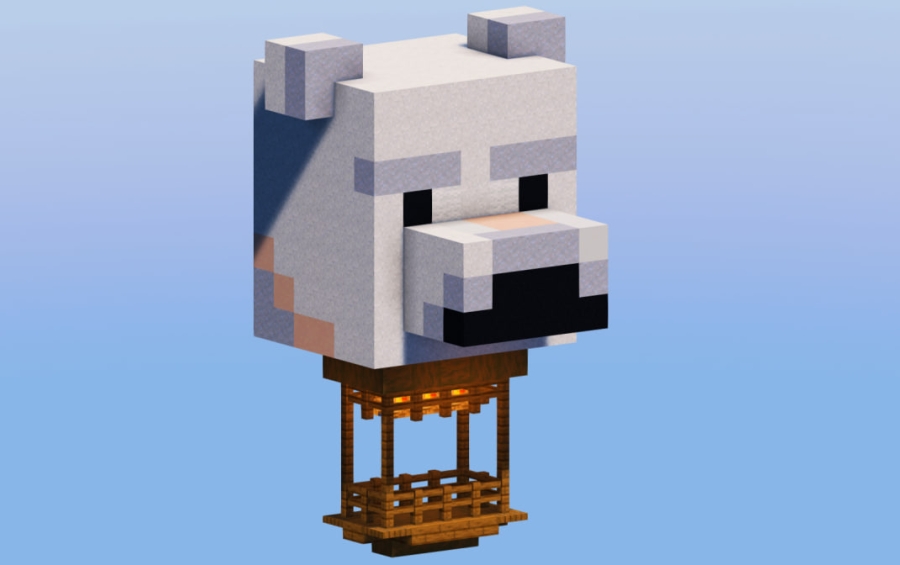
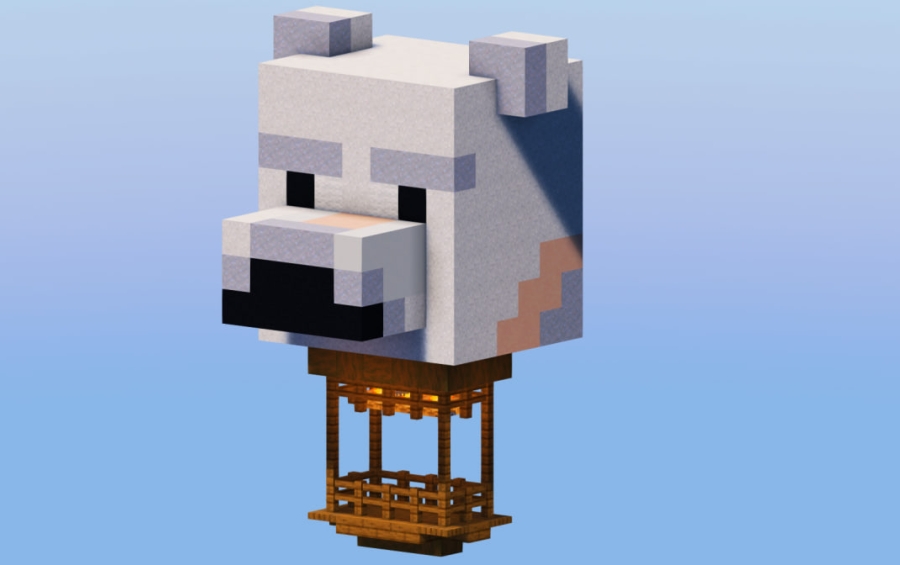
Polar Bear Hot Air Balloon Schematic adds a cute and funny decoration to your Minecraft world. It features a hot air balloon covered in a white polar bear skin that looks great floating above any house or base. This build works well for players who want to add a unique touch to their sky. You can use the schematic file with tools like WorldEdit or Litematica to place it anywhere quickly. It is a small build that fits into many different survival or creative projects.
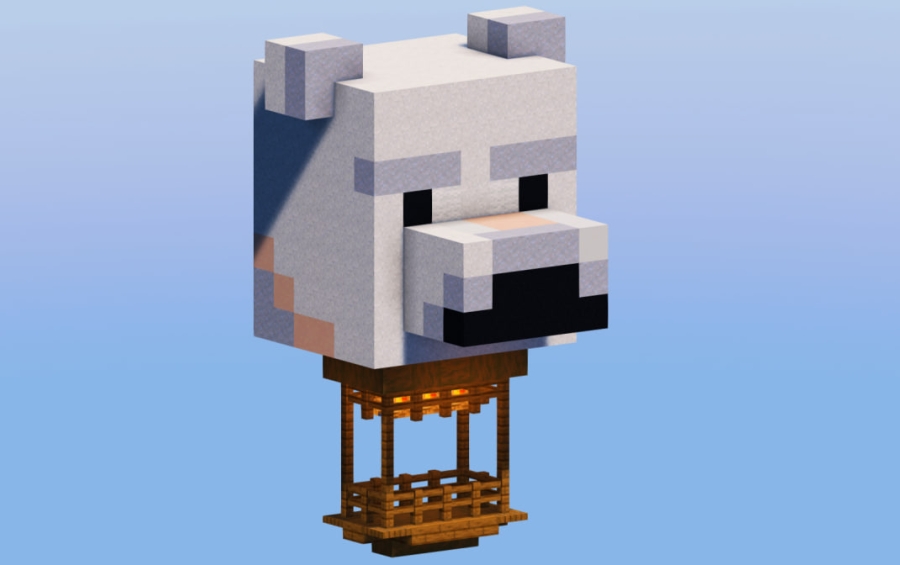
3D Preview:
Features:
- Polar Bear Design: The balloon has a white skin that looks like a friendly polar bear.
- Fits into small spaces with dimensions of only 9 blocks wide and 15 blocks high.
- Uses exactly 457 blocks to create a detailed but compact decoration.
- Works perfectly as a floating ornament above your main base or village.
- Compatible with the .schem format for easy loading in WorldEdit or Litematica.
- Uses vanilla Minecraft blocks so it looks right in any standard game world.
Schematic Specs:
 Minecraft1.21.x
 Dimensions9×15×9
 Total Blocks457
 Top Blocks Used
White Concrete Powder 165Light Gray Wool 122Spruce Fence 32Clay 30White Terracotta 29
How to Use:
- Download the schematic file and place it in your mod’s schematic folder.
- Open Minecraft and use a tool like WorldEdit or Litematica.
- Load the file named Polar Bear Hot Air Balloon from your list.
- Position the ghost image where you want the balloon to appear.
- Use the paste command or build it manually using the guide.
Screenshots:
Polar Bear Hot Air Balloon Schematic Download Links
For Minecraft 1.21.x
Click to rate this post!
[Total: 0 Average: 0]
You May Also Like


This post has no comments yet. Be the first — your comment will appear here.