


Portal Animations Model – Unleashes Nether Portal Join and Leave Effects
 26
26
 0
0

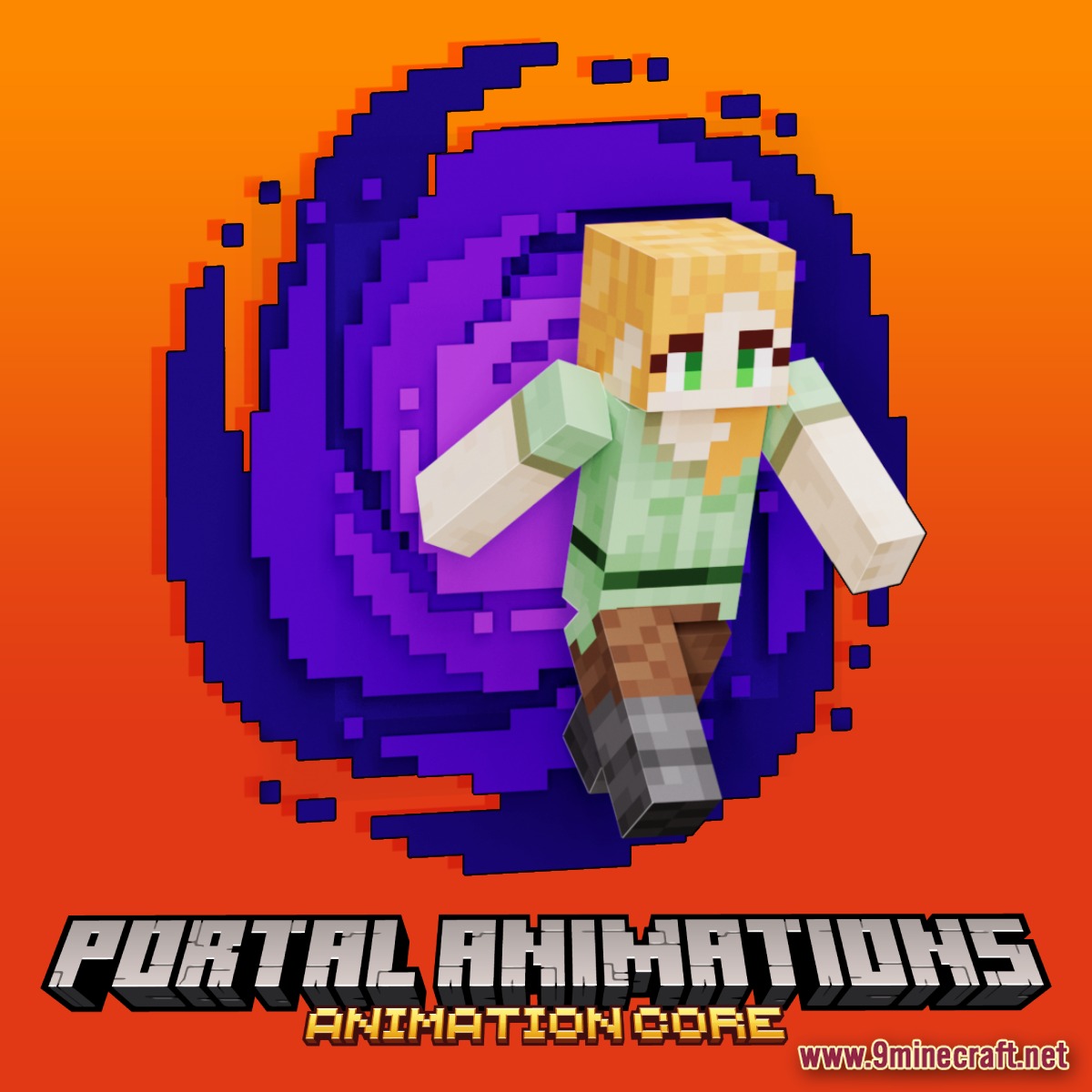
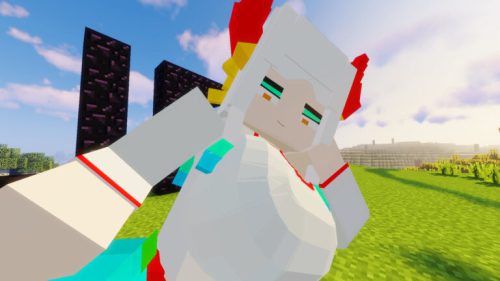
Portal Animations Model unleashes captivating Nether Portal-themed join and leave animations for your players. This cosmetic addition brings a unique flair to player entrances and exits. Enhance your server’s visual appeal with these ready-to-use Portal Animations Model effects.
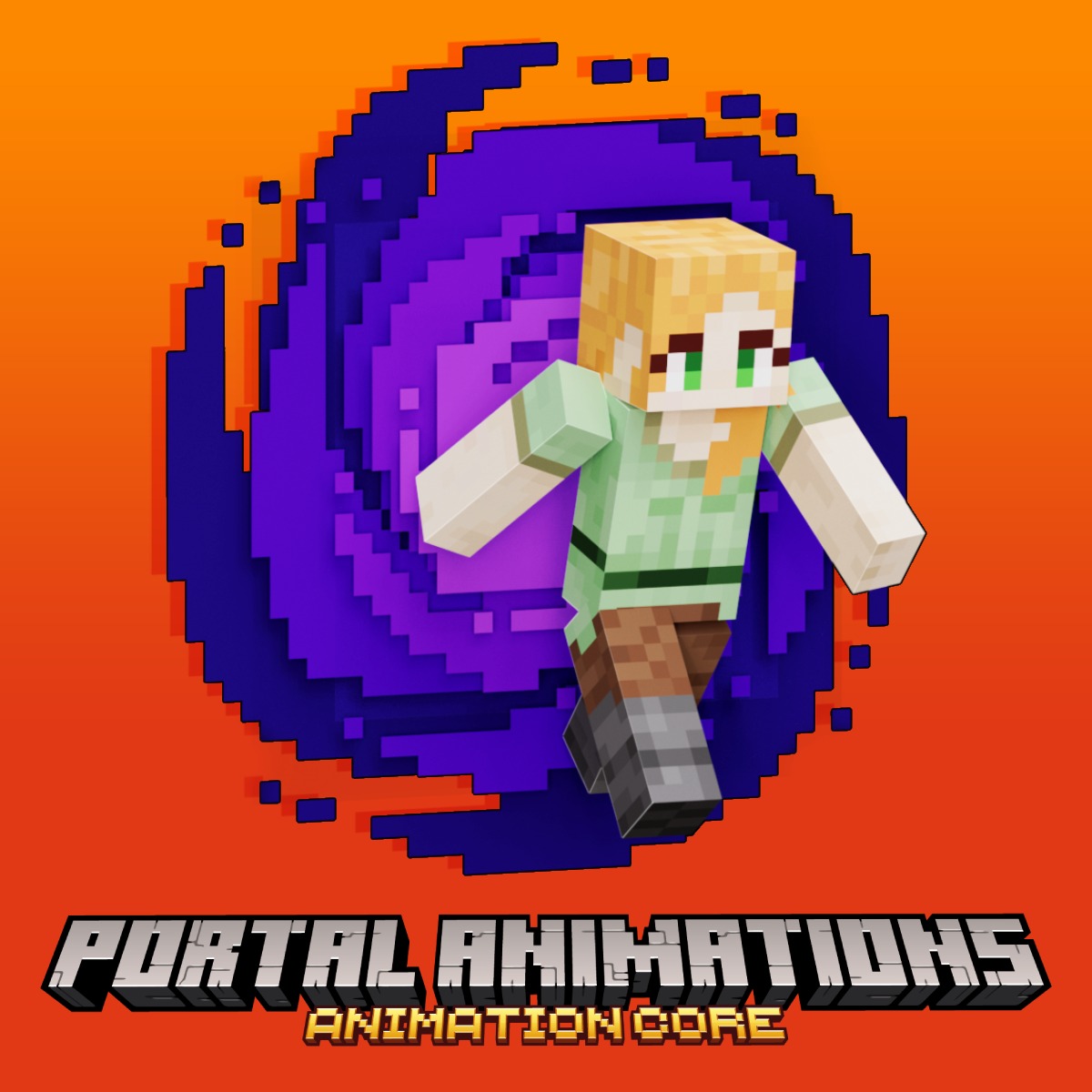
Features:
- Adds dynamic Nether Portal-themed animations for player join events.
- Introduces immersive Nether Portal-themed animations for player leave events.
- Includes a special “no skin” version for player join animations.
- Provides a distinct “no skin” version for player leave animations.
- Designed specifically for use with the AnimationsCore plugin.
- Requires ModelEngine 4 and MythicMobs for full functionality.
How to Use:
- Download the Portal Animations Model file from the provided link.
- Ensure ModelEngine 4, MythicMobs, and AnimationsCore are properly installed on your server.
- Place the downloaded model files into the appropriate ModelEngine models folder.
- Restart your Minecraft server to fully load the new animation assets.
- Configure the join and leave animations using the AnimationsCore plugin settings.
Screenshots:
Portal Animations Model Download Links
Click to rate this post!
[Total: 0 Average: 0]
You May Also Like


This post has no comments yet. Be the first — your comment will appear here.