
Reroll Mod (1.19.2, 1.18.2) – Never Settle for Bad Gear

 0


Reroll Mod lets you change your enchantment options at the Enchanting Table whenever you get bad choices. This quality-of-life mod for Fabric gives you a simple way to get better enchantments by spending EXP levels and Lapis Lazuli instead of settling for weak gear. Servers can also adjust how much each refresh costs to match their gameplay.

Features:
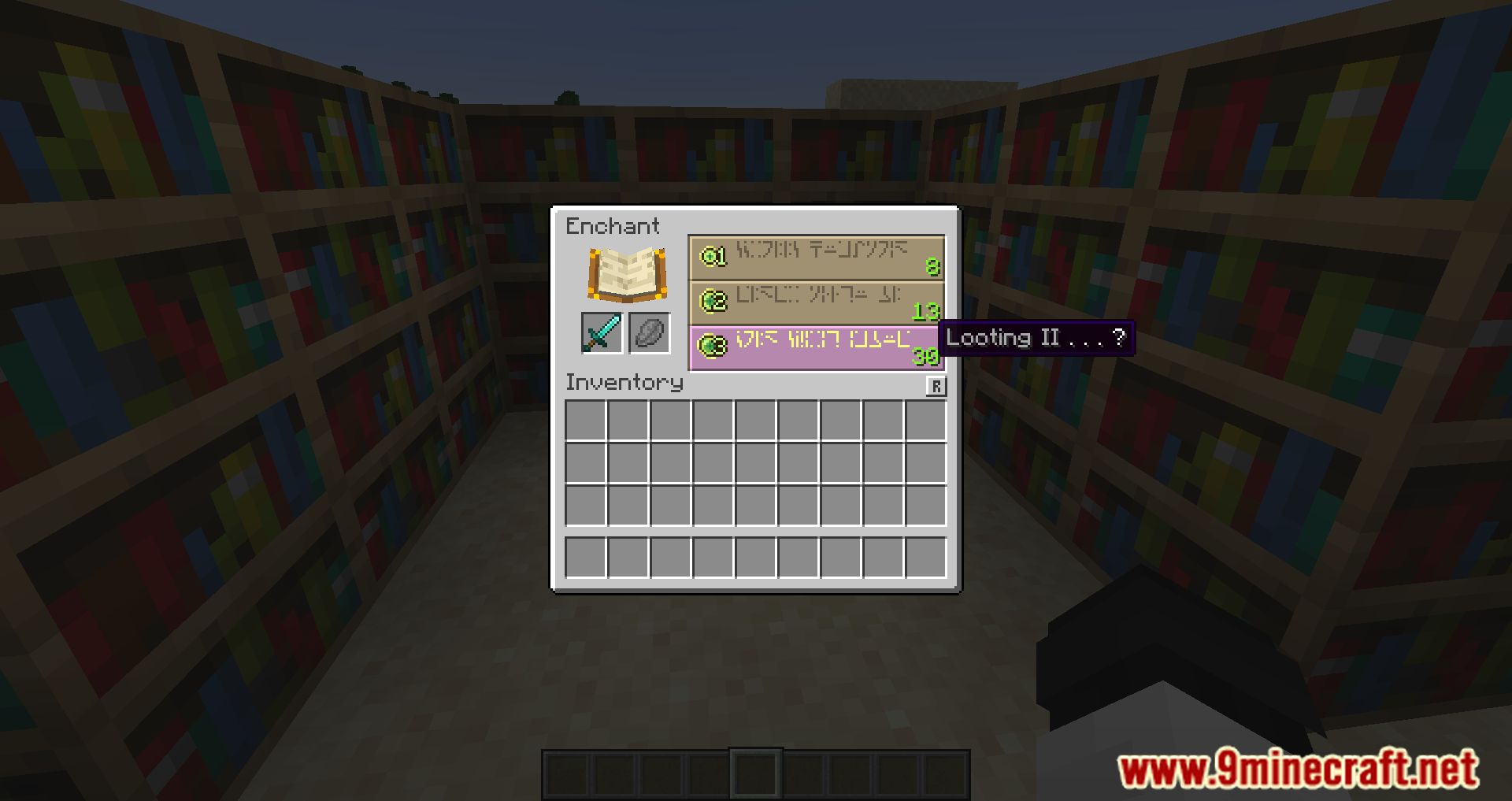
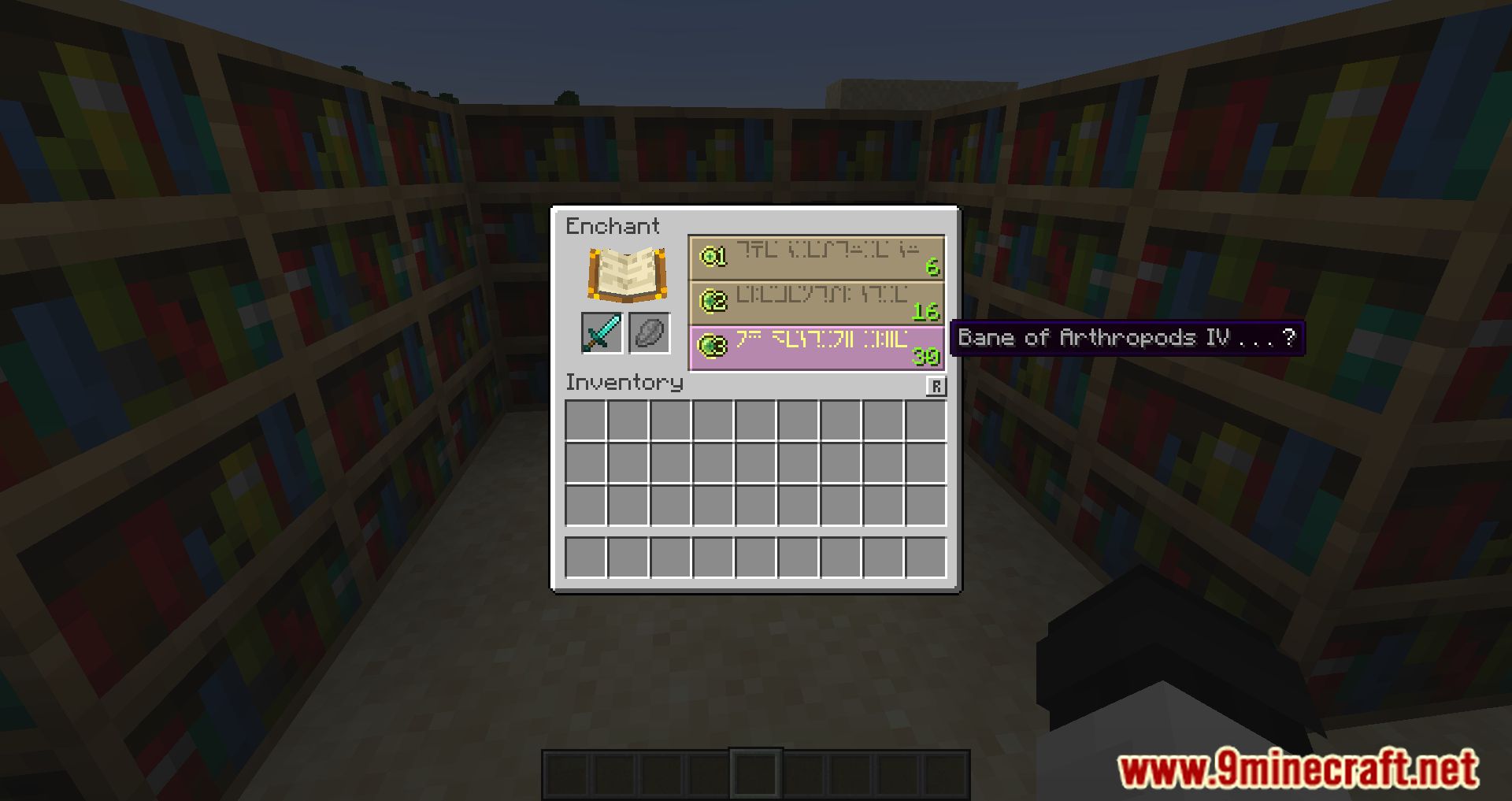
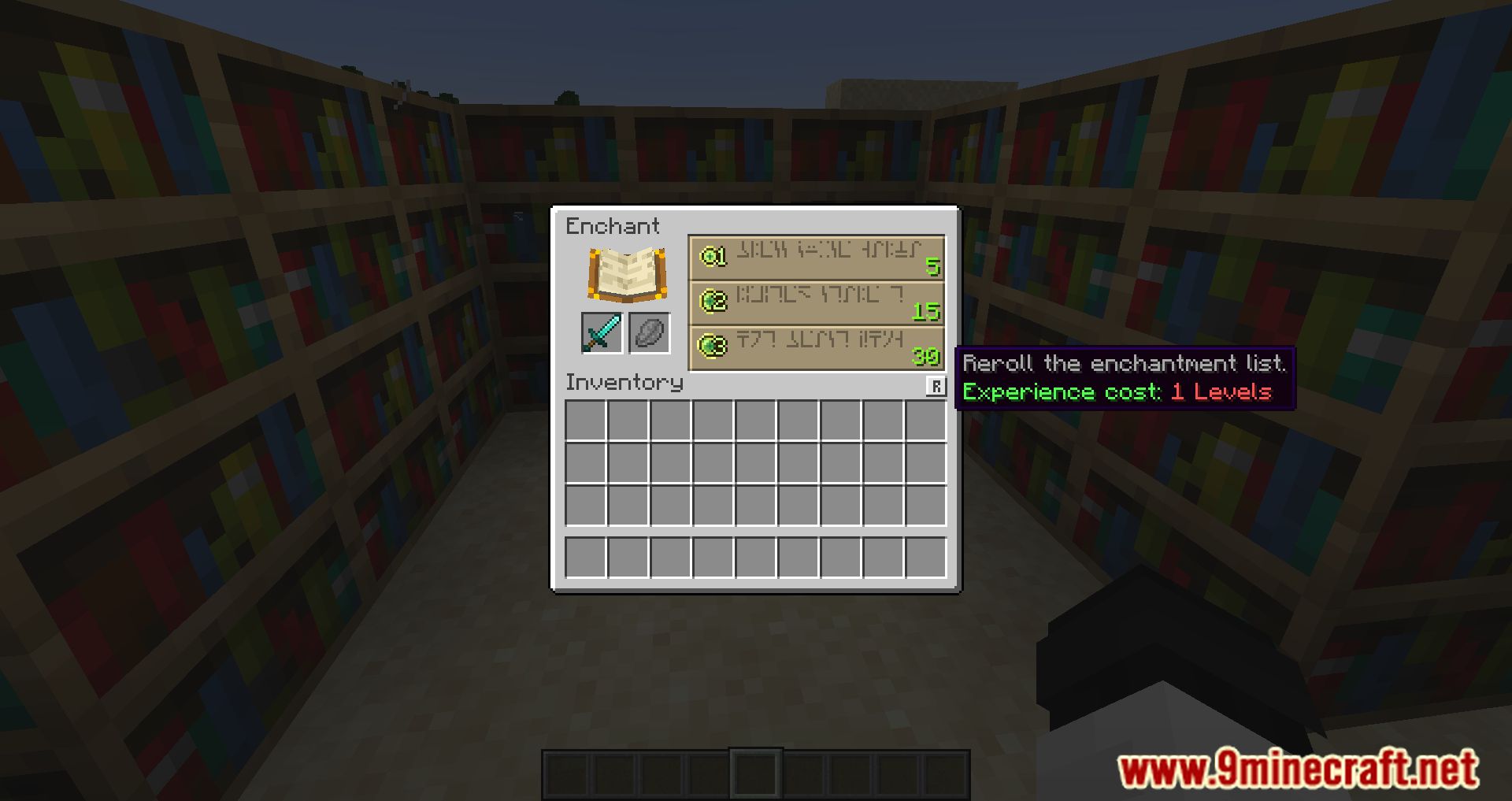
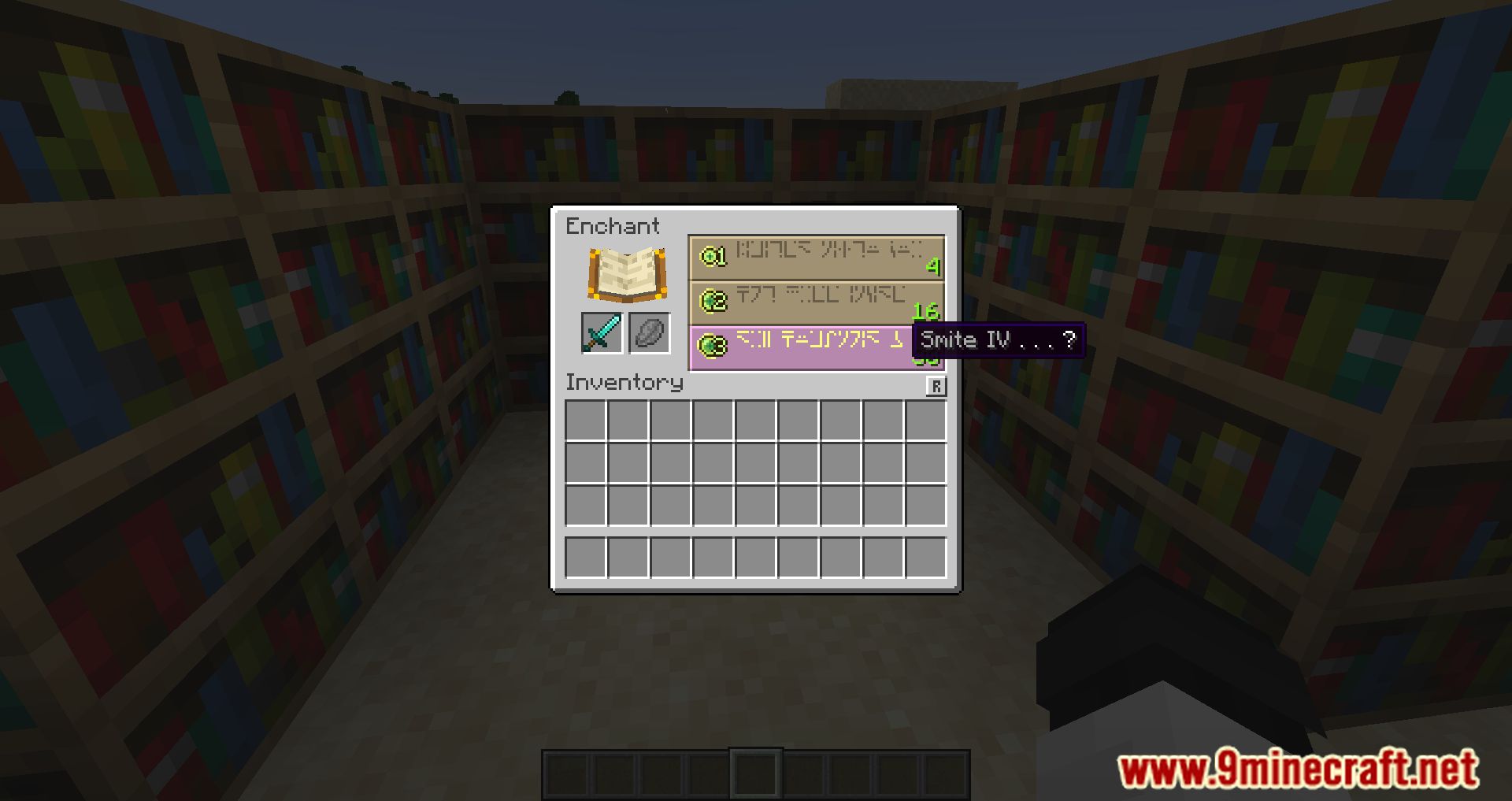
- Adds a reroll button directly inside the Enchanting Table menu.
- Lets you spend EXP levels and Lapis Lazuli to refresh the current list of enchantment choices.
- Supports server-side configuration so you can change how many EXP levels and Lapis Lazuli each reroll costs.
Configuration:
config/reroll.json5: Sets how many EXP levels and Lapis Lazuli items are needed for each reroll on the server.
How to Use:
- Open the Enchanting Table with your item, Lapis Lazuli, and EXP levels ready.
- Check the available enchantment options shown on the screen.
- Click the reroll button in the Enchanting Table menu to spend the required EXP levels and Lapis Lazuli and get a new set of enchantments.
Screenshots:
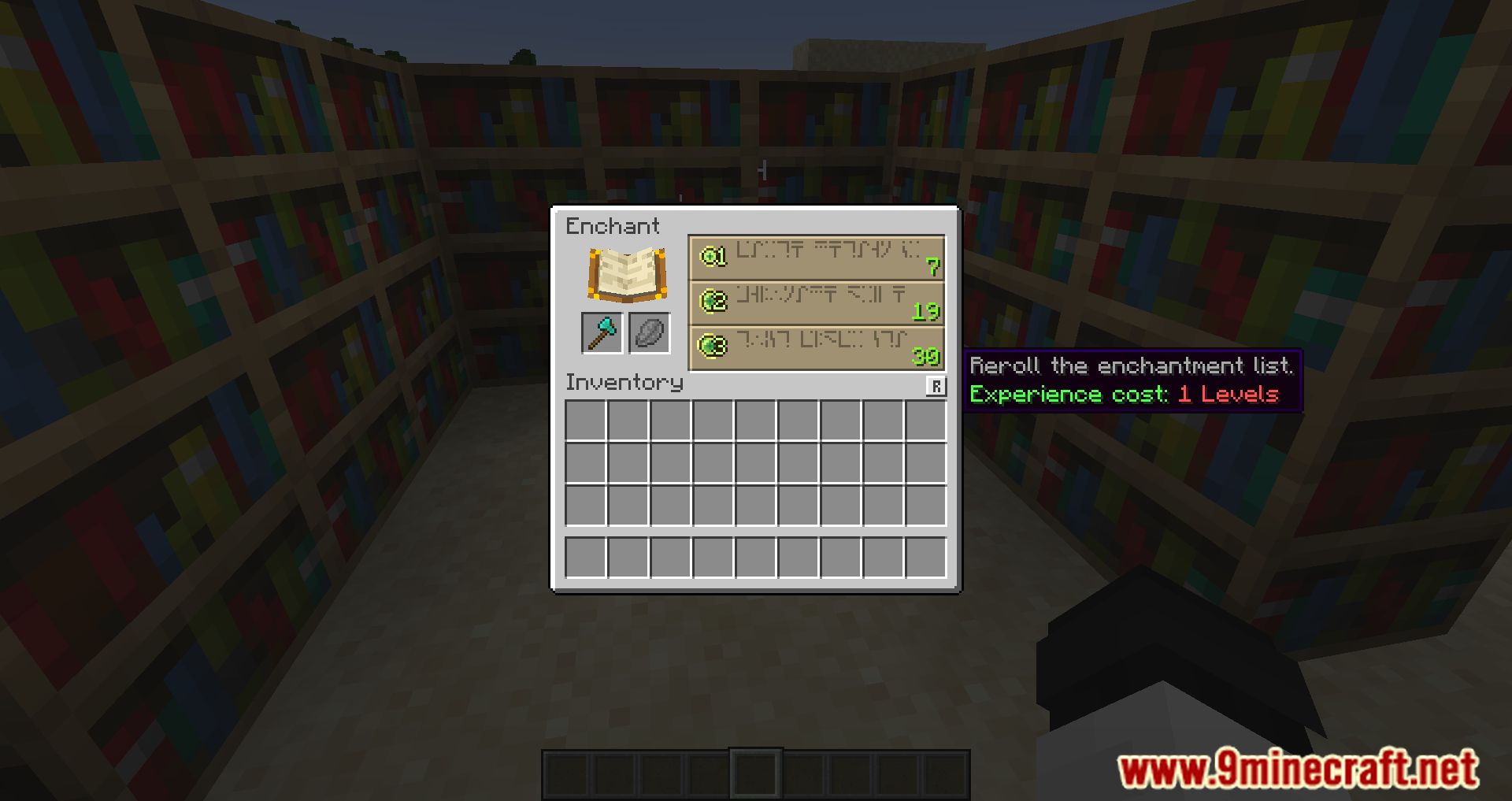
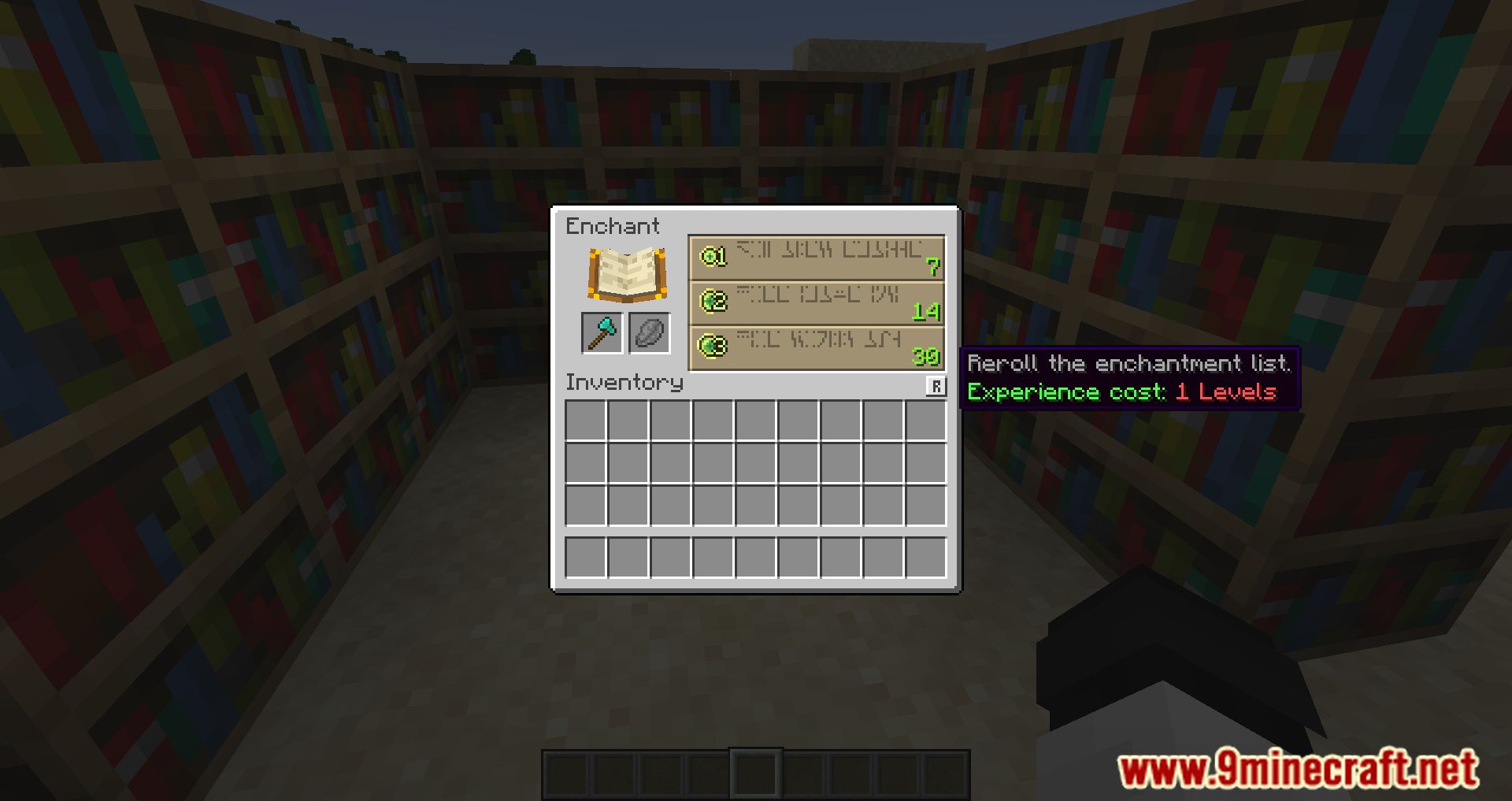
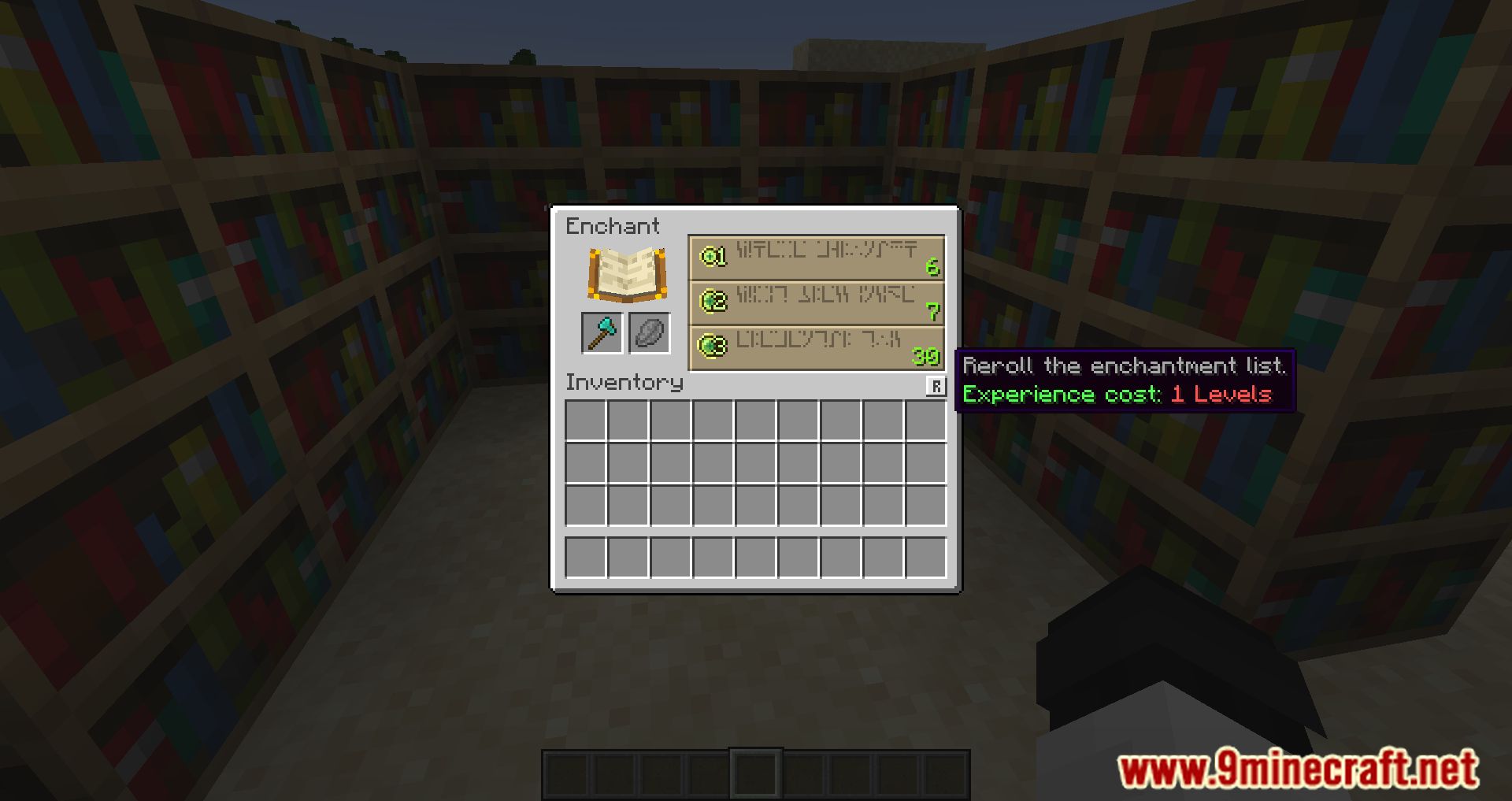


How to Install:
New to Minecraft? Follow our step-by-step guide to install Mods on your PC.View Guide
Reroll Mod Download Links
For Minecraft 1.19.2, 1.19.1, 1.19
Fabric version: Download from Server 1
For Minecraft 1.18.2
Fabric version: Download from Server 1
For Minecraft 1.18.1
Fabric version: Download from Server 1
For Minecraft 1.17.1
Fabric version: Download from Server 1
For Minecraft 1.16.5
Fabric version: Download from Server 1
What graphic style do you prefer for your modded game?
19 responses · See the full results →
You May Also Like
Picked for this page
 Macro Keybinds Mod (26.2, 1.20.1) – Macro Creation, Keybind Execution
 Hand Over Your Items Mod (26.3, 1.20.1) – Direct Item Transfer
 Quick Stack Mod (1.21.1, 1.20.1) – Fast Inventory Sorting
 Auto HUD Mod (26.3, 1.20.1) – Toggle HUD, Dynamic Hiding
 AntiGhost Mod (1.20.1) – Remove Ghost Blocks in Minecraft
 Axes Are Weapons Mod (26.3, 1.20.1) – Reduced Durability Loss
 Copper Hopper Mod (26.3, 1.20.1) – Hopper That Acts as a Simple Item Filter
 Tinted Campfires Mod (26.3, 1.20.1) – Change The Color Of The Campfire
 FPS Boost Mod (26.1.2, 1.20.1) – Optimize Minecraft For Smoother Gameplay
 No Realms Button Mod (26.3, 1.20.1) – A Cleaner Main Menu
 CIT Resewn NeoPatcher Mod (1.21.11, 1.20.1) – Run CIT Resewn On NeoForge
 TFC Tumbleweed Mod (1.20.1, 1.20) – Desert Atmosphere
Most viewed in Mods over the last 7 days
 Ala Industrial Mod (26.3) – Run Electric Power Grids and Automated Factories
 PleasureCraft Mod (26.3, 1.21.1) – Jenny Mod Remake for Fabric
 Jennycraft Mod (26.3, 1.20.1) – Virtual Girlfriend in Minecraft
 Fapcraft Mod (26.3, 1.12.2) – Comprehensive and Detailed Content
 Jenny Mod (Fapcraft) Official Complete Guide – How to use, Tutorial
 BangCraft Mod (1.20.1) – Jenny, Ellie and Elliot
 Fabric Loader (26.3, 1.20.1) – Fabric Installer for All Minecraft Versions
 The Shooting Star Demo Mod (26.3, 1.20.1) – Vaporize Terrain From Orbit
 Meteor Client Mod (26.3, 1.20.1) – Xray, HUD, Fly
 OptiFine HD (26.3, 1.20.1) – Run Faster, FPS Boost, Shaders Support
 Aristois Client Mod (1.21.4, 1.20.1) – World Class Minecraft Utility
 Prestige Client Mod (1.21.11, 1.21.4) – Powerful Ghost Features for Crystal & Sword PvP
More from Mods
 No XP Anvils Mod (26.3, 1.20.1) – Repair And Enchant Without XP
 Naruto Shippuden Mod (26.3, 1.16.5) – Immerse Yourself in The World of Ninja
 Araxer’s Bestiary Mod (26.3, 1.20.1) – Build an In-Game Encyclopedia of Every Mob
 Villagers Plus Mod (26.3, 1.20.1) – Expanded Villager Types and Villages
 Ore Excavation 9minecraft Mod (26.3) – Mine Ores and Chop Trees in a Single Swing
 Dirigo Mod (26.1.2, 1.21.1) – Walk Across Nether Lava Seas and Automate Animal
 HandLib Mod (26.3, 1.21.1) – Keep Your Multiplayer World Stable
 Happy Ghasts Boost Mod (26.1.2, 1.20.1) – Fly Across Vast Distances at Top Speed
 LiquidBounce Client Mod (26.3, 1.20.1) – LiquidLauncher, A Free Client
 Create Hand Made Mod (1.21.1) – Craft Create Recipes By Hand in Your Workshop
 Seed Map for Xaero Mod (26.1) – See Rare Biomes and Dungeons Before You Travel
 MCPersist Mod (26.3) – Keep Your World Online for Friends Even After Logging Off

This post has no comments yet. Be the first — your comment will appear here.