


Scaling Health Mod (1.20.1, 1.19.2) – A World That Fights Back
 8,981
8,981
 0
0
 April 14, 2025
 SilentChaos512
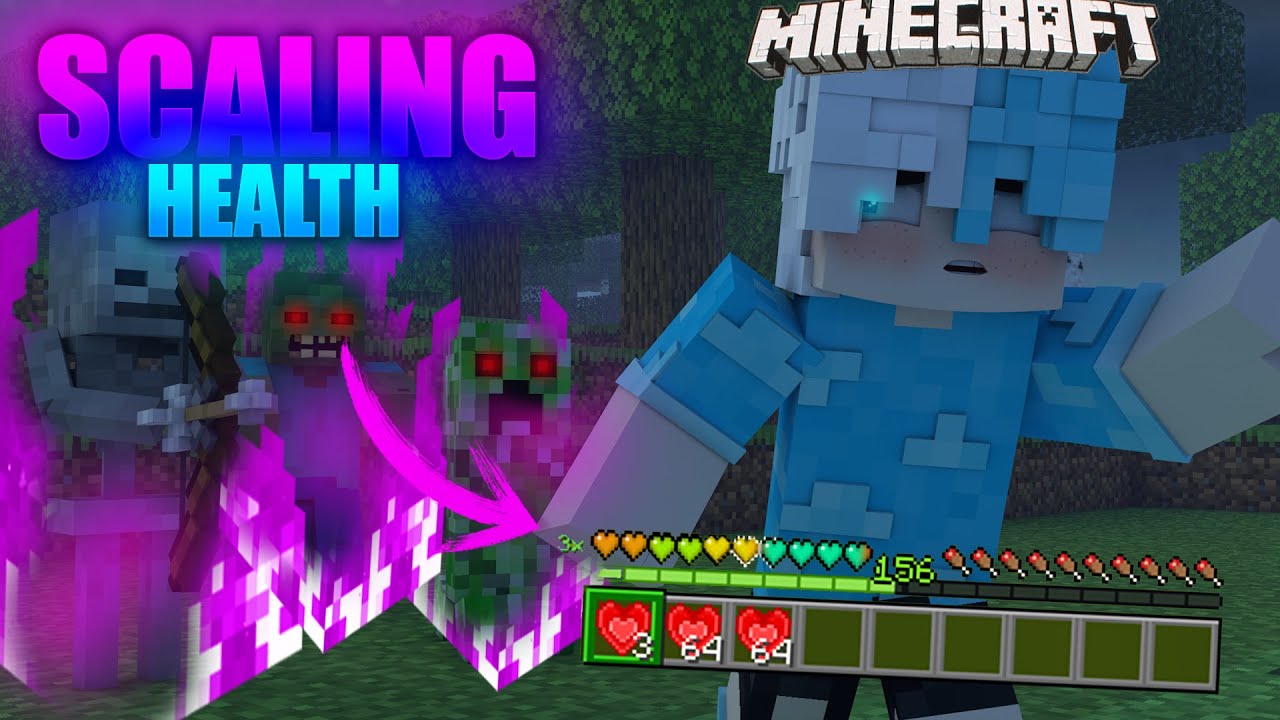
Scaling Health Mod changes the game by letting you control player and mob health. You can make the game harder by starting with fewer hearts, or easier by gaining more. As time goes on, the game’s difficulty increases, making mobs stronger. This mod gives you lots of options to set the perfect challenge for your world.
Features:
- Adds a difficulty system for each player that slowly increases over time.
- Lets you increase your maximum health by using special items.
- Mobs become stronger as difficulty rises, gaining more health and attack damage.
- Includes many configuration options to adjust how health and difficulty work.
- Introduces new items and ores to help manage your health and difficulty level.
Difficulty System
- Player Difficulty: A value tracked for each player that goes up over time. This value affects how strong mobs are.
- Area Difficulty: When a mob spawns, its strength is based on the difficulty of the area. This can be calculated in several ways, such as the average difficulty of nearby players, the distance from spawn, or a server-wide setting.
Blights
- Blights are super-powered versions of normal mobs that can spawn at higher difficulties.
- They have much more health, deal more damage, and have special potion effects like speed.
- You can easily spot a Blight by the purple fire effect around it.
- Defeating them rewards you with more experience and a higher chance of dropping Heart Crystals.
New Items & Blocks
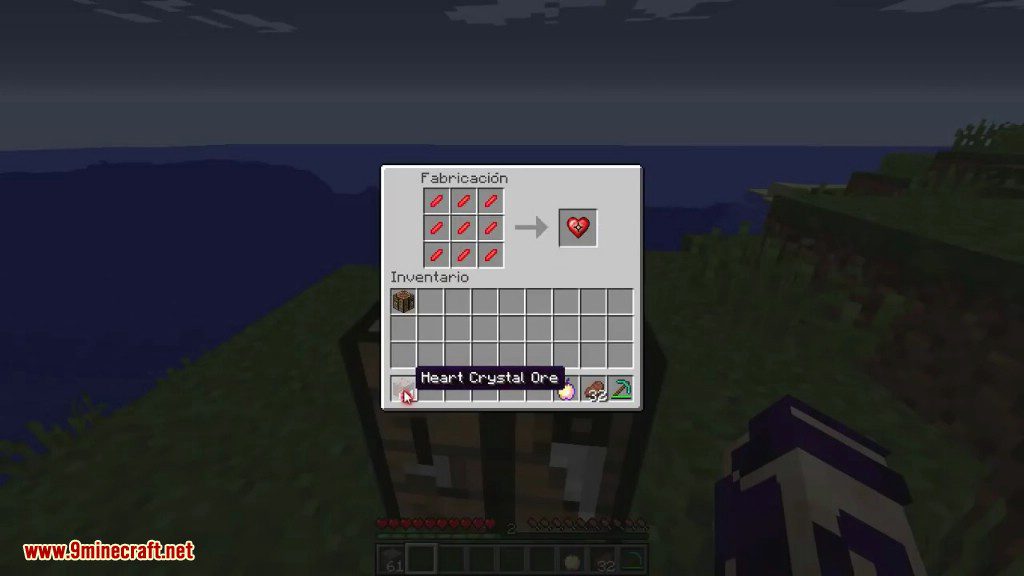
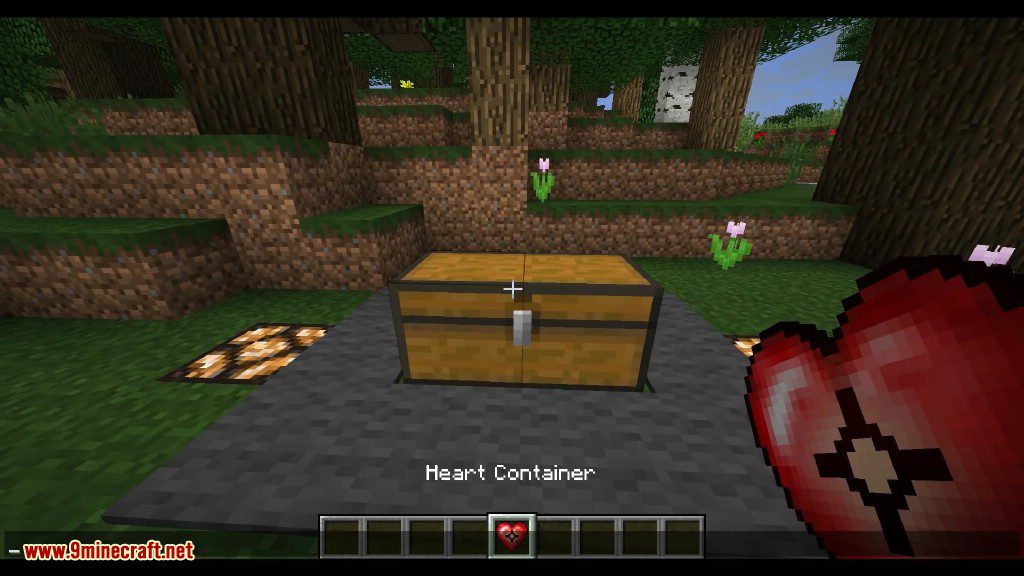
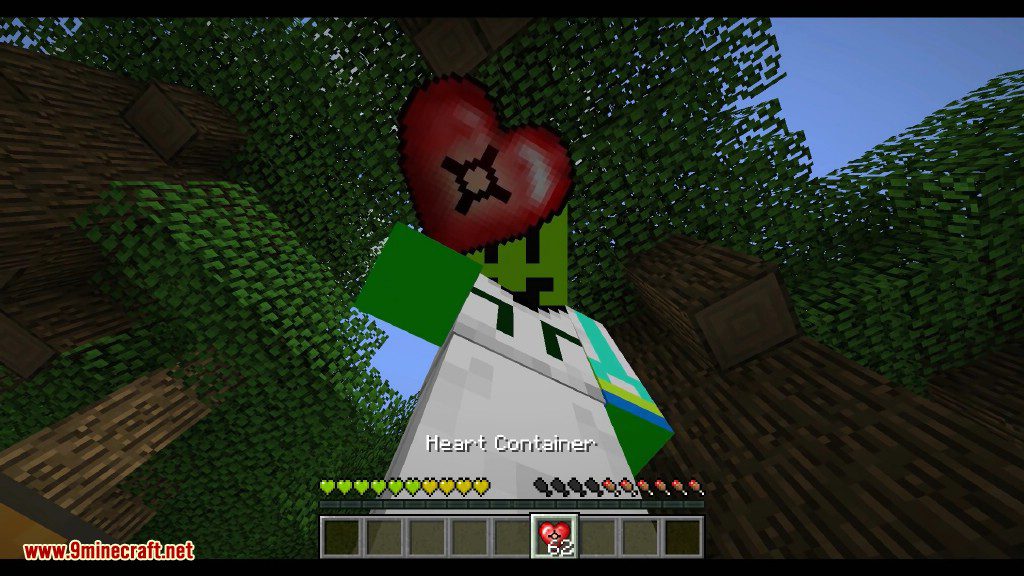
- Heart Crystal: Use this item to permanently increase your maximum health by one heart.
- Power Crystal: Works like a heart crystal but increases your base attack damage instead.
- Cursed & Enchanted Hearts: Use a Cursed Heart to increase your difficulty or an Enchanted Heart to lower it.
- Bandages & Medkits: Healing items that restore a percentage of your health over time.
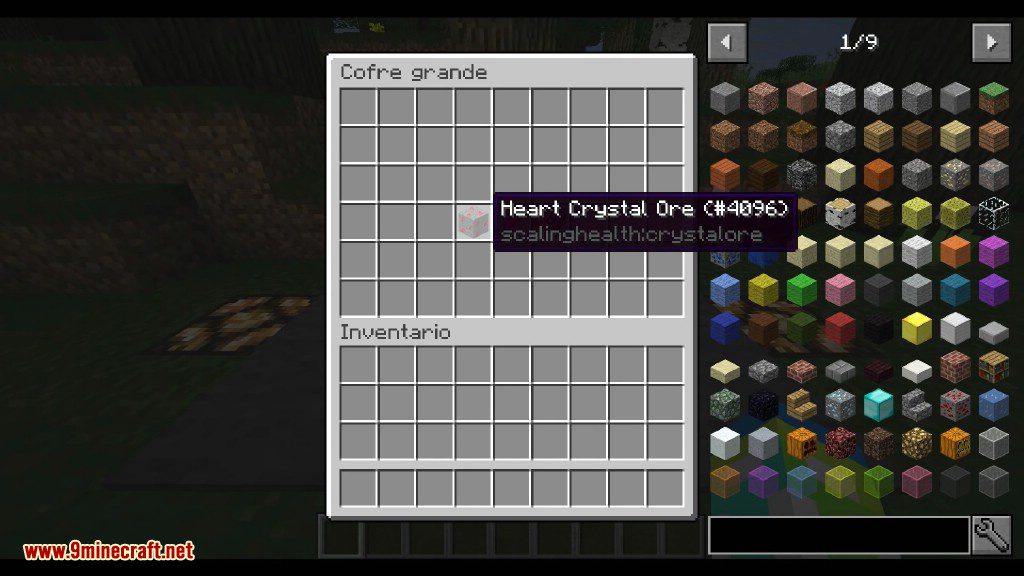
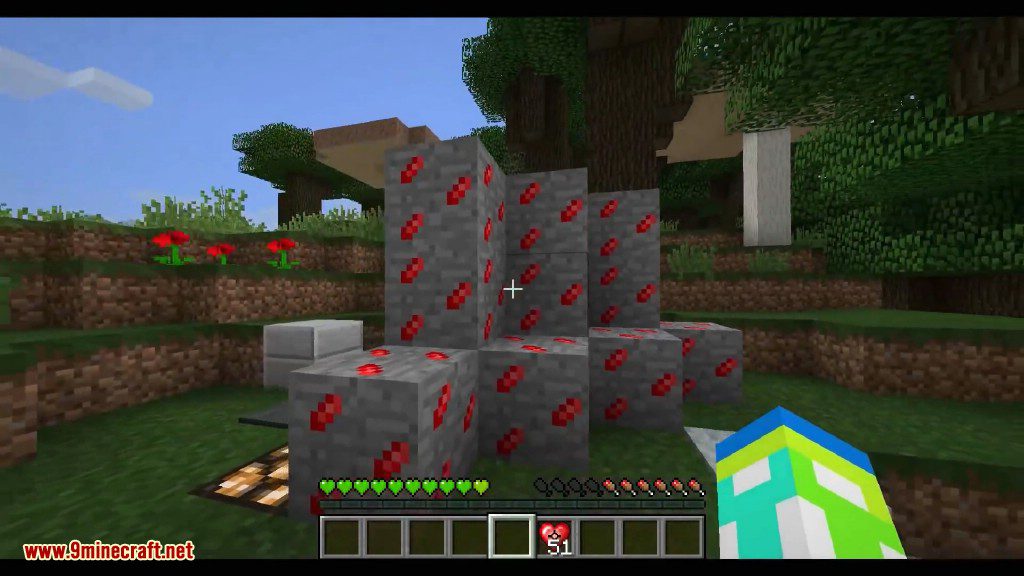
- Heart & Power Crystal Ore: A new ore that drops crystals or shards when mined. It becomes more common the farther you are from spawn.
HUD Element
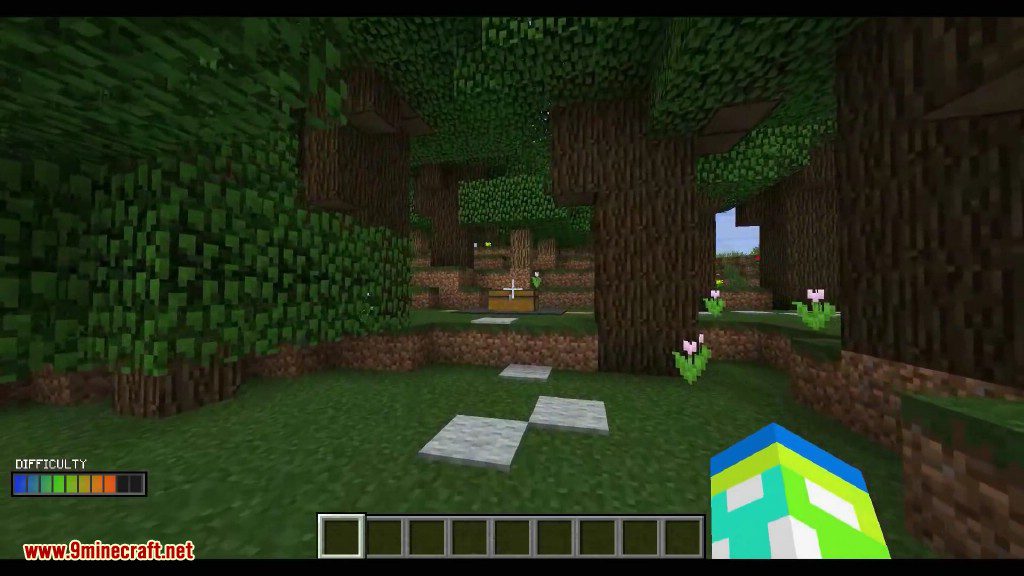
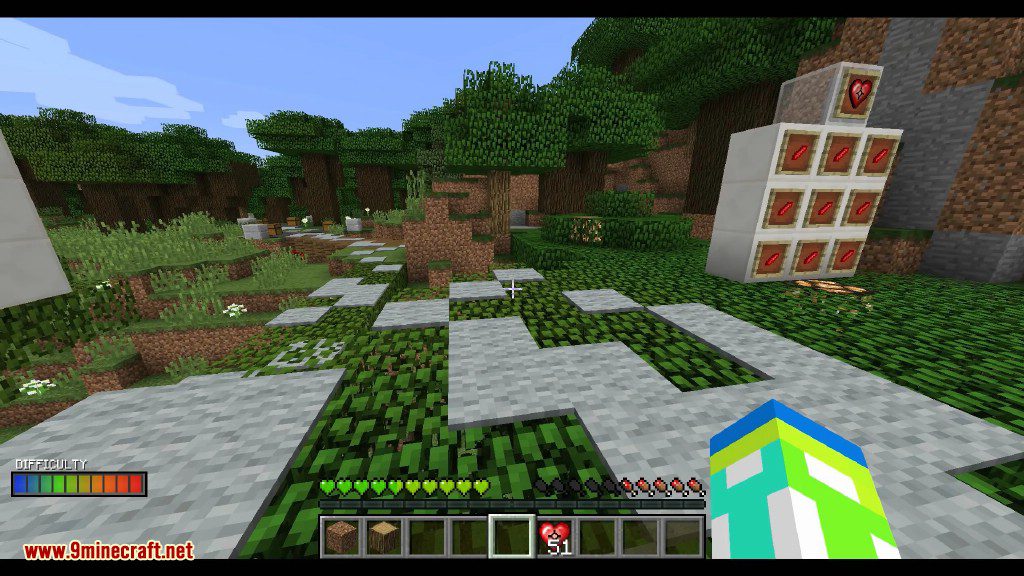
- A difficulty bar sometimes appears on your screen to show the current Area Difficulty and your personal Player Difficulty.
Commands:
These commands can be used to check or change health and difficulty values.
/sh_difficulty set <amount> [player]– Sets a player’s difficulty to a specific amount./sh_difficulty add <amount> [player]– Adds an amount to a player’s current difficulty./sh_health set <amount> [player]– Sets a player’s max health to a specific amount./sh_health add <amount> [player]– Adds an amount to a player’s current max health.
How to Use:
- Find Heart Crystals by defeating mobs or mining Heart Crystal Ore.
- Right-click a Heart Crystal to consume it and gain an extra heart of maximum health.
- Use a Power Crystal to increase your base attack power.
- To heal a percentage of your health, hold Right-click for 5 seconds while holding a Bandage or Medkit. This will apply a healing effect but slow you down temporarily.
Crafting Recipes:
Screenshots:
How to Install:
New to Minecraft? Follow our step-by-step guide to install Mods on your PC.View Guide
Requirements:
Scaling Health Mod Download Links
For Minecraft 1.12.2, 1.12.1, 1.12
Forge version: Download from Server 1
For Minecraft 1.14.4
Forge version: Download from Server 1
For Minecraft 1.15.2
Forge version: Download from Server 1
For Minecraft 1.16.5
Forge version: Download from Server 1
For Minecraft 1.17.1
Forge version: Download from Server 1
For Minecraft 1.18.1
Forge version: Download from Server 1
For Minecraft 1.18.2
Forge version: Download from Server 1
For Minecraft 1.19.2
Forge version: Download from Server 1
For Minecraft 1.20.1, 1.20
Forge version: Download from Server 1 – Download from Server 2
You May Also Like









This post has no comments yet. Be the first — your comment will appear here.