
Spark Unforged Mod (1.12.2) – Keep Massive Modpacks Running Smoothly
 517
 0


Spark Unforged Mod backports modern performance profiling tools from Spark to Minecraft 1.12.2. It brings CPU profiling, memory inspection, server health reporting, and Async profiling so you can track down lag and performance problems. This mod also adds load profiling to measure CPU use, memory allocation, and load times during game startup and server loading. It works for both Minecraft games and servers, and needs a Mixin loader like MixinBootstrap or Mixin 0.7-0.8 Compatibility if your modpack does not already load Mixin.
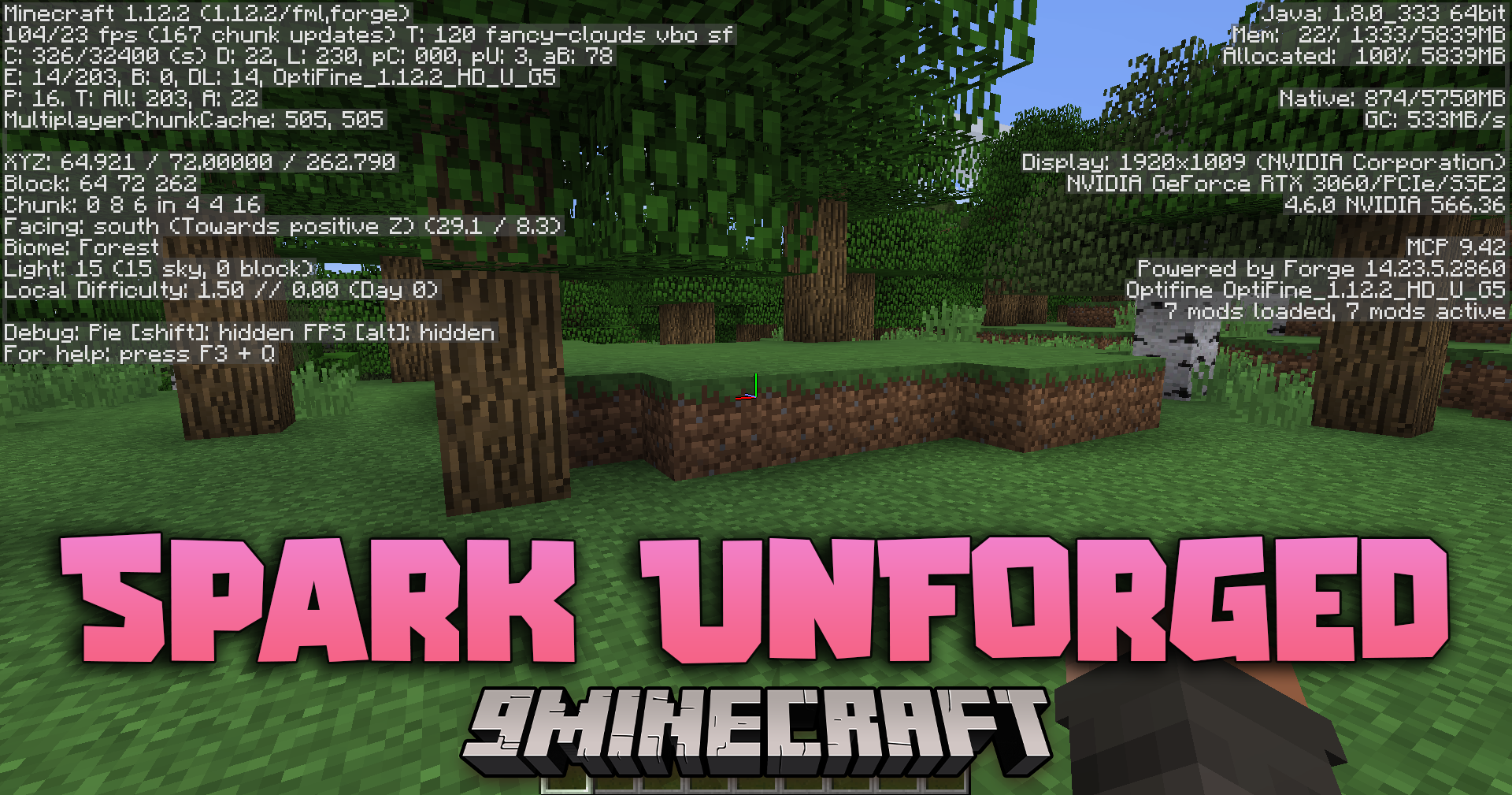
Features:
- Load Profiling: Measures CPU performance and time spent during full game startup and server or world loading, with options to target specific stages like coremod, preinit, init, and postinit.
- Async Profiling: Brings Async profiling to 1.12.2 to help find performance problems, and also supports memory allocation profiling during load profiling on compatible systems.
- Inspects CPU performance, memory usage, and server health reports while your Minecraft game or server runs.
- Brings improved data availability and modern quality-of-life updates that are missing from older 1.12.2 versions of Spark.
- Saves finished load profile files locally instead of auto-uploading them, preventing upload spam while letting you upload and view them on the Spark site.
- Writes configuration options automatically to the settings file when accessed, making it easy to turn on load profiling (off by default) and adjust settings.
- Uses the same commands and formatting as modern Spark so standard guides work the same way.
- Disables Extra Server Metadata because datapacks do not exist in 1.12.2, and disables Open/Live Profile Viewing due to Java 8 limitations.
How to Use:
- Run your Minecraft game or server once with the mod active so it writes the available options to
config/spark/config.json. - Open
config/spark/config.jsonto enable load profiling (it starts disabled by default) and choose which loading stages to track, such as coremod, preinit, init, postinit, whole game load, or server and world loading. - Start the game or server to run the load profile; once done, the mod saves the profile files automatically to the
config/spark/datafolder instead of uploading them on its own. - Upload the saved files from
config/spark/datato the Spark website to inspect the profiling results. - Use standard Spark commands while playing or running a server to run CPU profiling, memory inspection, server health reports, and Async profiling.
Configuration:
config/spark/config.json: Main settings file where you turn on load profiling (disabled by default) and pick specific loading stages. Options write to this file automatically once accessed.config/spark/data: Folder where finished load profile files save automatically so you can upload and view them on the Spark site.
Screenshots:








How to Install:
New to Minecraft? Follow our step-by-step guide to install Mods on your PC.View Guide
Spark Unforged Mod Download Links
For Minecraft 1.12.2
Forge Version: Download from Server 1 – Download from Server 2
How much RAM do you usually allocate to a modded Minecraft profile?
52 responses · See the full results →
You May Also Like
Picked for this page
 Awesome Dungeon Mod (26.2, 1.20.1) – Better Default Dungeon
 Fex’s Vehicle and Transportation Mod (26.1.2, 1.20.1) – Crafting The Future Of Minecraft Transport
 Tool Stats Mod (26.3, 1.20.1) – Harvest Level Display
 Super Ore Block Mod (26.1.2, 1.20.1) – For Storage and Construction
 Mooshroom Tweaks Mod (26.3, 1.20.1) – Natural Brown Mooshroom Spawns
 Simple Voice Chat Radio Mod (26.1.2, 1.20.1) – Radio Devices for Long-distance Talk
 Pcal43 Splitscreen Support Mod (26.3, 1.20.1) – Easy Window Positioning For Local Multiplayer
 Project Red Expansion Mod (1.21.1, 1.20.1) – Project Red Mechanical
 Through The Lily Pads Gently Mod (26.3, 1.20.1) – Travel Peacefully
 Litematica Server Paster Mod (26.3, 1.20.1) – Paste Tile Entity with Litematica
 Ghastly Wail Mod (26.3, 1.20.1) – New Ghast Dying Mechanic
 Cull Particles MultiLoader Mod (1.21.5, 1.21.1) – Go Wild with TNT and Potions
Most viewed in Mods over the last 7 days
 Ala Industrial Mod (26.3) – Run Electric Power Grids and Automated Factories
 PleasureCraft Mod (26.3, 1.21.1) – Jenny Mod Remake for Fabric
 Jennycraft Mod (26.3, 1.20.1) – Virtual Girlfriend in Minecraft
 Fapcraft Mod (26.3, 1.12.2) – Comprehensive and Detailed Content
 Jenny Mod (Fapcraft) Official Complete Guide – How to use, Tutorial
 BangCraft Mod (1.20.1) – Jenny, Ellie and Elliot
 Fabric Loader (26.3, 1.20.1) – Fabric Installer for All Minecraft Versions
 The Shooting Star Demo Mod (26.3, 1.20.1) – Vaporize Terrain From Orbit
 Meteor Client Mod (26.3, 1.20.1) – Xray, HUD, Fly
 OptiFine HD (26.3, 1.20.1) – Run Faster, FPS Boost, Shaders Support
 Aristois Client Mod (1.21.4, 1.20.1) – World Class Minecraft Utility
 Prestige Client Mod (1.21.11, 1.21.4) – Powerful Ghost Features for Crystal & Sword PvP
More from Mods
 Archangel Client Mod (1.21.11) – Master Every PvP Duel with Clean Screen Stats
 Block Front Survival Patch Mod (1.21.1) – Wage Tactical Warfare in Survival
 Better Enchantment Bookshelf Placement Mod (26.2, 1.20.1)
 SimpleRPGCore Mod (1.21.4, 1.21.1) – Fight with Classic RPG Stats
 Bard RPG Series Plus by Fichte Mod (1.21.1, 1.20.1) – Buff Allies in Combat
 Fabric Gui ImGui Mod (26.3, 1.21.11) – Clean Custom Menus and In-Game Control
 Multi Item Lib Mod (1.20.1) – Wield Custom Gear with Flawless Hand Animations
 Universe3090 Mod (1.20.1) – Survive Corrupted Dimensions Filled
 Wireless Automate Mod (1.21.1) – Automate Base Logistics Without Messy Pipes
 Vaskars Opus Faction War Quests & Bosses Mod (1.21.11, 1.20.1)
 Multitools and More Mod (26.3, 1.20.1) – Clear Your Hotbar and Travel
 Luxium Let There Be Light Mod (1.20.1) – Stunning Lighting on Low-End Computers

This post has no comments yet. Be the first — your comment will appear here.