


Stellar Sky Mod (1.12.2, 1.11.2) – Go Stargazing at Night
 1,993
1,993
 0
0
 October 2, 2018
🌐 Good news — we've translated this article into other languages!
Or pick the one you like:
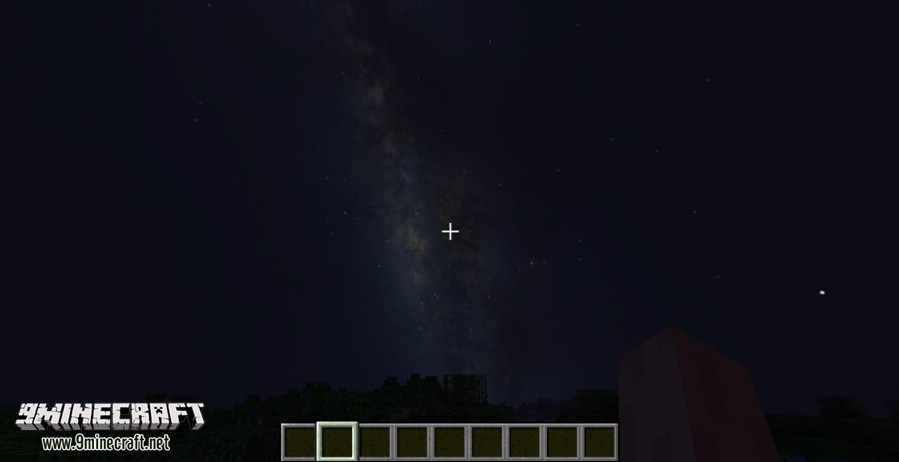
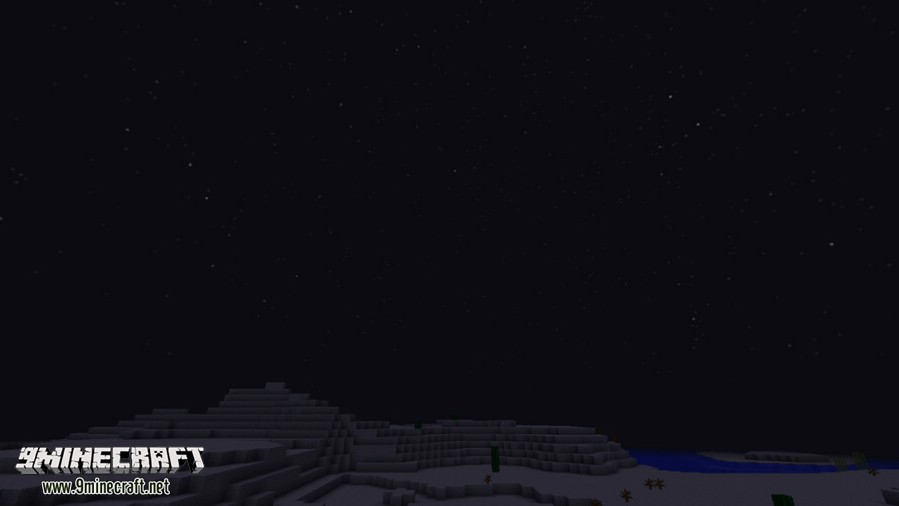
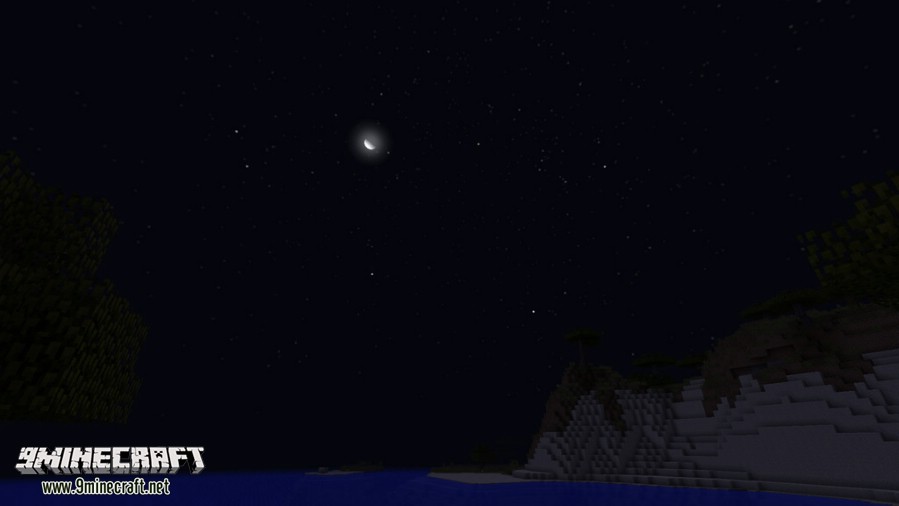
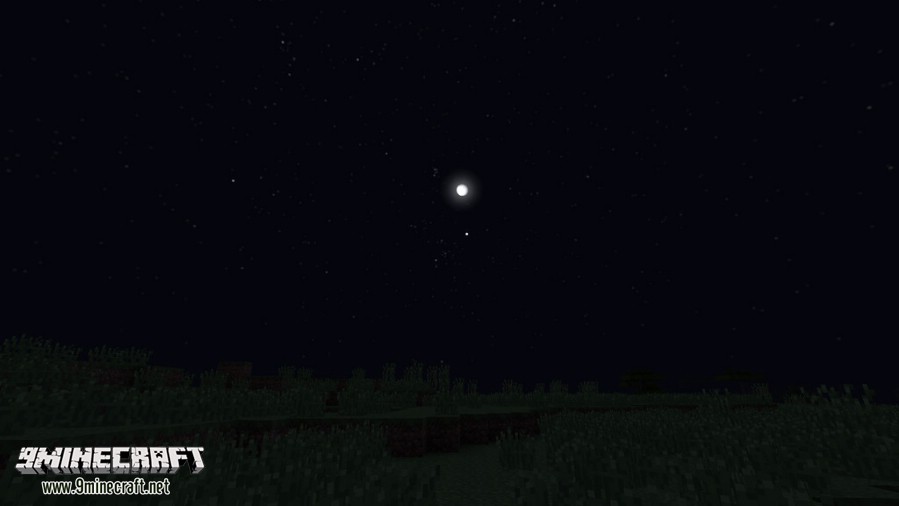
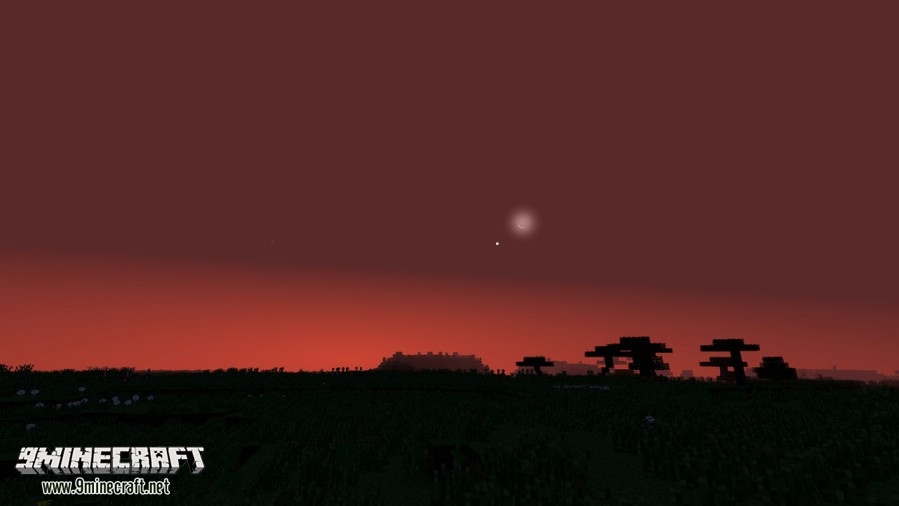
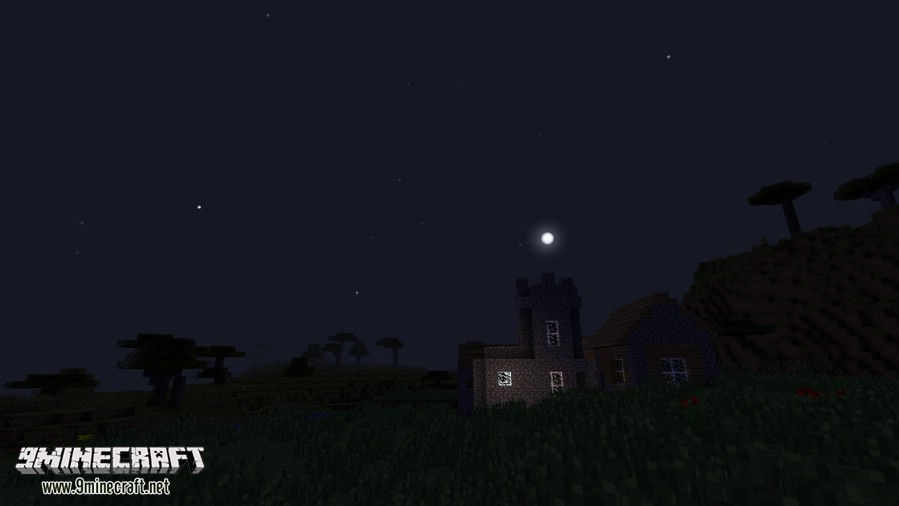
Stellar Sky Mod changes the Minecraft sky to look much more realistic. This mod adds real stars that twinkle, planets, and even the Milky Way. You can also look for and find actual constellations in the night sky.
Features:
- The sky becomes more realistic with colored stars that twinkle at night.
- Adds a more detailed sun and moon that move diagonally, just like in the real world.
- Lets you see the Milky Way on a clear night.
- You can change the length of a day and a year through the configuration options.
- Shows the current time, day, and year on a simple heads-up display (HUD).
- Press the U key to change the time information text and access client settings directly on the HUD.
Commands:
/locksky: Permanently locks the sky configuration. Be careful when using this, as it cannot be undone.
How to Use:
- Press the U key in-game to open the HUD configuration menu.
- From this menu, you can adjust various client-side settings.
- To make your sky settings permanent, you can use the Lock button in the menu or type the
/lockskycommand.
Screenshots:
How to Install:
New to Minecraft? Follow our step-by-step guide to install Mods on your PC.View Guide
Stellar Sky Mod Download Links
For Minecraft 1.7.10
For Minecraft 1.8.9
For Minecraft 1.9.0
For Minecraft 1.10.2, 1.9.4
For Minecraft 1.11.2, 1.11
For Minecraft 1.12.2, 1.12.1, 1.12
Click to rate this post!
[Total: 1 Average: 4]
You May Also Like












This post has no comments yet. Be the first — your comment will appear here.