
Stemtacular Green Model – Transforms Flat Melon and Pumpkin Stems Into 3D Crops

 0


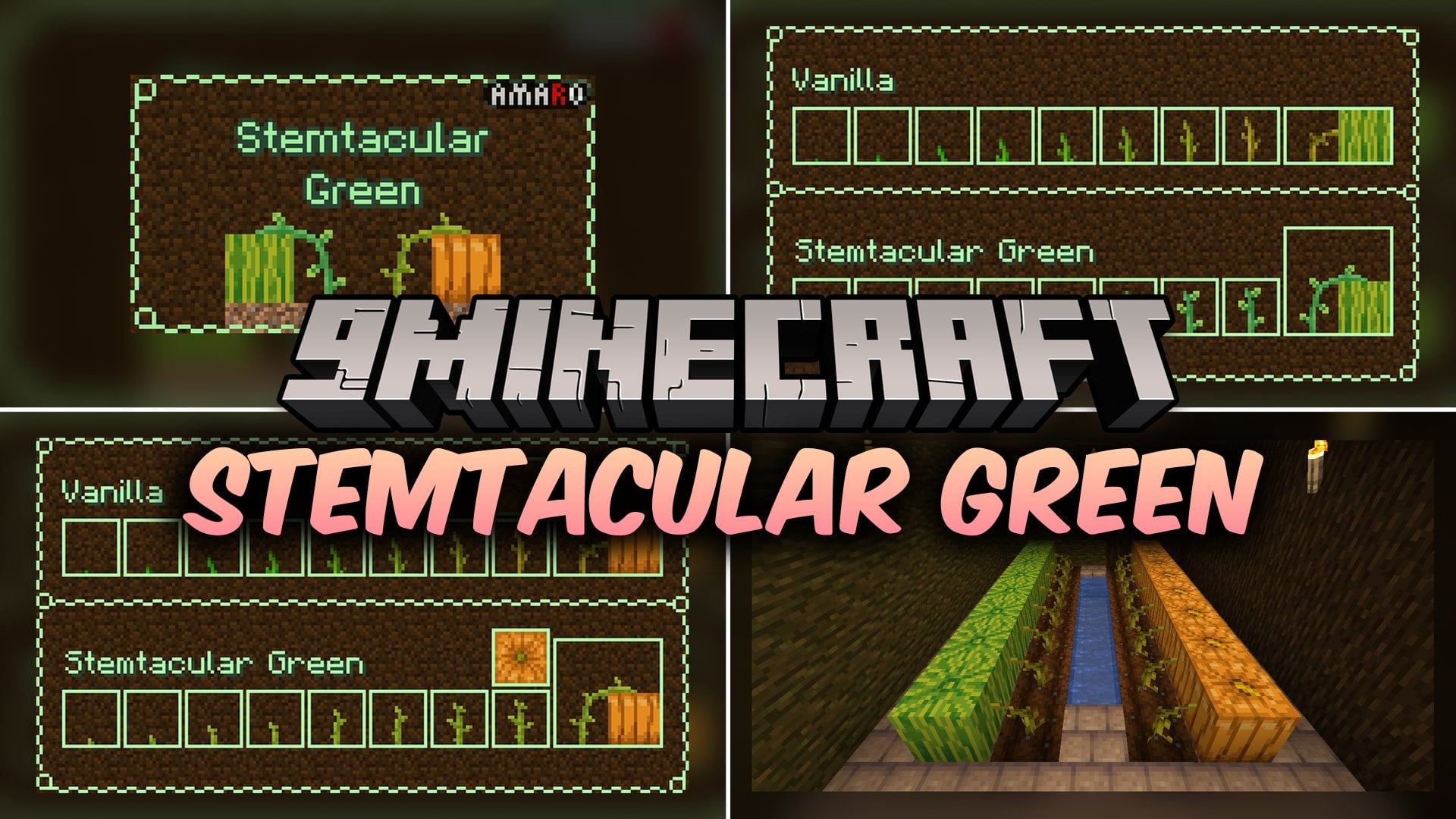
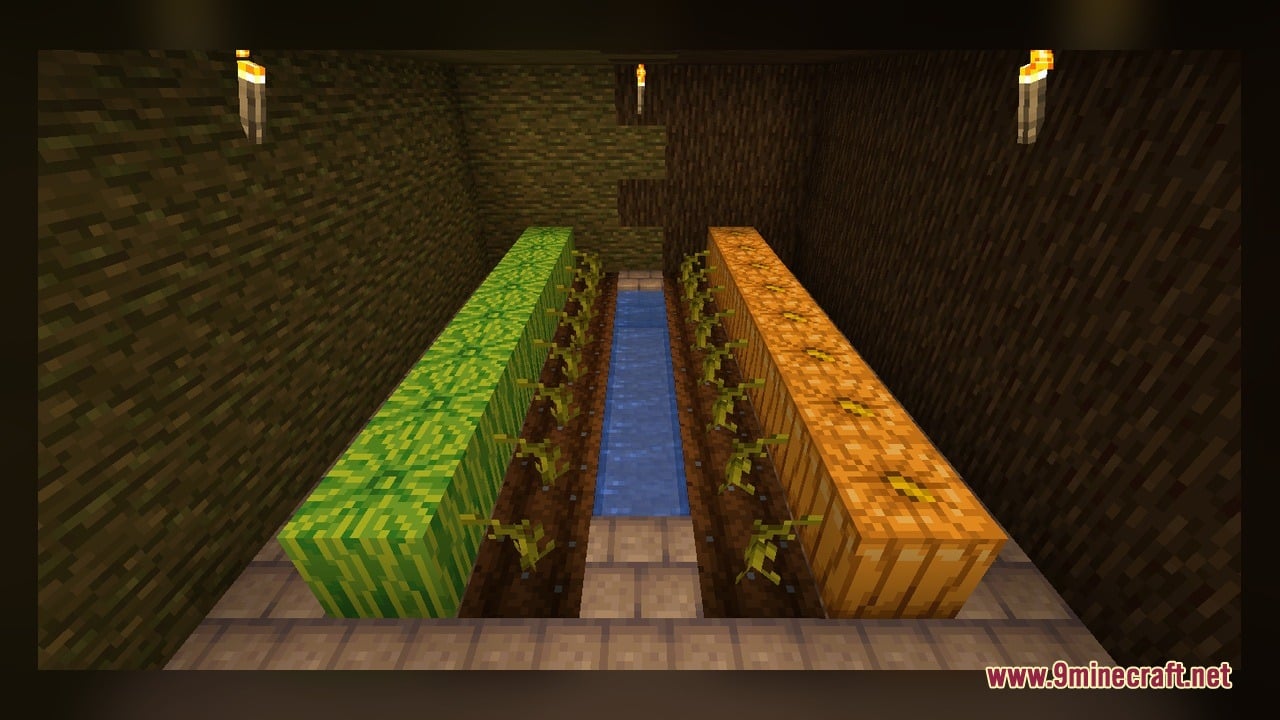
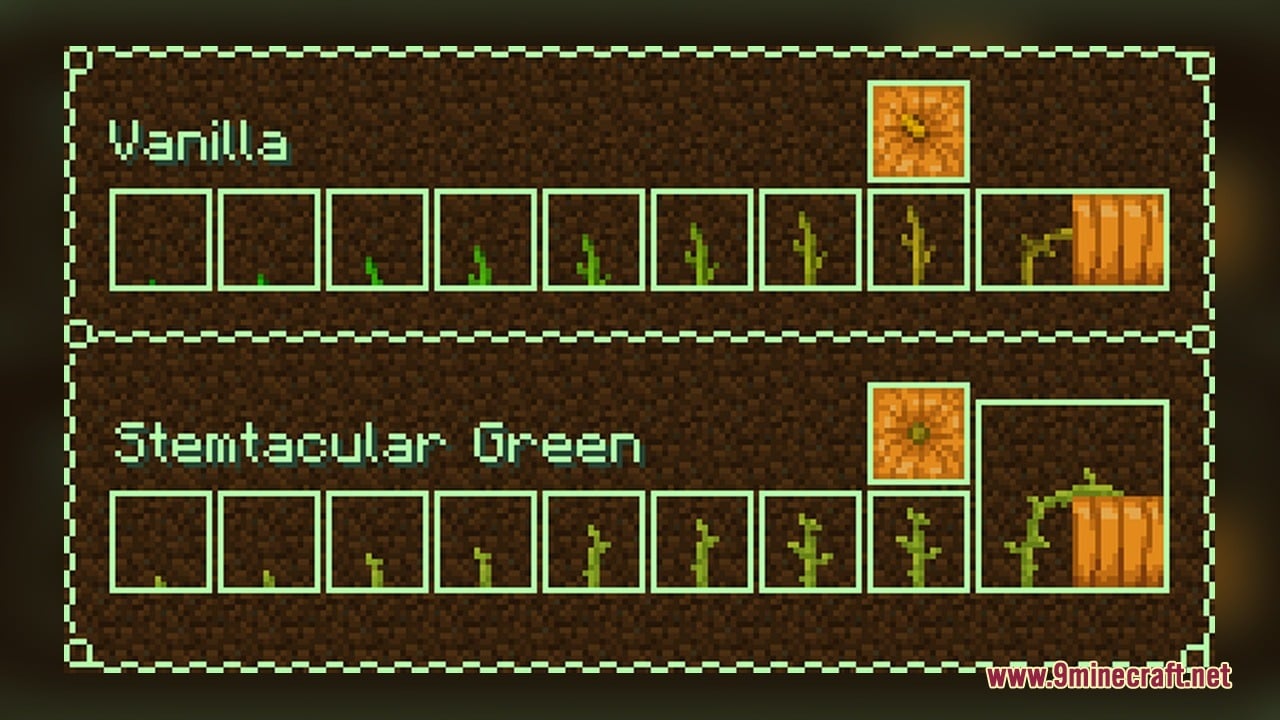
Stemtacular Green Model transforms the look of pumpkin and melon stems in your farms. This pack packs in 9 custom 3D models and 12 texture files that replace the standard flat crop stems. It makes the growing stages much easier to tell apart at a glance. Once a pumpkin or melon grows, the stem model properly connects straight to the top side of the fruit block.
Features:
- Connected Fruit Stems: Modifies the attached stem model so it reaches up and connects directly to the top of grown pumpkin and melon blocks.
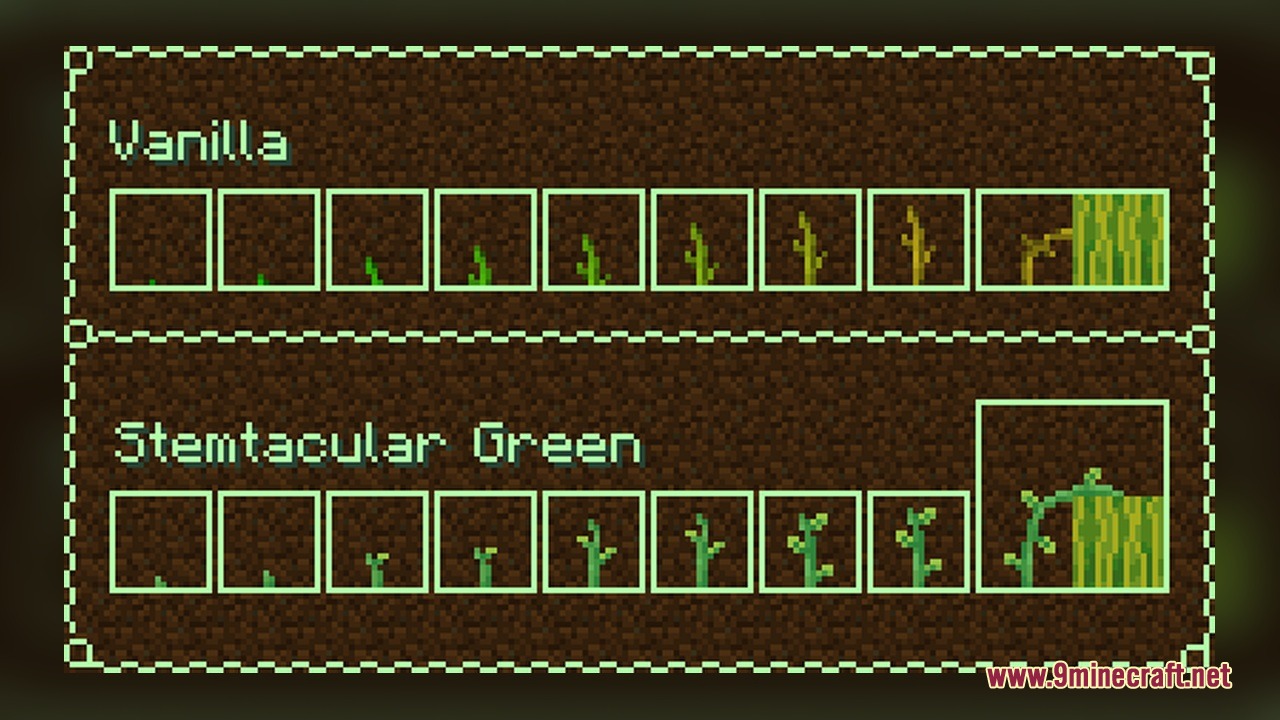
- Clear Growth Stages: Includes 8 separate growth models from stage 0 to stage 7, making each growth step easy to spot in a farm.
- Packs 9 custom 3D models and 12 texture files dedicated to melon and pumpkin crops.
- Helps players tell pumpkin and melon stems apart while tending to their farmland.
How to Use:
- Put the pack file into your Minecraft resourcepacks folder and activate it in the Resource Packs menu.
- Craft a hoe, till some dirt or grass blocks near water to create farmland, and get Pumpkin Seeds or Melon Seeds.
- Right-click the farmland with your seeds to plant the initial sprout, which displays the starting
stem_growth0model. - Wait for the crop to grow or use Bone Meal on the stem to cycle through the 8 growth models from
stem_growth0up tostem_growth7. - Leave an empty dirt, grass, or farmland block next to a fully grown
stem_growth7plant so a pumpkin or melon block can spawn. - Look at the stem once the fruit appears to see it switch to the
stem_fruitmodel, bending over to connect right to the top of the pumpkin or melon.
Screenshots:
Stemtacular Green Model Download Links
Click to rate this post!
[Total: 0 Average: 0]
You May Also Like
Picked for this page
 Yuushya 16x Model – Adds Realistic 3D Block Shapes and Animated Details
 Quadral Model – Brings Vivid Colors and 31 Custom 3D Models to Vanilla
 New Faithful Overlays Model – Brings Smooth Grass and Path Transitions
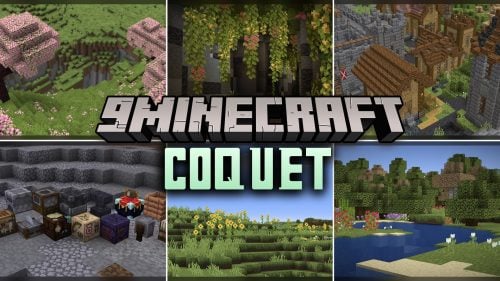 Coquet Model – Transforms Vanilla Foliage and Terrain with 3D Shapes
 Pixel-Tree Model – Transforms Everyday Vanilla Blocks with Detailed 3D Shapes
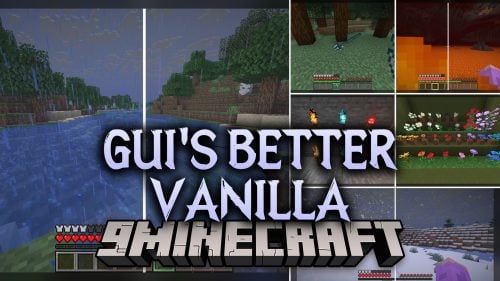 Gui’s Better Vanilla Model – Brings Animated 3D Torches and Plants
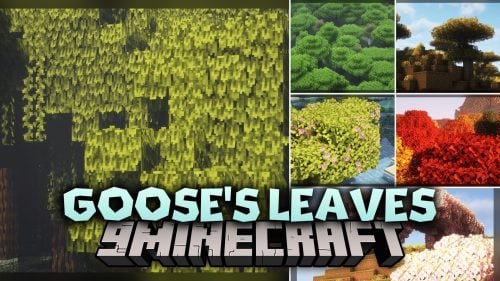 Goose’s Leaves Model – Transforms Flat Leaves Into Bushy 3D Foliage
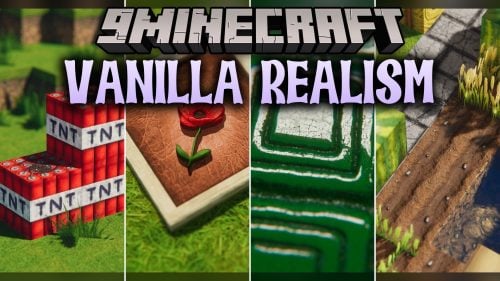 Vanilla Realism Model – Transforms Flat Blocks Into Animated 3D Shapes
 Brush & Juice Model – Brings Animated 3D Redstone and Mechanical Blocks
 The Original Work Programmer Art Model – Brings Classic Retro Visuals and Models
 Rainbow’s Detailing Model – Adds 3D Depth to Doors, Bookshelves, and Plants
 STAR21 Model – Brings the Class 952 Shinkansen Bullet Train to MTR4 Tracks
Most viewed in Models over the last 7 days
 Jenny Mod Skin Pack Mega Collection – 310+ Characters
 The Most Complete Collection of Jenny Mod Resources – Models, Animations, Structures,…
 Albedo Rework Jenny Mod Model
 750 Models Addon for Yes Steve Model Mod
 Galath Rework Model – Custom Girl for PleasureCraft Mod
 Power Model – Custom Girl for PleasureCraft Mod
 Pomni Jenny Mod Model
 Femboy Ellie Rework Jenny Mod Model
 Ram Model – Custom Girl for PleasureCraft Mod
 100+ Custom Animations For Jenny Mod
 Ellie Rework Jenny Mod Model
 Steve (Jenny & Zoey) Pack Jenny Mod Model
More from Models
 British Rail Class 158 Express Sprinter Model – Adds UK Passenger Trains
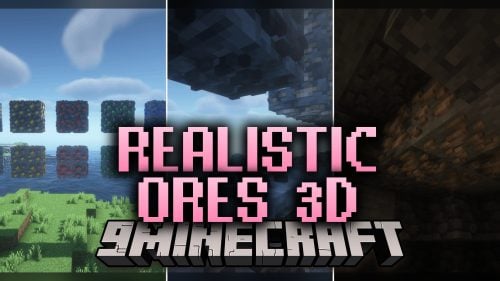 Realistic Ores 3D Model – Transforms Flat Ore Blocks Into Raised Cave Gems
 Manchester Metrolink Bombardier M5000 Model – Adds Light Rail Transit Trams
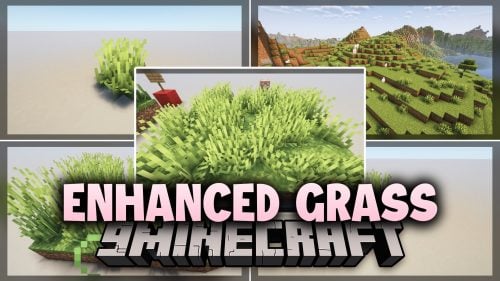 Enhanced Grass Model – Brings Organic 3D Plant Variants to Overworld Biomes
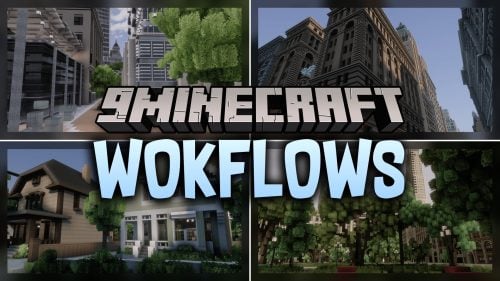 WoKFlows Model – Brings 128x Visuals, Bushy Foliage, and Animated Blocks
 Kiru X Bunji Model – Brings Pink PvP Visuals and 3D Blocks to Worlds
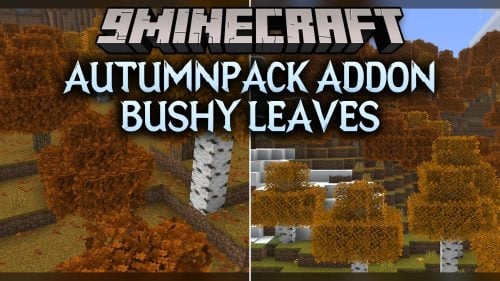 AutumnPack Addon Bushy Leaves Model – Brings Fuller 3D Foliage to Trees
 Connected Texture Model – Brings Borderless Glass Panes and Glowing 3D Ores
 HMI 3D Buckets Model – Turns Flat Vanilla Buckets Into Animated 3D Containers
 Redstone Tweaks For Bare Bones Model – Brings Clear 3D Signal States
 Faithful 64x – Brings Animated 3D Variations to Blocks and Mobs
 Totally Decayed Wither Storm Model – Brings Grim 3D Models and Animated Decay

This post has no comments yet. Be the first — your comment will appear here.