
Suggestion Provider Fix Mod (1.21.1, 1.20.1) – Type Mod Commands Faster
 749
 0


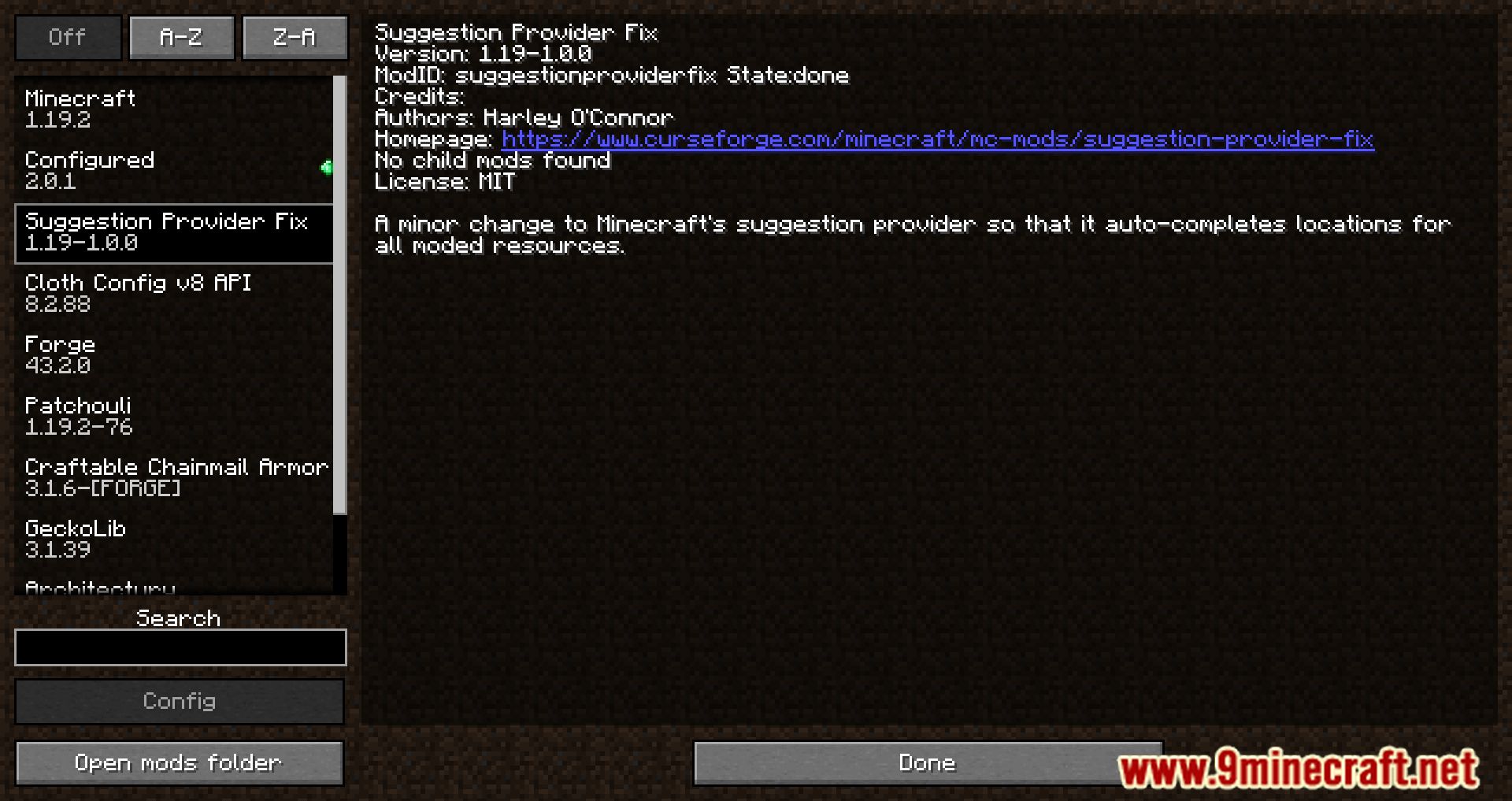
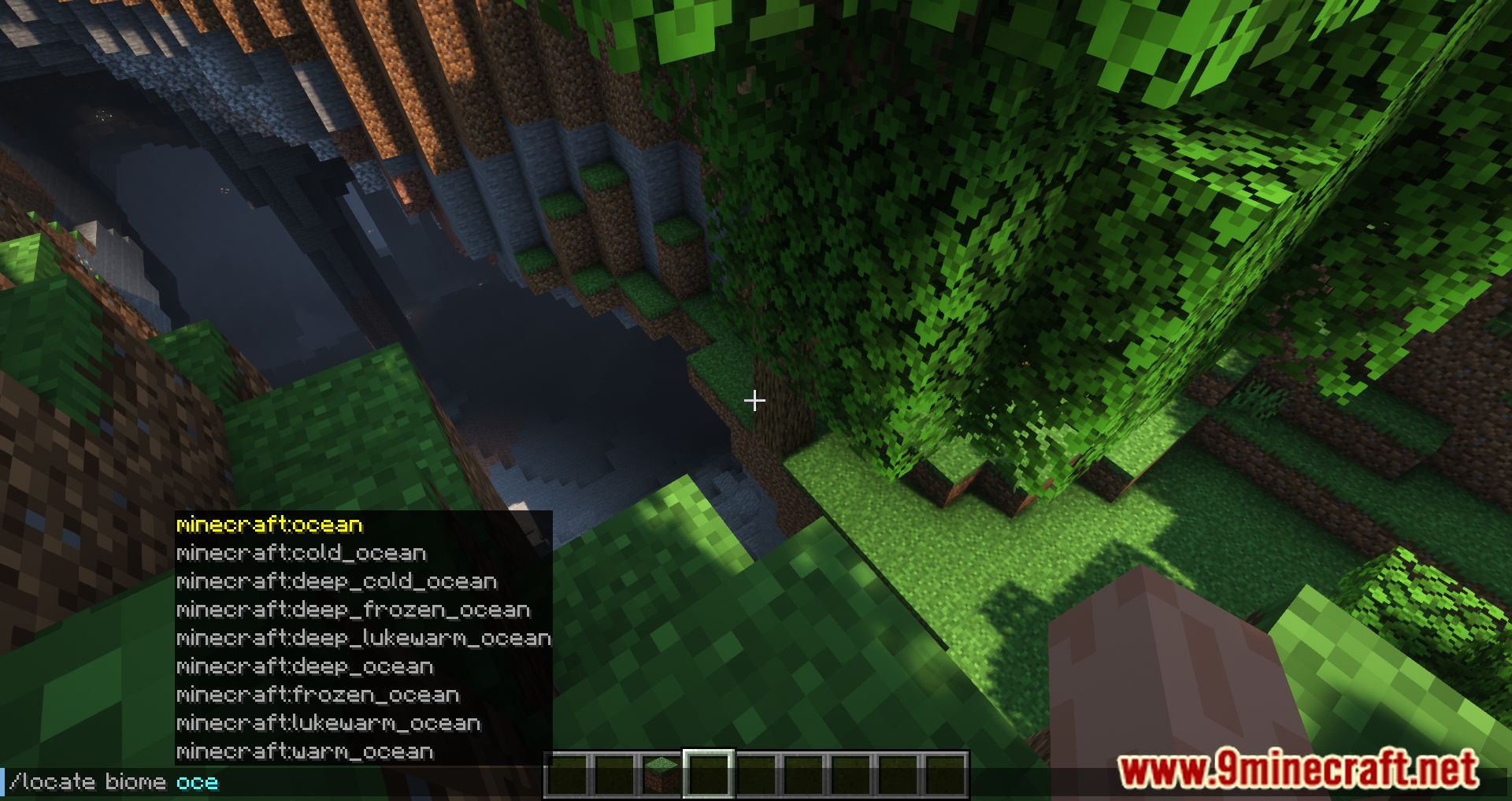
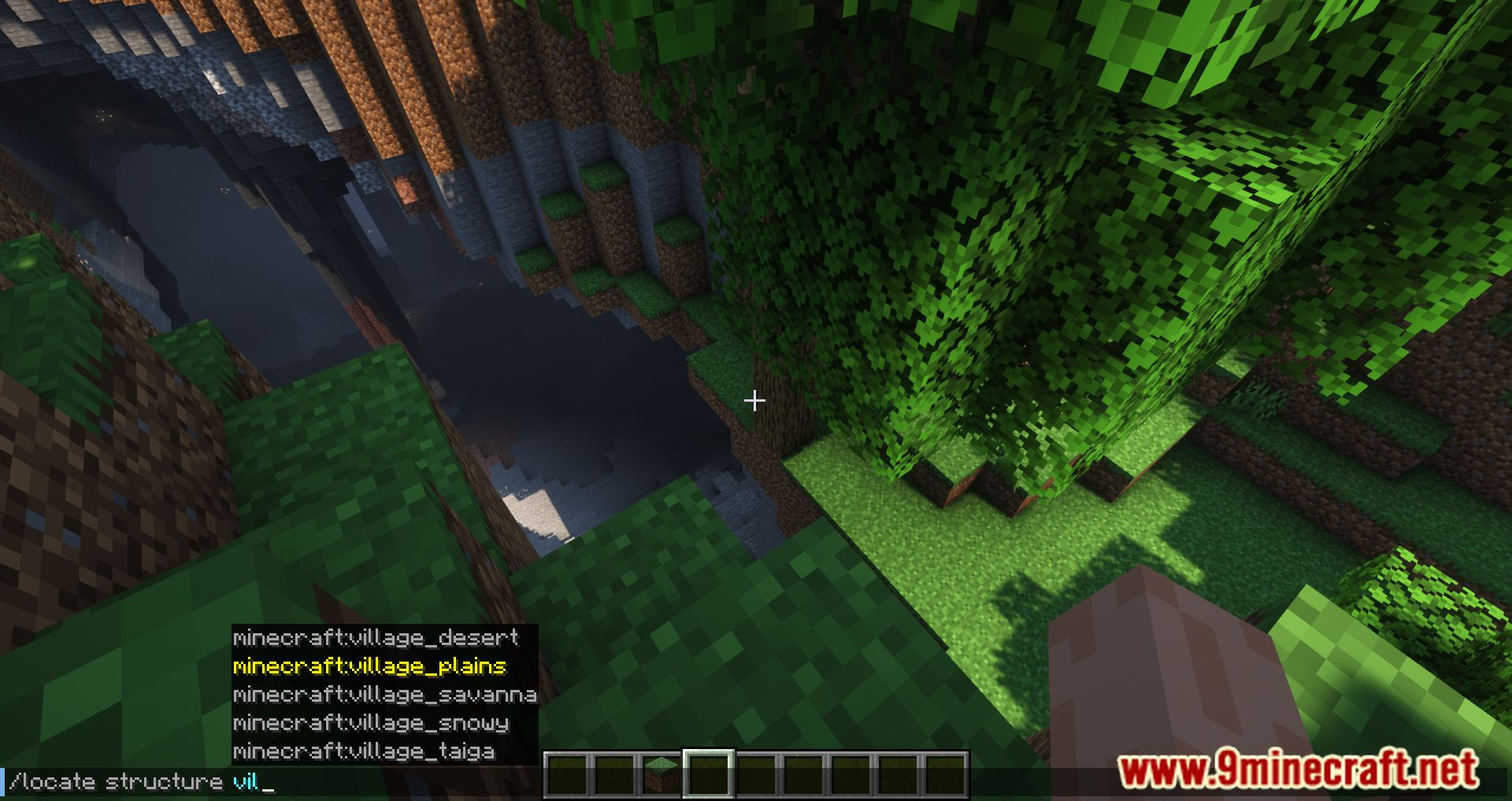
Suggestion Provider Fix Mod fixes Minecraft’s command suggestion system so it auto-completes names from all installed mods. In vanilla Minecraft, commands only suggest base game matches when you skip the mod prefix. This mod lets items, blocks, biomes, and custom registries from other mods appear right away when you type a name. It saves you time if you use commands often in modded worlds. You only need it on the client, though a dedicated server install keeps both mod lists the same.

Features:
- Auto-completes items, blocks, biomes, and other modded resources in commands across all mod namespaces.
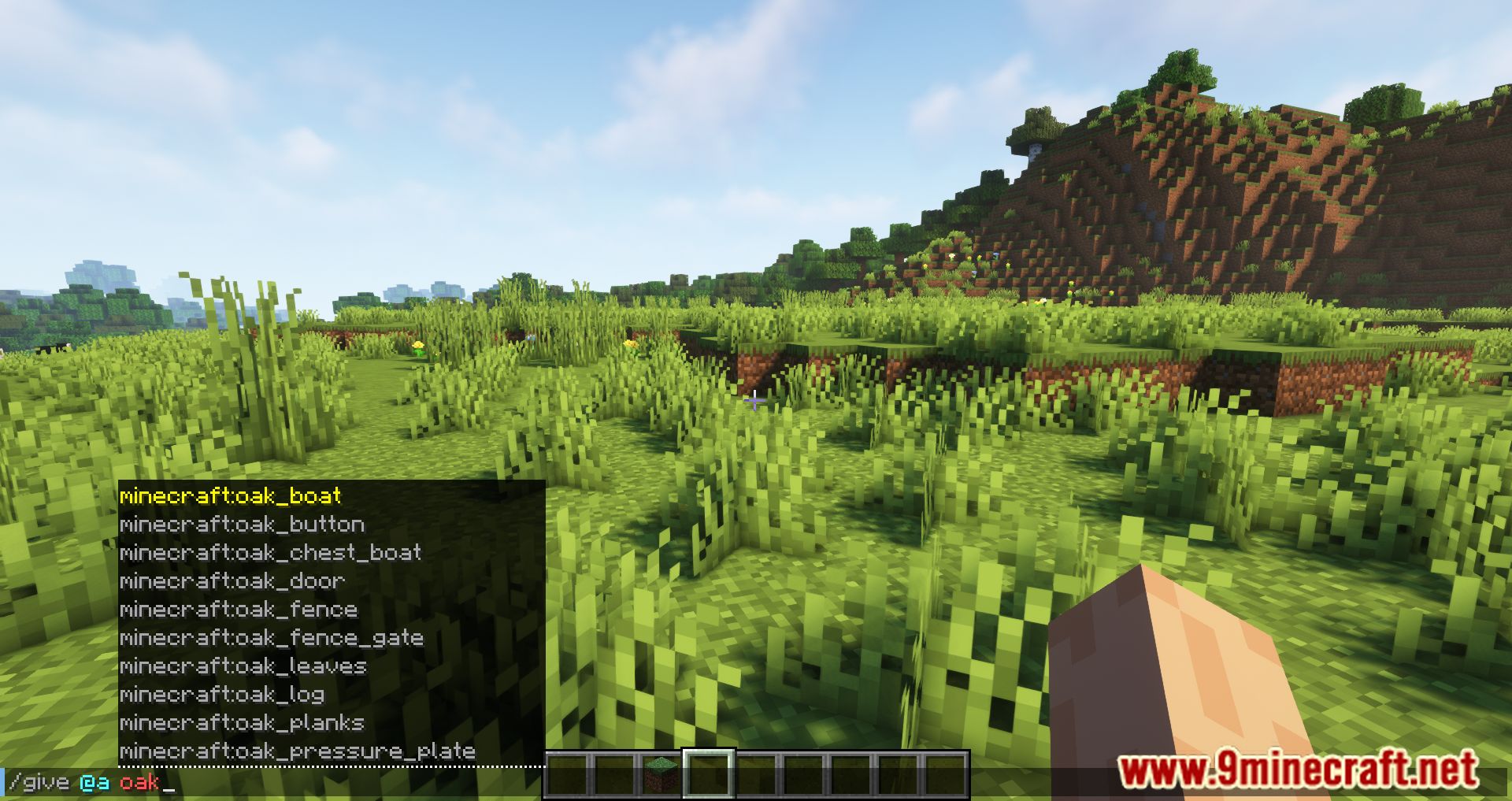
- Lets you search by typing a short name without the mod prefix, such as typing
oak_seedwith/giveto bring updynamictrees:oak_seedfrom Dynamic Trees. - Works with custom registries added by other mods as long as they use resource locations.
- Changes the game’s command suggestion filter with a mixin so it no longer limits prefix-free typing to the default
minecraftnamespace. - Runs on the client without needing a server install, while also working on a dedicated server to keep client and server mod lists matched.
How to Use:
- Open the Minecraft chat bar and start typing any command that uses a resource location, such as
/give @p. - Type part of a modded item, block, or biome name without its mod prefix, like
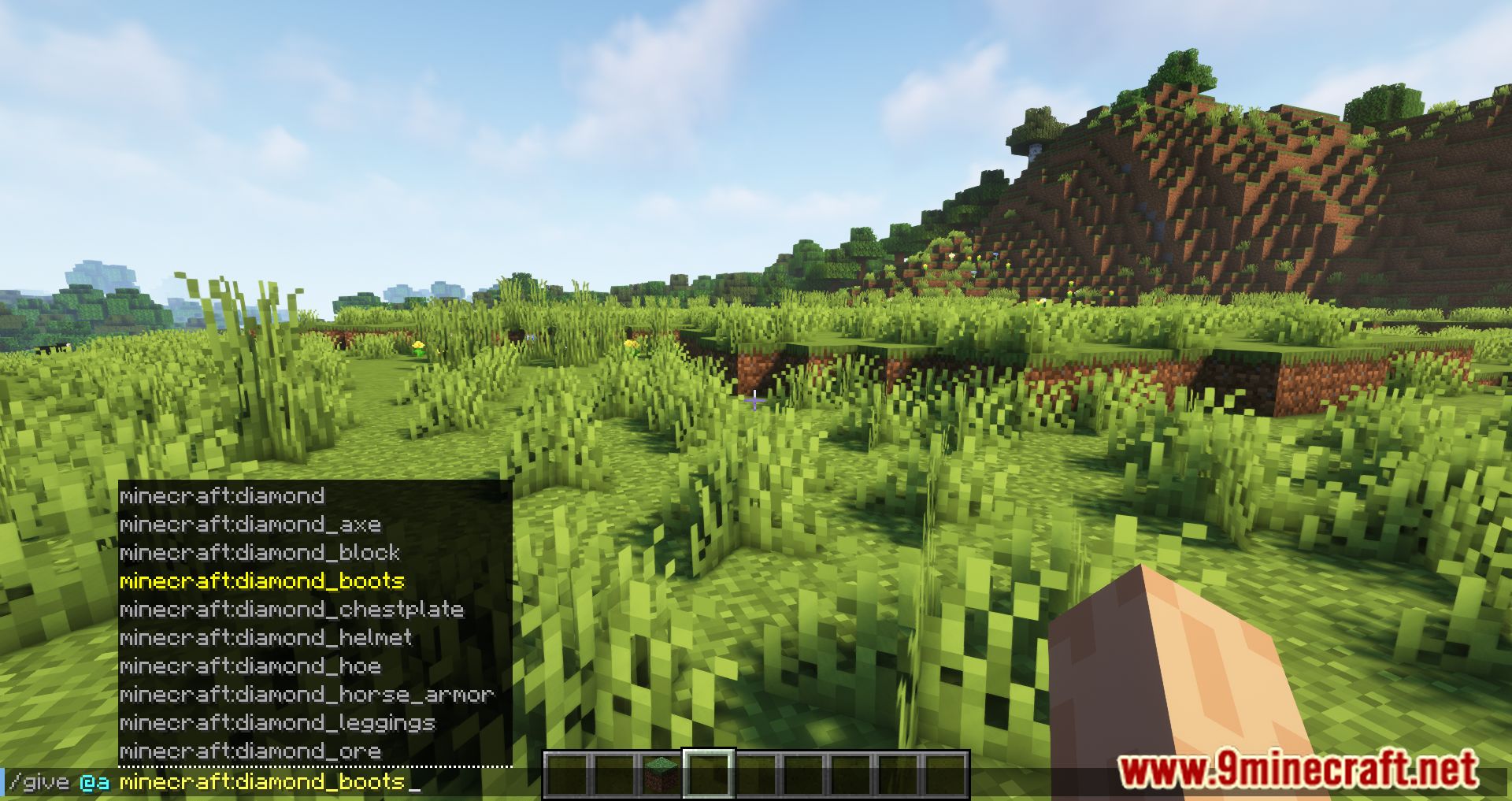
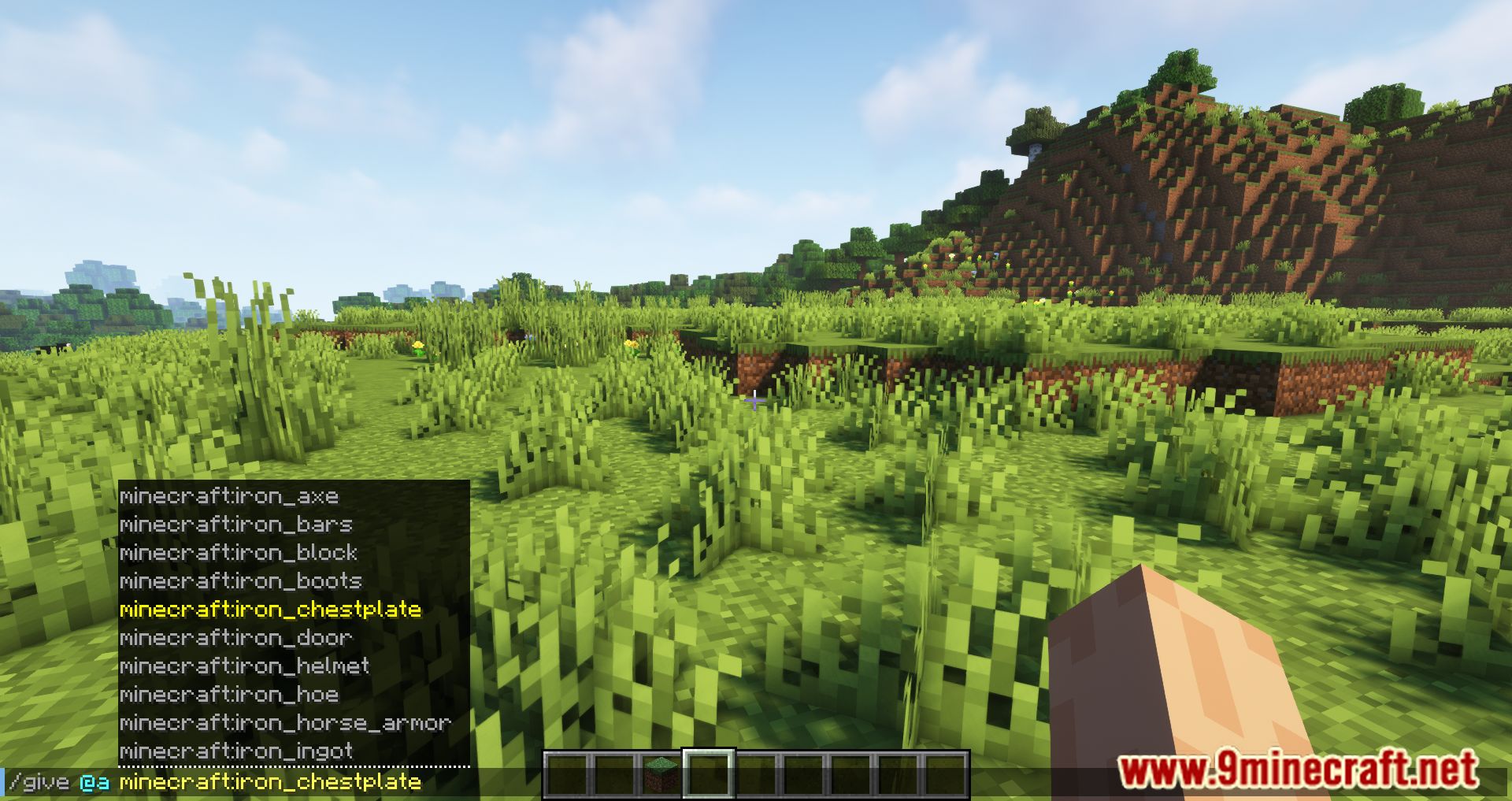
oak_seed; matching options from all installed mods appear in the suggestion list. - Press Tab or click a result in the list to auto-fill the full modded name into your command.
Screenshots:
How to Install:
New to Minecraft? Follow our step-by-step guide to install Mods on your PC.View Guide
Suggestion Provider Fix Mod Download Links
For Minecraft 1.21.1, 1.21
NeoForge Version: Download from Server 1 – Download from Server 2
For Minecraft 1.20.1, 1.20
Forge/NeoForge Version: Download from Server 1 – Download from Server 2
For Minecraft 1.19.4, 1.19.3
Forge Version: Download from Server 1 – Download from Server 2
For Minecraft 1.19.2, 1.19.1, 1.19
Forge Version: Download from Server 1 – Download from Server 2
For Minecraft 1.18.2, 1.18.1
Forge Version: Download from Server 1 – Download from Server 2
For Minecraft 1.17.1
Forge Version: Download from Server 1 – Download from Server 2
For Minecraft 1.16.5
Forge Version: Download from Server 1 – Download from Server 2
If you rent a paid server to play modded Minecraft with friends, how do you usually set it up?
24 responses · See the full results →
You May Also Like
Picked for this page
 Better Ping Display Mod (1.21.11, 1.20.1) – Ping in the Player List
 Angry Mobs Mod (26.2, 1.20.1) – Add Different Tweaks To Mobs
 XP Tome Mod (26.3, 1.20.1) – Store and Withdraw XP Easily
 Dismount Entity Mod (26.3, 1.20.1) – Dismount Mobs From Vehicles
 Librarian’s Balance Mod (26.3, 1.20.1) – Rebalances Librarian Trades
 More Heart Types Mod (26.3, 1.20.1) – More Heart Types
 Craftify Mod (1.21.11, 1.20.1) – Control Your Music In Minecraft
 Improved Grindstone Mod (26.1.2, 1.20.1) – Enhanced Enchantment Management
 Litematica-Printer Inprim Mod (26.2, 1.20.1) – Faster Structure Building
 ServerReplay Mod (26.3, 1.20.1) – Server-side Recording of Players and Chunks
 Barriers Don’t Block Rain Mod (1.21.11, 1.20.1) – Build Freely With Barriers
 Fabwork Mod (26.3, 1.20.1) – Networking API For Fabric
Most viewed in Mods over the last 7 days
 Ala Industrial Mod (26.3) – Run Electric Power Grids and Automated Factories
 PleasureCraft Mod (26.3, 1.21.1) – Jenny Mod Remake for Fabric
 Jennycraft Mod (26.3, 1.20.1) – Virtual Girlfriend in Minecraft
 Fapcraft Mod (26.3, 1.12.2) – Comprehensive and Detailed Content
 Jenny Mod (Fapcraft) Official Complete Guide – How to use, Tutorial
 BangCraft Mod (1.20.1) – Jenny, Ellie and Elliot
 Fabric Loader (26.3, 1.20.1) – Fabric Installer for All Minecraft Versions
 Meteor Client Mod (26.3, 1.20.1) – Xray, HUD, Fly
 The Shooting Star Demo Mod (26.3, 1.20.1) – Vaporize Terrain From Orbit
 OptiFine HD (26.3, 1.20.1) – Run Faster, FPS Boost, Shaders Support
 Aristois Client Mod (1.21.4, 1.20.1) – World Class Minecraft Utility
 SchnurriTV Mod (1.12.2) – Characters and Features
More from Mods
 Cinematic Interactions Mod (26.3, 1.20.1) – Watch Your Hands Work
 Macro Keybinds Mod (26.3, 1.20.1) – Macro Creation, Keybind Execution
 Better Enchantment Bookshelf Placement Mod (26.3, 1.20.1)
 RFTools Builder Mod (26.3, 1.20.1) – The Builder, Powerful Machine
 Block & Board Mod (26.3, 1.20.1) – Play Classic Tabletop Games with Friends
 Hammers 3×3 Mod (1.21.8, 1.20.1) – Carve Caves with One Swing
 Huge Structure Blocks Mod (26.3, 1.20.1) – Pushing Limits With Huge Structure Blocks Mod
 Rctapi Fix Mod (1.21.1) – Fight Cobblemon Trainers Without Any Server Crashes
 Better Title Screen Mod (26.3, 1.20.1) – Adding Custom Text Messages
 Log Cleaner Mod (26.3, 1.20.1) – Cleans Old and Unused Log Files
 Brick Variety Mod (26.3, 1.20.1) – More Brick Variants
 Fast Xp Mod (26.3, 1.21.1) – Faster XP Bottle Usage

This post has no comments yet. Be the first — your comment will appear here.