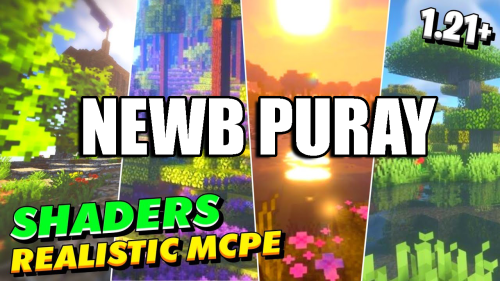
Newb X Pureray Shader (26.x, 1.21) – MCPE/Bedrock
Newb X Pureray Shader revolutionizes the visual experience in Minecraft Bedrock Edition by introducing a…



MCPE 1.20 Shaders are modifications that change the way the game’s graphics are rendered. Shaders can be used to add special effects to the game, such as more realistic lighting and shadows, improved water and terrain, and more. To use a shader in Minecraft Pocket Edition, you will need to install a shader pack, which is a collection of files that contain the shader code and any resources it needs to run. You can find many popular MCPE 1.20 Shaders on websites like 9minecraft. To install them, you need to download the .mcpack or .zip file and open it with MCPE. Then you can activate the shader in the world settings.
Newb X Pureray Shader revolutionizes the visual experience in Minecraft Bedrock Edition by introducing a…
Enhance your gameplay for Minecraft Bedrock RenderDragon with Newb Firelight Shader. It features new sky…
Vibrant Visuals Extreme Shader brings your world to life with vivid colors, lifelike lighting, and…
 981
981
 1
1
 August 3, 2025
 RisabGamerz
BSL Shader transforms your Minecraft world with ultra-realistic cinematic lighting, vibrant colors, glowing lights, and…
1,911
0
July 28, 2025
PixelWraith
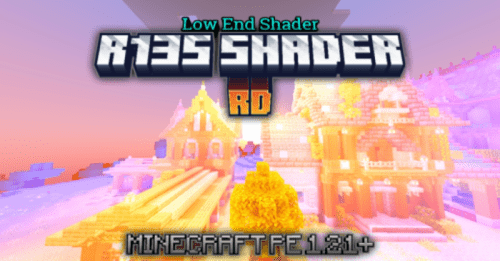
R135 RD Shader is a lightweight shader pack designed for low-end devices, offering stunning visual…
1,193
0
July 28, 2025
ItsRegi135
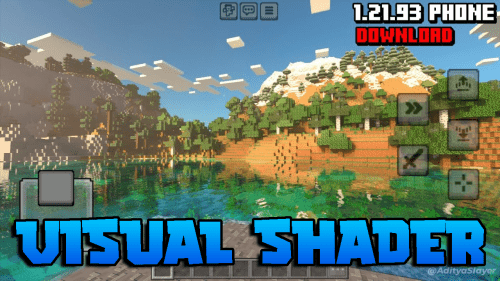
Are you looking for stunning, vibrant, and cinematic Minecraft shaders? Visual Shader is the perfect…
26,455
1
July 24, 2025
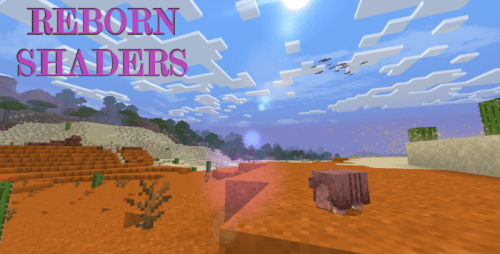
Reborn MC Shader is originally crafted for Reborn RPG’s Survival Server and is now freely…
632
0
July 21, 2025
BlackFire4775
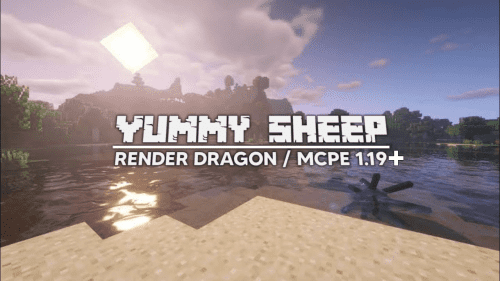
Yummy Sheep Shader is a shader modpack made by a team of Minecraft Bedrock lovers,…
79,511
1
June 23, 2025
Yummysheep

Lunac Shader transforms Minecraft with RTX-like graphics without an RTX GPU! Enjoy realistic water, shadows,…
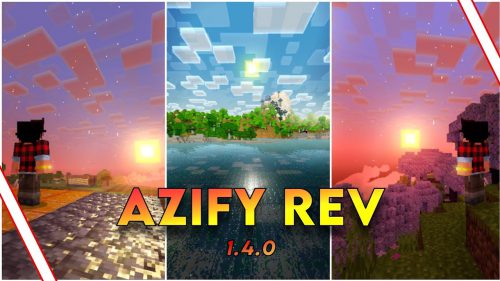
AziFy Revive Shader is the enchanting upgrade that transforms your Minecraft experience into something truly…
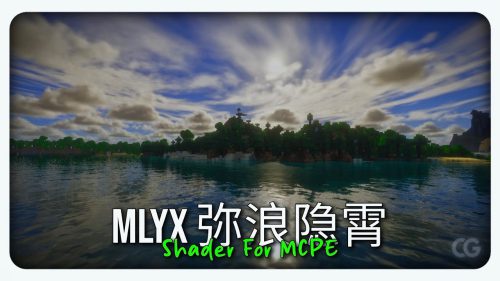
MLYX Shader is a shader developed by 楚隐霄, supporting MCPE/Bedrock 1.21.50+ on Android, iOS, and…
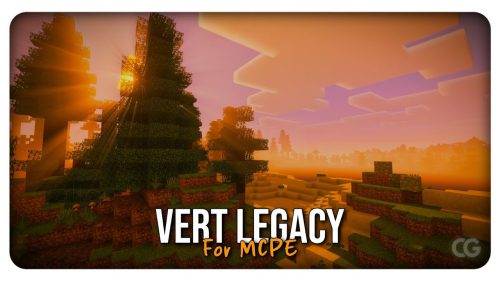
Vert Legacy Shader is a lightweight shader pack designed to enhance the visual experience of…
176,934
3
June 13, 2025
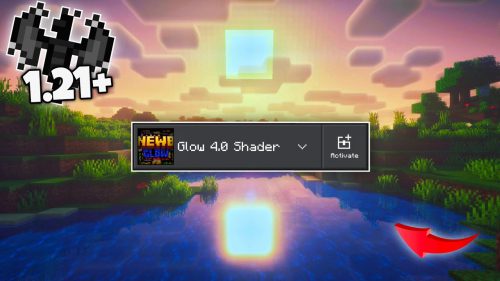
Newb Glow Shader is a lightweight, minimalist enhancement for Minecraft Bedrock Edition, designed specifically for…
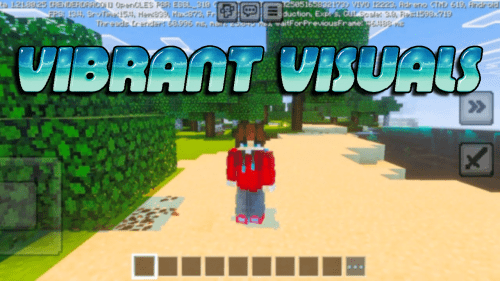
Vibrant Visuals Shader elevates Minecraft with stunning lighting effects and rich color enhancements. It’s ideal…
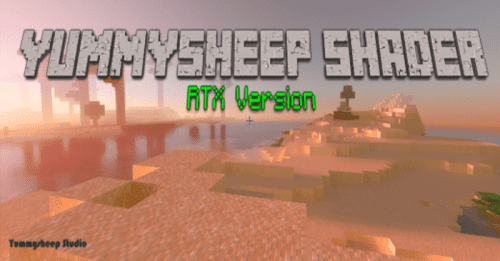
Introducing the extended Yummysheep shader for Minecraft Bedrock RTX! While the regular Yummysheep shader continues…
27,232
0
June 1, 2025
Yummysheep Studio













