
Theurgy KubeJS Mod (1.21.1, 1.20.1) – Script Any Modded Alchemy

 0


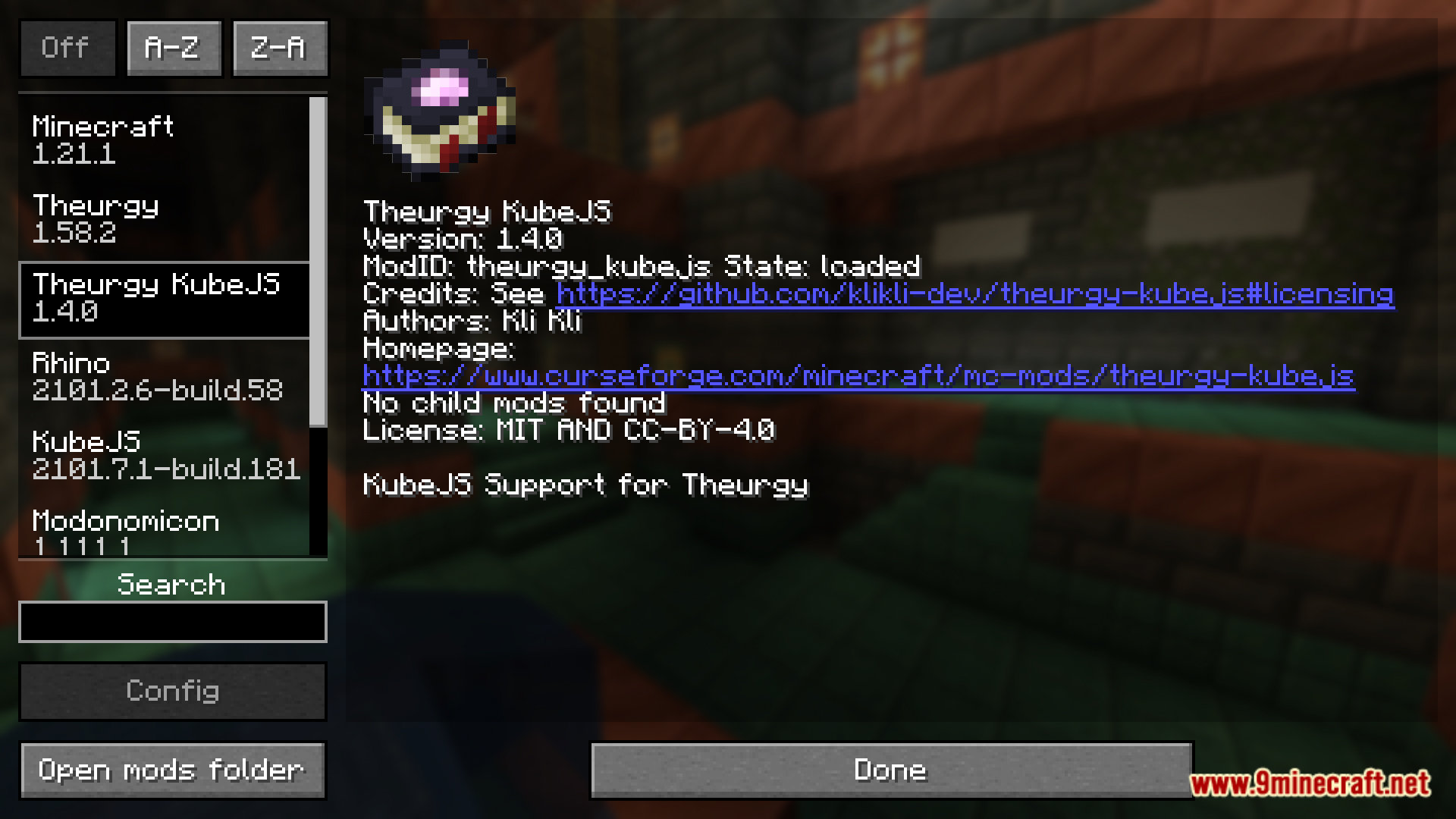
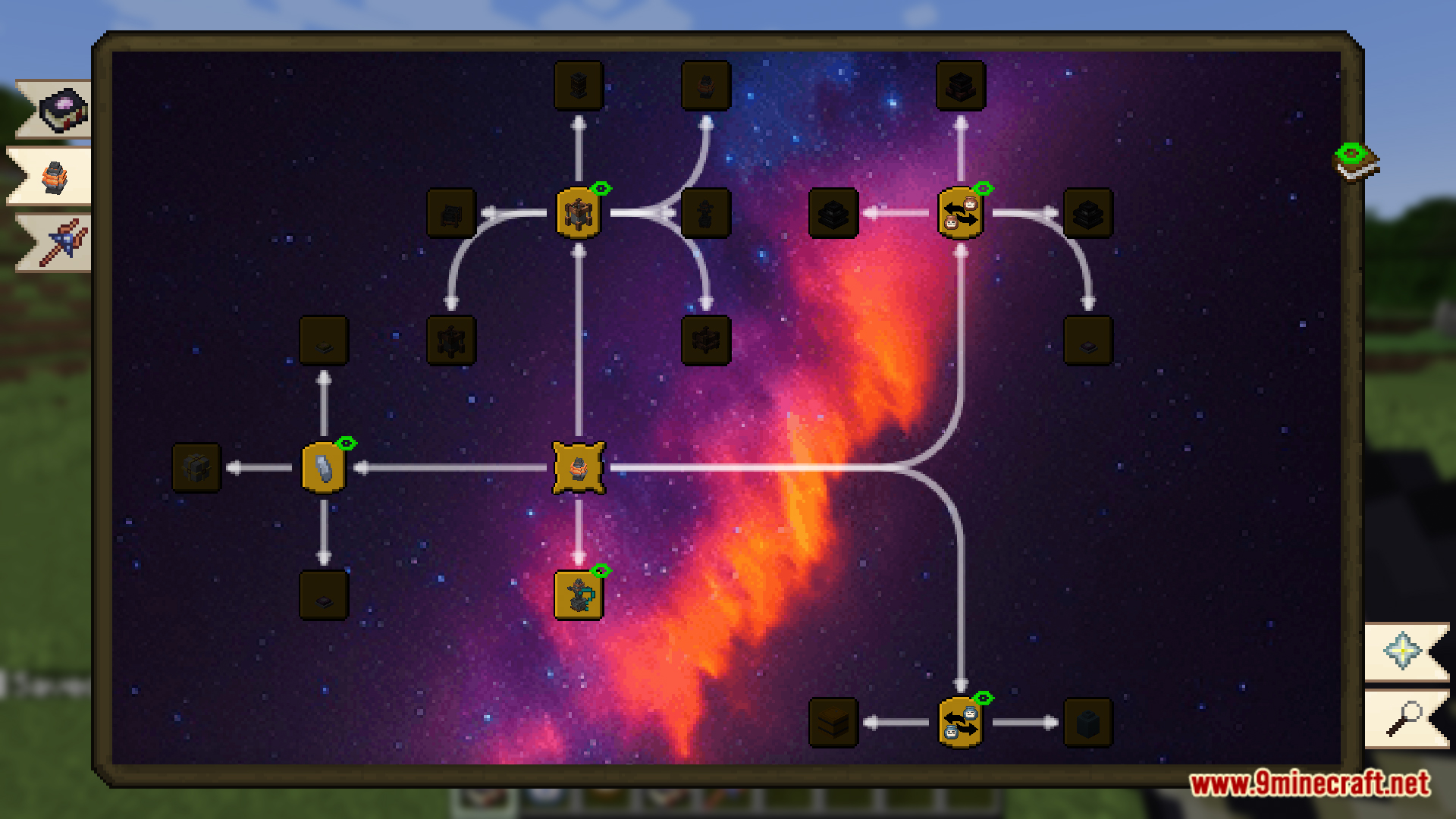
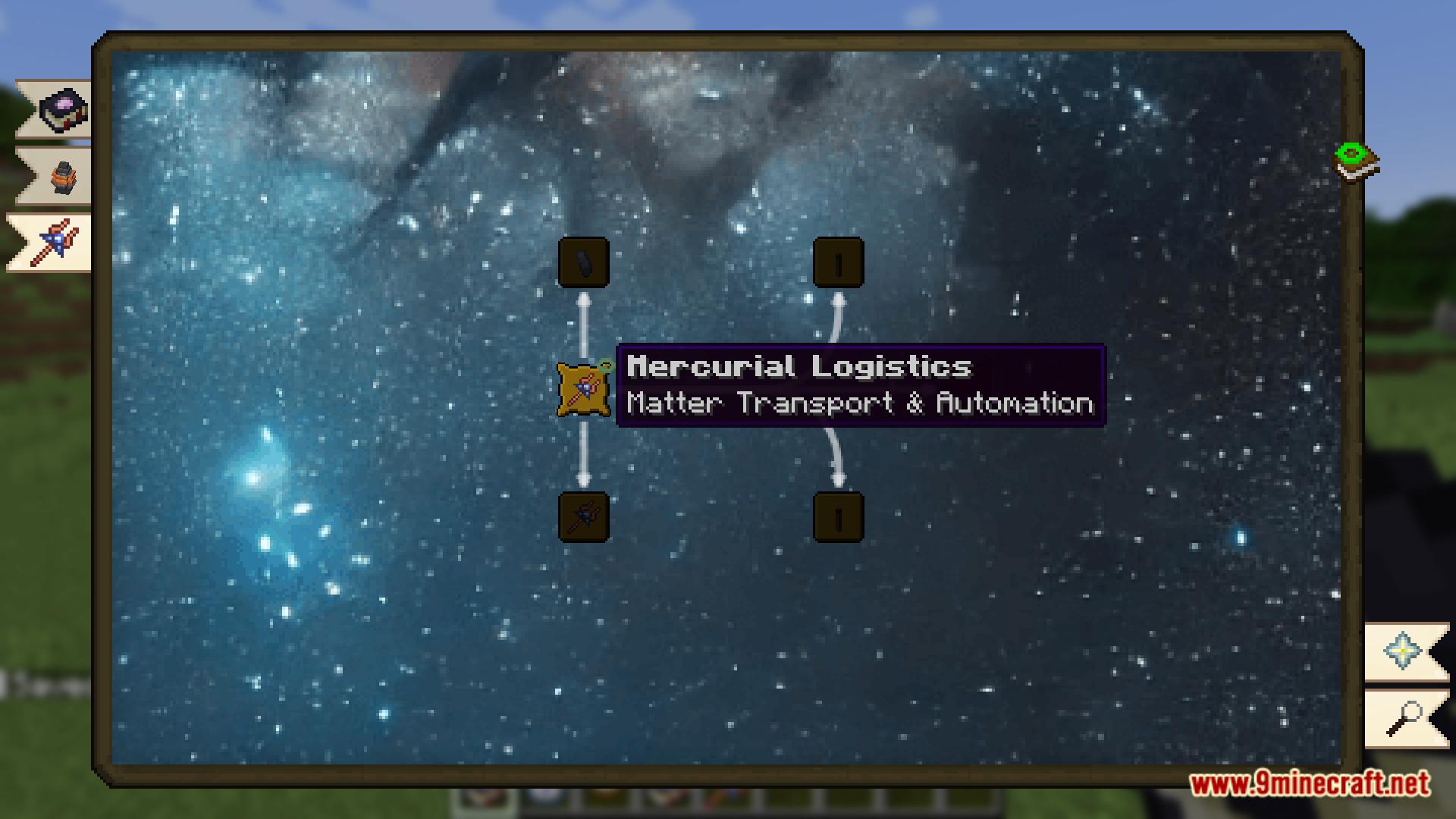
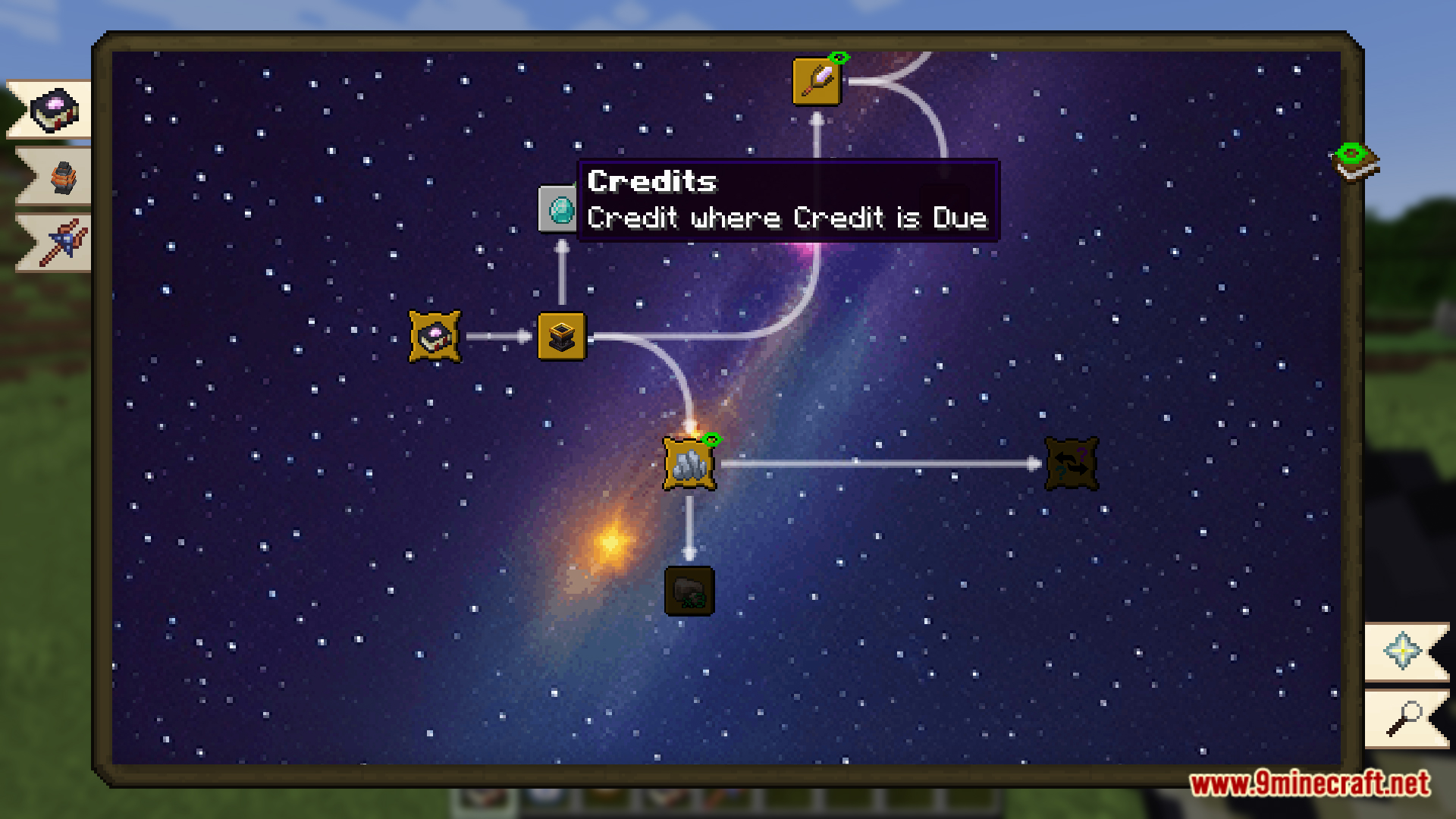
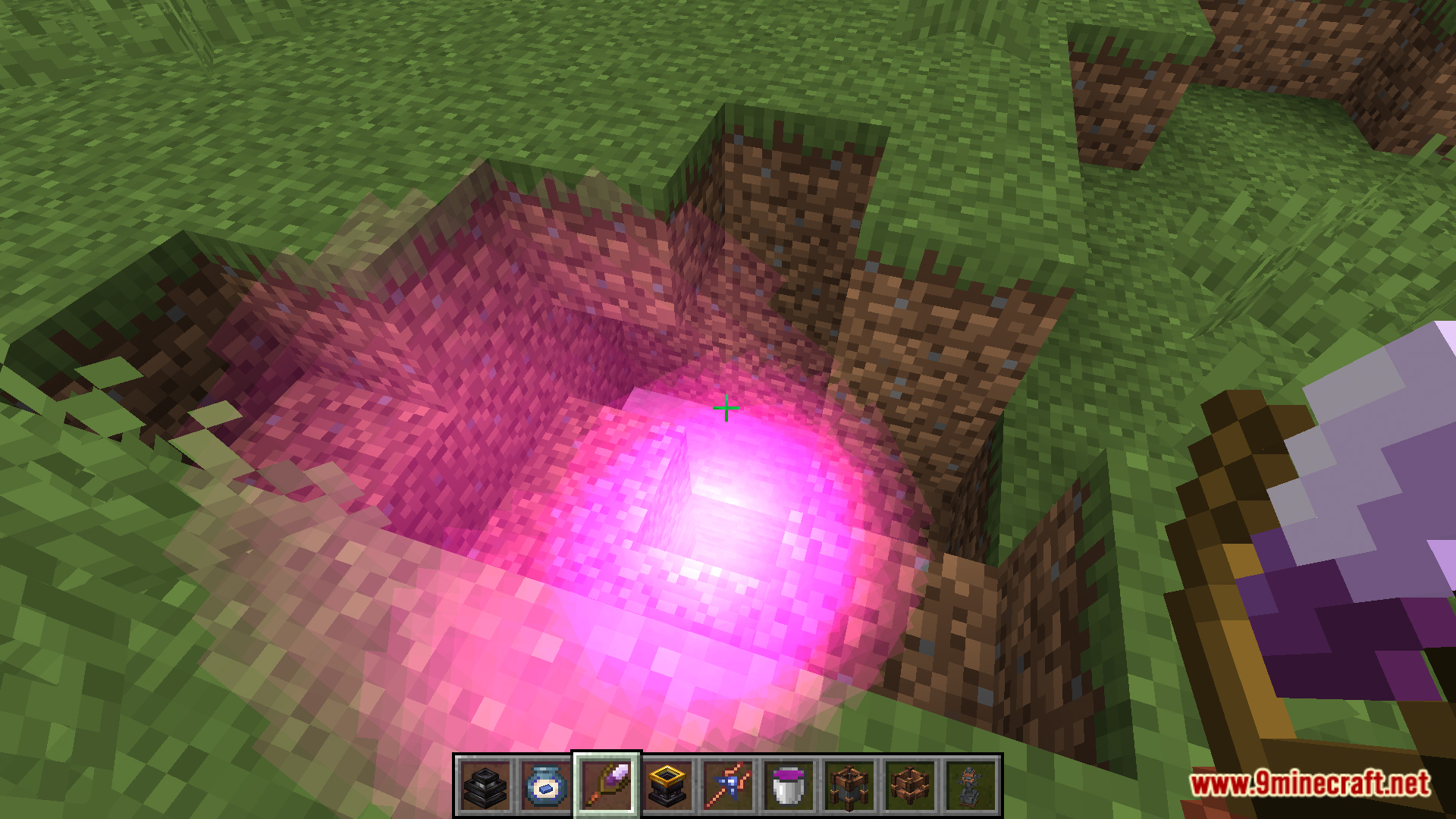
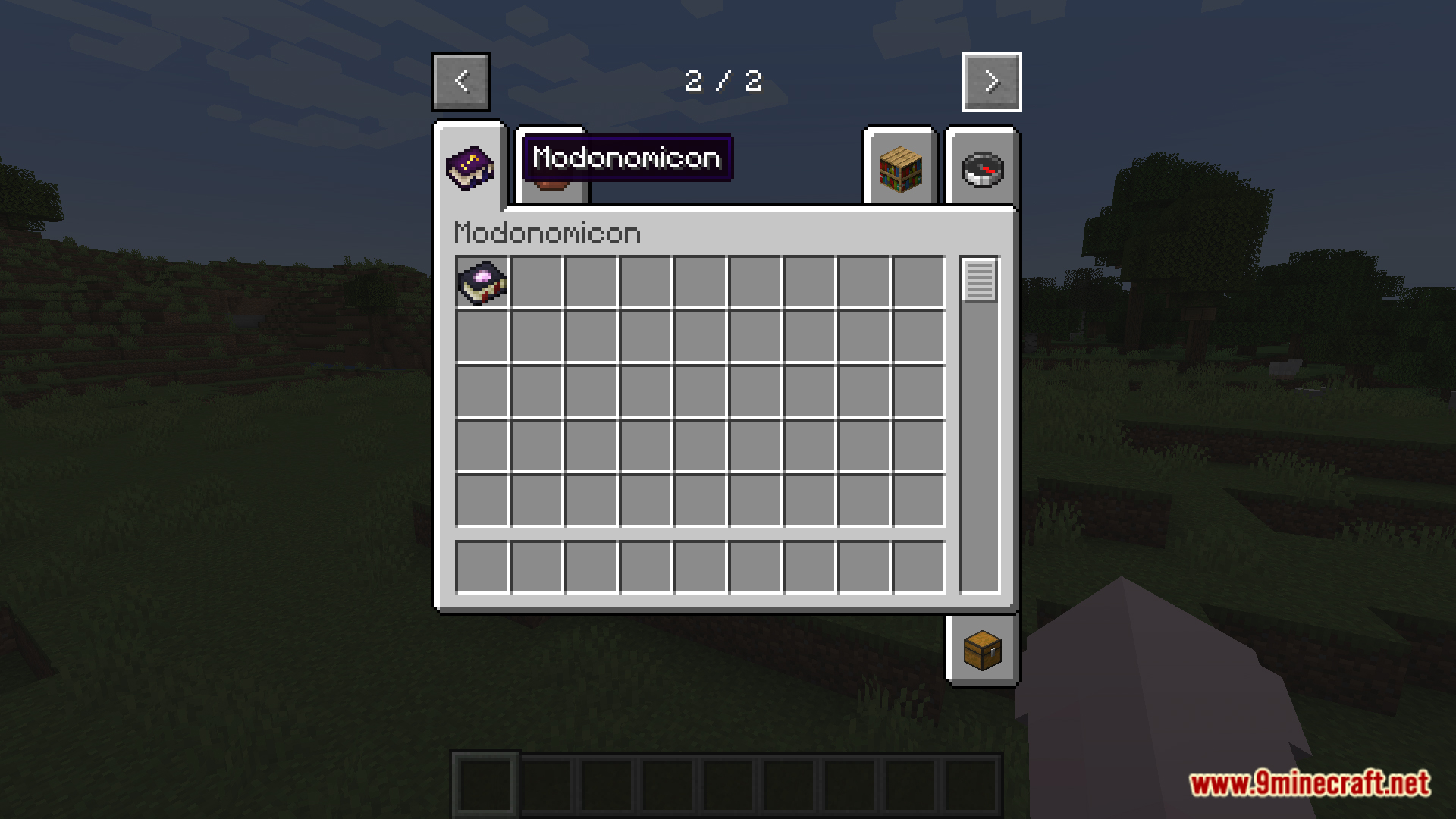
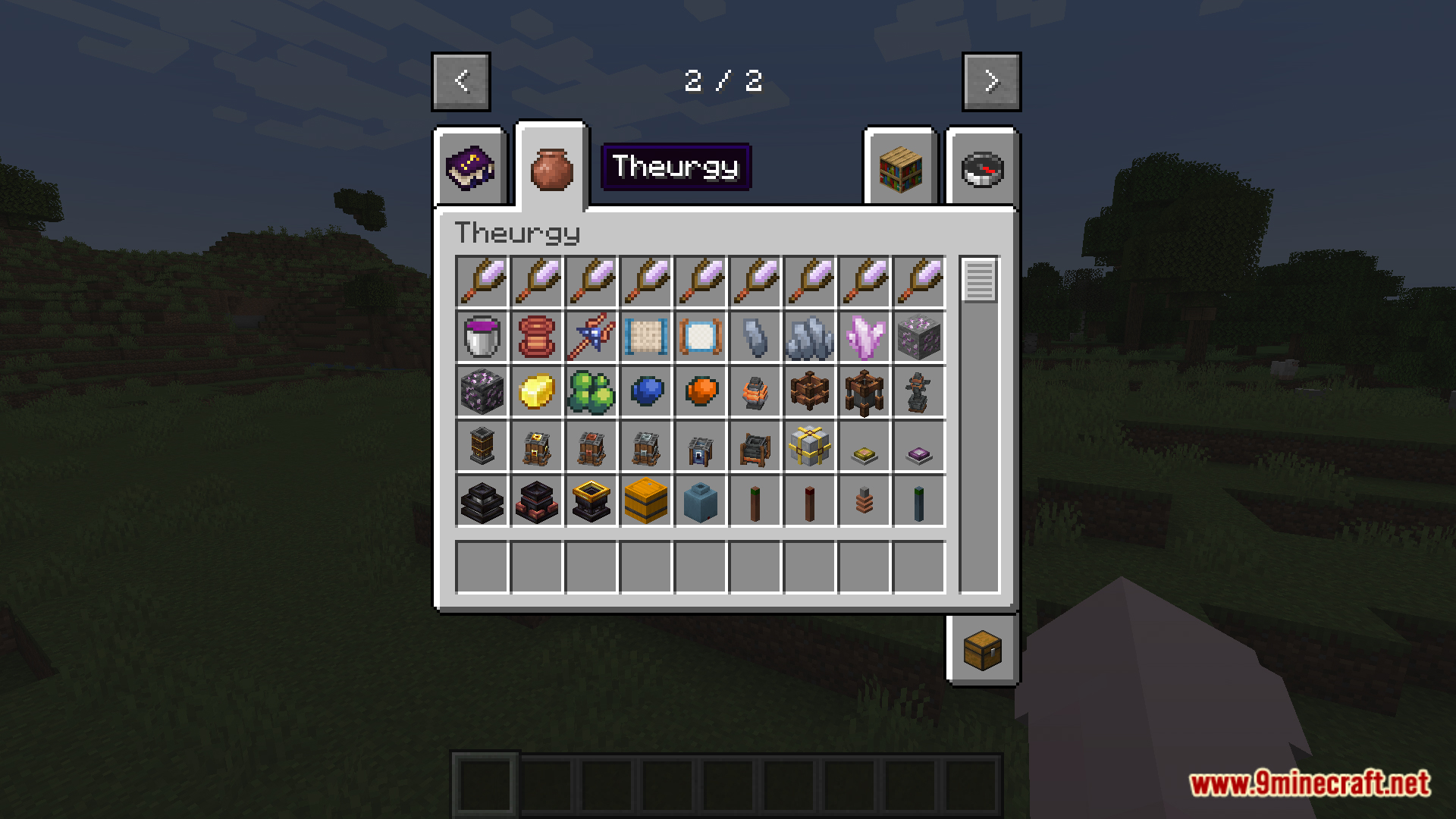
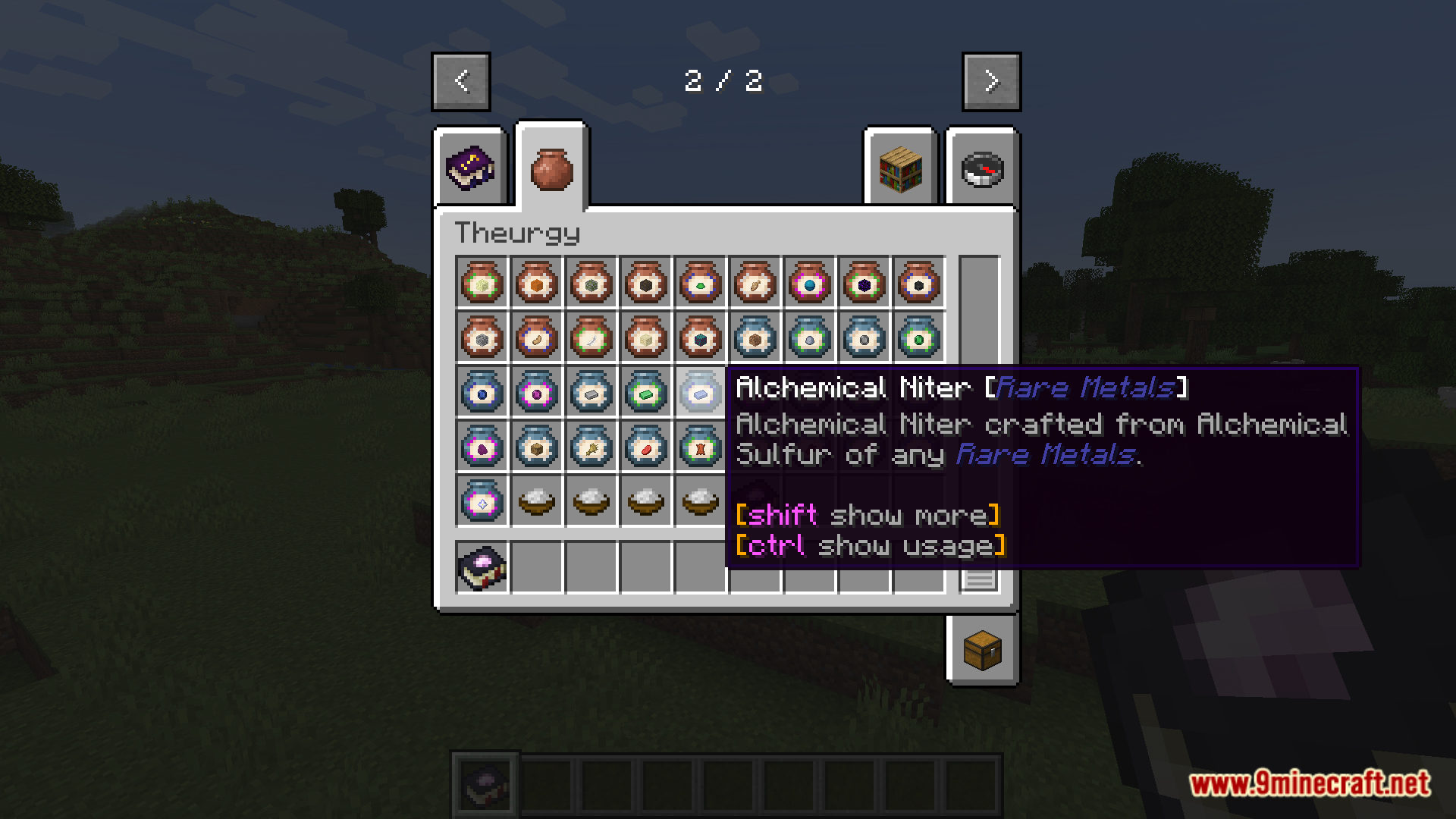
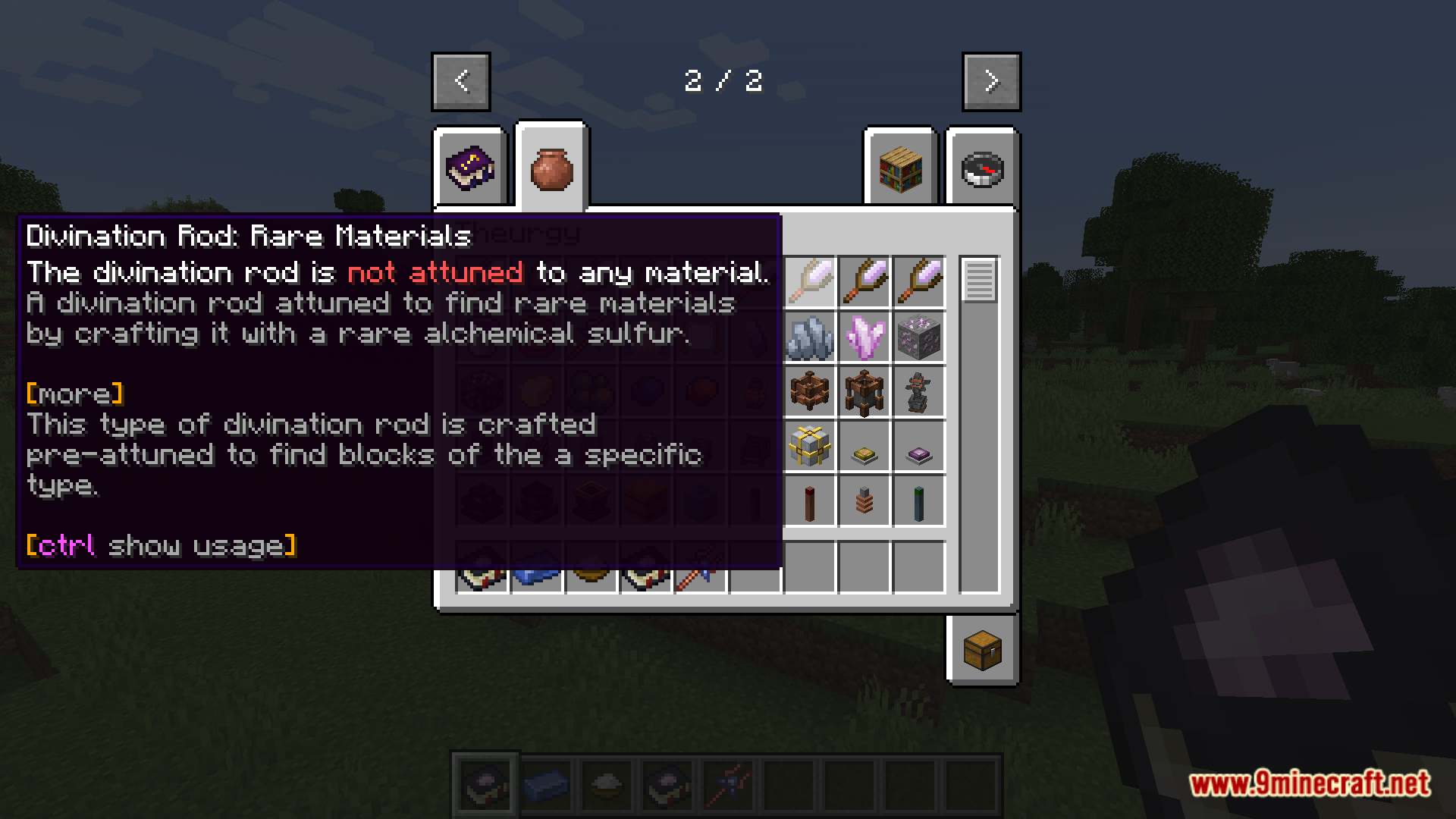
Theurgy KubeJS Mod brings KubeJS integration to Theurgy. It lets you create custom sulfurs and niters so you can support extra materials and material categories. Every new item uses the right sulfur or niter type.
Features:
- Connects KubeJS with Theurgy so both mods work together.
- Lets you create custom sulfur items of the right type to support extra materials in Theurgy.
- Allows you to make custom niter items of the right type to support extra material categories.
Screenshots:



How to Install:
New to Minecraft? Follow our step-by-step guide to install Mods on your PC.View Guide




Theurgy KubeJS Mod Download Links
For Minecraft 1.21.1, 1.21
NeoForge version: Download from Server 1 – Download from Server 2
For Minecraft 1.20.4
NeoForge version: Download from Server 1 – Download from Server 2
For Minecraft 1.20.1
Forge version: Download from Server 1 – Download from Server 2
Click to rate this post!
[Total: 0 Average: 0]
QUICK MINECRAFT SURVEY · ONE TAP
Mods & Modpacks
What do you usually do when your modded game crashes on startup?
23 responses · See the full results →
You May Also Like
Picked for this page
 Dark Utilities Mod (26.3, 1.20.1) – Expansive Content of Minecraft
 Draconic Evolution Mod (1.21.1, 1.20.1) – Wield Power Beyond Diamond
 Mystical Agriculture Mod (26.1.2, 1.20.1) – Grow Diamonds From a Seed
 Capsule Mod (1.21.1, 1.20.1) – Move Your Base in One Item
 Resource Pack Overrides Mod (26.3, 1.20.1) – Set Your Modpack’s Style
 Bloxy’s Structures Mod (1.21.4, 1.20.1) – More Structures with 4 New Bossfights
 Waystones Teleport Pets Mod (26.1.2, 1.20.1) – Easy to Travel with Your Pets
 OneKeyMiner Mod (26.3, 1.20.1) – Automatic Chain Mining And Farming
 Crossroads MC Mod (1.21.11, 1.20.1) – Earn Magic with Technology
 Tacz Presence Mod (1.20.1) – Survive the Chaos Of Incoming Fire In Tense
 Improved Trident Mod (1.21.11, 1.20.1) – Master the Seas and Skies
 Dumpling Delight Reload Mod (1.20.1, 1.20) – Taste the Craft
Most viewed in Mods over the last 7 days
 Ala Industrial Mod (26.3) – Run Electric Power Grids and Automated Factories
 PleasureCraft Mod (26.3, 1.21.1) – Jenny Mod Remake for Fabric
 Jennycraft Mod (26.3, 1.20.1) – Virtual Girlfriend in Minecraft
 Fapcraft Mod (26.3, 1.12.2) – Comprehensive and Detailed Content
 Jenny Mod (Fapcraft) Official Complete Guide – How to use, Tutorial
 BangCraft Mod (1.20.1) – Jenny, Ellie and Elliot
 Fabric Loader (26.3, 1.20.1) – Fabric Installer for All Minecraft Versions
 Meteor Client Mod (26.3, 1.20.1) – Xray, HUD, Fly
 The Shooting Star Demo Mod (26.3, 1.20.1) – Vaporize Terrain From Orbit
 OptiFine HD (26.3, 1.20.1) – Run Faster, FPS Boost, Shaders Support
 Aristois Client Mod (1.21.4, 1.20.1) – World Class Minecraft Utility
 SchnurriTV Mod (1.12.2) – Characters and Features
More from Mods
 RFTools Builder Mod (26.3, 1.20.1) – The Builder, Powerful Machine
 Block & Board Mod (26.3, 1.20.1) – Play Classic Tabletop Games with Friends
 Hammers 3×3 Mod (1.21.8, 1.20.1) – Carve Caves with One Swing
 Huge Structure Blocks Mod (26.3, 1.20.1) – Pushing Limits With Huge Structure Blocks Mod
 Rctapi Fix Mod (1.21.1) – Fight Cobblemon Trainers Without Any Server Crashes
 Better Title Screen Mod (26.3, 1.20.1) – Adding Custom Text Messages
 Log Cleaner Mod (26.3, 1.20.1) – Cleans Old and Unused Log Files
 Brick Variety Mod (26.3, 1.20.1) – More Brick Variants
 Fast Xp Mod (26.3, 1.21.1) – Faster XP Bottle Usage
 Cherry Villages Mot’s Structures Mod (26.3, 1.21.11) – Find Fresh Settlements
 XinexLib Mod (1.21.1) – Keep Your Ultreon Studios Mods Running
 Libvulpes – Fixed Mod (1.12.2) – Launch Rockets with Fewer Bugs

This post has no comments yet. Be the first — your comment will appear here.