
Time Stacker Mod (1.21.4, 1.20.1) – Combine Potion Durations to Keep Buffs
 1,991
 0


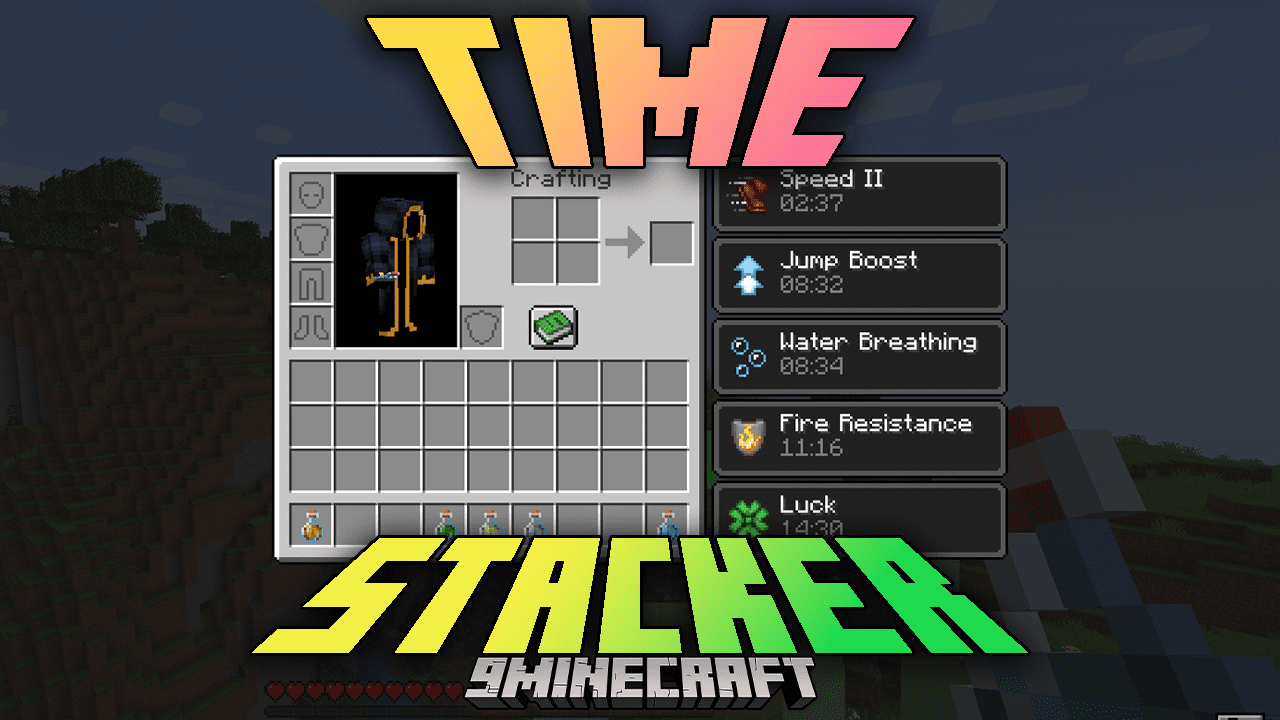
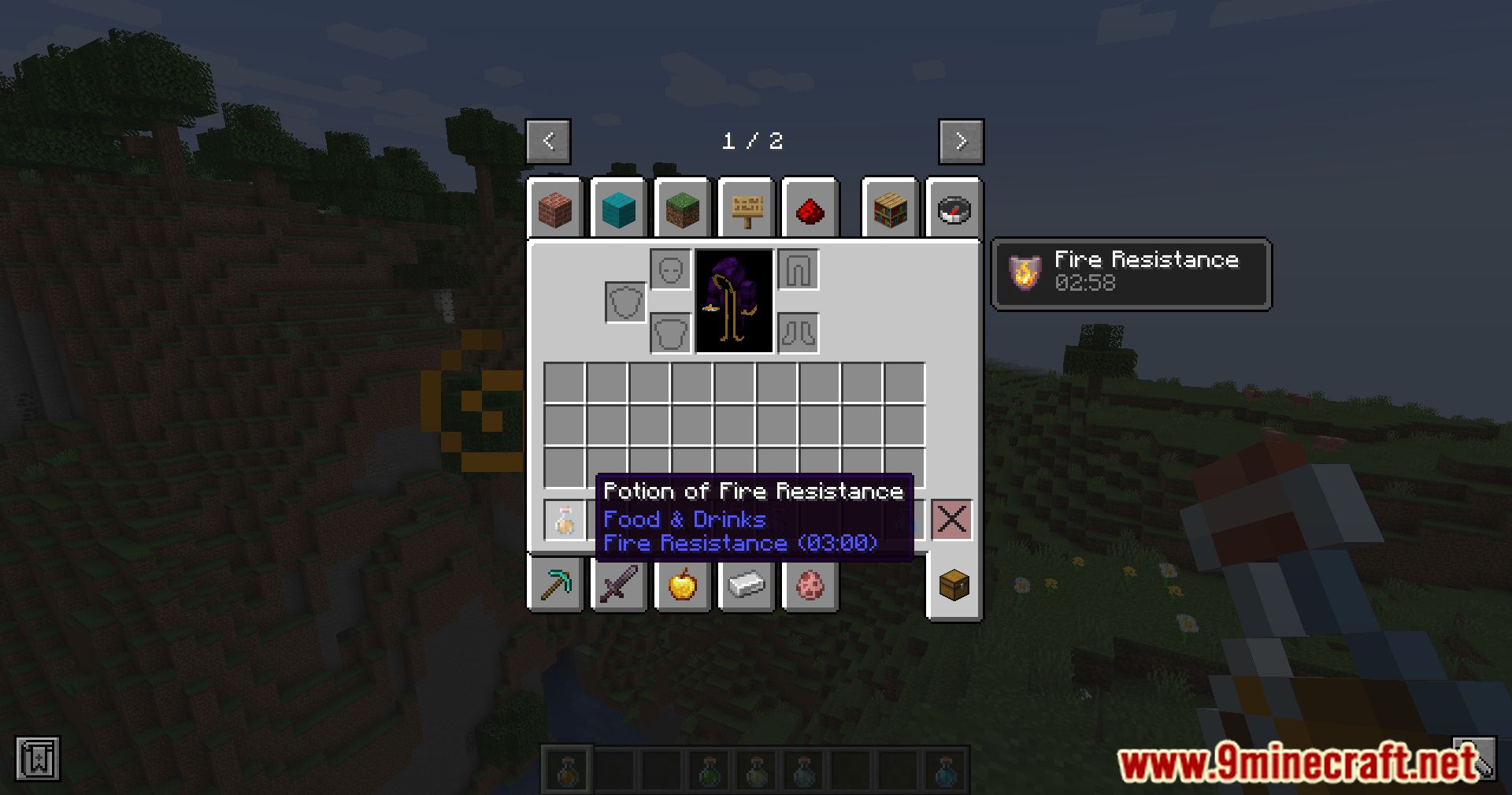
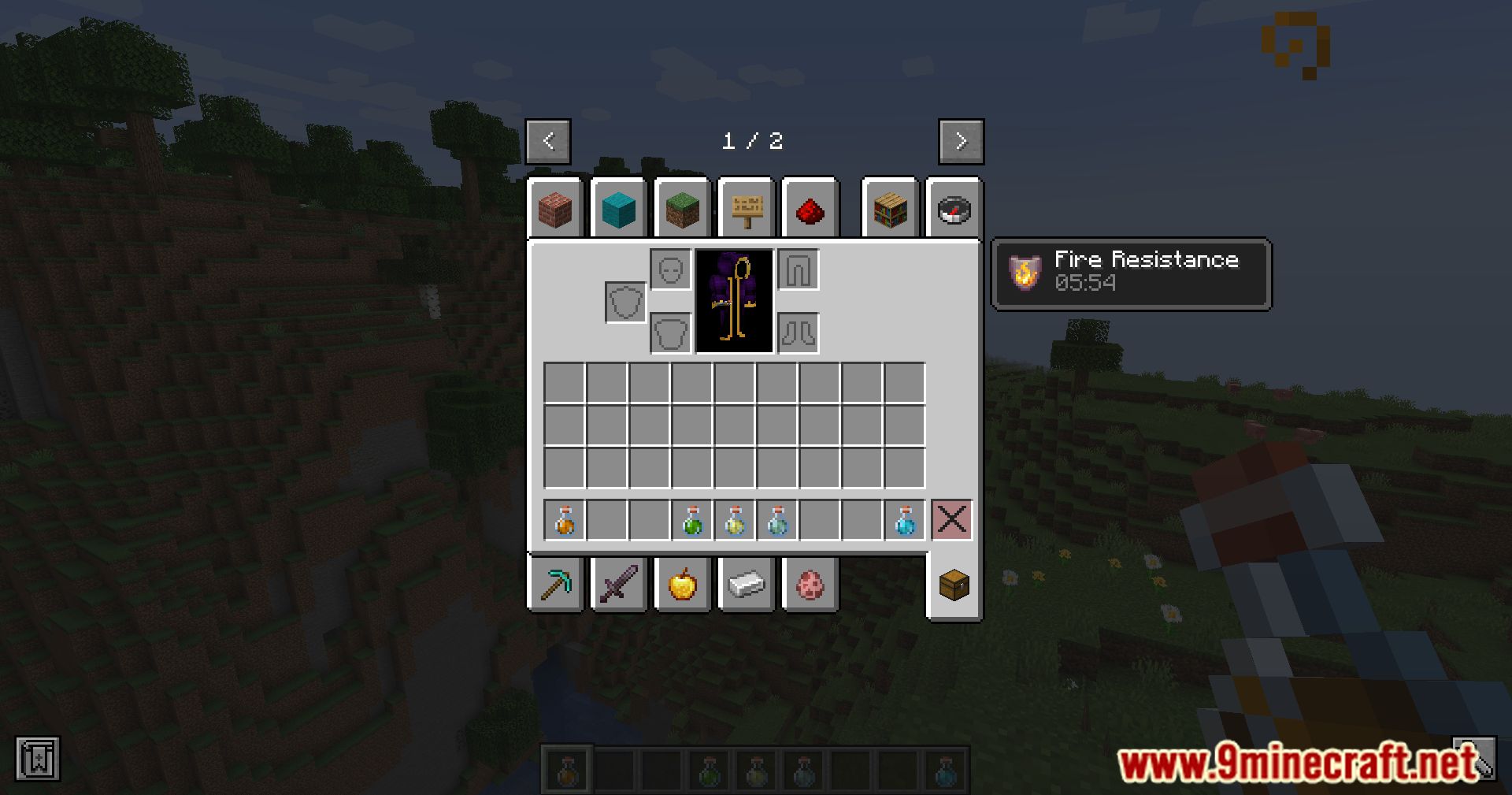
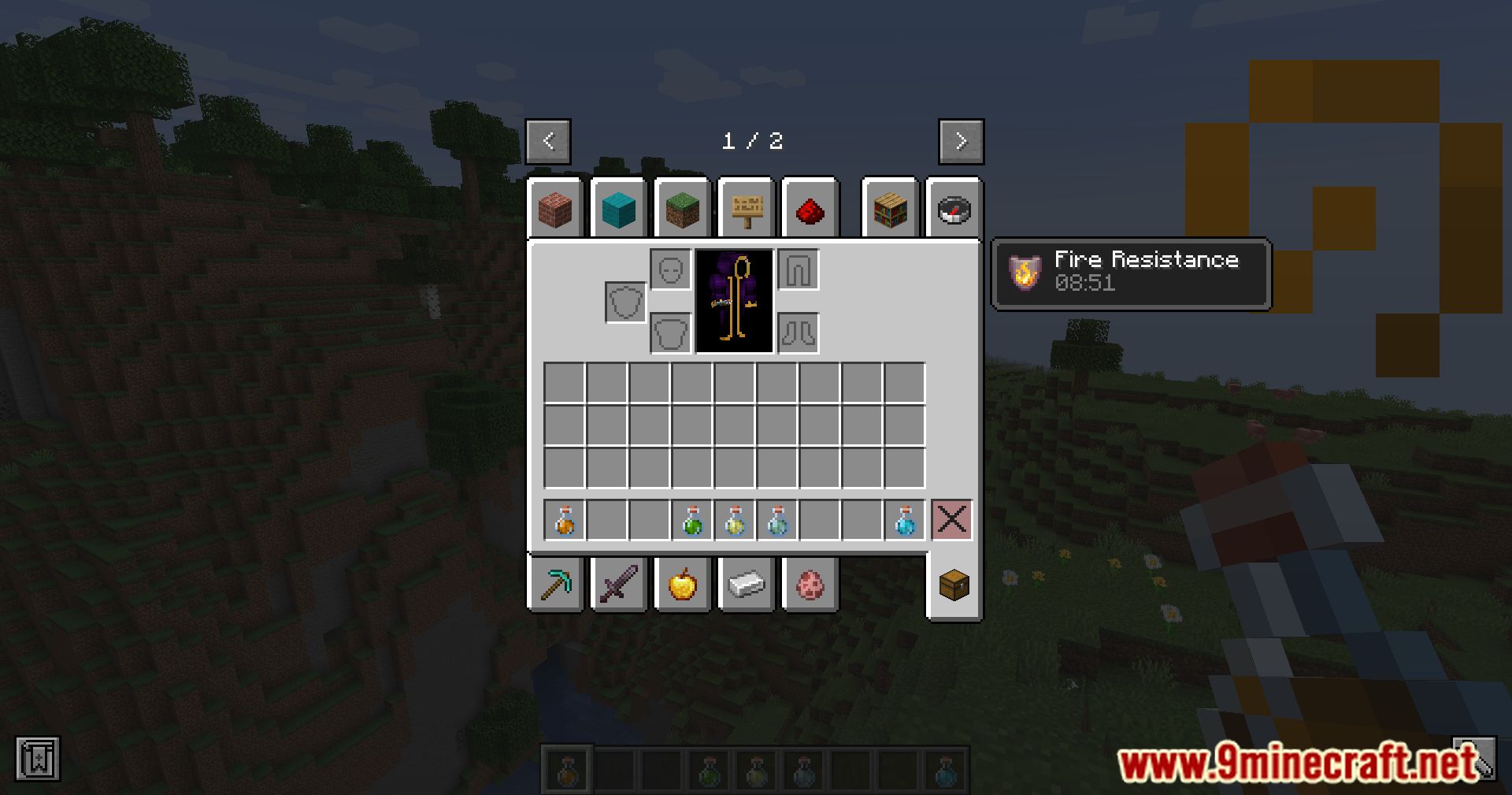
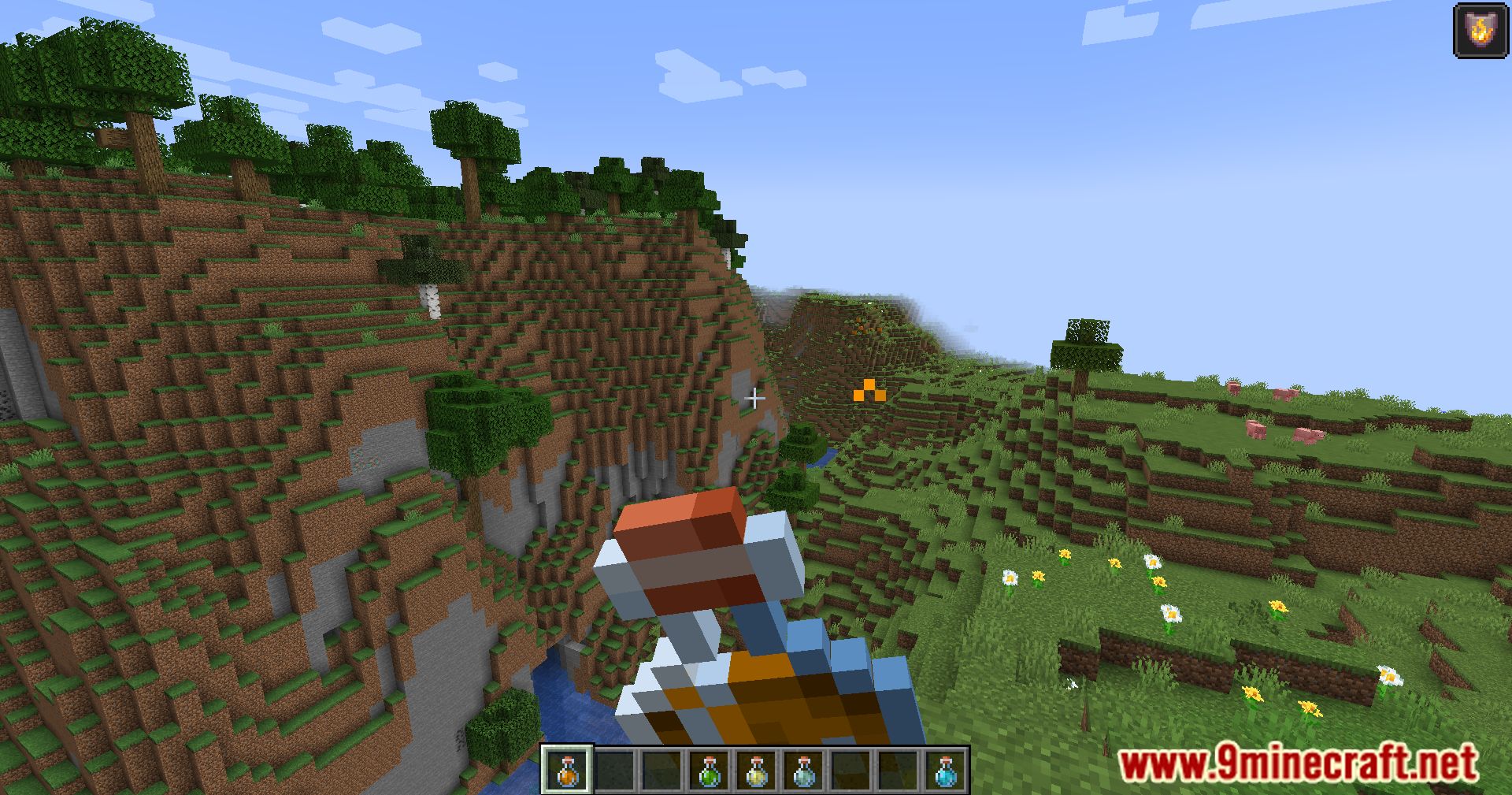
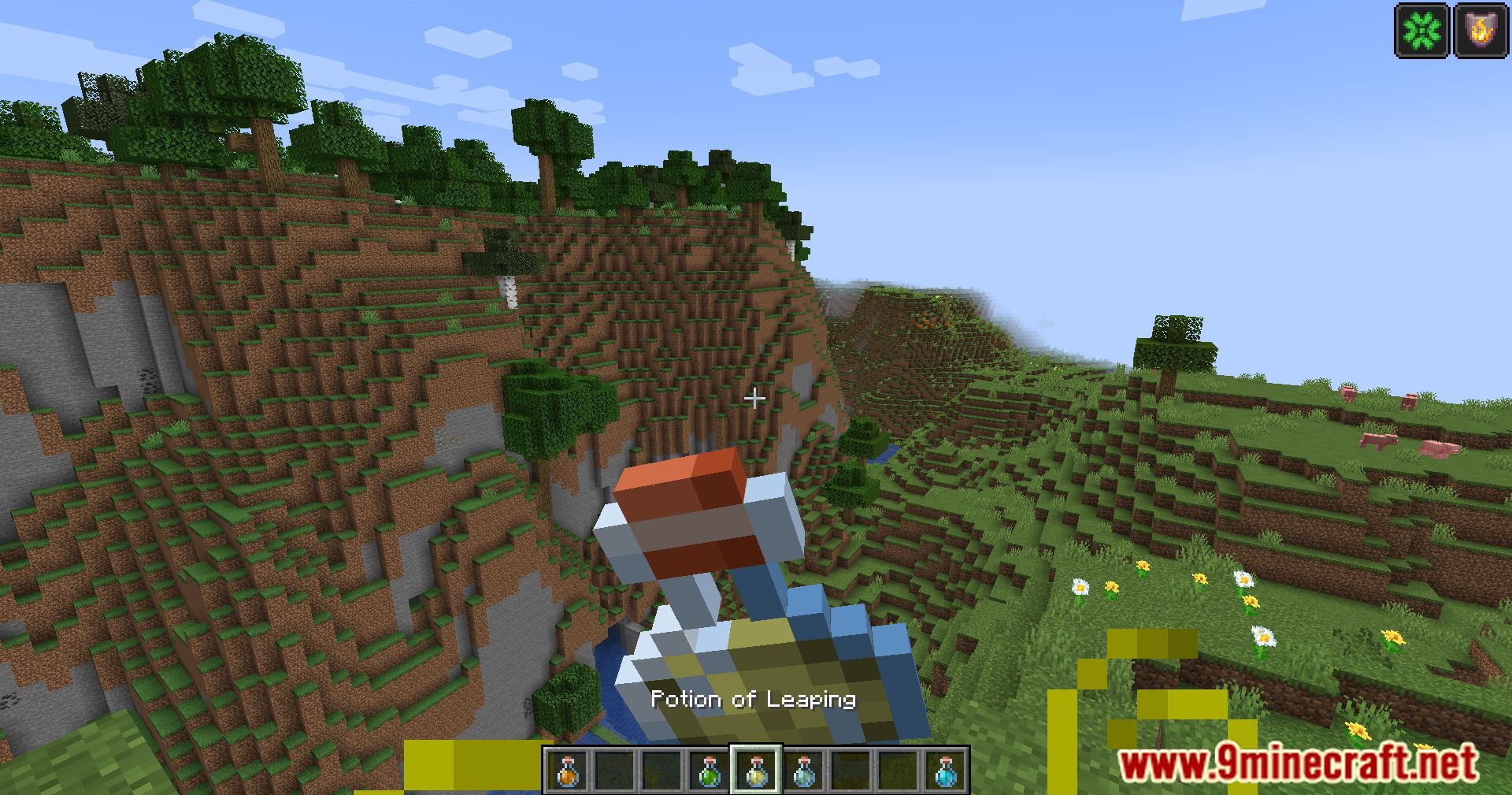
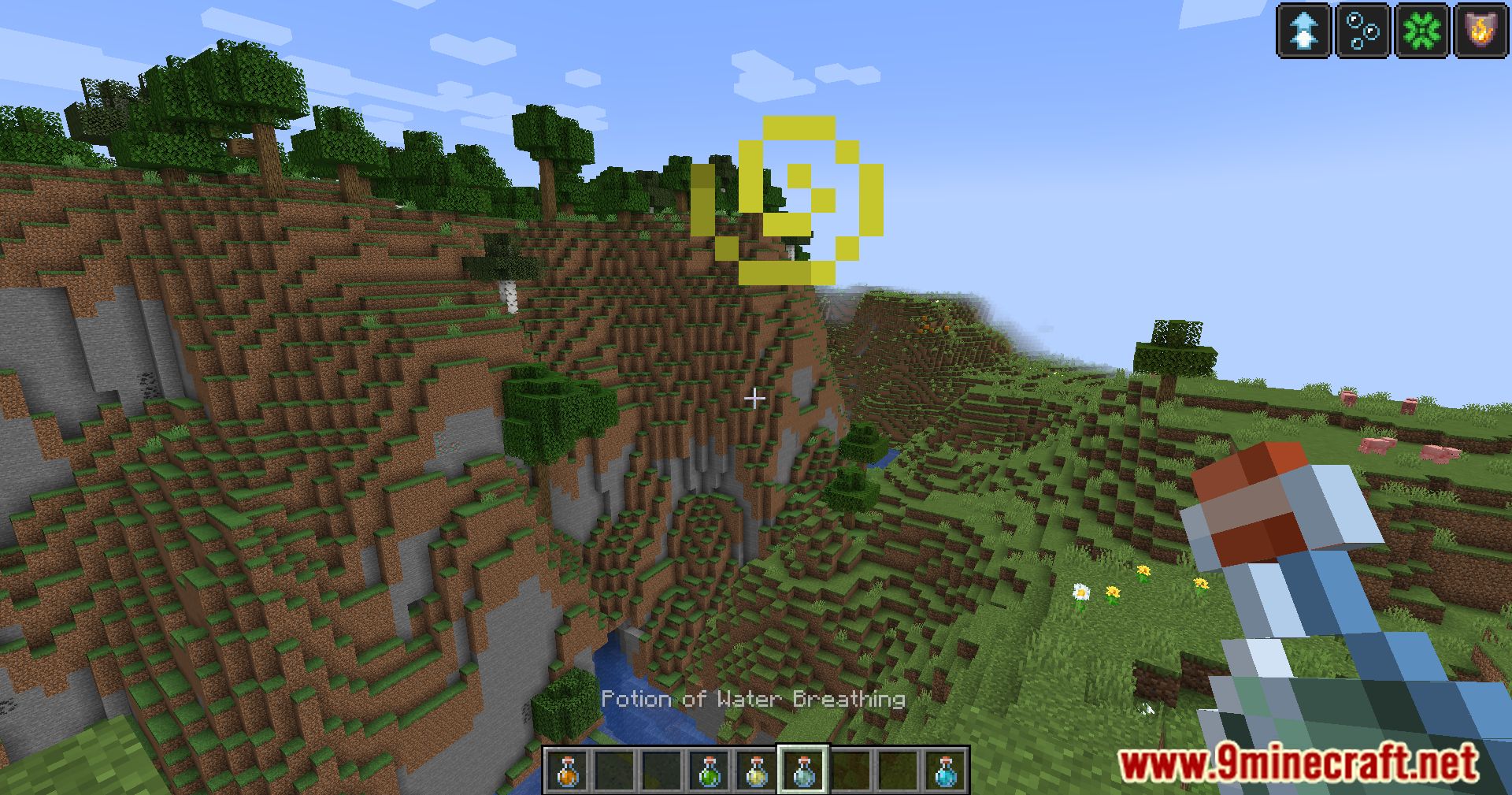
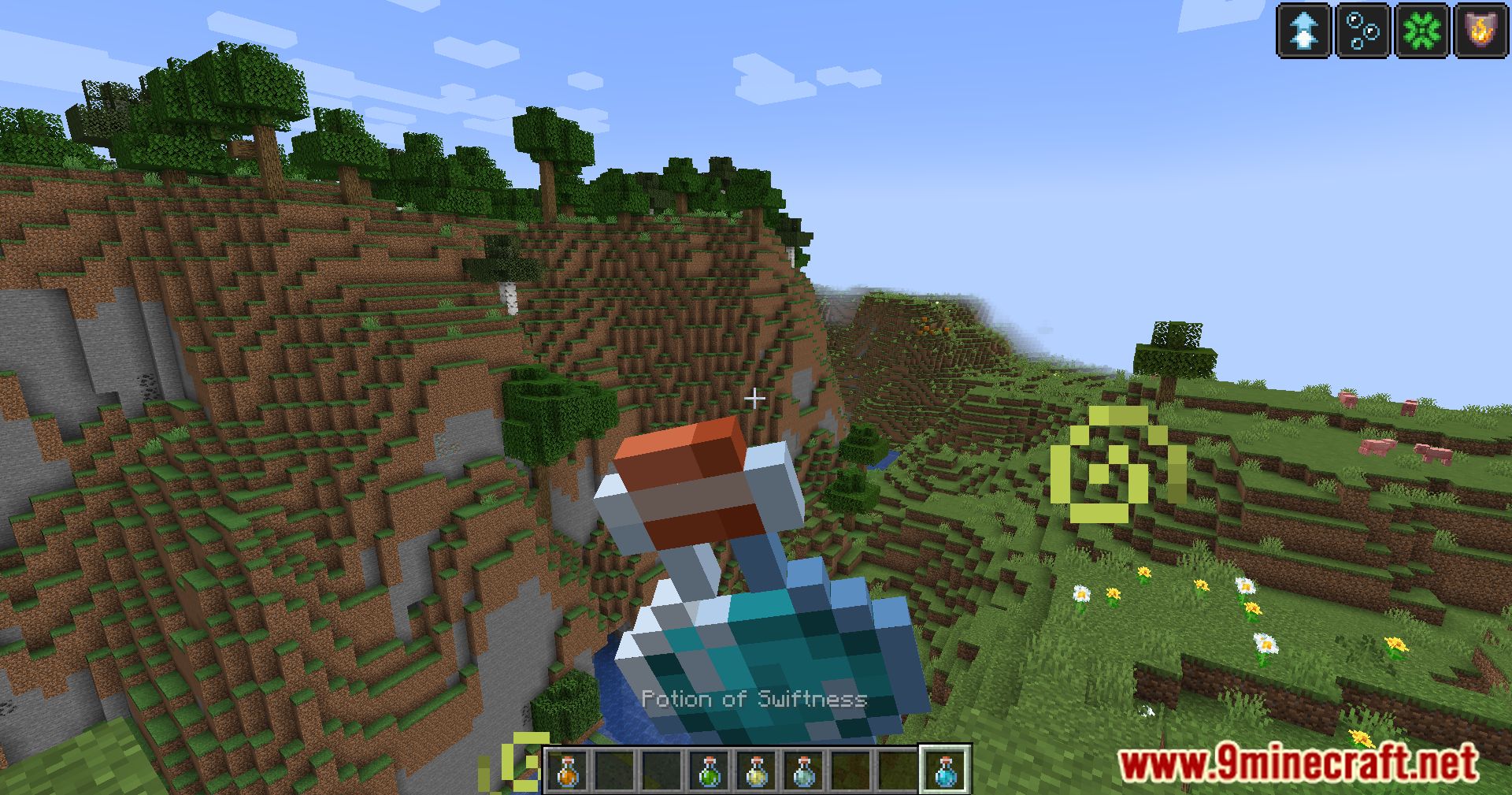
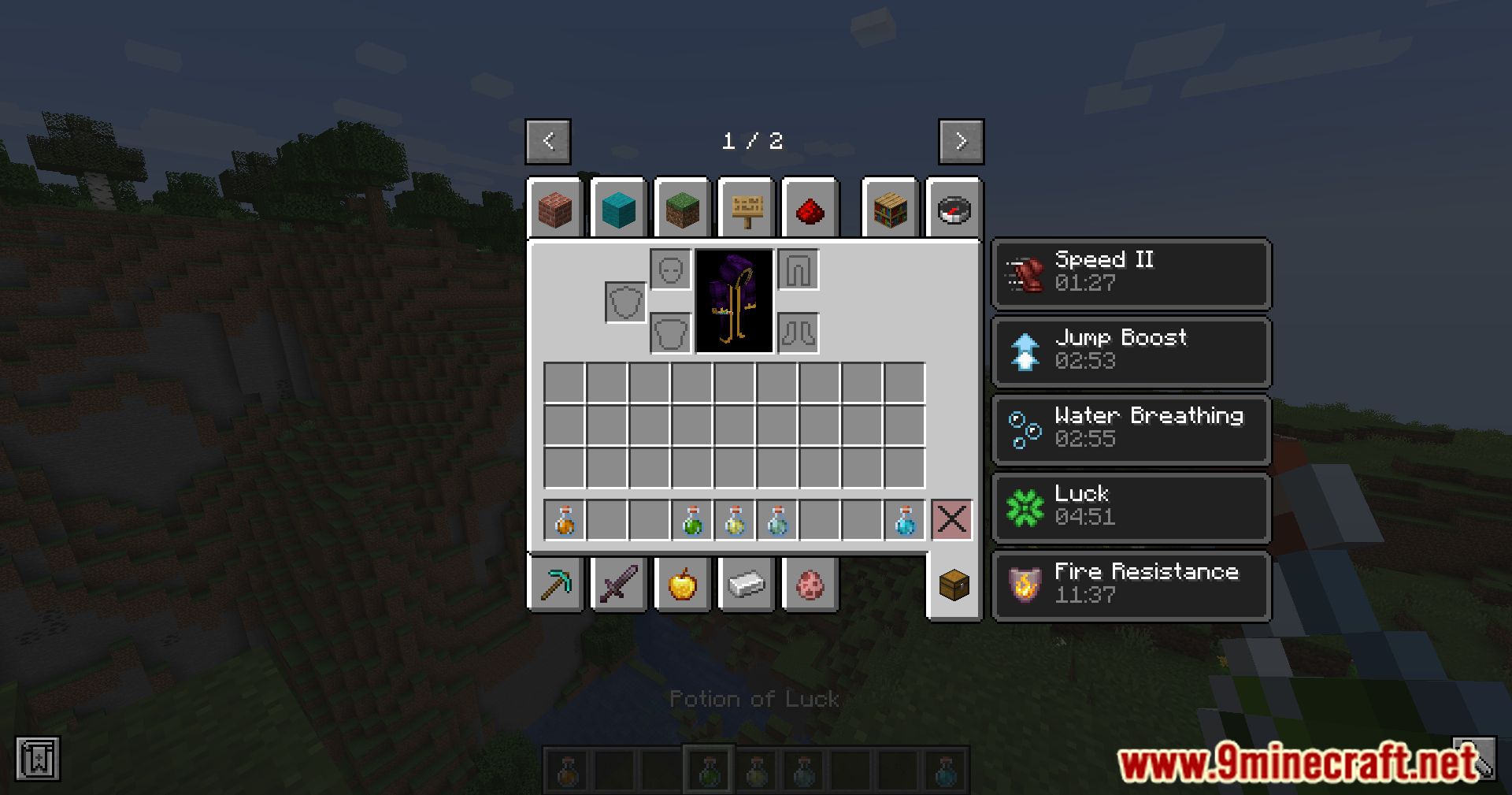
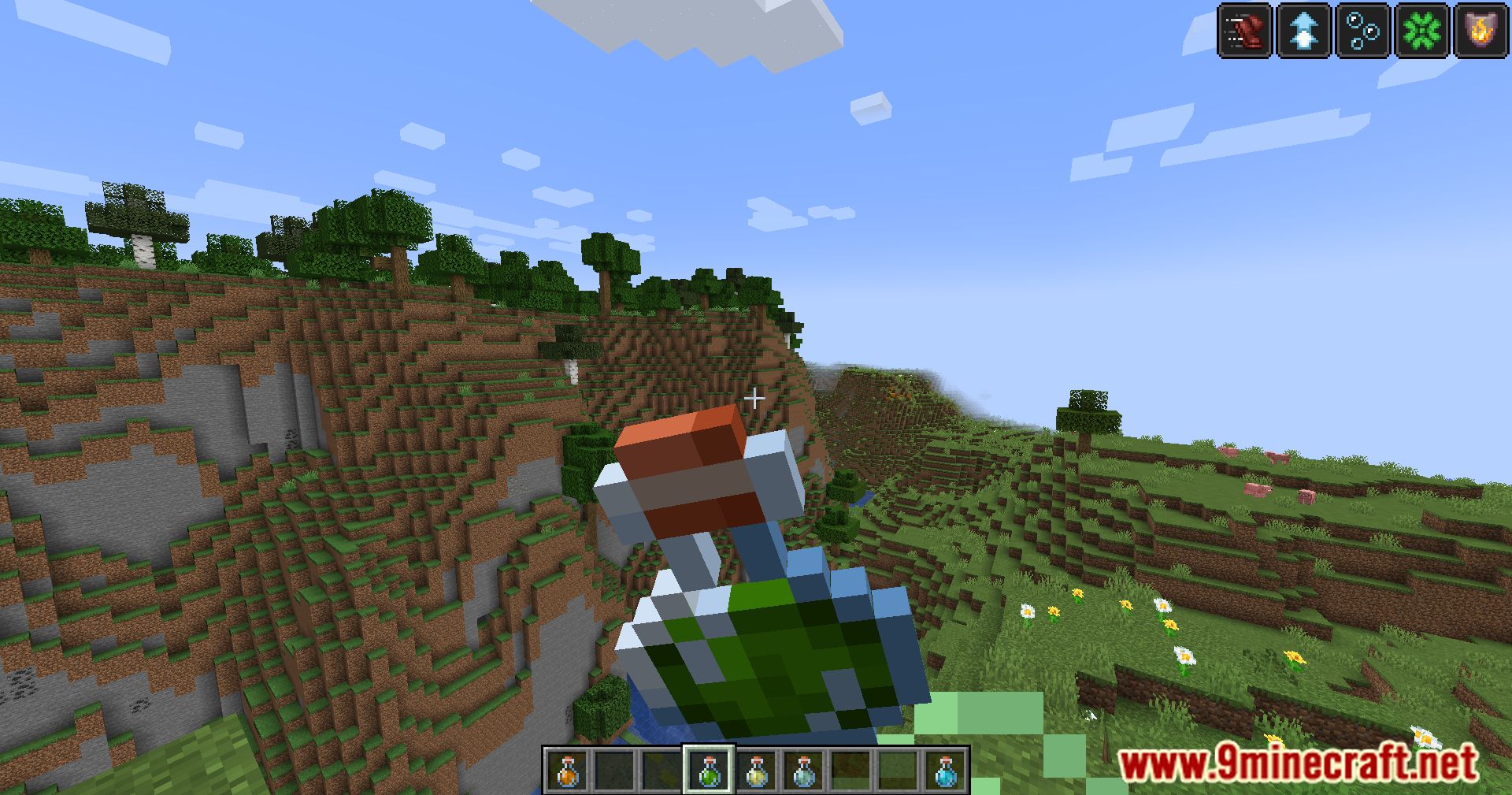
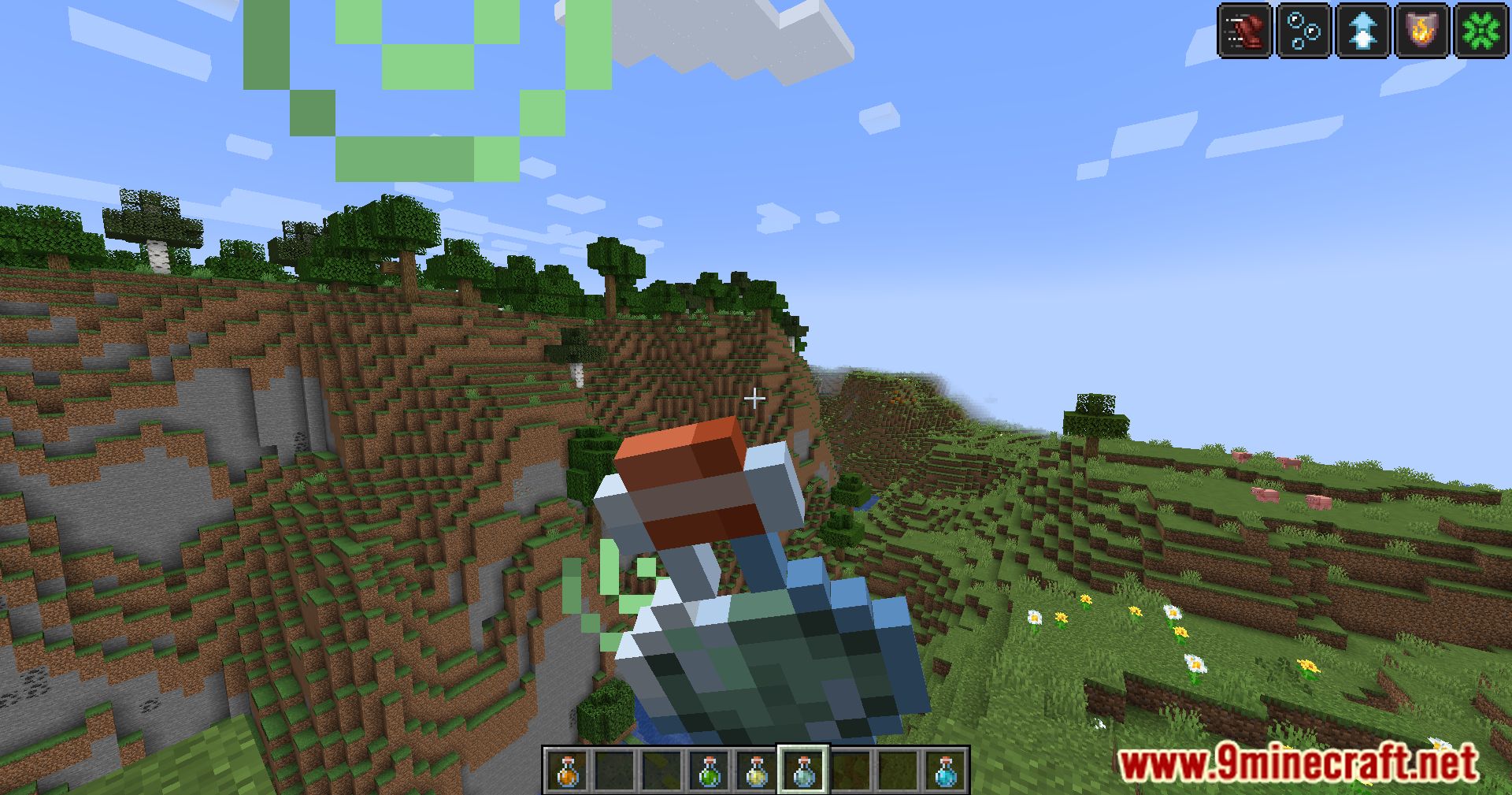
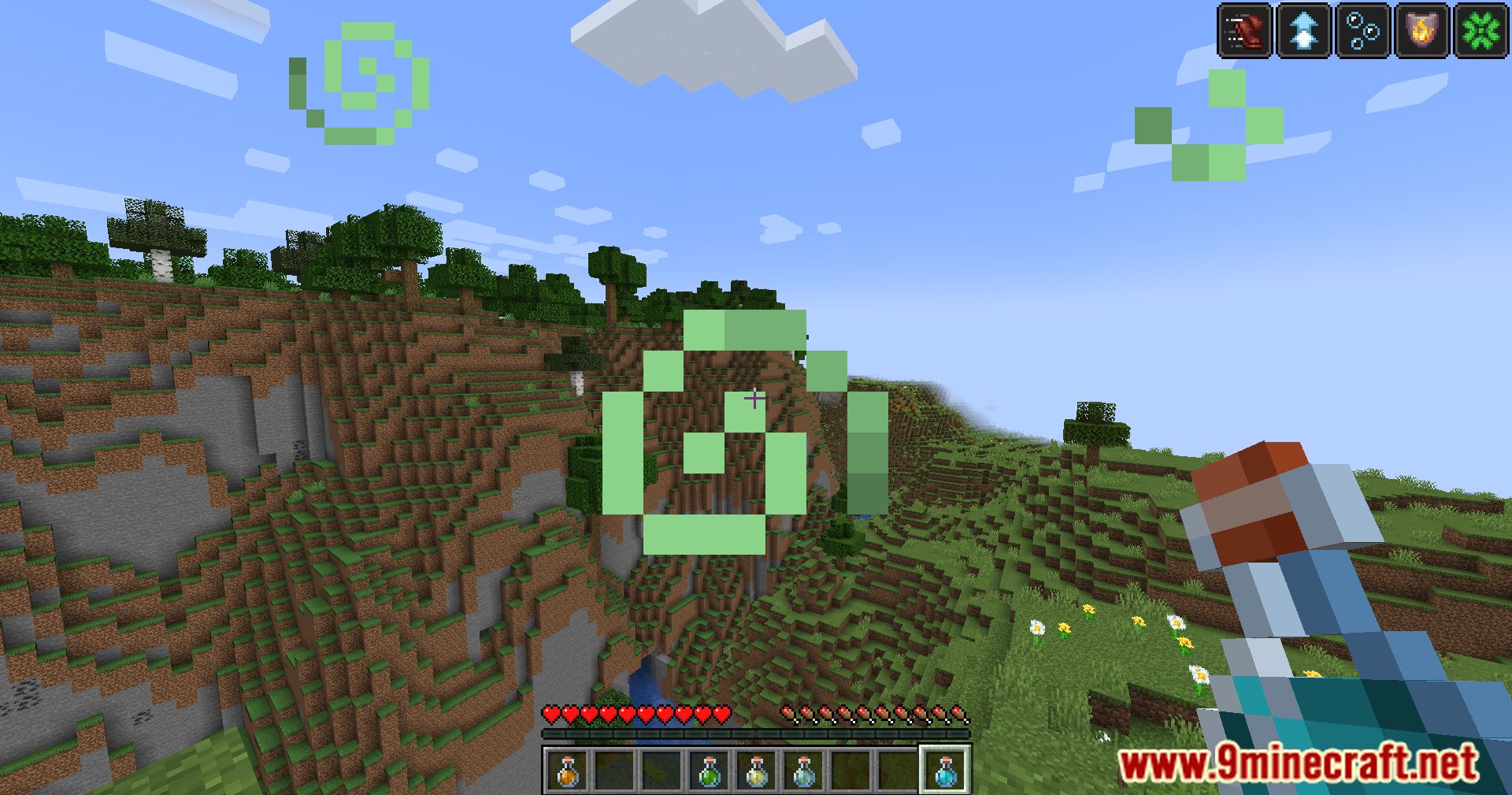
Time Stacker Mod introduces a useful mechanic that adds time together whenever you drink or splash the same potion. Instead of replacing your current active effect with a new one, it combines the durations to make your potions last much longer. For example, drinking an 8-minute potion after a 3-minute potion adds them up to 11 minutes total.
Features:
- Adds a duration stacking mechanic when you consume or splash multiple bottles of the same potion.
- Combines different potion times together instead of wasting extra doses.
- Sets a default time stack limit of 16 minutes for active effects.
- Allows you to change the maximum time limit through the configuration file.
- Includes a blacklist option in the config to stop specific vanilla or modded effects from stacking.
Screenshots:
How to Install:
New to Minecraft? Follow our step-by-step guide to install Mods on your PC.View Guide
Time Stacker Mod Download Links
Other Version:
Show More
For Minecraft 1.20.3
Forge Version: Download from Server 1 – Download from Server 2
Fabric/Quilt Version: Download from Server 1 – Download from Server 2
NeoForge Version: Download from Server 1 – Download from Server 2
For Minecraft 1.20.5
Fabric/Quilt Version: Download from Server 1 – Download from Server 2
NeoForge Version: Download from Server 1 – Download from Server 2
For Minecraft 1.18.1
Forge/FabricVersion: Download from Server 1 – Download from Server 2
For Minecraft 1.18.2
Forge Version: Download from Server 1 – Download from Server 2
Fabric/Quilt Version: Download from Server 1 – Download from Server 2
For Minecraft 1.19.2
Forge/NeoForge Version: Download from Server 1 – Download from Server 2
Fabric/Quilt Version: Download from Server 1 – Download from Server 2
For Minecraft 1.19.3, 1.19.2, 1.19.1
Forge/Fabric Version: Download from Server 1 – Download from Server 2
For Minecraft 1.19.4
Forge/NeoForge Version: Download from Server 1 – Download from Server 2
Fabric/Quilt Version: Download from Server 1 – Download from Server 2
For Minecraft 1.20
Forge/NeoForge Version: Download from Server 1 – Download from Server 2
Fabric/Quilt Version: Download from Server 1 – Download from Server 2
For Minecraft 1.20.1
Forge/NeoForge Version: Download from Server 1 – Download from Server 2
Fabric/Quilt Version: Download from Server 1 – Download from Server 2
For Minecraft 1.20.2
Forge/NeoForge Version: Download from Server 1 – Download from Server 2
Fabric/Quilt Version: Download from Server 1 – Download from Server 2
For Minecraft 1.20.4
Forge Version: Download from Server 1 – Download from Server 2
Fabric/Quilt Version: Download from Server 1 – Download from Server 2
NeoForge Version: Download from Server 1 – Download from Server 2
For Minecraft 1.20.6
Fabric/Quilt Version: Download from Server 1 – Download from Server 2
NeoForge Version: Download from Server 1 – Download from Server 2
For Minecraft 1.21.1, 1.21
Fabric/Quilt Version: Download from Server 1 – Download from Server 2
NeoForge Version: Download from Server 1 – Download from Server 2
For Minecraft 1.21.3, 1.21.2
Fabric/Quilt Version: Download from Server 1 – Download from Server 2
NeoForge Version: Download from Server 1 – Download from Server 2
For Minecraft 1.21.4
Fabric/Quilt Version: Download from Server 1 – Download from Server 2
NeoForge Version: Download from Server 1 – Download from Server 2
What do you usually do when your modded game crashes on startup?
24 responses · See the full results →
You May Also Like
Picked for this page
 Presence Footsteps Mod (26.3, 1.20.1) – New Walking Sounds
 OctoLib Mod (1.21.11, 1.20.1) – Library for SSKirillSS Mods
 Motor Assistance Mod (26.3, 1.20.1) – Aim Assistance In Minecraft
 NoWheel Mod (26.3, 1.20.1) – Hotbar Scroll Disable
 Aaron’s Mod (26.2, 1.20.1) – Useful Features for Skyblock and Vanilla
 Hey That’s Mine Mod (26.3, 1.20.1) – Container Claiming and Trusting System
 No More Useless Keys Mod (26.2, 1.20.1) – Alternative Key Combinations
 Flan Mod (26.3, 1.20.1) – Claim Land Using Commands, Menus, or Tools
 Blocky Bubbles Mod (26.3, 1.20.1) – Fast Bubbles For Java Edition
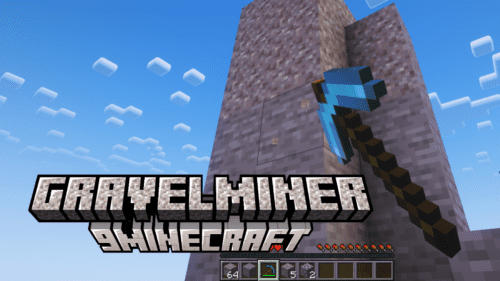 GravelMiner Mod (26.3, 1.20.1) – Instantly Breaks Falling Gravel
 Disable Accessibility Screen Mod (26.3, 1.20.1) – Quick And Efficient Game Launch
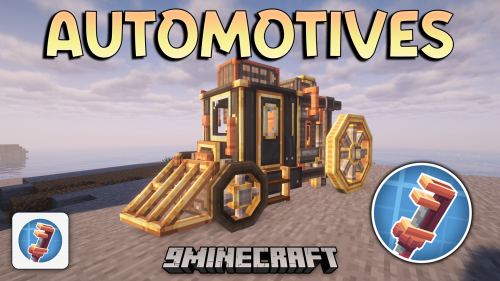 Create Automotives Mod (26.1.2, 1.20.1) – Drive Steam Powered Vehicles
Most viewed in Mods over the last 7 days
 Ala Industrial Mod (26.3) – Run Electric Power Grids and Automated Factories
 PleasureCraft Mod (26.3, 1.21.1) – Jenny Mod Remake for Fabric
 Jennycraft Mod (26.3, 1.20.1) – Virtual Girlfriend in Minecraft
 Fapcraft Mod (26.3, 1.12.2) – Comprehensive and Detailed Content
 Jenny Mod (Fapcraft) Official Complete Guide – How to use, Tutorial
 BangCraft Mod (1.20.1) – Jenny, Ellie and Elliot
 Fabric Loader (26.3, 1.20.1) – Fabric Installer for All Minecraft Versions
 Meteor Client Mod (26.3, 1.20.1) – Xray, HUD, Fly
 The Shooting Star Demo Mod (26.3, 1.20.1) – Vaporize Terrain From Orbit
 OptiFine HD (26.3, 1.20.1) – Run Faster, FPS Boost, Shaders Support
 Aristois Client Mod (1.21.4, 1.20.1) – World Class Minecraft Utility
 Prestige Client Mod (1.21.11, 1.21.4) – Powerful Ghost Features for Crystal & Sword PvP
More from Mods
 Universe3090 Mod (1.20.1) – Survive Corrupted Dimensions Filled
 Wireless Automate Mod (1.21.1) – Automate Base Logistics Without Messy Pipes
 Vaskars Opus Faction War Quests & Bosses Mod (1.21.11, 1.20.1)
 Multitools and More Mod (26.3, 1.20.1) – Clear Your Hotbar and Travel
 Luxium Let There Be Light Mod (1.20.1) – Stunning Lighting on Low-End Computers
 Soulscraft Tarnished Legacy Mod (1.21.1) – Hunt Relics to Forge Dark Fantasy
 Fetzi’s Displays Mod (26.1.2, 1.20.1) – Turn Rare Gear and Weapons
 Primal Plushies Paleo Pals Mod (1.21.1, 1.20.1) – Decorate Your Base
 Ipla Mod (26.3, 1.20.1) – Showcase Your Favorite Items
 MesdagPortLib Mod (1.20.1) – Run Modern Minecraft Mechanics on Older Versions
 Hellion’s API Mod (1.21.11, 1.21.1) – Play Hellion Series Addons Without Crashes
 Terrestria Mod (26.3, 1.20.1) – Highly Detailed Biomes

This post has no comments yet. Be the first — your comment will appear here.