


Armourer’s Workshop Mod (26.1.2, 1.20.1) – Kendi Zırh Setlerini Tasarla

 0
0 

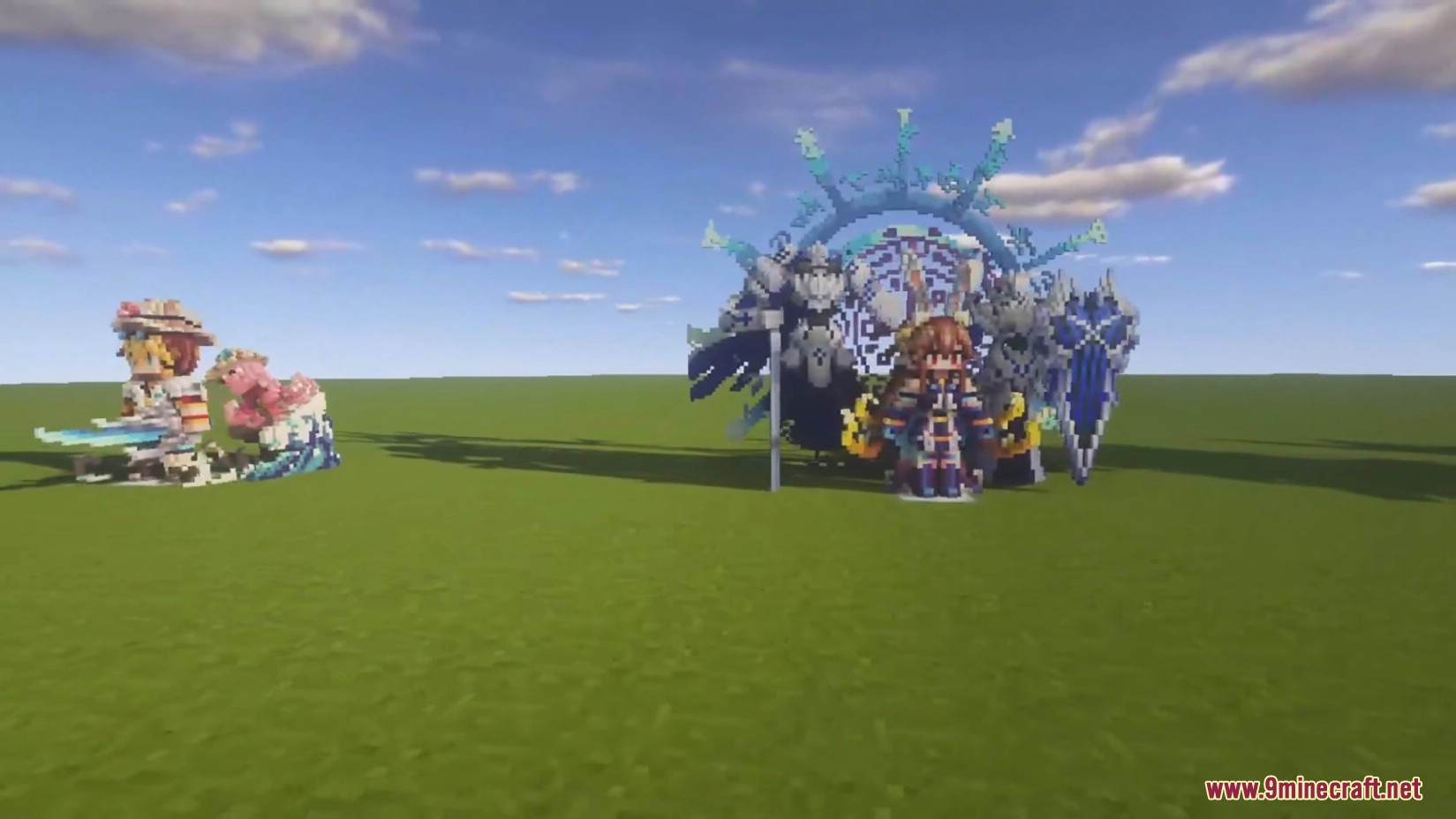
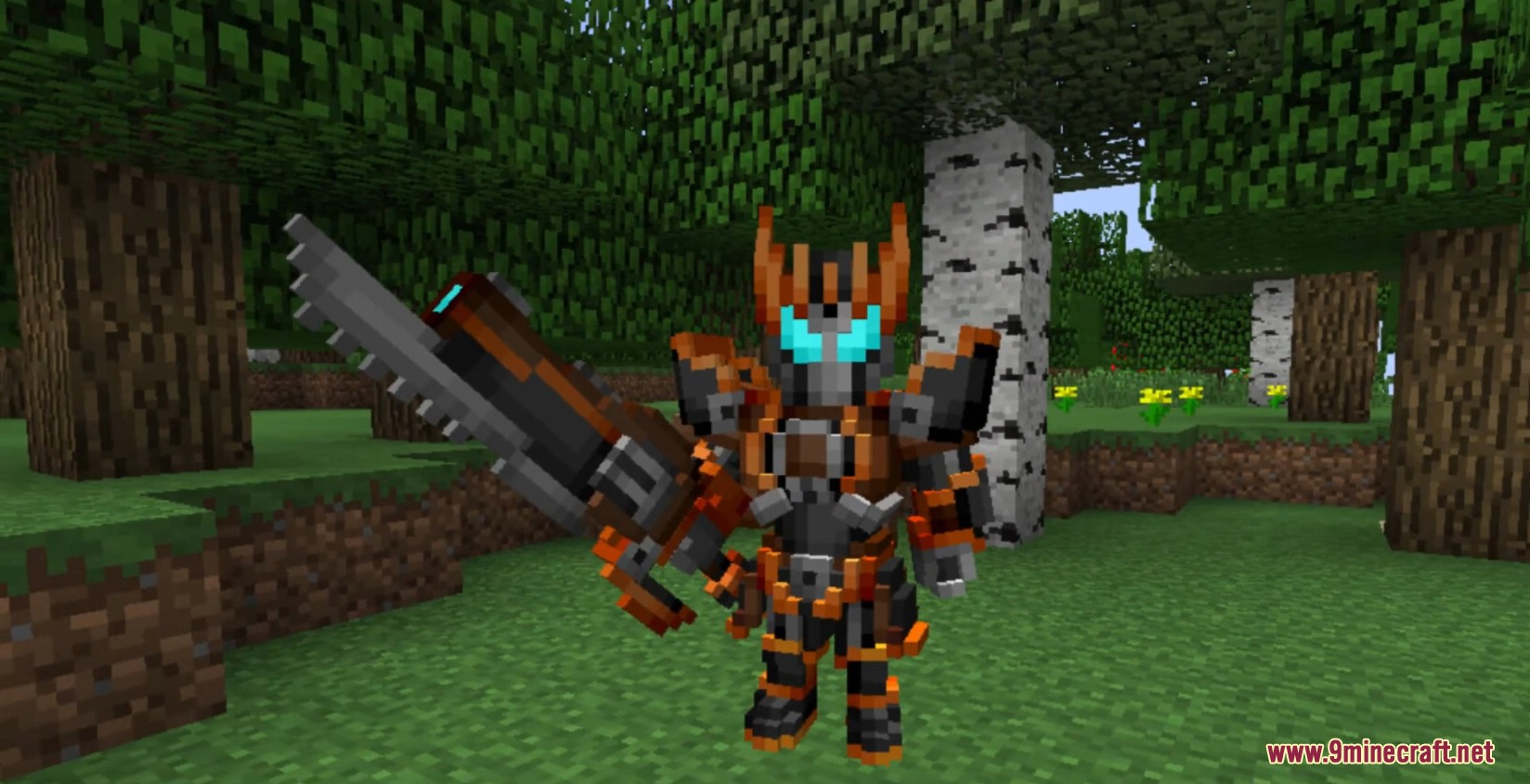
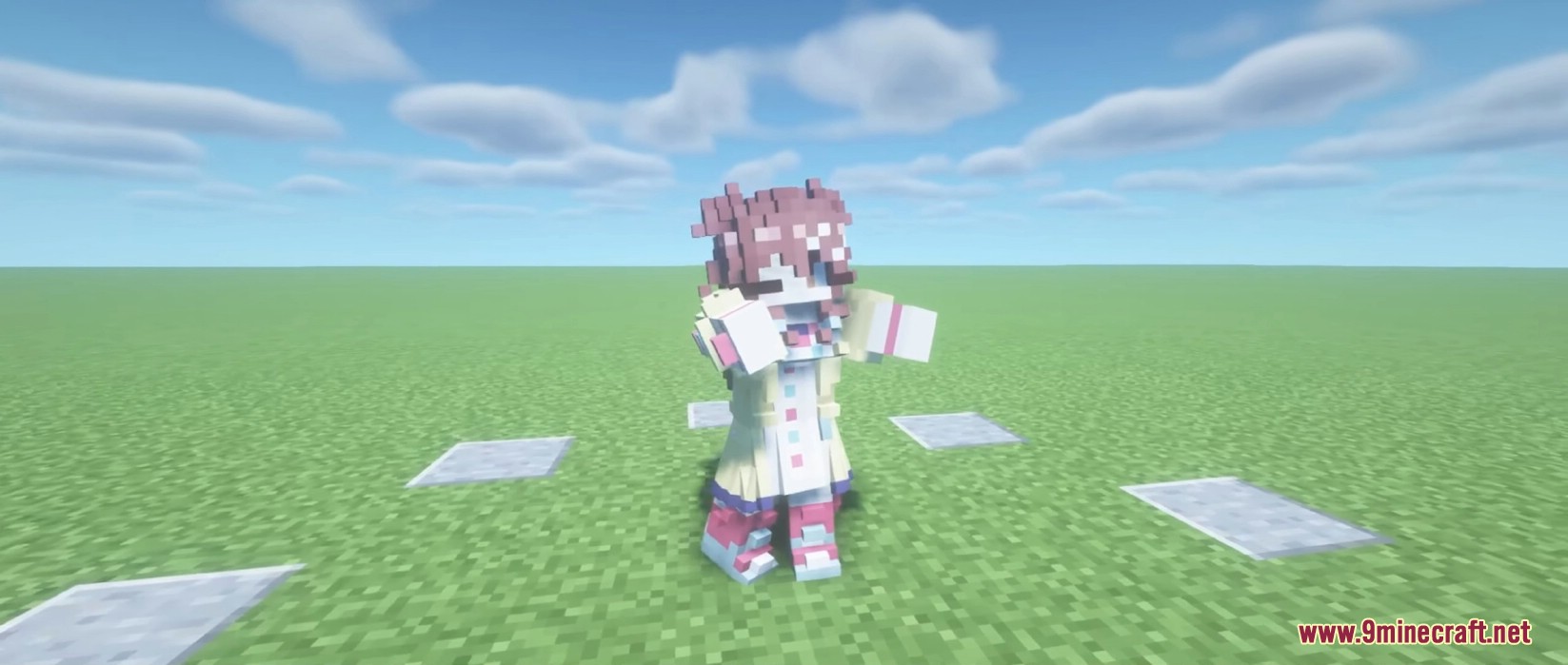
Armourer’s Workshop Mod, oyun içinde silahlar, zırhlar ve kanatlar için kendi özel skinlerinizi oluşturmanıza olanak tanır. Karakterinizin ve ekipmanınızın görünümünü değiştirmek için benzersiz voxel-art modelleri inşa edebilirsiniz. Mod ayrıca özel dekorasyon blokları yapmanıza ve tüm kreasyonlarınızı bir sunucudaki diğer oyuncularla veya küresel bir kütüphane aracılığıyla paylaşmanıza imkan sağlar.
Rehber:
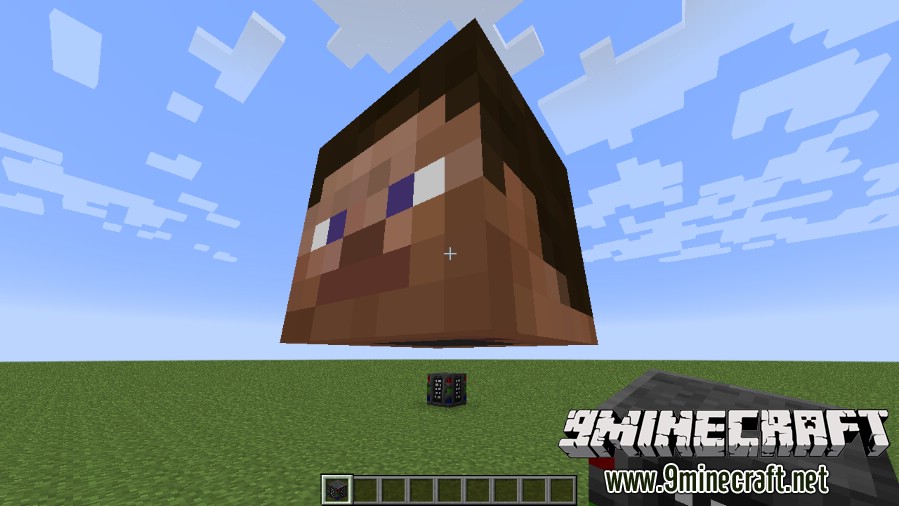
İlk olarak armourer bloğunu yere yerleştirerek başlayın.
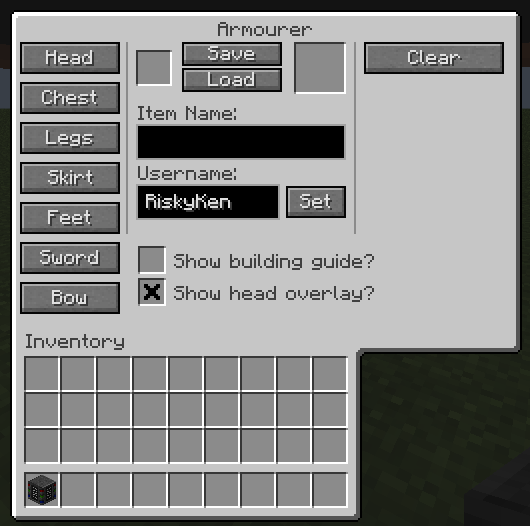
GUI üzerinden oluşturmak istediğiniz skin türünü seçin.
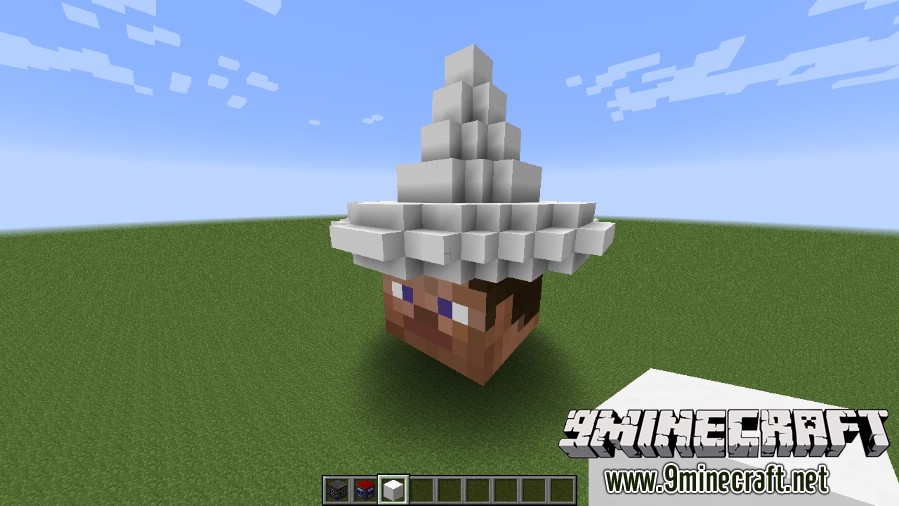
Ekipman küplerini (equipment cubes) kullanarak skininizi dünya içinde inşa edin.
Boyama araçlarını kullanarak renklendirin.
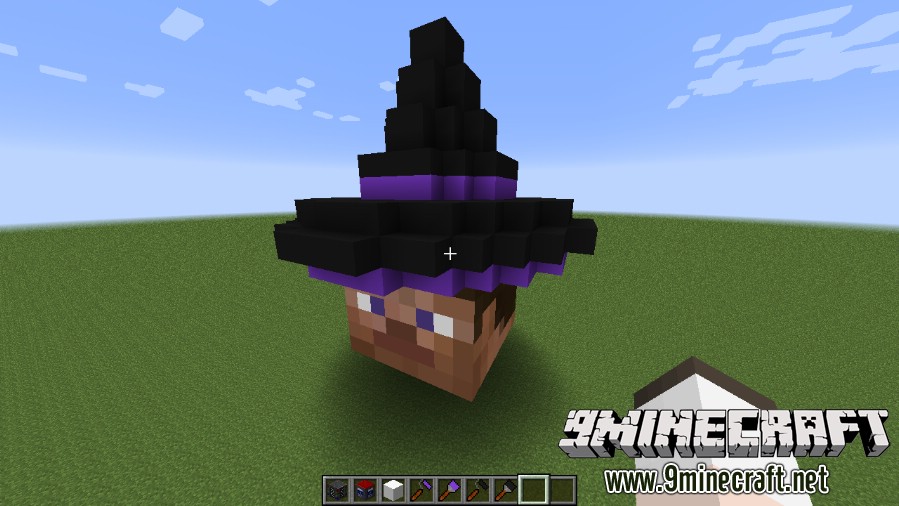
Skininizi bir ekipman skin şablonuna (equipment skin template) kaydedin.
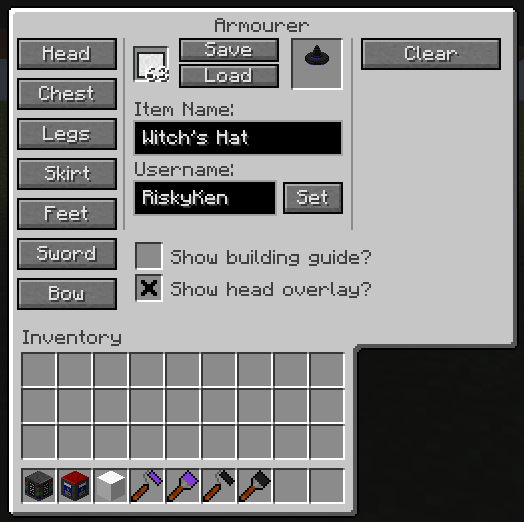
Ekipman gardırobunu açmak için P tuşuna basın ve yeni skininizi kuşanın.
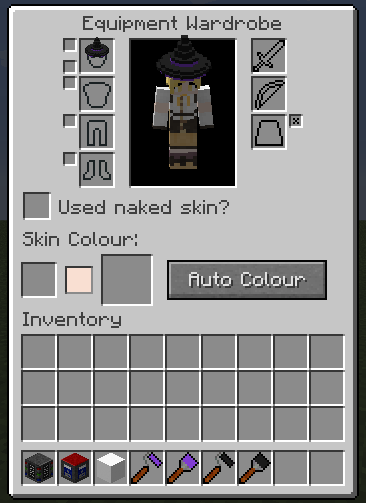
Yeni görünümünüzün tadını çıkarın!
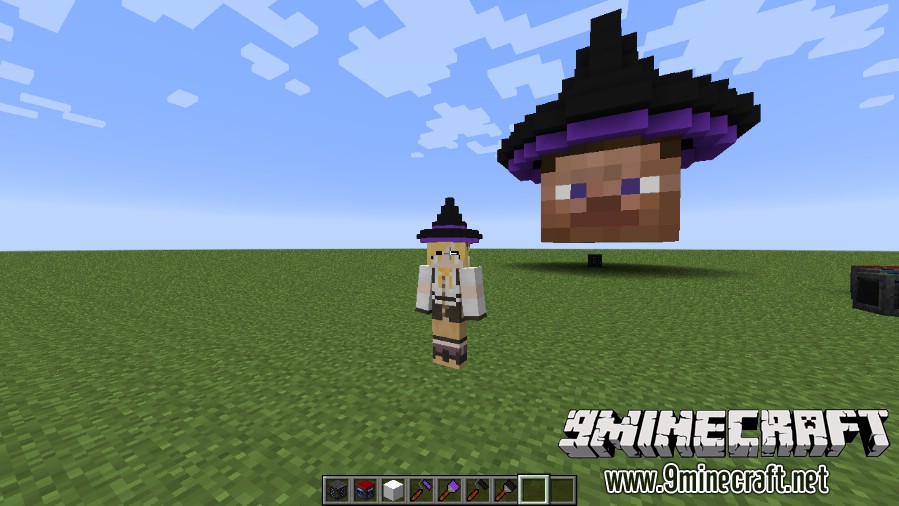
Özellikler:
Bloklar
- Armourer, skin yapmaya başlamak için ihtiyacınız olan ana bloktur.
- Tasarımlarınızı oluşturmak için Equipment Cubes kullanın. Karanlıkta parlayan çeşitleri de mevcuttur.
- Yine parlayan versiyonları bulunan Glass Equipment Cubes ile şeffaf parçalar yapın.
- Skinslerinizi Equipment Library ile kaydedip yükleyerek paylaşımı kolaylaştırın.
- İstediğiniz pozu verebileceğiniz Mannequin’ler (Mankenler) üzerinde kreasyonlarınızı sergileyin.
- Colour Mixer ile boyama için özel renkler karıştırın.
Eşyalar
- Oyun içi Rehber Kitabından (Guide Book) yardım alın.
- Tamamlanmış tasarımlarınızı bir Equipment Skin Template üzerine kaydedin.
- Blokları tek tek boyamak için Paintbrush’ı veya 3×3’lük bir alanı boyamak için Paint Roller’ı kullanın.
- Colour Picker ile mevcut bir bloğun rengini kopyalayın.
- Burn Tool ile blokları koyulaştırın, Dodge Tool ile açıklaştırın.
- Daha fazla doku için Noise Tools ile bloklara rastgele renk veya gölgeleme uygulayın.
Komutlar ve Yapılandırma:
- Sunucu yöneticileri komutları kullanarak oyuncu skinlerini doğrudan yönetebilir.
- Diğer çoğu moddan gelen eşyaları skinlenebilir hale getirmek için komutları veya yapılandırma dosyalarını kullanabilirsiniz.
Nasıl Kullanılır:
- Armourer bloğunu dünyaya yerleştirin.
- Menüsünü açın ve yapmak istediğiniz skin türünü seçin.
- Skininizin şeklini oluşturmak için ekipman küplerini kullanın.
- Çeşitli boyama araçlarını kullanarak tasarımınızı boyayın.
- Bitmiş skininizi bir Equipment Skin Template eşyasına kaydedin.
- Ekipman gardırobunu açmak için ‘P’ tuşuna basın ve yeni skininizi kuşanın.
Ekran Görüntüleri:
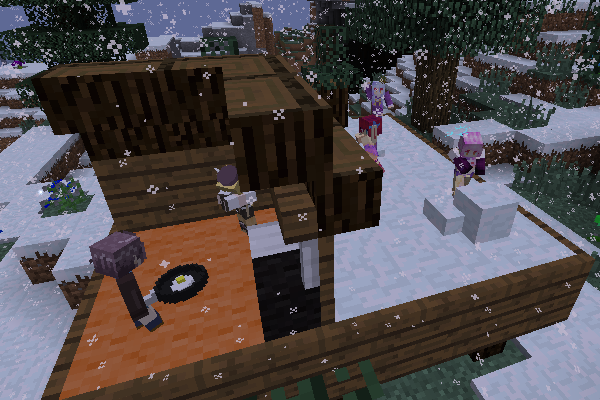
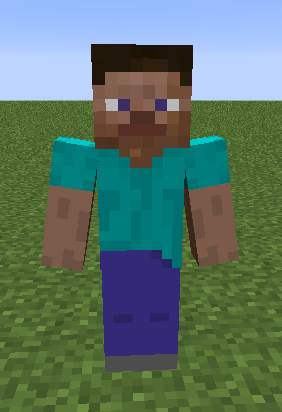
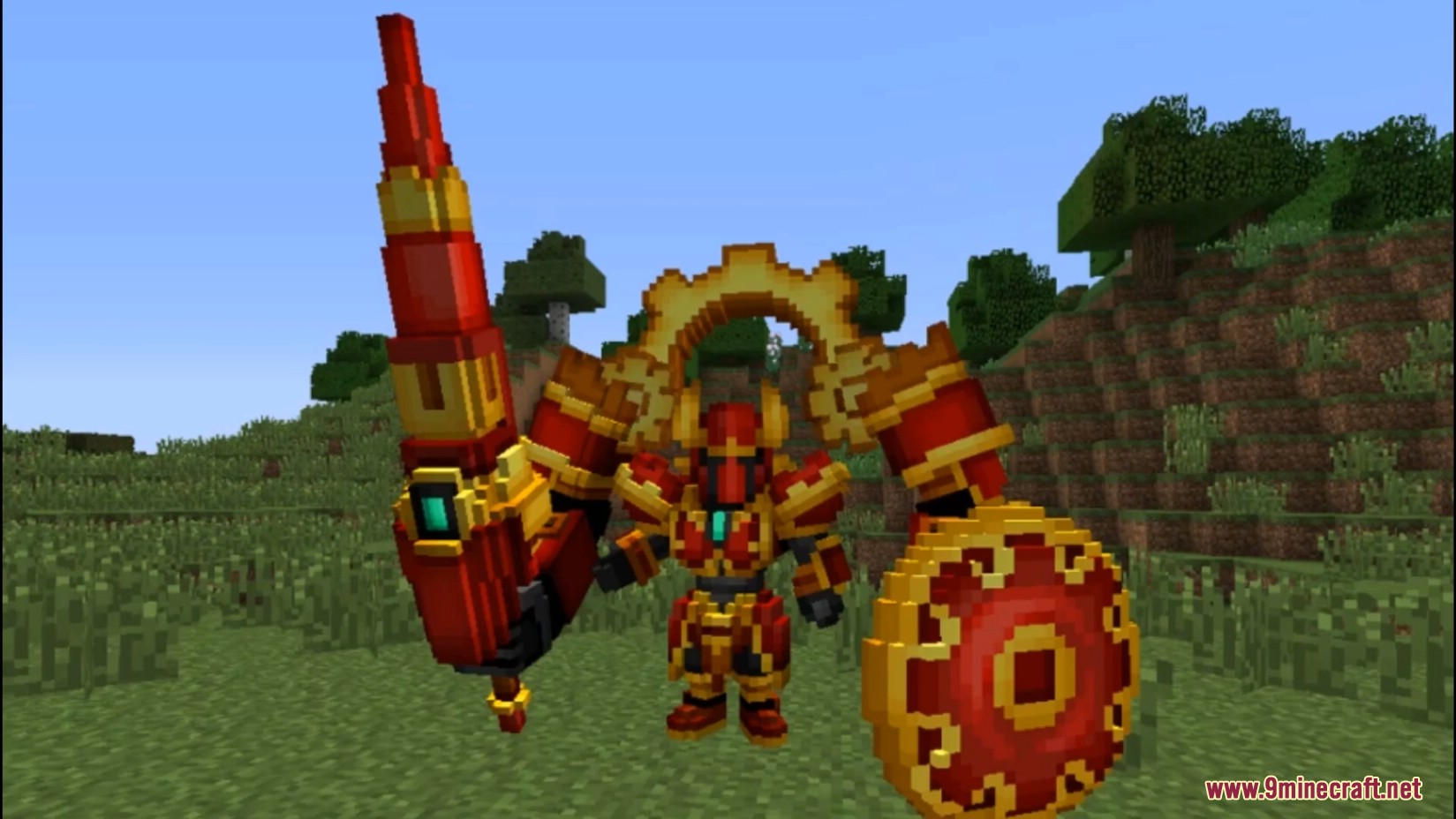
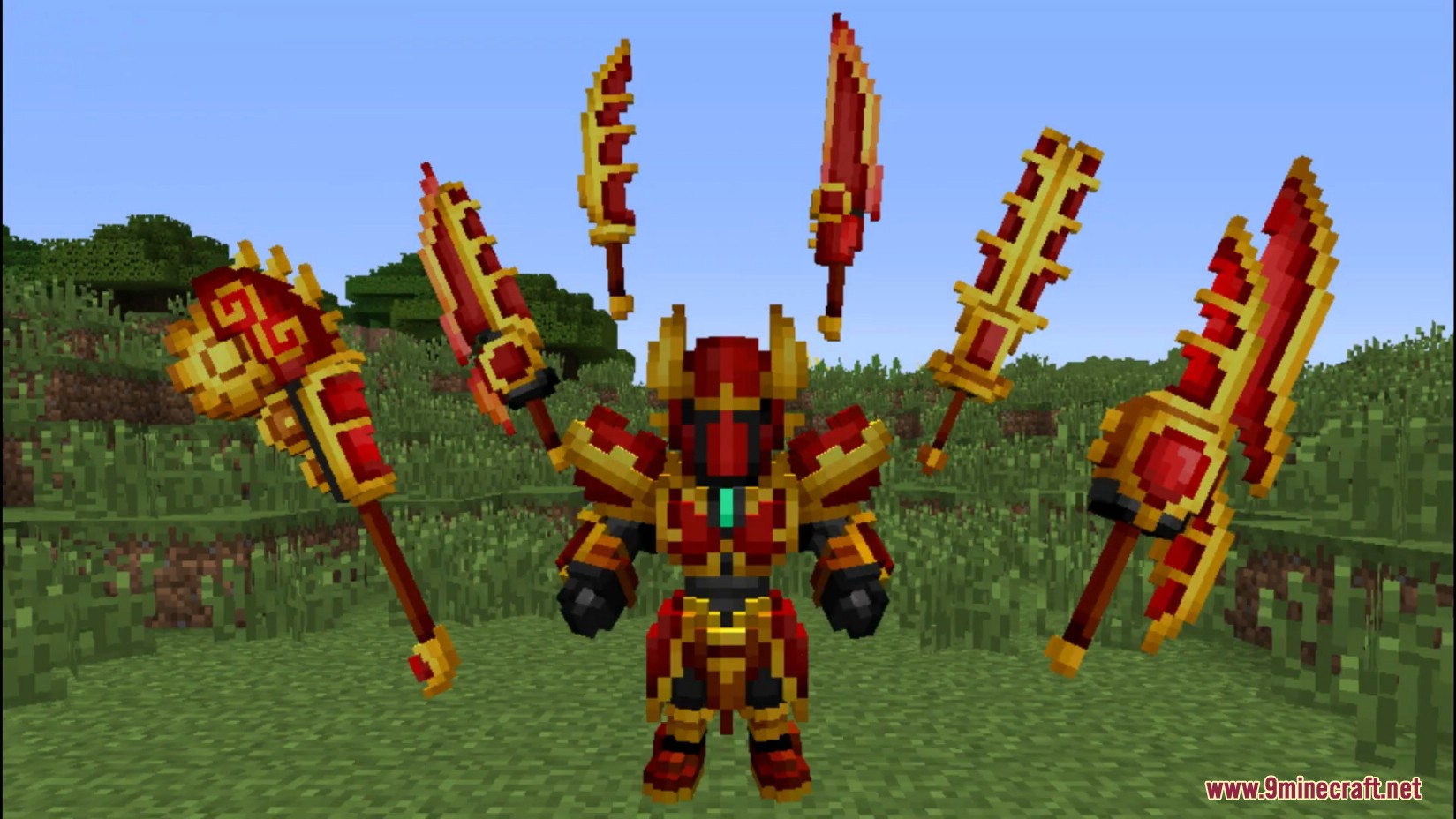
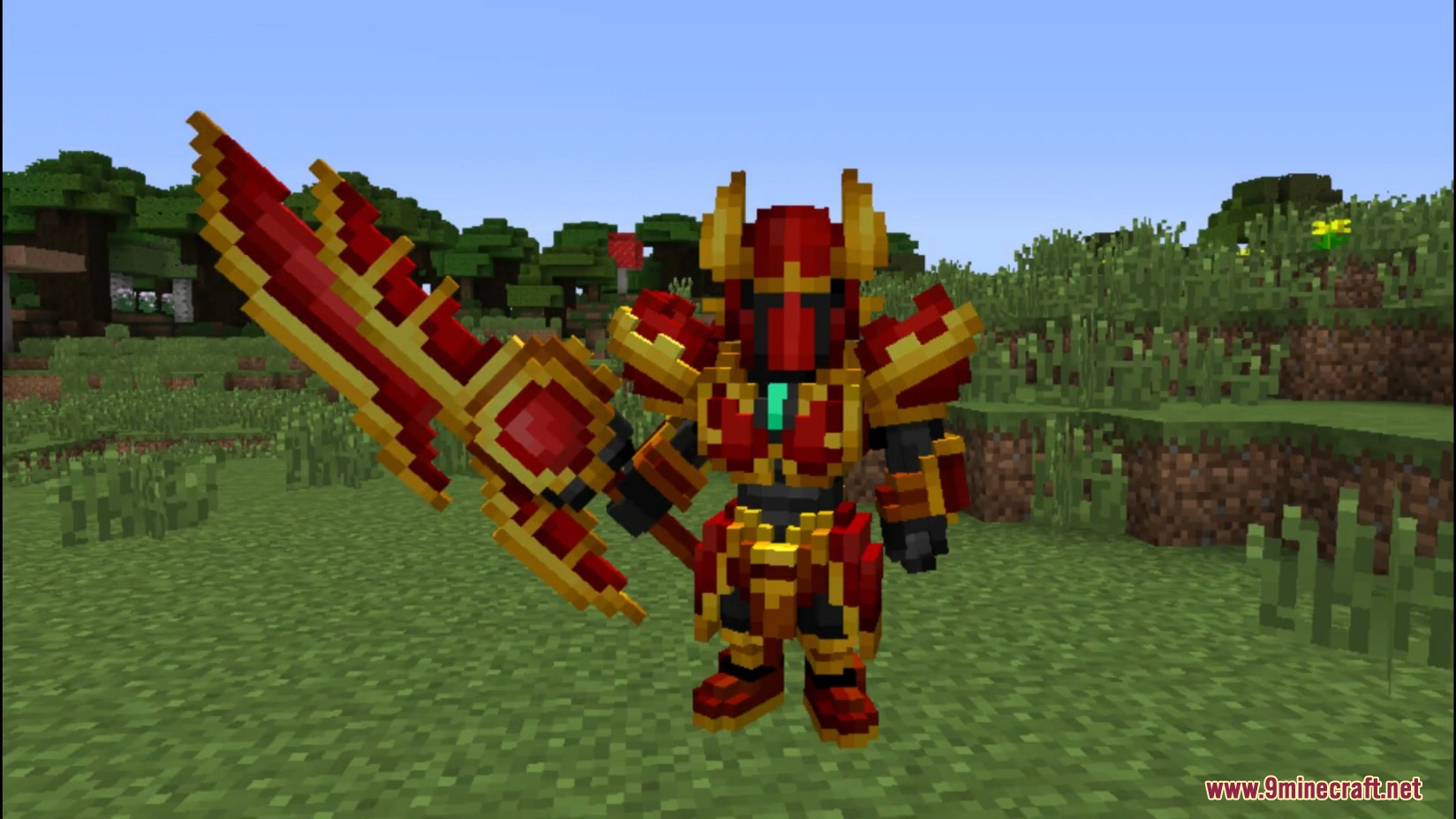
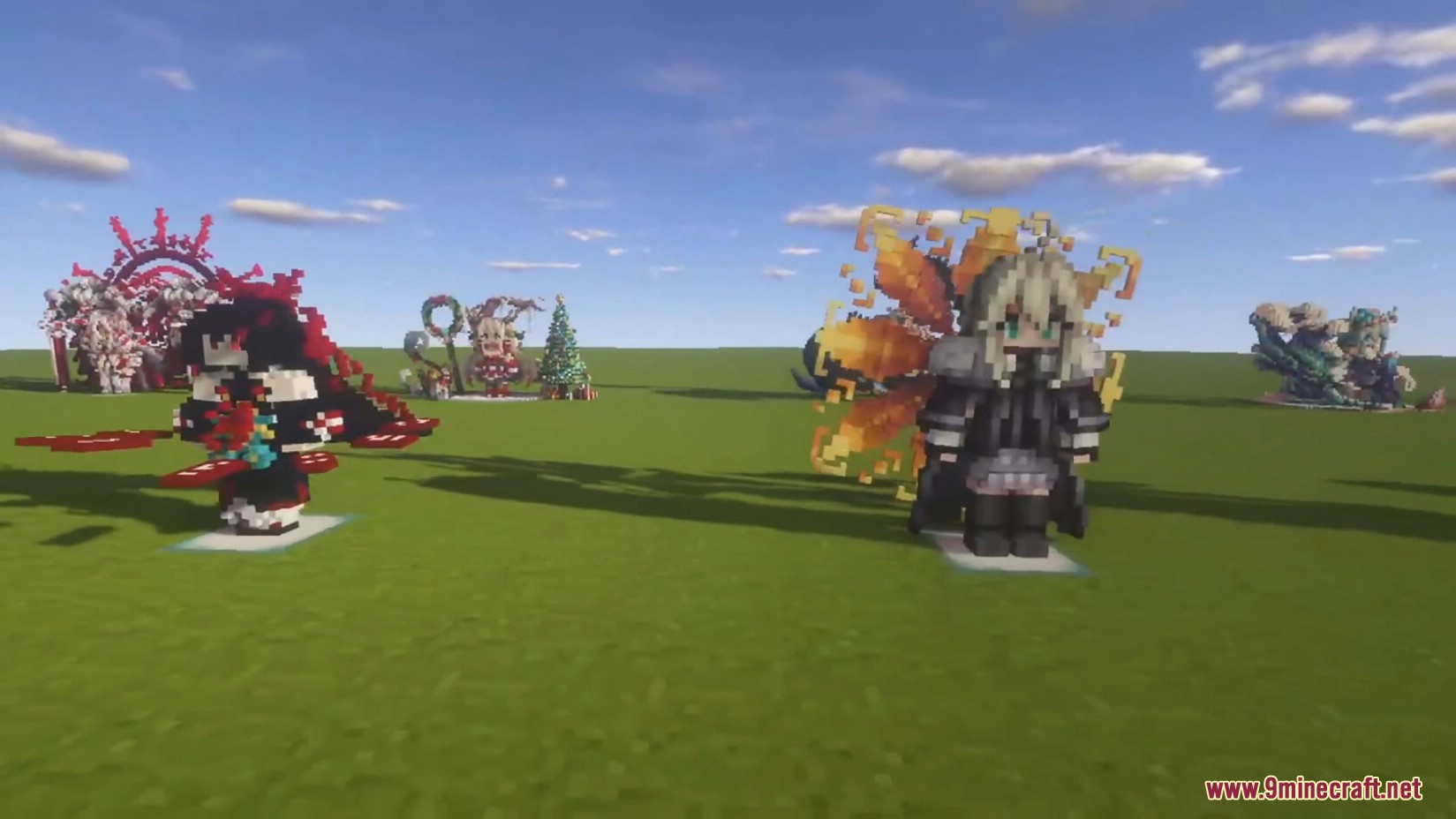
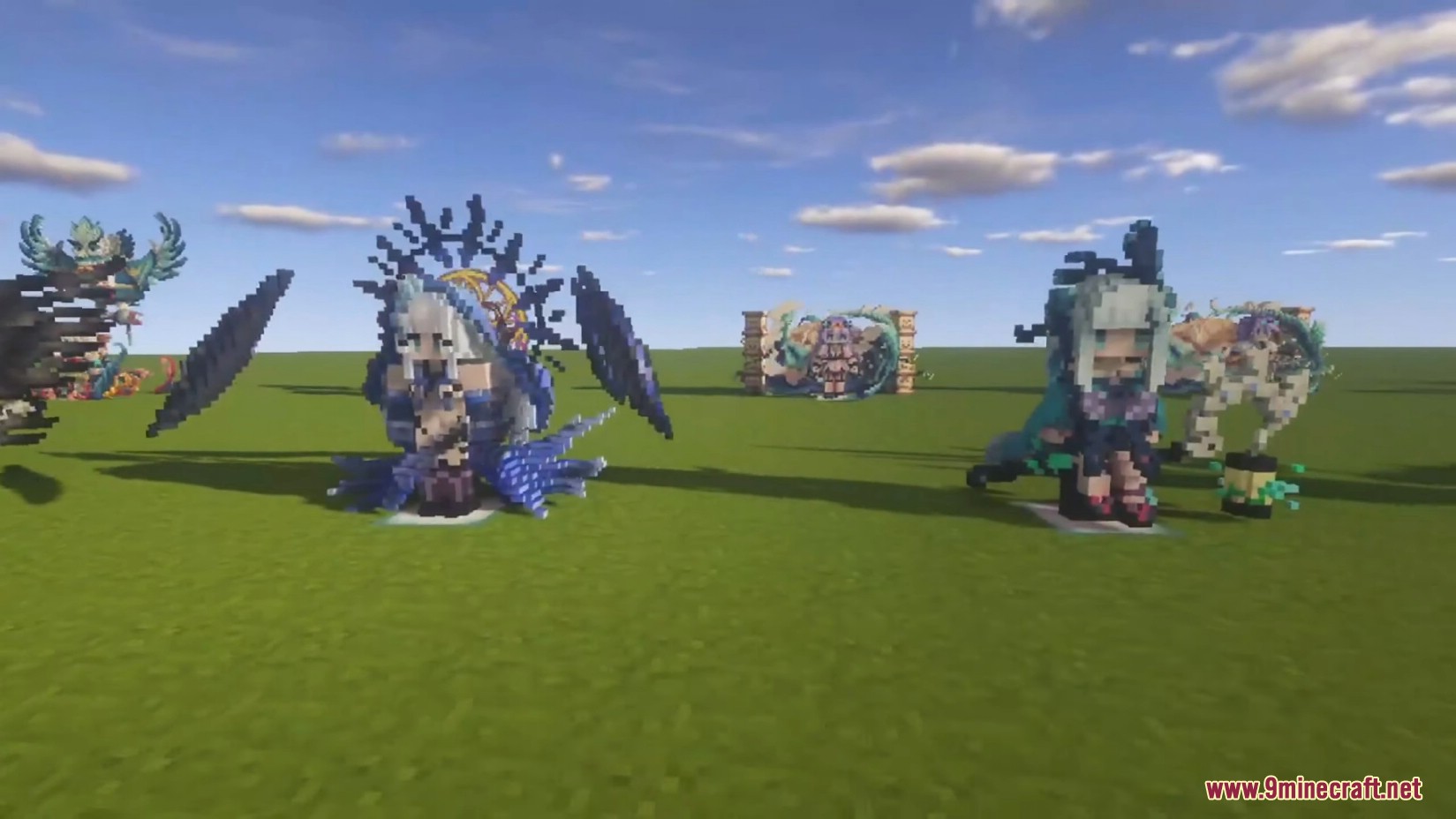
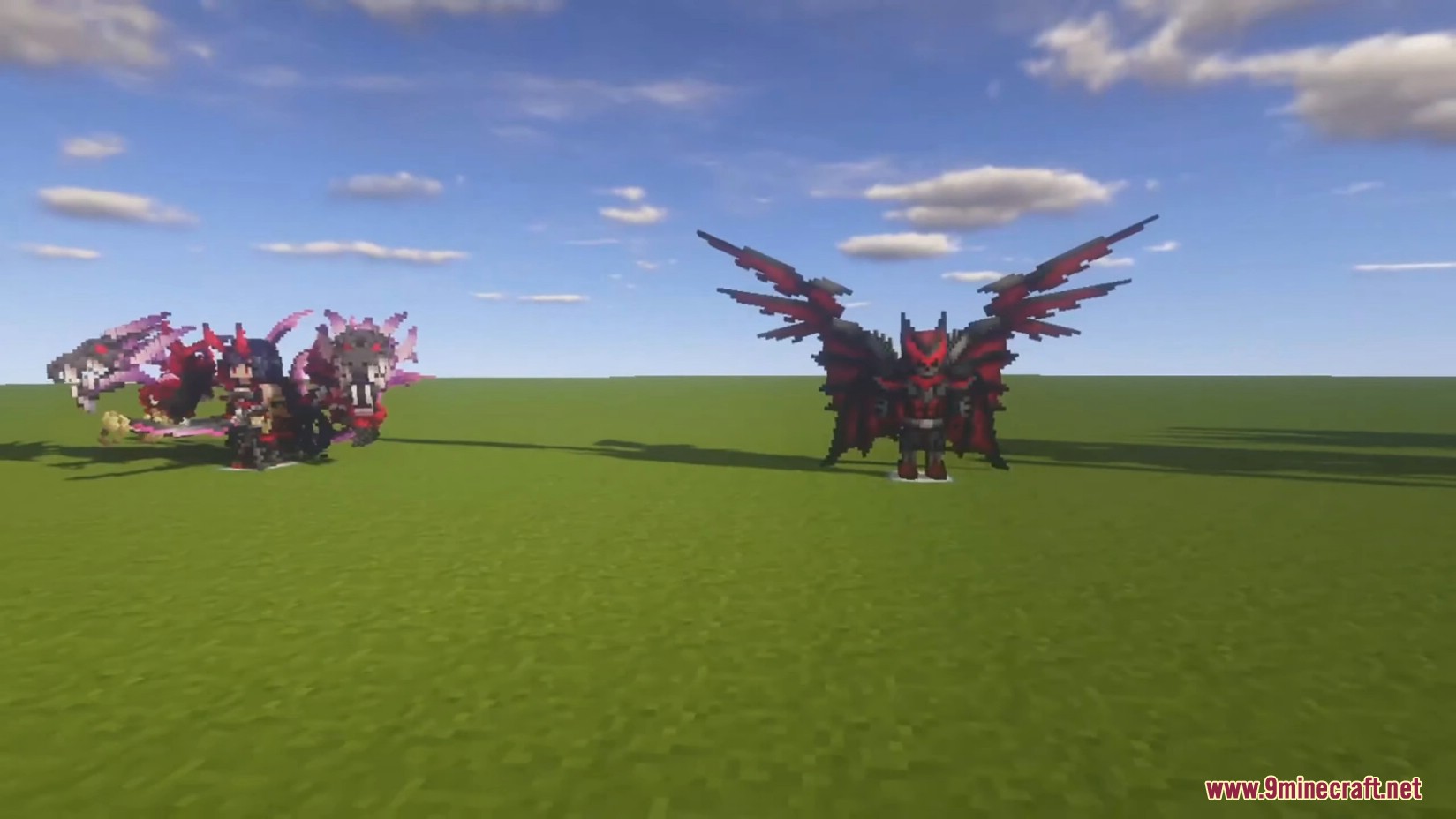
Nasıl Kurulur:




Armourer's Workshop Mod İndirme Linkleri
Minecraft 1.7.10 İçin
Forge sürümü: Server 1’den İndir
Minecraft 1.12.2 İçin
Forge sürümü: Server 1’den İndir
Minecraft 1.16.5 İçin
Forge sürümü: Server 1’den İndir – Server 2’den İndir
Fabric sürümü: Server 1’den İndir – Server 2’den İndir
Minecraft 1.18.2 İçin
Forge sürümü: Server 1’den İndir – Server 2’den İndir
Fabric sürümü: Server 1’den İndir – Server 2’den İndir
Minecraft 1.19.2 İçin
Forge sürümü: Server 1’den İndir – Server 2’den İndir
Fabric sürümü: Server 1’den İndir – Server 2’den İndir
Minecraft 1.19.3 İçin
Forge sürümü: Server 1’den İndir – Server 2’den İndir
Minecraft 1.19.4 İçin
Forge sürümü: Server 1’den İndir – Server 2’den İndir
Fabric sürümü: Server 1’den İndir – Server 2’den İndir
Minecraft 1.20.1, 1.20 İçin
Forge sürümü: Server 1’den İndir – Server 2’den İndir
Fabric sürümü: Server 1’den İndir – Server 2’den İndir
Minecraft 1.21.1, 1.21 İçin
NeoForge sürümü: Server 1’den İndir – Server 2’den İndir
Fabric sürümü: Server 1’den İndir – Server 2’den İndir
Minecraft için 26.1.2, 26.1.1, 26.1
Minecraft için 1.21.1, 1.21
Minecraft için 1.20.1, 1.20
Minecraft için 1.19.4
Minecraft için 1.19.3
Minecraft için 1.19.2
Minecraft için 1.18.2
Minecraft için 1.16.5
Minecraft için 1.12.2
Minecraft için 1.7.10
Bunları da Beğenebilirsiniz










Bu gönderide henüz yorum yok. İlk yorumu siz yapın — yorumunuz burada görünecek.