


Custom Skin Loader Mod (26.2, 1.20.1) – Wear Any Skin You Can Find

 0
0 

🌐 Good news — we've translated this article into other languages!
Or pick the one you like:
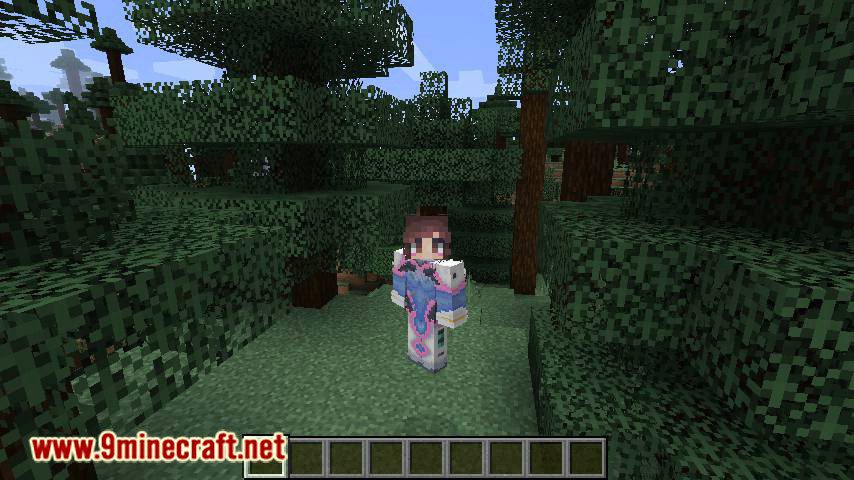
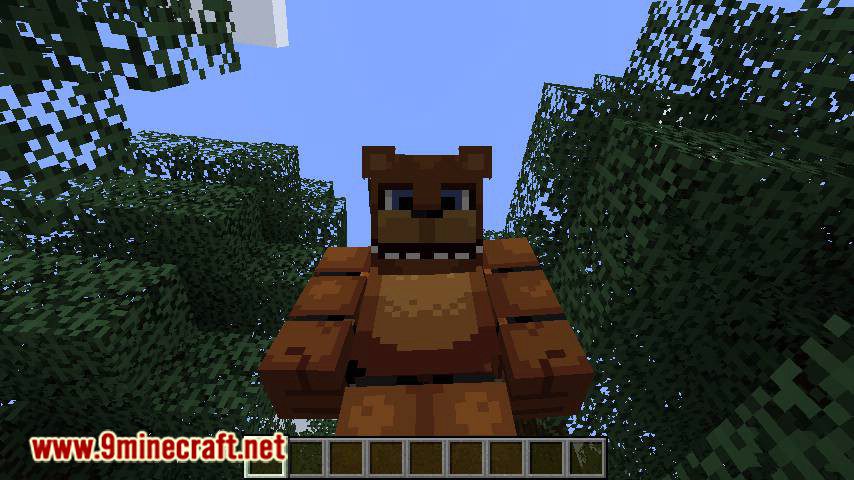
Custom Skin Loader Mod lets you load custom skins and capes from almost anywhere. You can use skins from different online servers or even from files saved directly on your computer, giving you full control over your character’s appearance.
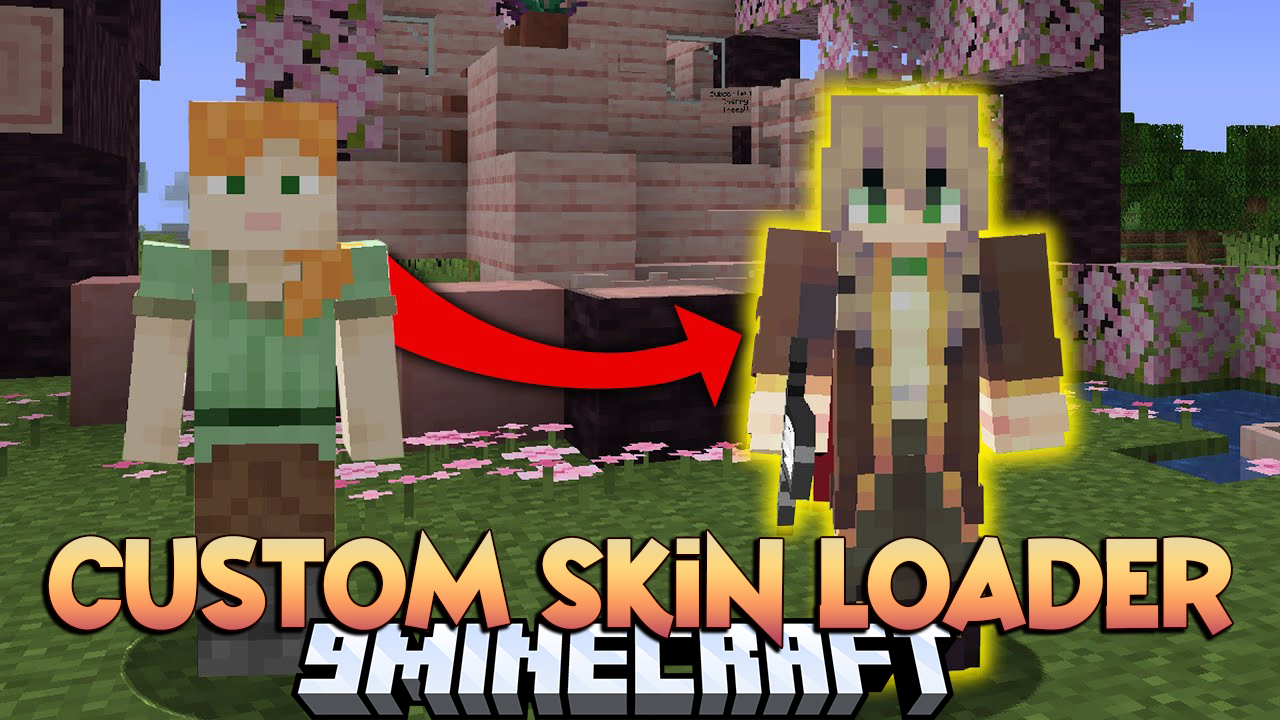
What can you do with it?
- Restore official skins
- Use skins offline
- Load skins from the 3rd-party site
- Even load skins from your computer
- Make a dynamic skull
- Apply HD and transparent skins
- Do what you can imagine with skins
Features:
- Lets you use skins from many different online sources or your own computer.
- Supports HD skins, so you can see more detailed character designs without needing other mods.
- Fixes bugs with player skulls, allowing them to show any skin correctly.
- Works with dynamic skulls.
- Saves player profiles to your computer, so you can still see skins even when you’re offline.
- Allows you to load skins directly from your local files to preview them in-game.
- Correctly renders skins with transparent parts, fixing visual glitches.
- Shows the right player avatars in the spectator menu, instead of just the default Steve or Alex skins.
How to Use:
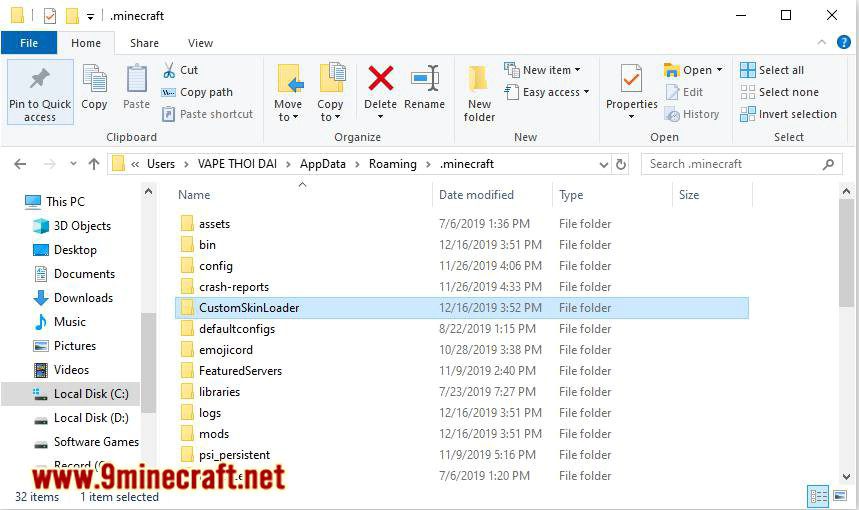
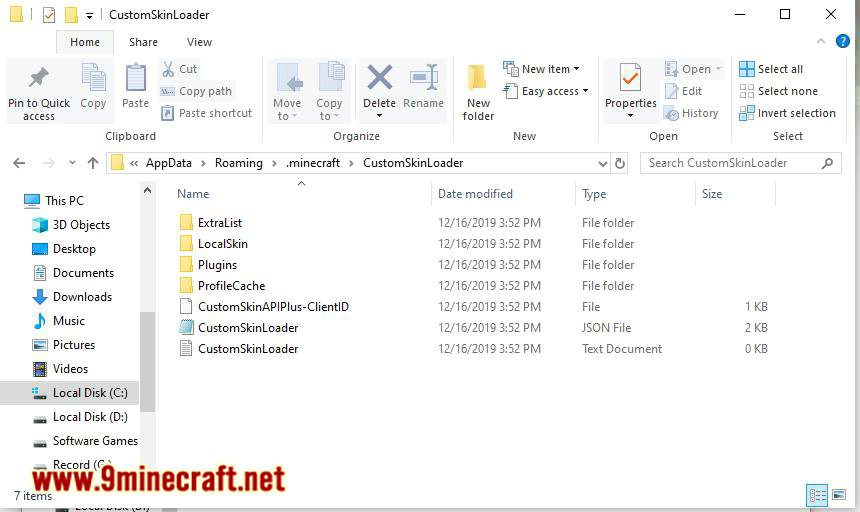
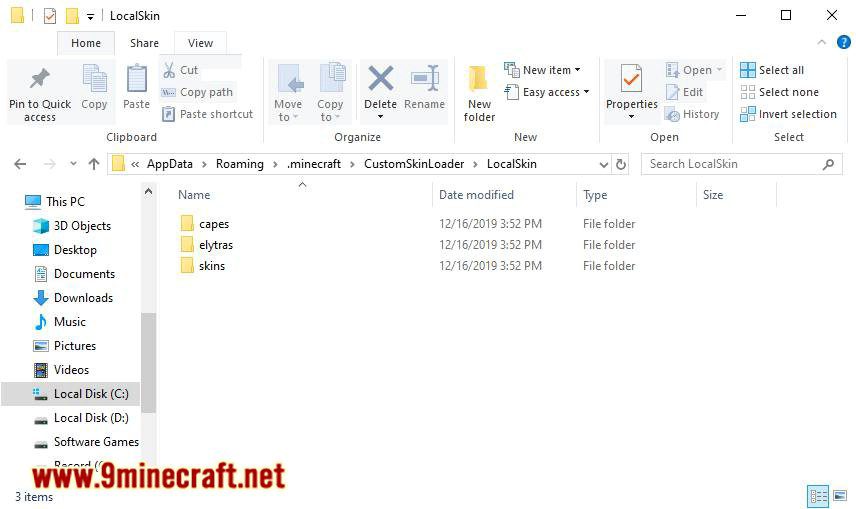
- To use a local skin, place your skin file (named with your username) into the
.minecraft/CustomSkinLoader/LocalSkin/skins/folder. - To add a new skin server to your load list, place its provided JSON file into the
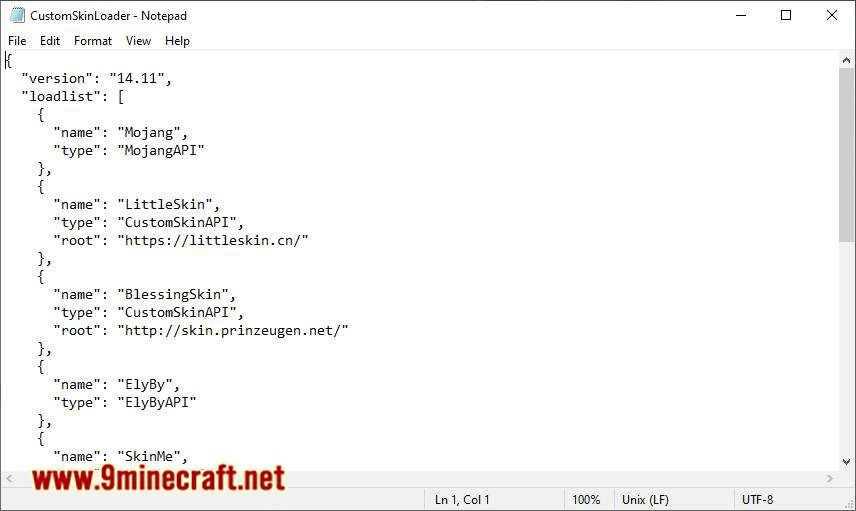
.minecraft/CustomSkinLoader/ExtraList/folder.
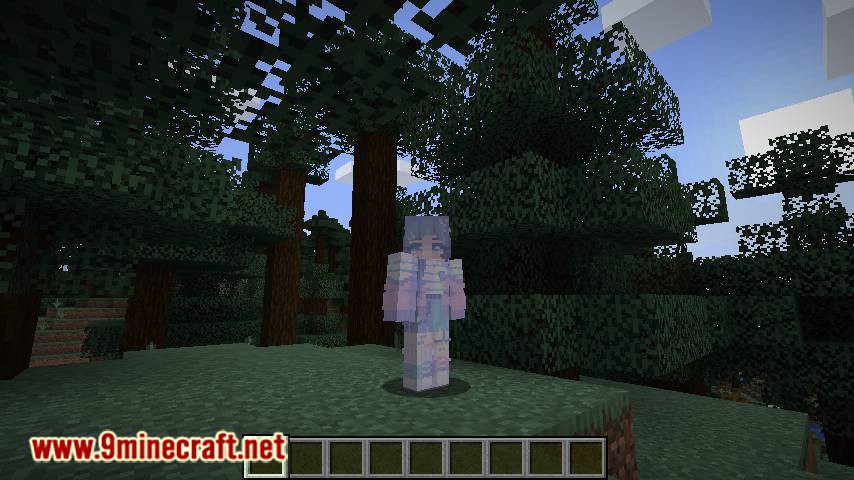
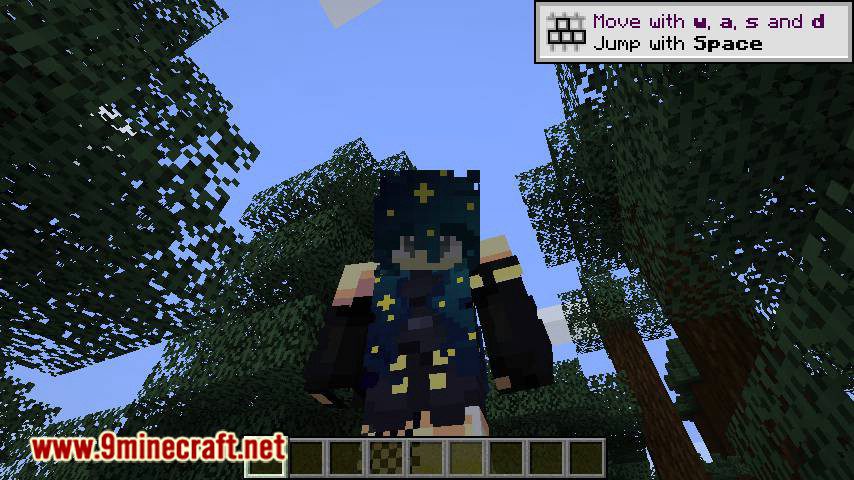
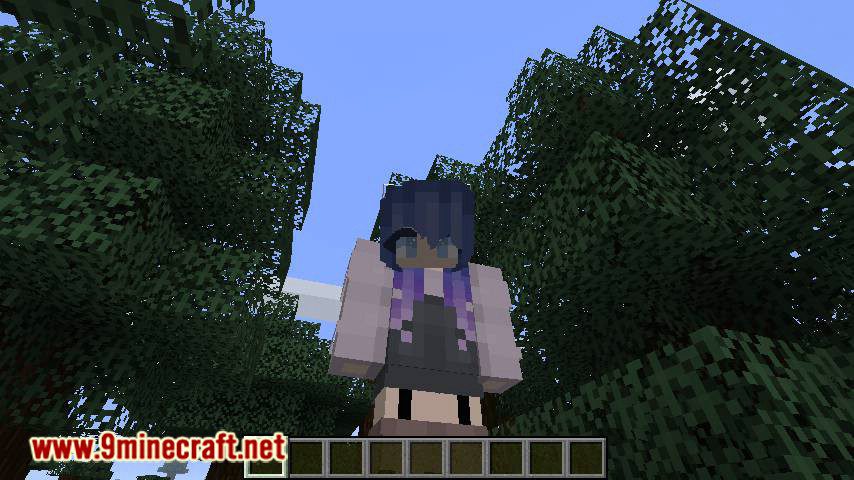
Screenshots:
How to Install:
New to Minecraft? Follow our step-by-step guide to install Mods on your PC.View Guide
Requirements:



Custom Skin Loader Mod Download Links
For Minecraft
26.2,
26.1.2,
26.1.1
All Versions Covered
26.2
26.1.2
26.1.1
26.1
1.21.11
1.21.10
1.21.9
1.21.8
1.21.7
1.21.6
1.21.5
1.21.4
1.21.3
1.21.2
1.21.1
1.21
1.20.6
1.20.5
1.20.4
1.20.3
1.20.2
1.20.1
1.20
1.19.4
1.19.3
1.19.2
1.19.1
1.19
1.18.2
1.18.1
1.18
1.17.1
1.17
1.16.5
1.16.4
1.16.3
1.16.2
1.16.1
1.16
1.15.2
1.15.1
1.15
1.14.4
1.14.3
1.14.2
1.14.1
1.14
1.13.2
1.12.2
1.12.1
1.12
1.11.2
1.11
1.10.2
1.10
1.9.4
1.9
1.8.9
1.8.8
1.8
All Versions Covered
26.2
26.1.2
26.1.1
26.1
1.21.11
1.21.10
1.21.9
1.21.8
1.21.7
1.21.6
1.21.5
1.21.4
1.21.3
1.21.2
1.21.1
1.21
1.20.6
1.20.5
1.20.4
1.20.3
1.20.2
1.20.1
1.20
1.19.4
1.19.3
1.19.2
1.19.1
1.19
1.18.2
1.18.1
1.18
1.17.1
1.17
1.16.5
1.16.4
1.16.3
1.16.2
1.16.1
1.16
1.15.2
1.15.1
1.15
1.14.4
1.14.3
1.14.2
1.14.1
1.14
1.13.2
1.12.2
1.12.1
1.12
1.11.2
1.11
1.10.2
1.10
1.9.4
1.9
1.8.9
1.8.8
1.8
For Minecraft
26.1.2,
26.1.1,
26.1
All Versions Covered
26.1.2
26.1.1
26.1
1.21.11
1.21.8
1.21.7
1.21.6
1.21.5
1.21.4
1.21.1
1.21
1.20.6
1.20.5
1.20.4
1.20.3
1.20.2
All Versions Covered
26.1.2
26.1.1
26.1
1.21.11
1.21.8
1.21.7
1.21.6
1.21.5
1.21.4
1.21.1
1.21
1.20.6
1.20.5
1.20.4
1.20.3
1.20.2
For Minecraft 1.21.11, 1.21.5, 1.21.4
For Minecraft 1.21.10, 1.21.9
For Minecraft 1.21.8, 1.21.7, 1.21.6
For Minecraft 1.21.5
For Minecraft 1.21.4
For Minecraft 1.21.3, 1.21.2
For Minecraft
1.20.4,
1.20.3,
1.20.2
All Versions Covered
1.20.4
1.20.3
1.20.2
1.20.1
1.20
1.19.4
1.19.3
1.19.2
1.19.1
1.19
1.18.2
1.18.1
1.18
1.17.1
All Versions Covered
1.20.4
1.20.3
1.20.2
1.20.1
1.20
1.19.4
1.19.3
1.19.2
1.19.1
1.19
1.18.2
1.18.1
1.18
1.17.1
For Minecraft 1.20.2
For Minecraft 1.20.1
For Minecraft 1.19.4
For Minecraft 1.19.3
For Minecraft 1.19.2
For Minecraft 1.19.1
For Minecraft 1.19
For Minecraft 1.18.2
For Minecraft 1.18.1
For Minecraft 1.17.1
For Minecraft 1.16.5
For Minecraft 1.16.4
For Minecraft 1.16.3
For Minecraft 1.16.2
For Minecraft 1.16.1
For Minecraft 1.15.2
Click to rate this post!
[Total: 7 Average: 2.6]
You May Also Like










This post has no comments yet. Be the first — your comment will appear here.