
Trash Can Schematic (1.21.x) – Compact Redstone Build For Junk Items
 23
 0


Trash Can Schematic gives you a simple and small redstone build to get rid of junk items in your world. It takes up very little space and uses basic blocks to destroy anything you throw inside.

3D Preview & Editor:
Materials
8 types · 19 blocks
| Grass Block | 8 | Redstone Wire | 4 | Hopper | 2 | |||
| Lava | 1 | Dropper | 1 | Redstone Wall Torch | 1 | |||
| Comparator | 1 | Observer | 1 | |||||
How to place this schematic
.litematic This is a Litematica schematic. You place it with the Litematica mod, which shows the build as a ghost overlay you fill in.
| 1 | Install Litematica (plus MaLiLib) for your Minecraft version. |
| 2 | Put the .litematic file in .minecraft/schematics. |
| 3 | In game press M → Load Schematics, pick the file, then Load. |
| 4 | Position the ghost preview, then build it by hand — or turn on Easy Place to place blocks straight from your hotbar. |
About this build
| 1 | Place the redstone build anywhere in your base. |
| 2 | Drop your unwanted items directly into the top hopper. |
| 3 | Wait for the system to process the items before throwing in too many at once to avoid breaking the redstone. |
Features:
- Takes up a tiny 1 by 4 by 5 block area, so it fits easily into any base or house.
- Uses only 19 blocks in total, making it cheap to build in survival mode.
- Works completely in vanilla Minecraft without needing any extra mods.
- Destroys unwanted dirt, cobblestone, or other junk items safely.
Schematic Specs:
 Minecraft1.21.x
 Dimensions1×4×5
 Total Blocks19
 Top Blocks Used
Grass Block 8Redstone Wire 4Hopper 2Lava 1Dropper 1
Trash Can Schematic Download Links
For Minecraft 1.21.x
Click to rate this post!
[Total: 0 Average: 0]
You May Also Like
Picked for this page
 Unstable SMP S Bomer Schematic (1.21.x) – Large Bomber Machine Build For Worlds
 Medieval Castle Undecorated Interior Schematic (1.21.x) – Medium Sized Medieval Castle With Empty Ro
 Autosmelter Carpet Dupe Schematic (1.21.x) – Automatic Furnace System With Infinite Fuel
 Fun Penentrator Trap Schematic (1.21.x) – Large Vanilla Trap Blueprint For Your World
 End House Schematic (1.21.x) – Unfurnished End Base With Piston Door
 Netherless Melon Pumpkin Farm Schematic (1.21.x) – Compact Auto Farm Without Nether Blocks
 Kanye West Graduation Bear Schematic (1.21.x) – Classic Album Mascot Pixel Art Build
 Bee Green House Garden Apiary Schematic (1.21.x) – Ready To Build Vanilla Bee Farm
 Tramway Schematic (1.21.x) – Small Modern Tram Build For Your City Rails
 Blacksmith Tower Schematic (1.20.x) – Tall Vanilla Building Blueprint For Villages
 Santos FC Schematic (1.21.x) – Santos Futebol Clube Pixel Art Build
 Small House 10 Schematic (1.20.x) – A Compact Vanilla Home Blueprint For Players
Most viewed in Schematics over the last 7 days
 Fastest Bonemeal Farm Donut Smp Schematic (1.21.x) – Fast Redstone Bonemeal Farm Build
 64 Module Cobblestone Farm Schematic (1.21.x) – Massive Automated Stone Gathering Build
 KelpFarmV9.9 Schematic (1.21.x) – Compact And Simple Seaweed Farm Build
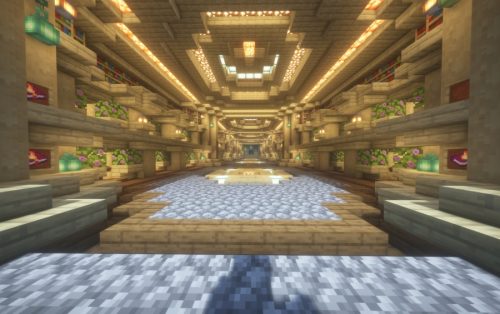 Villager Trading Hall Schematic (1.21.x) – Modern Shop Build For 48 Villagers
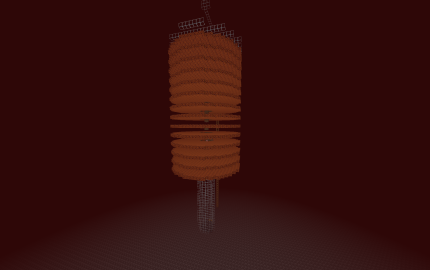 Gold Farm Schematic (1.21.x) – Automatic Nether Roof Gold Farm
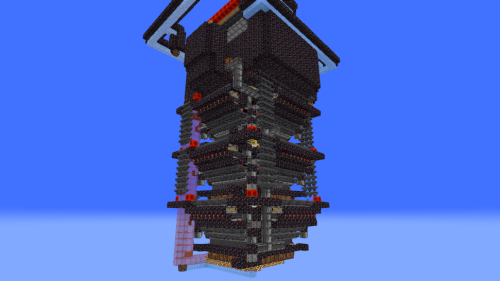 Bamboss V2 800k Bamboo per Hour Schematic (1.21.x) – High Speed Automated Bamboo Farm Schematic
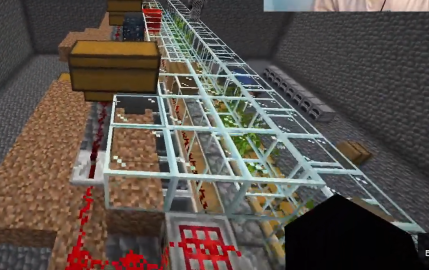 Bamboo Farm Schematic (1.21.x) – Small Automated Redstone Bamboo Farm
 Best Railgun Tp Trap on Donutsmp Schematic (1.21.x) – Unescapable Multiplayer Redstone Trap Build
 Minutes End Base Before Spoke Null End Video Schematic (1.21.x) – Giant Unstable SMP End Base Schema
 Cobble Farm 50m per Hour Donut SMP Schematic – High Yield Cobblestone Generator Build
 Donut Smp Stash and Regear Schematic (1.21.x) – Large Storage And Regear Room Build
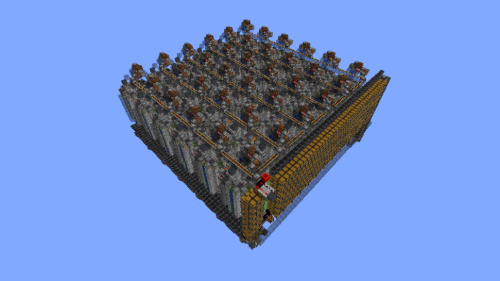 36 Module Cobble Farm 18m per Hour Donut SMP Schematic (1.21.x) – Massive Automated Stone Generator
More from Schematics
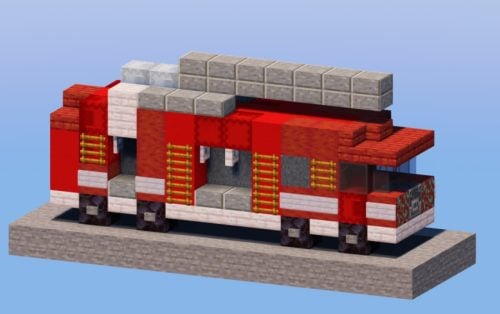 Fire Truck Schematic (1.21.x) – Build A Realistic Modern Fire Truck
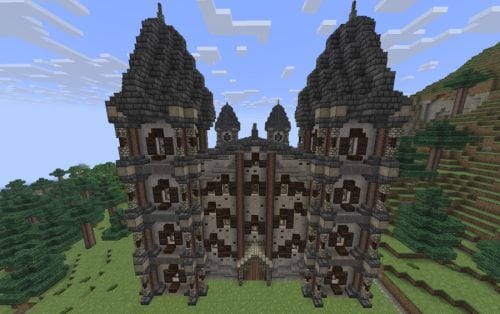 Big Warehouse Schematic (1.21.x) – Massive Medieval Storage Building for Survival
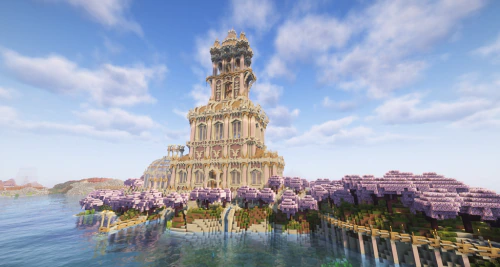 Suncrest Spire Schematic (1.21.x) – Massive Ancient Desert Survival Base Build
 Super Smelter 64 Furnaces V1 Schematic (1.21.x) – Fast Minecart Smelting System for One Chunk
 Small Tree Schematic (1.21.x) – Clean and Detailed Mini Tree Build
 Minecraft Dark Unicorn Nether Portal Statue V03 Free Schem Schematic (1.19.x) – Giant Dark Unicorn N
 Ultra Compact Full Adder 2 Blocks Deep Using Only Redstone Torches and Dust 6x8x2 Schematic (1.21.x)
 Cargo Ship Free Schematic (1.21.x) – Detailed Cargo Ships for Harbor Builds
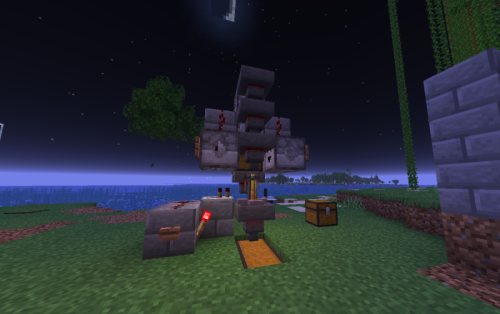 Firstqualified’s Pot Farm Schematic (1.21.x) – Compact Redstone Potion Brewing System
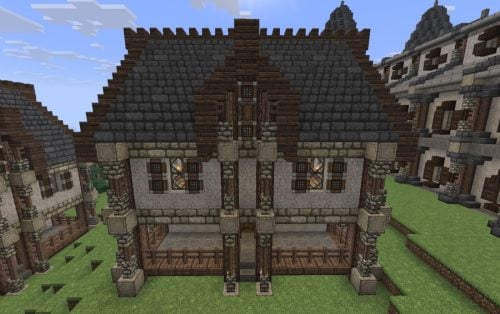 Survival Home Schematic (1.21.x) – Spacious Empty House For Survival Players
 SpicyT 1 Year Cake Schematic (1.21.x) – A Giant Spicy Birthday Cake Statue
 Free Neomarinus TheVividSeaDragon Schematic (1.19.x) – Massive Blue and Pink Sea Dragon Build

This post has no comments yet. Be the first — your comment will appear here.