
Travel Anchors Mod (1.20.1, 1.19.4) – Warp Between Distant Rooms and Outposts
 5,057
 0


Travel Anchors Mod brings teleportation items and blocks inspired by Ender IO into Minecraft. It gives you a teleportation staff for quick short jumps and renameable anchor blocks for longer trips. This mod also adds two enchantments that put teleporting on other items or extend your jump distance. You can use these tools to get past obstacles and travel across your world with ease.

Features:
- Travel Staff: Adds a teleportation wand with two modes for short jumps and long-distance travel to anchor blocks.
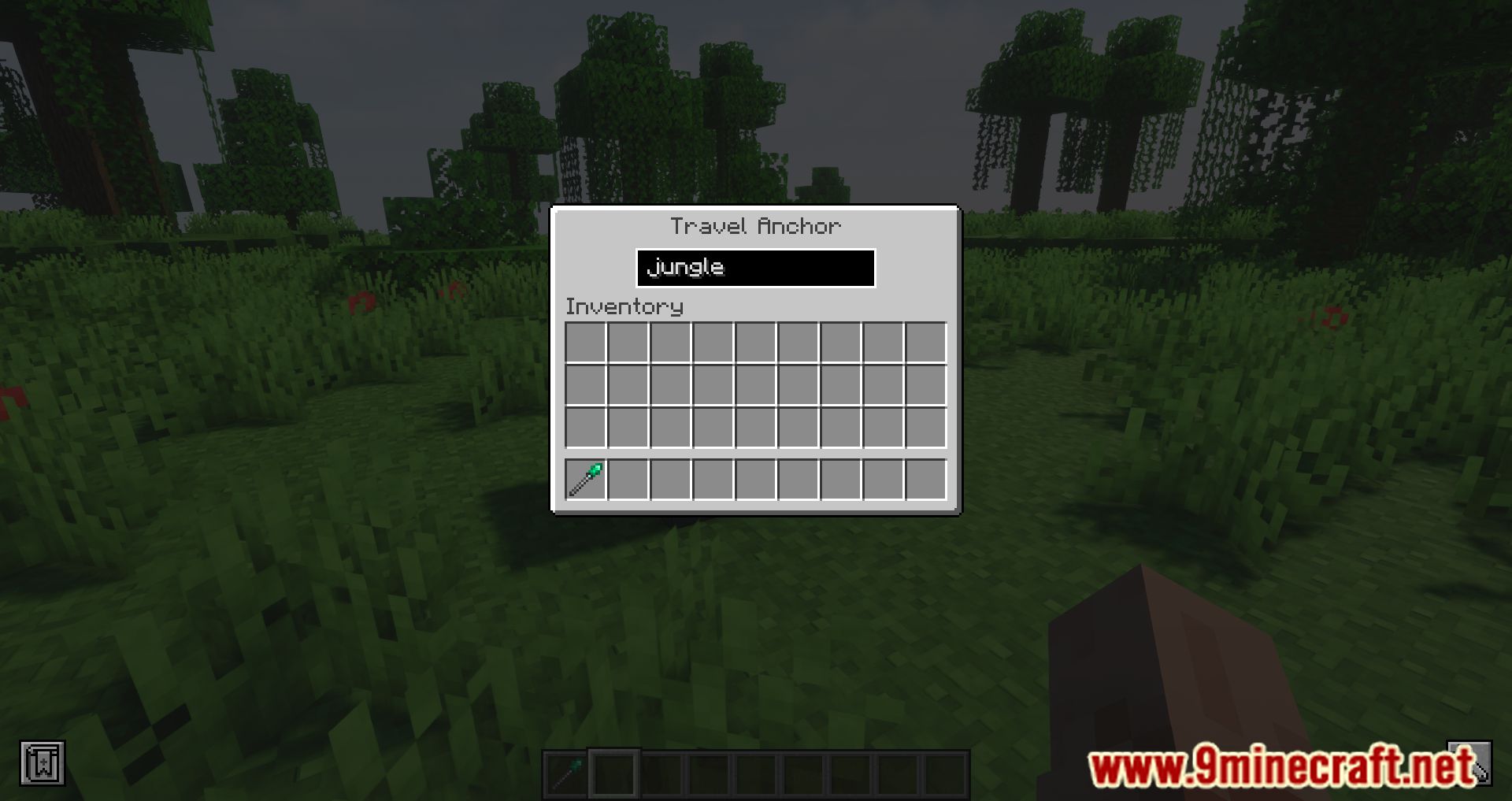
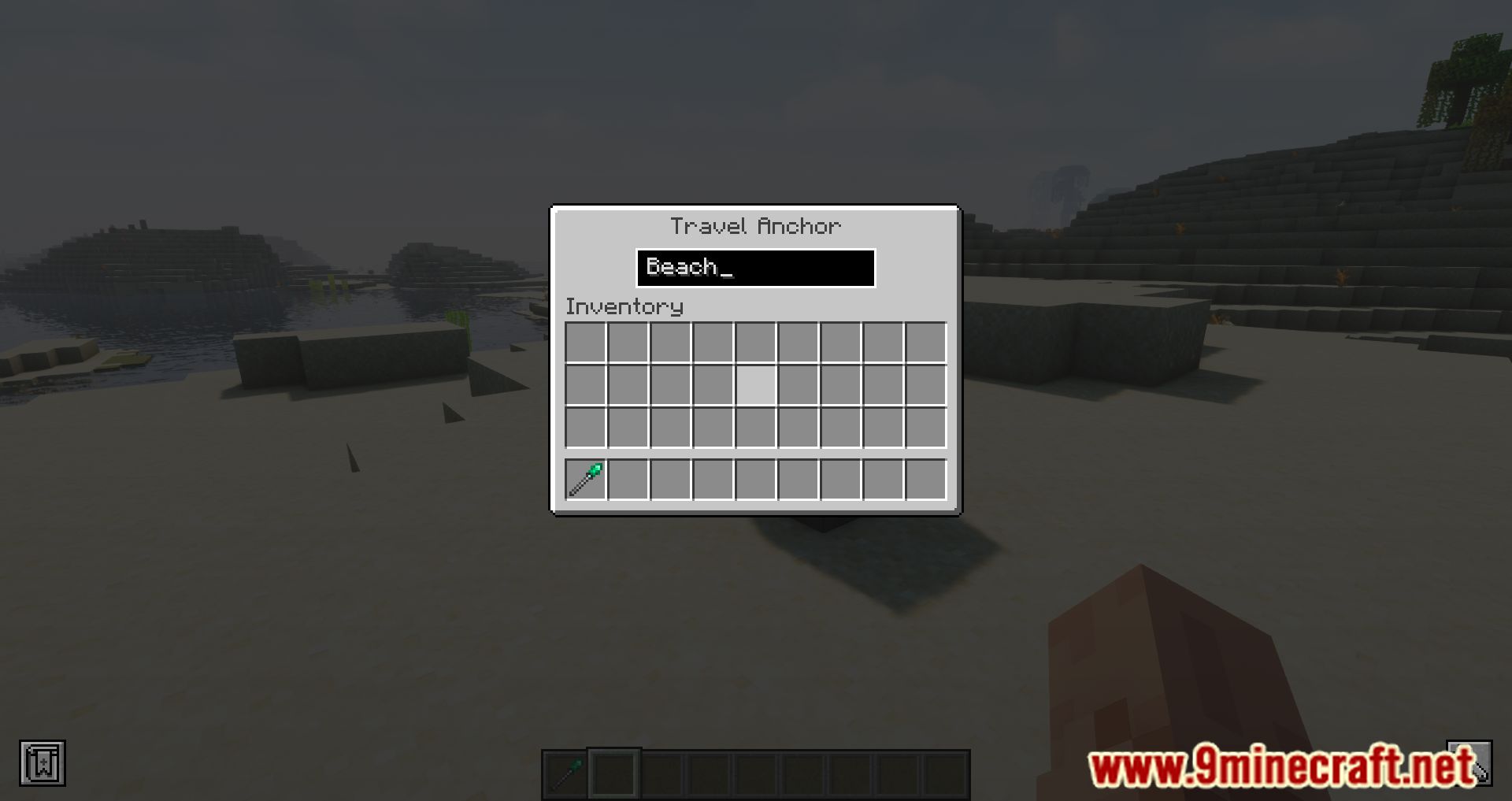
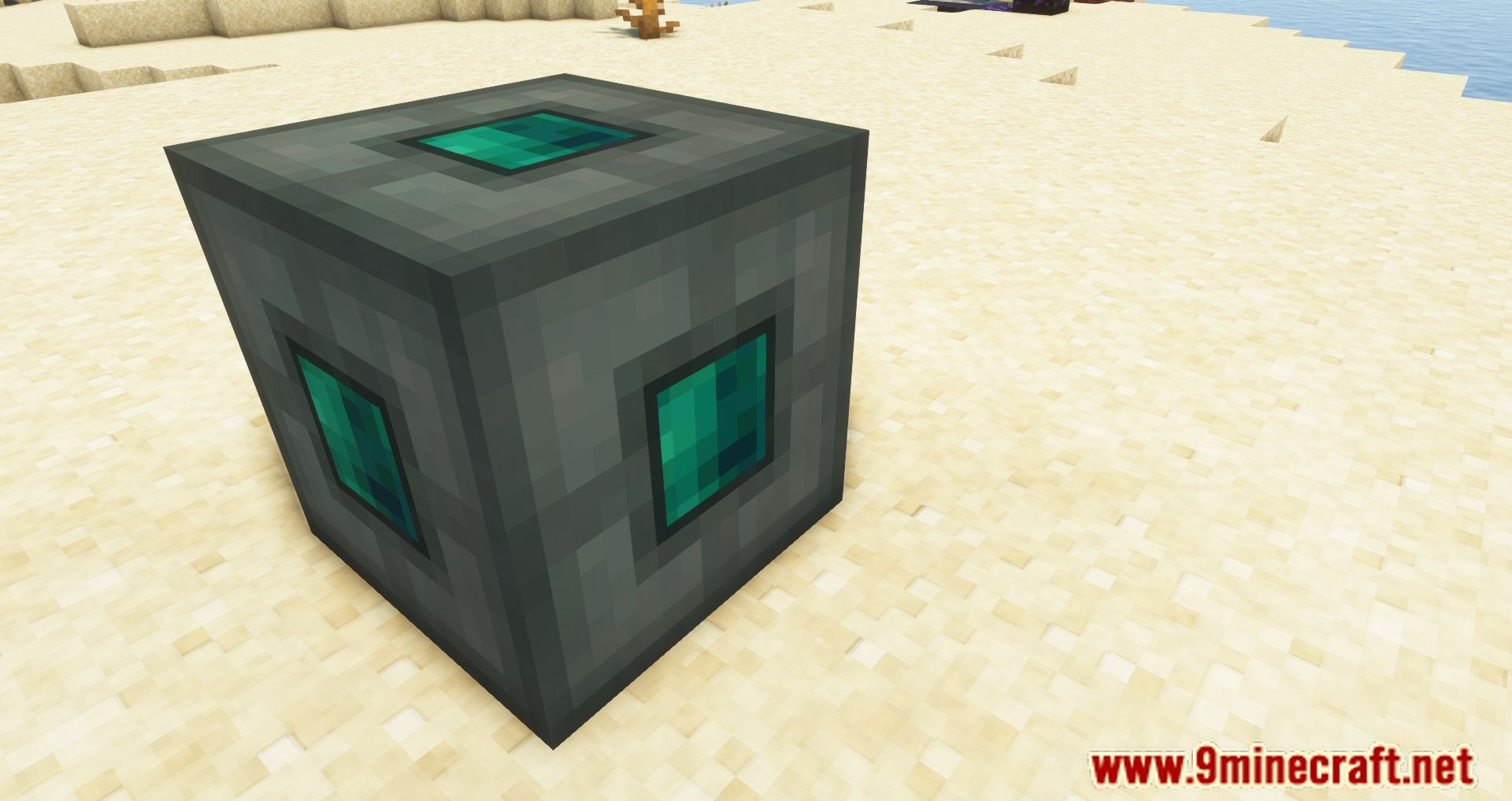
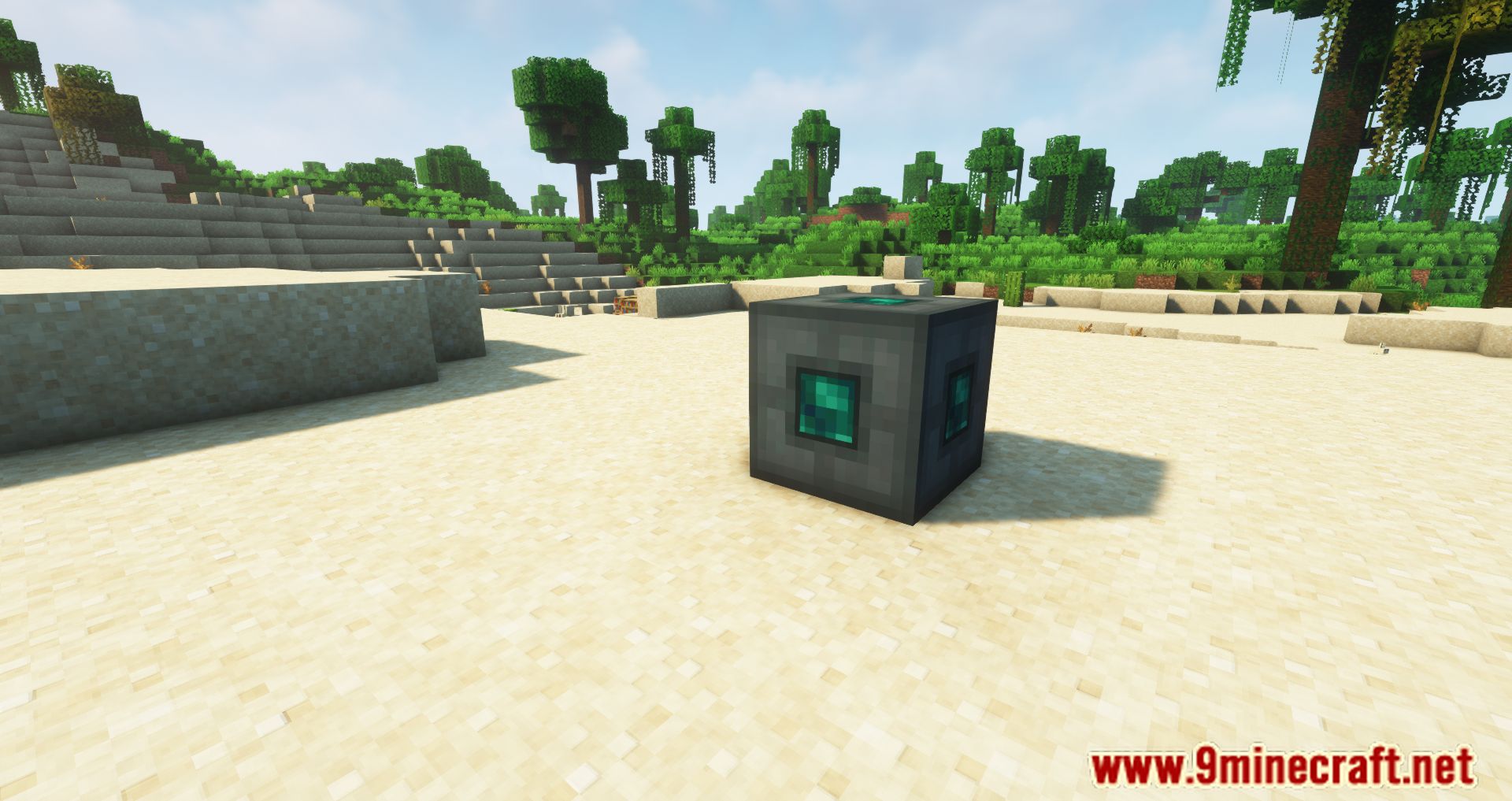
- Travel Anchor: Adds a block that you can place and rename to serve as a long-distance teleport target.
- Pressing Shift + Right Click with the staff teleports you a short distance in the direction you are facing, helping you get past obstacles.
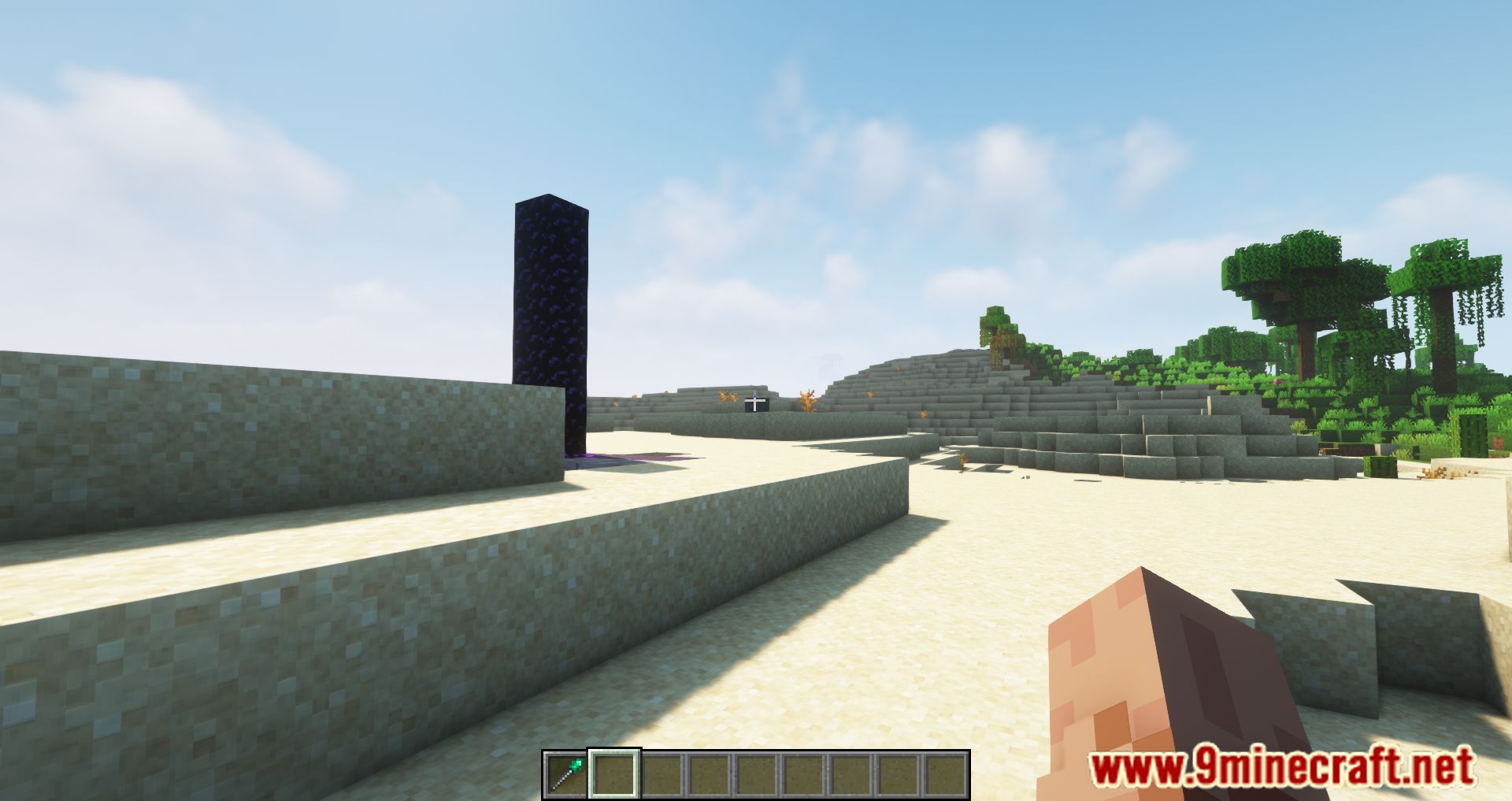
- Looking toward a Travel Anchor shows its name through blocks, and the name turns orange when you can Right Click with the staff to teleport straight to it.
- Adds the Teleportation enchantment so you can enchant other items to work like the Travel Staff.
- Adds the Range Expansion enchantment to increase the teleportation range of the Travel Staff.
How to Use:
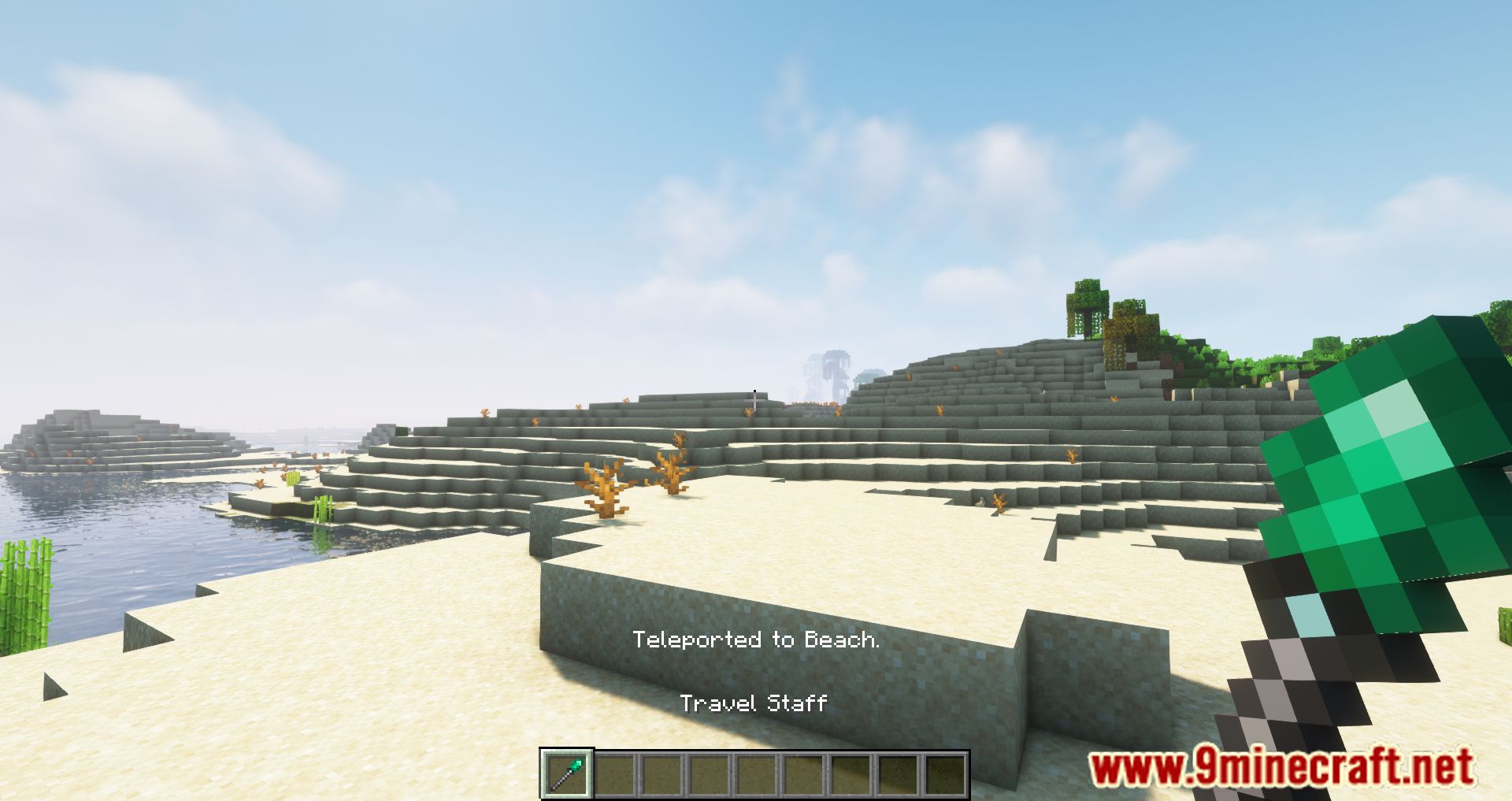
- Hold the Travel Staff and press Shift + Right Click to teleport a short distance in the direction you are facing.
- Place a Travel Anchor block at your destination and rename it so you can tell your anchors apart.
- Look toward a placed Travel Anchor from farther away; its name appears through blocks and turns orange when teleporting to it is possible.
- Press Right Click with the Travel Staff while looking at the orange name to teleport directly to that block.
- Enchant other items with Teleportation to give them the same teleporting power as the staff, or add Range Expansion to increase your teleport range.
Crafting Recipes:
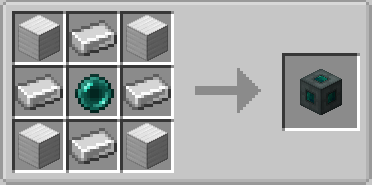
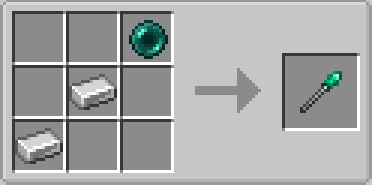
Screenshots:
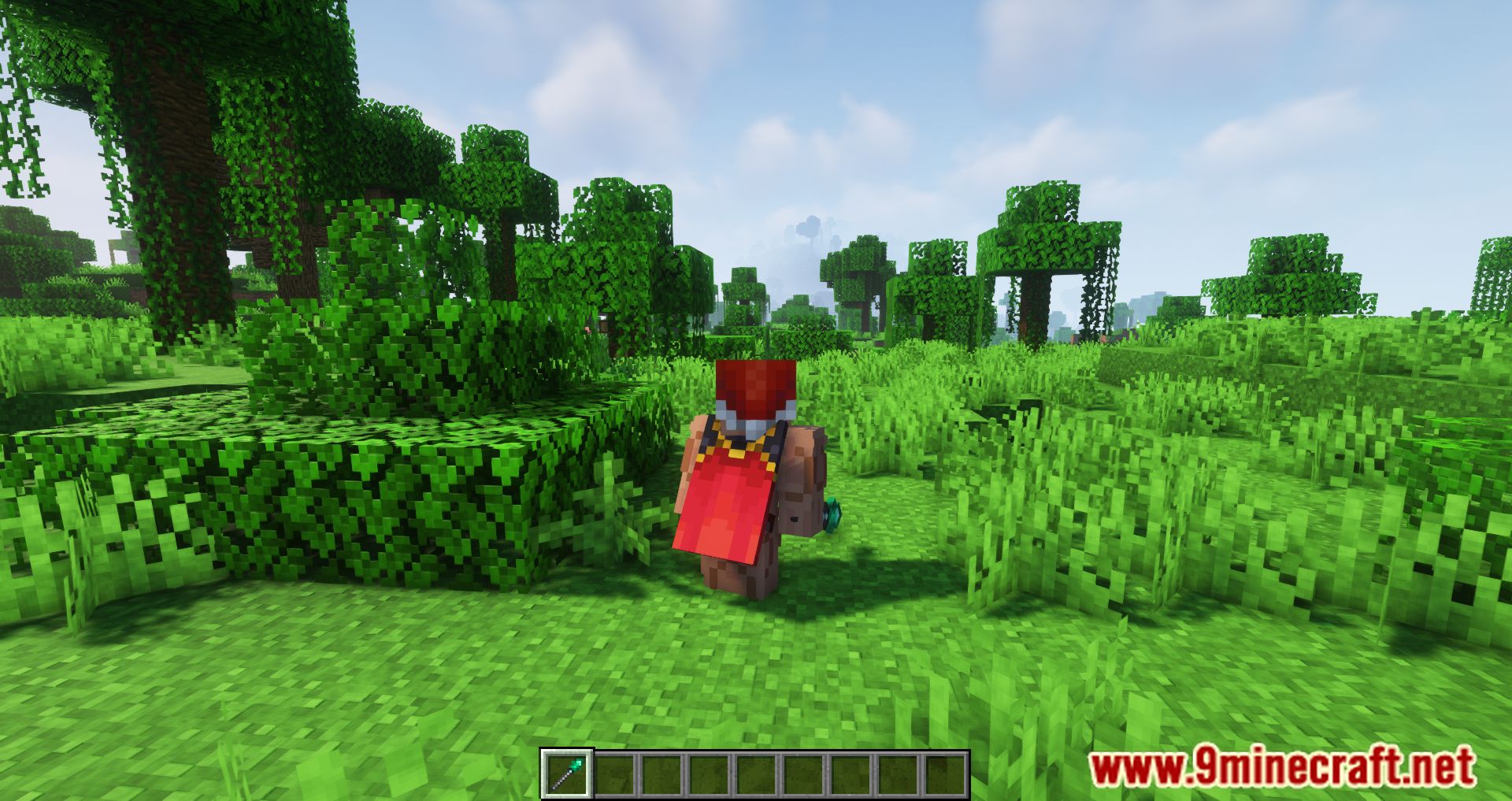
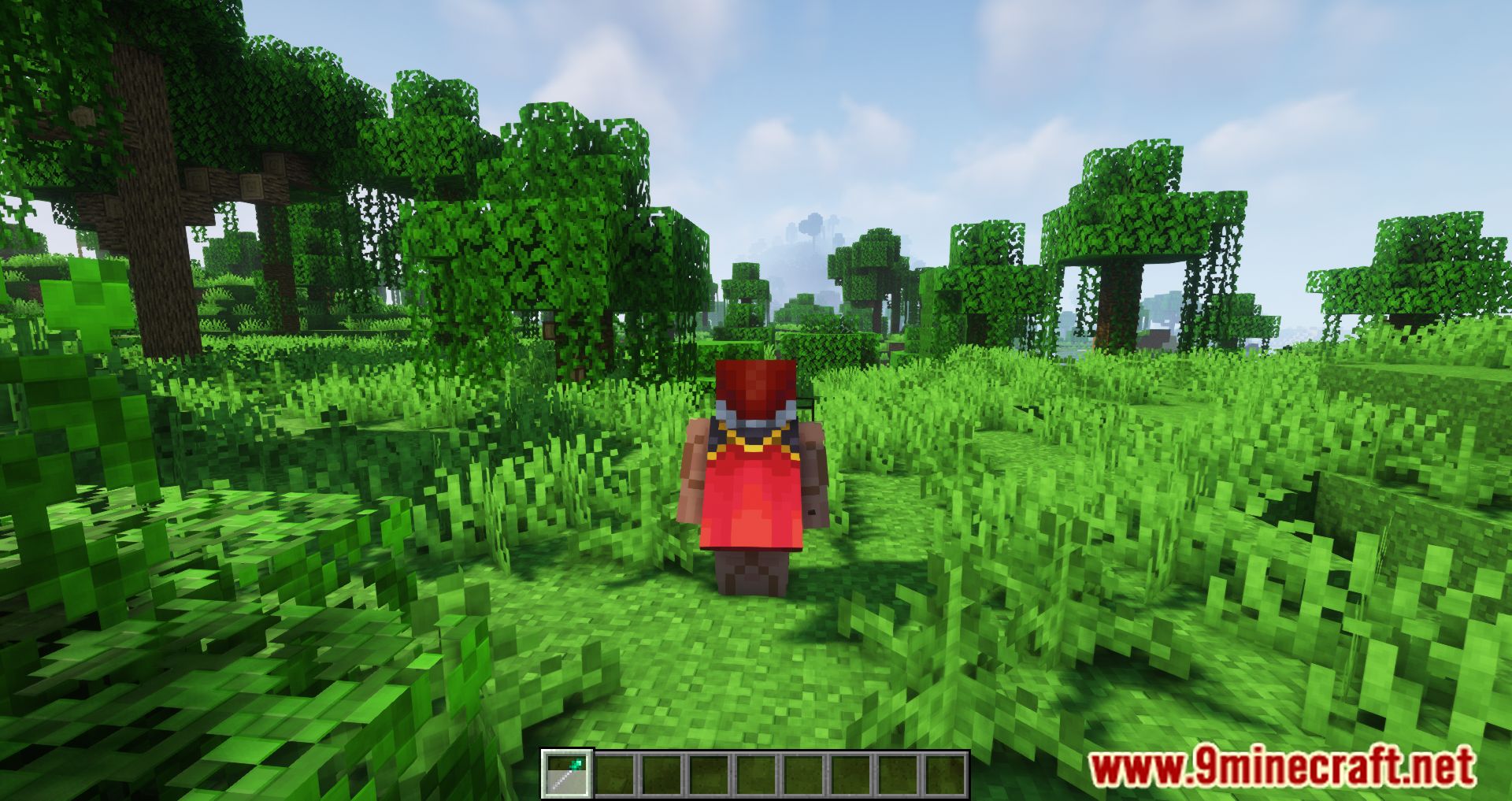
How to Install:
New to Minecraft? Follow our step-by-step guide to install Mods on your PC.View Guide
Requirements:

Travel Anchors Mod Download Links
For Minecraft 1.20.1, 1.20
Forge Version: Download from Server 1 – Download from Server 2
For Minecraft 1.19.4
Forge Version: Download from Server 1 – Download from Server 2
For Minecraft 1.19.3
Forge Version: Download from Server 1 – Download from Server 2
For Minecraft 1.19.2
Forge Version: Download from Server 1 – Download from Server 2
For Minecraft 1.19.1
Forge Version: Download from Server 1
For Minecraft 1.19
Forge Version: Download from Server 1
For Minecraft 1.18.2
Forge Version: Download from Server 1
For Minecraft 1.18.1
Forge Version: Download from Server 1
For Minecraft 1.17.1
Forge Version: Download from Server 1
For Minecraft 1.16.5
Forge Version: Download from Server 1
What do you usually do when your modded game crashes on startup?
23 responses · See the full results →
You May Also Like
Picked for this page
 Liquid Blocks Mod (1.21.11, 1.20.1) – Solidifying Liquid Building Blocks
 Naturally Charged Creepers Mod (26.3, 1.20.1) – Increased Game Difficulty
 Dusty Decorations Mod (1.21.11, 1.20.1) – Decoration for Ports and Markets
 Reinforced Shulker Boxes Mod (1.21.11, 1.20.1) – Supercharges Your Portable Storage
 Unlimited Trading Mod (26.3, 1.20.1) – No Villager Trading Limit
 Pirate Hats Mod (1.20.1) – Pirate-Themed Headwear
 PingHUD Mod (26.3, 1.20.1) – Accurate Ping Monitoring
 Vote Command Mod (26.3, 1.20.1) – Display Custom Text on Command
 Discontinuous Beacon Beams Mod (26.3, 1.20.1) – A Visual Tweak For Beacons
 Immersive Furniture Mod (1.21.1, 1.20.1) – Custom In-Game Furniture Creator
 Player Pronouns Mod (26.3, 1.20.1) – Displaying and Respecting Player Pronouns
 Tiny Light Bulbs Mod (1.21.1, 1.20.1) – Paint Your World with Light
Most viewed in Mods over the last 7 days
 Ala Industrial Mod (26.3) – Run Electric Power Grids and Automated Factories
 PleasureCraft Mod (26.3, 1.21.1) – Jenny Mod Remake for Fabric
 Jennycraft Mod (26.3, 1.20.1) – Virtual Girlfriend in Minecraft
 Fapcraft Mod (26.3, 1.12.2) – Comprehensive and Detailed Content
 Jenny Mod (Fapcraft) Official Complete Guide – How to use, Tutorial
 BangCraft Mod (1.20.1) – Jenny, Ellie and Elliot
 Fabric Loader (26.3, 1.20.1) – Fabric Installer for All Minecraft Versions
 The Shooting Star Demo Mod (26.3, 1.20.1) – Vaporize Terrain From Orbit
 Meteor Client Mod (26.3, 1.20.1) – Xray, HUD, Fly
 OptiFine HD (26.3, 1.20.1) – Run Faster, FPS Boost, Shaders Support
 Aristois Client Mod (1.21.4, 1.20.1) – World Class Minecraft Utility
 Prestige Client Mod (1.21.11, 1.21.4) – Powerful Ghost Features for Crystal & Sword PvP
More from Mods
 Multitools and More Mod (26.3, 1.20.1) – Clear Your Hotbar and Travel
 Luxium Let There Be Light Mod (1.20.1) – Stunning Lighting on Low-End Computers
 Soulscraft Tarnished Legacy Mod (1.21.1) – Hunt Relics to Forge Dark Fantasy
 Fetzi’s Displays Mod (26.1.2, 1.20.1) – Turn Rare Gear and Weapons
 Primal Plushies Paleo Pals Mod (1.21.1, 1.20.1) – Decorate Your Base
 Ipla Mod (26.3, 1.20.1) – Showcase Your Favorite Items
 MesdagPortLib Mod (1.20.1) – Run Modern Minecraft Mechanics on Older Versions
 Hellion’s API Mod (1.21.11, 1.21.1) – Play Hellion Series Addons Without Crashes
 Terrestria Mod (26.3, 1.20.1) – Highly Detailed Biomes
 Tre’s Tack Library Mod (1.20.1) – Outfit Your Horses with Fully Detailed Tack
 YDM’s coreX Library Mod (1.20.1) – Loot RPG Gear with Random Names
 Gunpowder Recipe Mod (26.3, 1.20.1) – Gunpowder is Craftable

This post has no comments yet. Be the first — your comment will appear here.