


ViesCraft Machines Mod (1.19.2, 1.12.2) – Створюйте машини для подорожей світом

 0
0 

🌐 Ви читаєте цю статтю мовою Українська. Хочете змінити?
📖 Читати англійською (оригінал)Або виберіть потрібну:
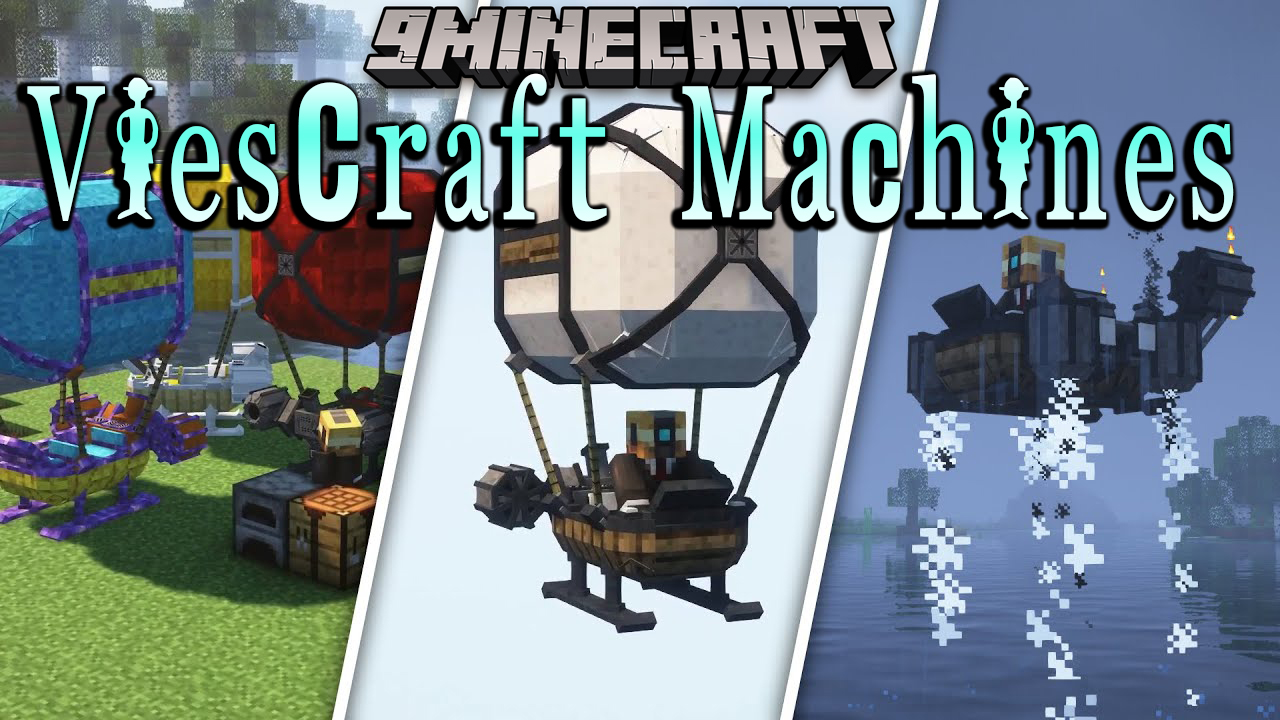
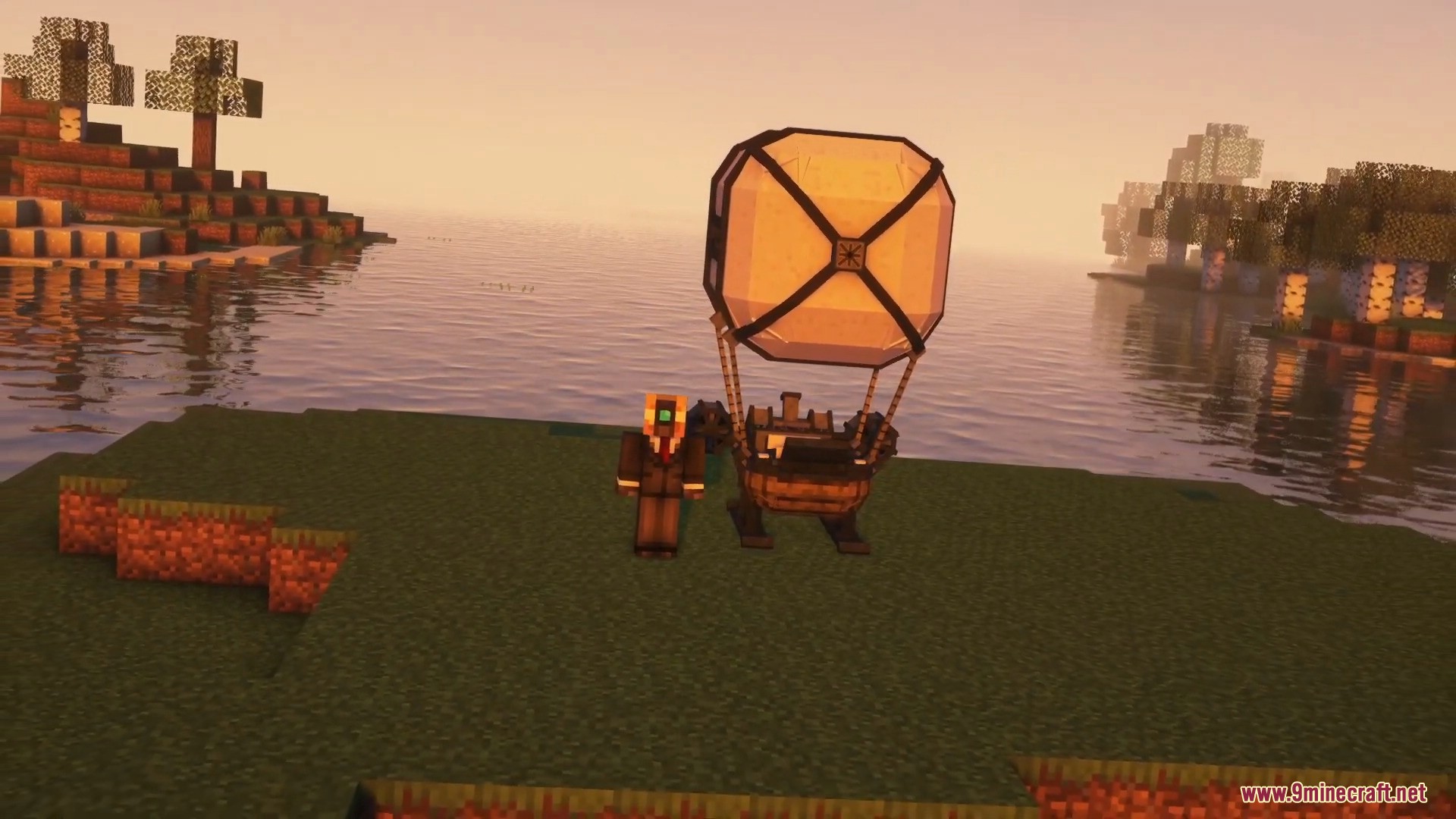
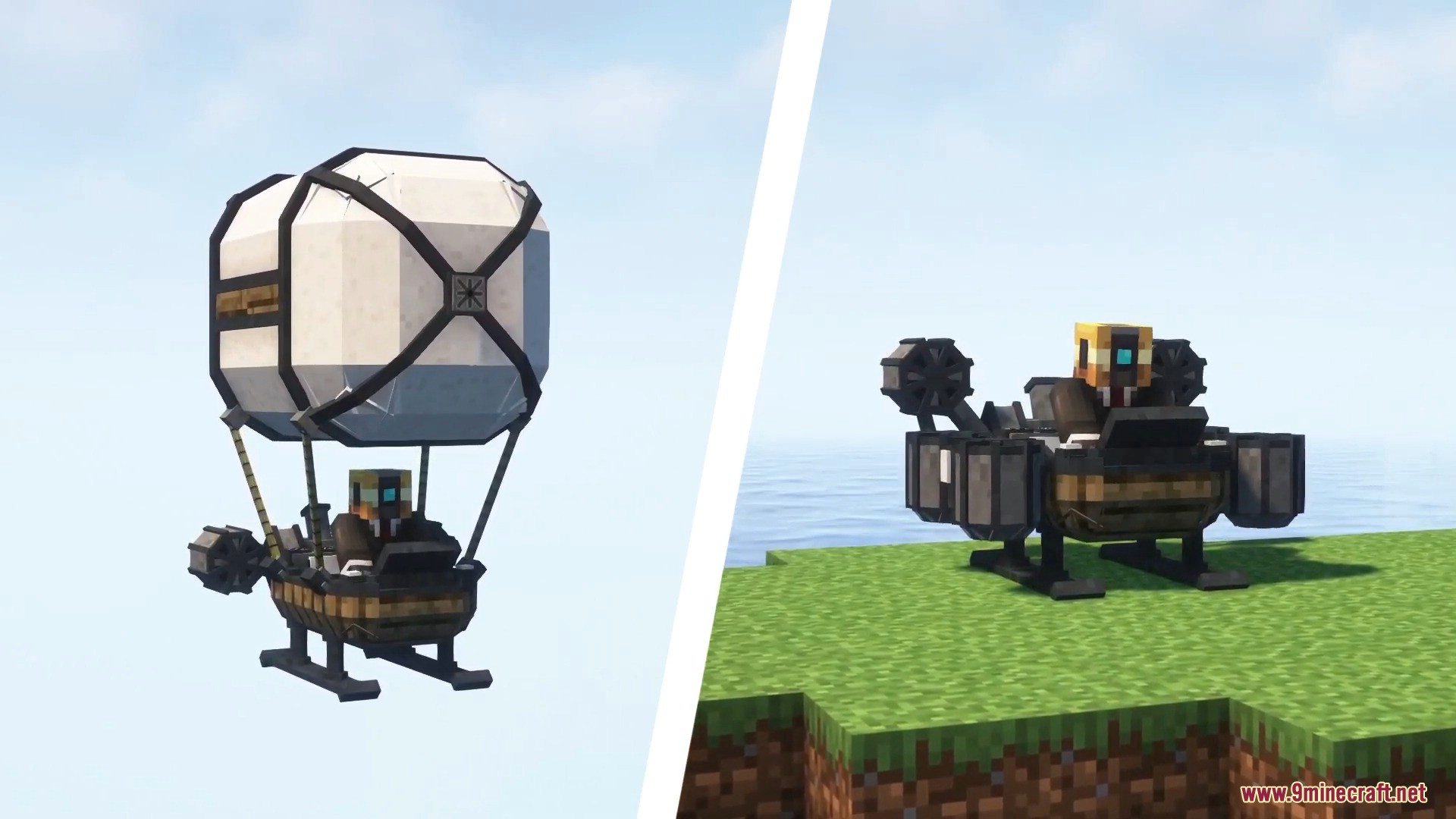
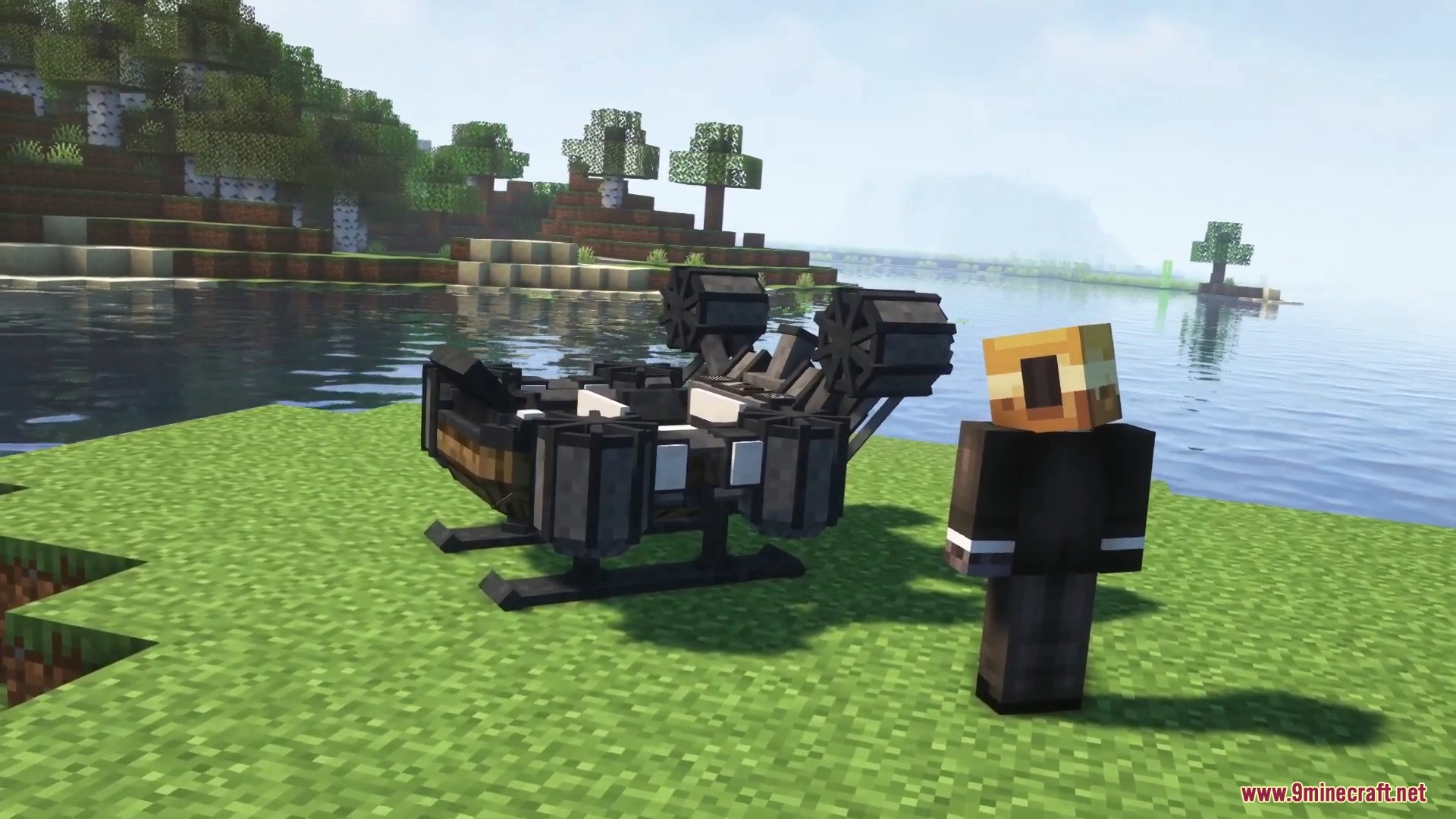
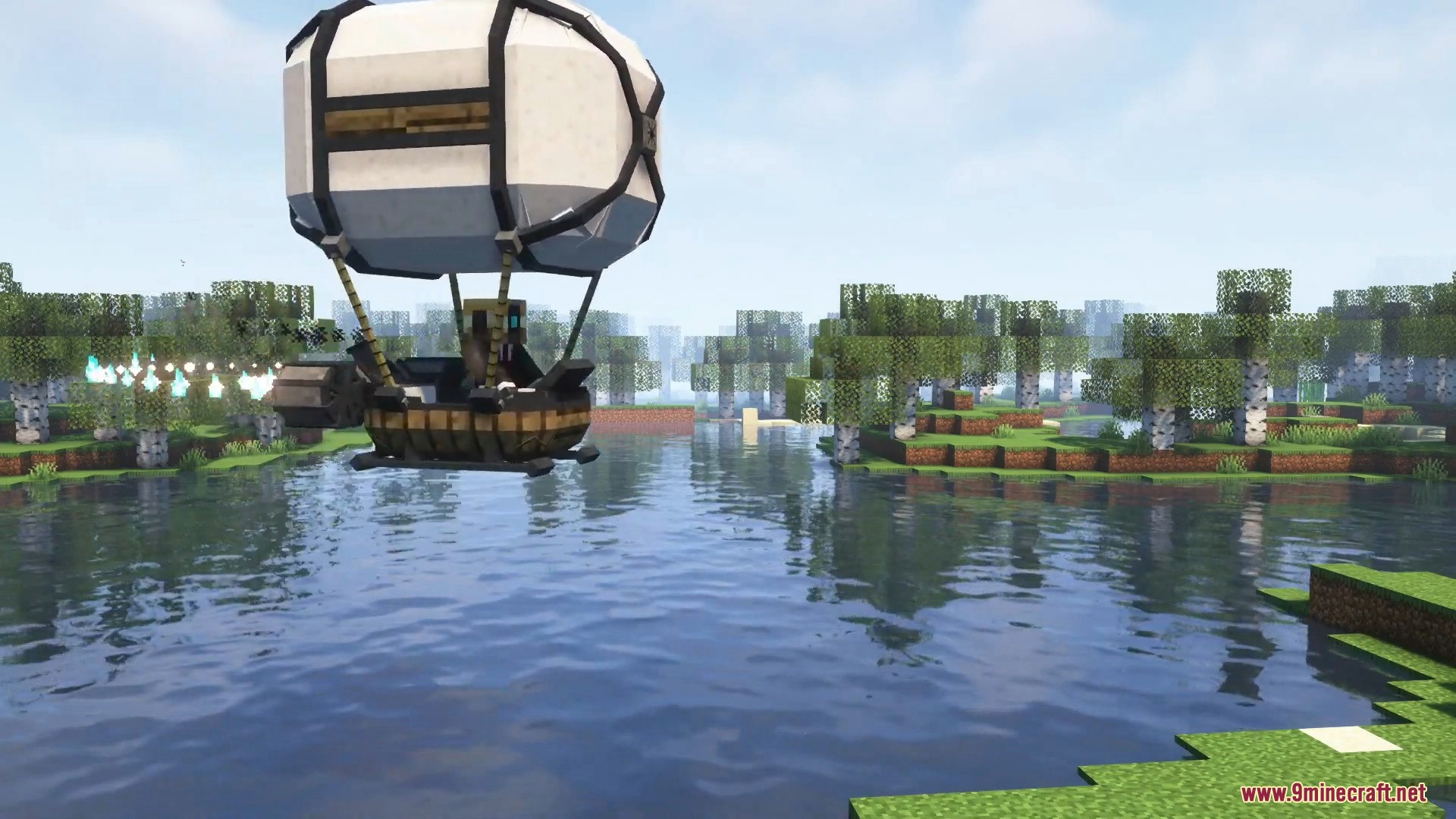
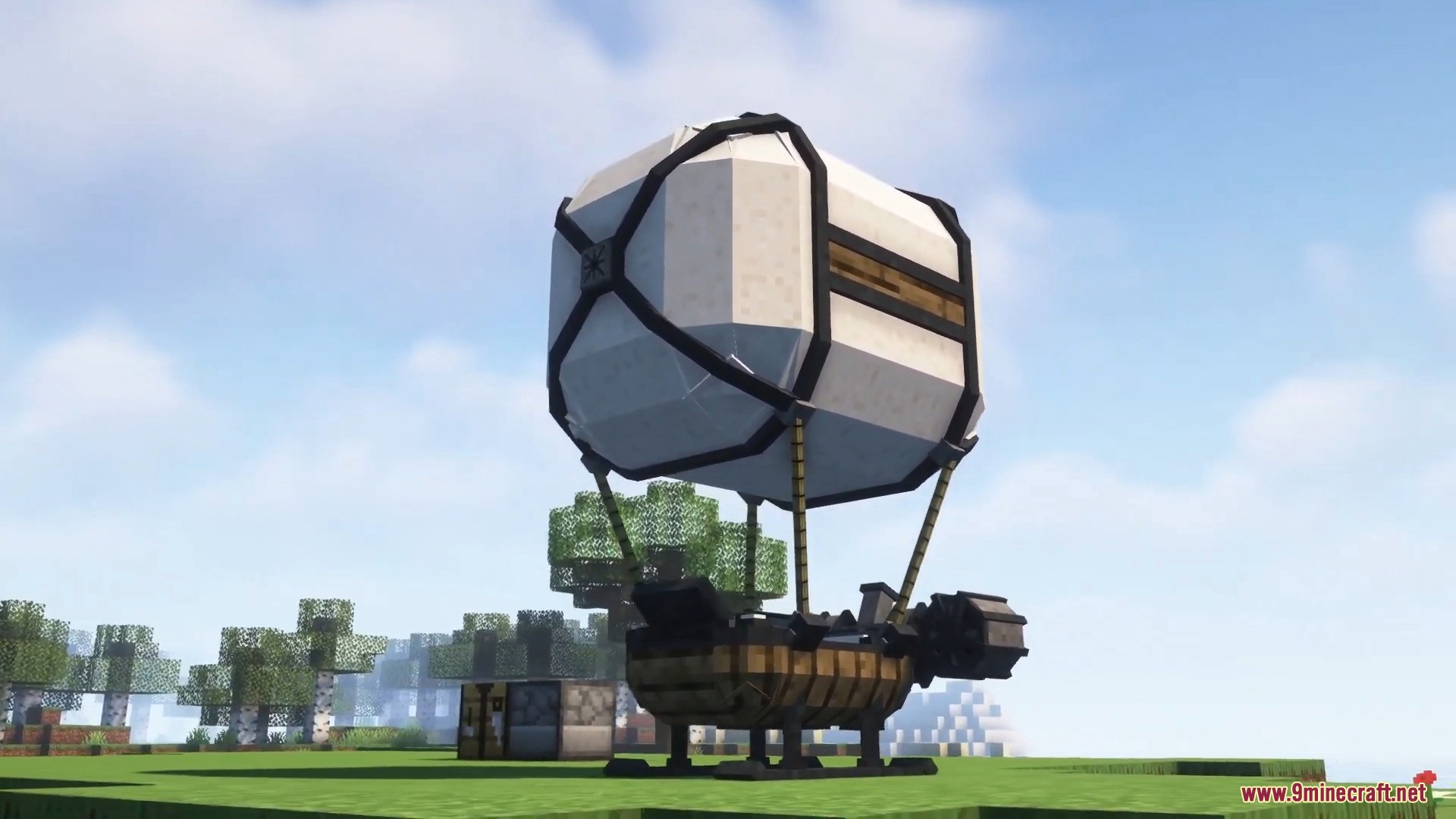
ViesCraft Machines Mod дозволяє вам будувати та керувати власними кастомними транспортними засобами в Minecraft. Він додає літаючі дирижаблі, наземні ховер-кари, швидкісні човни та важкі тягачі, щоб полегшити ваші подорожі. Ви можете комбінувати різні деталі, щоб створити саме ту машину, яка потрібна для вашої мандрівки.
Особливості:
- Чотири типи транспорту: Обирайте між літаючими машинами, наземними ховерами, морськими суднами або важкими тягачами з додатковим місцем для вантажу.
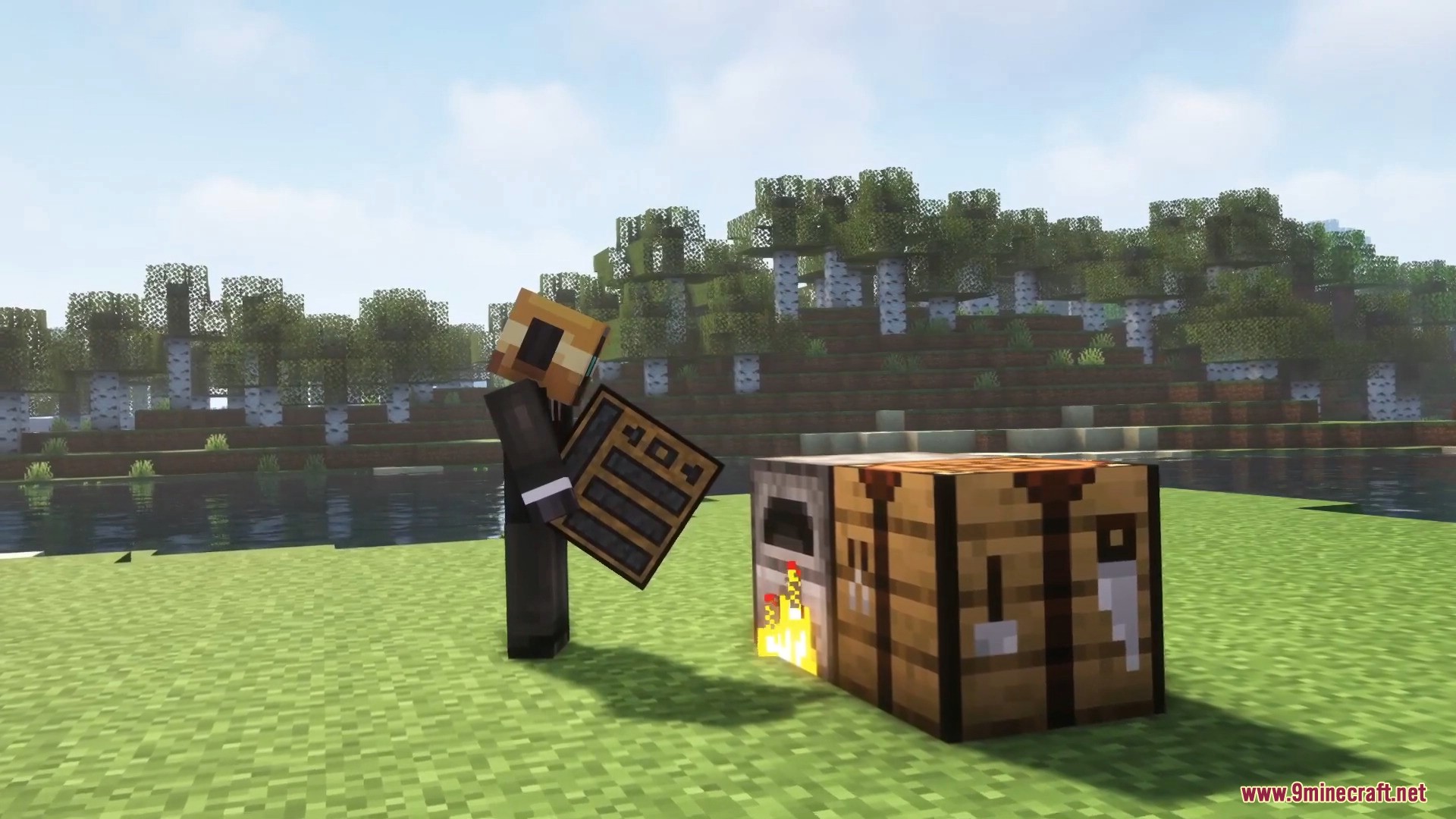
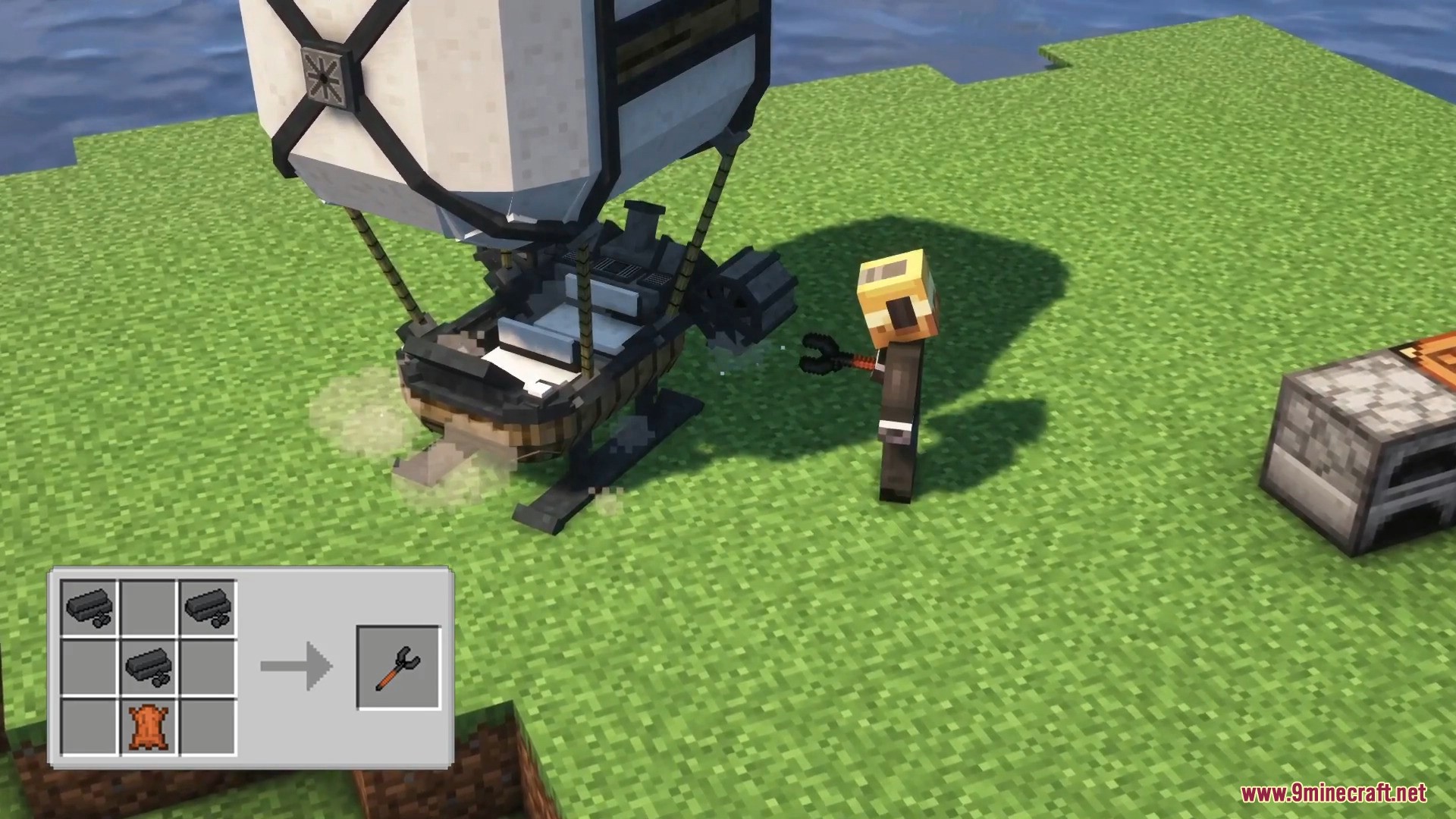
- Кастомне будівництво: Встановіть шасі машини на землю, додайте деталі та використайте гайковий ключ, щоб завершити збірку.
- Машини залишаються саме там, де ви їх залишили, якщо закінчилося пальне або сталася поломка.
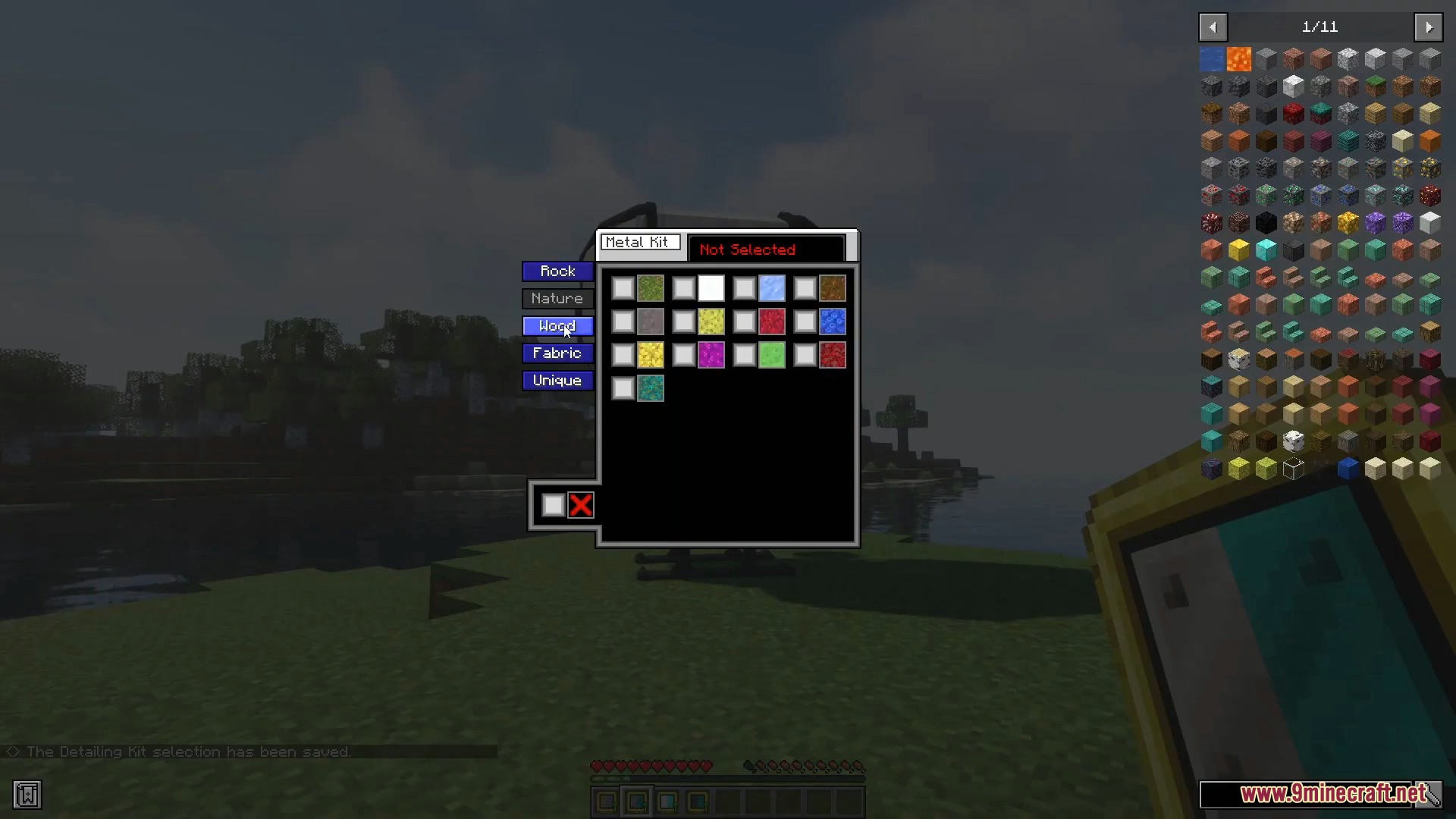
- Ви можете змінювати зовнішній вигляд вашого транспорту за допомогою наборів деталізації (detailing kits), що містять понад 100 різних текстур.
- Транспорту потрібне пальне, як-от вугілля або спеціальні гранули (pellets), а також є кнопка живлення для ввімкнення або вимкнення двигуна.
- Машини з часом отримують пошкодження і починають диміти або видавати сторонні звуки, коли їхня міцність стає занадто низькою.
- Тягач (hauler) працює як рухома скриня, надаючи вам багато додаткового місця для перевезення предметів.
Як користуватися:
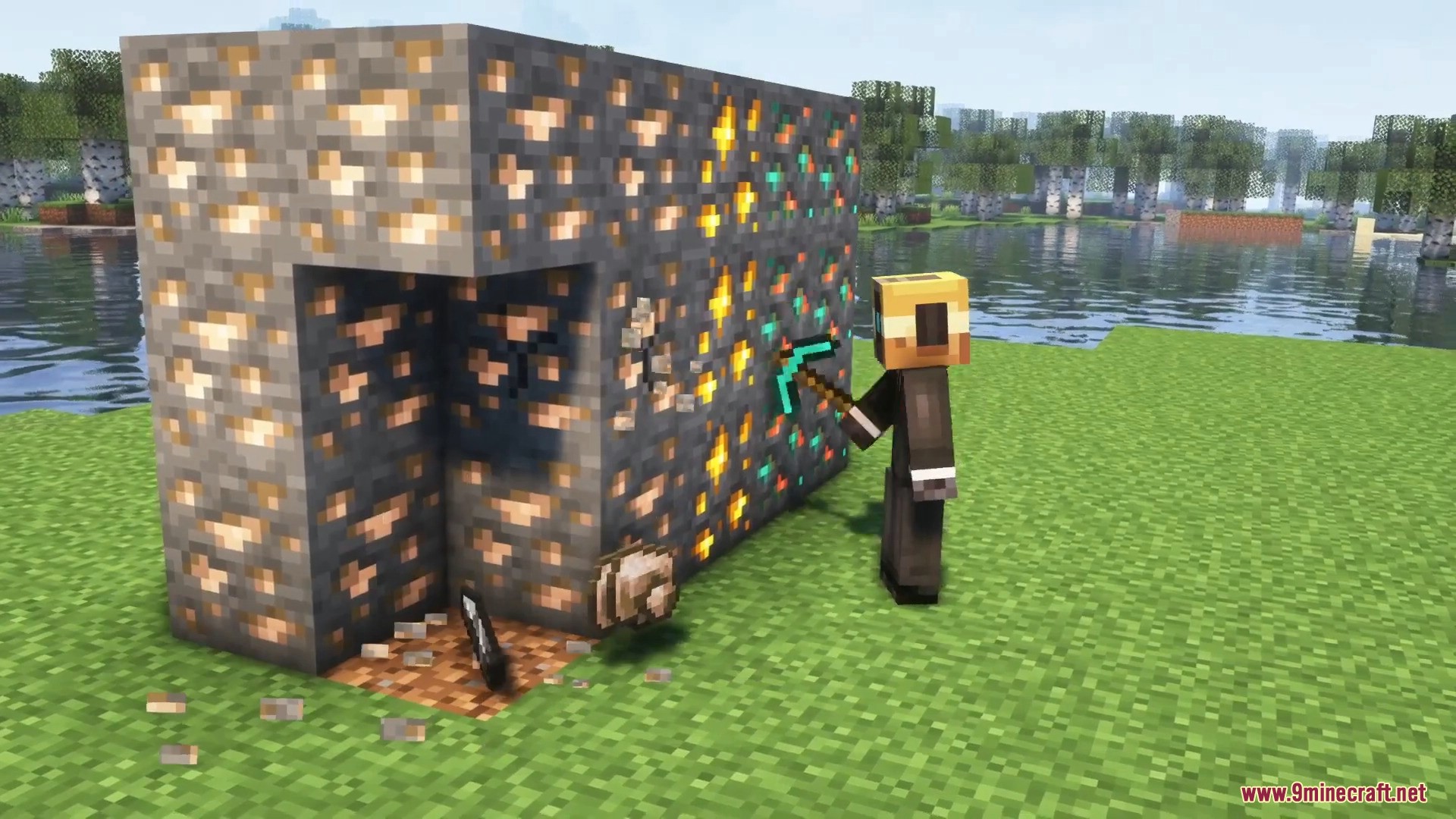
- Видобувайте мідну, залізну або золоту руду, щоб збирати Xegonite Shards.
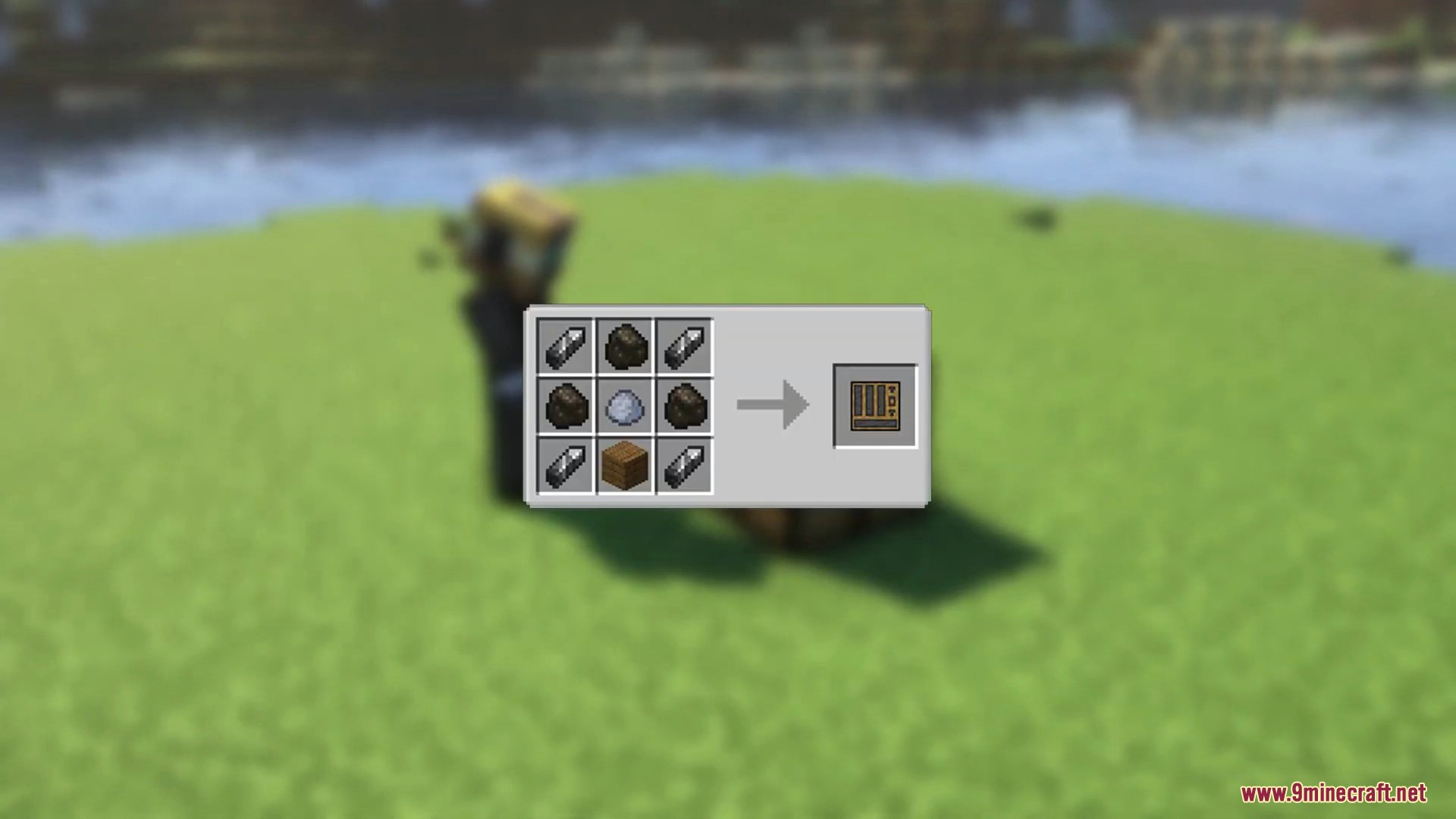
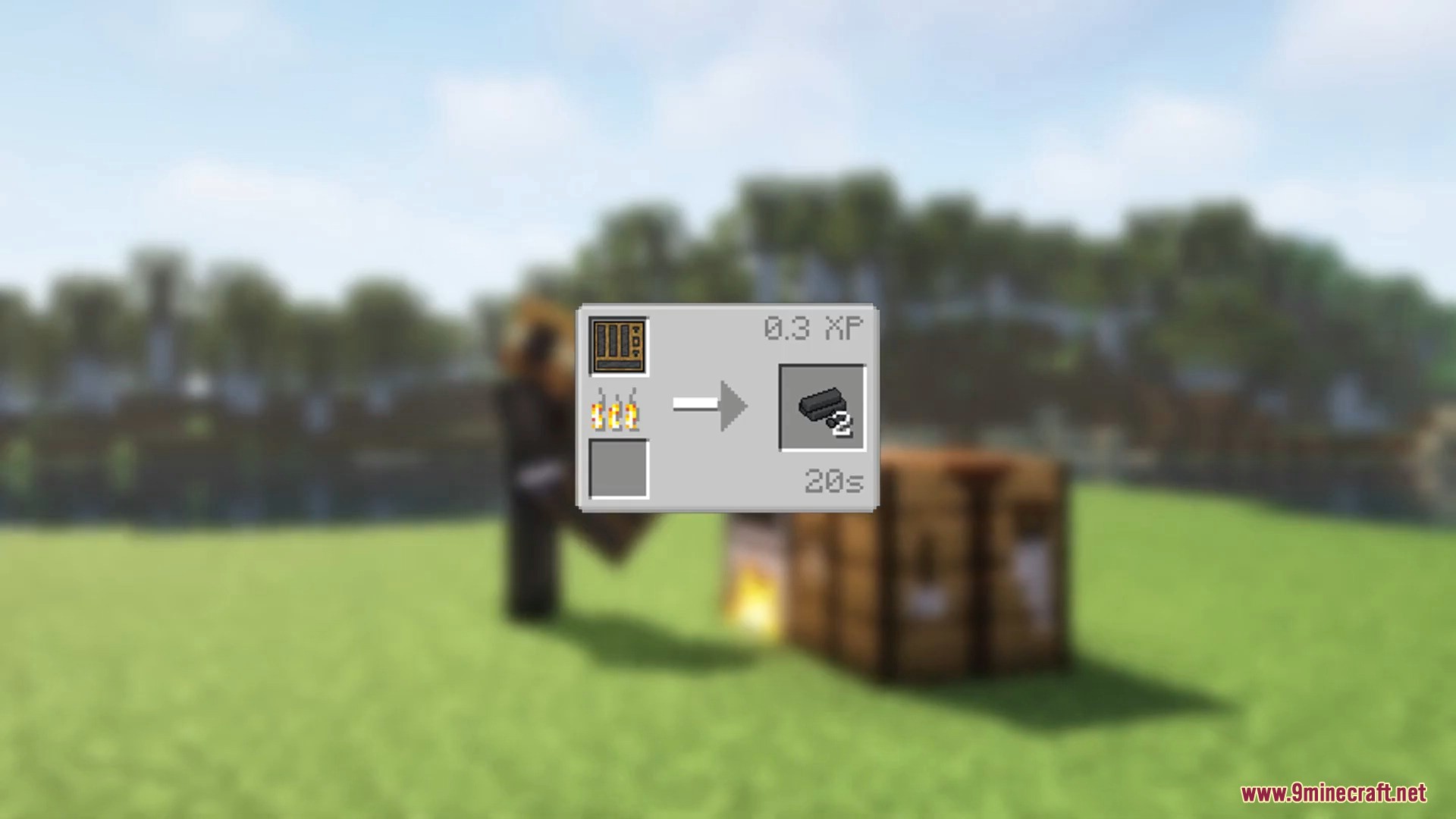
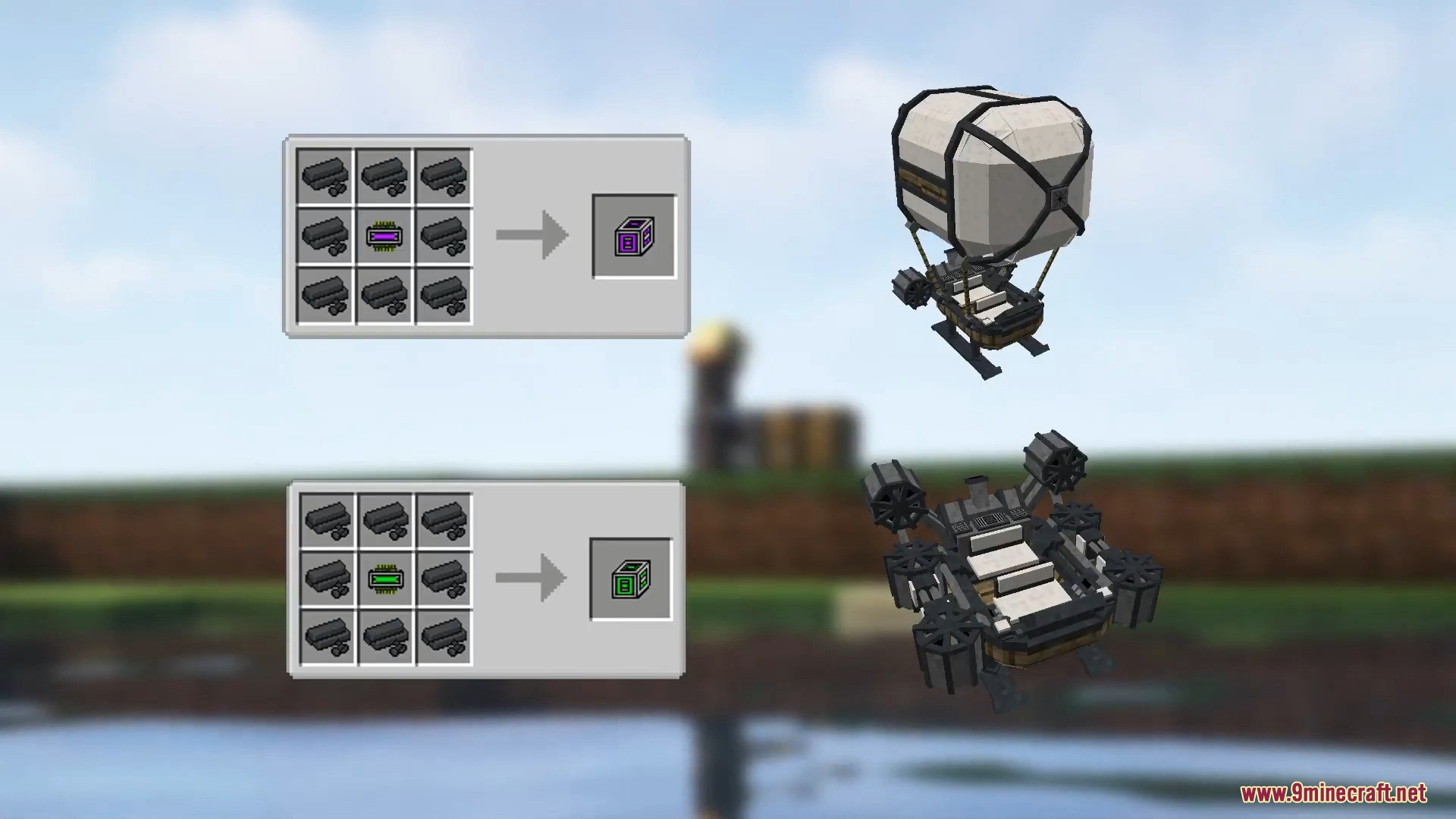
- Скрафтіть Machine Parts Mold Mix, використовуючи глину, вугілля та дерев’яні дошки.
- Переплавте суміш форм, щоб отримати Machine Parts.
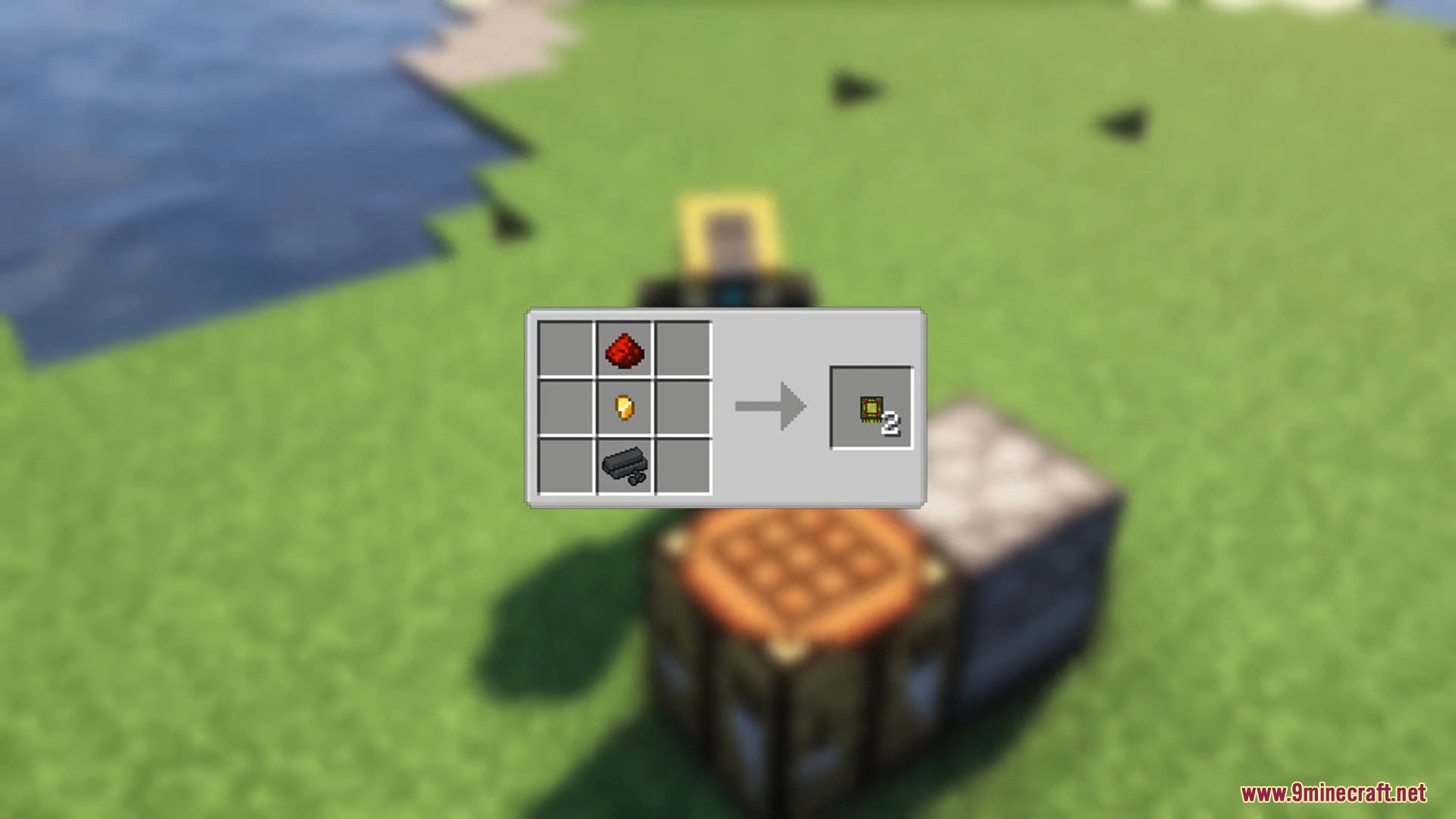
- Скрафтіть Logic Circuits з деталей машин, золотих самородків та редстоуну.
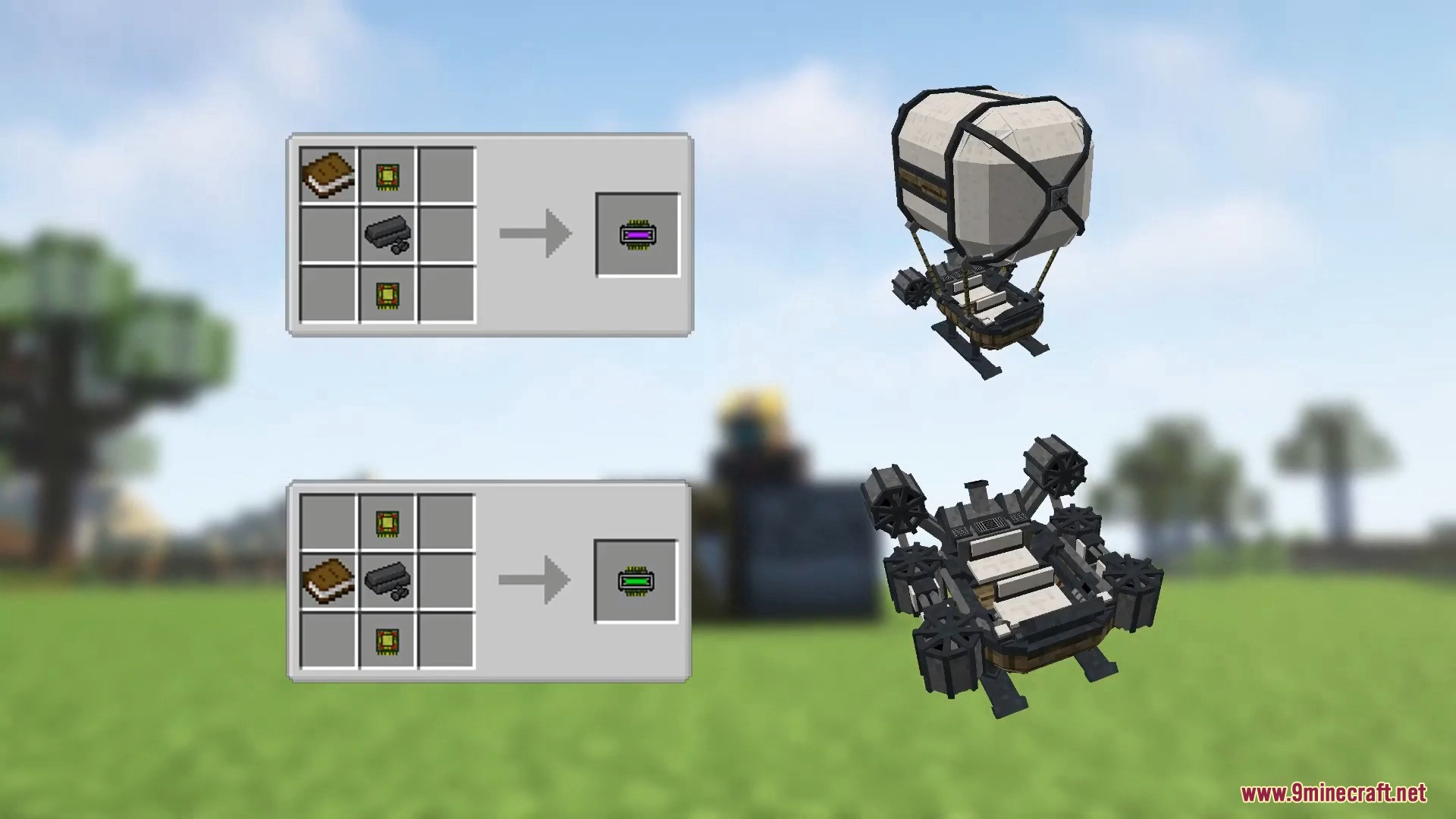
- Поєднайте Logic Circuit, Machine Parts та книгу, щоб створити Instruction Circuit.
- Розміщуйте книгу в різних слотах верстака, щоб обрати тип машини, наприклад, Flying Machine або Ground Machine.
- Скрафтіть Machine Chassis, використовуючи Instruction Circuit та Machine Parts.
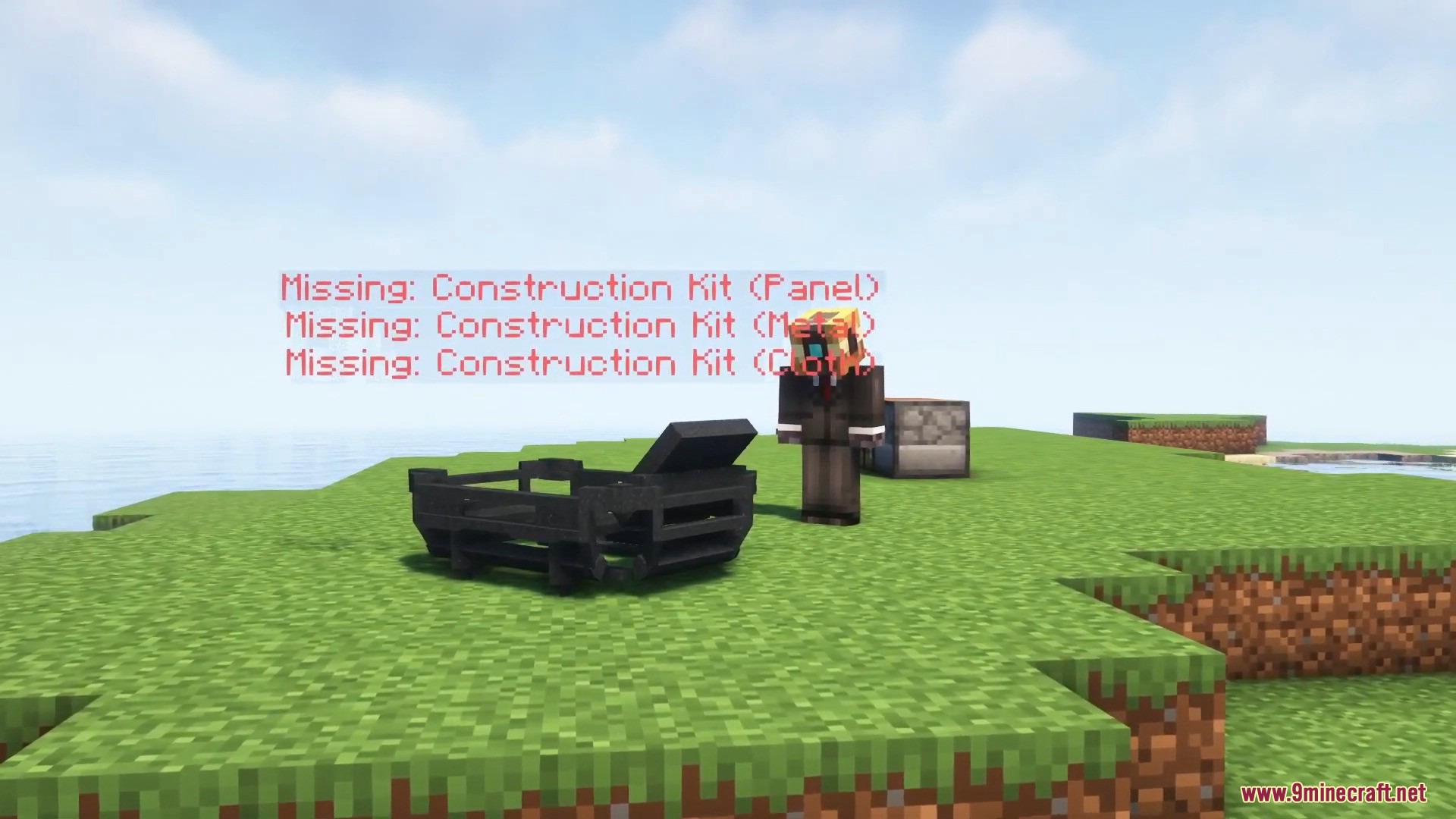
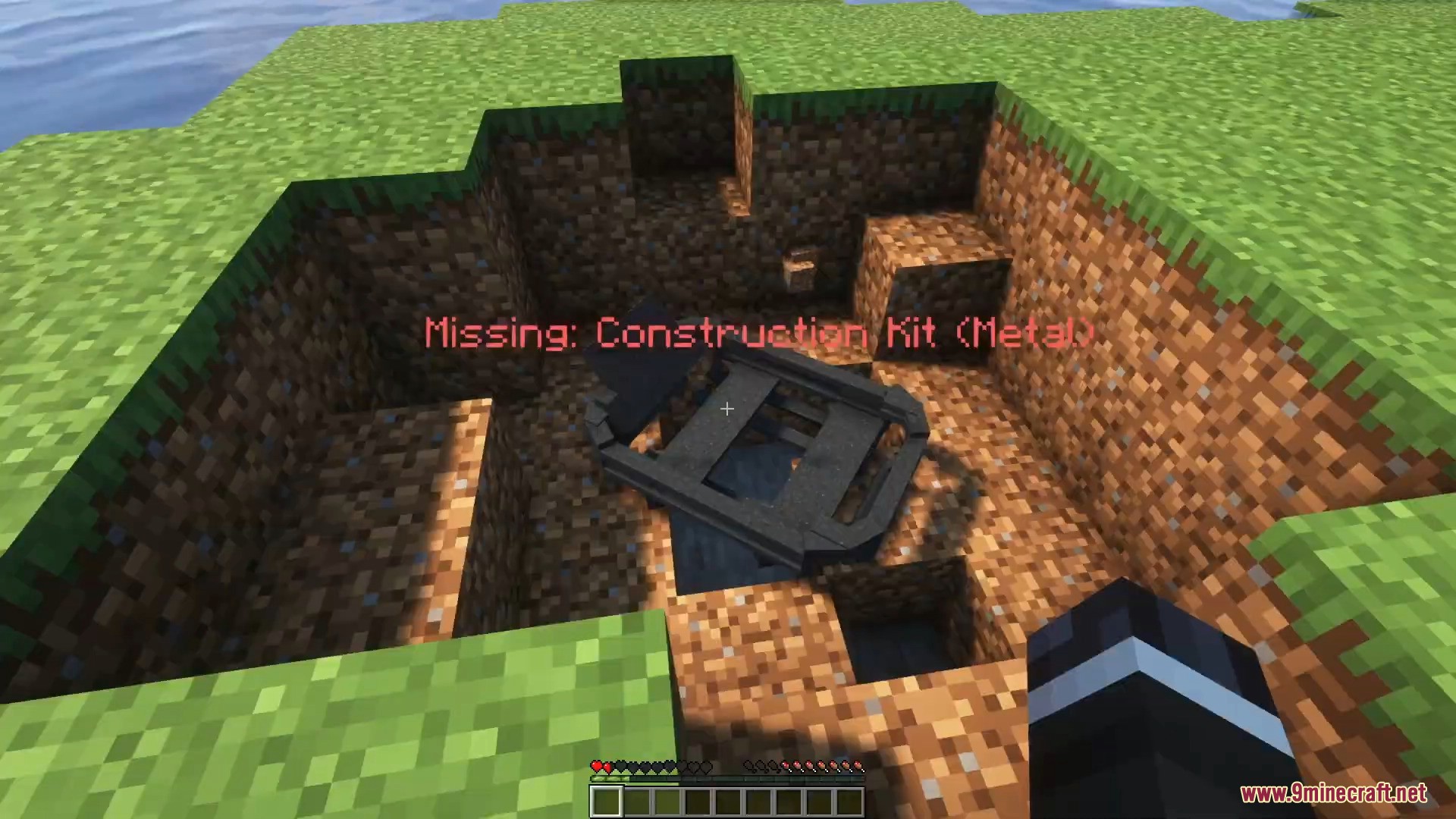
- Киньте Machine Chassis на землю, щоб розгорнути раму машини.
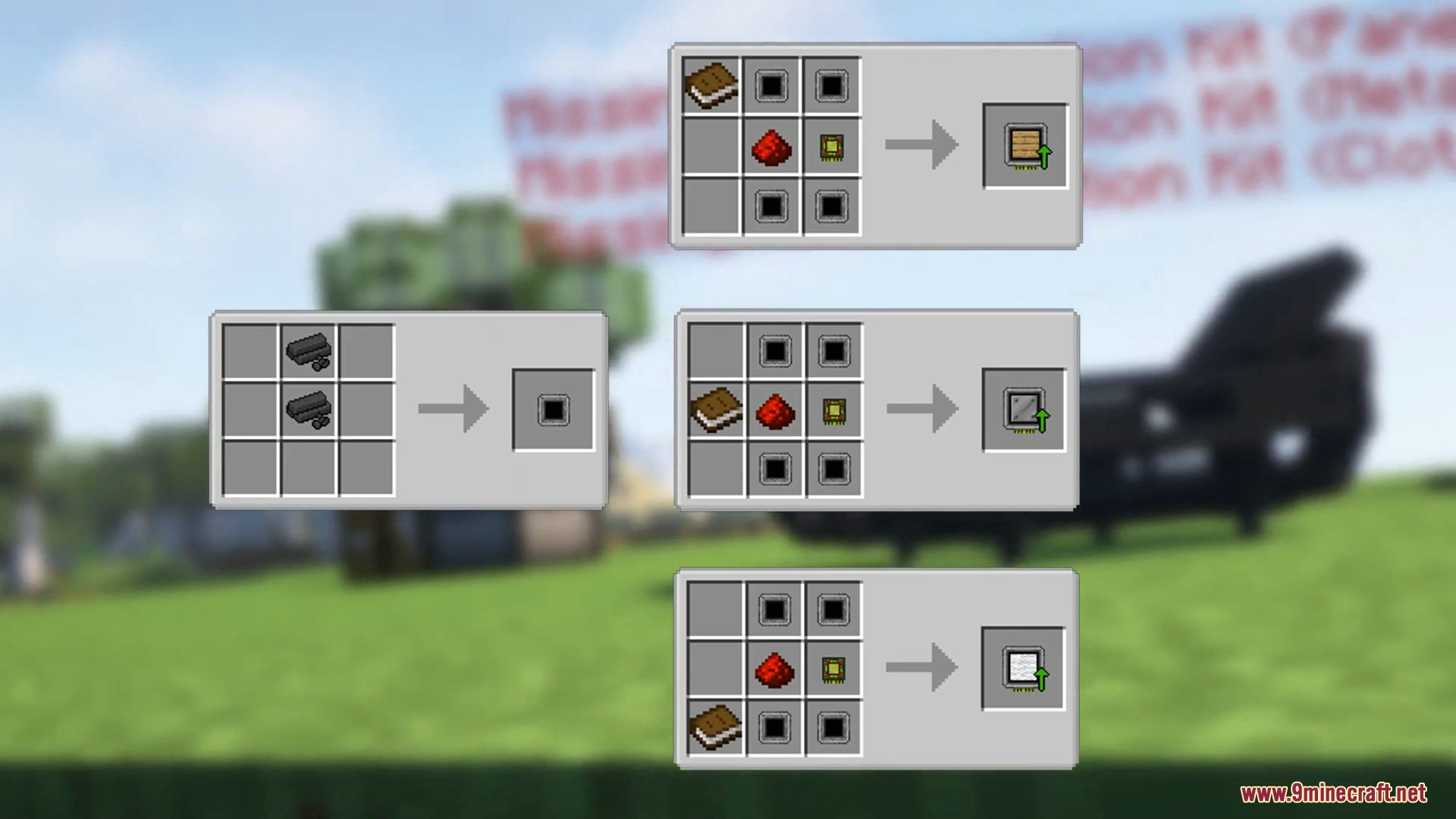
- Скрафтіть та застосуйте необхідні Construction Kits до шасі, натиснувши Shift + ПКМ по рамі.
- Додайте панелі, метал та тканину до шасі.
- Використайте Machine Wrench і натисніть Shift + ПКМ по шасі, щоб завершити будівництво машини.
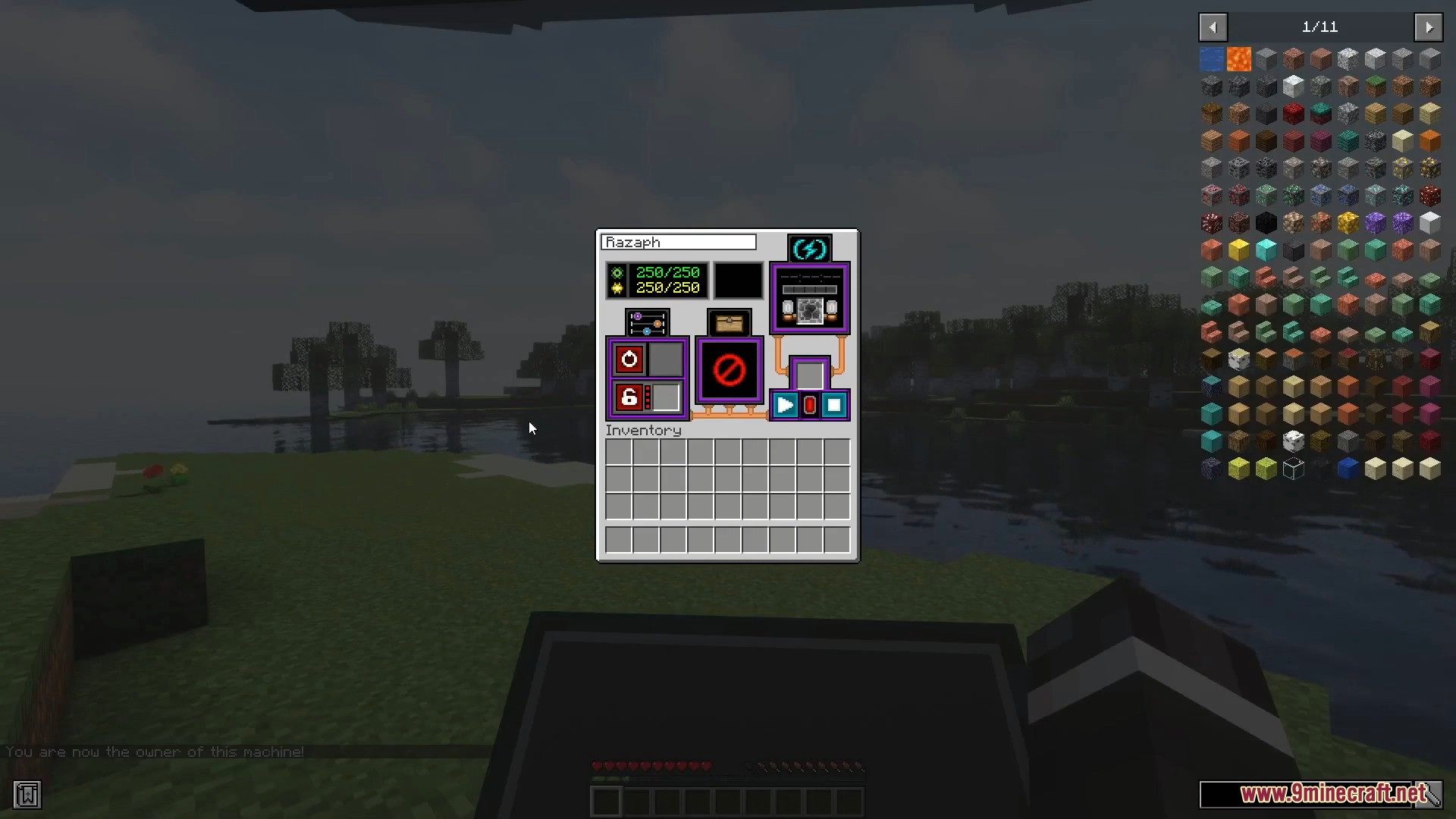
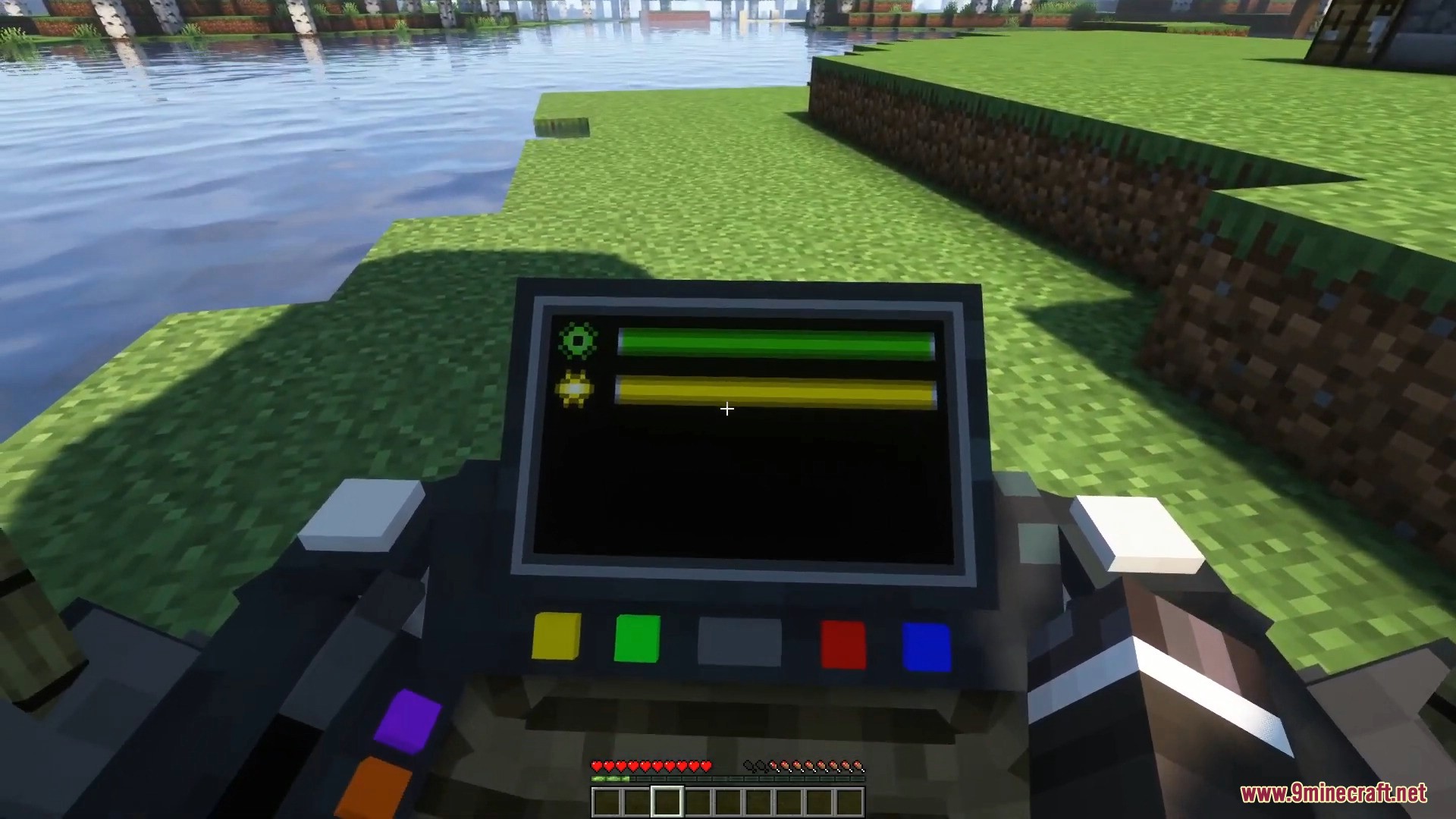
- Натисніть R або Shift + ПКМ по машині, щоб відкрити головне меню.
- Покладіть Machine Pellets, вугілля або деревне вугілля у слот для пального.
- Натисніть кнопку живлення, щоб завести машину.
- Використовуйте ці клавіші для керування:
- W — Рух вперед
- S — Рух назад
- A / D — Поворот ліворуч або праворуч
- Space — Рух вгору
- X — Рух вниз
- G — Активувати турбо-режим
- Вимикайте машину, коли не користуєтеся нею, щоб економити пальне.
- Слідкуйте за шкалою міцності в меню машини. Низька міцність спричиняє дим та проблеми з двигуном.
- Якщо машина зламалася, використайте Machine Wrench і Shift + ПКМ, щоб підлатати її.
- Використовуйте Durability Service Kit після латання, щоб належним чином відремонтувати машину та уникнути вибухів.
- Помістіть скриню у відповідний слот, щоб розблокувати багажник машини.
- Вставте музичну платівку в слот для записів і натисніть play, щоб слухати музику під час їзди.
- Заблокуйте свою машину в меню, щоб інші гравці не могли нею користуватися.
- Запрограмуйте Ignition Key (ключ запалювання), натиснувши Shift + ПКМ з ним у руці, а потім покладіть його в слот для ключа, щоб дозволити іншим гравцям користуватися заблокованою машиною.
- Встановлюйте предмети покращення у вкладці апгрейдів, щоб збільшити швидкість, міцність або енергоємність.
Скріншоти:
Як встановити:
Вперше у Minecraft? Дотримуйтесь нашої інструкції, щоб встановити Mods на ПК.Переглянути гайд
Вимоги:

ViesCraft Machines Mod Download Links
Для Minecraft 1.19.2
Для Minecraft 1.18.2
Для Minecraft 1.12.2
Натисніть, щоб оцінити цей допис!
[Total: 1 Average: 5]
Вам також може сподобатися




Цей допис ще не має коментарів. Будьте першим — ваш коментар з’явиться тут.