


Crossstream Overlay Mod (26.2, 1.21.1) – Read Live Stream Chat Right Inside
 0
0
 0
0

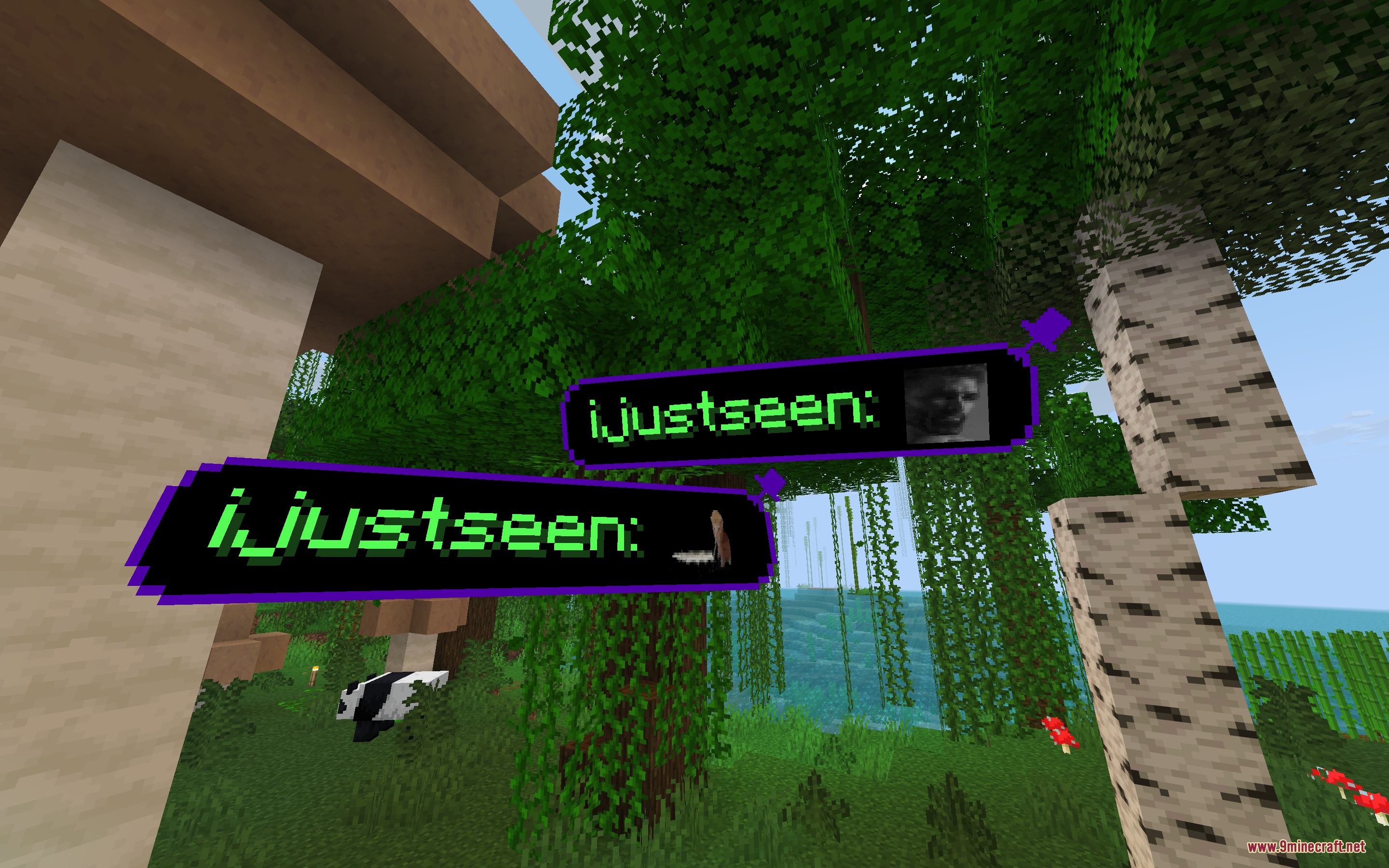
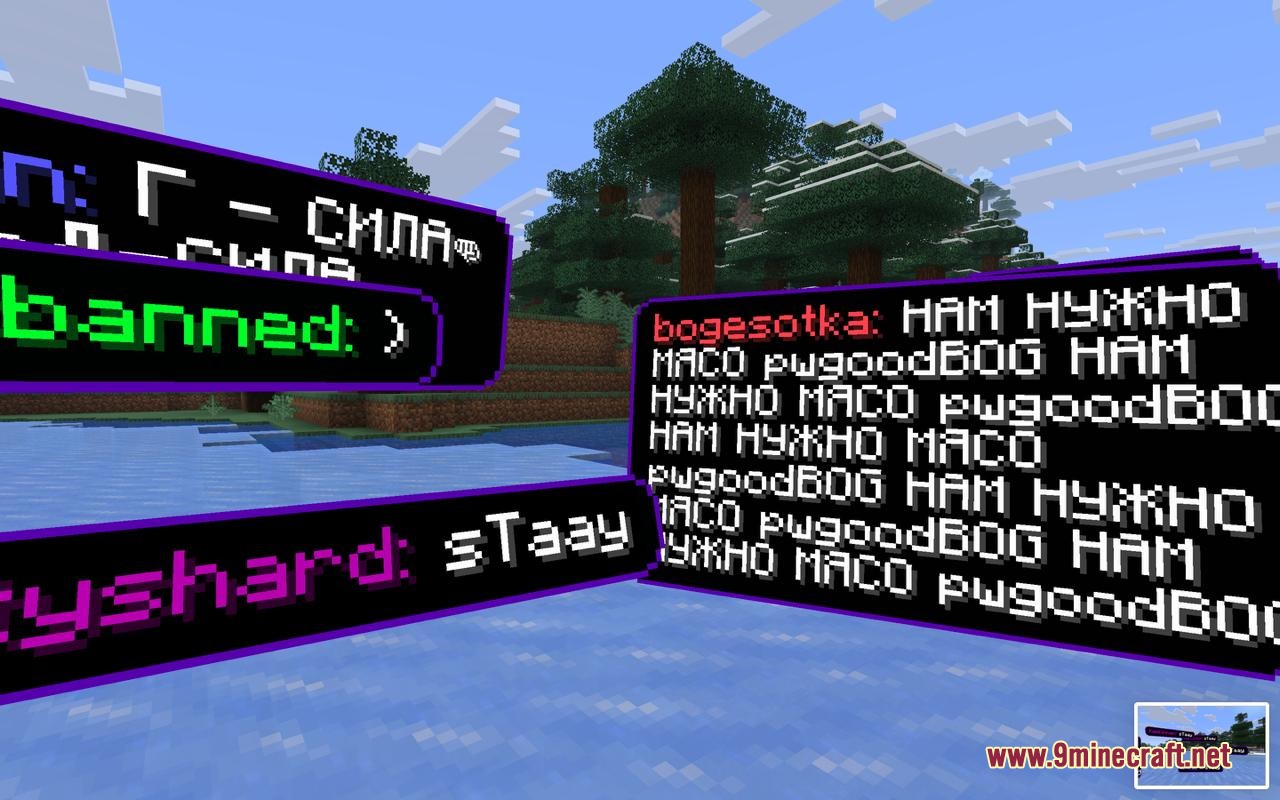
Crossstream Overlay Mod brings your live stream chat directly into your Minecraft screen. You can see messages from Twitch, YouTube, Kick, and TikTok floating in the world or sitting neatly on your screen corner. This mod helps you talk with your viewers without checking a second monitor or switching windows. You can easily pin your favorite messages, hide unwanted words, and keep playing your survival world while staying connected.

Features:
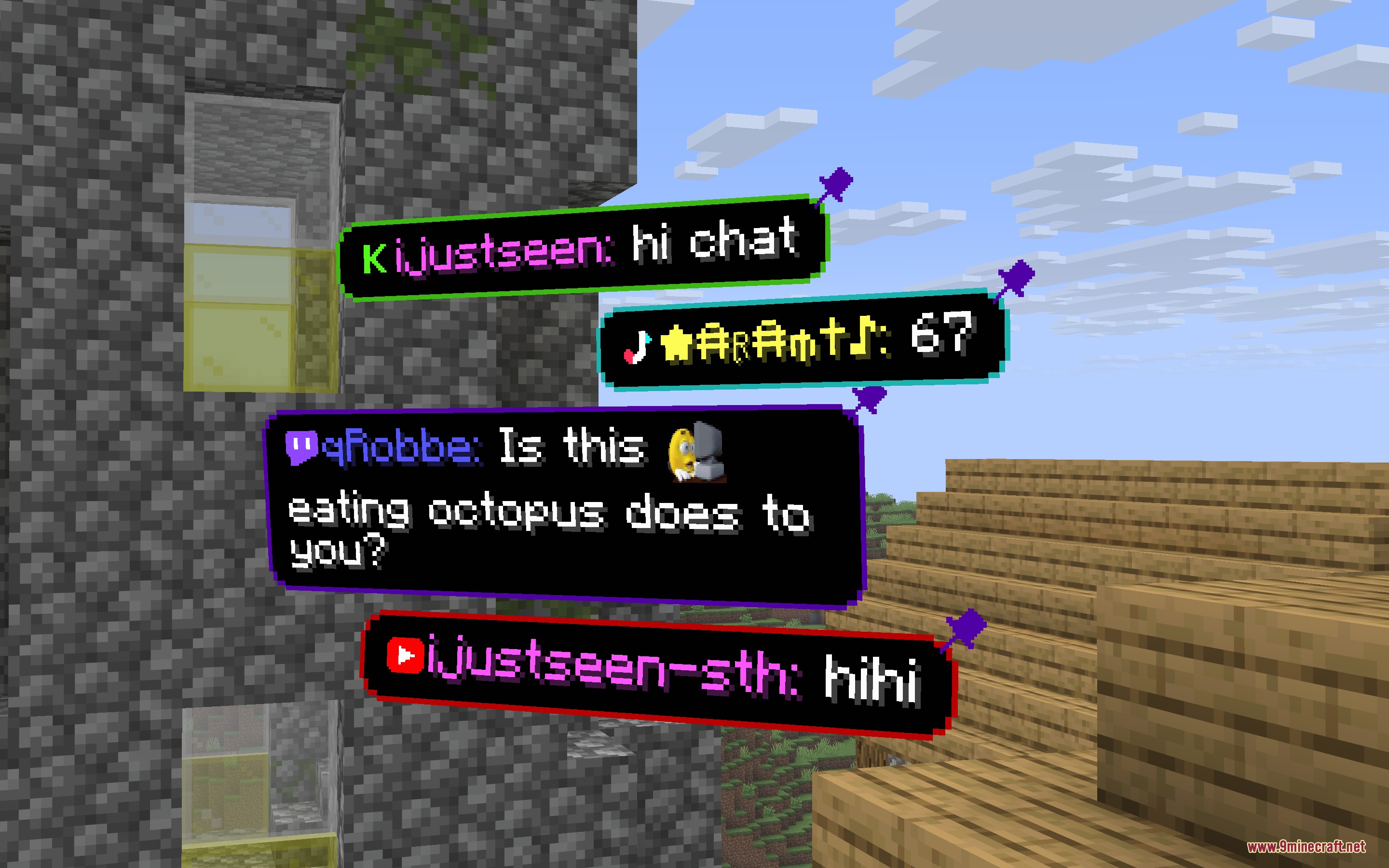
- Shows live chat messages as 3D floating cards inside the game world.
- Lets you pin messages in place with a simple right click.
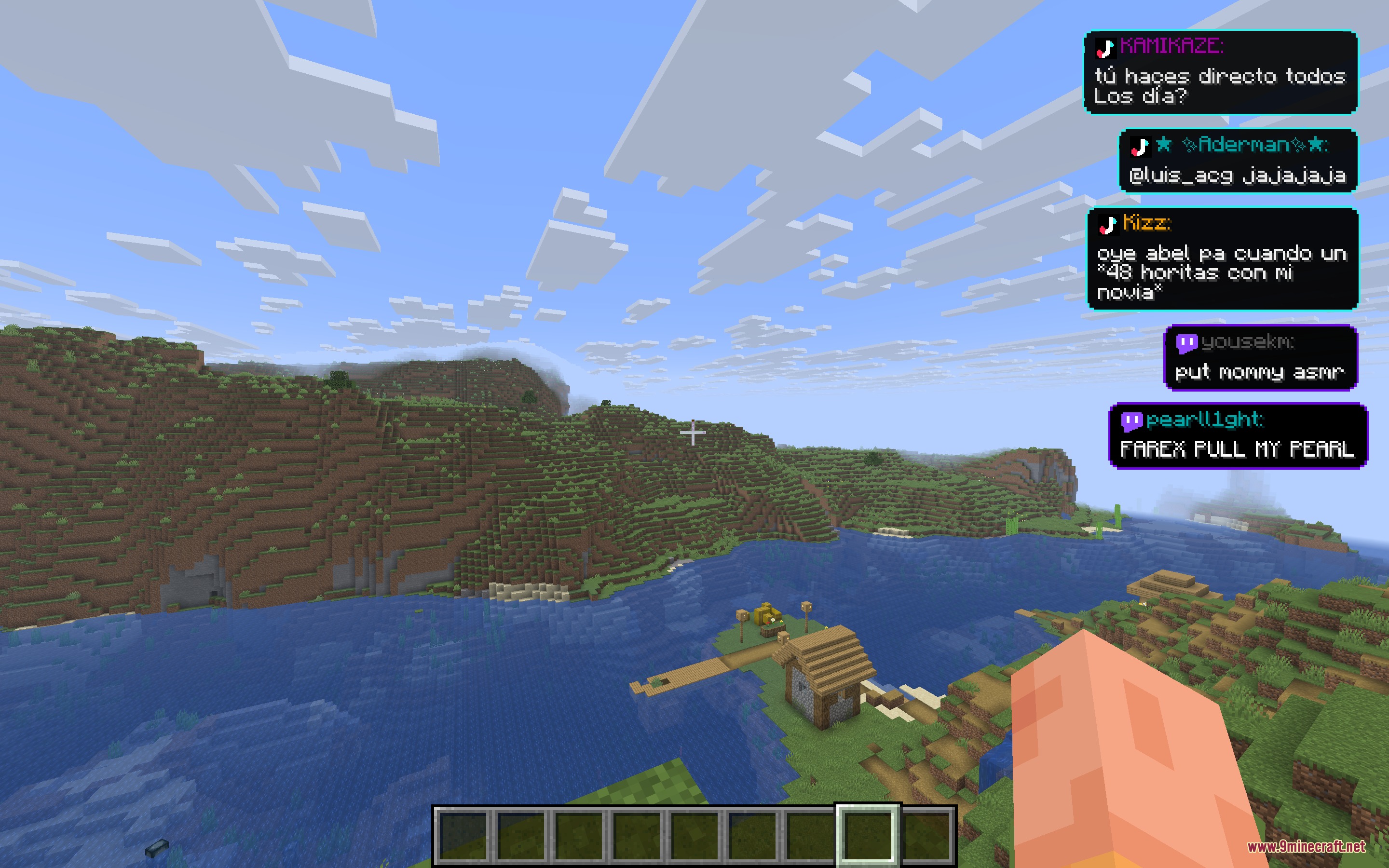
- Adds a screen HUD mode to keep chat visible in the corner even inside your inventory.
- Displays custom emotes and stickers from Twitch, 7TV, Kick, and YouTube.
- Shows platform role badges next to usernames, including subs, VIPs, and moderators.
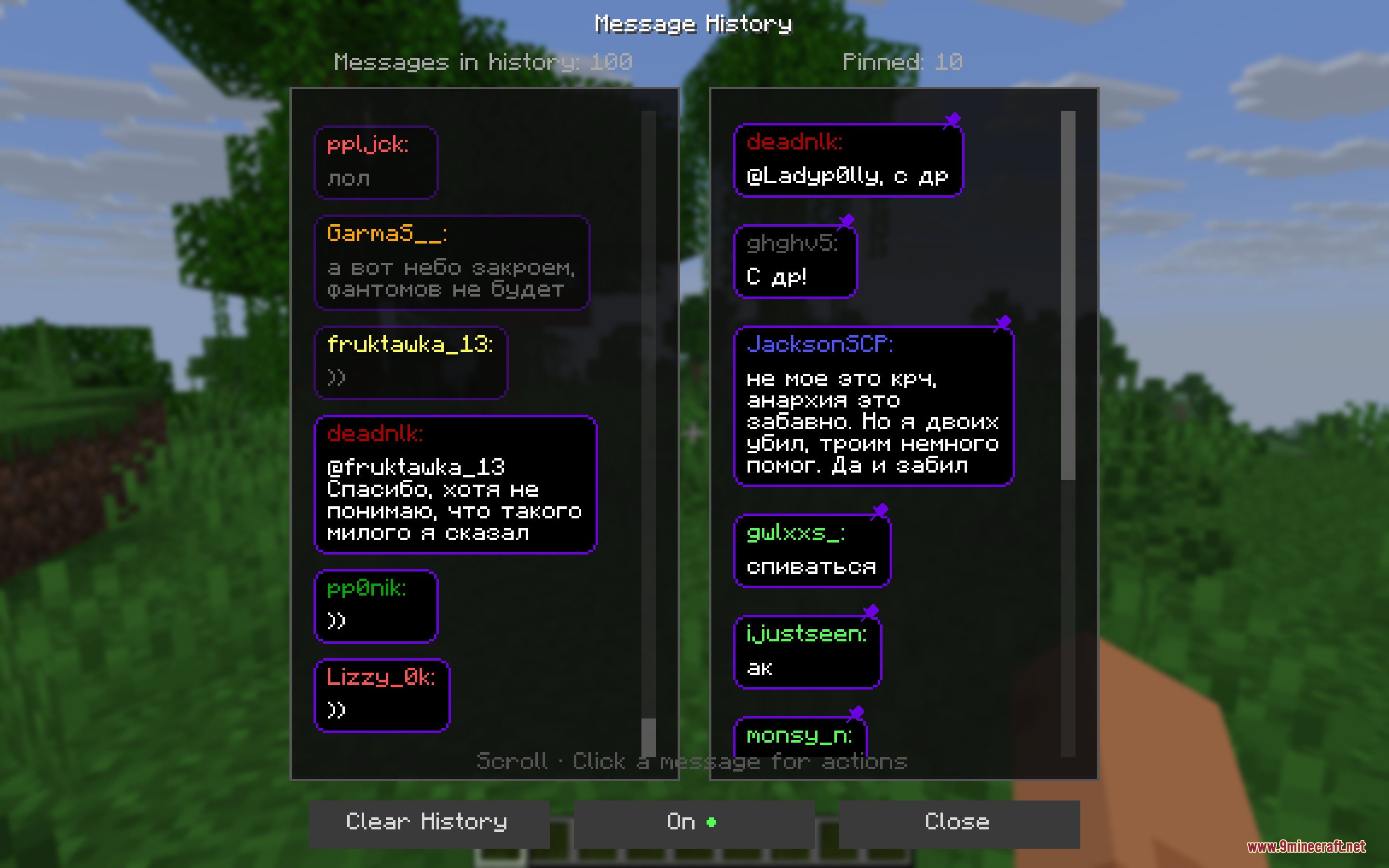
- Includes a chat history menu to look back at old messages or unblock users.
- Provides word filters and user blocklists to keep your chat clean.
- Works client-side so you can use it on any multiplayer server.
Commands:
/streamchat test <message>: Spawns a test message bubble in front of you./streamchat chat start: Connects to all active stream chats./streamchat chat stop: Disconnects from all active stream chats./streamchat banword add <word>: Adds a word to the filtered words list./streamchat blockuser add <user>: Blocks messages from a specific user./streamchat help: Shows the full list of available chat commands.
How to Use:
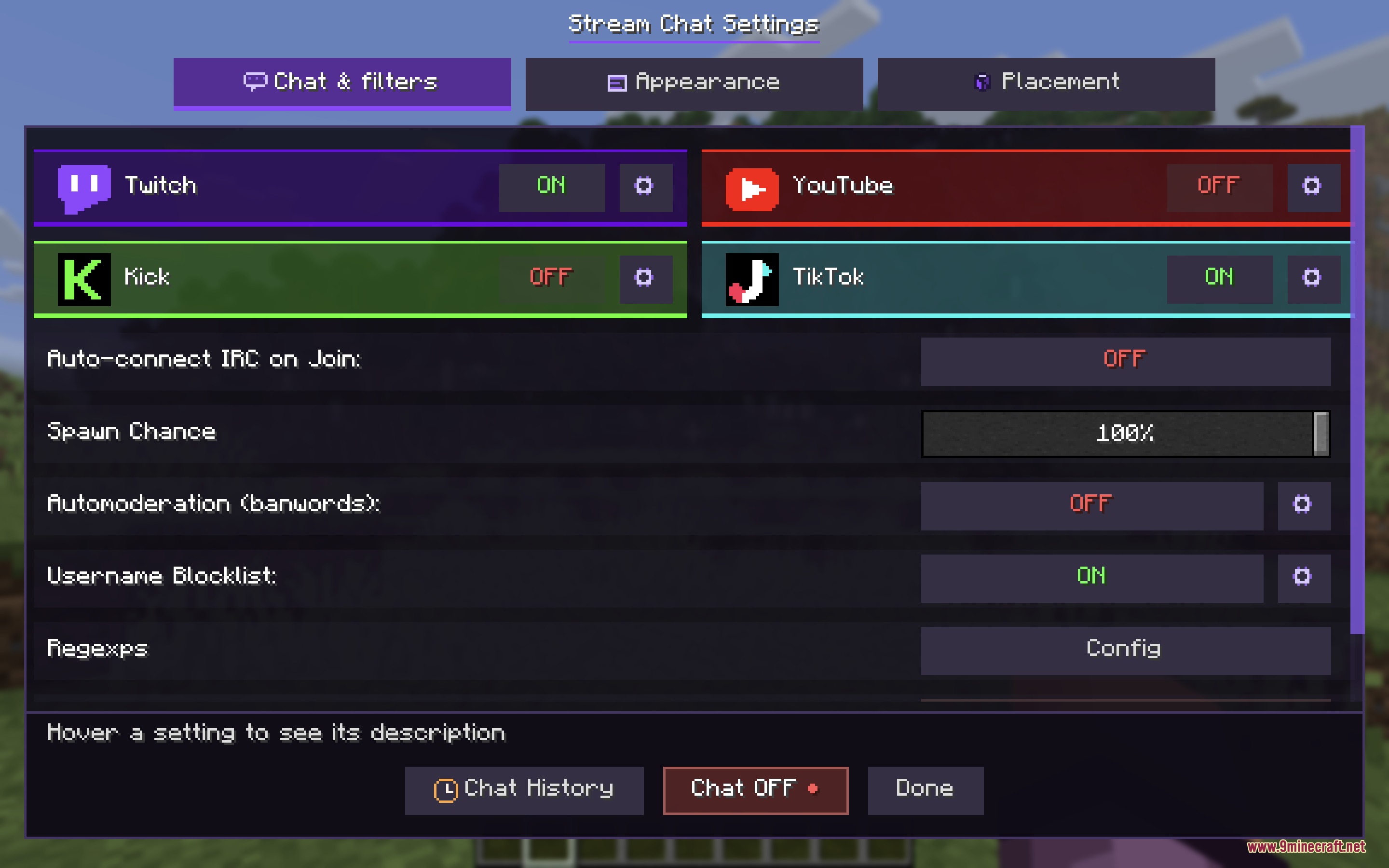
- Press ] to open the mod settings menu.
- Pick your streaming platform and click the gear icon to enter your channel name.
- Press [ or click Chat ON to connect to your live stream chat.
- Left click any 3D message bubble in the world with an empty hand to dismiss it.
- Right click any 3D message bubble with an empty hand to pin it in your world.
Screenshots:

How to Install:
New to Minecraft? Follow our step-by-step guide to install Mods on your PC.View Guide
Requirements:


Crossstream Overlay Mod Download Links
For Minecraft 26.2
For Minecraft 26.1.2, 26.1.1, 26.1
For Minecraft 1.21.11
For Minecraft 1.21.10, 1.21.9
For Minecraft 1.21.8, 1.21.7, 1.21.6
For Minecraft 1.21.4
For Minecraft 1.21.1, 1.21
Click to rate this post!
[Total: 0 Average: 0]
You May Also Like









This post has no comments yet. Be the first — your comment will appear here.