


UltimateShops Plugin (26.1.2, 1.20.1) – Simple And Efficient Shop System For Servers
 1,003
1,003
 0
0


UltimateShops Plugin is a shop management plugin that allows players and server admins to create item shops with ease. It offers a user-friendly interface, making it simple to set up and manage shops without needing complex commands.
Features:
- Supports both player-run and admin-run shops.
- Easy-to-use interface for creating and managing shops.
- Buy and sell items using an in-game economy.
- Adjust shop limits, stock levels, and pricing.
- Designed for minimal performance impact.
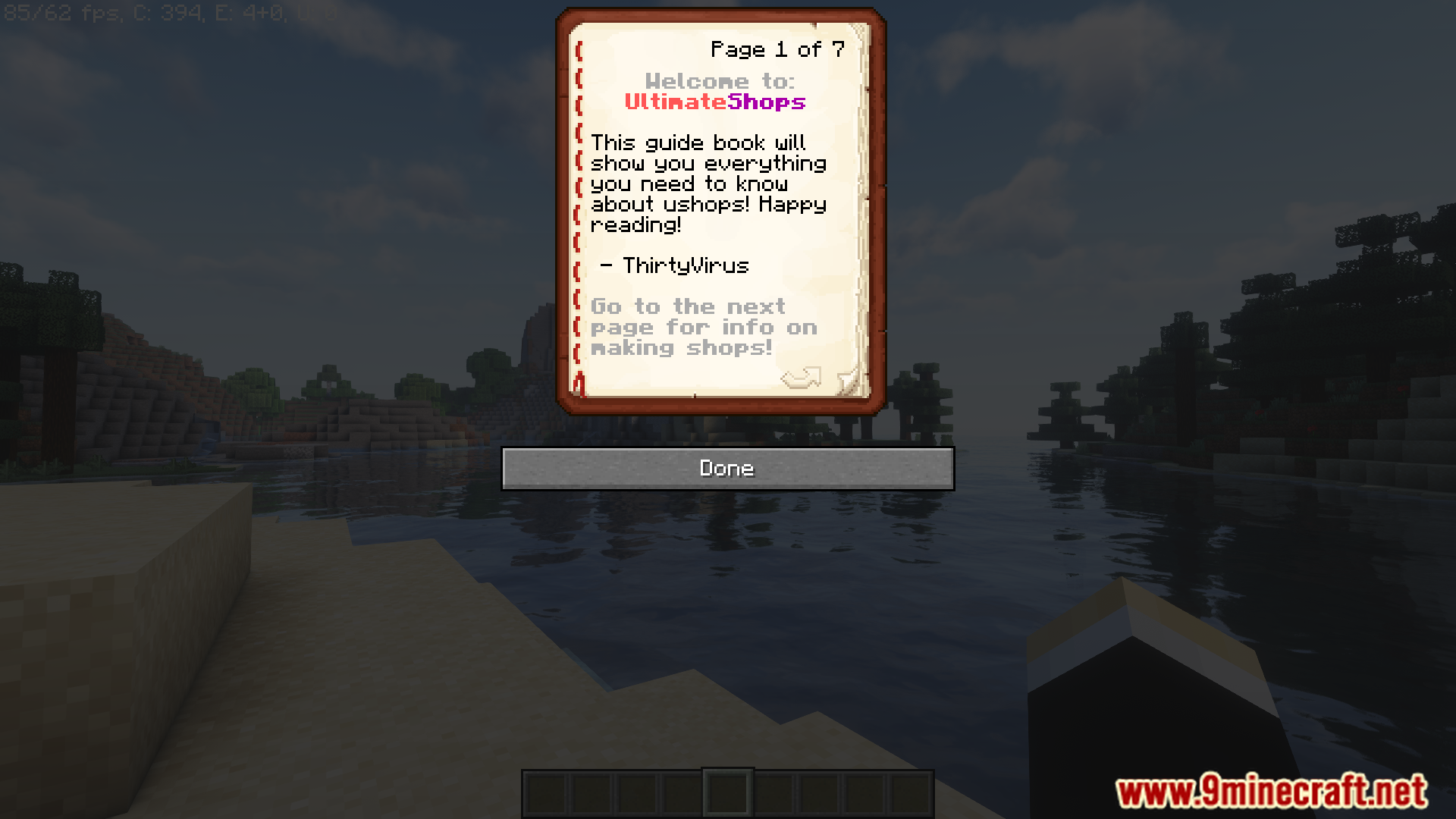
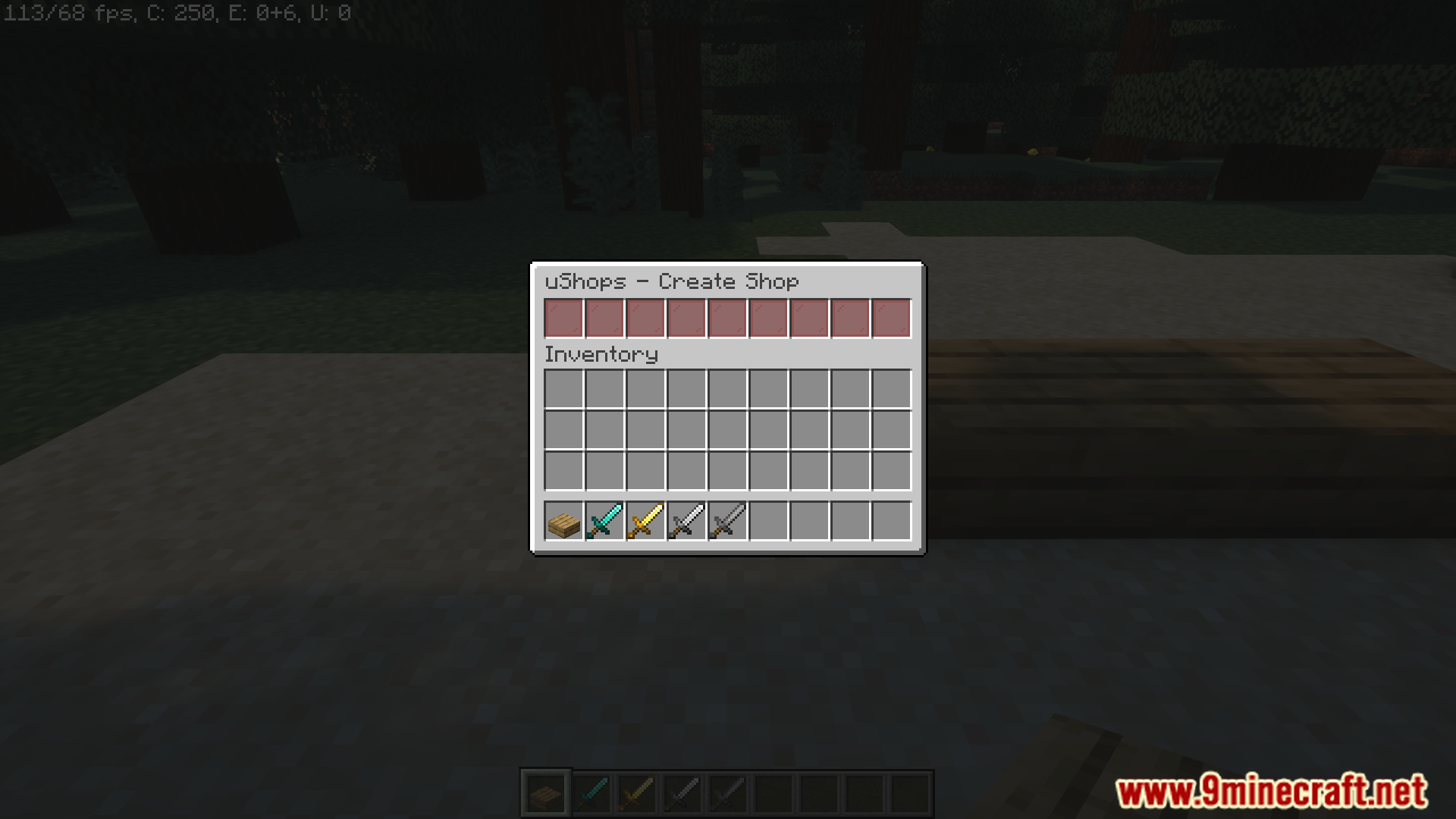
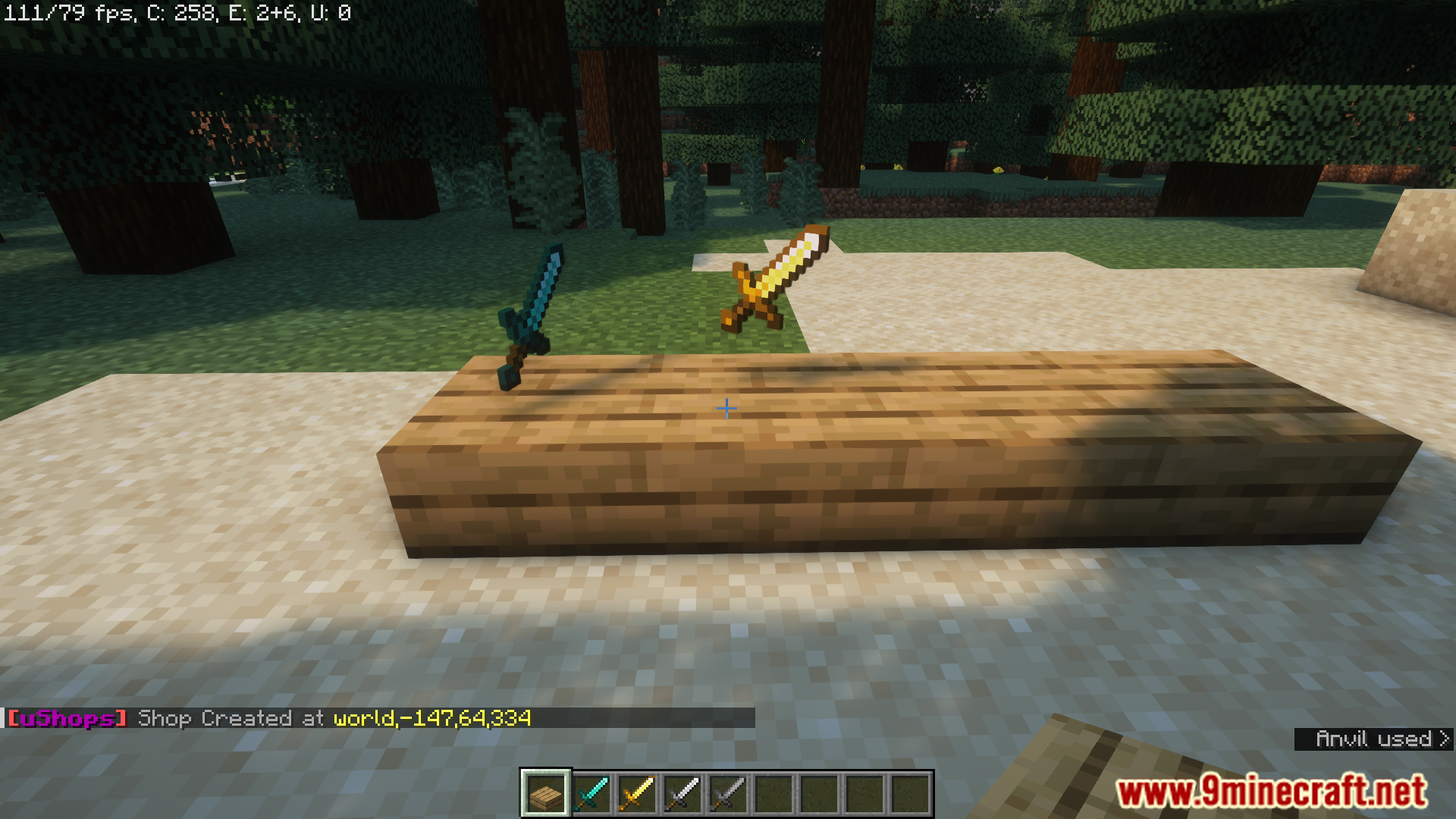
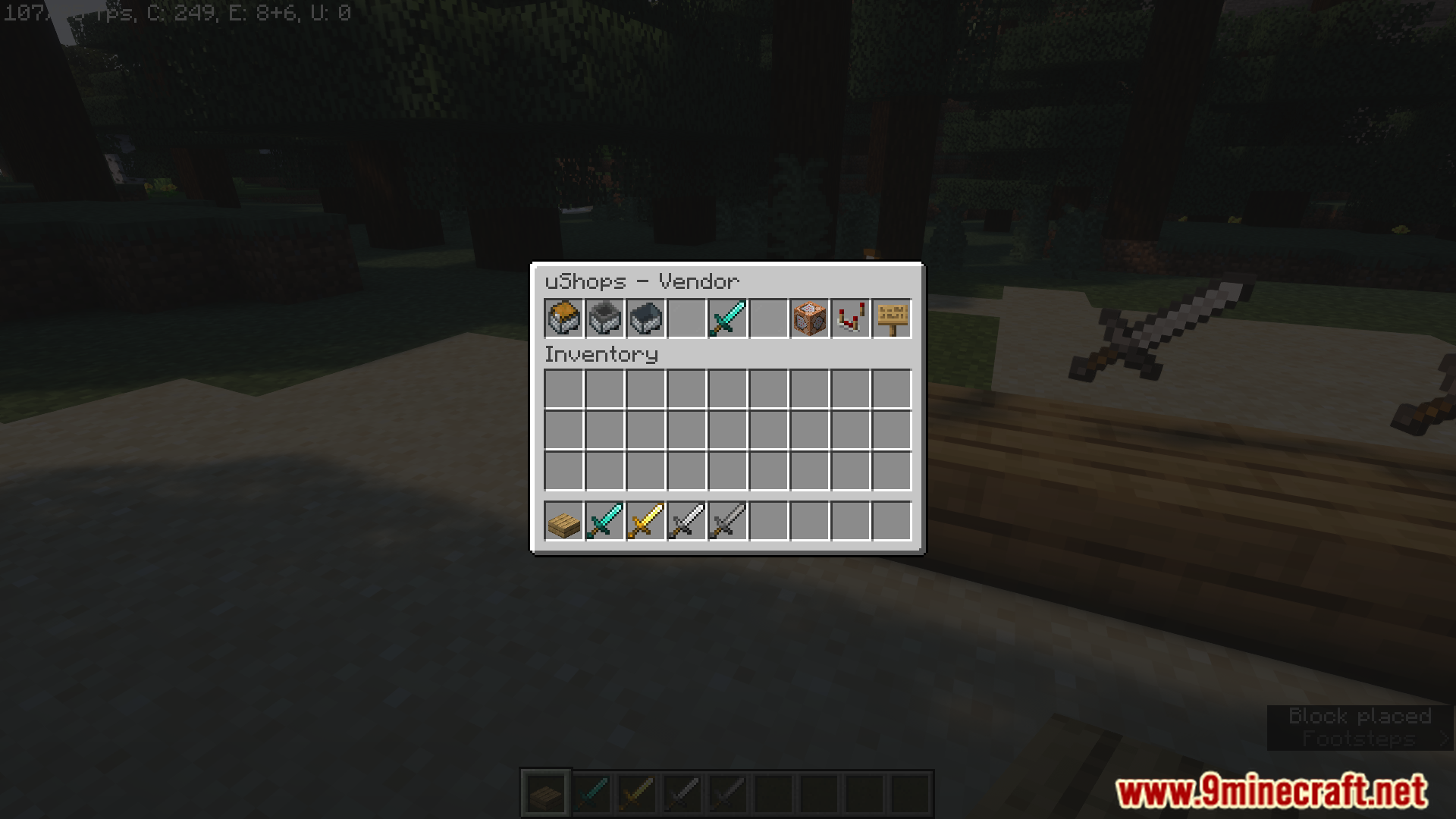
Screenshost:
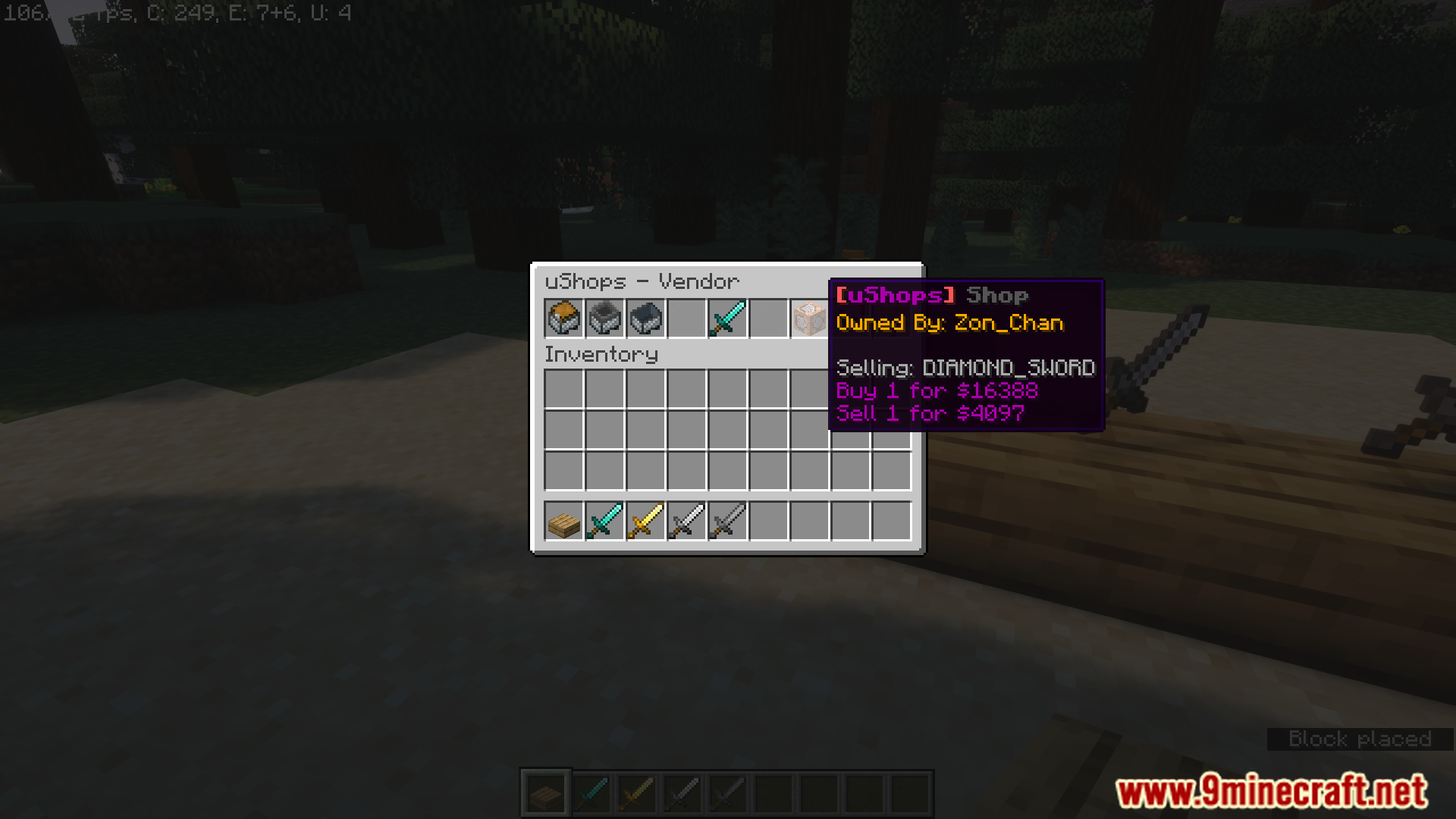
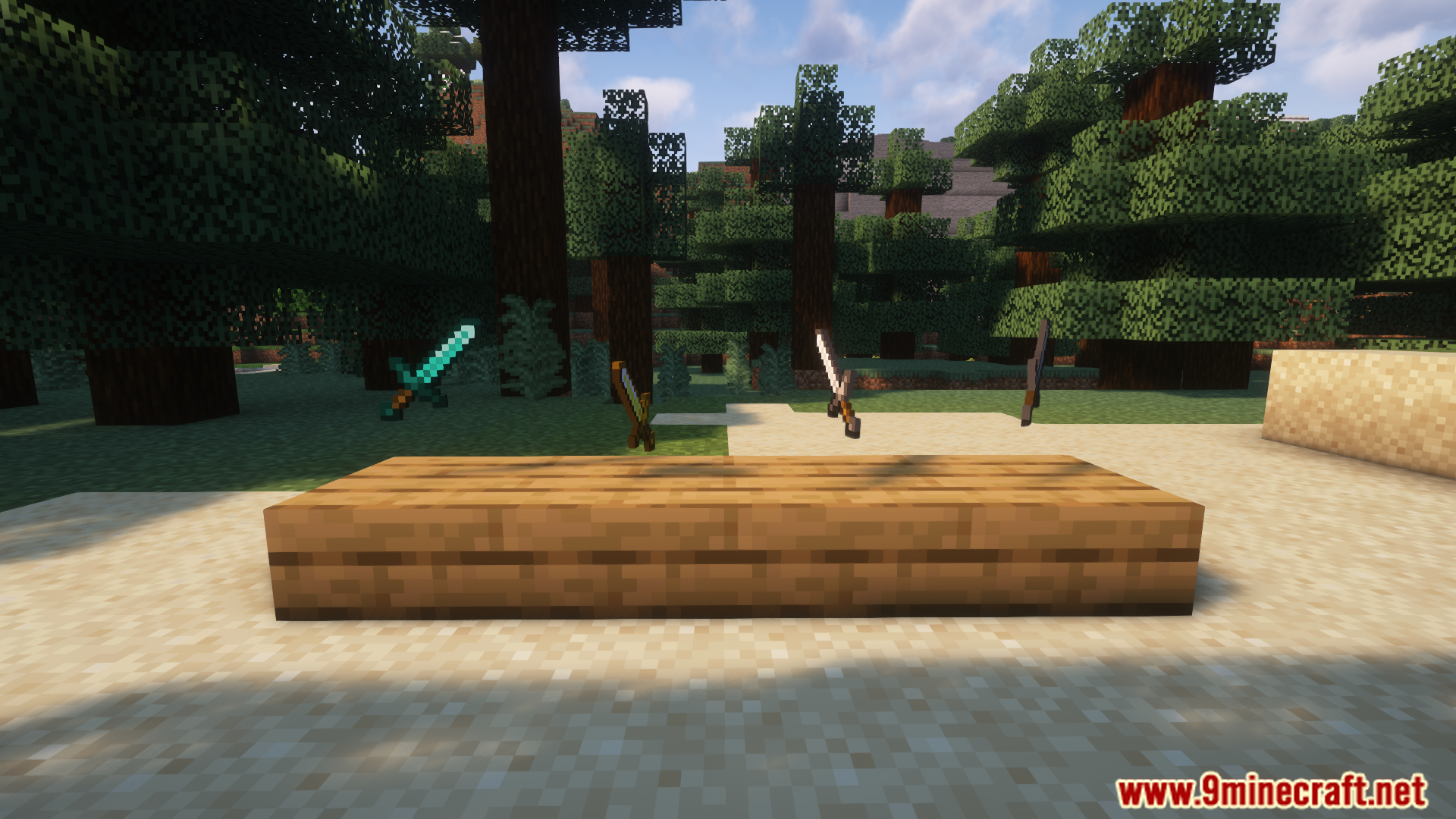
Commands:
Player Commands:
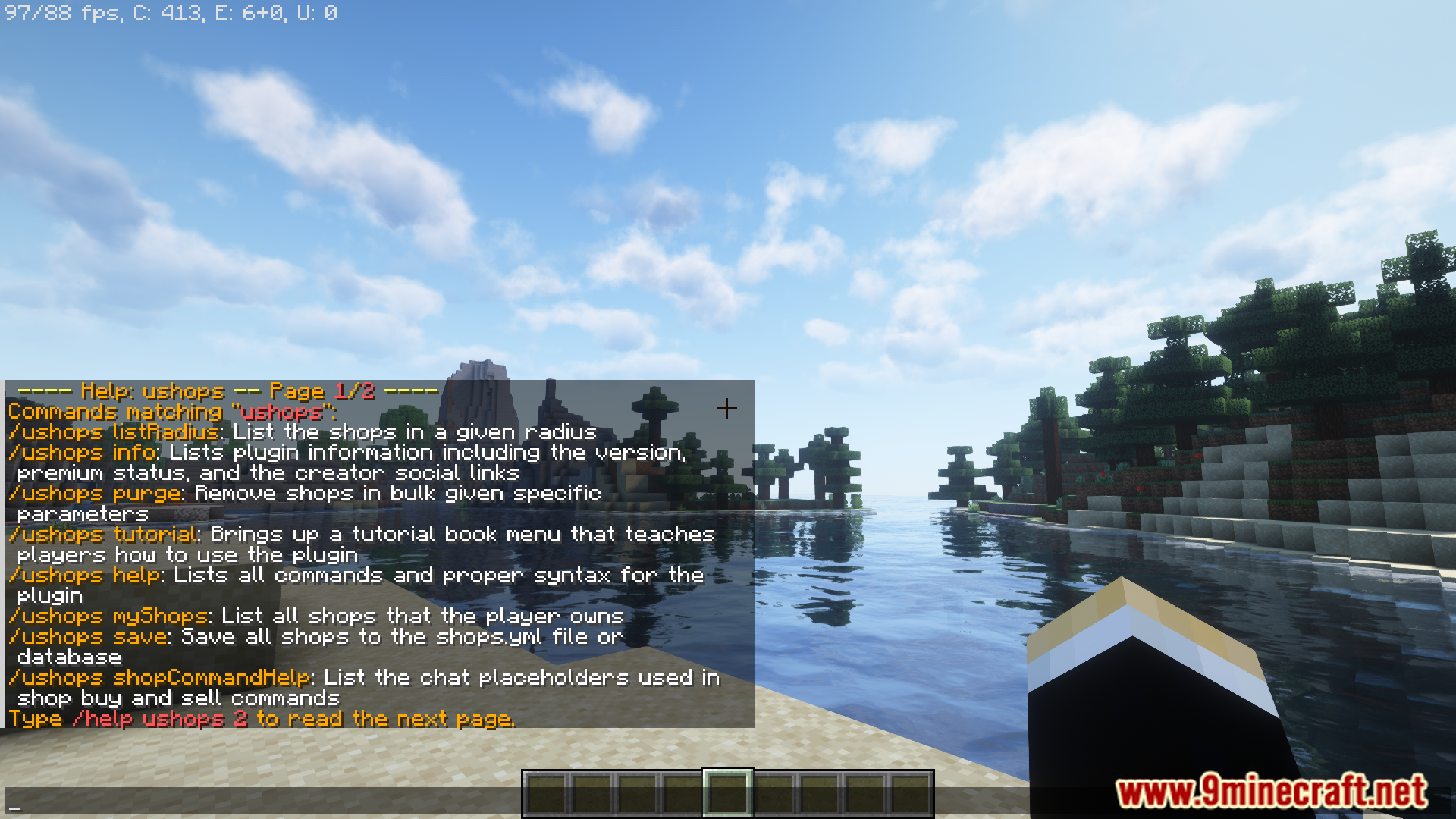
- /ushops help
- /ushops info
- /ushops tutorial
- /ushops listRadius RADIUS
- /ushops myShops
- /ushop info
- /ushop create
- /ushop modify
- /ushop modifyBuyPrice PRICE
- /ushop modifySellPrice PRICE
- /ushop modifyQuantity QUANTITY
- /ushop modifyVendorNote NOTE
- /ushop destroy
Admin Commands:
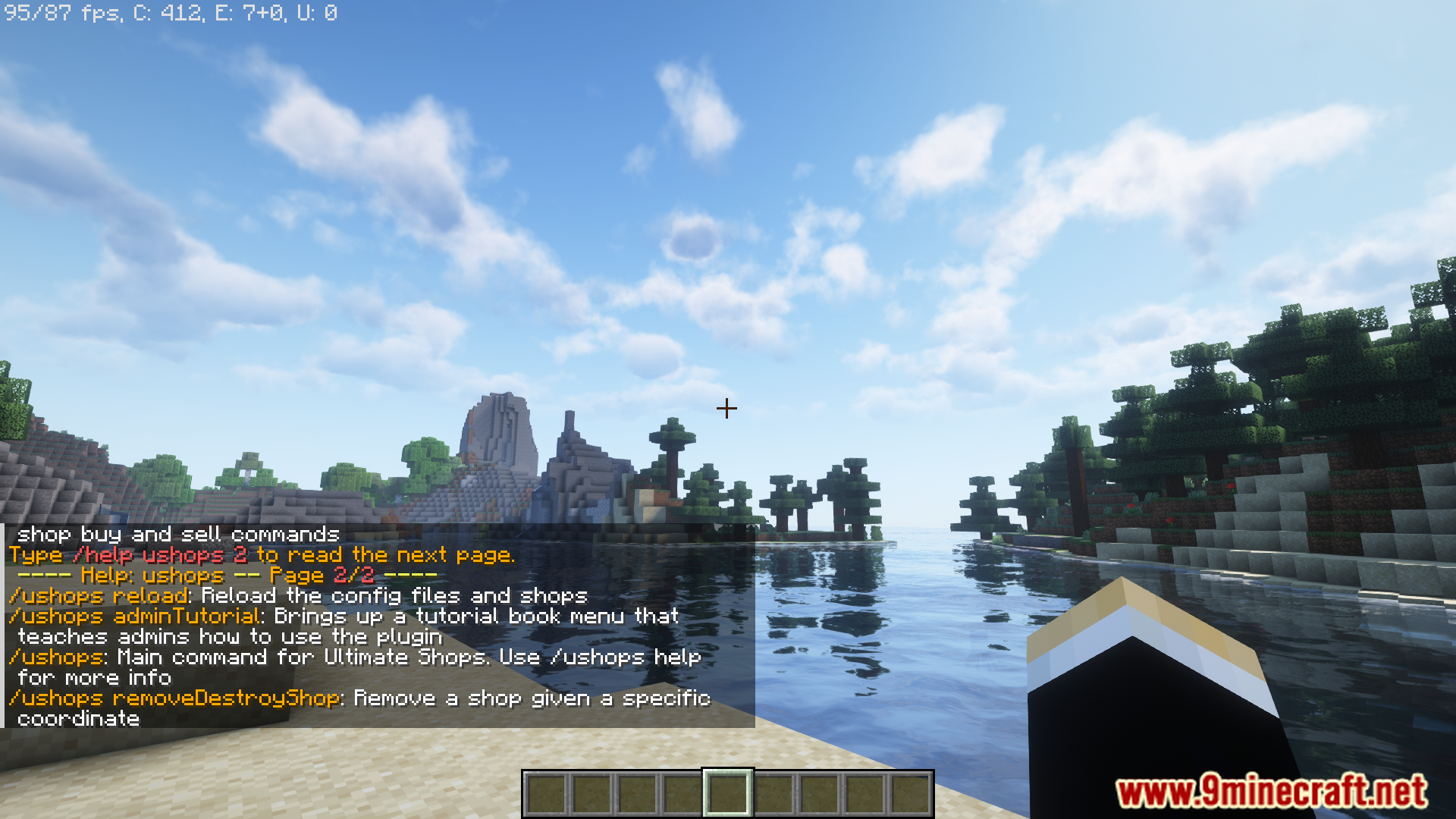
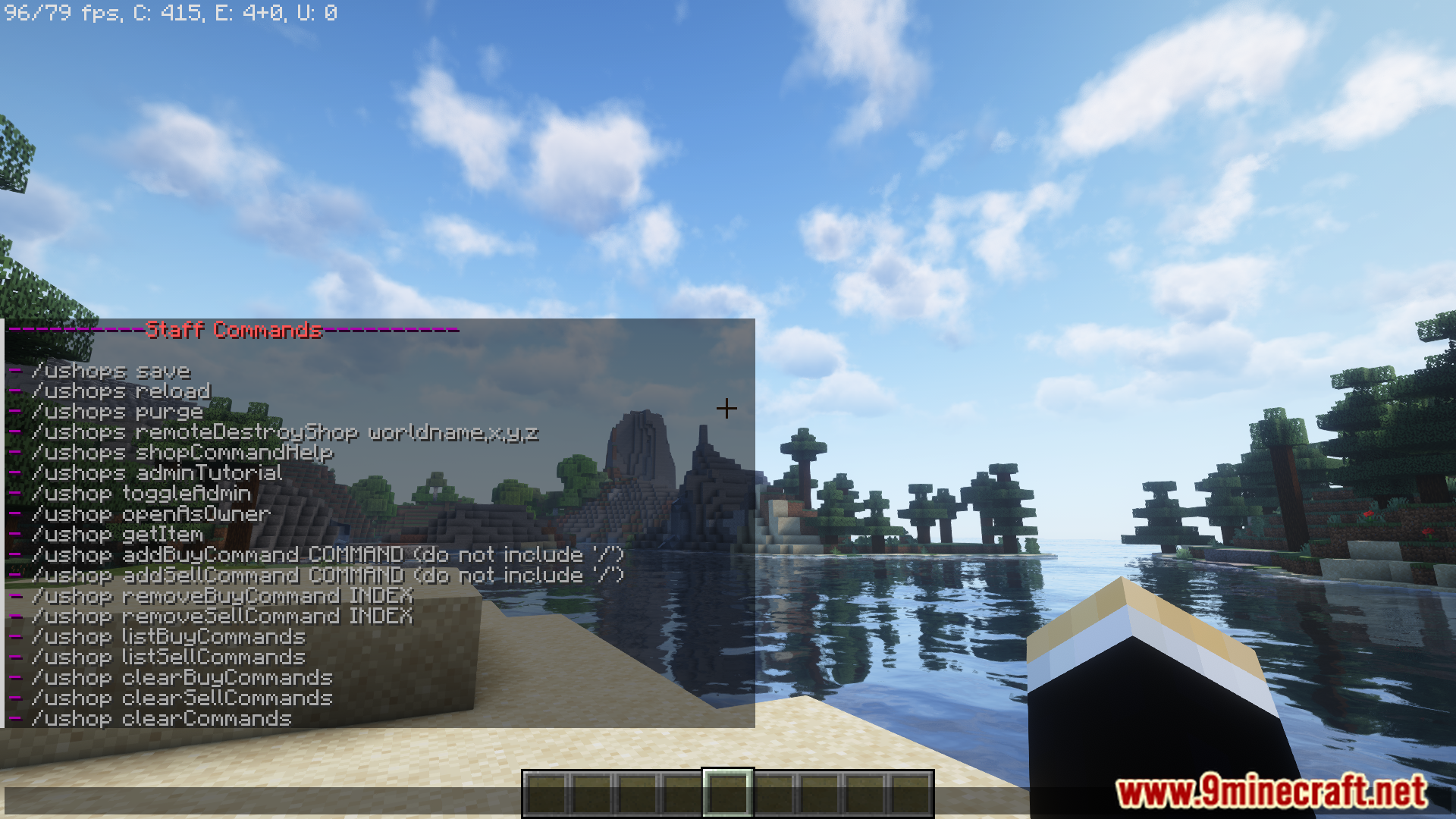
- /ushops save
- /ushops reload
- /ushops purge
- /ushops remoteDestroyShop worldname,x,y,z
- /ushops shopCommandHelp
- /ushops adminTutorial
- /ushop toggleAdmin
- /ushop setTag TAG
- /ushop getTag
- /ushop removeTag
- /ushop openAsOwner
- /ushop getItem
- /ushop addBuyCommand COMMAND (do not include ‘/’)
- /ushop addSellCommand COMMAND (do not include ‘/’)
- /ushop removeBuyCommand INDEX
- /ushop removeSellCommand INDEX
- /ushop listBuyCommands
- /ushop listSellCommands
- /ushop clearBuyCommands
- /ushop clearSellCommands
- /ushop clearCommands
Permissions:
- ushops.user <<< gives perms to use shops
- ushops.make <<< gives perms to make shops
- ushops.makeshops.# <<< gives perms to make a maximum of # shops (requires ushops.make). Without this permission users can make unlimited shops.
- ushops.admin <<< gives perms for admin features
- ushops.tag.TAG <<< gives perms to use shops that have that TAG
Requireds:
How to Install:
New to Minecraft? Follow our step-by-step guide to install Plugins on your PC.View Guide
UltimateShops Plugin Download Links
For Minecraft
26.1.2,
26.1.1,
26.1
All Versions Covered
26.1.2
26.1.1
26.1
1.21.11
1.21.10
1.21.9
1.21.8
1.21.7
1.21.6
1.21.5
1.21.4
1.21.3
1.21.2
1.21.1
1.21
1.20.6
1.20.5
All Versions Covered
26.1.2
26.1.1
26.1
1.21.11
1.21.10
1.21.9
1.21.8
1.21.7
1.21.6
1.21.5
1.21.4
1.21.3
1.21.2
1.21.1
1.21
1.20.6
1.20.5
For Minecraft
1.21.11,
1.21.5,
1.21.4
All Versions Covered
1.21.11
1.21.5
1.21.4
1.20.6
1.20.5
1.20.4
1.20.3
1.20.2
1.20.1
1.20
1.19.4
1.19.3
1.19.2
1.19.1
1.19
1.18.2
1.18.1
1.18
1.17.1
1.17
1.16.5
1.16
1.15.2
1.15.1
1.15
1.14.4
1.14.3
1.14.2
1.14.1
1.14
All Versions Covered
1.21.11
1.21.5
1.21.4
1.20.6
1.20.5
1.20.4
1.20.3
1.20.2
1.20.1
1.20
1.19.4
1.19.3
1.19.2
1.19.1
1.19
1.18.2
1.18.1
1.18
1.17.1
1.17
1.16.5
1.16
1.15.2
1.15.1
1.15
1.14.4
1.14.3
1.14.2
1.14.1
1.14
For Minecraft 1.8 –> 1.17.1
Click to rate this post!
[Total: 2 Average: 5]
You May Also Like















This post has no comments yet. Be the first — your comment will appear here.