
Overgrown Model – Brings Warm 3D Wood and Copper Blocks to Worlds

 0

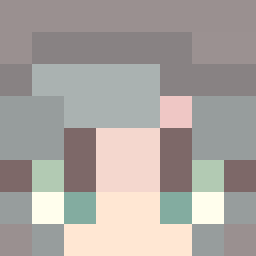
Overgrown Model brings a cozy, warm feeling to your cubic world with a strong focus on wood and gold textures. This pack packs in 155 custom 3D models and 3,778 texture files to reshape everyday blocks. You get fresh 3D shapes for fences, pressure plates, bells, copper decorations, and ocean coral, along with animated textures that make the environment feel alive.

Features:
- Wood & Gold Focus: Gives wooden and golden surfaces a warm, cozy look across the cubic world.
- 155 Custom 3D Models: Replaces standard block shapes with detailed 3D models for building and redstone parts.
- 3,778 Texture Files: Repaints a large collection of blocks and items to match the warm aesthetic.
- Animated Textures: Includes moving texture details on supported blocks.
Wooden Blocks:
- Acacia Fence: Features custom 3D shapes for the inventory icon, fence post, and connected sides.
- Acacia Pressure Plate: Uses distinct 3D models for both its resting state and pressed-down state.
- Birch Fence: Includes custom 3D models for the inventory item, upright post, and side connections.
- Birch Pressure Plate: Changes its 3D shape when stepped on compared to its unpressed state.
Copper & Metal Blocks:
- Copper Bars: Features custom 3D models for bar posts, post ends, sides, and caps, including alternate cap and side styles.
- Copper Chain: Reshapes standard copper chains with a custom 3D model.
- Copper Lantern: Includes separate 3D models for standing lanterns and hanging lanterns.
- Bell: Adapts its 3D model depending on whether you place it on the floor, hang it from the ceiling, attach it to a single wall, or suspend it between two walls.
Redstone, Utility & Nature Blocks:
- Redstone Comparator: Displays four different 3D model states for powered off, powered on, subtract mode, and powered subtract mode.
- Beacon: Replaces the vanilla beacon block with a custom 3D design.
- Coral Blocks: Adds custom 3D models for both Brain Coral and Bubble Coral found underwater.
How to Use:
- Move the downloaded pack into your resourcepacks folder and activate it in the Minecraft Resource Packs menu.
- Craft Acacia Fences, Birch Fences, and matching wooden Pressure Plates at a crafting table, then place them down and step on the plates to see their pressed-down 3D models.
- Visit a village or craft a Bell, then place it on the floor, ceiling, a single wall, or between two walls to view all four mounting models.
- Craft Copper Bars, Copper Chains, and Copper Lanterns, then hang the lanterns from the ceiling or set them on the ground to compare their standing and hanging shapes.
- Place a Redstone Comparator, power it with a redstone signal, and right-click it to toggle subtract mode so you can see all four model states.
- Swim into a warm ocean biome to look at the 3D Brain Coral and Bubble Coral, or craft a Beacon to check out its custom model and the pack’s animated textures.
Requirements:
- A Minecraft version that supports animated textures
Screenshots:


Overgrown Model Download Links
Click to rate this post!
[Total: 0 Average: 0]
You May Also Like
Picked for this page
 Pixel Perfection Fidelity Model – Brings Cozy Medieval 3D Models to Blocks
 Esterlon Network Textures Model – Brings Realistic Modern City Streets
 The Original Work Programmer Art Model – Brings Classic Retro Visuals and Models
 Slimefun Model – Brings 3D Shields, Solar Panels, and Animated Server Tech
 Moons Cuter Bedwars Model – Brings Cute 3D Blocks and Clean PvP Visuals
 Justzilla’s Classic Model – Brings Retro Aesthetics to Modern Blocks
 Story Mode Revamped Model – Brings Telltale Adventure Gear and 3D Blocks
 Tooniverse Texture Pack 256x Model – Adds Animated Comic Book Visuals
 Golden Days Base Model – Brings Classic Beta Visuals to Modern Blocks
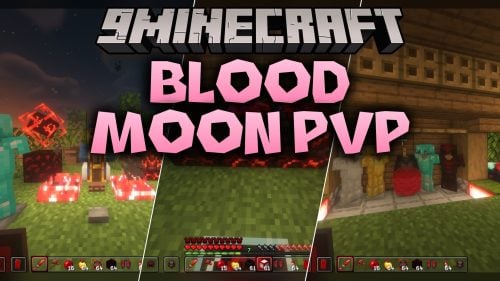 Blood Moon Pvp Model – Transforms Combat Visuals with Animated Crimson Blocks
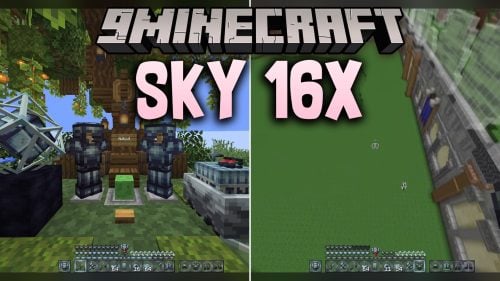 Sky 16x Model – Brings 3D Maces, Rails, and Animated PvP Visuals
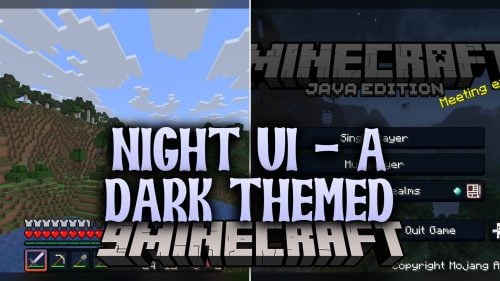 Night UI – Transforms Game Menus and Glass Panes with Sleek Dark Visuals
Most viewed in Models over the last 7 days
 Jenny Mod Skin Pack Mega Collection – 310+ Characters
 The Most Complete Collection of Jenny Mod Resources – Models, Animations, Structures,…
 Albedo Rework Jenny Mod Model
 750 Models Addon for Yes Steve Model Mod
 Galath Rework Model – Custom Girl for PleasureCraft Mod
 Power Model – Custom Girl for PleasureCraft Mod
 Femboy Ellie Rework Jenny Mod Model
 Ram Model – Custom Girl for PleasureCraft Mod
 Pomni Jenny Mod Model
 100+ Custom Animations For Jenny Mod
 Ellie Rework Jenny Mod Model
 Halloween Pack Jenny Mod Model – Transforms Companions with Spooky Costumes
More from Models
 Simplify Block Model – Turns Heavy Vanilla Blocks Into Lightweight FPS Boosters
 Redstone Reloaded Model – Brings Readable 3D Visuals to Redstone Circuits
 TextureRevamp 64x Model – Transforms Vanilla Blocks with Detailed 3D Shapes
 3D Items-Vanillaism Model – Transforms Flat Vanilla Gear Into 3D Shapes
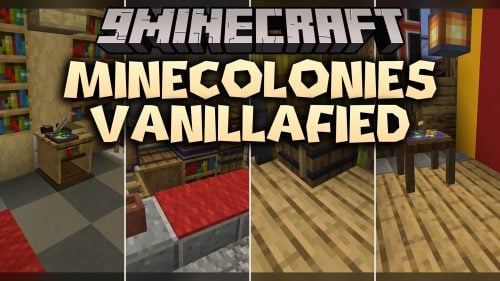 MineColonies Vanillafied Model – Brings Vanilla-Styled 3D Colony Blocks
 Refined Redstone Model – Transforms Flat Dust Into Glowing 3D Cables
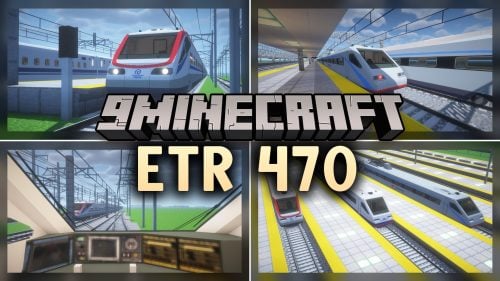 ETR 470 Model – Brings Classic European Trains to Custom Transit Railways
 3D Rail Model – Transforms Flat Minecart Tracks Into Raised 3D Railways
 All Industry New Model – Transforms Industrial Mod Blocks Into 3D Factory Gear
 LuminusRemaster Model – Brings Animated 3D Torches and Glowing Lanterns
 SKM Model – Brings Custom Blockbench 3D Models and Detailed Visuals to Worlds
 500 Series Shinkansen Model – Brings Japanese Bullet Trains to Minecraft

This post has no comments yet. Be the first — your comment will appear here.