


Unstable Depths Data Pack (1.21.11, 1.20.1) – Reinforce Deep Mines
 0
0
 0
0

Unstable Depths Data Pack adds dangerous rockfall physics to underground mining. Ceilings can collapse when you dig underground blocks, creating small stone drops or massive cave-ins. You can craft structural pillars or use Silk Touch tools to keep mine shafts safe from falling rocks. Holding a soul lantern lets you inspect ceiling stability before you break any stone. This data pack turns deep underground digging into a careful planning challenge.
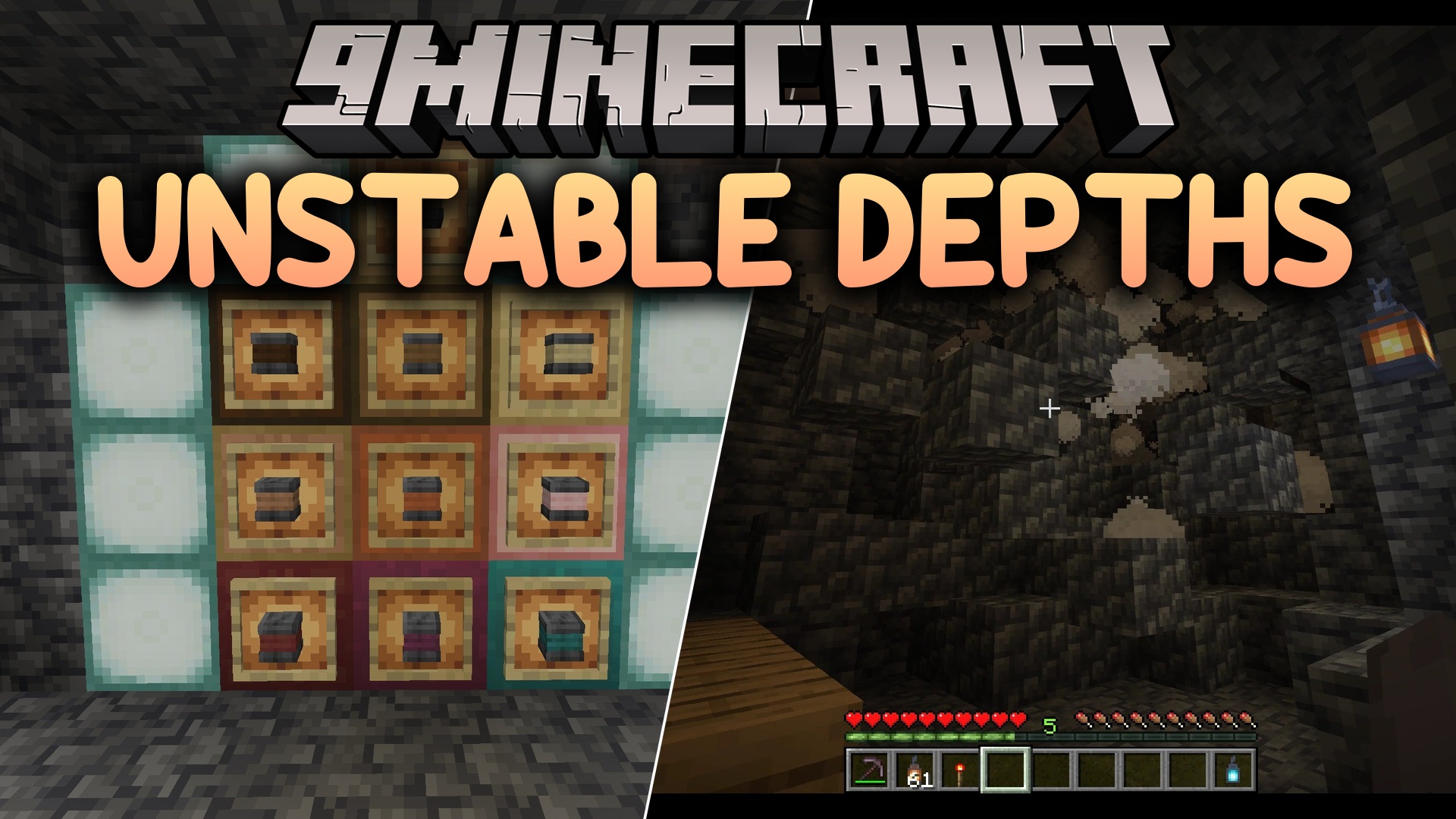
Features:
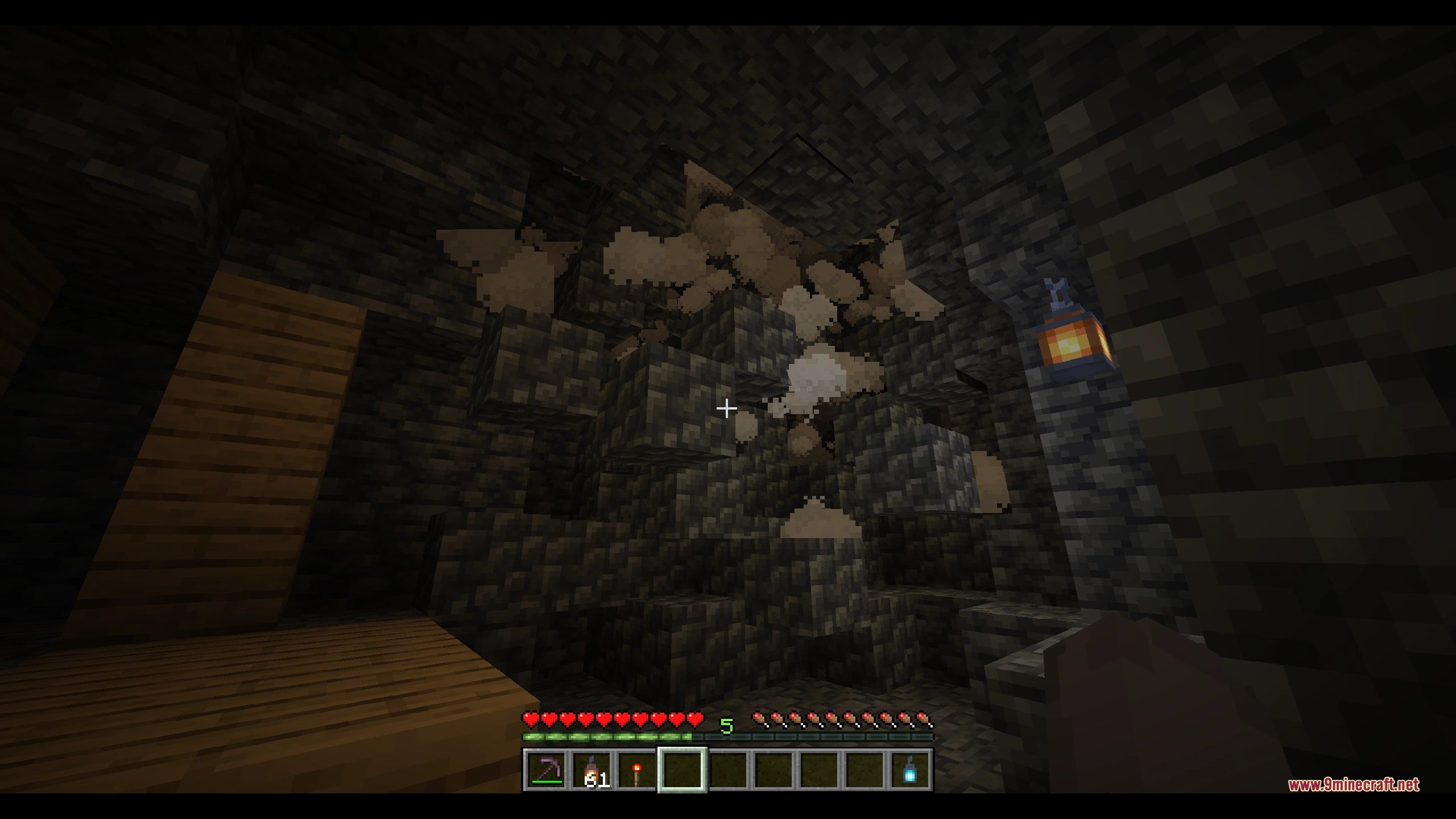
- Mining underground ceiling blocks with two air blocks below them can trigger unexpected rock collapses.
- Cave collapses become more frequent and dangerous once you dig below height level Y=30.
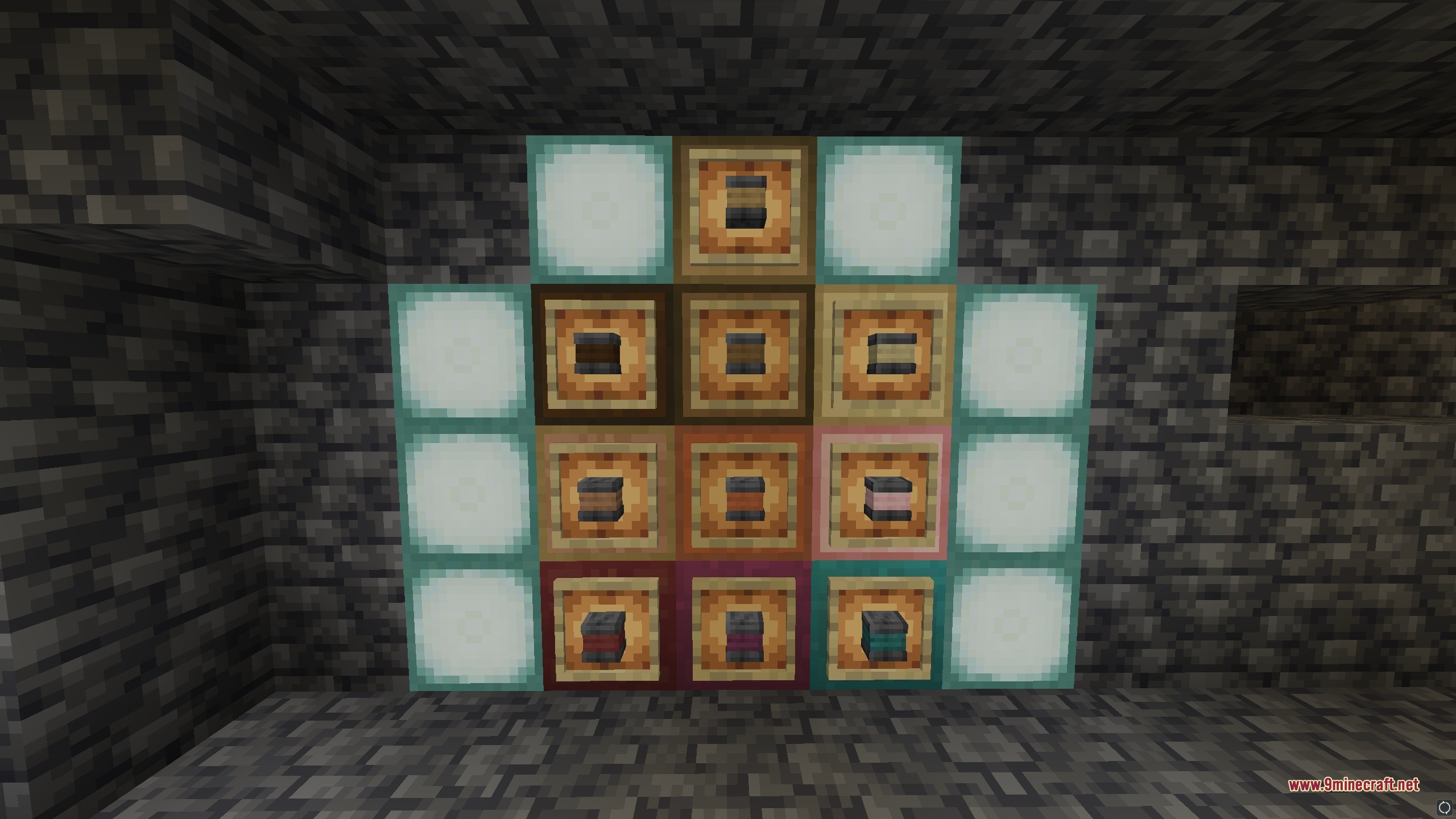
- Custom structural pillars protect ceilings within a 12-block range from their top block.
- Pillars can stand anywhere between 2 and 10 blocks in height.
- Holding a Soul Lantern in your off-hand while holding a pickaxe displays colored particles that show if an overhead block is safe to mine.
- Cyan particles show that a ceiling block is held safely by a nearby pillar, while red particles warn of danger.
- Tools enchanted with Silk Touch let you mine trigger blocks without causing any rocks to fall.
- Igniting TNT near cave ceilings causes massive rock collapses unless you place a trapdoor on top of the explosive block first.
- Massive rock collapses often expose hidden ore veins along freshly exposed walls.
- Runs cleanly on multiplayer servers without requiring players to download client mods.
Commands:
/function cave_in:config: Opens the in-game settings menu in chat to adjust collapse chances or uninstall the pack.
How to Use:
- Place a stripped log between two polished deepslate blocks on a crafting table to build structural braces.
- Place pillars between 2 and 10 blocks tall inside underground tunnels to secure nearby ceilings.
- Hold a Soul Lantern in your off-hand and a Pickaxe in your main hand to check overhead stone safety.
- Place any trapdoor directly on top of TNT before igniting it if you want to prevent an explosive collapse.
- Type
/function cave_in:configin chat to change collapse frequency settings whenever needed.
Screenshots:
How to Install:
New to Minecraft? Follow our step-by-step guide to install Data Packs on your PC.View Guide
Unstable Depths Data Pack Download Links
For Minecraft
1.21.11,
1.21.10,
1.21.9
All Versions Covered
1.21.11
1.21.10
1.21.9
1.21.8
1.21.7
1.21.6
1.21.5
1.21.4
1.21.1
1.21
All Versions Covered
1.21.11
1.21.10
1.21.9
1.21.8
1.21.7
1.21.6
1.21.5
1.21.4
1.21.1
1.21
For Minecraft
1.21.10,
1.21.9,
1.21.8
All Versions Covered
1.21.10
1.21.9
1.21.8
1.21.7
1.21.6
1.21.5
All Versions Covered
1.21.10
1.21.9
1.21.8
1.21.7
1.21.6
1.21.5
For Minecraft 1.21.4
For Minecraft 1.20.2, 1.20.1, 1.20
Click to rate this post!
[Total: 0 Average: 0]
You May Also Like






This post has no comments yet. Be the first — your comment will appear here.