


Parties Mod (1.20.1, 1.19.2) – Lập Tổ Đội Chiến Game Cực Đã

 0
0 

🌐 Bạn đang đọc bài viết này bằng Tiếng Việt. Muốn đổi ngôn ngữ?
📖 Đọc bản gốc tiếng AnhHoặc chọn ngôn ngữ bạn thích:
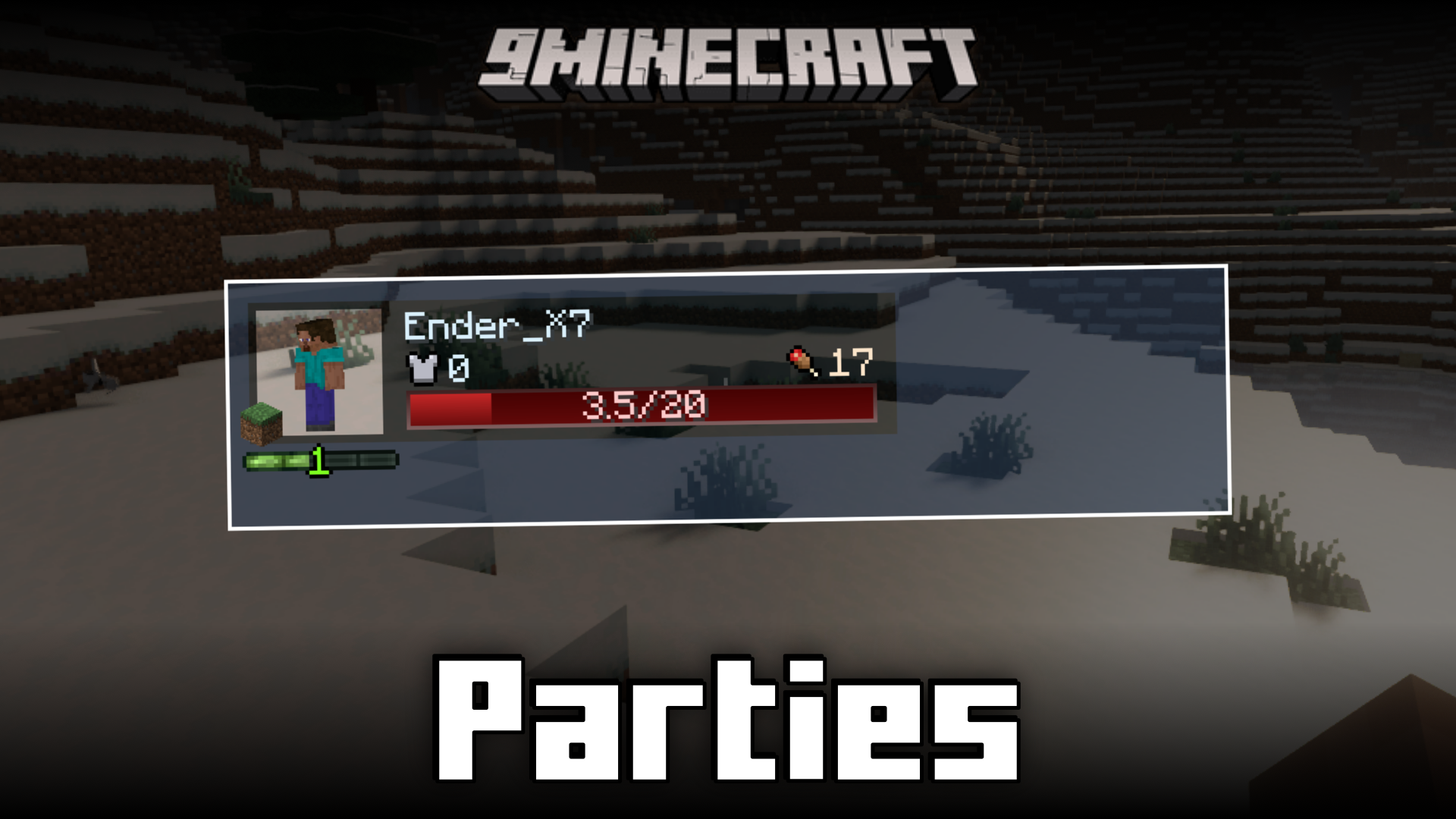
Parties Mod mang đến hệ thống tổ đội (party) phong cách RPG vào trò chơi của bạn. Mod này cho phép bạn lập nhóm với bạn bè và theo dõi các chỉ số của họ như máu và kinh nghiệm (XP) trực tiếp ngay trên màn hình. Mod cũng bao gồm các tính năng giúp trải nghiệm chơi team tốt hơn, chẳng hạn như chia sẻ XP với các thành viên trong đội và tăng sức mạnh cho Boss khi bạn chiến đấu theo nhóm. Điều này giúp các bạn phối hợp ăn ý và hỗ trợ lẫn nhau tốt hơn trong các cuộc phiêu lưu.
Tính năng chính:
- Thêm hệ thống tổ đội để bạn có thể chơi cùng bạn bè.
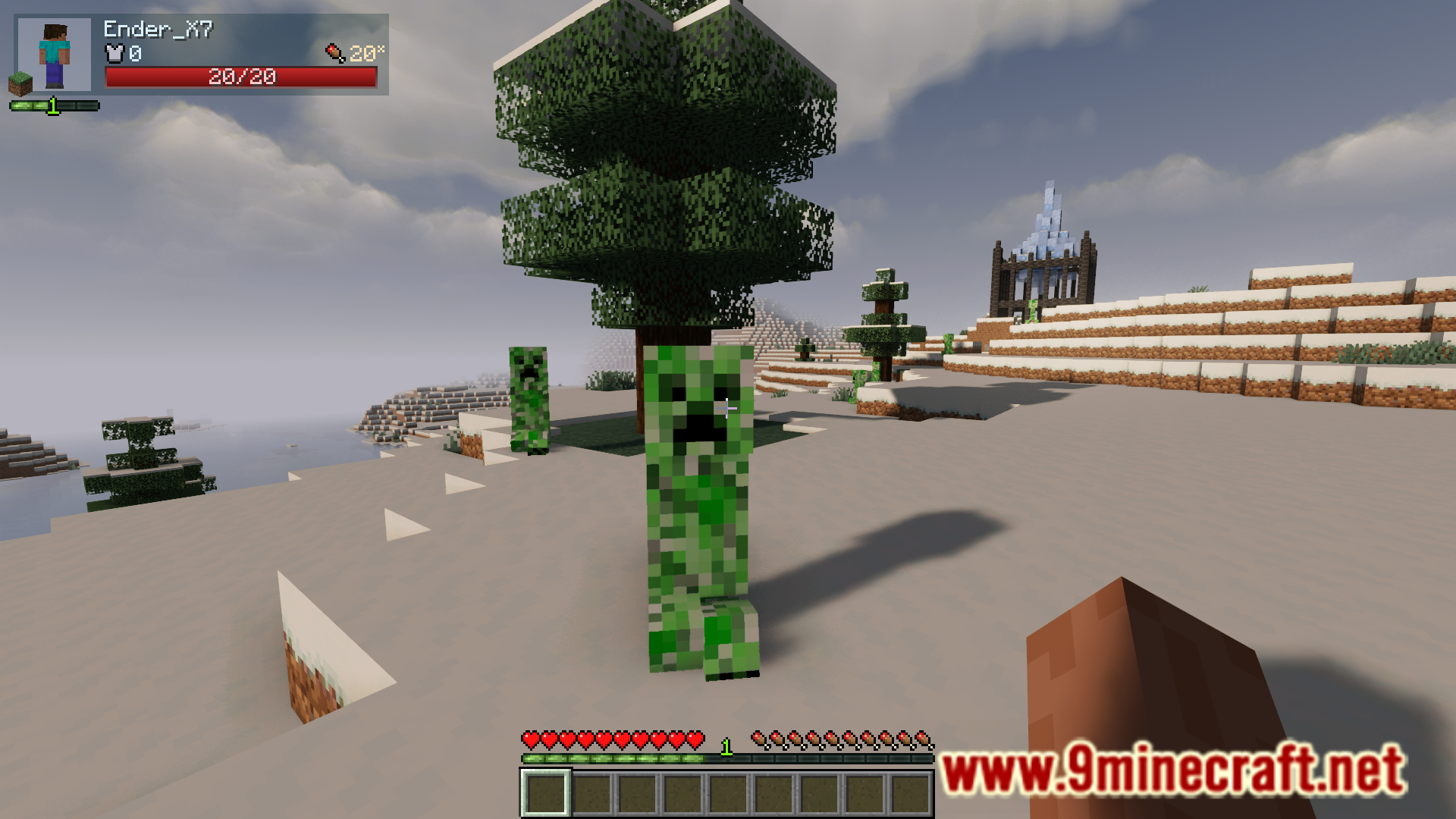
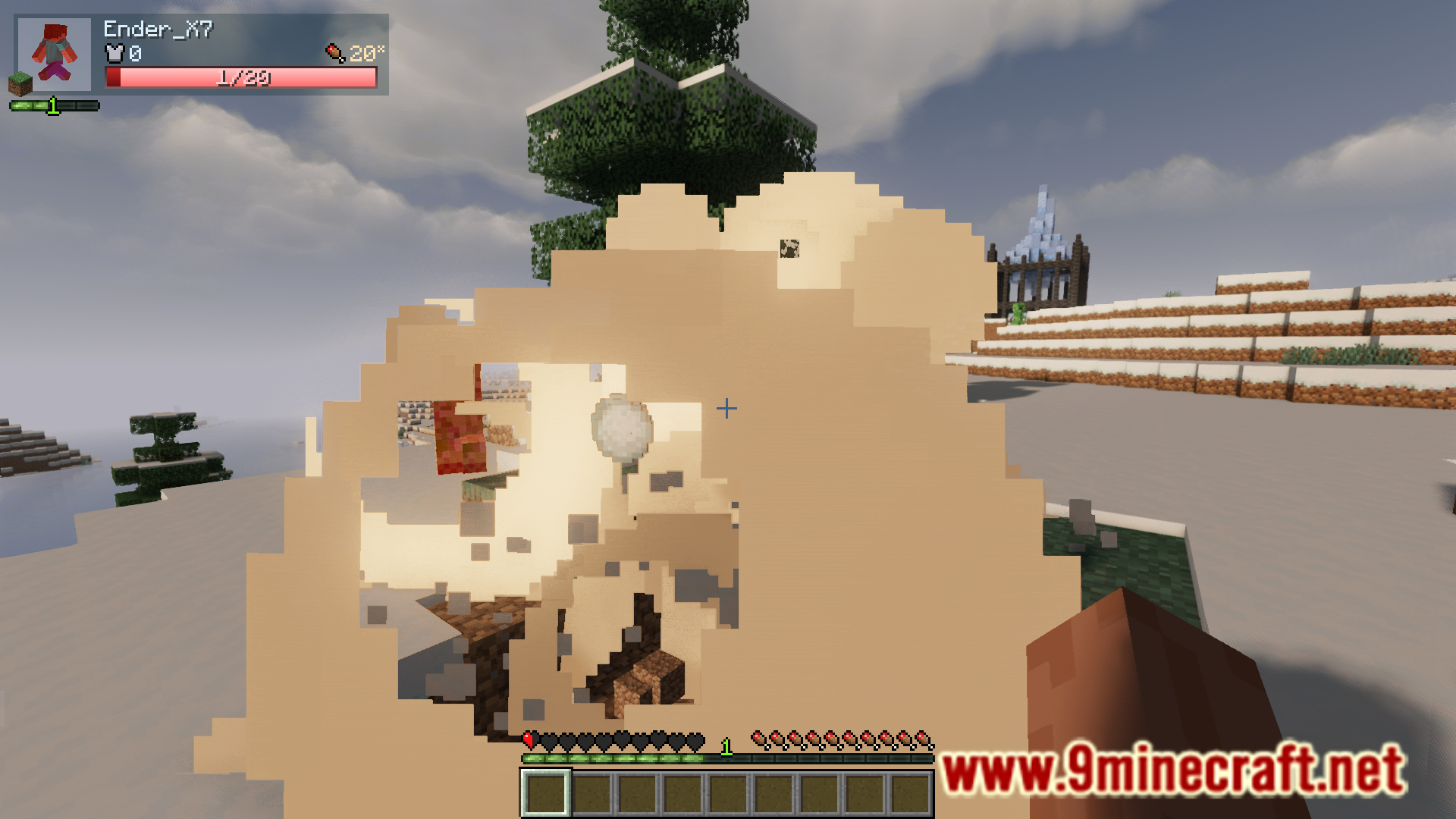
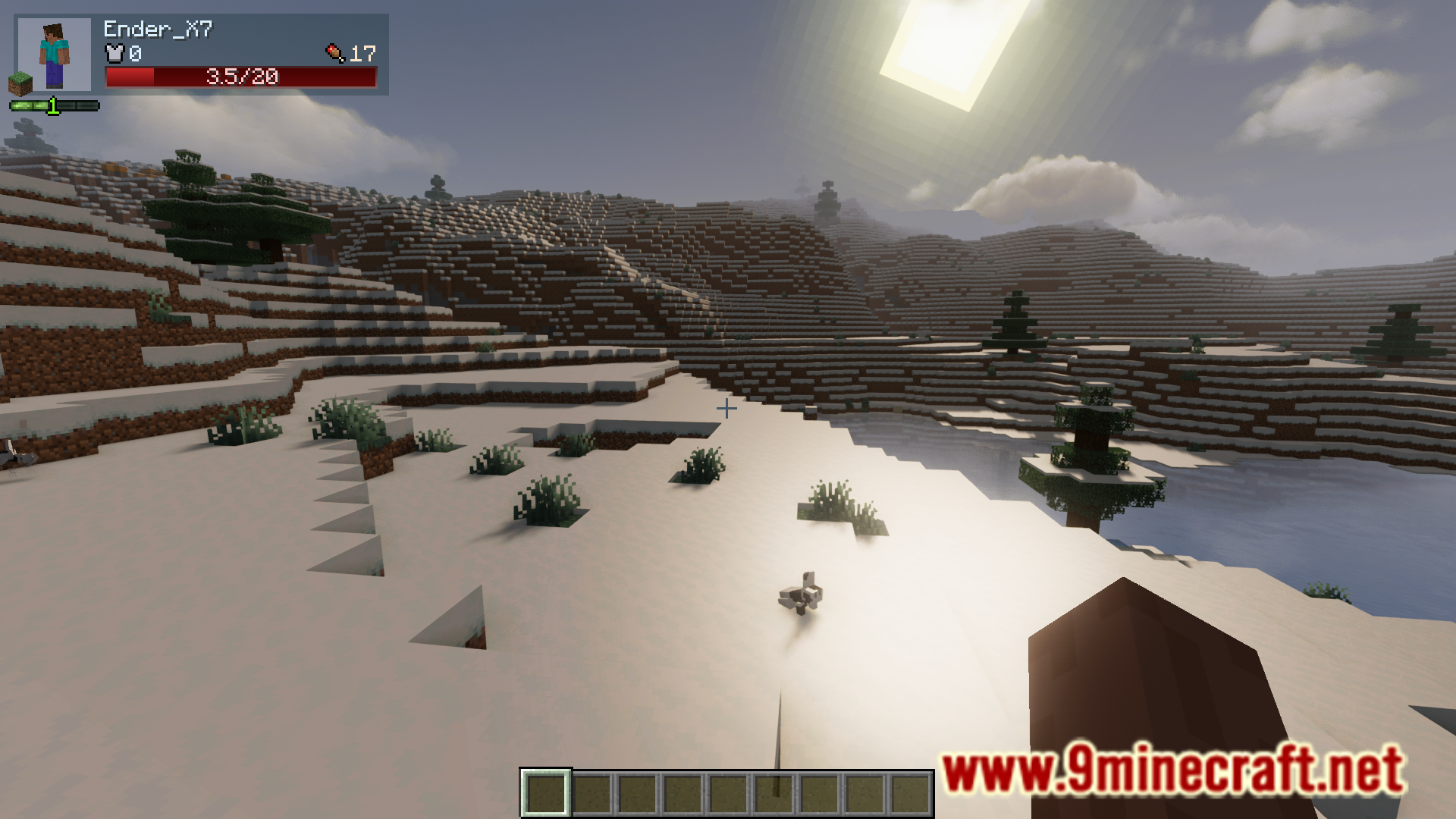
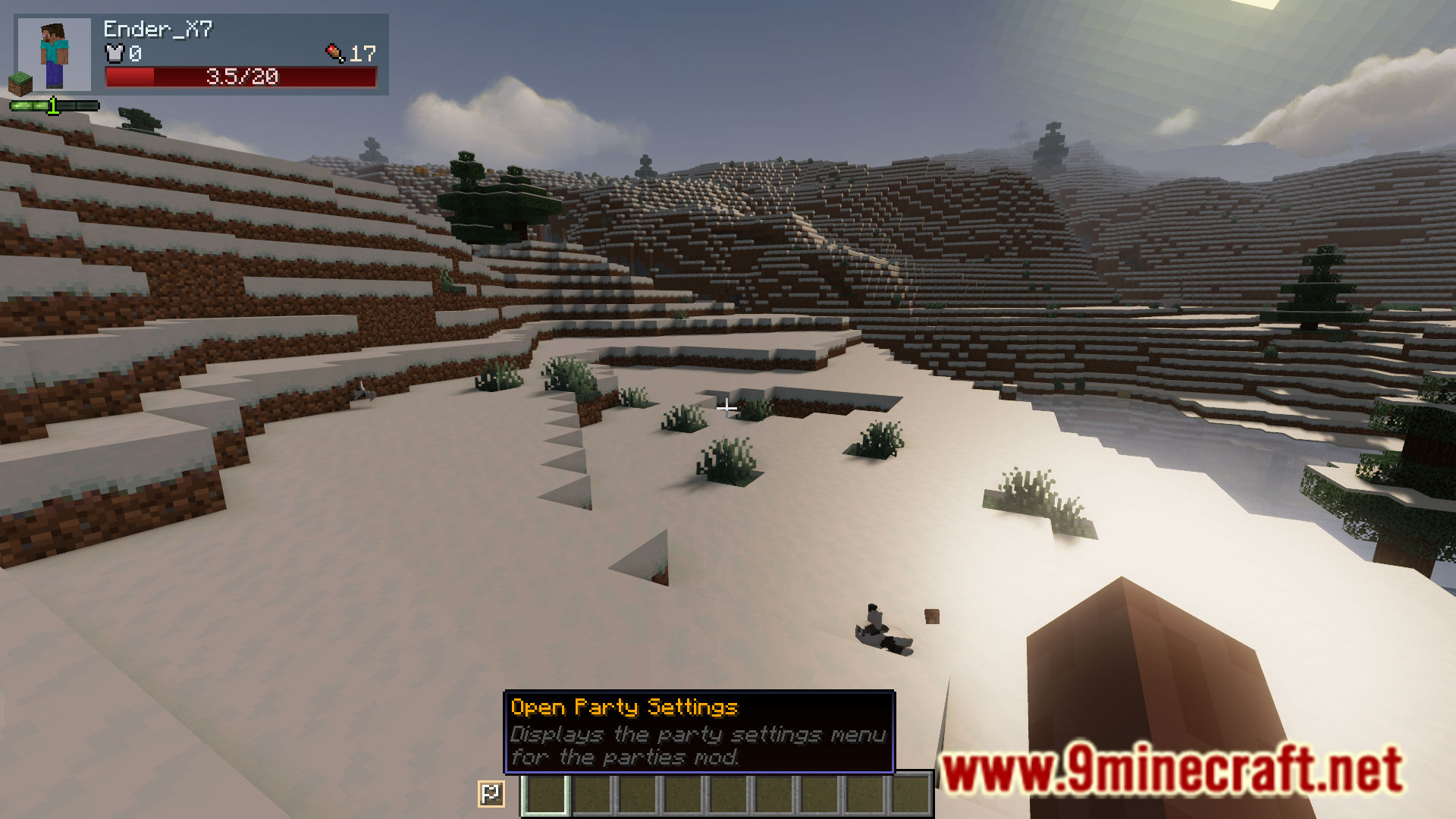
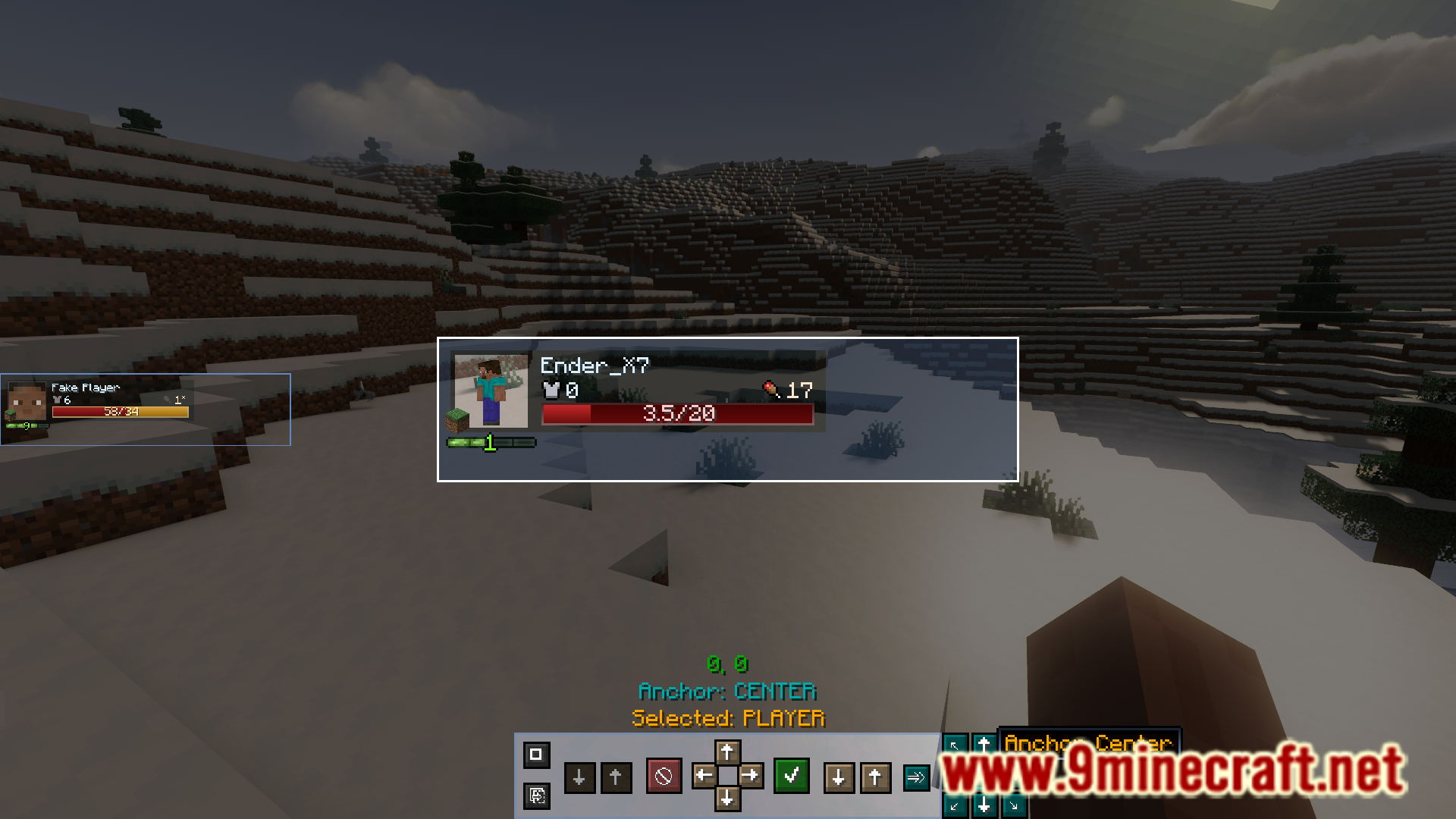
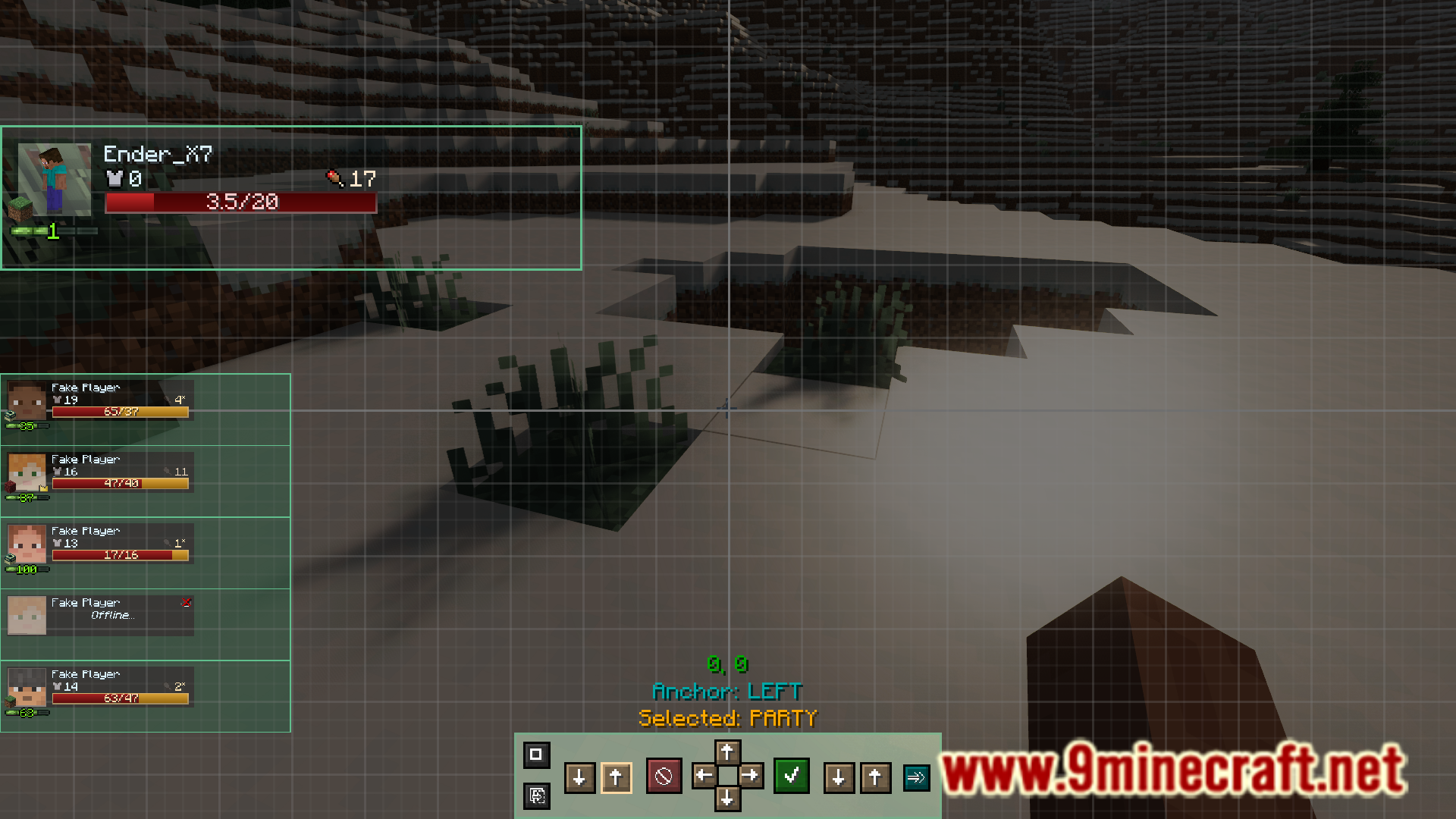
- Hiển thị HUD với các chỉ số trực tiếp của thành viên trong đội.
- Chia sẻ điểm kinh nghiệm (XP) với tất cả mọi người trong tổ đội.
- Máu, sát thương và vật phẩm rơi ra từ Boss có thể tăng tỉ lệ thuận theo số lượng thành viên.
- Highlight đồng đội để dễ dàng theo dõi vị trí của họ.
- Tắt sát thương giữa các thành viên để tránh tình trạng “phản lưới nhà” (friendly fire).
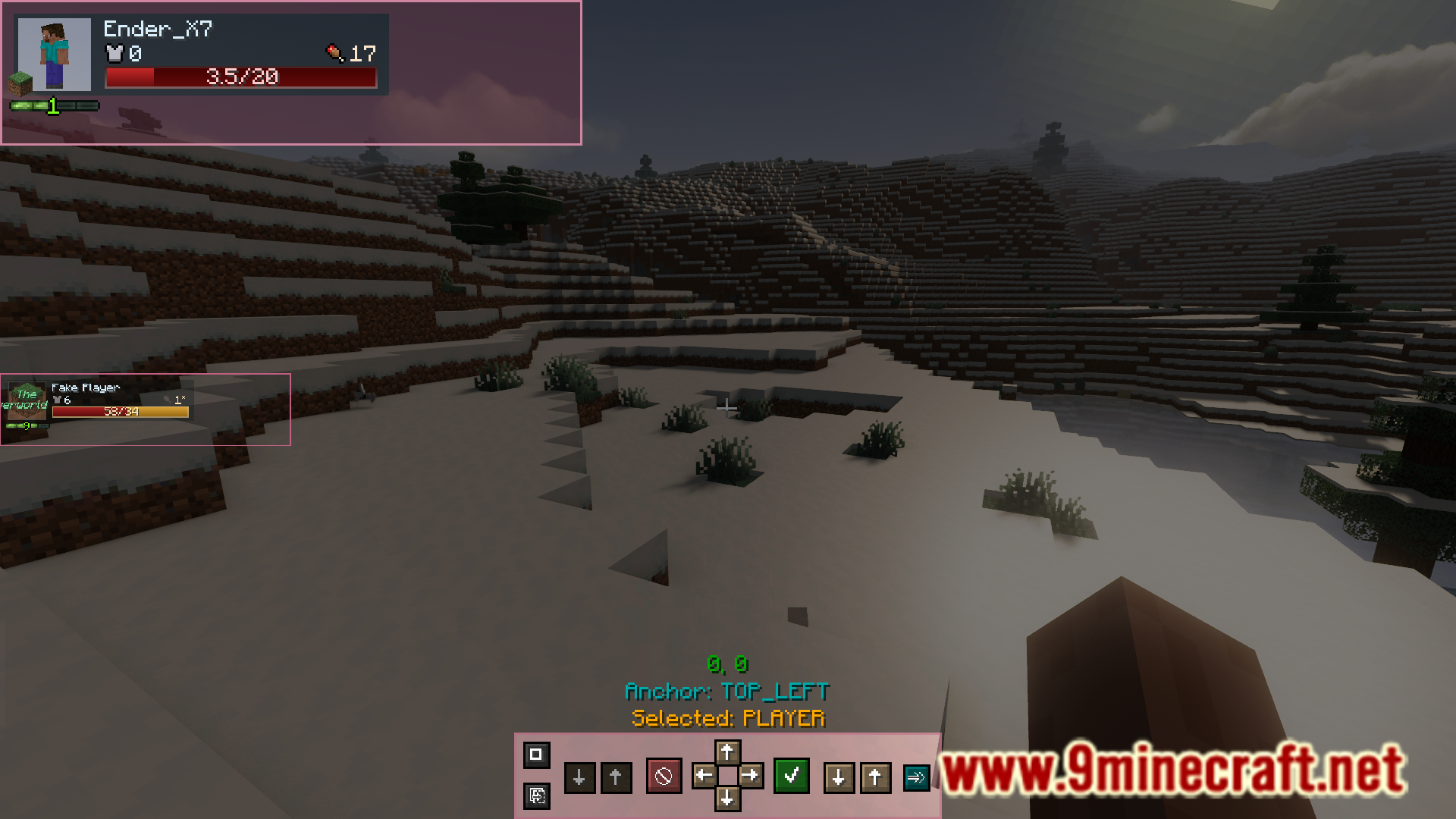
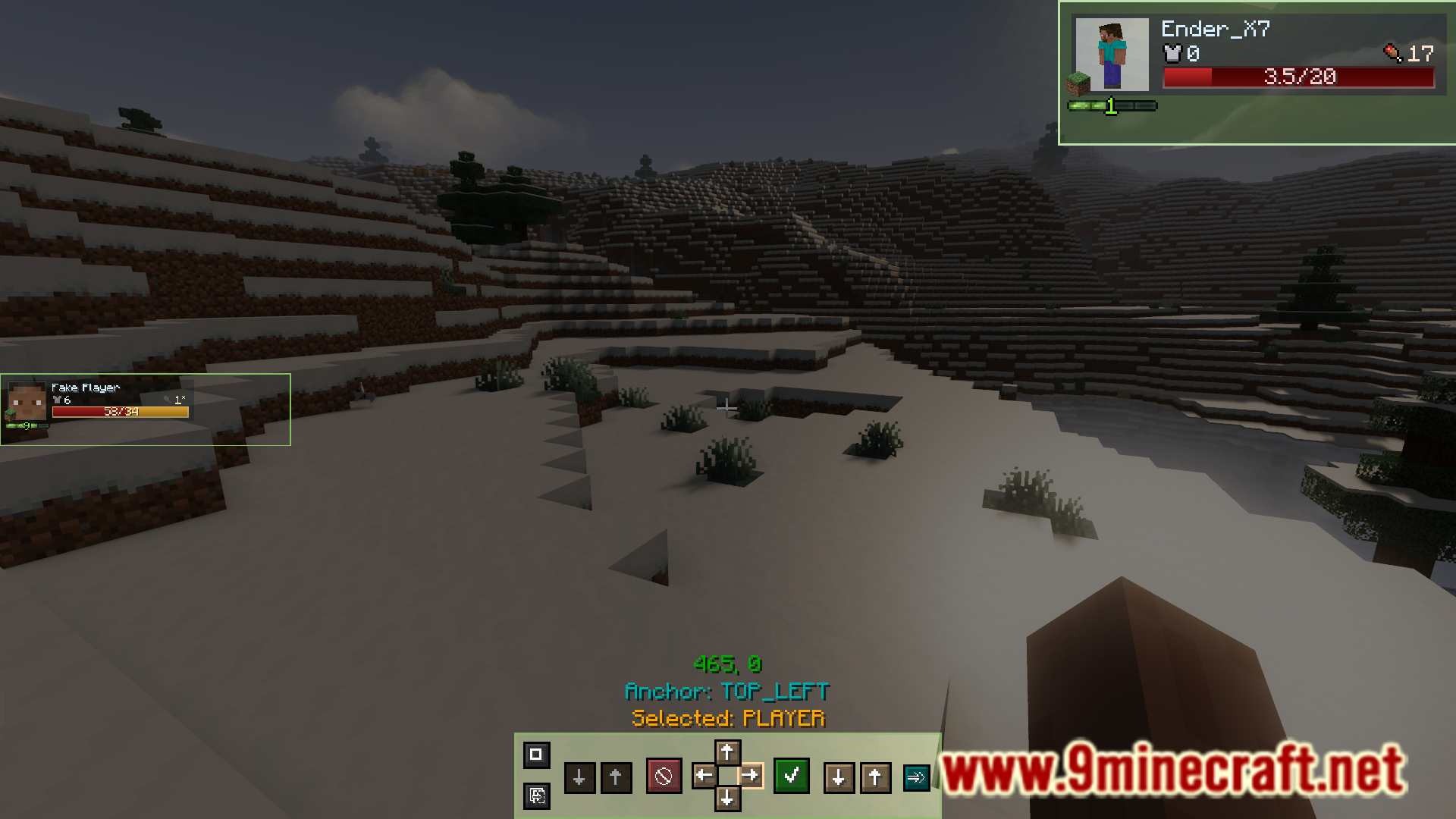
- Tùy chỉnh vị trí, kích thước và giao diện của tổ đội.
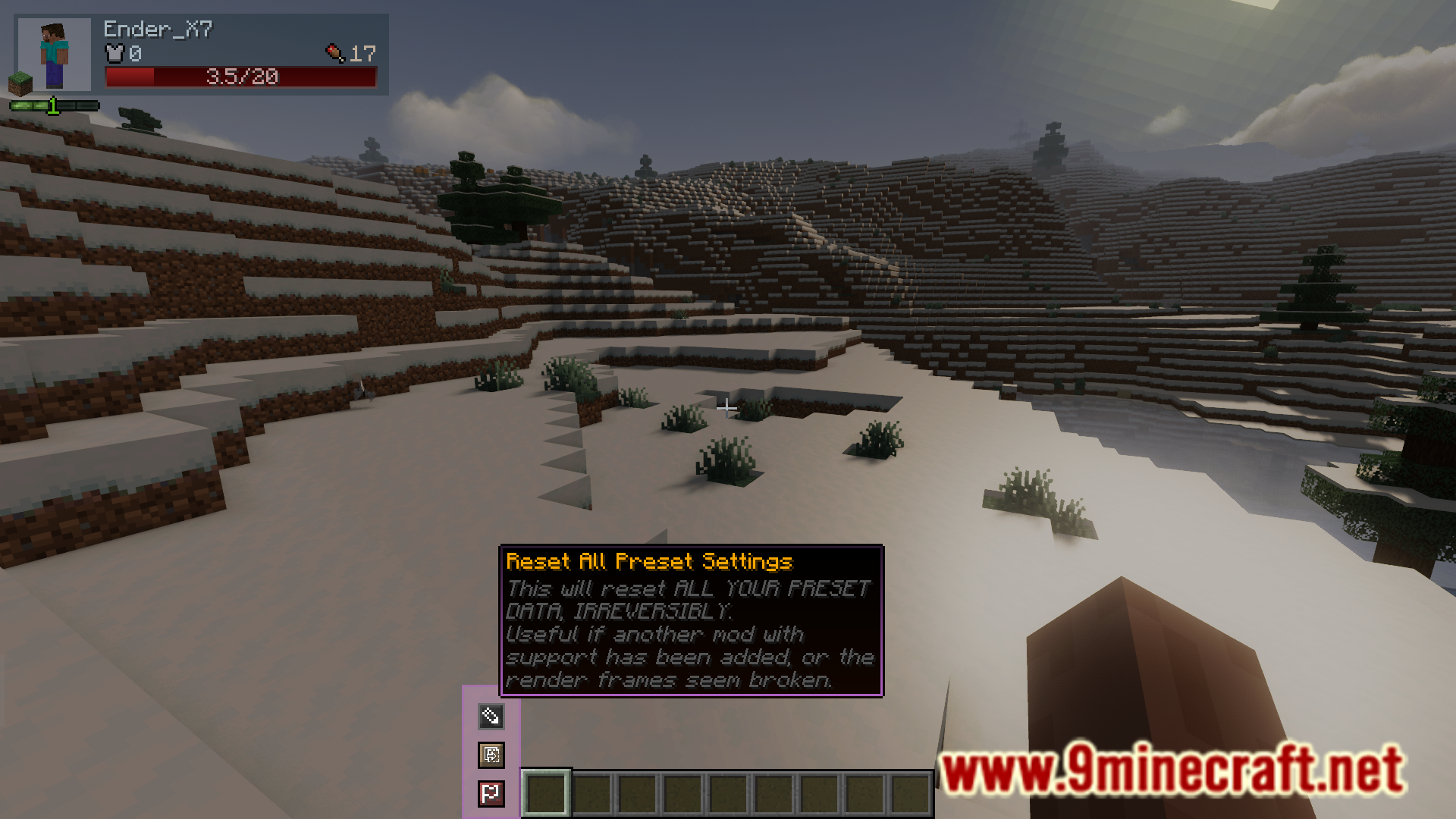
- Tạo, lưu và chia sẻ bố cục HUD tùy chỉnh của riêng bạn bằng hệ thống preset.
Cách sử dụng:
- Nhấn phím “Show Mouse” (mặc định là Left Alt) để điều khiển chuột trên màn hình.
- Di chuột qua các phần tử UI để xem chú giải công cụ (tooltips) với thông tin chi tiết hơn.
- Một nút bấm sẽ xuất hiện cho phép bạn mở cài đặt giao diện của mod.
- Trong menu cài đặt, bạn có thể kéo từng khung hình, thay đổi kích thước và tùy chỉnh bố cục theo ý thích.
Ảnh chụp màn hình:
Cách cài đặt:
Bạn mới chơi Minecraft? Hãy làm theo hướng dẫn từng bước để cài đặt Mods trên máy tính.Xem hướng dẫn
Link tải Parties Mod
Cho Minecraft 1.20.1, 1.20
Phiên bản Forge: Tải từ Server 1 – Tải từ Server 2
Cho Minecraft 1.19.2
Phiên bản Forge: Tải từ Server 1 – Tải từ Server 2
Cho Minecraft 1.18.2
Phiên bản Forge: Tải từ Server 1 – Tải từ Server 2
Nhấp để đánh giá bài viết này!
[Total: 0 Average: 0]
Có Thể Bạn Cũng Thích






Bài viết này chưa có bình luận nào. Hãy là người đầu tiên — bình luận của bạn sẽ hiển thị ở đây.