
Wind Turbine Fonctional Schematic (1.21.x) – Tall Working Wind Turbine Structure

 0


Wind Turbine Fonctional Schematic brings a tall, working wind turbine to your Minecraft world. It stands 73 blocks high and uses parts from the Create mod. You can place this structure anywhere to make your base look like a real power plant. It gives you a great starting point for building large machines.
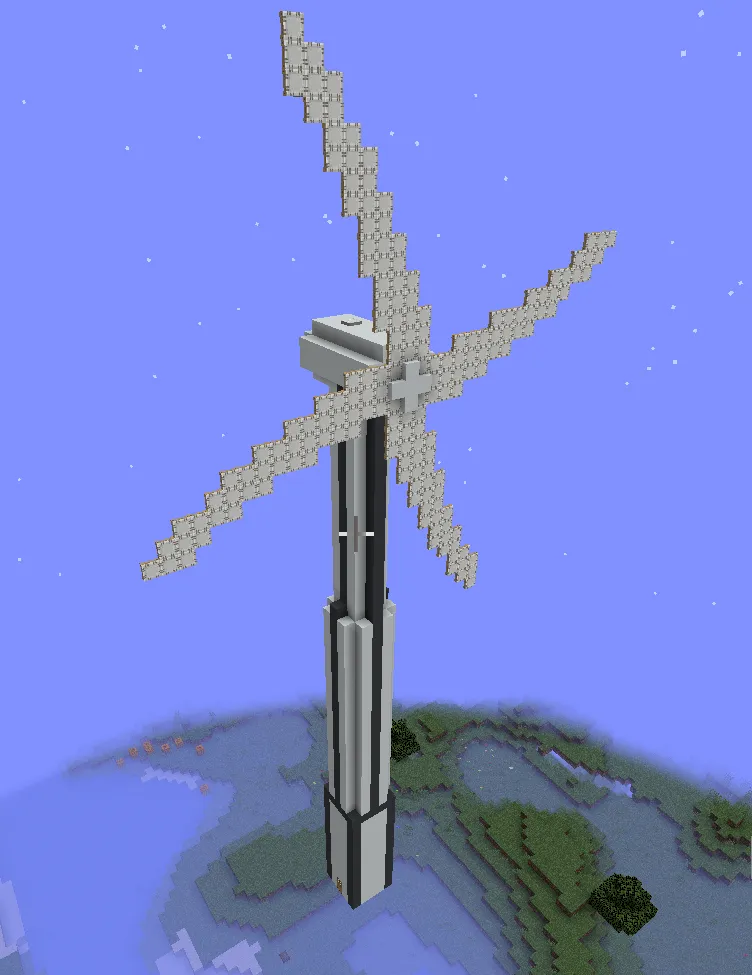
3D Preview & Editor:
Materials
10 types · 1,192 blocks
| Vanilla 5 | ||||||||
| White Concrete | 589 | Gray Concrete | 313 | Ladder | 58 | |||
| Oak Door | 2 | Iron Trapdoor | 1 | |||||
| Create 5 | ||||||||
| White Sail | 172 | Shaft | 54 | Speedometer | 1 | |||
| Windmill Bearing | 1 | Gearbox | 1 | |||||
How to place this schematic
.nbt This is a Create mod schematic. The Schematicannon builds it for you, block by block, from the materials you load into it.
| 1 | Put the .nbt file in .minecraft/schematics. |
| 2 | Open a Schematic Table, drop in an Empty Schematic, pick the file and write it. |
| 3 | Hold the written schematic and position the outline in the world, then confirm. |
| 4 | Place a Schematicannon, load it with the building blocks and gunpowder for fuel, then hit play. |
About this build
| 1 | Place the structure in your world using the schematic tool. |
| 2 | Climb up to the top of the tower near the propellers. |
| 3 | Find the block located right next to the blades. |
| 4 | Right-click that block to turn the turbine on and watch it spin. |
Features:
- Large Build: Stands 73 blocks tall and takes up a 35 by 10 block area.
- Working Propellers: The top blades spin when you turn the machine on.
- Uses exactly 1,192 blocks to form the white and black tower structure.
- Acts as a decorative piece for your factories and power plants.
- Lets you swap out the base blocks if you want a different look.
Schematic Specs:
 Minecraft1.21.x
 Create Mod6.0.10
 Dimensions35×73×10
 Total Blocks1,192
 Top Blocks Used
White Concrete 589Gray Concrete 313White Sail 172Ladder 58Shaft 54
Requirements:

Wind Turbine Fonctional Schematic Download Links
For Minecraft 1.21.x
Click to rate this post!
[Total: 0 Average: 0]
QUICK MINECRAFT SURVEY · ONE TAP
Mods & Modpacks
Where do you primarily download your mods and modpacks from?
2 responses · See the full results →
You May Also Like
Picked for this page
 Deepslate Farm Create 6.0 Schematic (1.21.x) – Compact Automated Deepslate Farm Machine
 Cheap Magnet SU Engine Create Aeronautics Schematic (1.21.x) – Compact Magnet Engine for Create Mod
 Diesel HoverCar the Airpomp Schematic (1.21.x) – Fly a Fast Diesel Powered Hovercraft
 Compact Quartz and Gold Farm Schematic (1.21.x) – Compact Automated Quartz and Gold Farm
 A Complete and Working Fission Reactor Atm10 Schematic (1.21.x) – Automated Fission Reactor Build
 Compact Bonemeal Farm 30000 per Hour Schematic (1.21.x) – High Yield Automatic Crop Fertilizer Setup
 Veridium Copper Farm Schematic (1.21.x) – Compact Automatic Copper Generator Machine
 Small Town Hall Schematic (1.21.x) – Compact Japanese Village Building
 Boeing 747 Vc 25a Air Force One Schematic (1.21.x) – Huge Working Presidential Airplane Build
 Inline 4 Cylinder Piston Engine V2 Schematic (1.21.x) – Compact Buildable Mechanical Engine Design
 Compact Self Sufficent Lvl 2 Boiler for Aeronautics Schematic (1.21.x) – Compact Automated Boiler
 Walking Boat by LimonCafeinomanoYT Schematic (1.21.x) – Mechanical Boat with Moving Legs Build
Most viewed in Create Mod Schematics over the last 7 days
 Fast Small Airship Steam Schematic (1.21.x) – Small and Fast Steam Powered Airship
 Arasaka Tower Schematic (1.21.x) – Massive Black Industrial Skyscraper Build
 Rail Gun Schematic (1.21.x)
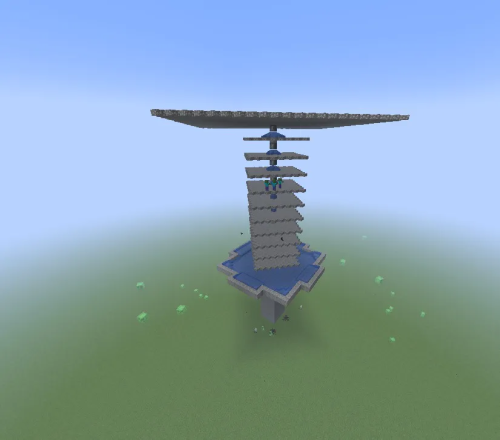 A Simple Mob Trap Schematic (1.21.x) – Build a Massive Automatic Mob Farm Structure
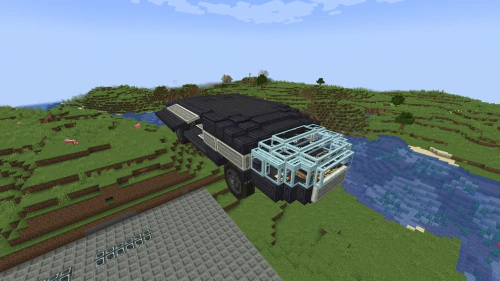 Project StarGaze Schematic (1.21.x) – Build and Drive Your Own Military Vehicle
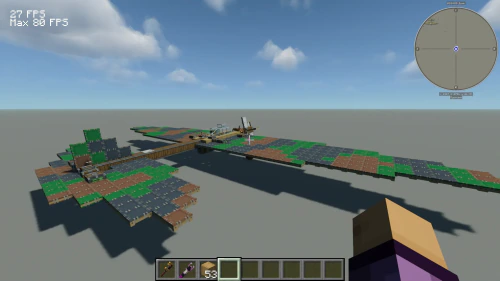 Il 2 Schematic (1.21.x) – Vintage Flying Machine for Create Mod
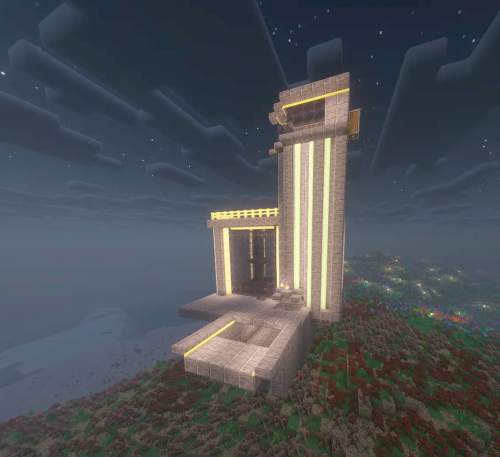 XP Farm Schematic (1.21.x) – Automated Mob Farm Tower Design
 Basic Aeronautics Airship Schematic (1.21.x) – Small Flying Machine For Create
 8×8 Offroad Climber Schematic (1.21.x)
 Starter Iron Farm Schematic (1.21.x) – Simple Early Game Iron Production Build
 Enderman Farm Cheap Schematic (1.21.x) – Low Cost Enderman Trap for Survival Players
 Avrora Schematic (1.21.x) – Massive Flying Base for Sky Travel
More from Create Mod Schematics
 Camioneta Schematic (1.21.x) – Driveable Pickup Truck with Gear System
 Japanese Temple Schematic (1.21.x) – Beautiful Traditional Building for Create Mod
 Vodovoz 444 Schematic (1.21.x) – Heavy Tracked Assault Tank for Create Mod
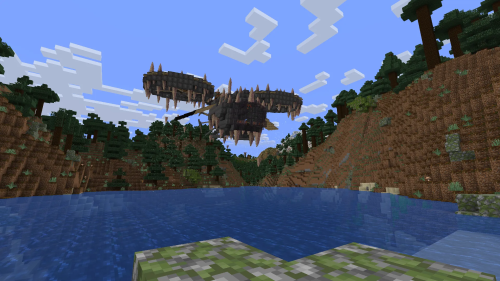 Sa 2 Samson Schematic (1.21.x) – Detailed Hybrid Flying Machine for Create Mod
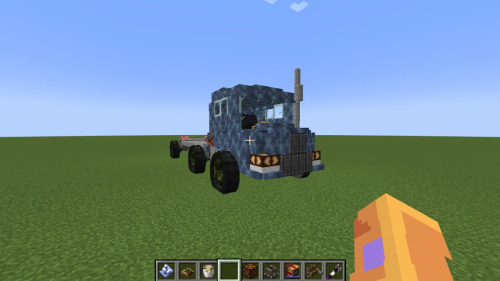 Gas Powered Semitruck Schematic (1.21.x) – Drive a Two-Seater Gas Powered Truck
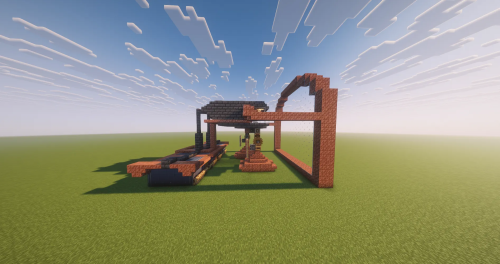 The Earth Annihilator V2 Mech Two Schematic (1.21.x) – Powerful Mining Mech for Create Mod
 Petushara Simple Water Powered High Speed Schematic (1.21.x)
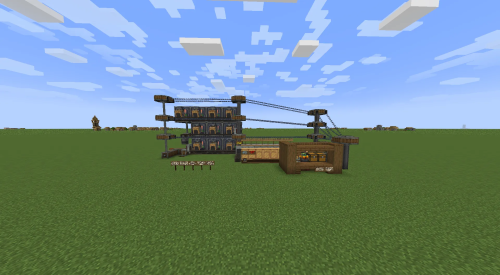 Survival Friendly Sorting System Schematic (1.21.x) – Automated Storage Solution for Create Mod
 Agrimotor Schematic (1.21.x) – Build a Functional Create Mod Tractor
 Areis 65 Aries Heavy RV Build Schematic (1.21.x)
 Class 86 Schematic (1.21.x) – Classic 1960s Electric Train
 Mini Copper Robot Schematic (1.21.x) – Compact Industrial Robot Build for Create Mod

This post has no comments yet. Be the first — your comment will appear here.