🌐 You're reading this article in 中文. Want to switch?
Or pick the one you like:

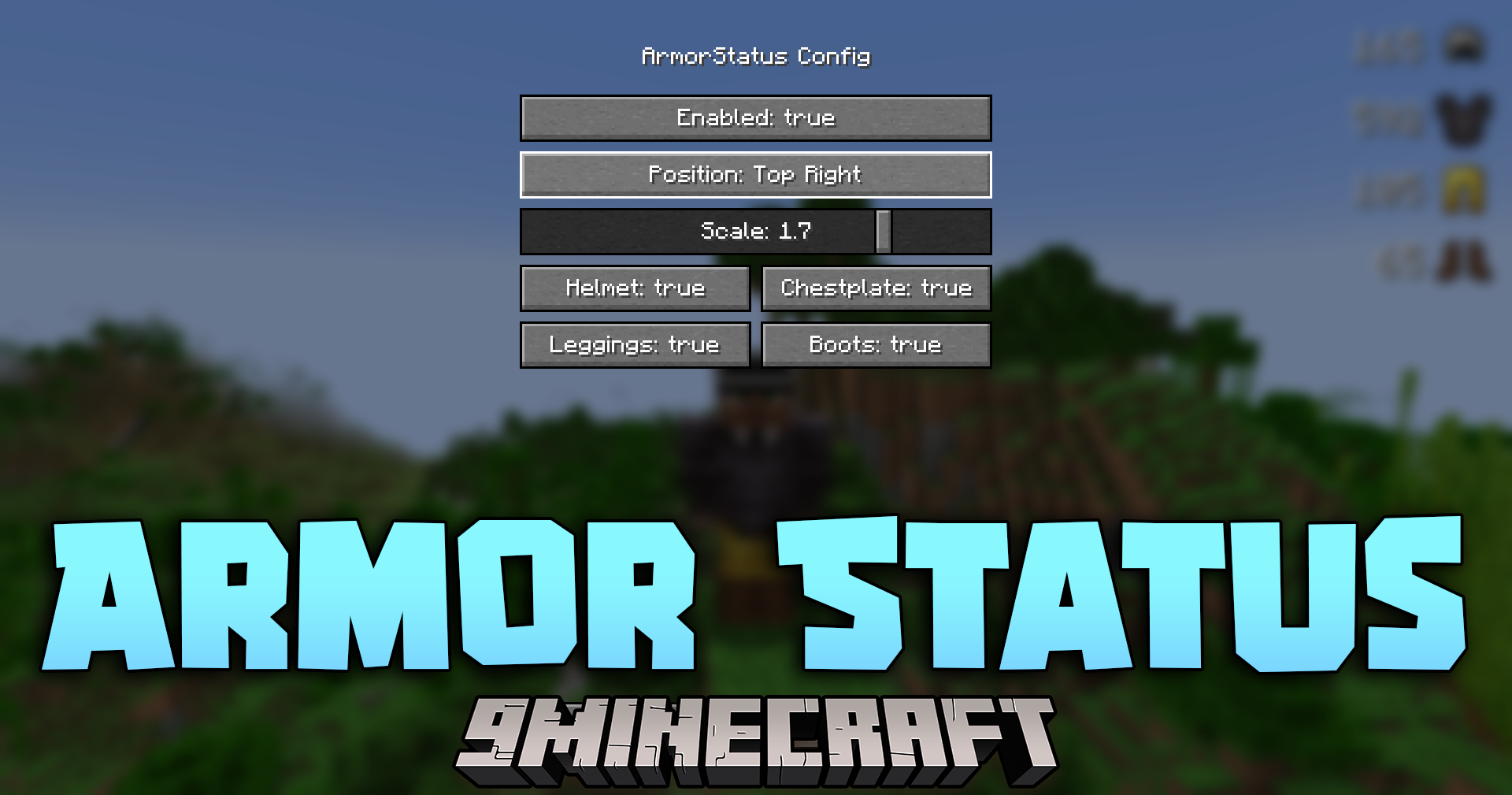
Armor Status Mod 在屏幕上添加了一个简单的显示界面,用于展示装备的精确耐久度。它在屏幕上生成一个简洁的小窗口,让你随时掌握头盔或胸甲在损坏前还能承受多少次攻击。这能帮助你在激烈的战斗中生存更久,因为你可以在装备消失前及时修理或更换它们。
Armor Status Mod

主要功能:

  • 实时追踪: 在游戏过程中,直接在屏幕上显示当前所穿戴装备的精确耐久度。
  • 在游戏窗口中放置一个简洁的小显示框,无论是在建造还是战斗时都不会遮挡视线。
  • 运行流畅,不会降低游戏帧数或影响电脑性能。
  • 完美适用于普通生存模式、硬核模式挑战或 PVP 战斗。
  • 仅限客户端运行,因此你可以加入任何服务器并依然能看到自己的装备状态。

游戏截图:
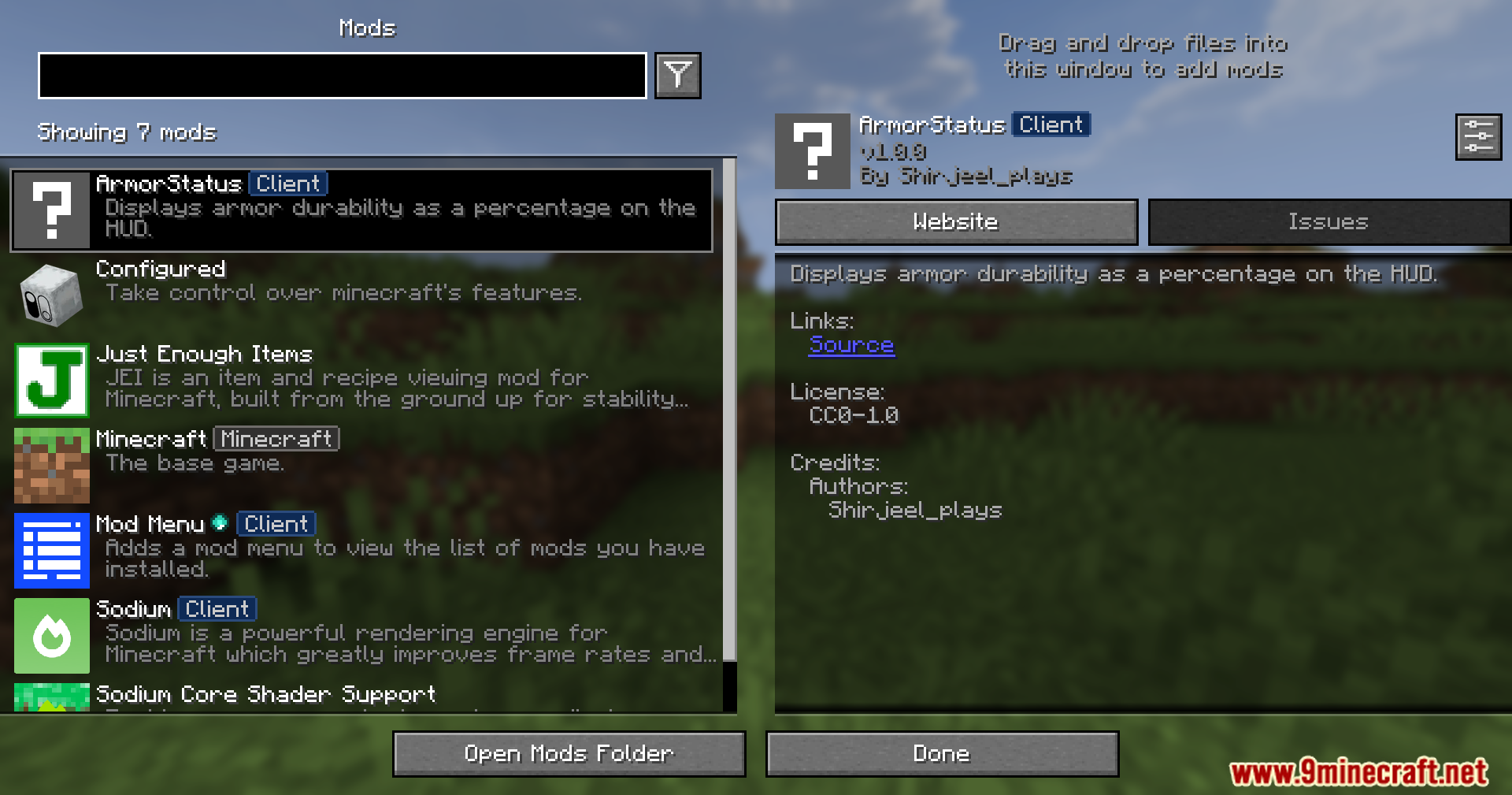
The Minecraft mod menu interface displaying information about the ArmorStatus Client mod
显示 ArmorStatus 客户端模组信息的 Minecraft 模组菜单界面
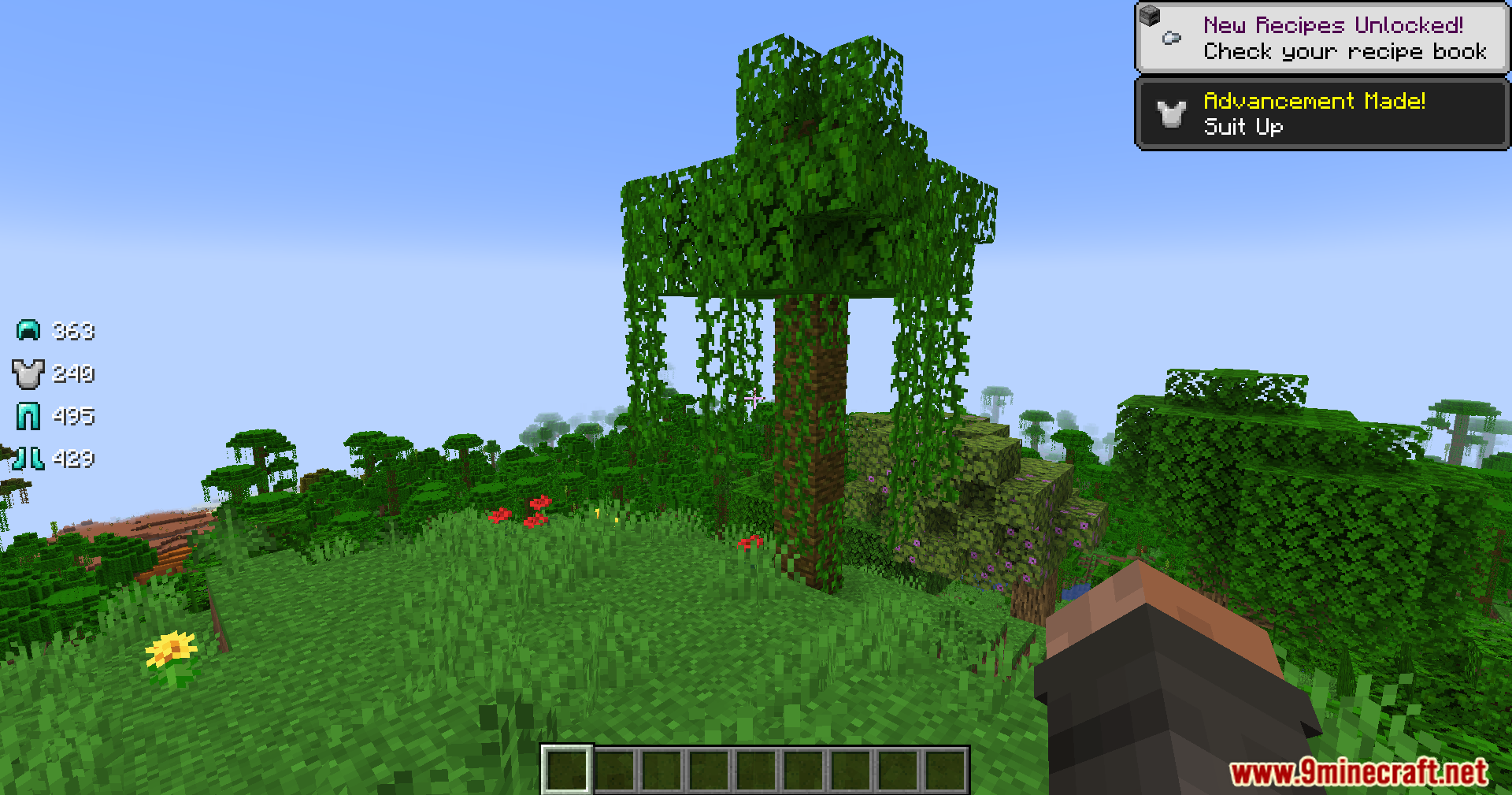
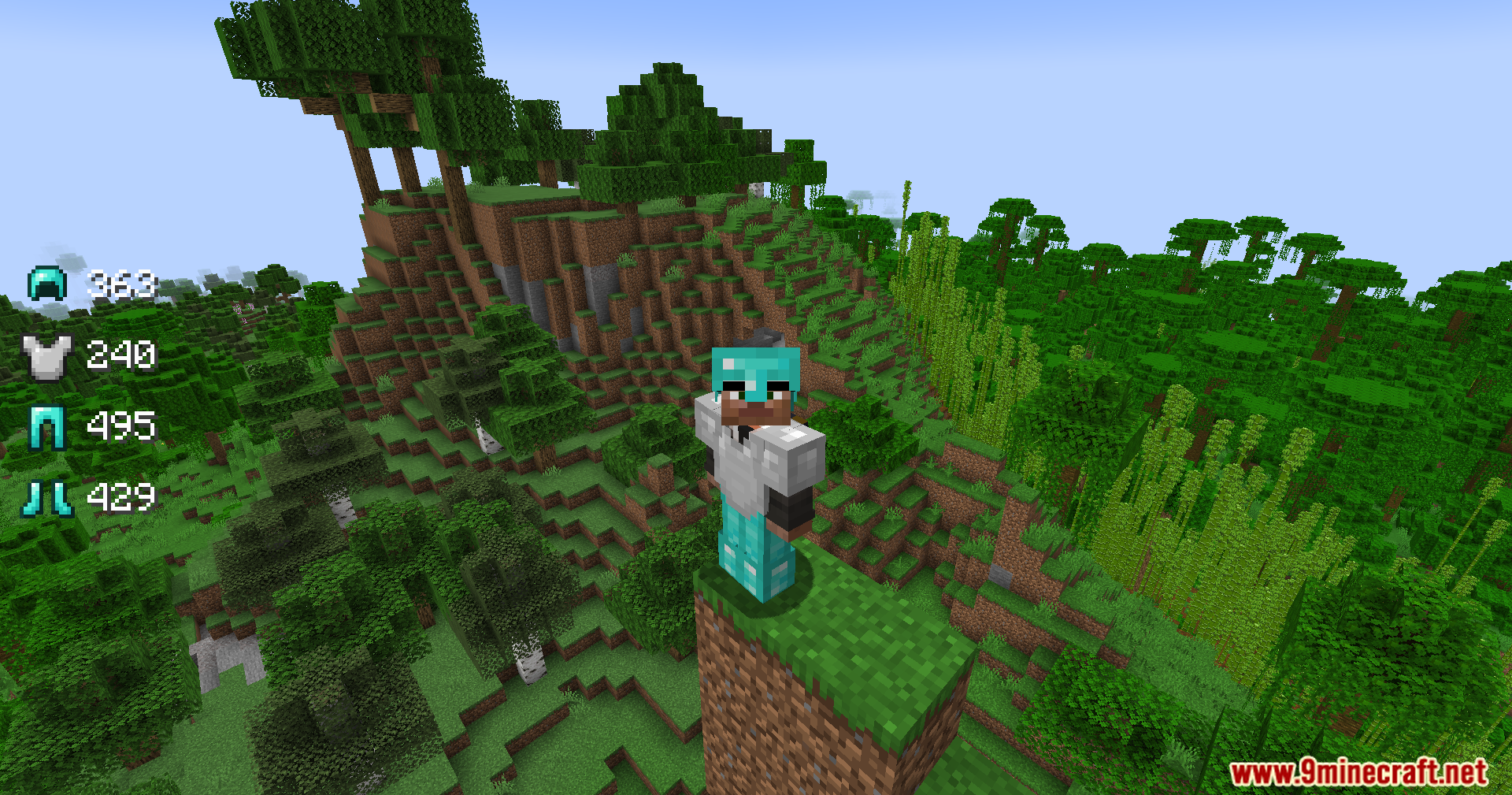
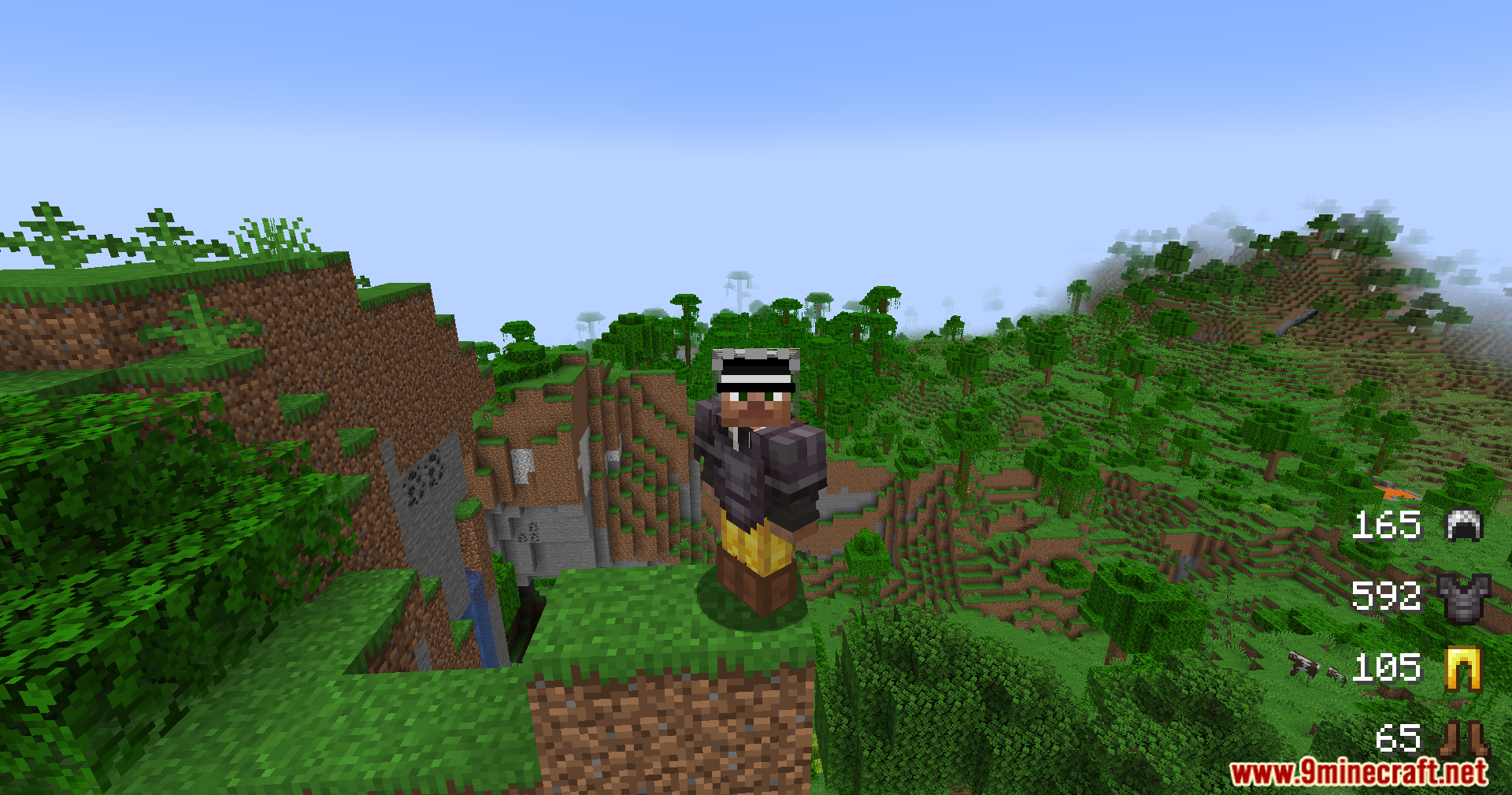
Player exploring a jungle with armor durability icons displayed on the screen
玩家在探索丛林时,屏幕上显示着护甲耐久度图标
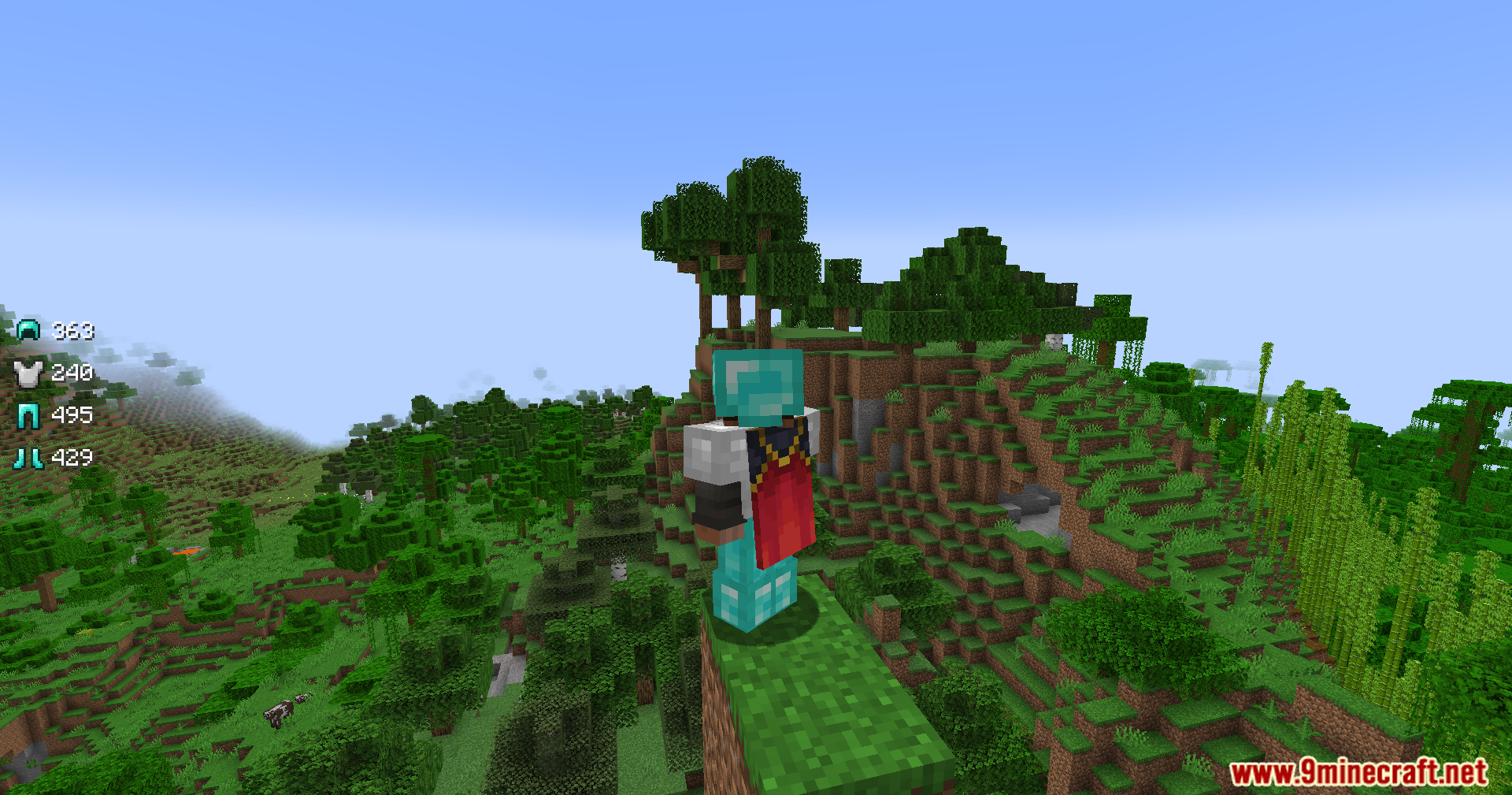
A Minecraft player wearing armor stands on a cliff overlooking a jungle biome
一名穿着护甲的 Minecraft 玩家站在悬崖上俯瞰丛林生物群系
The Armor Status Mod displays gear durability levels on the game screen interface
Armor Status Mod 在游戏屏幕界面上显示装备耐久度等级
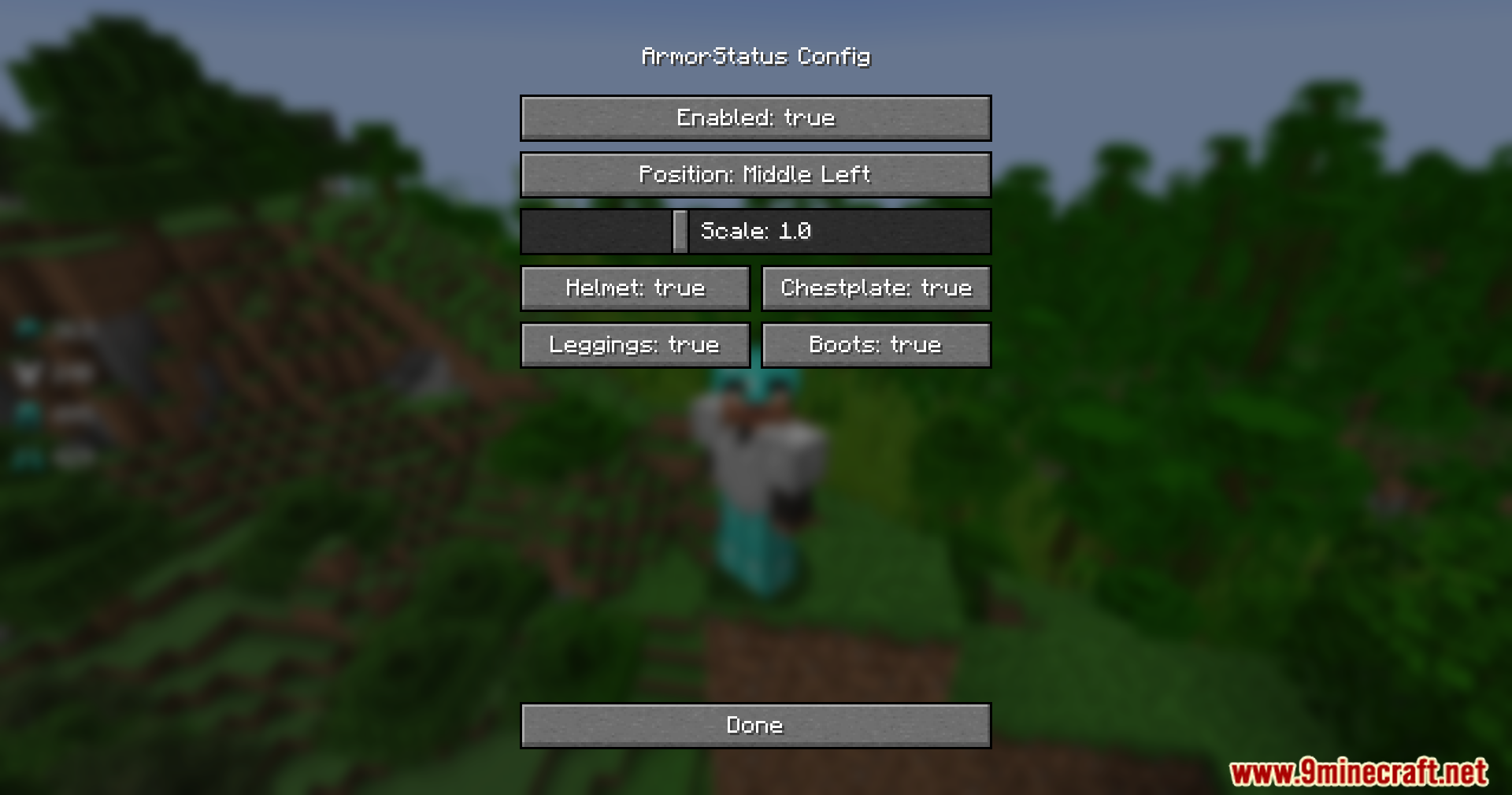
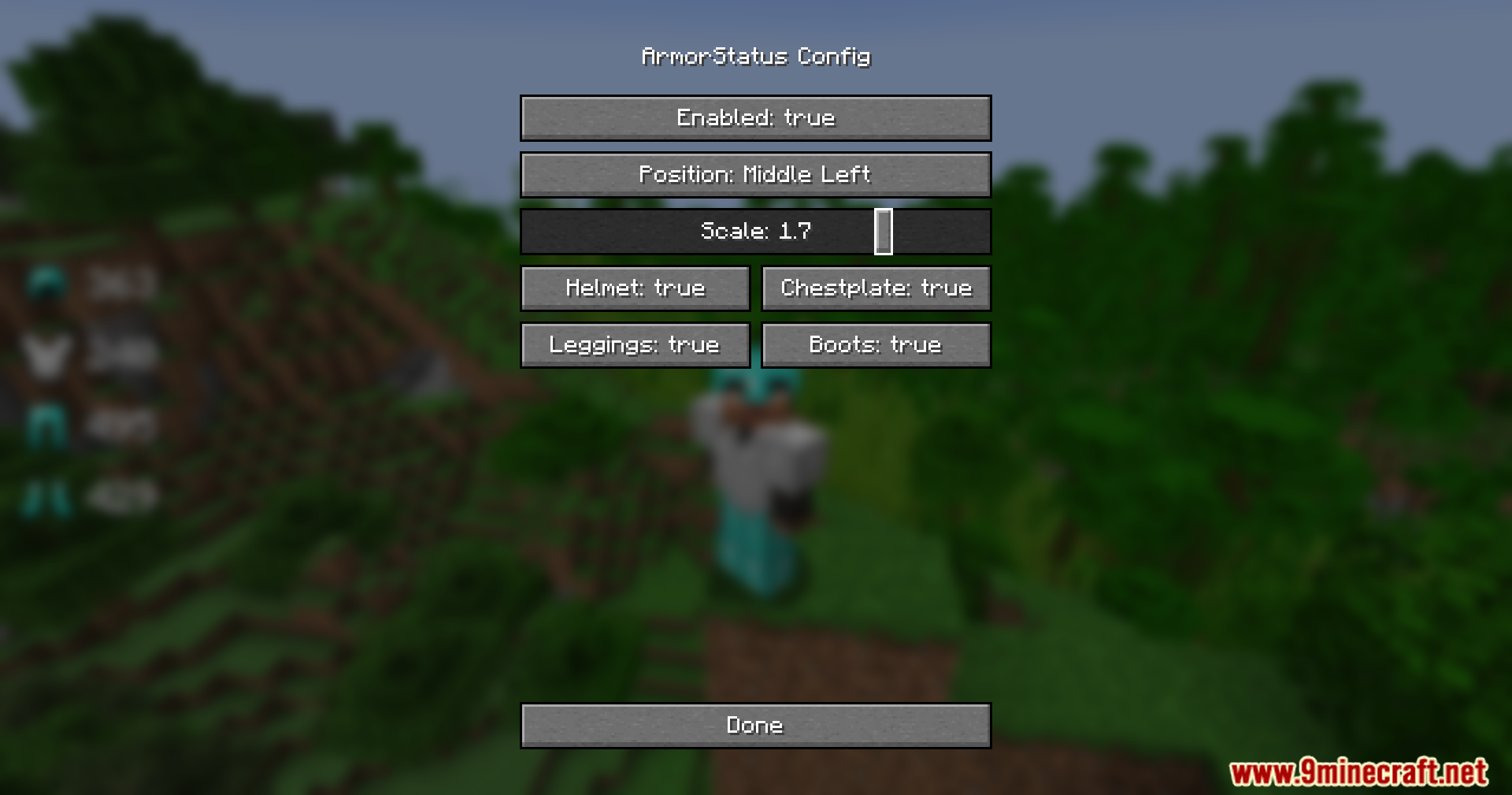
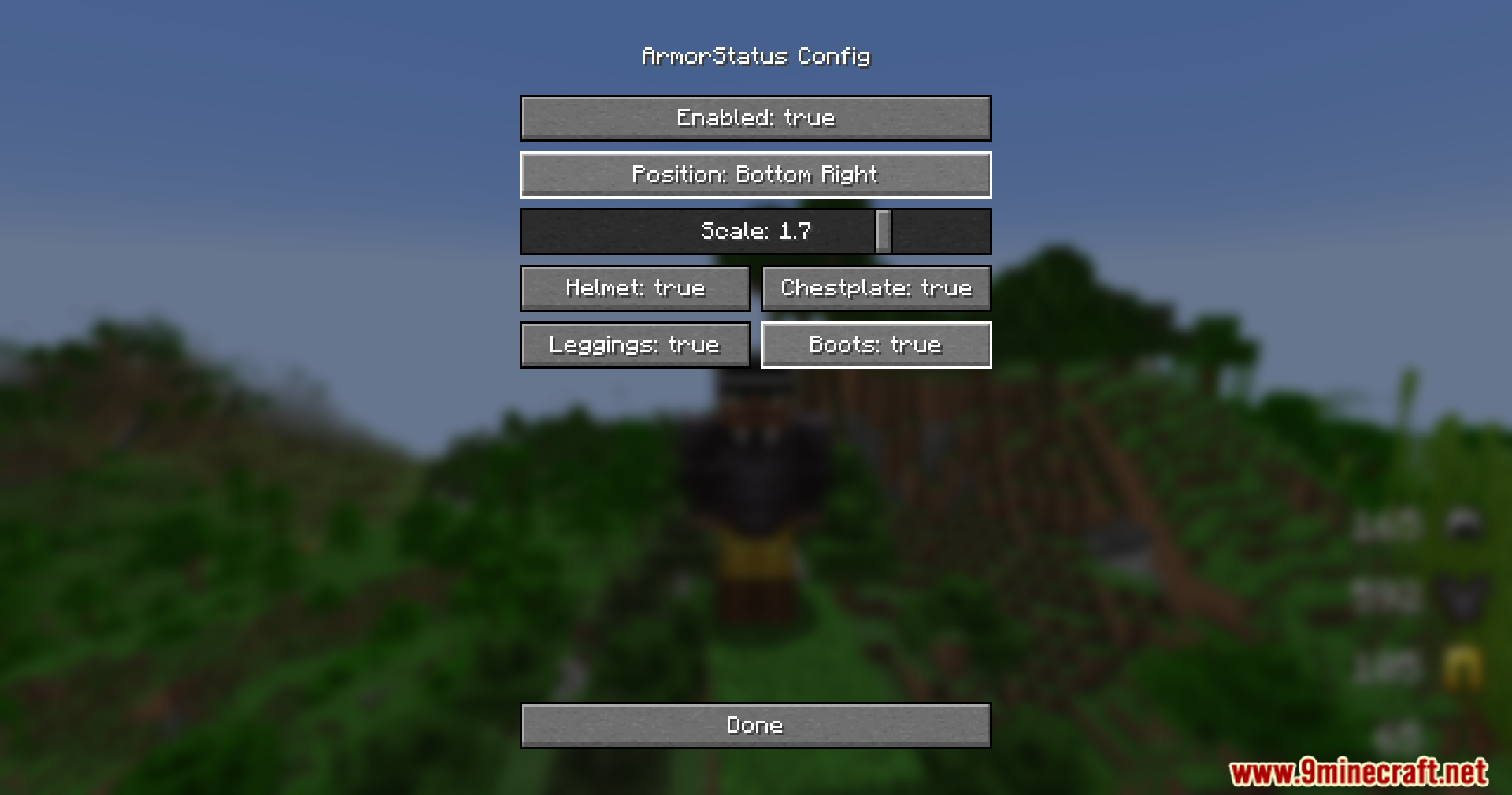
The Armor Status configuration menu showing various display and position settings
Armor Status 配置菜单,显示各种显示和位置设置
Adjusting the scale slider to increase the size of the armor icons
调整缩放滑块以增大护甲图标的大小
Armor Status Mod showing gear durability for a player in a jungle biome
Armor Status Mod 为丛林生物群系中的玩家显示装备耐久度
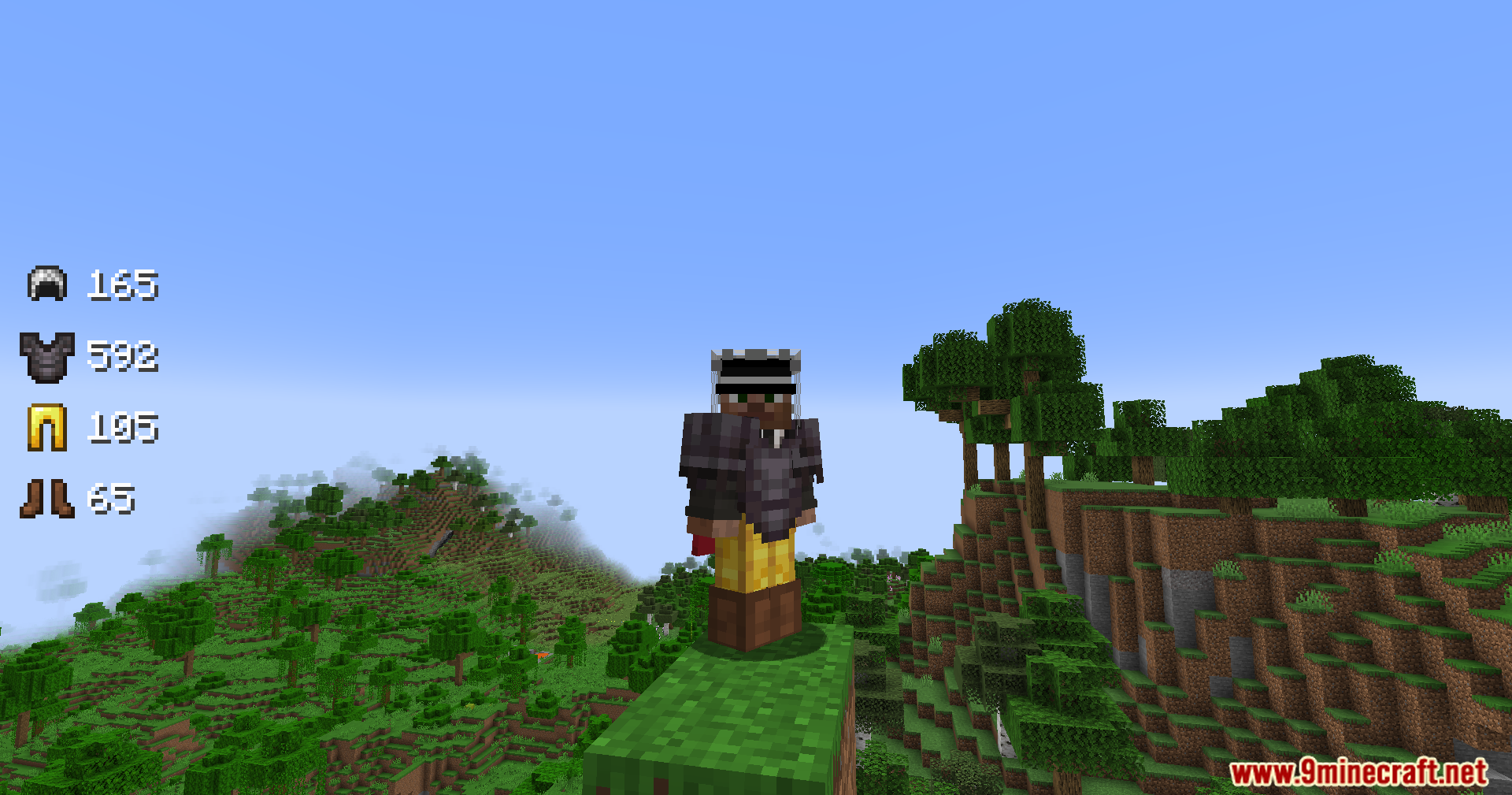
Minecraft character wearing netherite and gold armor with durability status on screen
穿着下界合金和黄金护甲的 Minecraft 角色,屏幕上带有耐久度状态
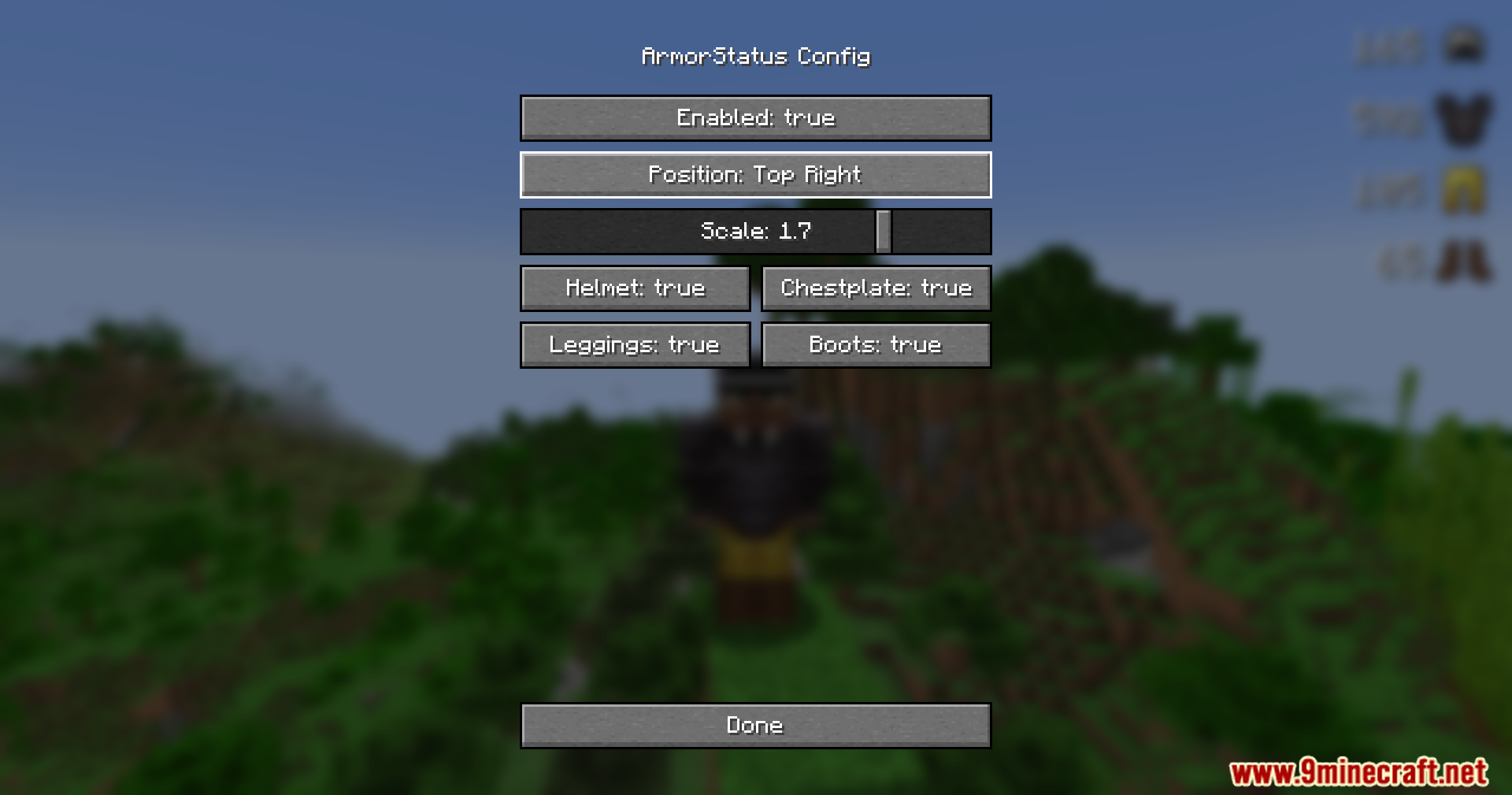
Armor Status Mod configuration menu showing the display position at top right
Armor Status Mod 配置菜单,显示右上角的显示位置
Menu screen for changing the armor durability display to the bottom right
将护甲耐久度显示更改为右下角的菜单界面
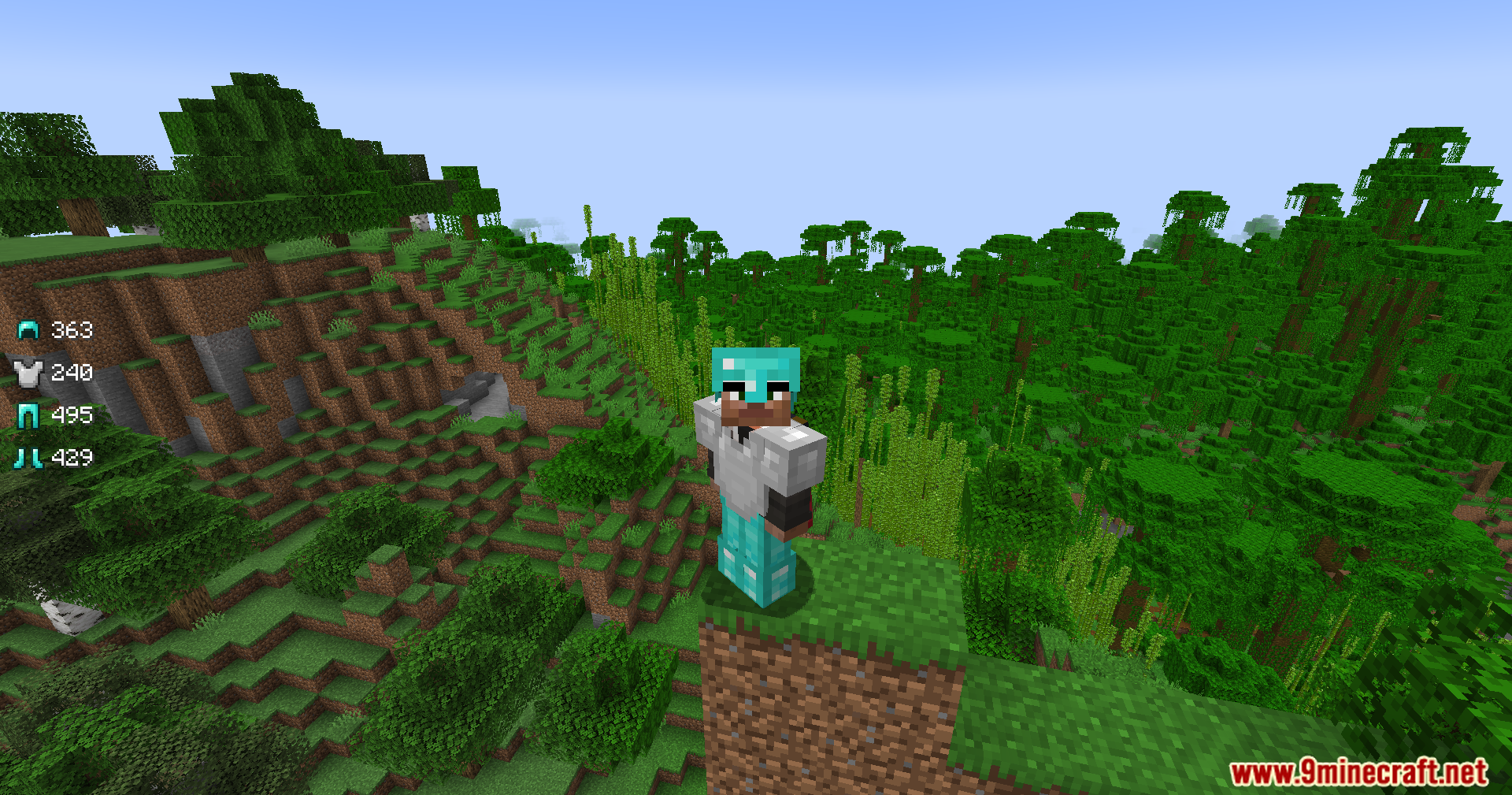
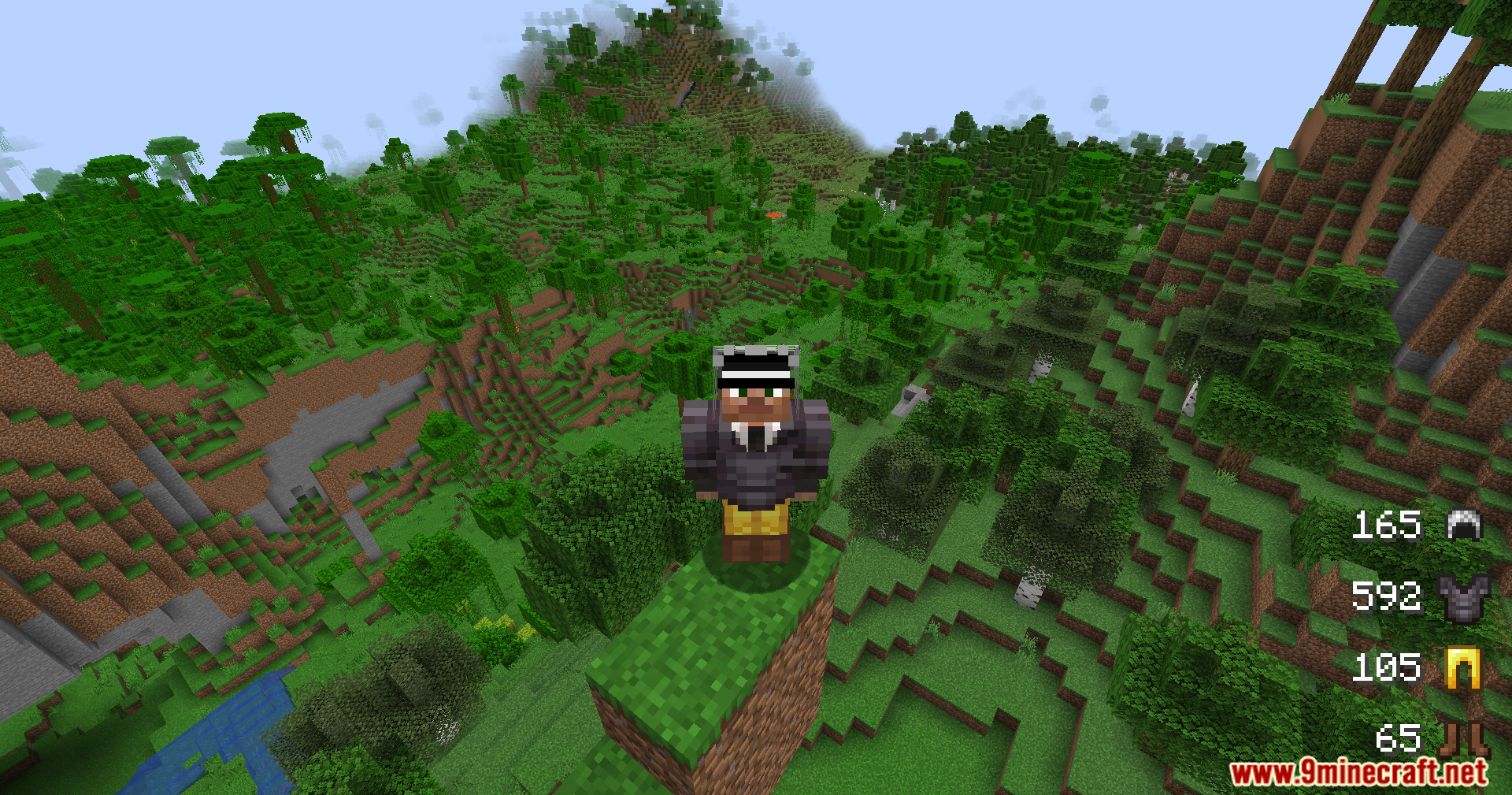
A player wearing armor stands on a dirt pillar overlooking a vast jungle
一名穿着护甲的玩家站在土柱上俯瞰广阔的丛林
Armor durability status displayed on screen while player stands on a dirt pillar
玩家站在土柱上时,屏幕上显示的护甲耐久度状态

Armor Status Mod 下载链接

For Minecraft 1.21.11, 1.21.10, 1.21.9

Fabric 84 KB May 31, 2026

Click to rate this post!
[Total: 1 Average: 5]