


Threshold Protocol Mod (26.2, 1.21.1) – 锁定维度传送门
 5
5
 0
0

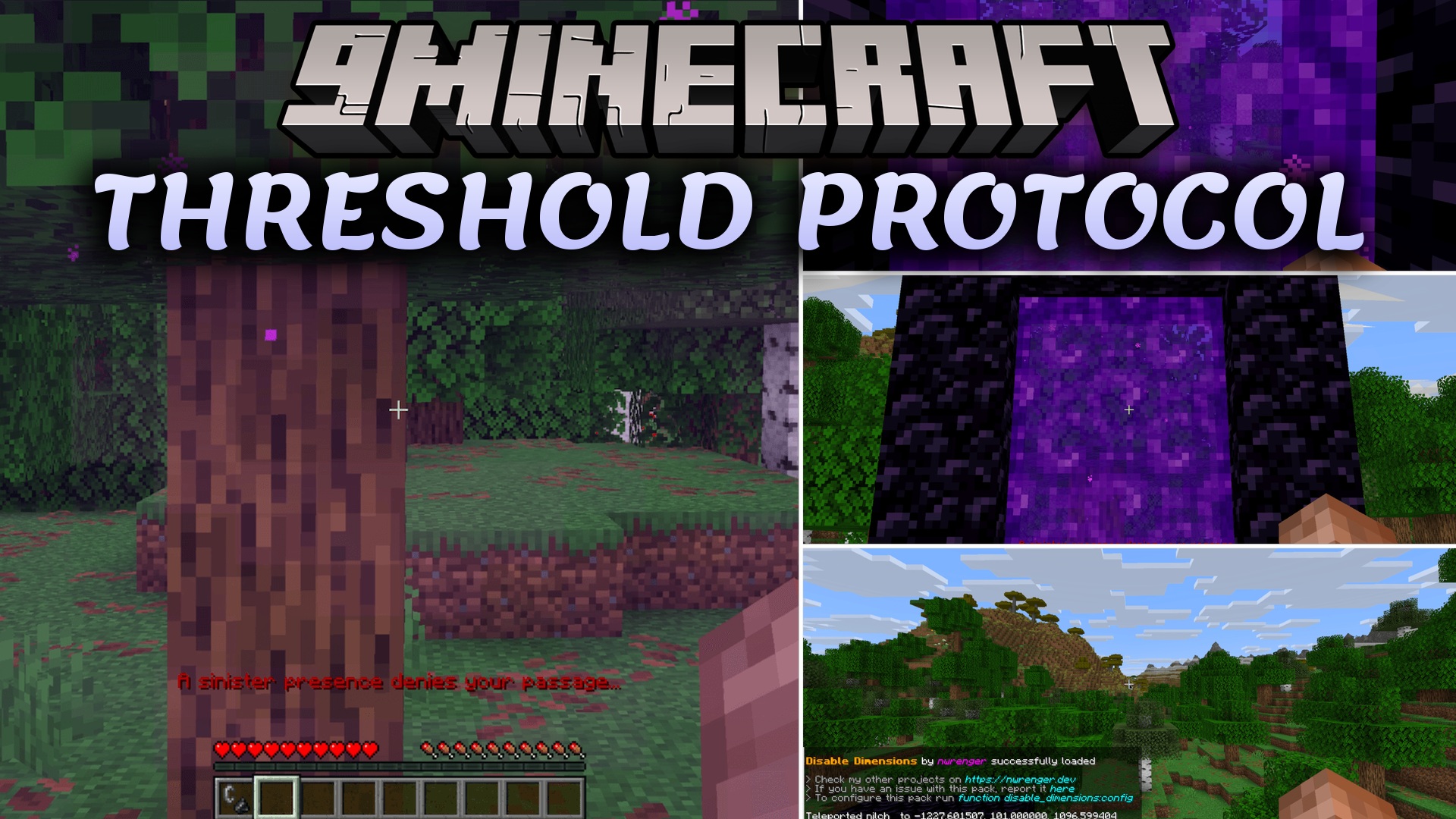
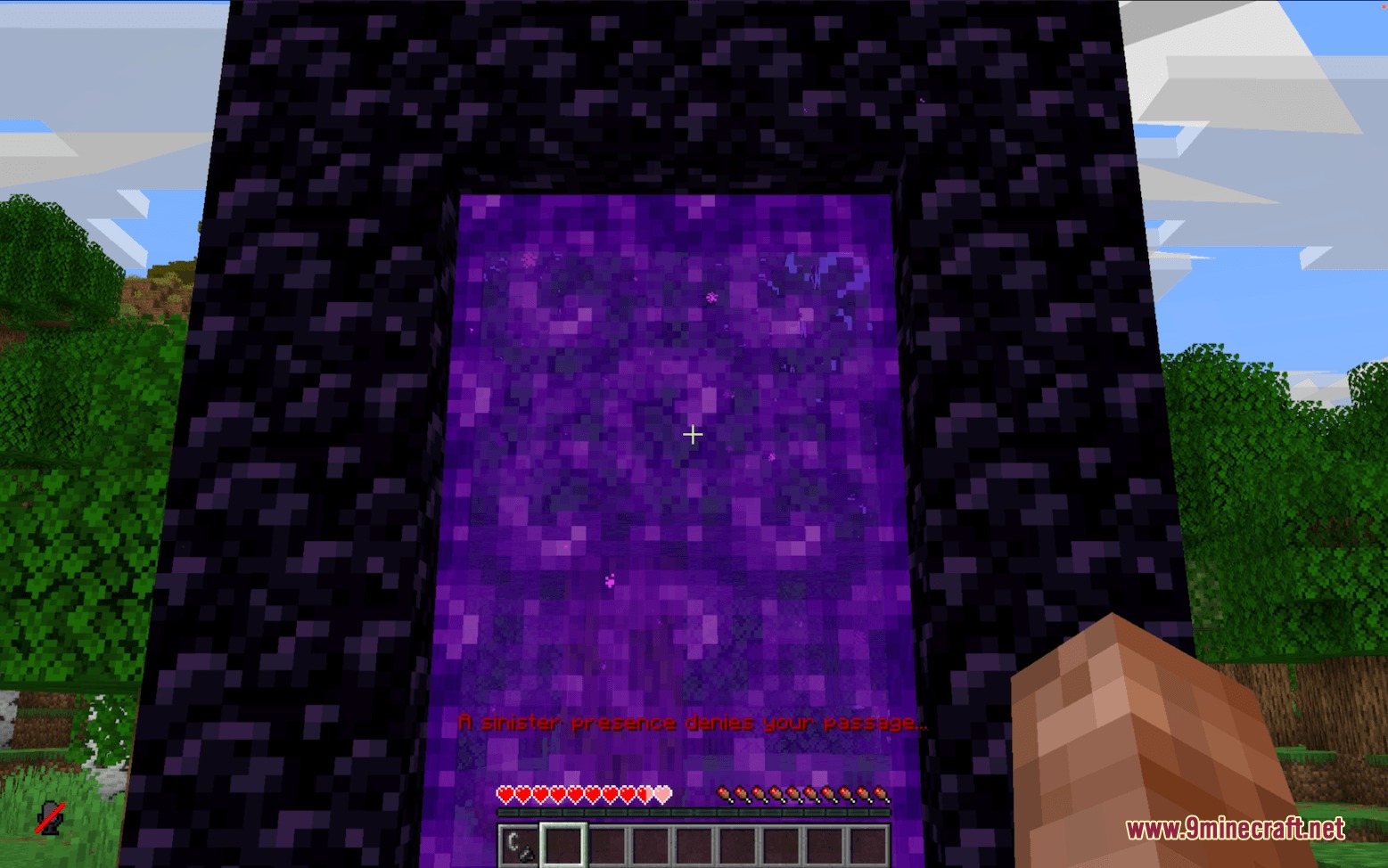
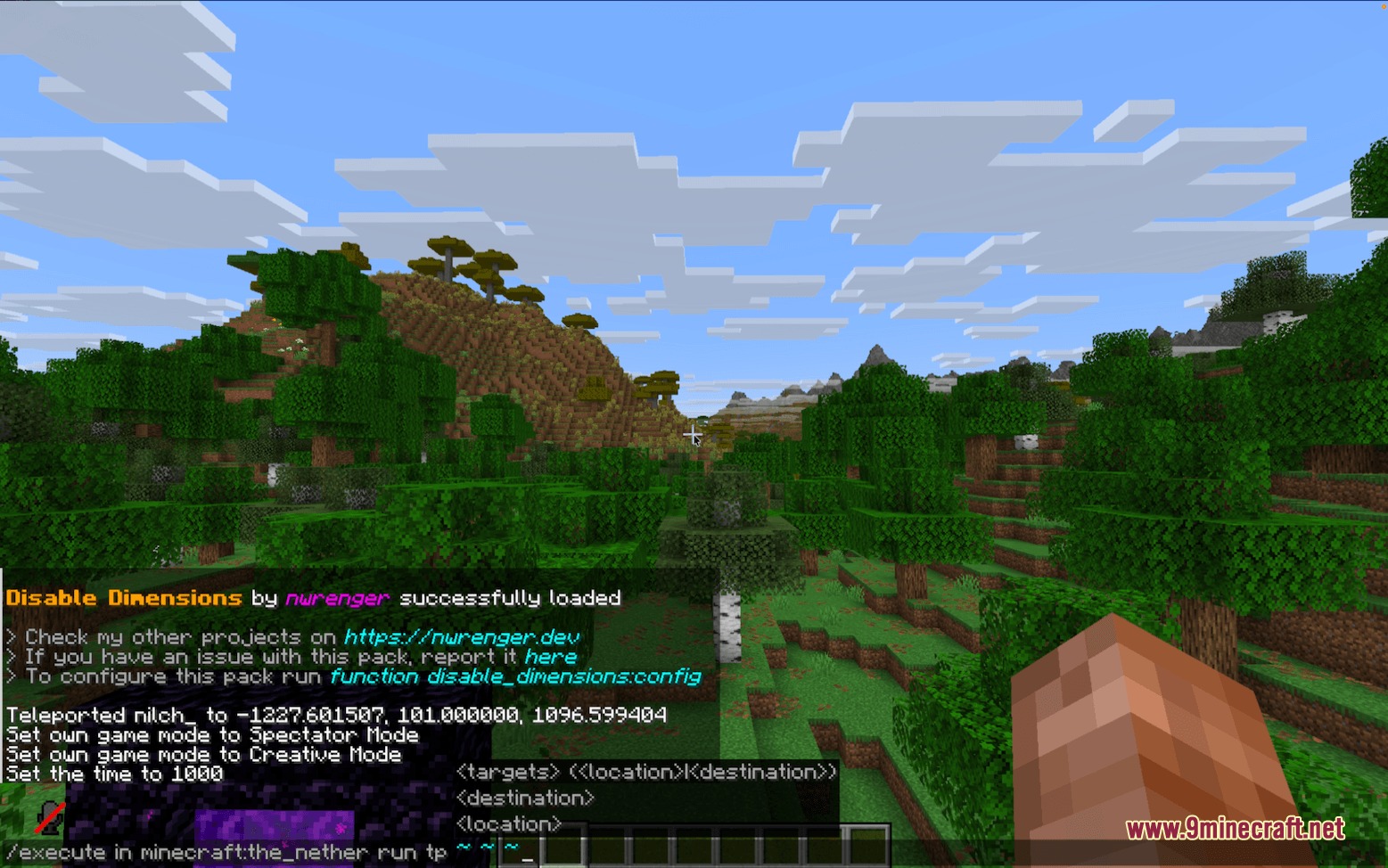
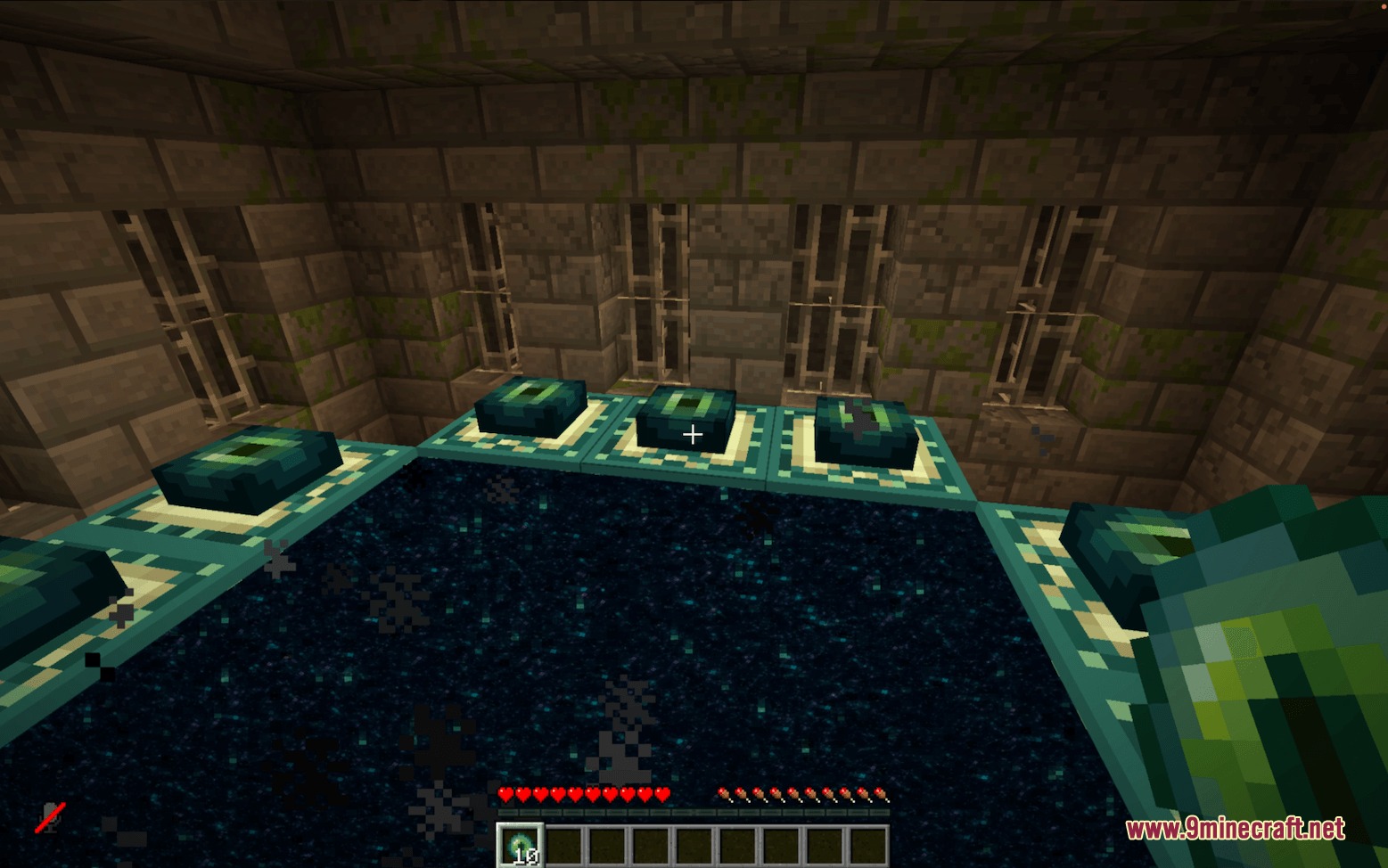
Threshold Protocol Mod 阻止玩家进入下界、末地或自定义维度。它会拦截玩家尝试通过传送门或跨维度传送的每一种方式,并将其直接送回安全地带。你可以开启或关闭单个世界,并根据游戏时间、库存物品或成就设置自定义规则。它在多人生存服务器上运行流畅,不会造成卡顿或额外的刻延迟(tick delays)。
功能特点:
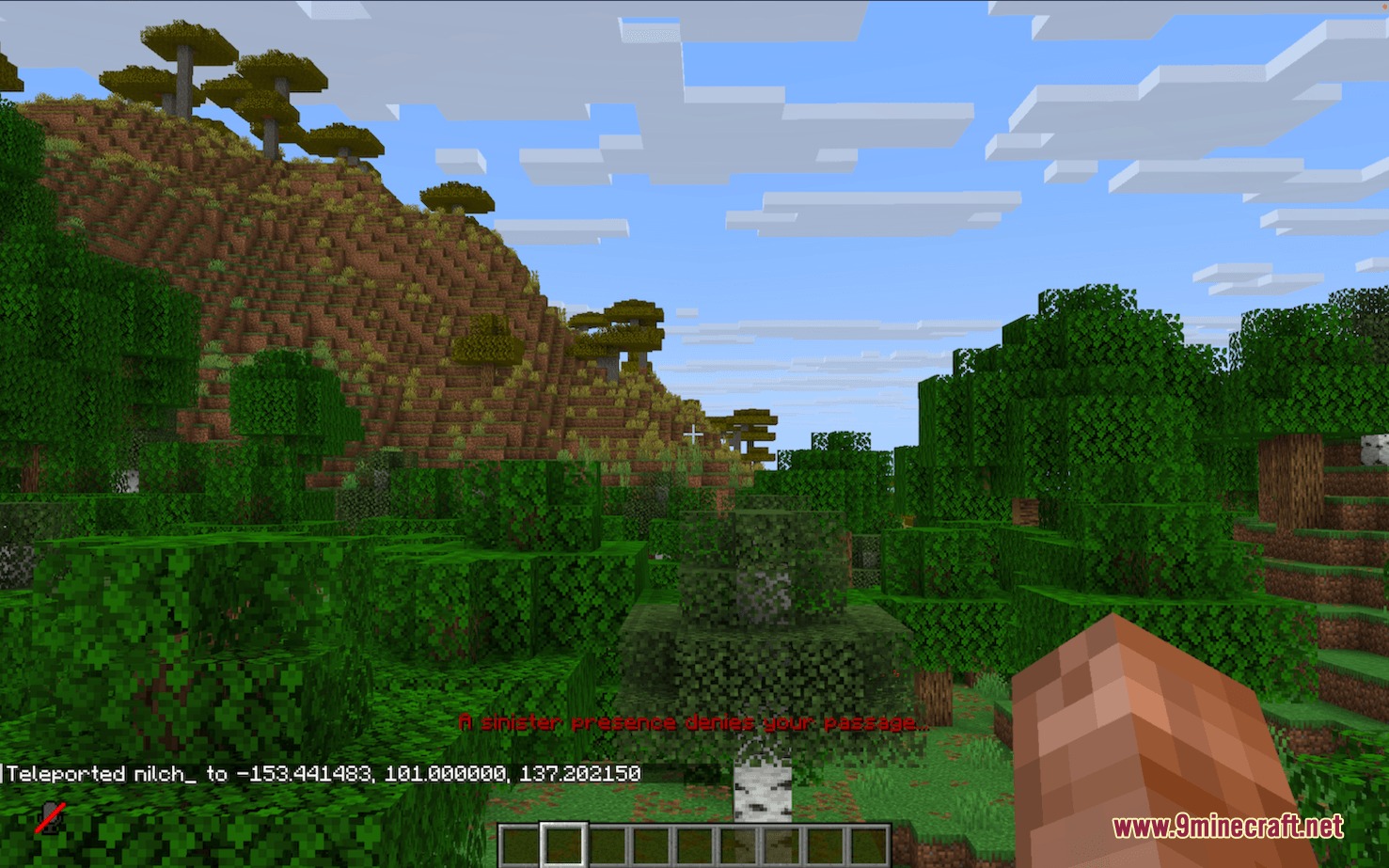
- 当玩家踏入锁定的传送门或尝试跨维度传送时,立即将其传送回原处。
- 将玩家从下界送回其入口点或世界出生点,从末地送回其床位或出生点。
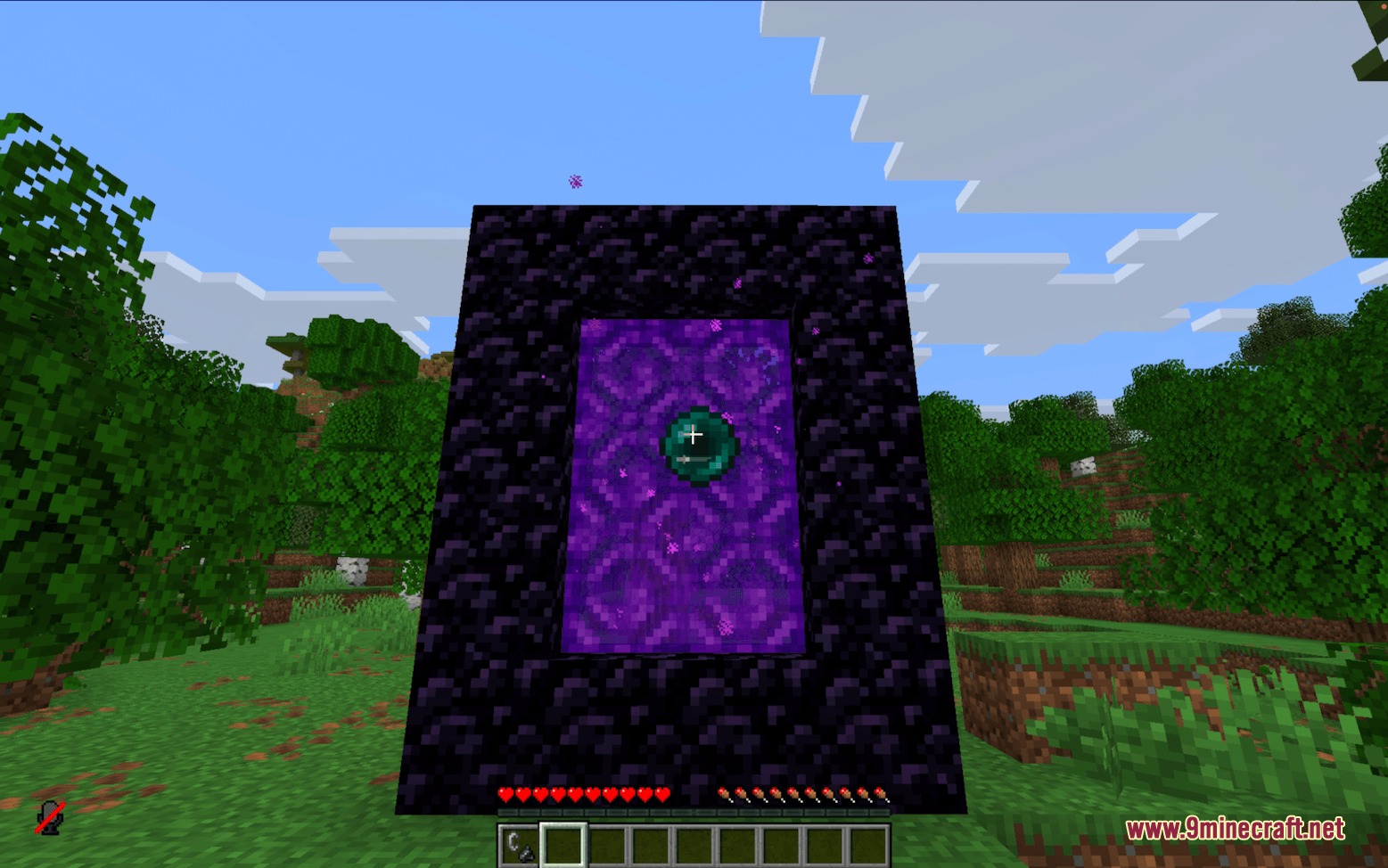
- 拦截通过传送门方块、末影珍珠、矿车以及传送指令进行的维度旅行。
- 即使玩家被送回,也会授予他们正常的维度成就作为小小的奖励。
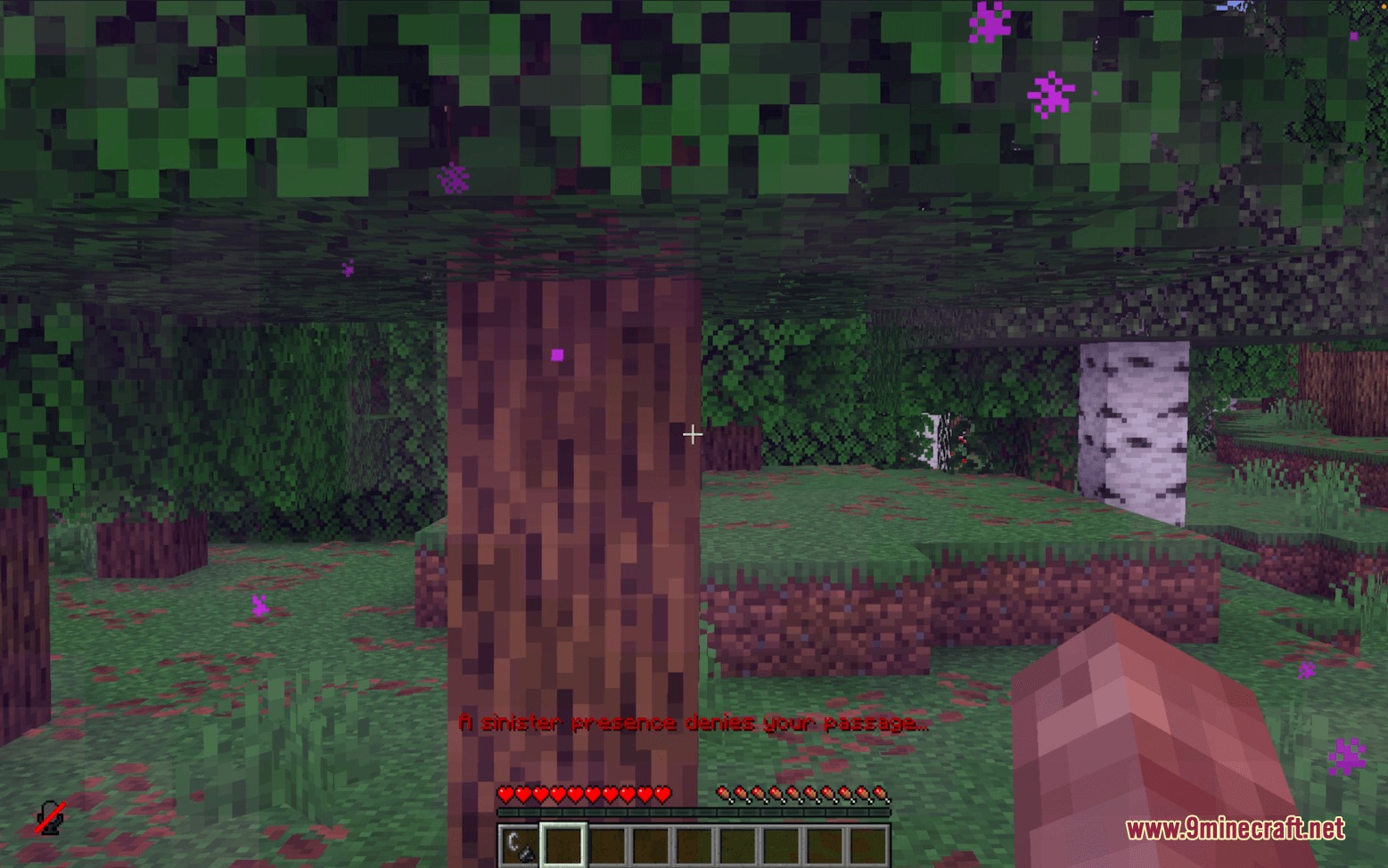
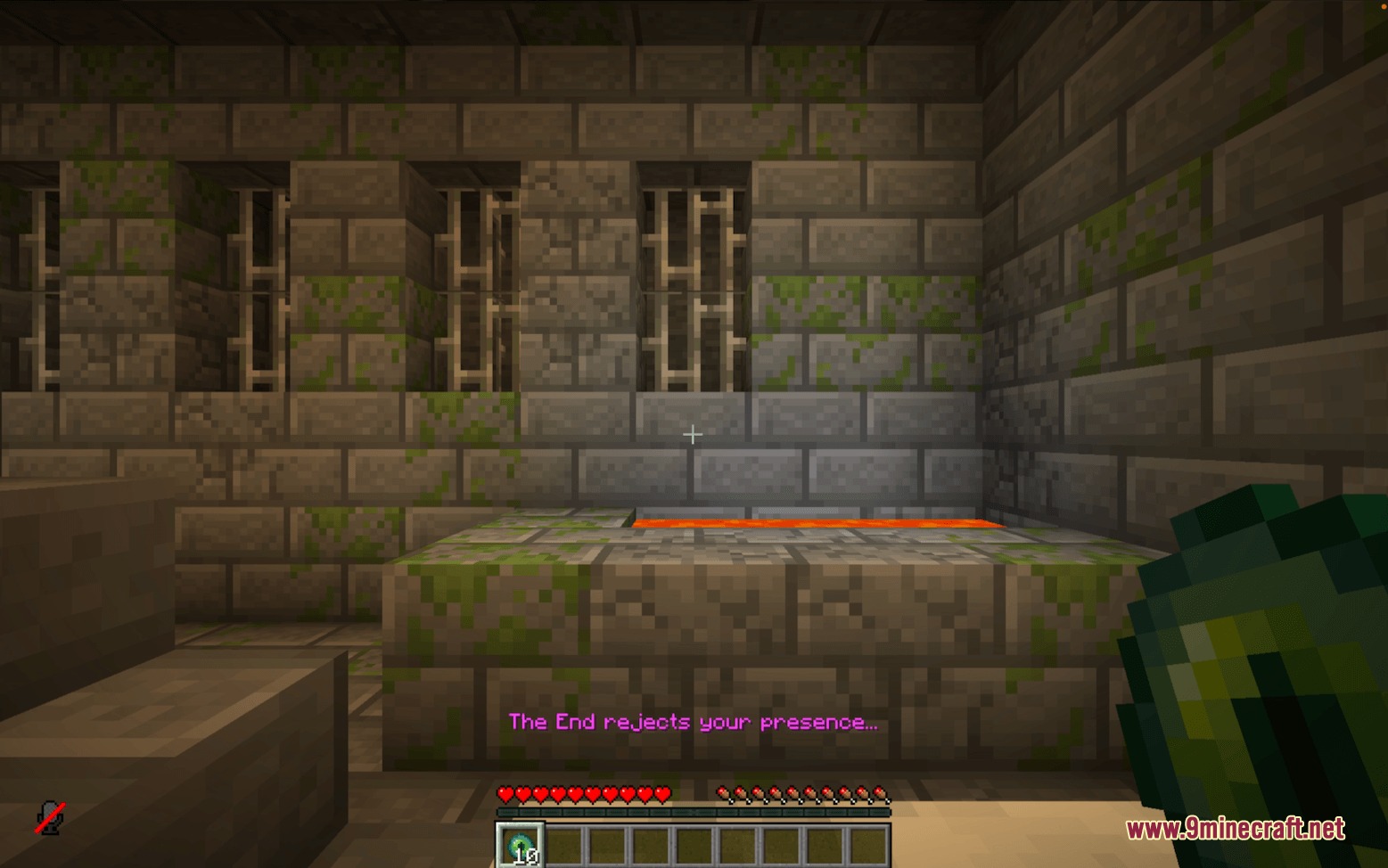
- 在送回玩家时,在动作栏显示简短消息,播放音效,并添加短暂的缓慢效果。
- 包含一个通过鼠标控制的游戏内菜单,无需重启服务器即可更改设置。
- 允许你根据玩家游戏模式、队伍名称、库存物品、分数或流逝的天数设置特殊触发条件。
- 除了标准的原生世界外,还支持自定义模组维度。
指令:
/function disable_dimensions:about:打开包含配置详情的信息面板。/function disable_dimensions:config:打开主设置菜单以管理维度和规则。
使用方法:
- 运行指令
/function disable_dimensions:config以打开主菜单。 - 点击维度名称以切换其访问状态(开启或关闭)。
- 站在你首选的出生点位置,点击 Replace 来设置后备世界出生点。
- 如果你希望维度在特定的游戏天数或达成成就后开启,请添加自定义条件规则。
- 关闭菜单即可立即应用更改,无需重启世界。
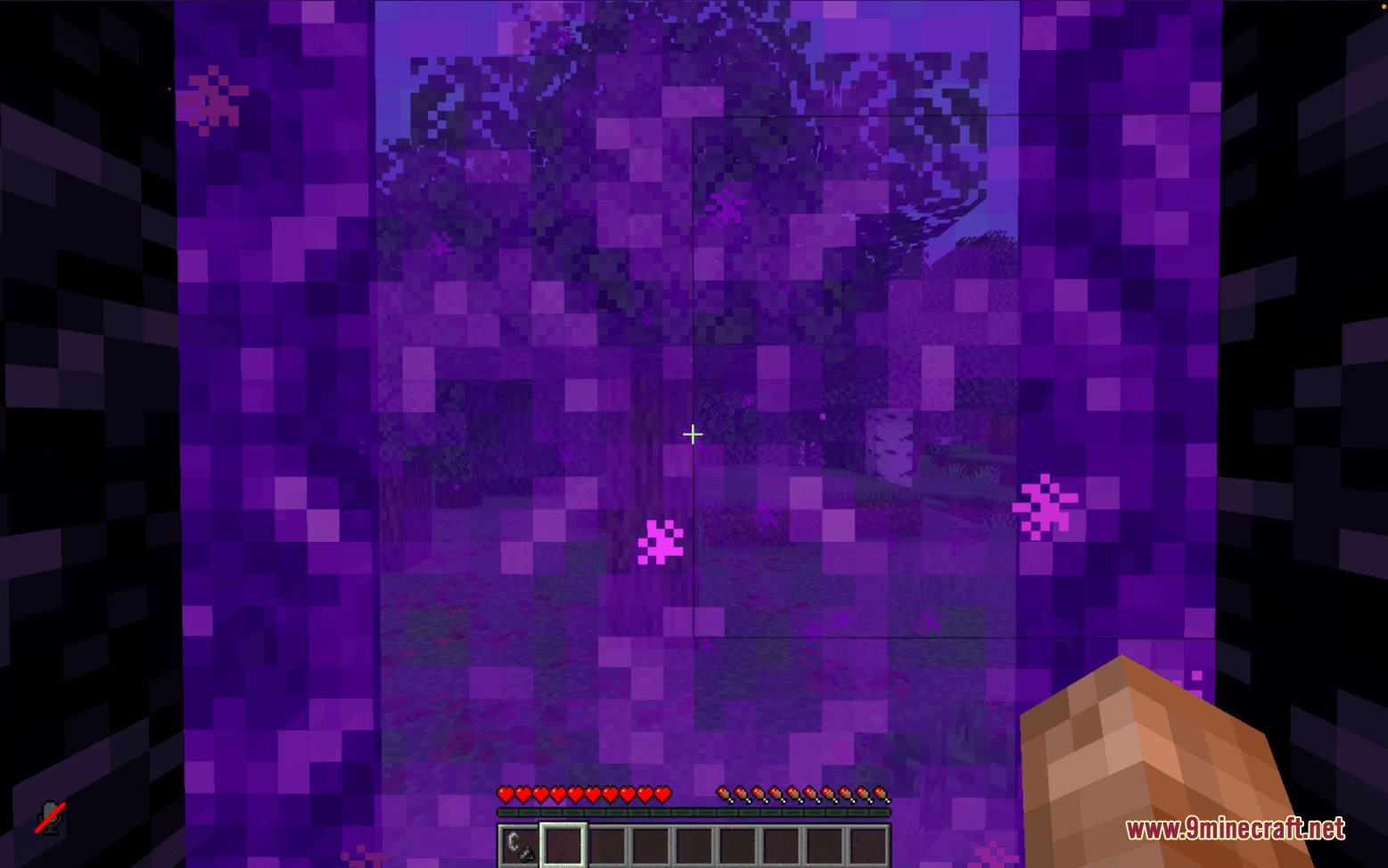
屏幕截图:
前置需求:




Threshold Protocol Mod 下载链接
点击为这篇文章评分!
[Total: 0 Average: 0]
你可能也喜欢





这篇文章还没有评论。 来抢沙发吧 —— 你的评论会显示在这里。