


Threshold Protocol Mod (26.2, 1.21.1) – Lock Dimension Portals Behind Custom
 1
1
 0
0

🌐 Read this article in your language! Choose your preferred language below.
Or pick the one you like:
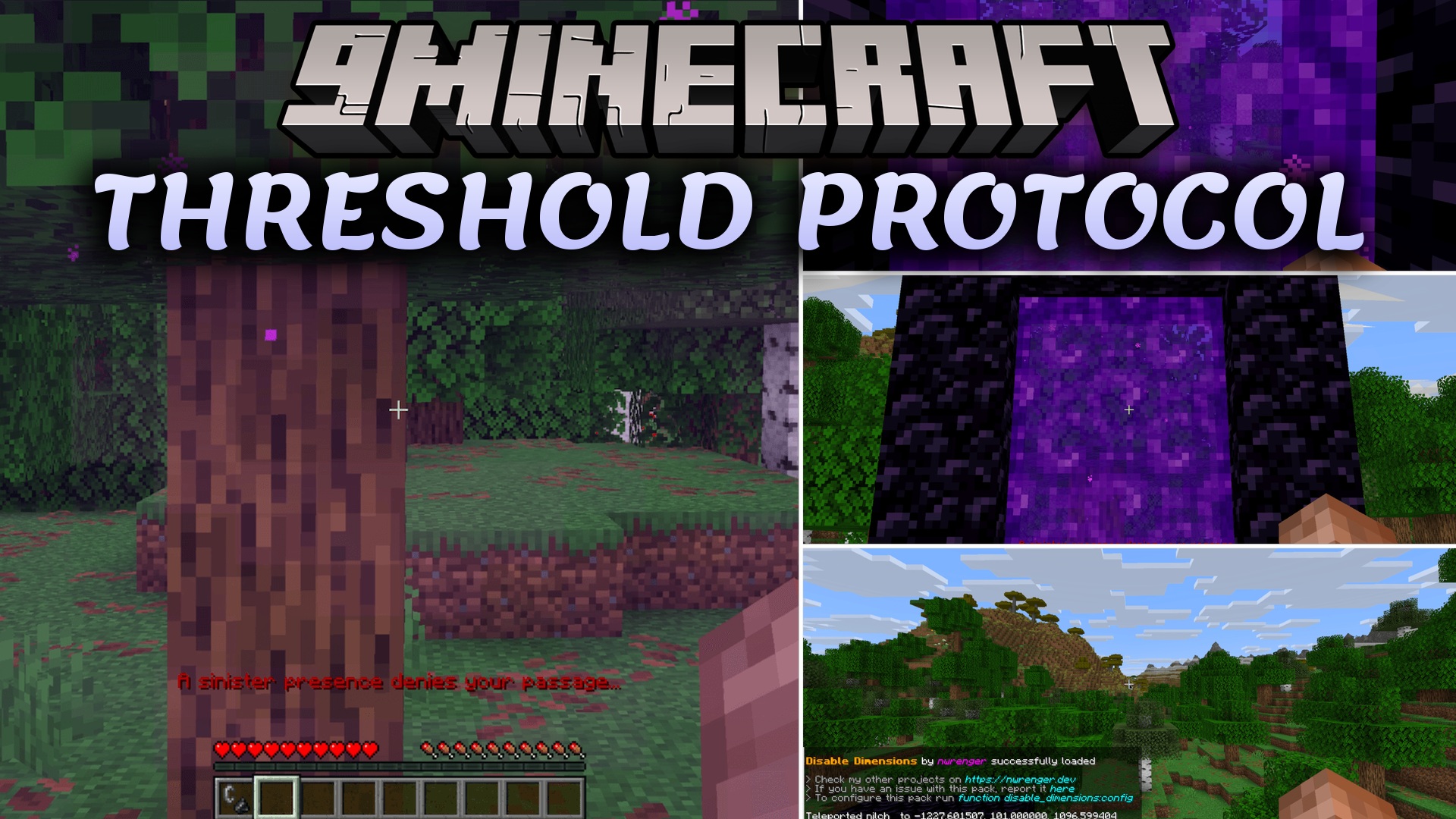
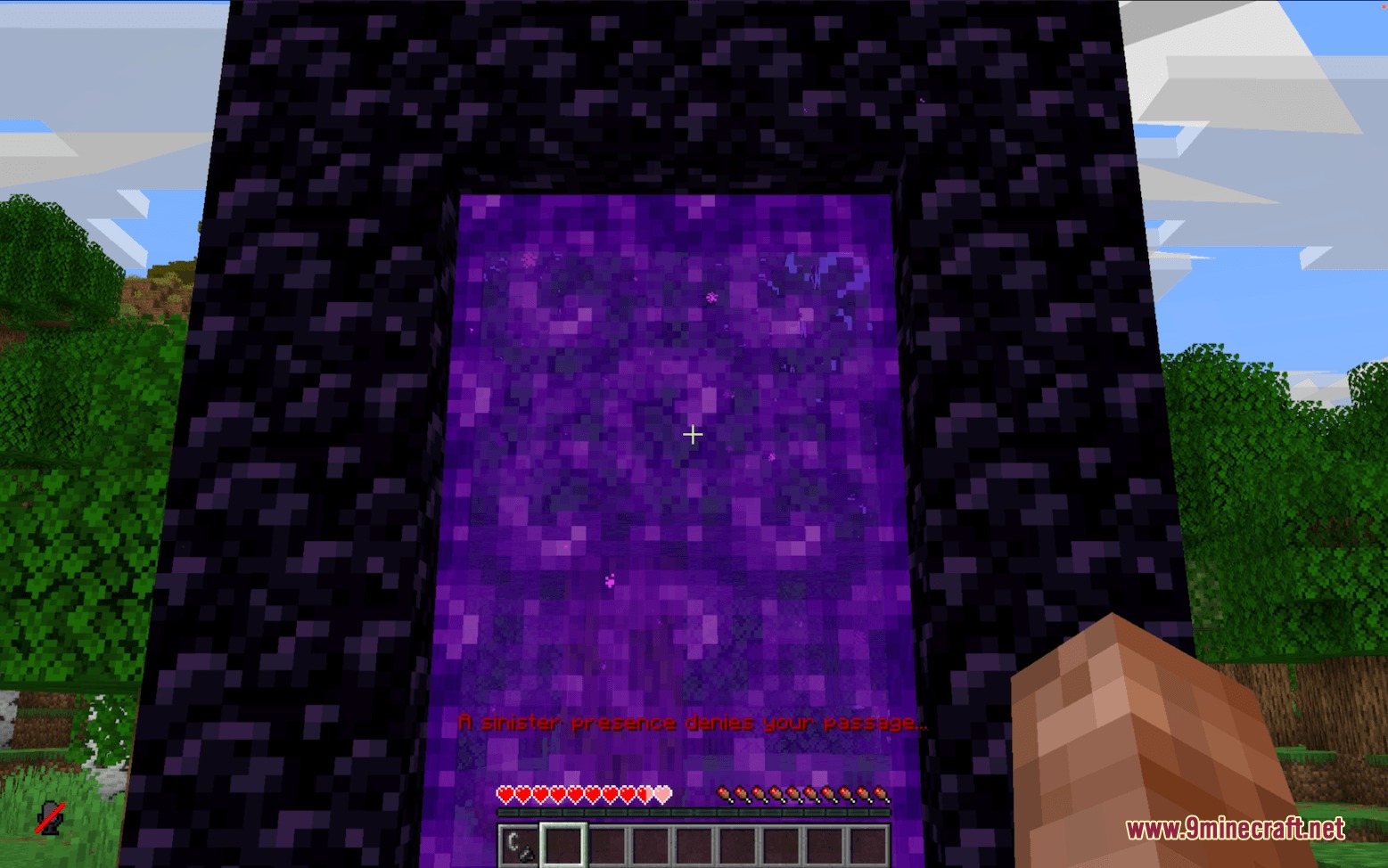
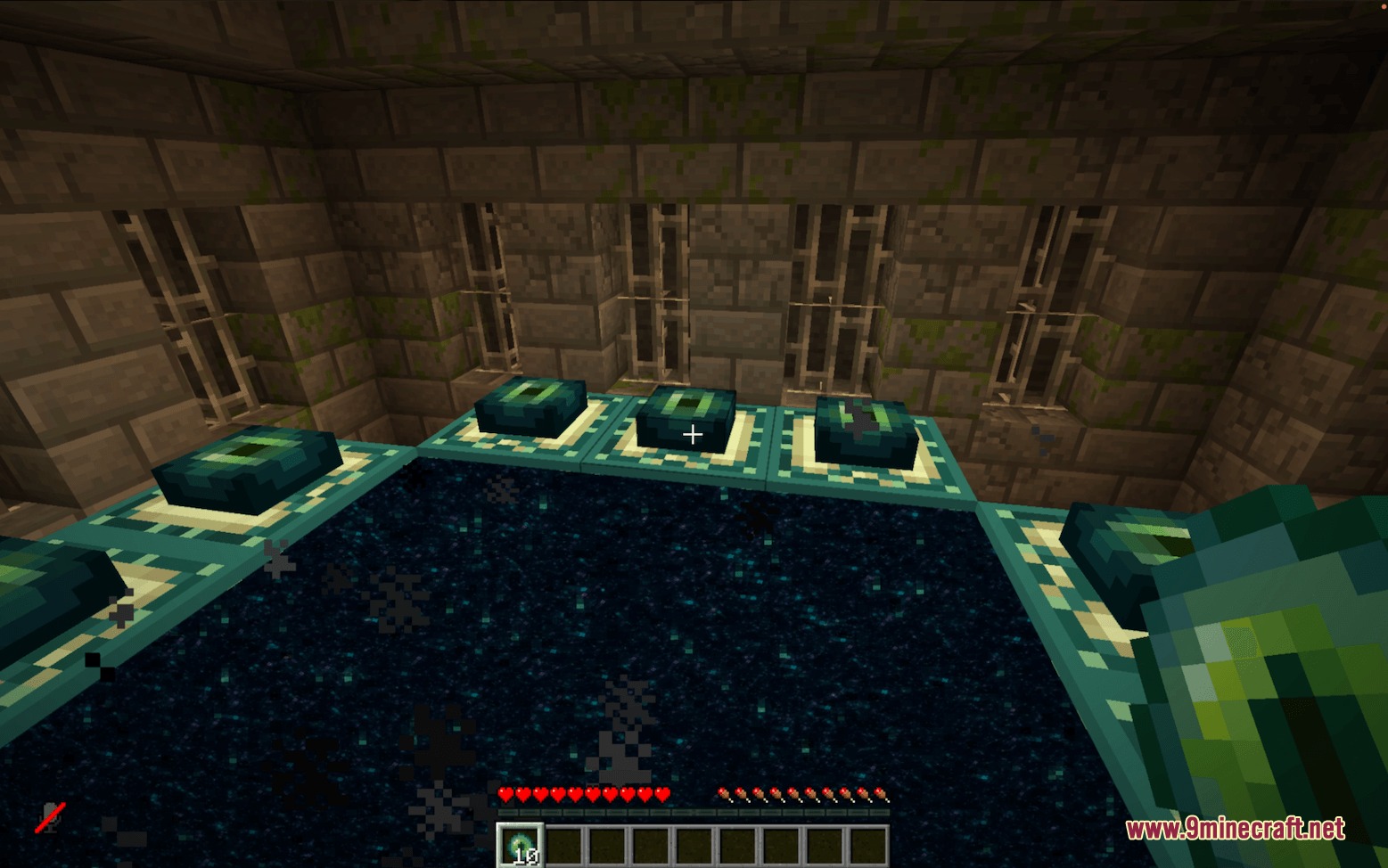
Threshold Protocol Mod stops players from entering the Nether, the End, or custom dimensions. It intercepts every way players try to pass through portals or teleport across dimensions and sends them straight back to safety. You can turn individual worlds on or off and set custom rules based on game time, inventory items, or achievements. It runs smoothly on multiplayer servers without causing lag or extra tick delays.
Features:
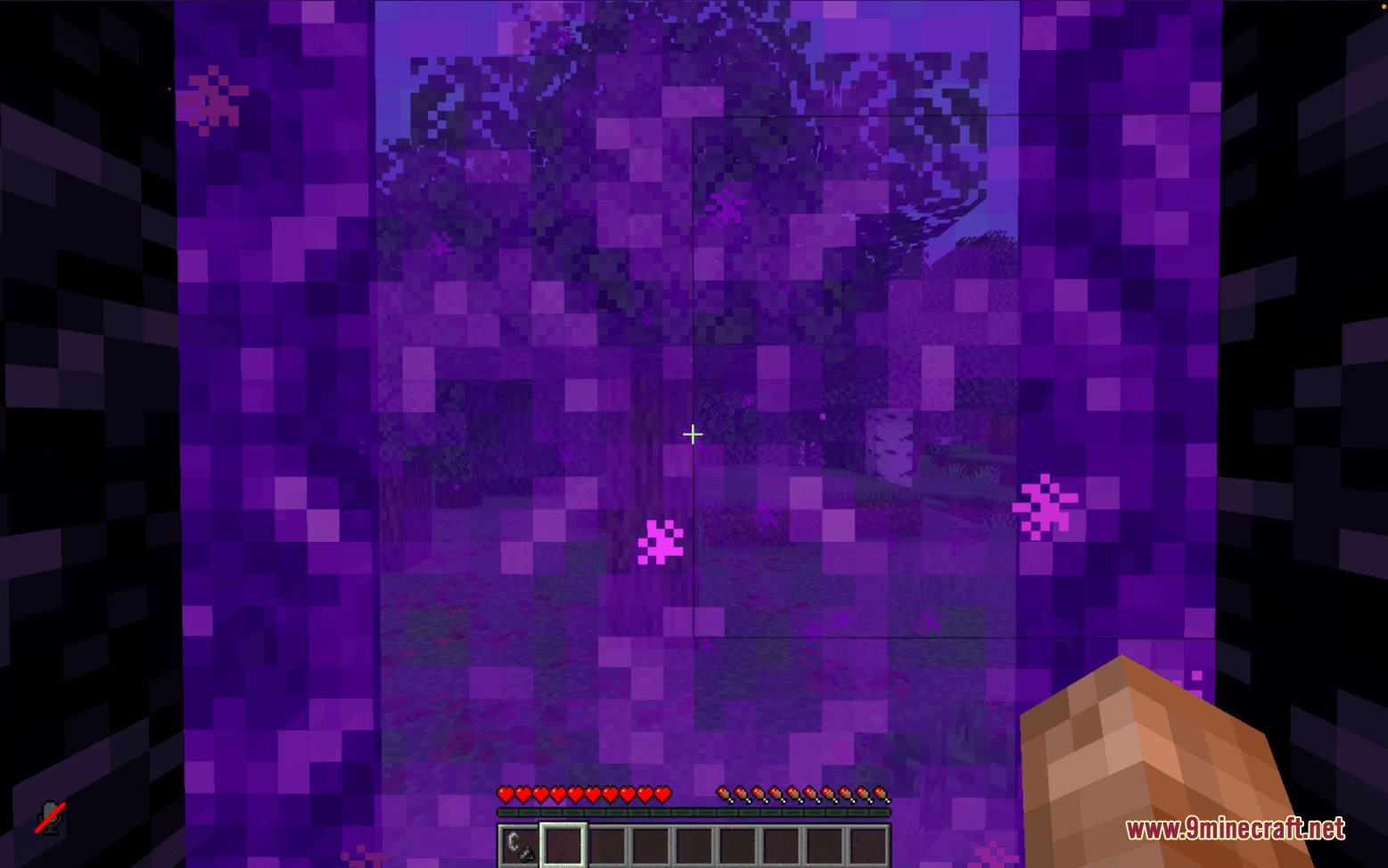
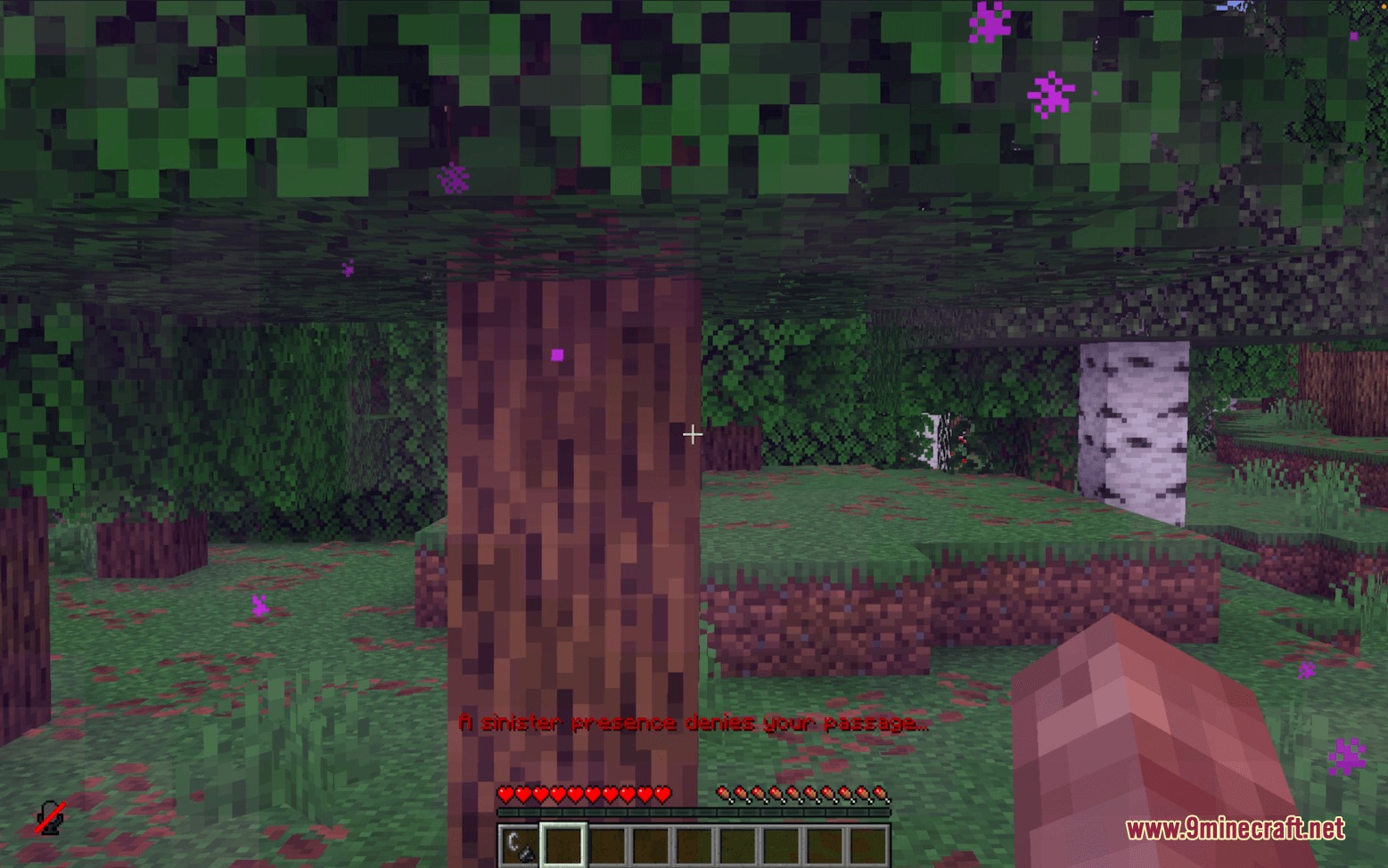
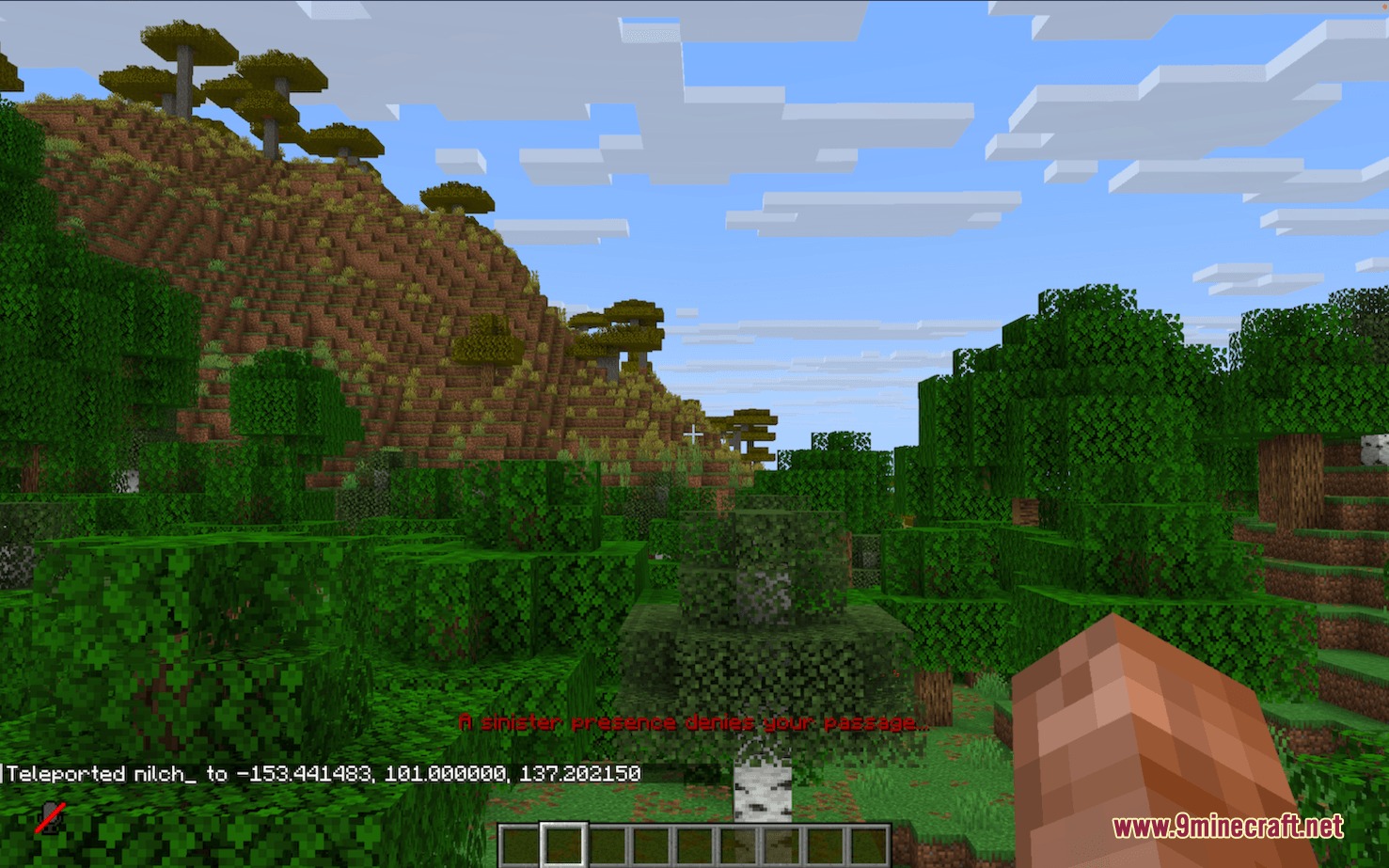
- Instantly teleports players back when they step into locked portals or try to teleport across dimensions.
- Sends players back to their entry point or world spawn from the Nether, and to their bed or spawn from the End.
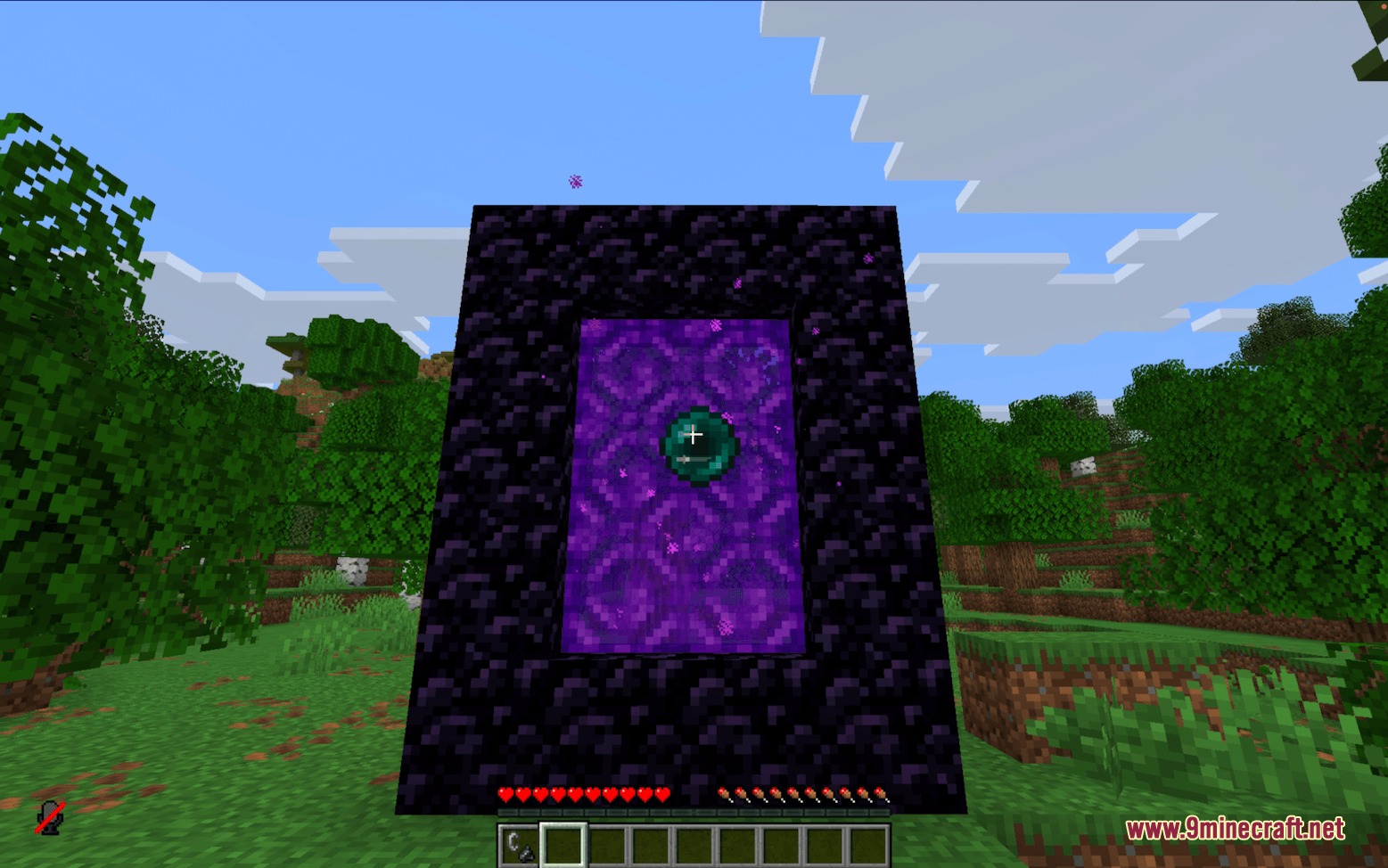
- Blocks dimension travel through portal blocks, ender pearls, minecarts, and teleport commands.
- Awards players their normal dimension achievement as a small reward even when they get sent back.
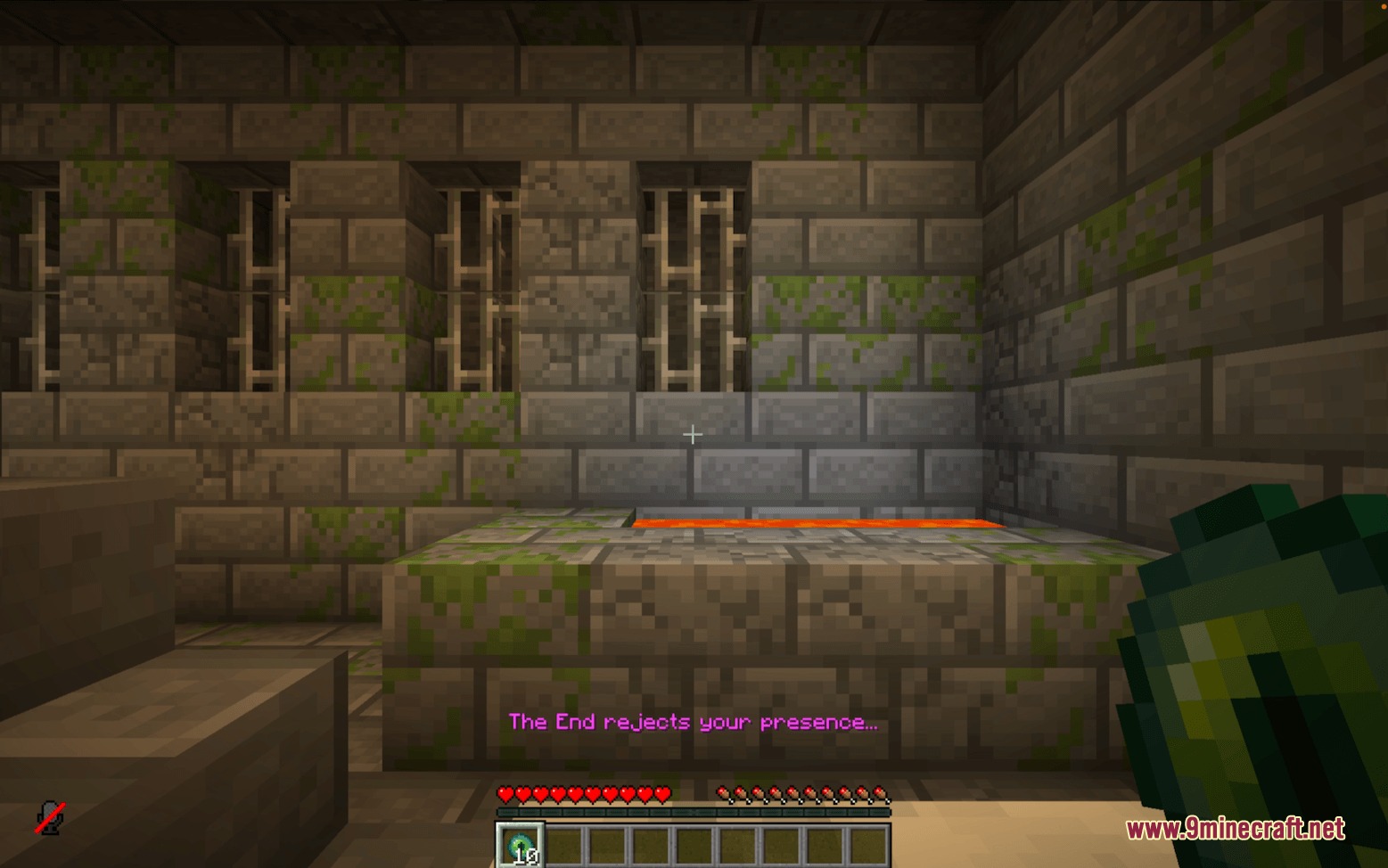
- Shows a short message on the action bar, plays a sound effect, and adds a brief slowness effect when sending a player back.
- Includes an in-game menu controlled with the mouse to change settings without server restarts.
- Lets you set special conditions based on player gamemodes, team names, inventory items, scores, or elapsed days.
- Works with custom modded dimensions alongside standard vanilla worlds.
Commands:
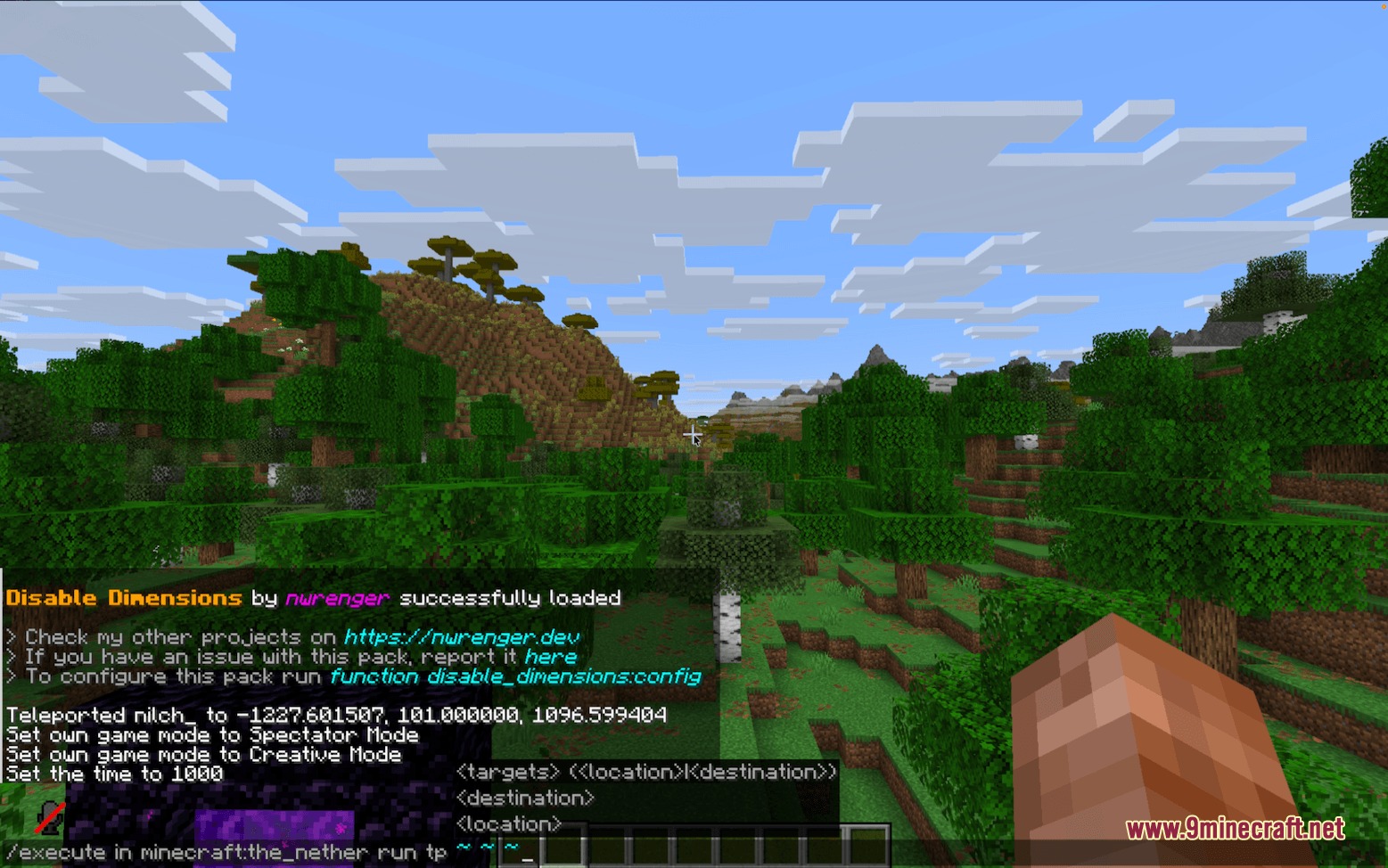
/function disable_dimensions:about: Opens the info panel with details about the setup./function disable_dimensions:config: Opens the main settings menu to manage dimensions and rules.
How to Use:
- Run the command
/function disable_dimensions:configto open the main menu. - Click on a dimension name to toggle its access between on and off.
- Stand at your preferred spawn location and click Replace to set the fallback world spawn point.
- Add custom condition rules if you want dimensions to open up after certain in-game days or achievements.
- Close the menu to apply your changes instantly without restarting the world.
Screenshots:
How to Install:
New to Minecraft? Follow our step-by-step guide to install Mods on your PC.View Guide
Requirements:
 Fabric Loader Required
 Fabric API Required
 Minecraft Forge Required
 NeoForge Required
Quilt Loader Required
Threshold Protocol Mod Download Links
For Minecraft
26.2,
26.1.2,
26.1.1
All Versions Covered
26.2
26.1.2
26.1.1
26.1
1.21.11
1.21.10
1.21.9
1.21.8
1.21.7
1.21.6
1.21.5
1.21.4
1.21.3
1.21.2
1.21.1
1.21
All Versions Covered
26.2
26.1.2
26.1.1
26.1
1.21.11
1.21.10
1.21.9
1.21.8
1.21.7
1.21.6
1.21.5
1.21.4
1.21.3
1.21.2
1.21.1
1.21
Click to rate this post!
[Total: 0 Average: 0]
You May Also Like


This post has no comments yet. Be the first — your comment will appear here.