Zzz Shader (26.x, 1.21) – MCPE/Bedrock
 73
73
 0
0
 February 21, 2026
 ZephyrCraft
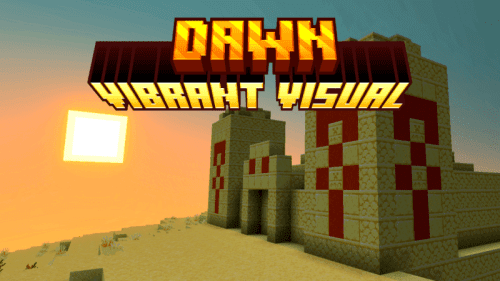
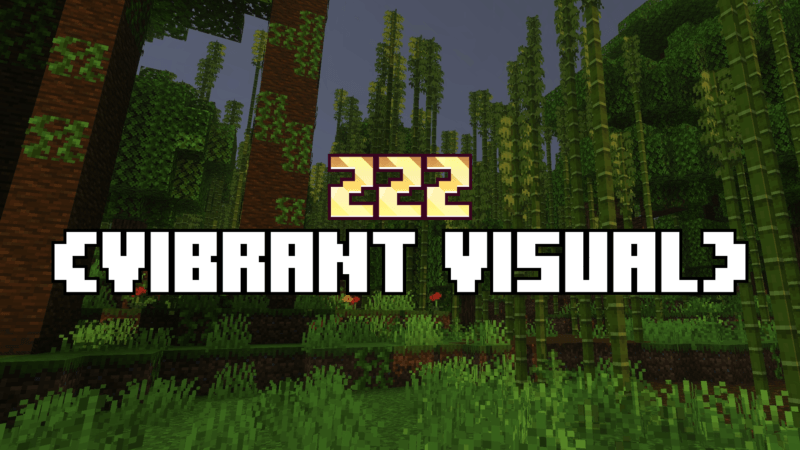
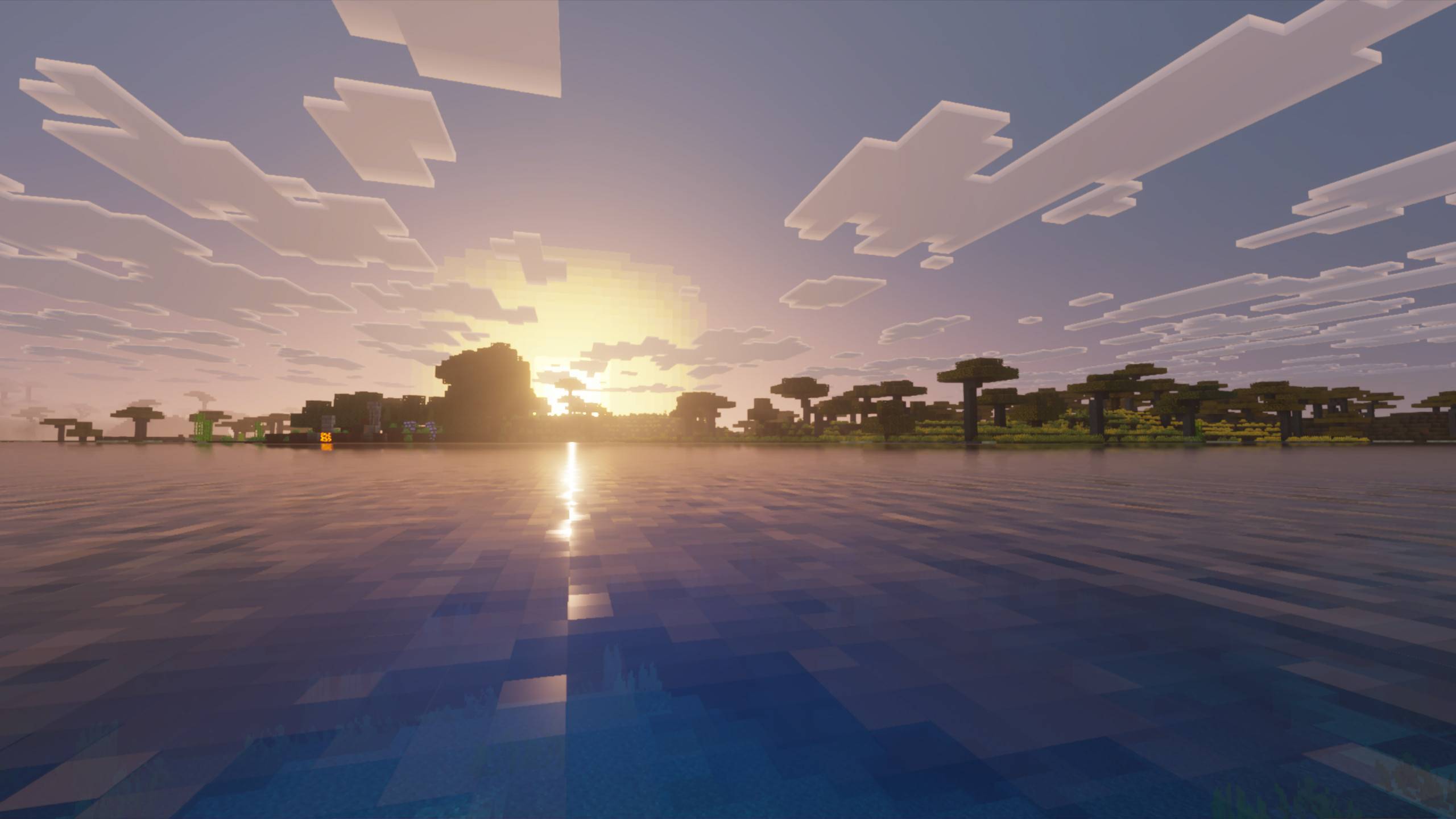
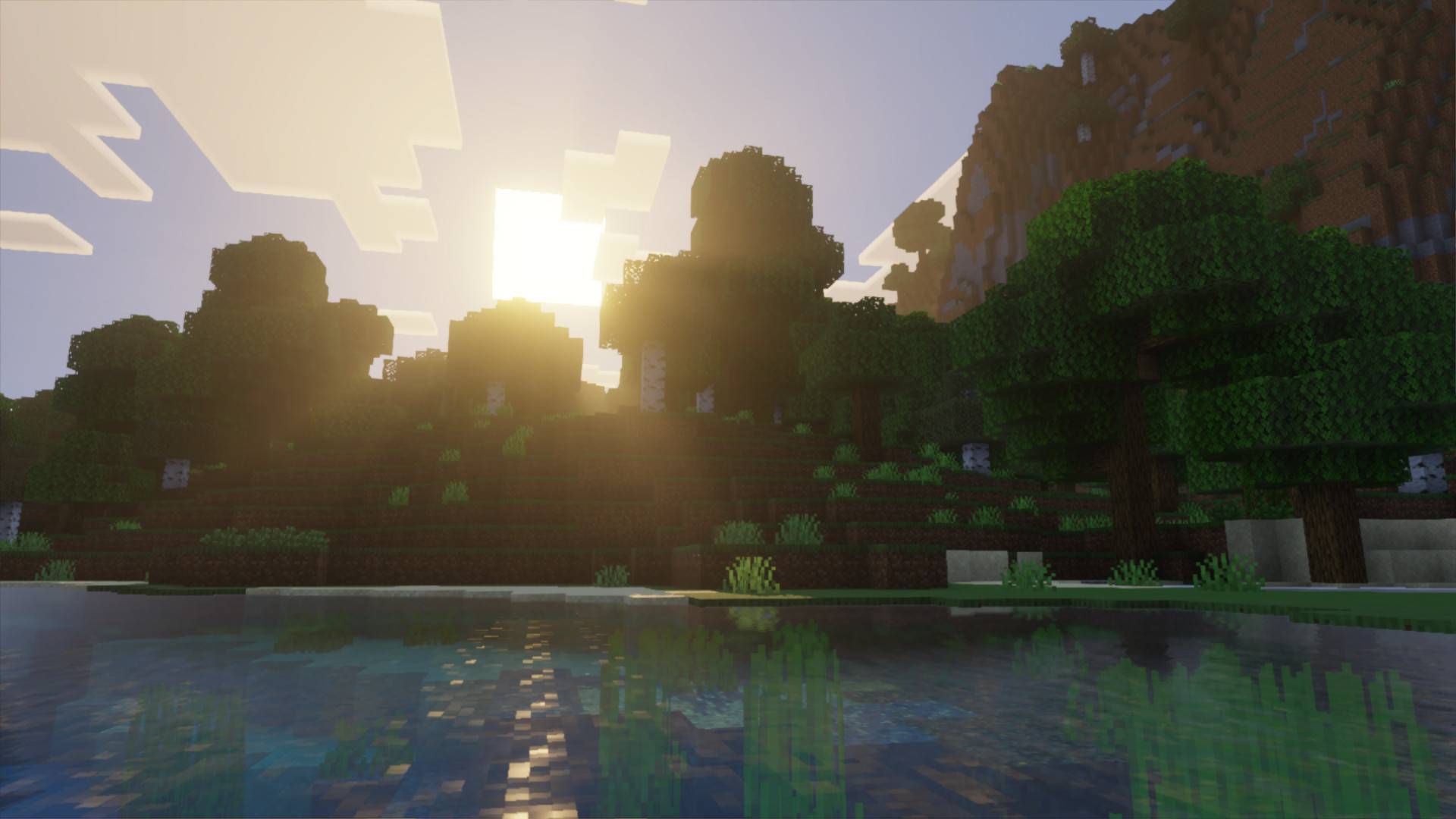
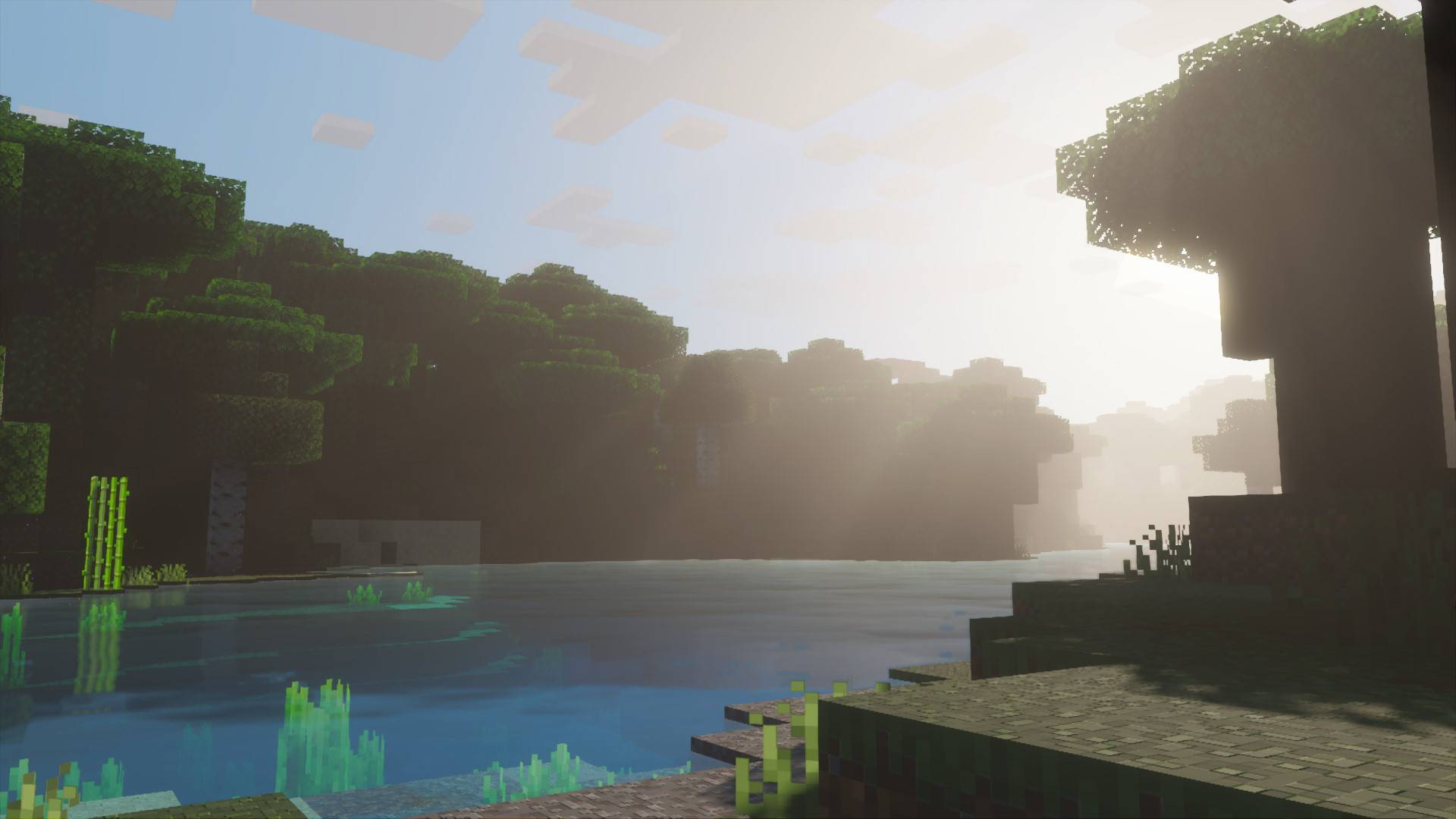
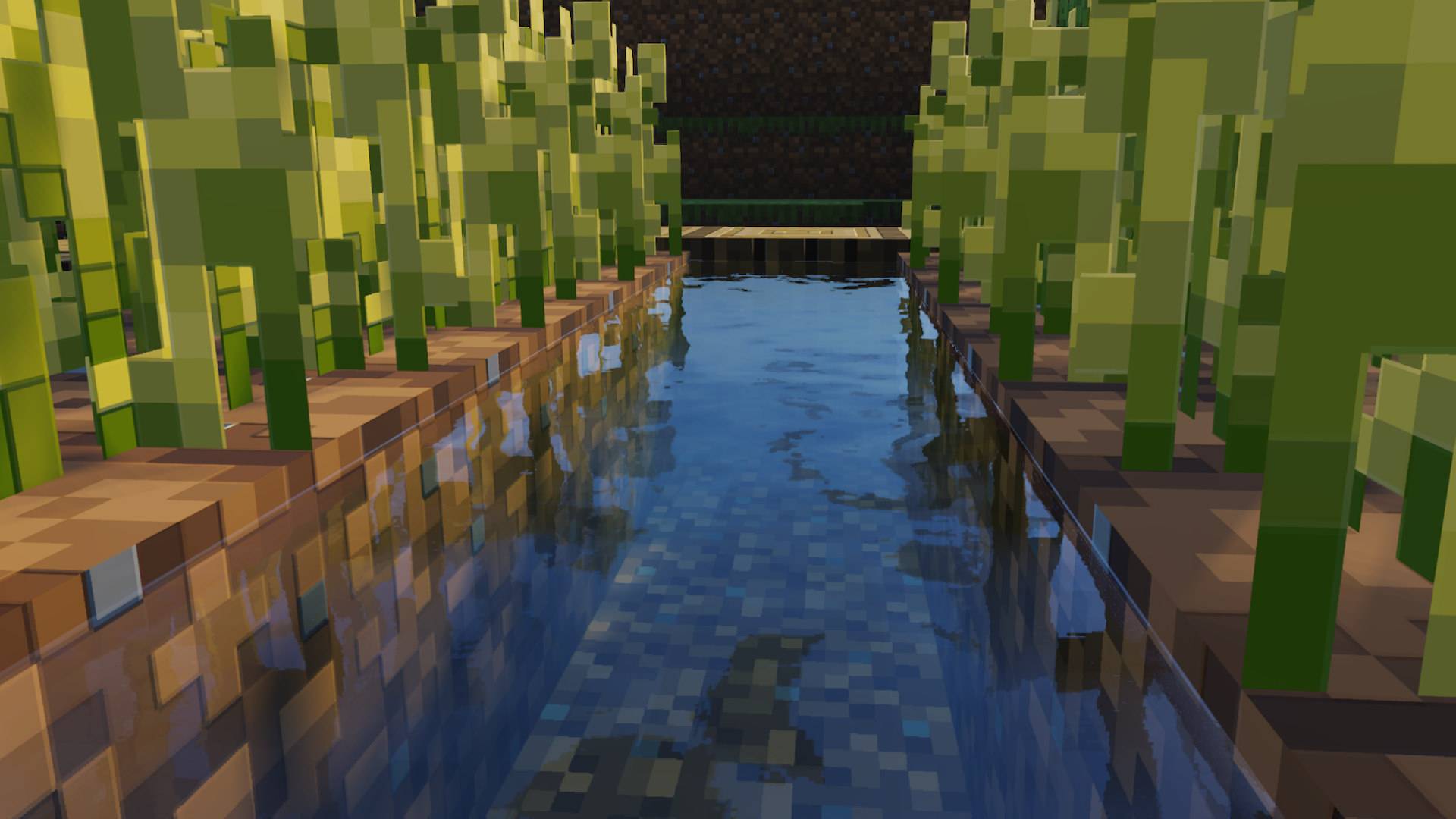
Zzz Shader makes the visuals warmer and more dynamic without causing lag. Activating this version requires the “Vivid Visuals” option to be enabled beforehand. The display level can be adjusted in the settings with options of 0%, 50%, 100%, or 200%. These changes make the game’s visuals similar to those achieved with shaders.
Screenshots:
How to install:
How To Install Mod / Addon on Minecraft PE
How To Install Texture Packs on Minecraft PE
How To Install Map on Minecraft PE
Zzz Shader Download Links
For Minecraft PE/Bedrock 1.21
mcpack: Download from Server 1 – Download from Server 2
Click to rate this post!
[Total: 1 Average: 4]
You May Also Like