


Create Crane Schematic (1.21.x) – Large Industrial Crane Build for Create Mod

 0
0 

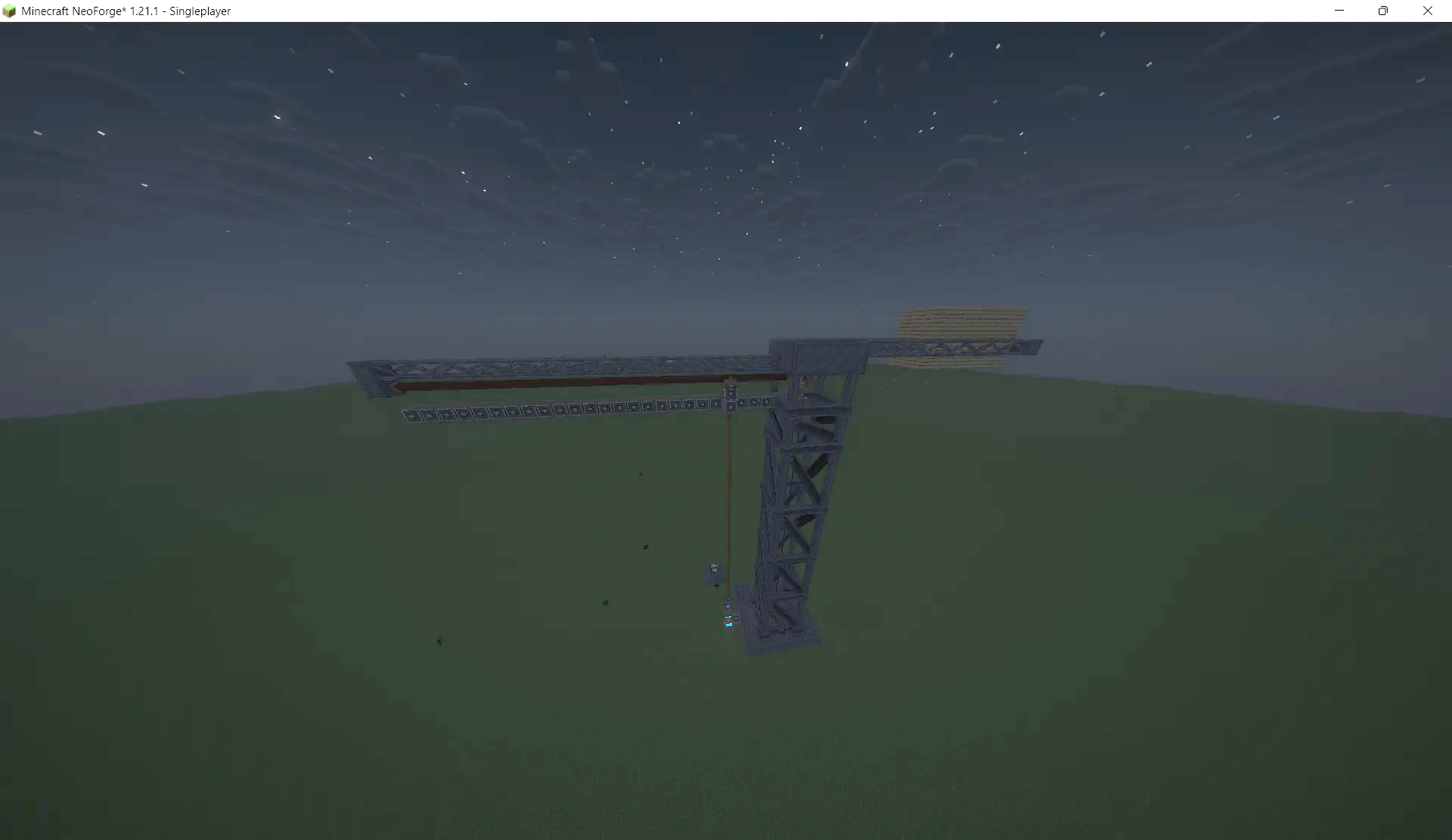
Create Crane Schematic provides a tall industrial crane for your Minecraft world. It adds a detailed construction machine that stands 38 blocks high and 46 blocks long. This build fits well in harbors, factories, or city areas where heavy lifting happens. You can use it to decorate your technical builds and make them look more realistic. The structure uses over 700 blocks and looks impressive when standing on a flat field.
3D Preview:
Features:
- Adds a large industrial crane with a realistic metal frame design.
- Uses exactly 739 blocks to create a detailed and sturdy structure.
- Fits perfectly into industrial zones, shipping docks, or building sites.
- Works with several Create mod addons to provide unique block textures.
- The crane features a tall vertical tower and a long horizontal arm.
- Includes a control layout that lets you operate the machine parts.
Schematic Specs:
 Minecraft1.21.x
 Create Mod6.0.10
 Dimensions46×38×13
 Total Blocks739
 Top Blocks Used
Metal Girder 190Girder Strut Structure 128Oak Planks 84Industrial Truss 66Polished Cut Deepslate 59
How to Use:
- Import the schematic file into your world using the Schematicannon or creative tools.
- Make sure all required mods are active so every block appears correctly.
- Place the crane in a flat area where you want to build a factory or dock.
- Use W, A, S, D, C, and Space to control the movements.
- Press F to use the stick function for operation.
Requirements:

Create Crane Schematic Download Links
For Minecraft 1.21.x
Click to rate this post!
[Total: 0 Average: 0]
You May Also Like


This post has no comments yet. Be the first — your comment will appear here.