


Vantage Control Center Mod (26.2, 1.21.1) – Manage Your Server Directly
 0
0
 0
0

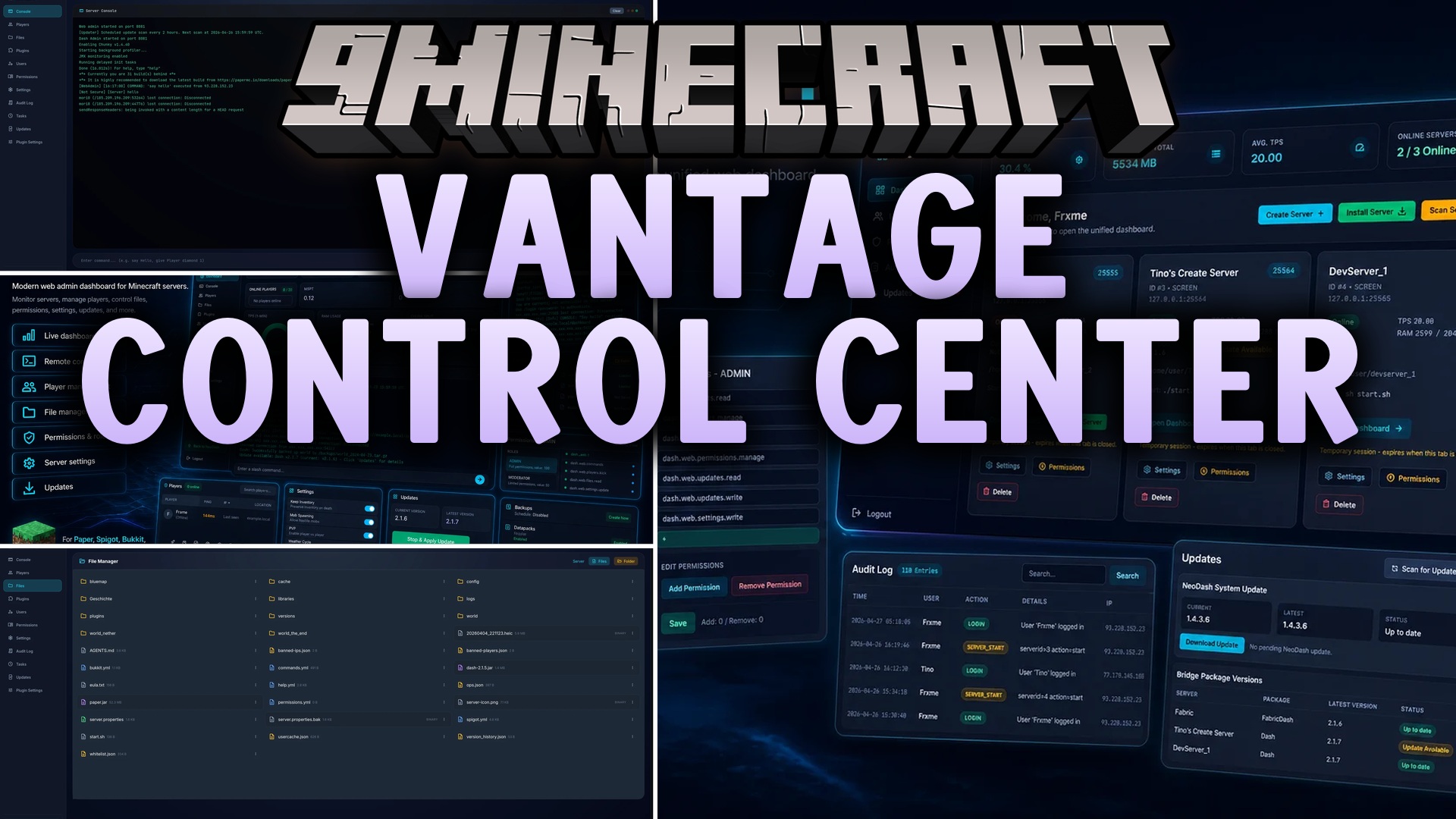
Vantage Control Center Mod gives you a clean web dashboard to manage your Minecraft server right from your internet browser. You can check live TPS and memory usage, send commands through a live console, and handle player moderation without opening terminal windows. The mod also lets staff edit files, test backups, and receive player reports through a safe web link.
Features:
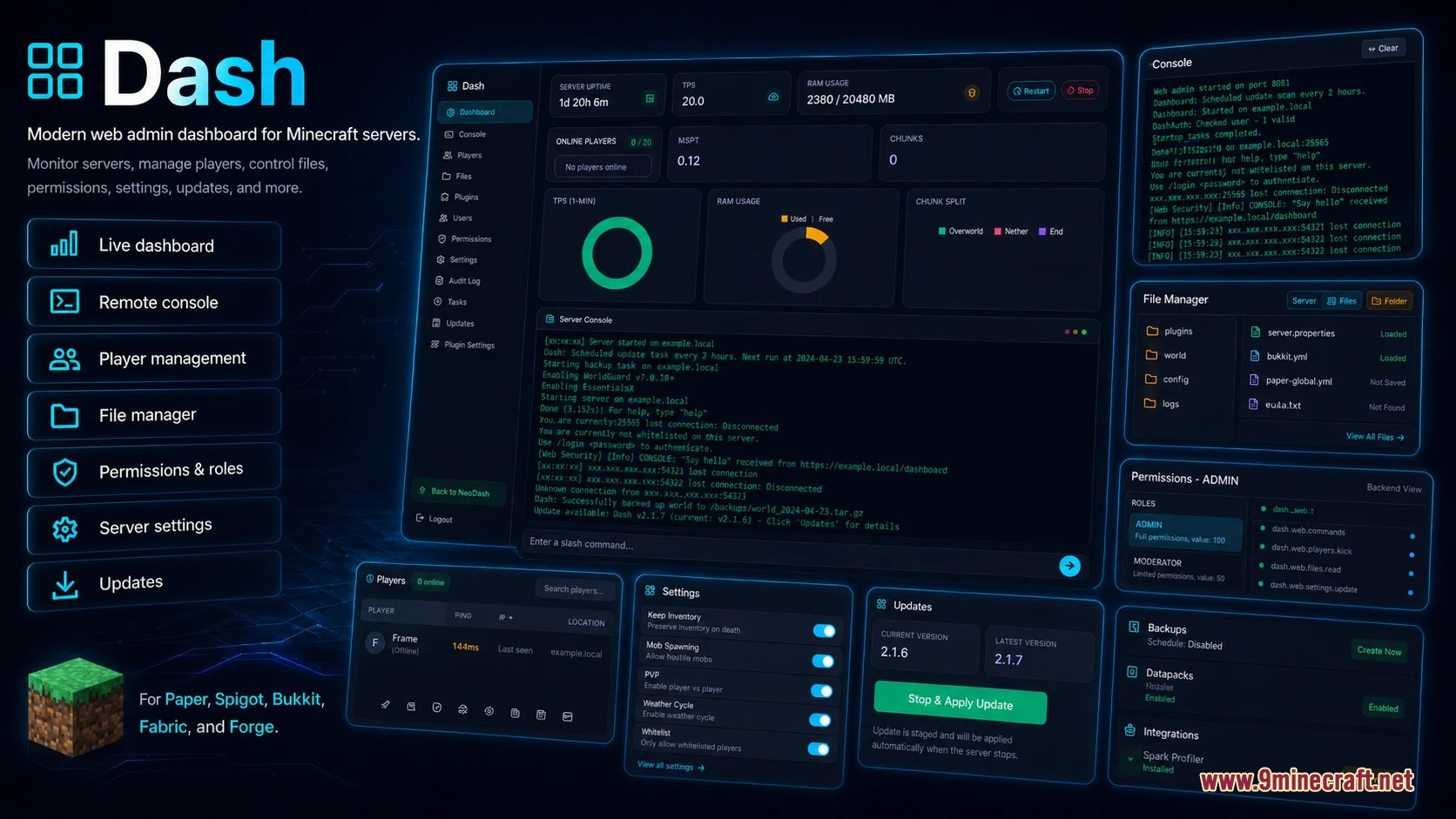
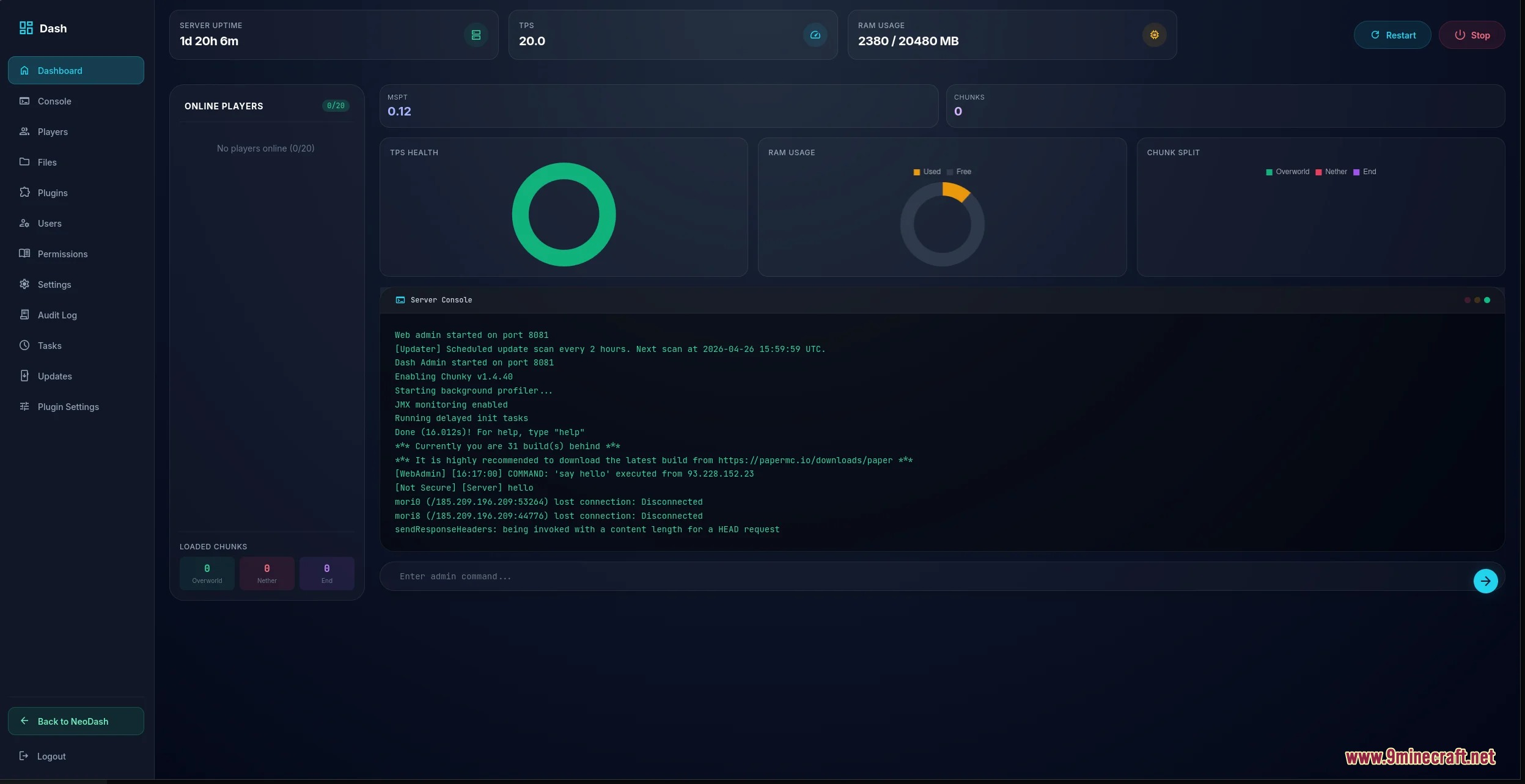
- Shows live server health like TPS, memory, CPU load, and active chunks on simple charts.
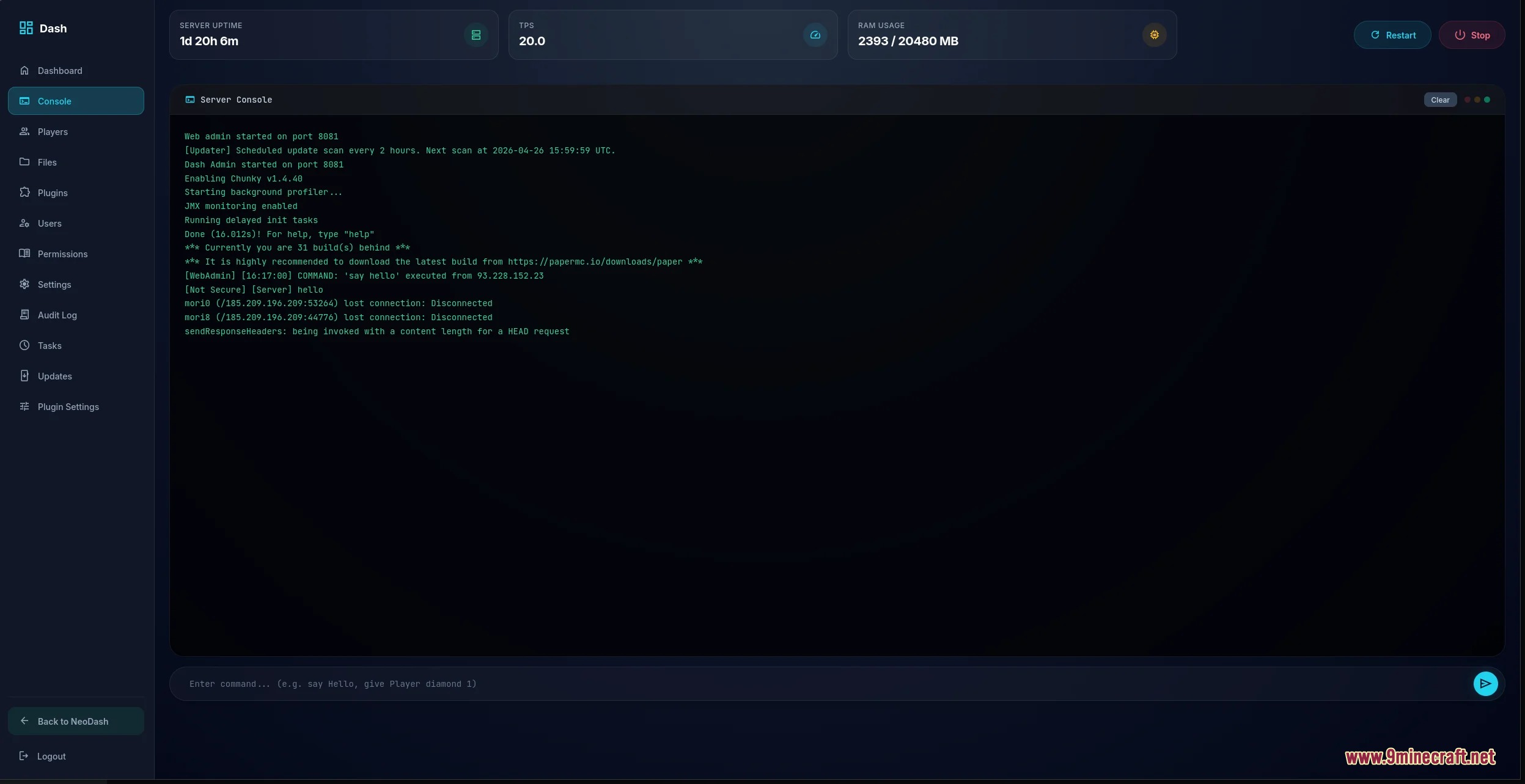
- Lets you run console commands and read live server logs inside your web browser.
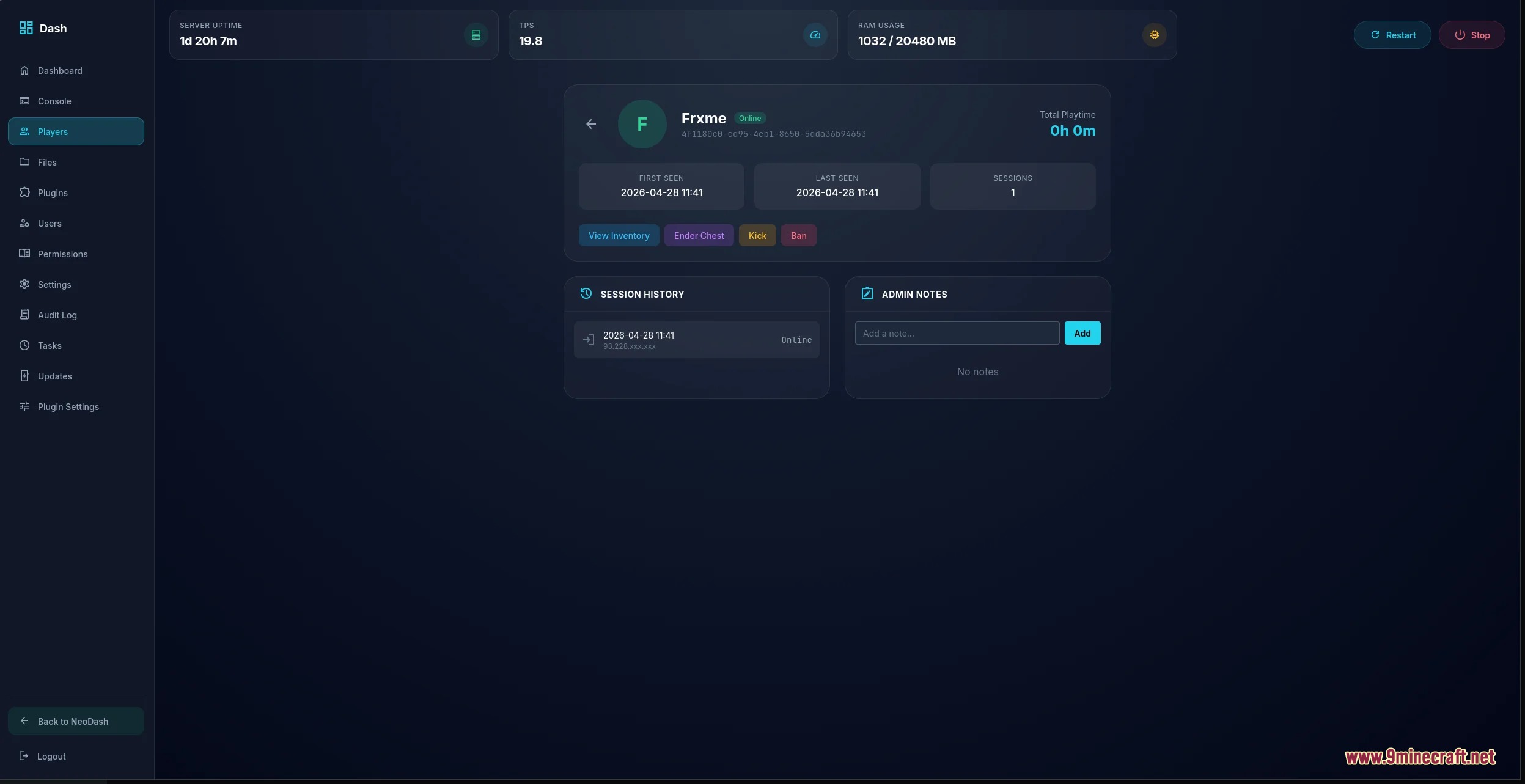
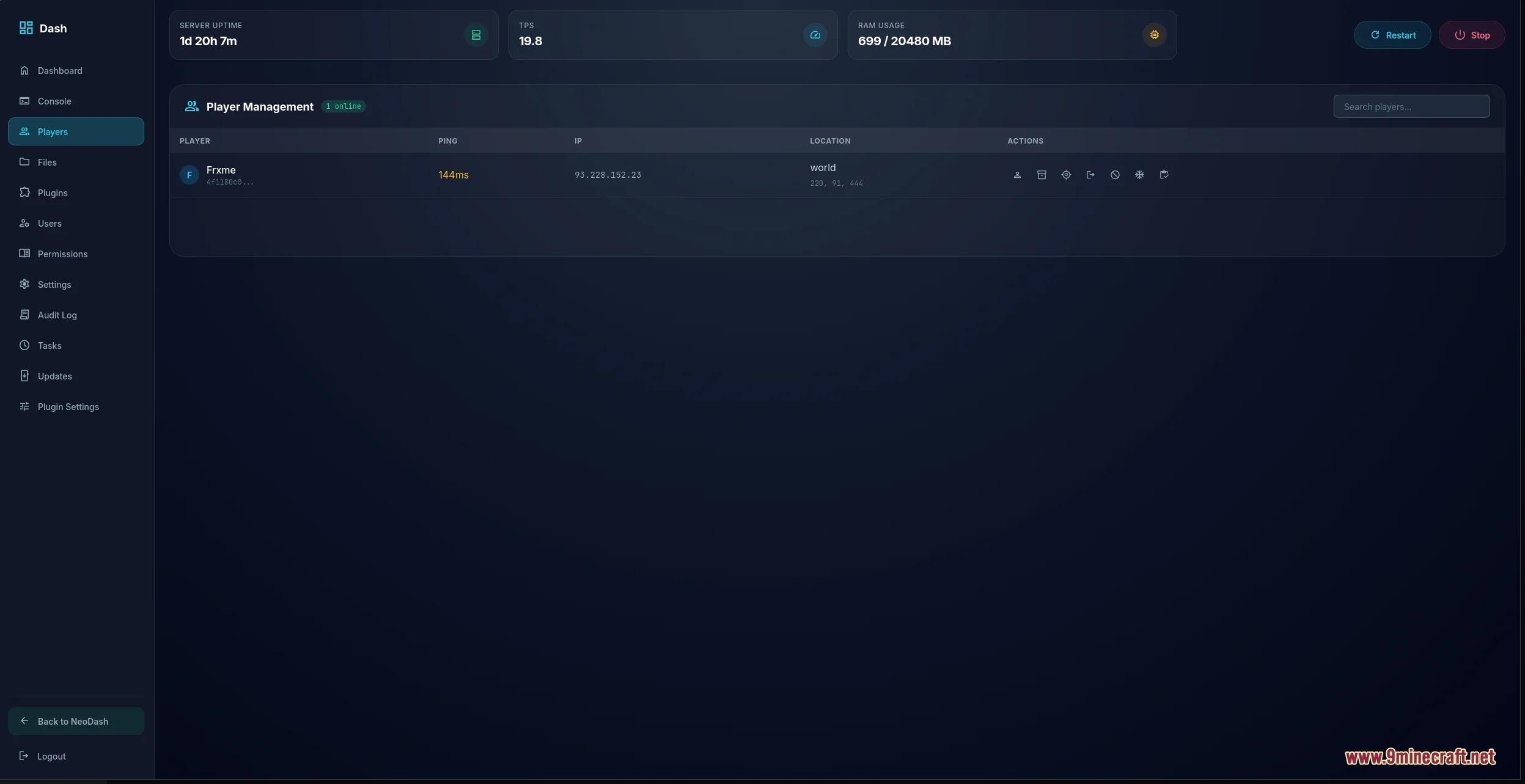
- Displays player cards with session history, ping, coordinates, and 3D skin previews.
- Gives staff tools to kick, ban, unban, whitelist players, or inspect player inventories.
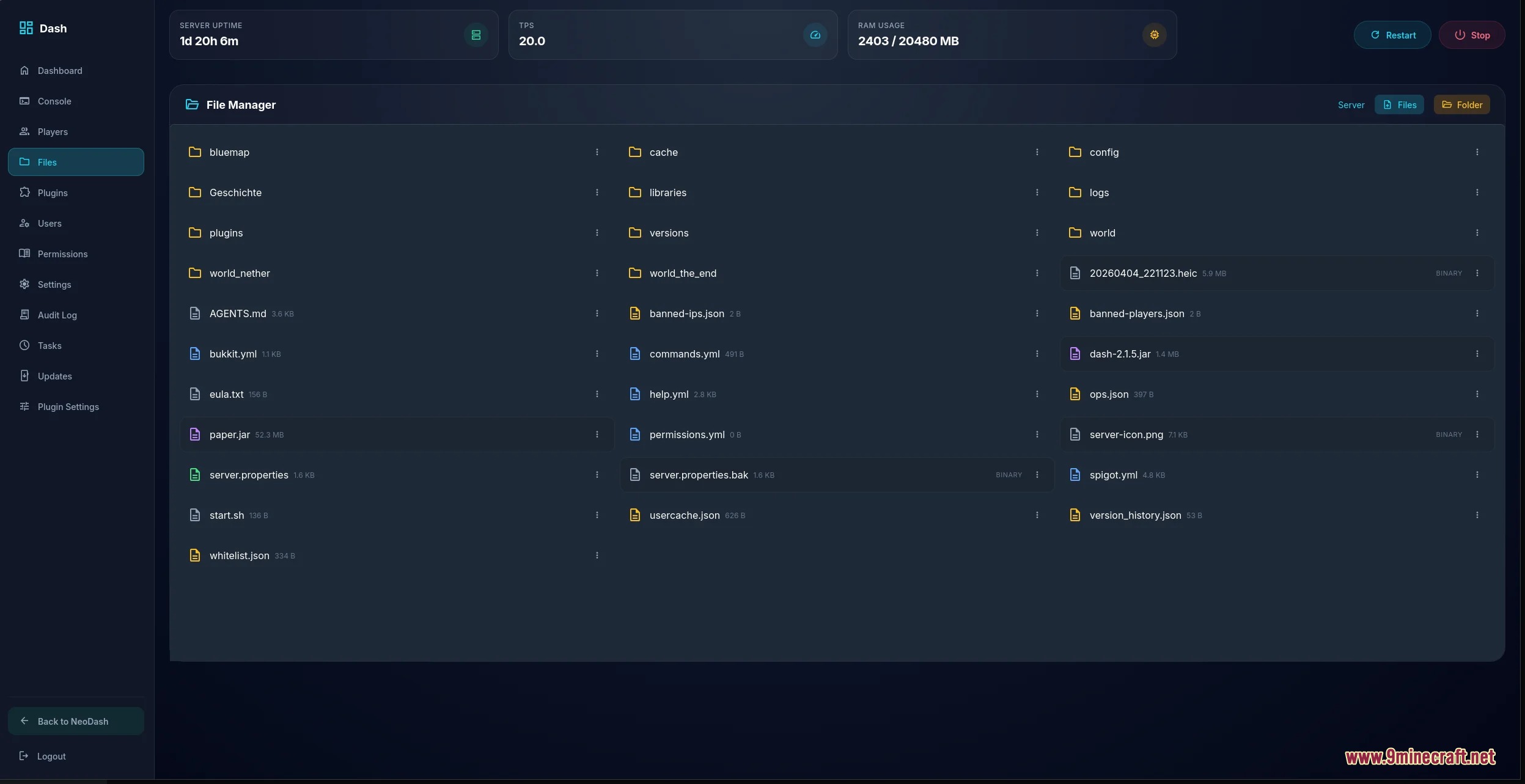
- Includes a built-in file manager to browse, edit, upload, download, and delete server files safely.
- Lets you search and download mods or plugins directly through Modrinth filters.
- Generates verified backups and lets you schedule tasks like auto-saving worlds.
- Provides a ticket desk for staff to read notes, track moderation tasks, and review issues.
- Lets players send report tickets using short-lived web links that keep admin tools safe.
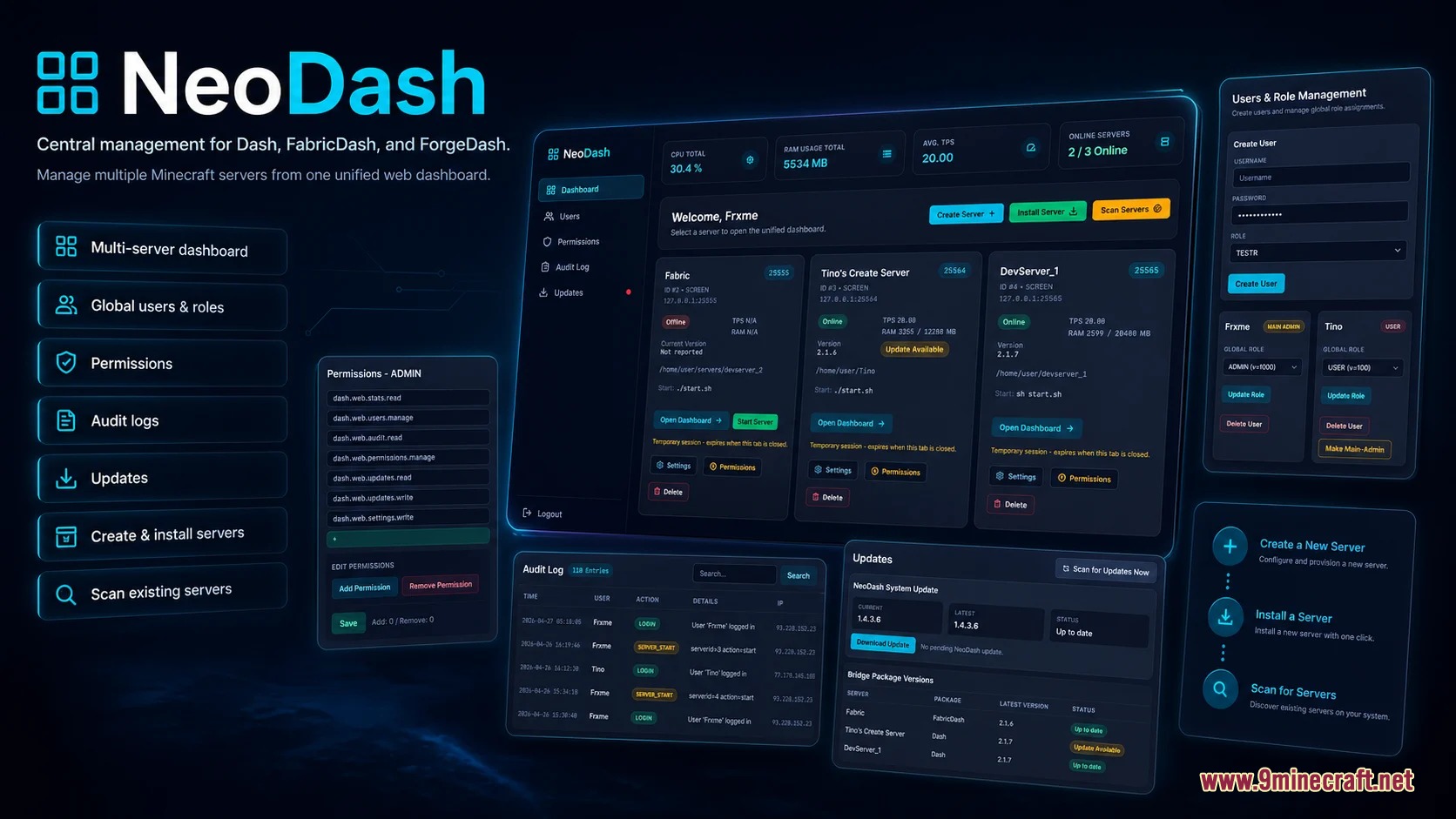
- Keeps an audit log of admin commands, file edits, and account logins.
Commands:
/dash ticket: Creates a short-lived web link for sending a report ticket./dash report <player>: Prepares a report link for a specific player with location and server details.
How to Use:
- Place the mod file into your server mods folder and start the server.
- Open your web browser and navigate to your server dashboard address.
- Log in with your administrator account to view live performance graphs and the console.
- Use the file manager tab to edit text files or search Modrinth for new add-ons.
- Type
/dash ticketin-game if a player needs to submit an issue without seeing admin tools.
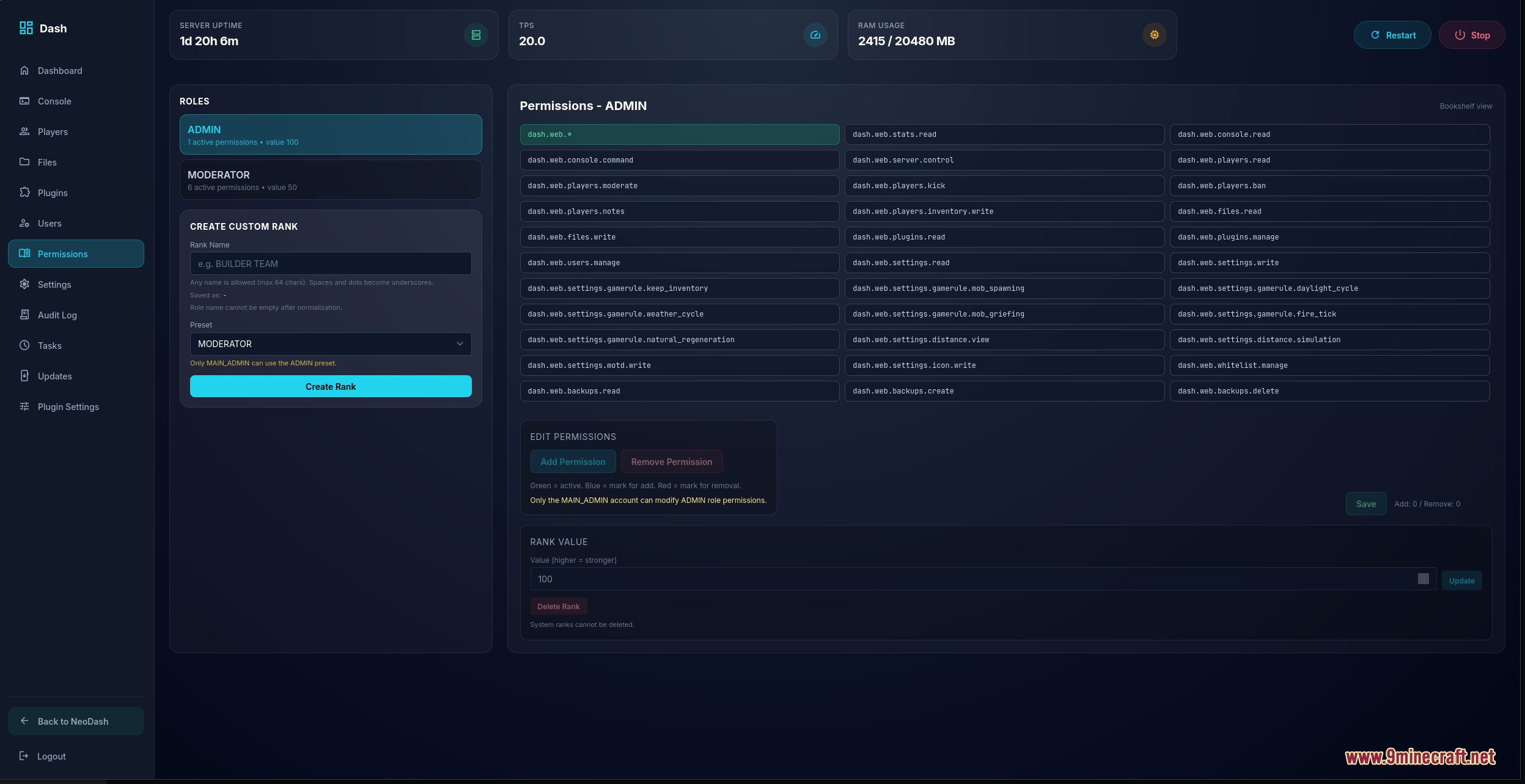
Screenshots:
How to Install:
New to Minecraft? Follow our step-by-step guide to install Mods on your PC.View Guide



Vantage Control Center Mod Download Links
For Minecraft 26.2
For Minecraft 1.21.11
For Minecraft 1.21.10, 1.21.9
For Minecraft 1.21.8, 1.21.7, 1.21.6
For Minecraft 1.21.5
For Minecraft 1.21.4
For Minecraft 1.21.1, 1.21
Click to rate this post!
[Total: 0 Average: 0]
You May Also Like









This post has no comments yet. Be the first — your comment will appear here.